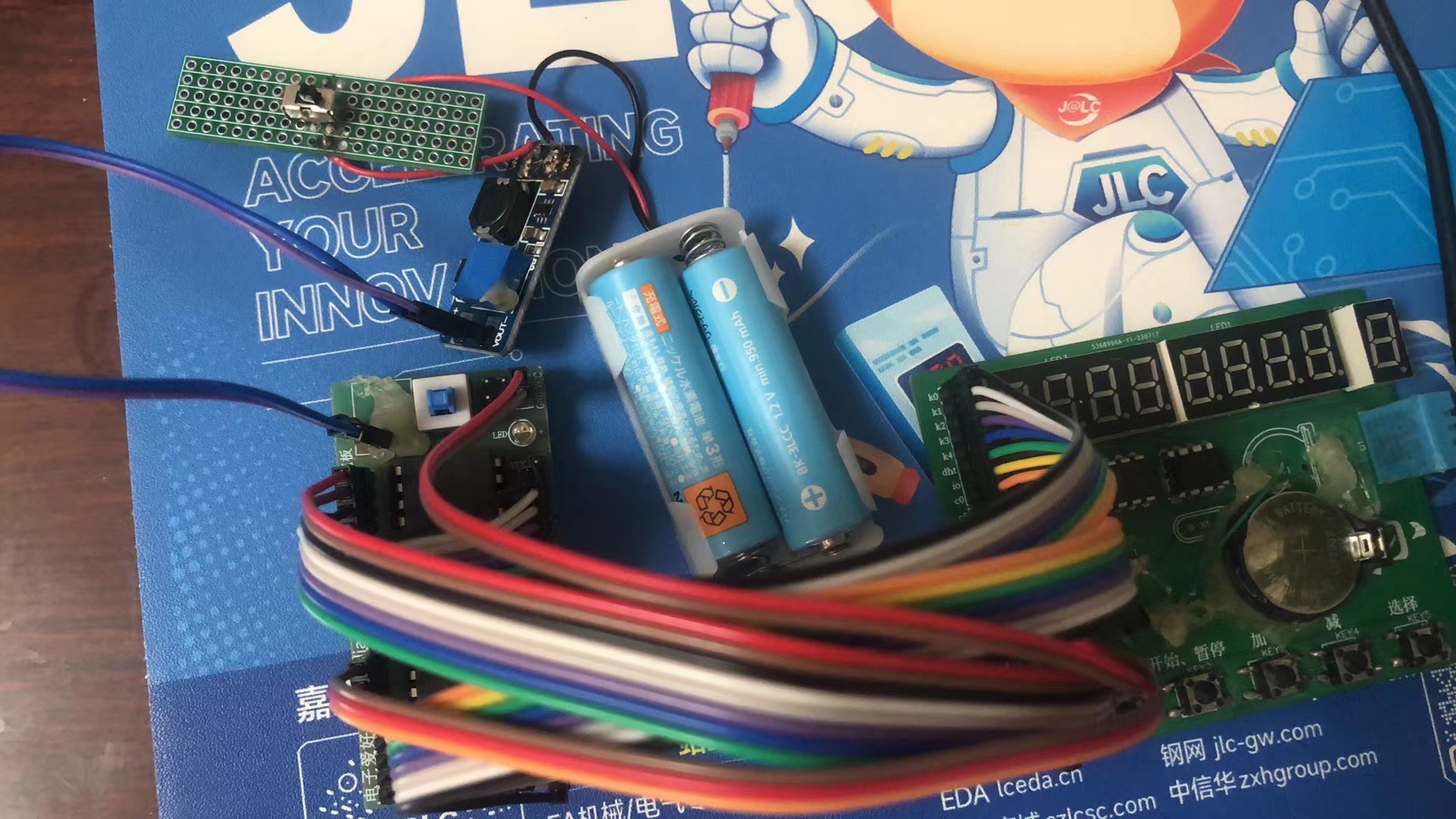
This does not include the microcontroller and minimum system! I am currently designing the complete development board. I have connected the minimum system board, battery box, and boost module
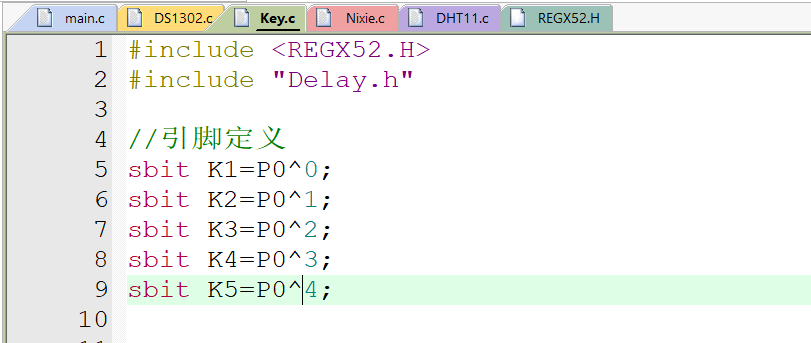
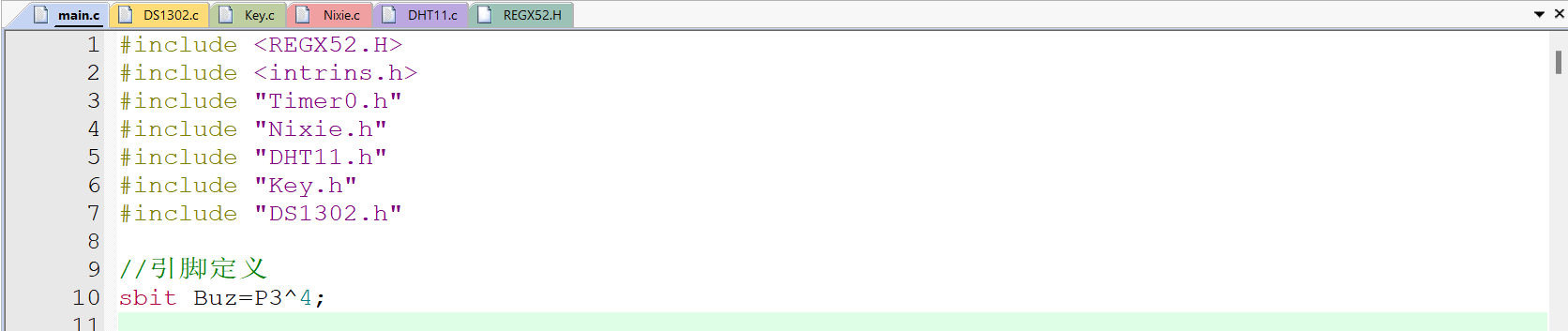
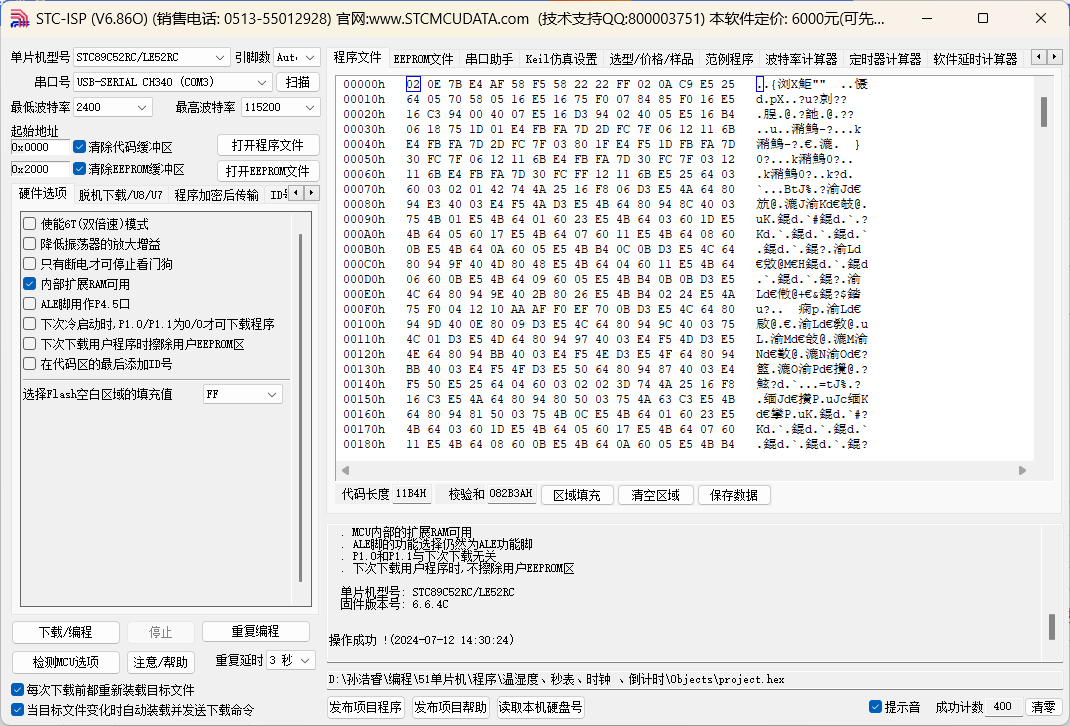
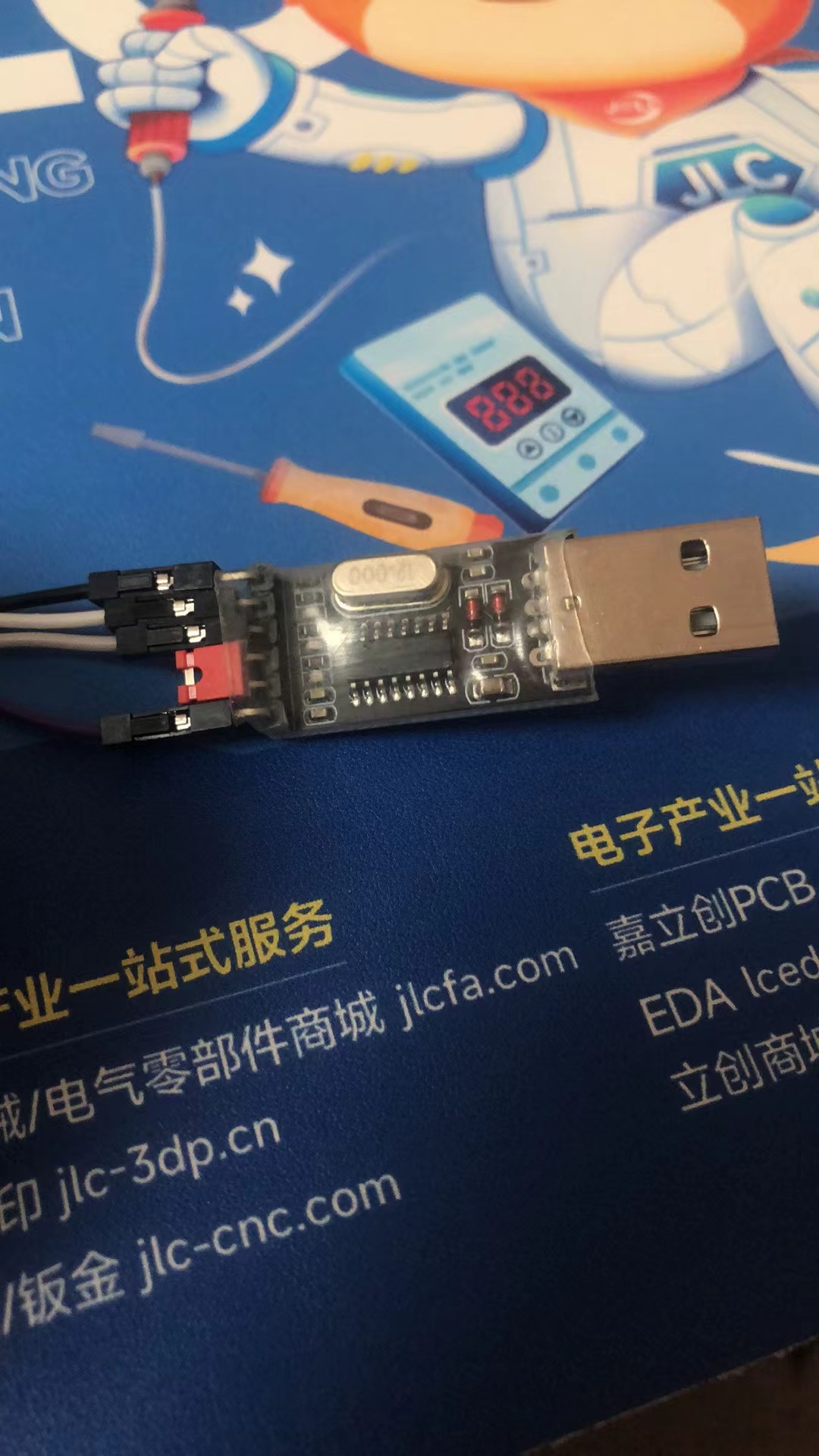
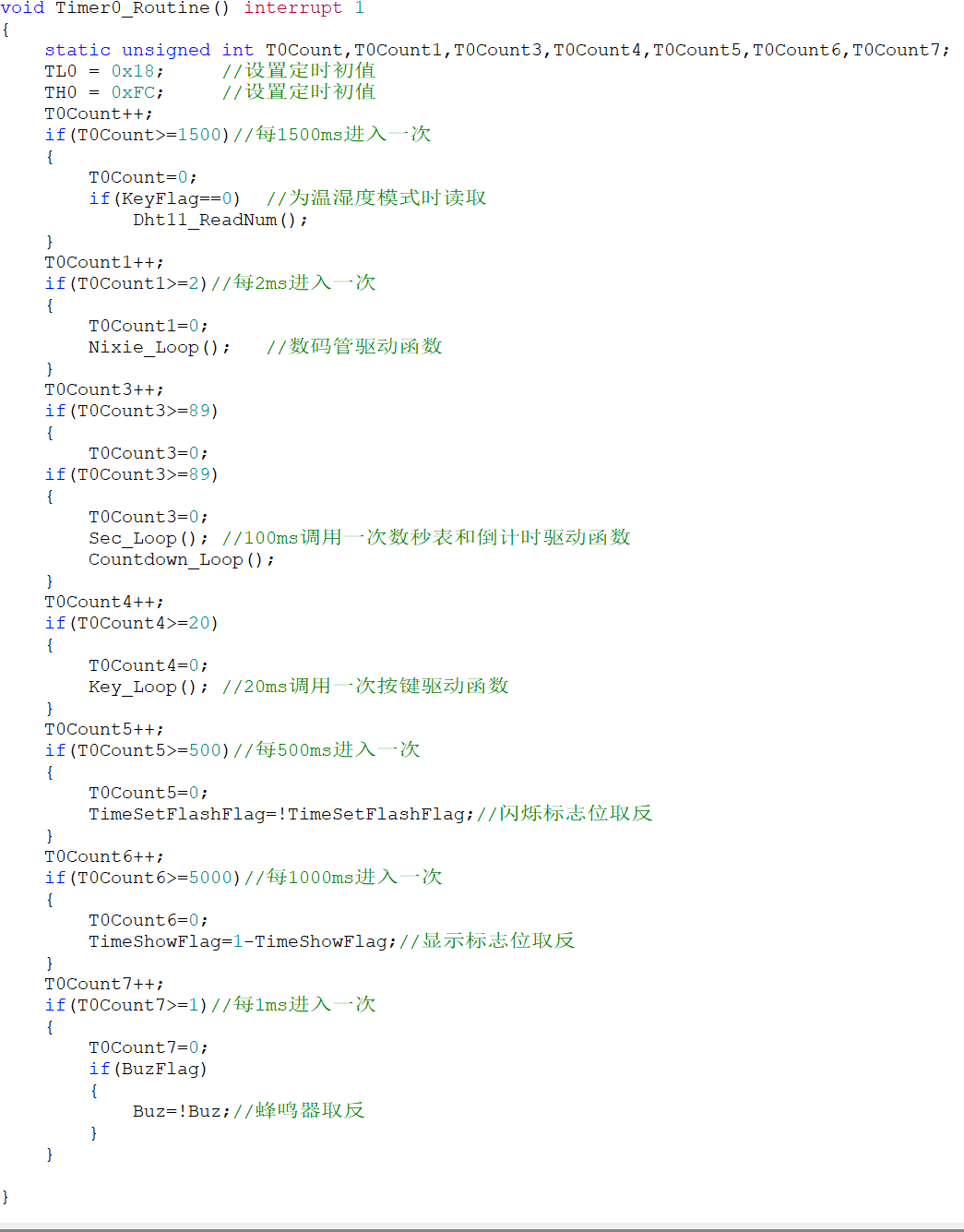
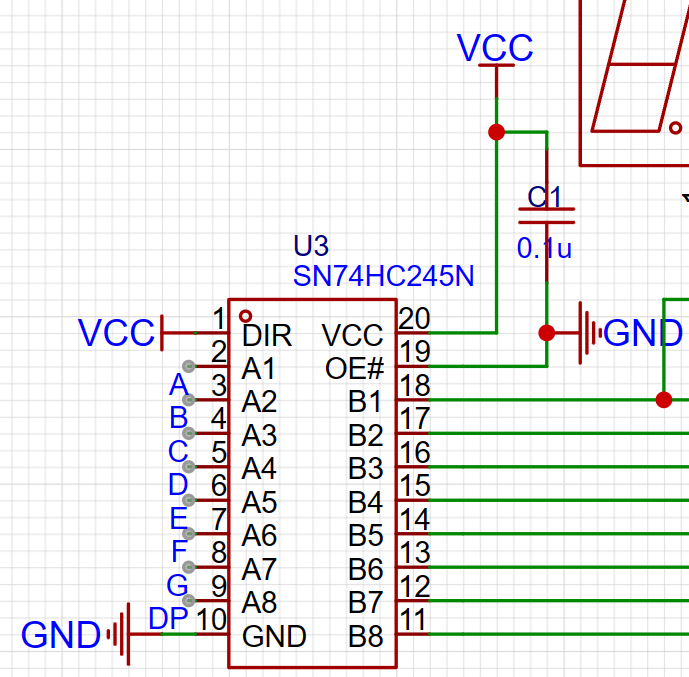
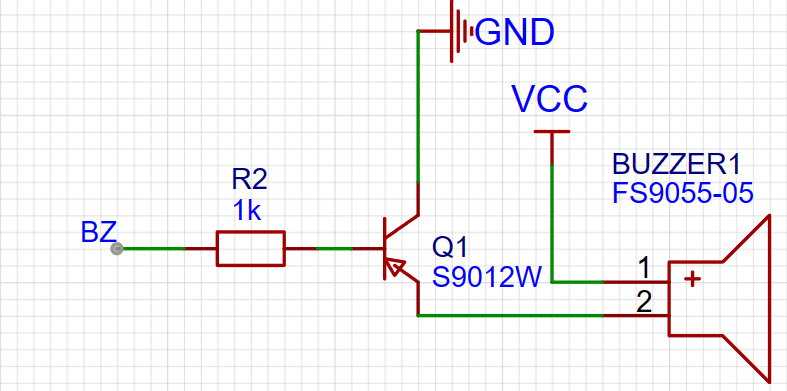
. The microcontroller can be freely replaced. Some library functions are from Jiangxie Technology on Bilibili. I recommend watching his 51 tutorial, which is very detailed. 51 Microcontroller Introductory Tutorial - 2020 Edition. The entire program is hand-typed from scratch. I am a second-year junior high school student. This is a work from two years ago. Now I am open-sourcing it and asking for a fee. This is my first time making one, and many packages were drawn incorrectly (now corrected), and many lines were missing. The system uses automatic routing, which may have some minor issues, but it doesn't affect usability. The schematic and PCB were poorly drawn at the time, and I'm too lazy to fix them. Functions: [Mode Key] Switches between the following modes in sequence: 1. Automatic temperature and humidity display; 2. Countdown: [Start/Pause Key] Starts/pauses the countdown; [Select Key] Resets; 3. Clock: Year, month , day, weekday, hour, minute, and second alternately displayed, saves settings after power failure ; [Start/Pause Key] Enters/exits setting mode, the date to be set flashes; [Increase Key] [Decrease Key] Sets the data (the program has an out-of-bounds detection, e.g., seconds can only be set from 0 to 59); [Select Key] Sets the next data (e.g., when setting the year, press to set the month), the order is year-month-day-hour-minute-second-weekday, default is 24-hour format; 4. Countdown: [Select Key] Starts setting, press again to set the next data (e.g., when setting seconds, press to set the minute), the order is seconds-minute-hour-a fraction of a second; [Increase Key] [Decrease Key] Sets the data (the program has an out-of-bounds detection, e.g., seconds can only be set from 0 to 59). [Start/Pause Buttons] Start/Pause: After the countdown ends, the screen flashes and the buzzer sounds. Press any key (except [Mode]) to turn it off. II. If the buzzer is too loud, comment out lines 368, 382, 383, 400, and 401 in main.c. Pin definitions are in the .c file. III. Burning: The attachment contains source code and a HEX file. For specific instructions, please refer to Jiangxie Technology's 51 video on Bilibili. I used STC-ISP: USB to TTL: IV. Partial Code and Schematic Diagram 4.1 Simple Explanation of the Code: The corresponding module code has been encapsulated into corresponding library functions, modified based on Jiangxi University of Science and Technology's work, so it will not be explained here. It is recommended to watch his 51 video. The complete source code and hex file are in the attachment. Use KeyFlag as the mode flag. Use the switch statement in the main function to switch between different functions. Note: 1. I encountered a pitfall while writing the code. The single-bus communication of DHT11 is asynchronous, and there is strict control over the high and low level times. Therefore, when obtaining temperature and humidity, the timer for scanning the digital tube needs to be paused, which is also the reason for the flickering of the digital tube in temperature and humidity mode. The flickering of the digital tube is not due to the camera; in fact, it's visible to the human eye. A solution hasn't been found yet. 2. It seems to be due to excessive statements in the timing function, causing a 0.1-second timing cycle to execute every 89 milliseconds. A solution hasn't been found yet either. Most repetitive work is done in the timer interrupt function, avoiding excessive delay interrupts in the main function. 4.2 Simple explanation of the schematic : Because the GPIO output current of the 51 microcontroller is too small to drive the digital tube, a tri-state gate is added to light it up. The digital tube is 0.36 inches with a common anode. The 0.36-inch size is to allow the board to be used within a 10*10 area. The buzzer is a passive buzzer, driven by a transistor.



Final version of the program.rar
project.hex
Demo video.mp4
PDF_51 Multifunctional Timer Development Board.zip
Altium_51 Multifunction Timer Development Board.zip
PADS_51 Multifunction Timer Development Board.zip
BOM_51 Multifunctional Timer Development Board.xlsx
93693
electronic








 京公网安备 11010802033920号


 102TL144-70L



