Project Overview: A
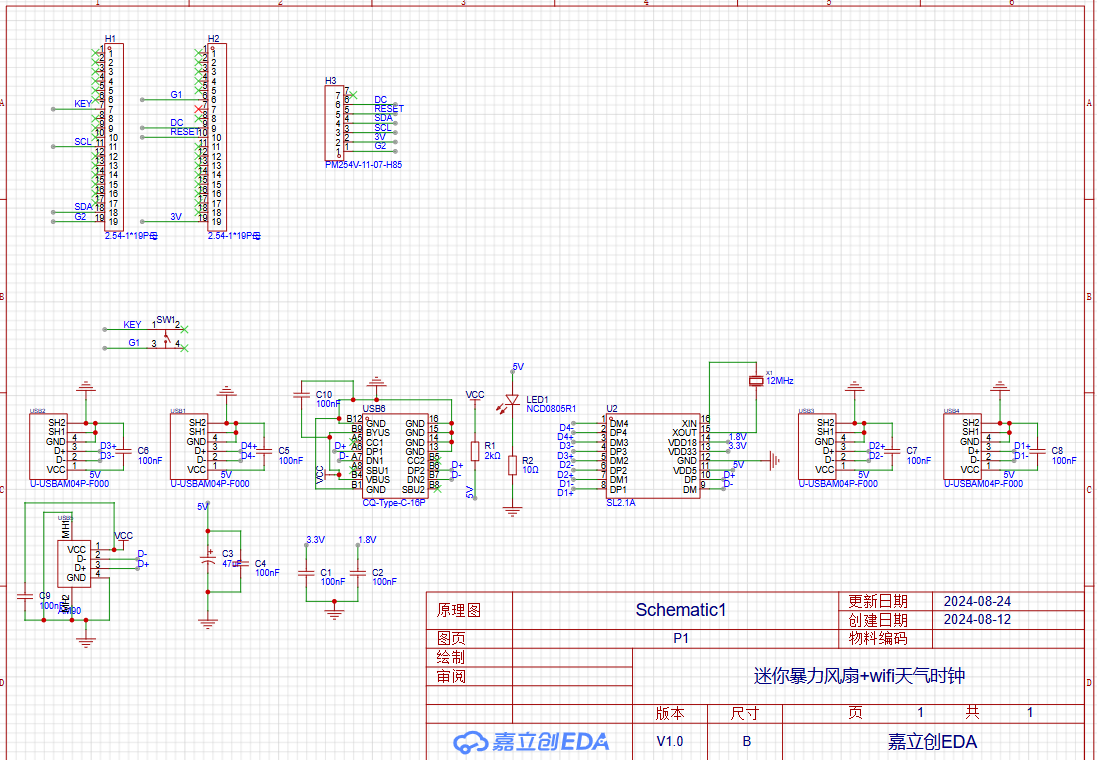
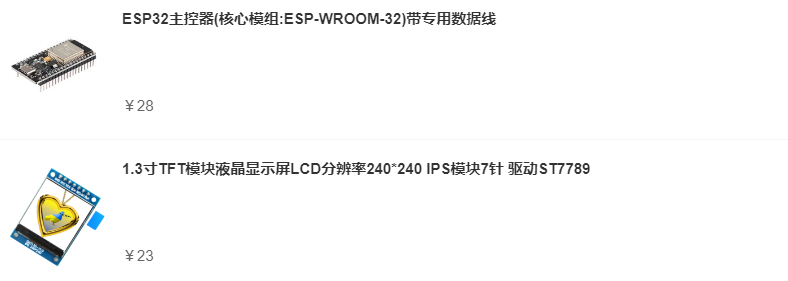
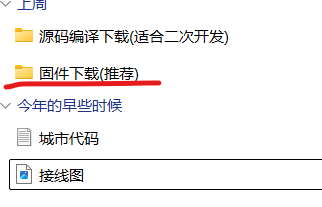
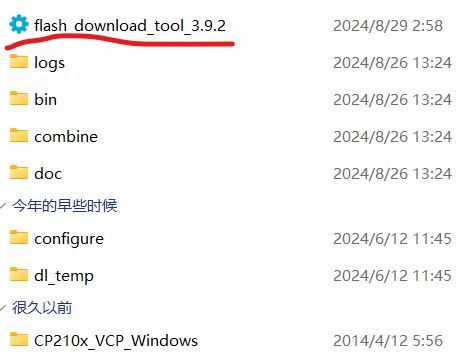
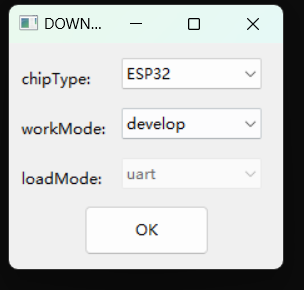
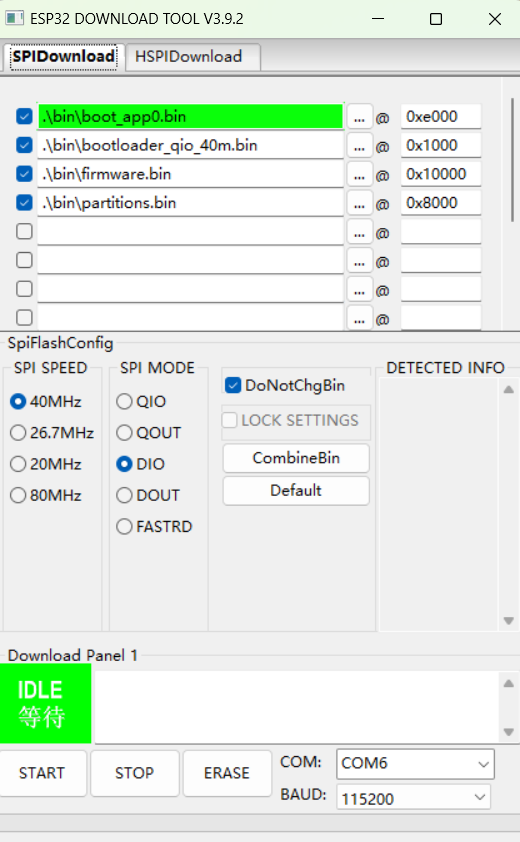
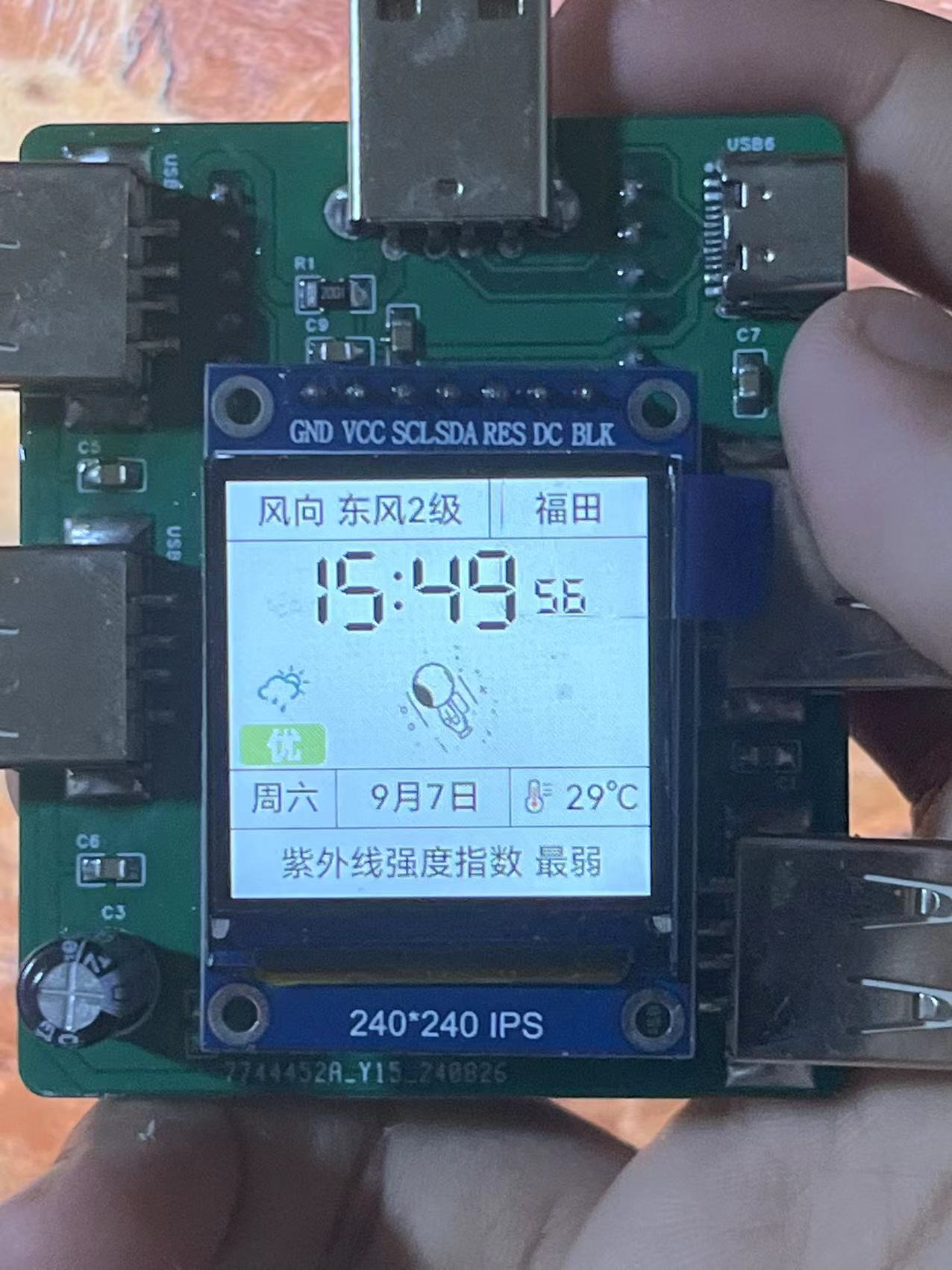
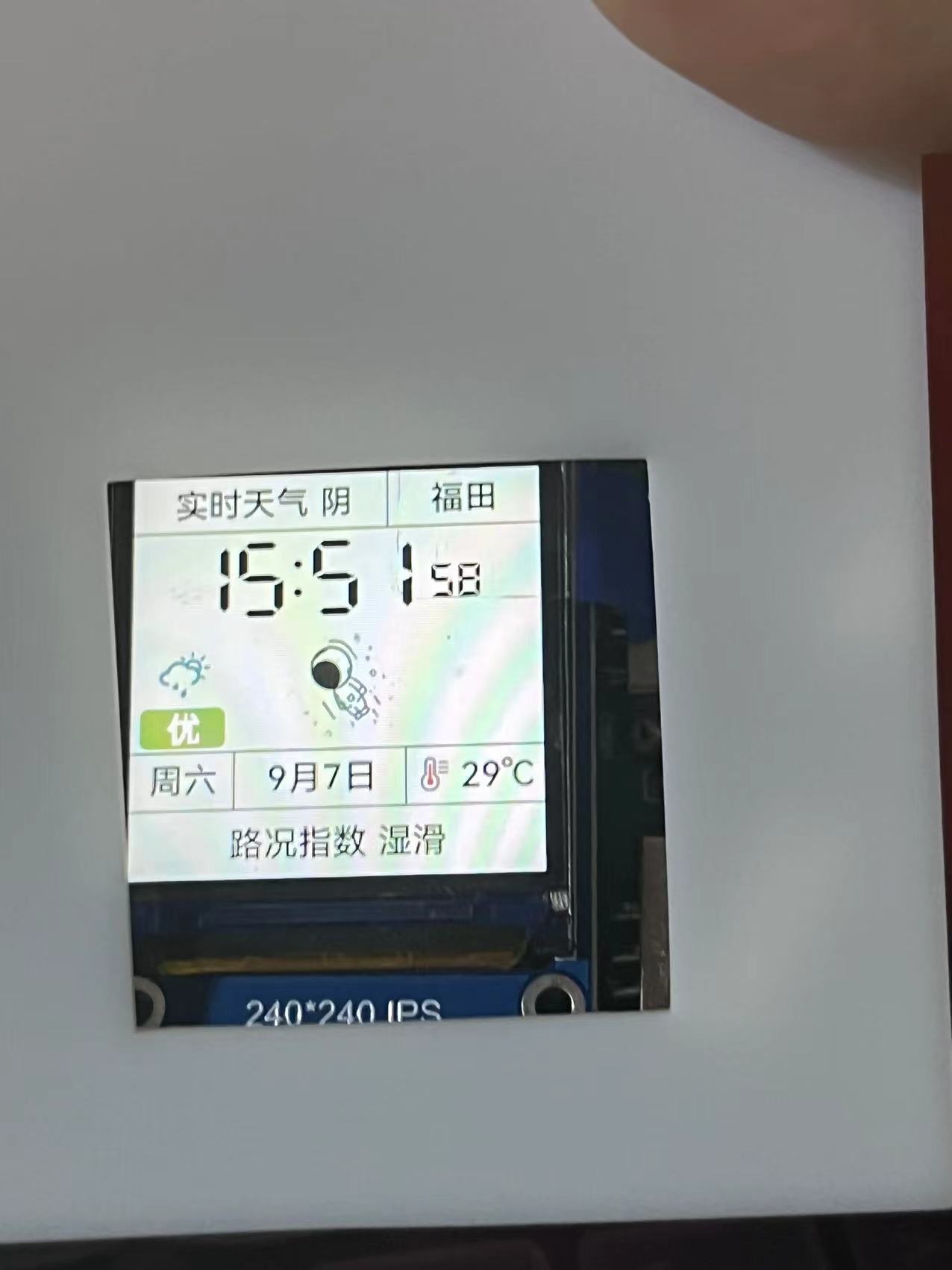
WiFi weather clock and fan that can be used independently. This design is based on the ESP32 microcontroller and includes a button for animation modification and network configuration. It displays time, weather, and temperature/humidity (outdoor). Pressing the button triggers a corresponding response. The fan speed can be adjusted using the included module. Project Parameters: This design uses an ESP32 development board, making coding easy. It features a 240*240 display screen: weather and region at the top, time in the middle, and weather quality, calendar, and temperature/humidity at the bottom. An adjustable mini turbine fan is used, allowing for speed adjustment to meet general needs. There are two corresponding expansion docks on each side, but for some reason, they cannot provide power. The expansion docks are referenced from other developers, but because the original projects cannot be found, they are not named. If the original author sees this, please message me for help. Please correct, thank you. Principle Analysis (Hardware Description): This section allows you to fill in the project's design principles, breaking down and analyzing the design principles. Example: This project consists of the following parts: pin header, power supply, and output. The pin header connects the screen to the ESP32 development board, enabling the screen to display... Purchase Link: Screen and Development Board: https://shop41675499.youzan.com/wscump/discount-packages?goodsId=3206076901&kdtId=41483331 Select these two turbine fans directly: The link provided is: https://item.taobao.com/item.htm?_u=720dsh6s006414&id=782589152199&spm=a1z09.2.0.0.2e2f2e8dSKSBeK. You can purchase the remaining items in the store . You can find similar products on Taobao. The software code ESP32 needs to be downloaded, and the driver needs to be found yourself; it's easy . The code is in the attachment. The specific tutorial is as follows: First, open this file shared via Baidu Cloud: Firmware Download (Recommended).rar. Link: https://pan.baidu.com/s/1D5WWveW3yNTsenrG0gHElA?pwd=dusi. Extraction code: dusi. Another recommended method is to use VS Code Platform.io. For the code, add me on QQ: 3596364883. (Because I don't have a membership for the cloud drive, I can only upload one file.) After opening, you'll find the extracted files. Open the extracted files, allow the first program to open, select ESP32, and click OK to enter this page. Open Device Manager, find the ESP32 port, select the port, and click START. After the burning process is complete, reconnect the power. Once successful, you'll see a network configuration mode. Connect to WiFi and enter network configuration mode. Enter your WiFi information, including your region data (in the attachment). After entering this information, the network will be automatically configured and the assembly process will begin. (Left screen, right fan - actual product image) . Since this is my first time working on a casing, the size may vary slightly. You can request a separate header. The docking station is not soldered.










 京公网安备 11010802033920号


 2200GAH400JB2HB



