sYQijMc

CH552G Nine-Key Numeric Keypad

 
Overview
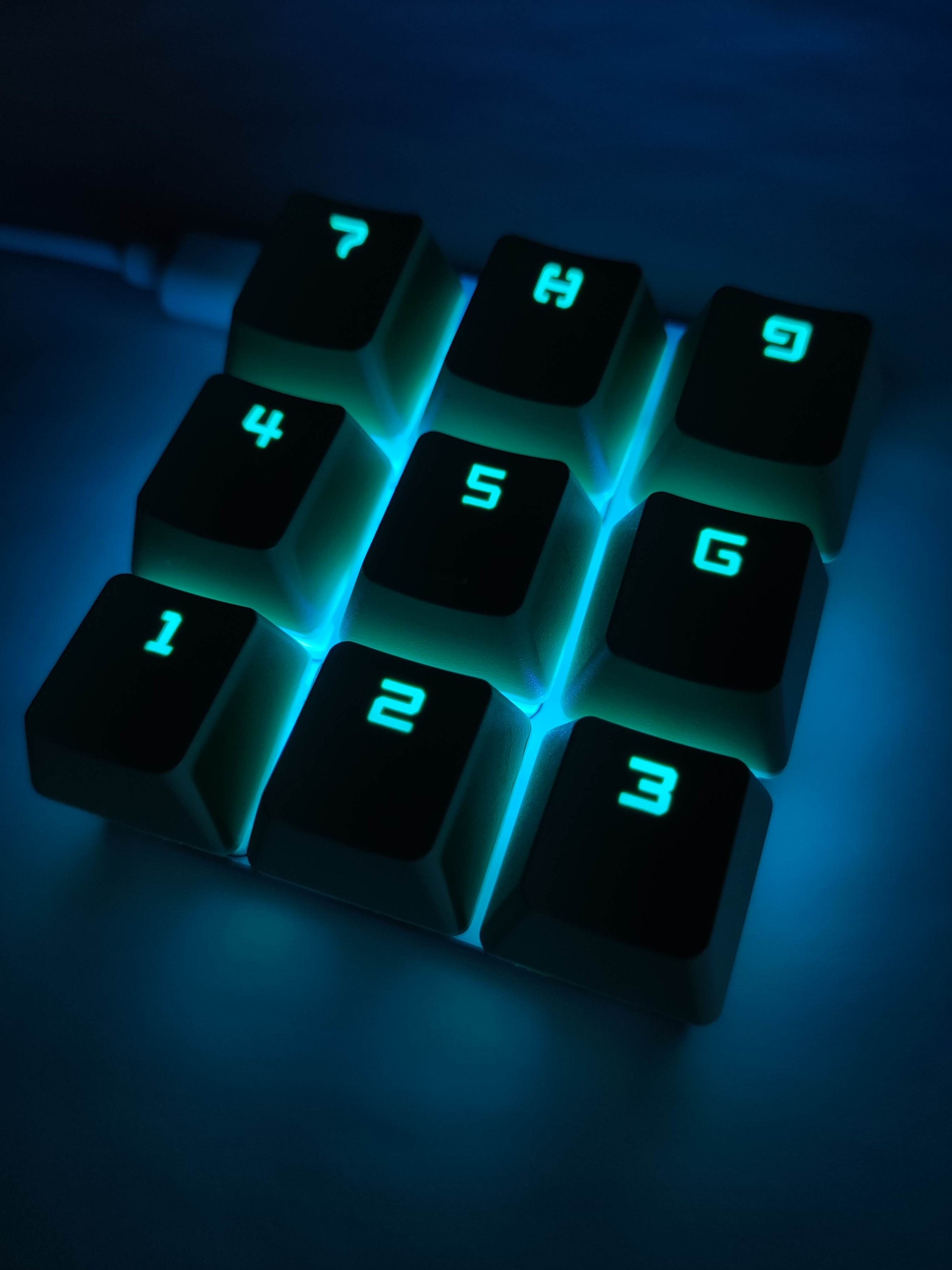
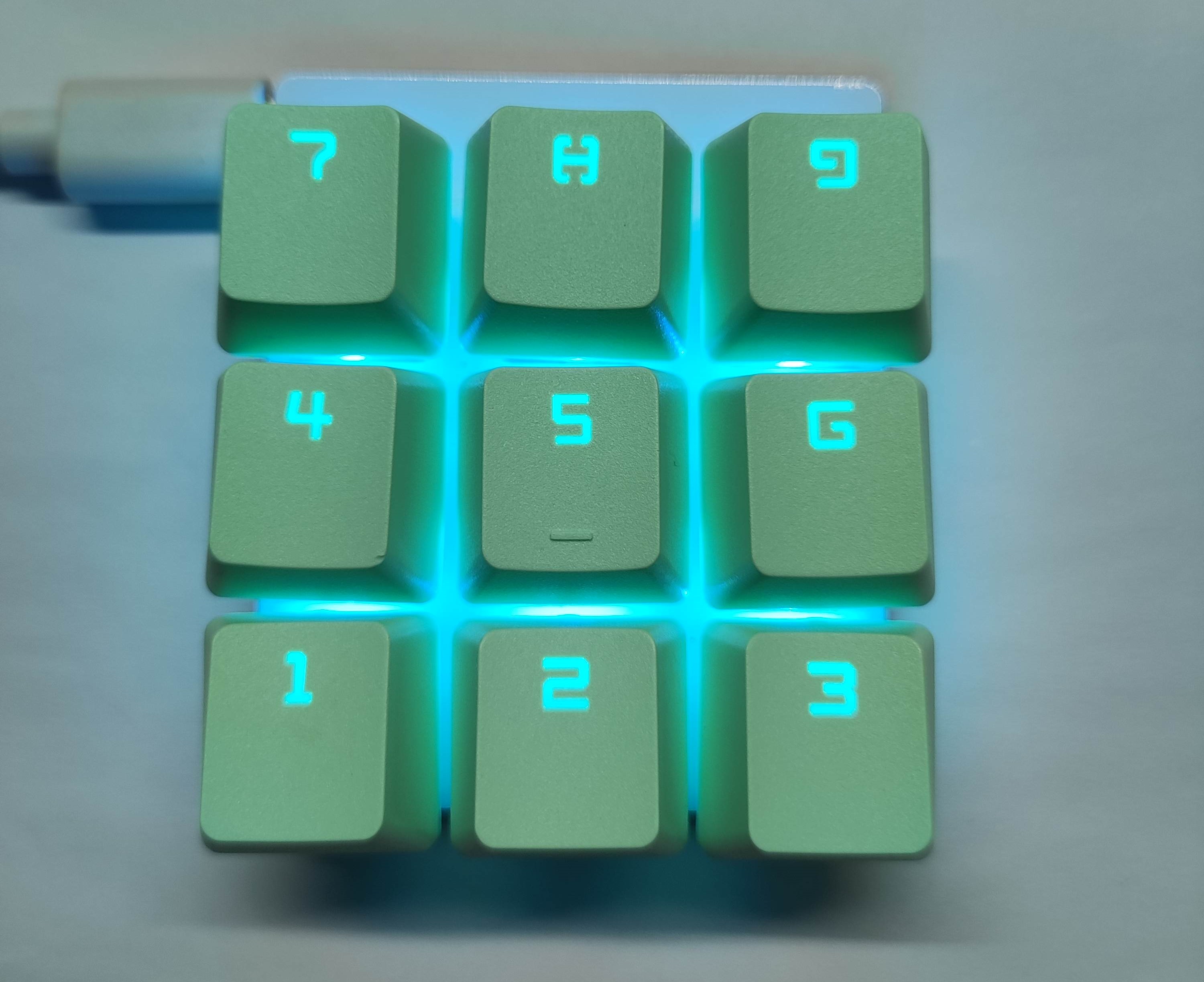
The CH552G nine-key mechanical keyboard with RGB lighting
features a single function key for locking, allowing for quick switching between two key layouts.
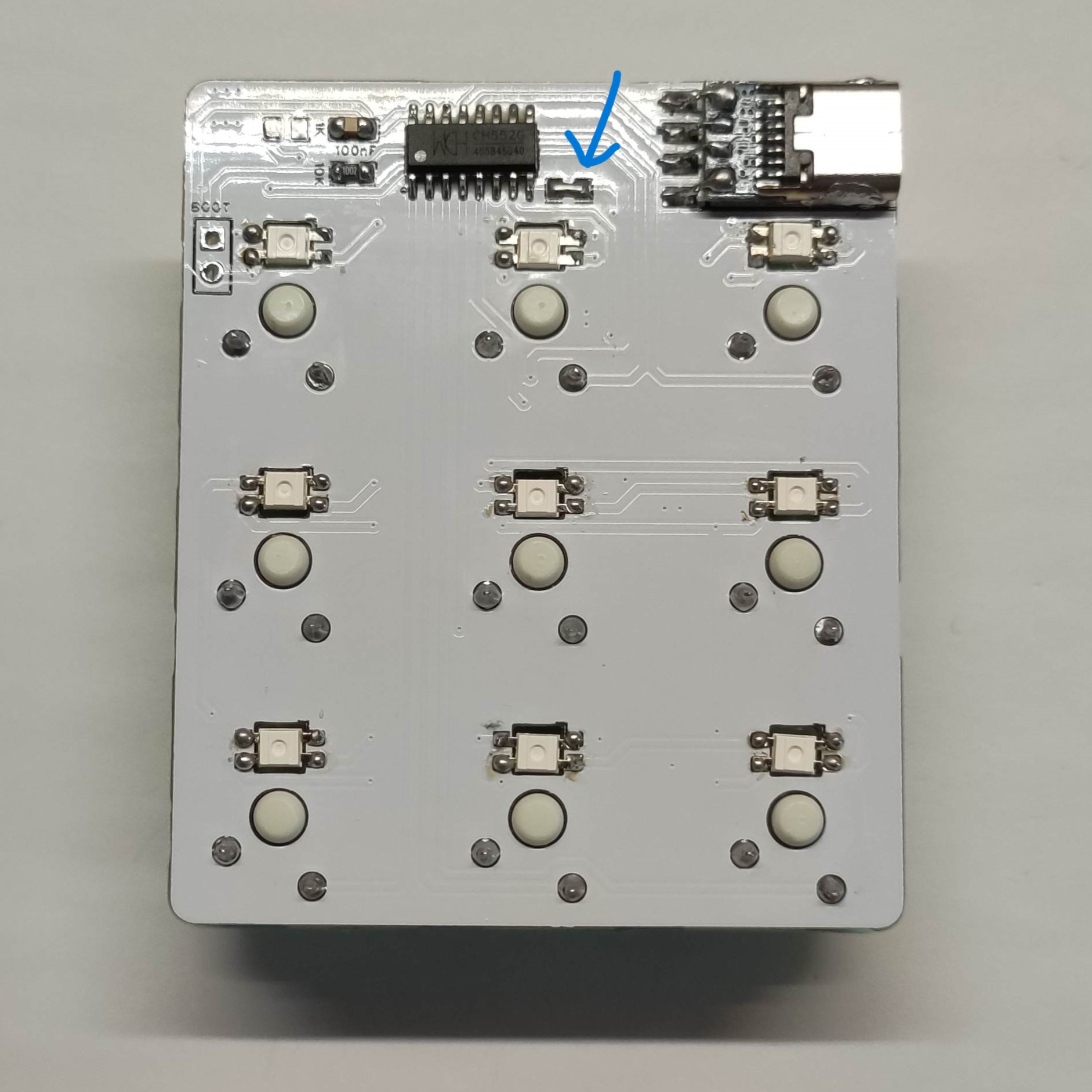
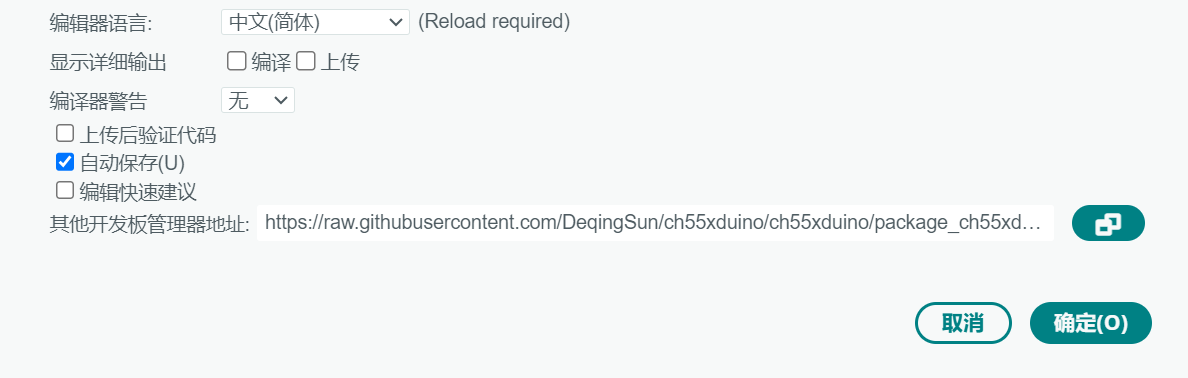
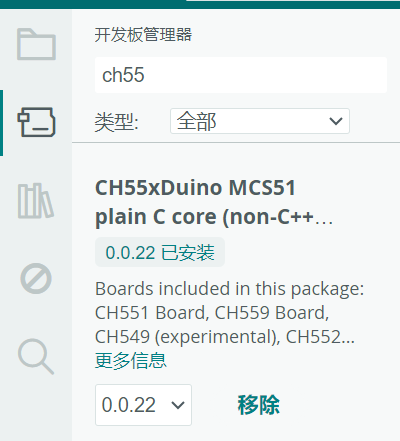
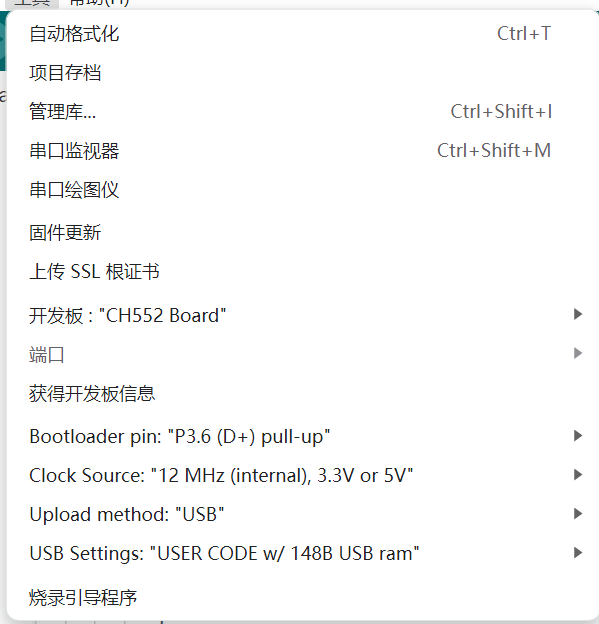
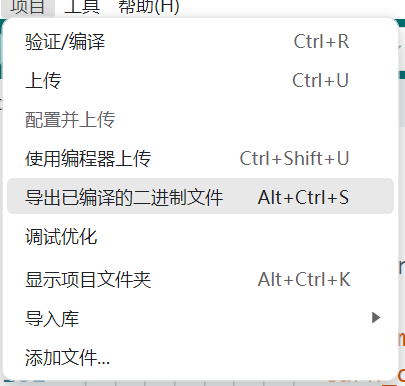
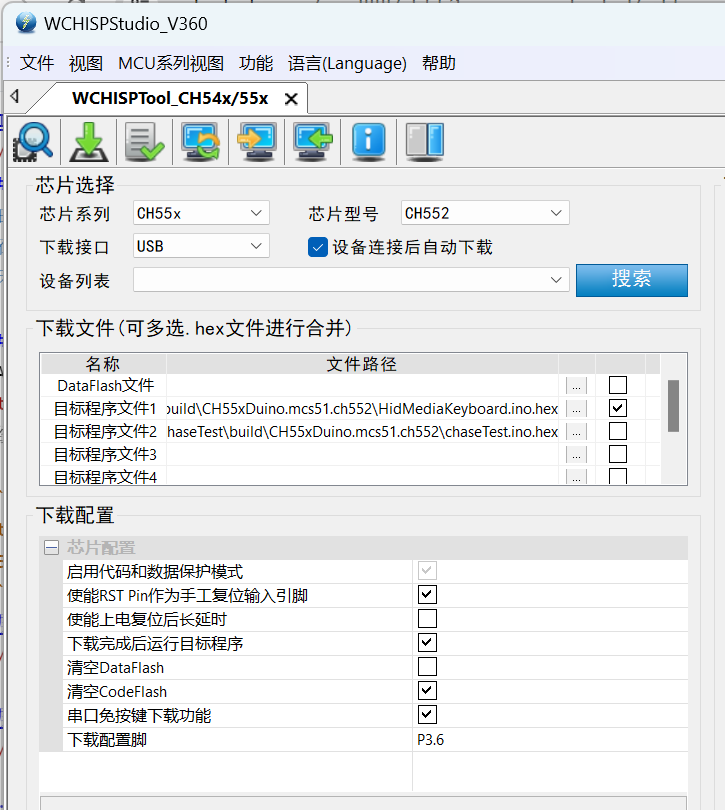
It 's written using the Arduino library, eliminating the need for microcontroller logic knowledge and facilitating easy modification of the key circuitry. The circuit is simple and low-cost. It can use WS2812 RGB LEDs, or you can omit the RGB lighting and use regular LEDs for status indicators. When using WS2812, short the pad indicated by the blue arrow in the image below, and do not solder the 1KΩ current-limiting resistor or the front LED. If using regular LEDs, solder the current-limiting resistor and the front LED. The attached code supports RGB and can be used directly. The shortcomings include the difficulty of soldering the Type-C female connector, requiring the use of a pre-made Type-C female connector board, which slightly affects the appearance; and a small probability of RGB color anomalies after repeatedly switching function key lock buttons with RGB disabled and then re-enabling RGB. These issues need further investigation. The compilation method involves compiling the CH55x code in the Arduino IDE. The tutorial refers to the open-source project ch55xduino , which has already been configured, so this part can be skipped. Add the development board address in the Arduino IDE settings: https://raw.githubusercontent.com/DeqingSun/ch55xduino/ch55xduino/package_ch55xduino_mcs51_index.json. Search for and download the CH55x library in the development board manager. Open the ino project, configure the project properties, paying particular attention to the USB Settings, which need to be configured to export the compiled binary file. The HEX file is located in the build folder of the project. Use WCHISPStudio to burn the program. According to the ch55xduino project author, the Arduino's programming button can also be used directly. Possible websites to use: WCH沁恒WCHISPStudio official download address; RGB color online preview: easily obtains the RGB values ​​of colors to fill in the corresponding positions in the code. This was created personally; my abilities are limited, so welcome to discuss and correct it.


参考设计图片
×
 
 
Search Datasheet?

Supported by EEWorld Datasheet

Forum More
Update:2026-03-28 08:41:35

EEWorld
subscription
account

EEWorld
service
account

Automotive
development
community

Robot
development
community

About Us Customer Service Contact Information Datasheet Sitemap LatestNews



Room 1530, 15th Floor, Building B, No.18 Zhongguancun Street, Haidian District, Beijing, Postal Code: 100190 China Telephone: 008610 8235 0740

Copyright © 2005-2024 EEWORLD.com.cn, Inc. All rights reserved 京ICP证060456号 京ICP备10001474号-1 电信业务审批[2006]字第258号函 京公网安备 11010802033920号




