PixelTime
https://www.bilibili.com/video/BV1Bj411i7ZR
I really like some early electronic watches.
They don't need complicated functions; they're just pure timekeeping tools . They
have super long standby time, automatically entering standby mode after 5 seconds of inactivity. They
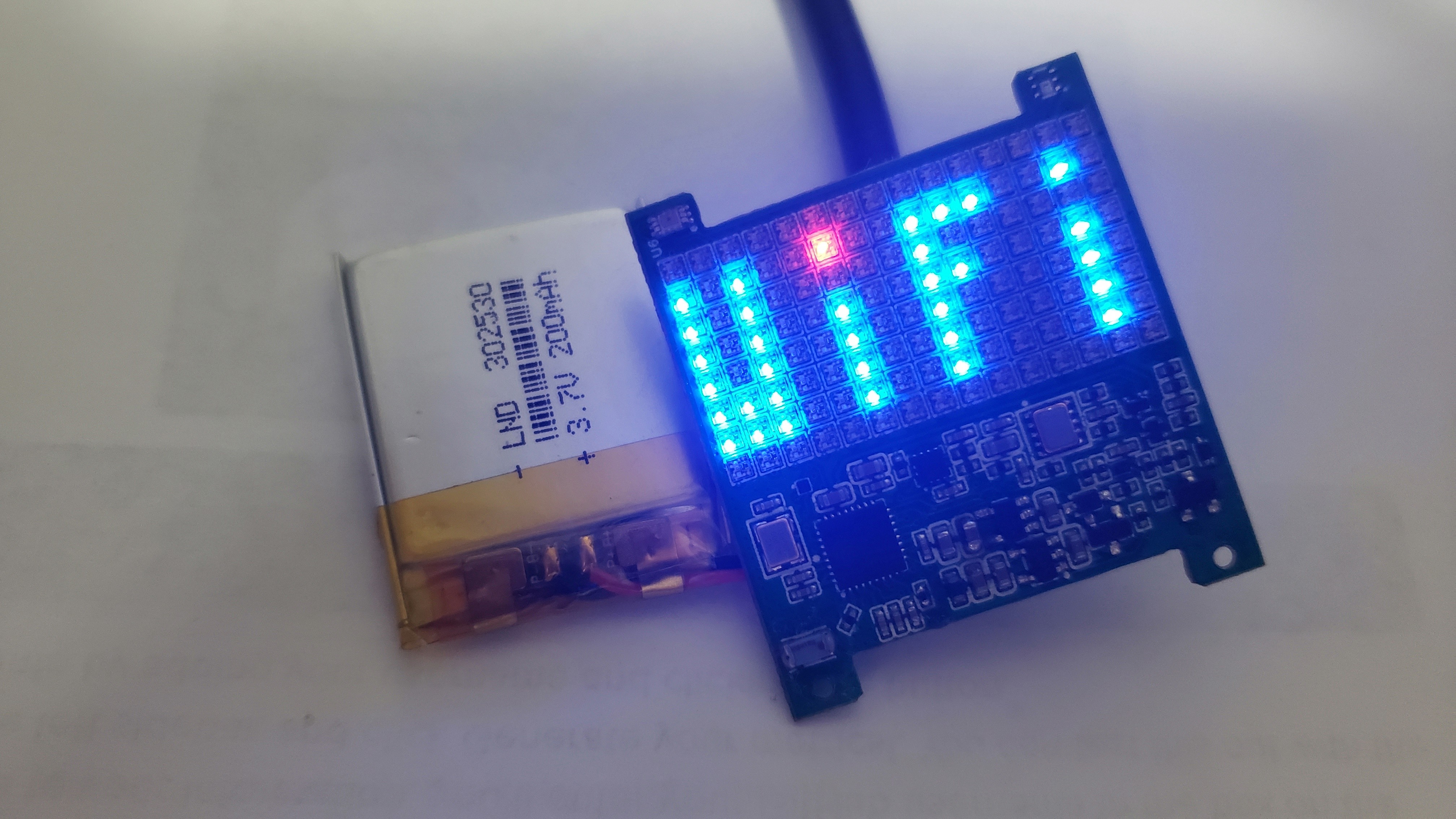
automatically synchronize time via WiFi for easy time updates.
They support MicroPython programming for easy code updates.
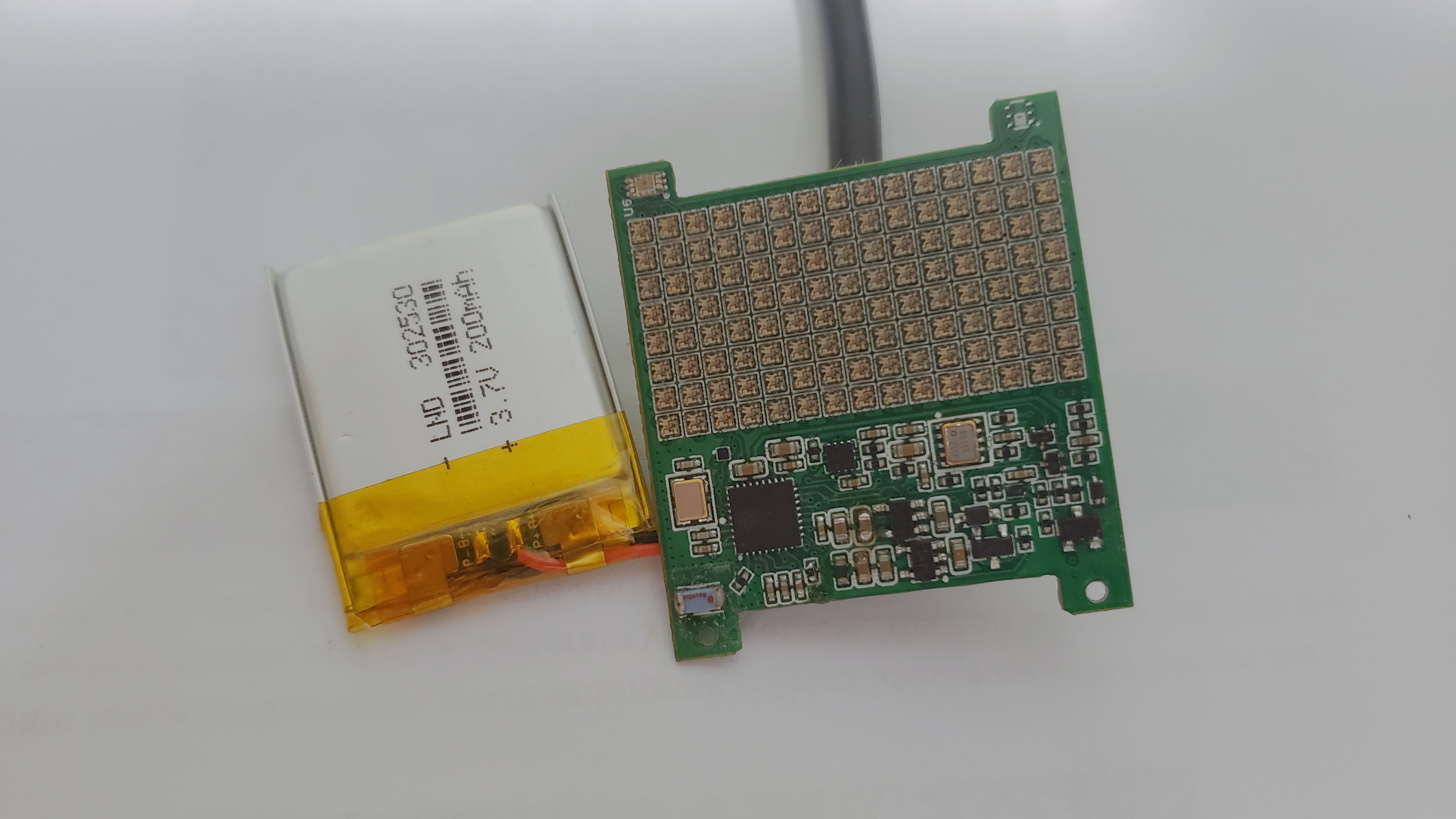
They're only 8.3mm thick, using a 200mAh 302530 lithium battery with
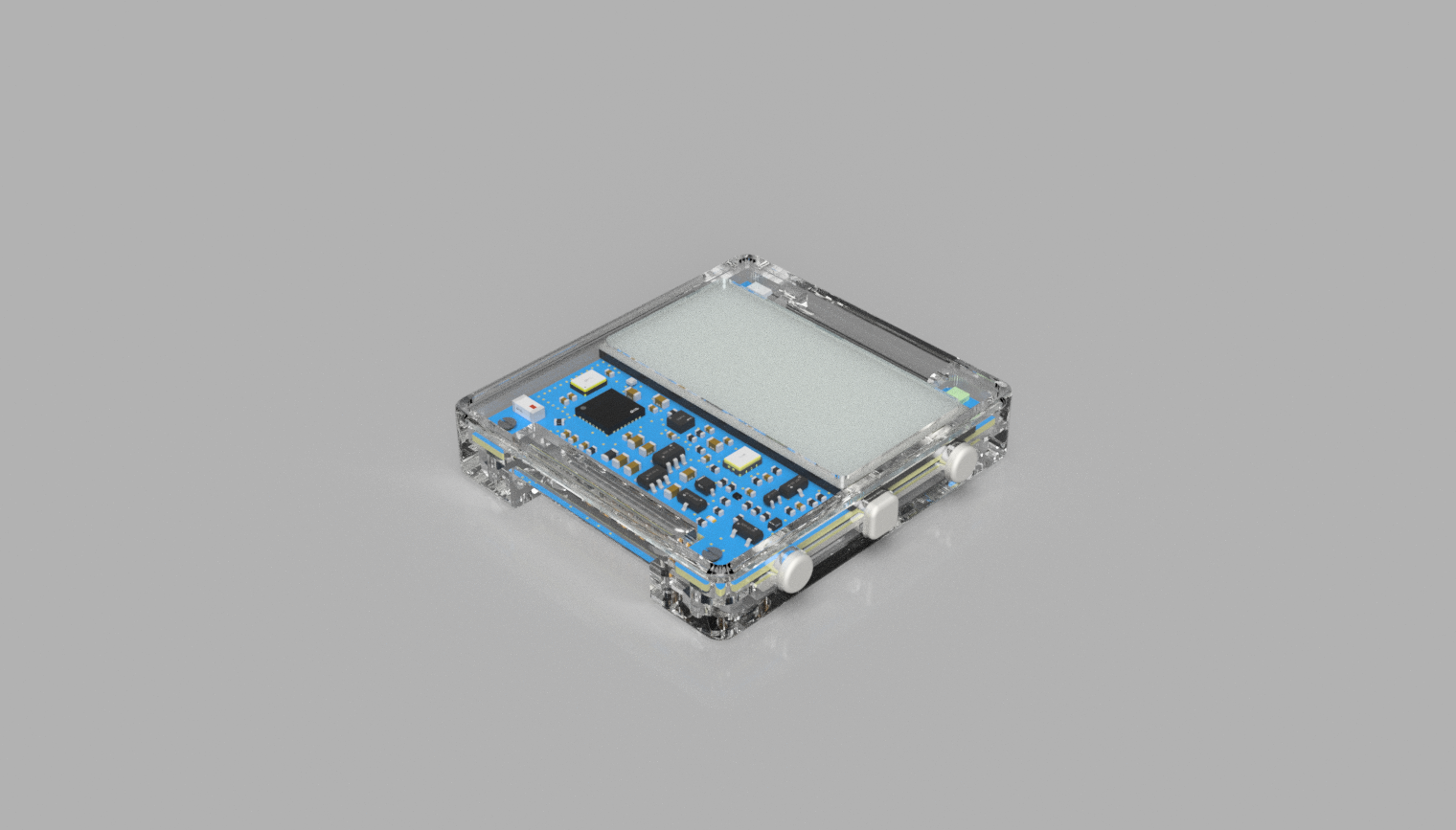
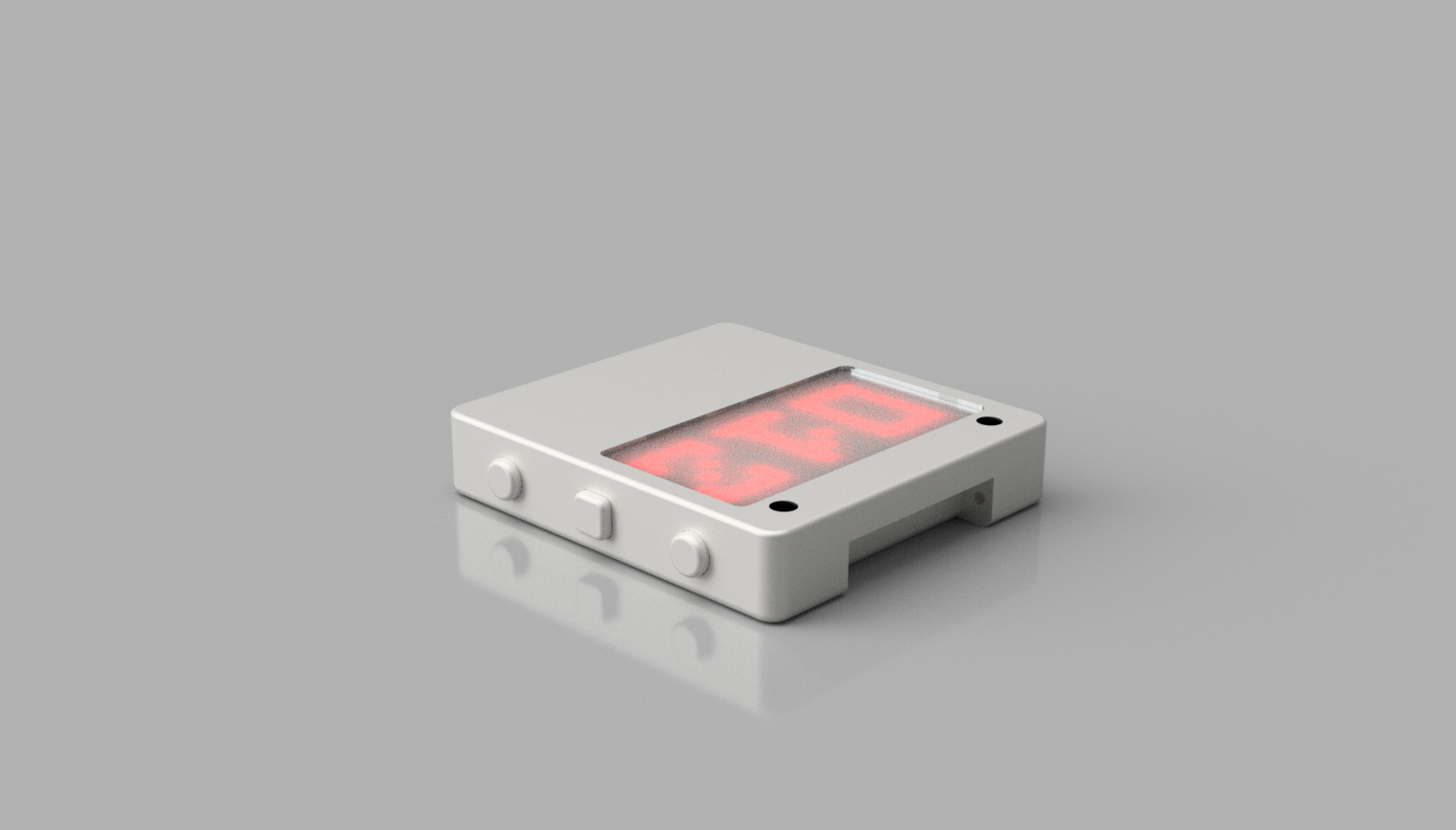
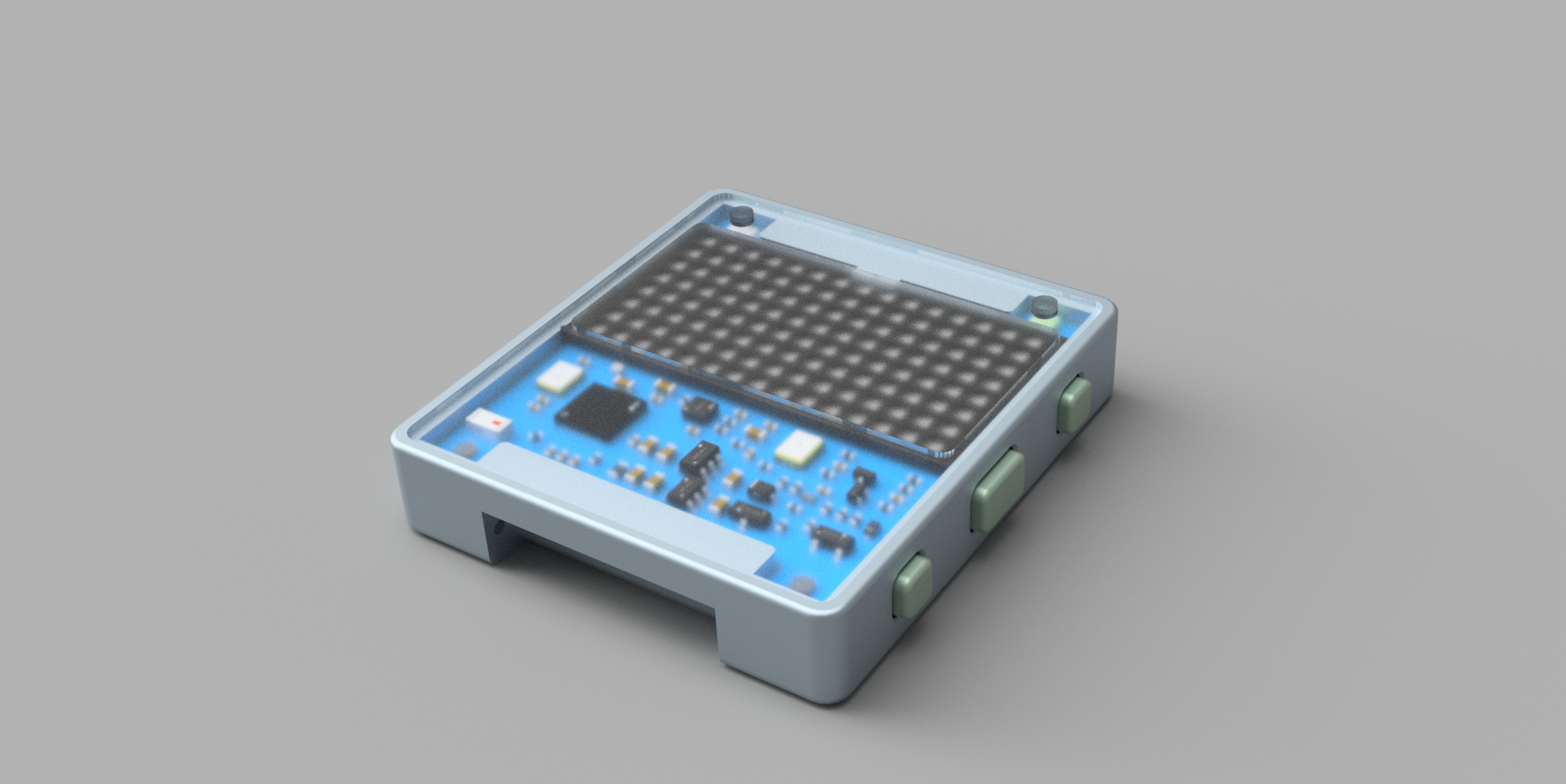
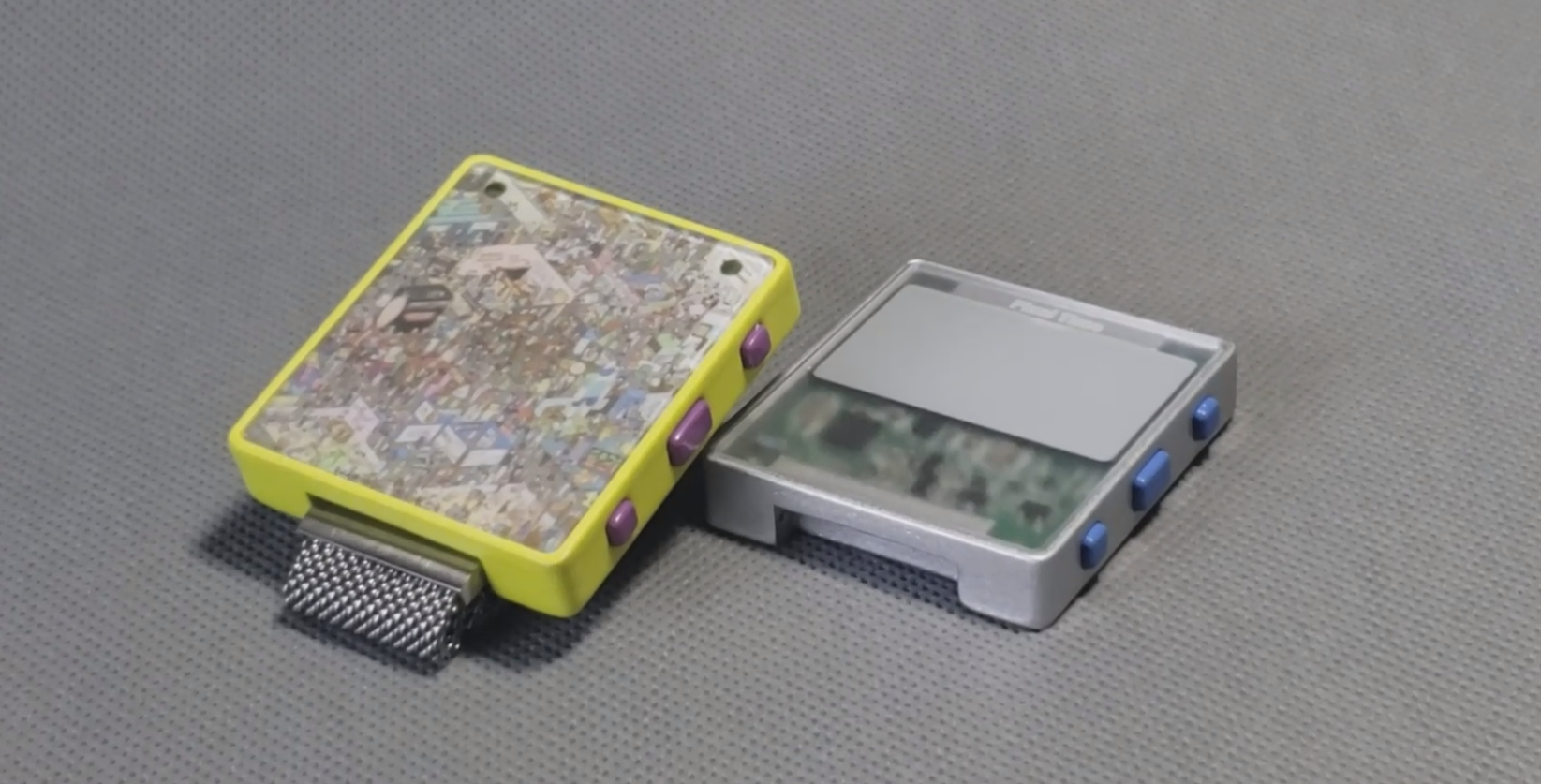
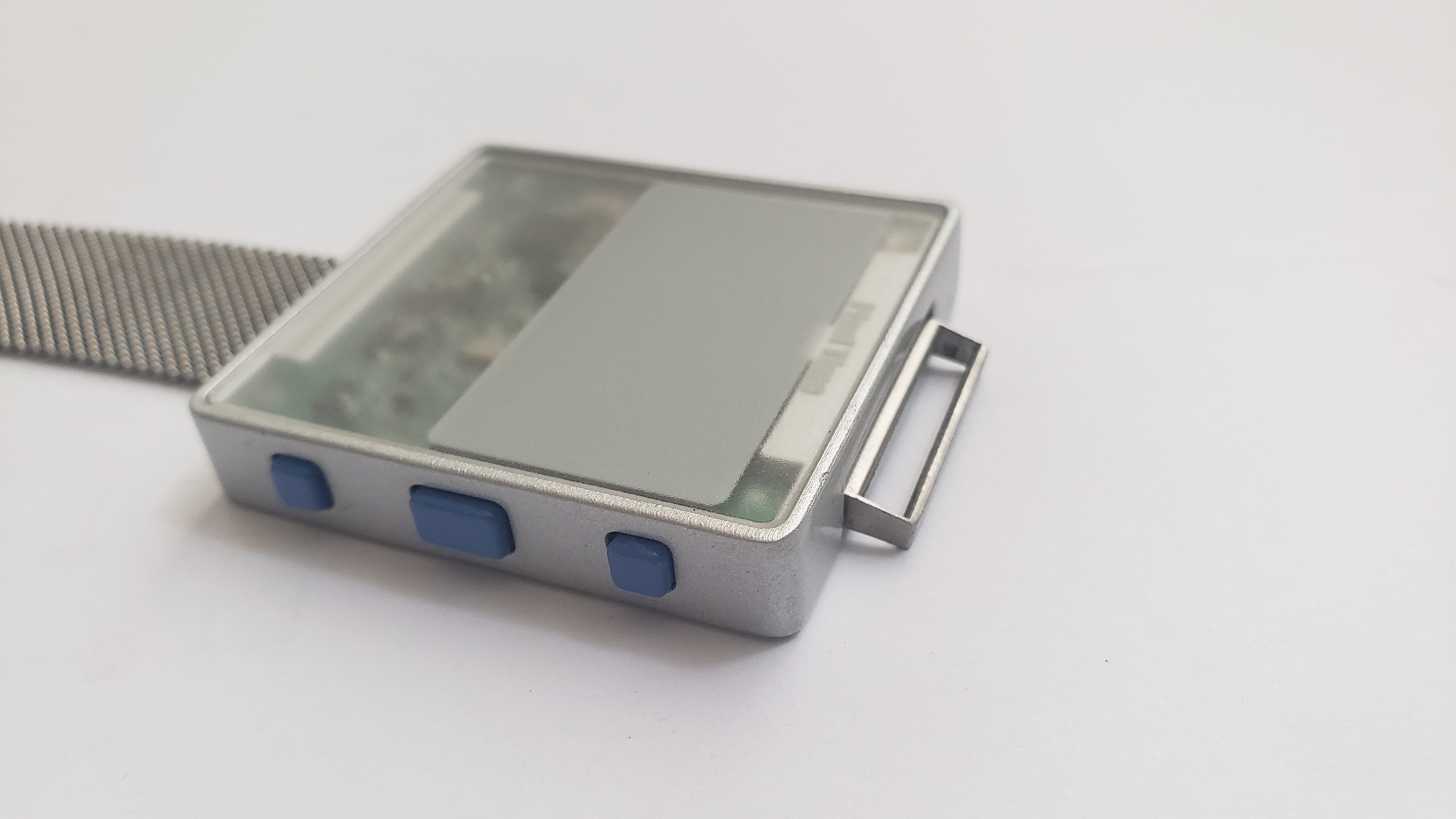
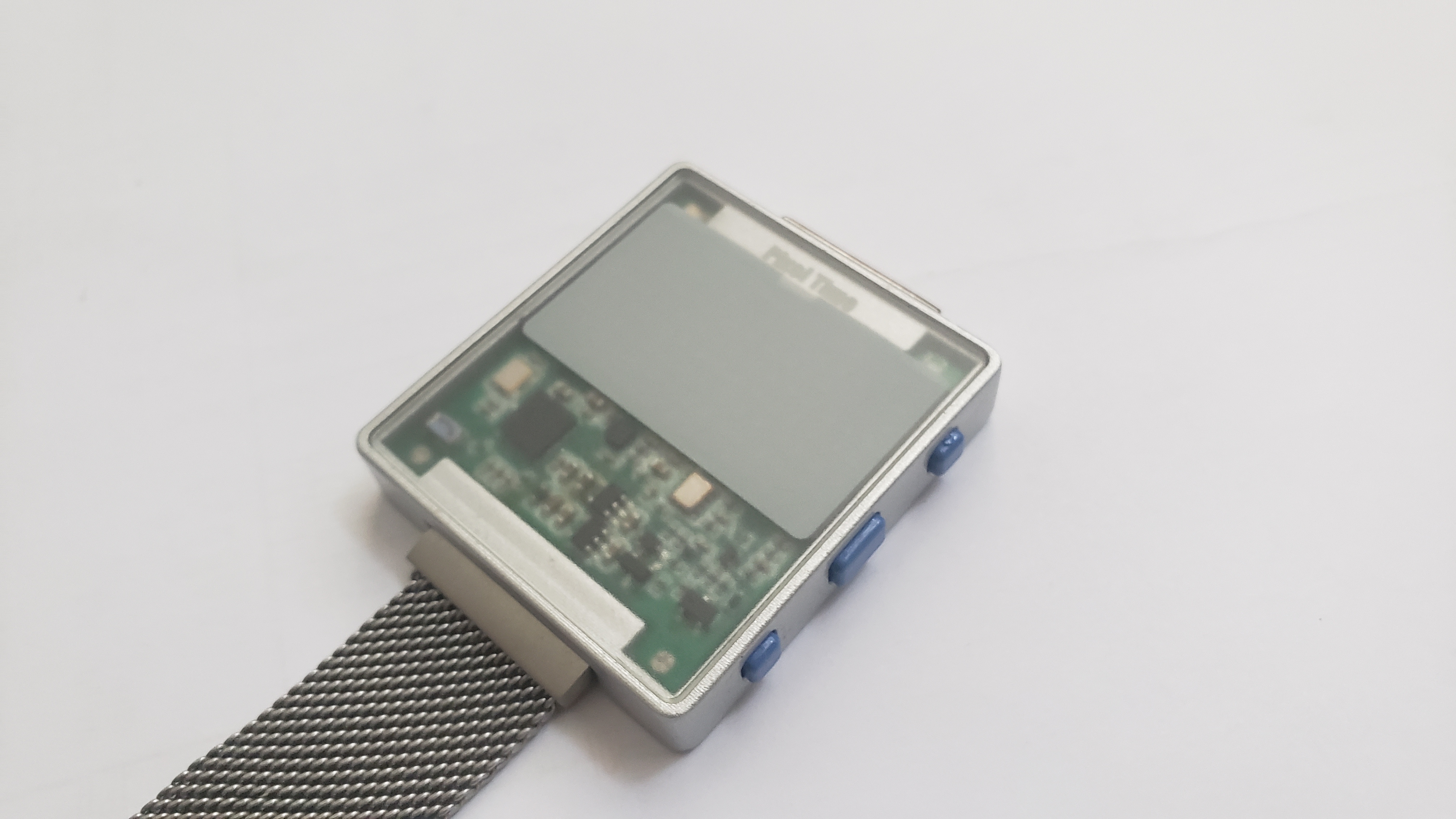
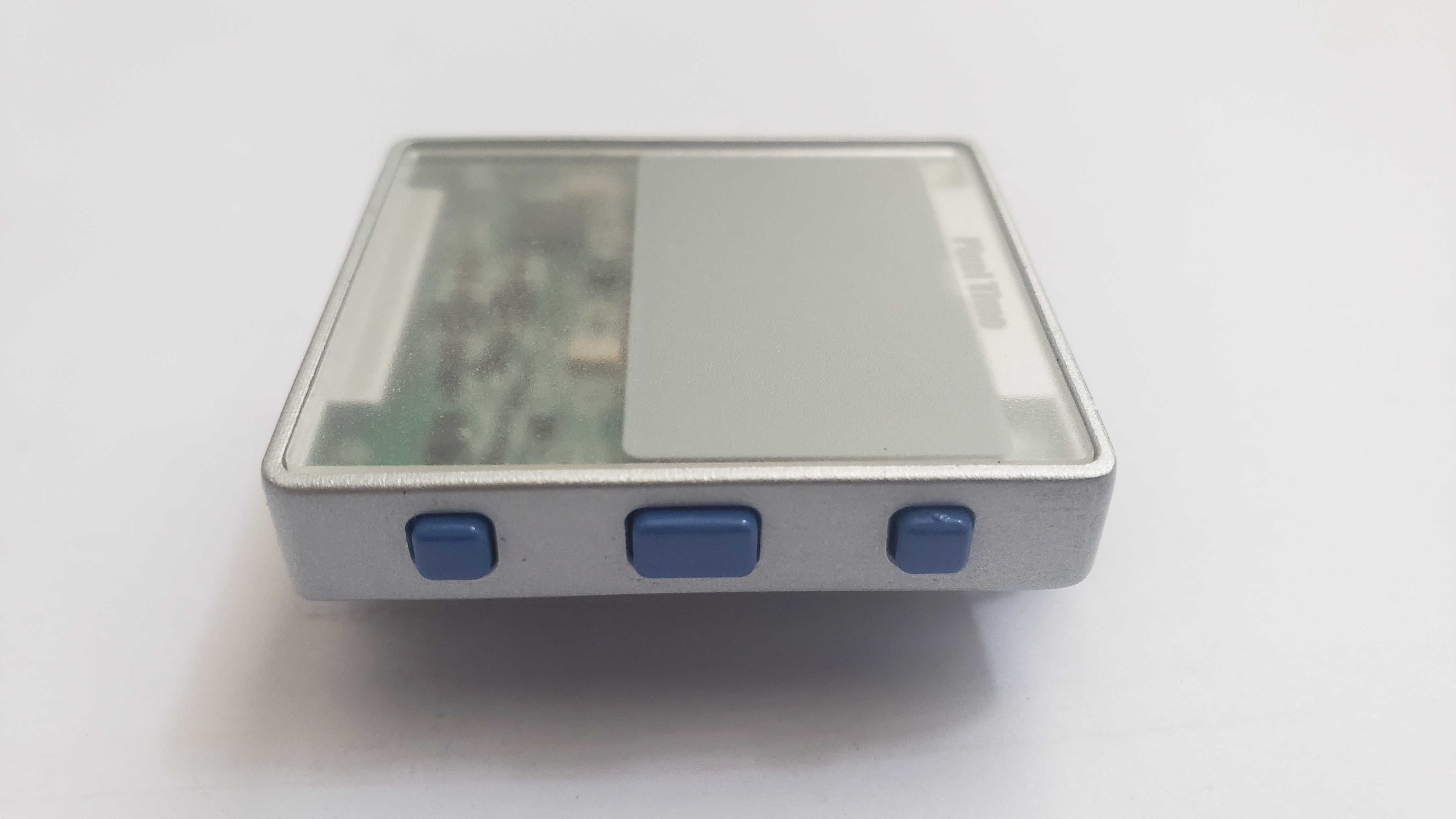
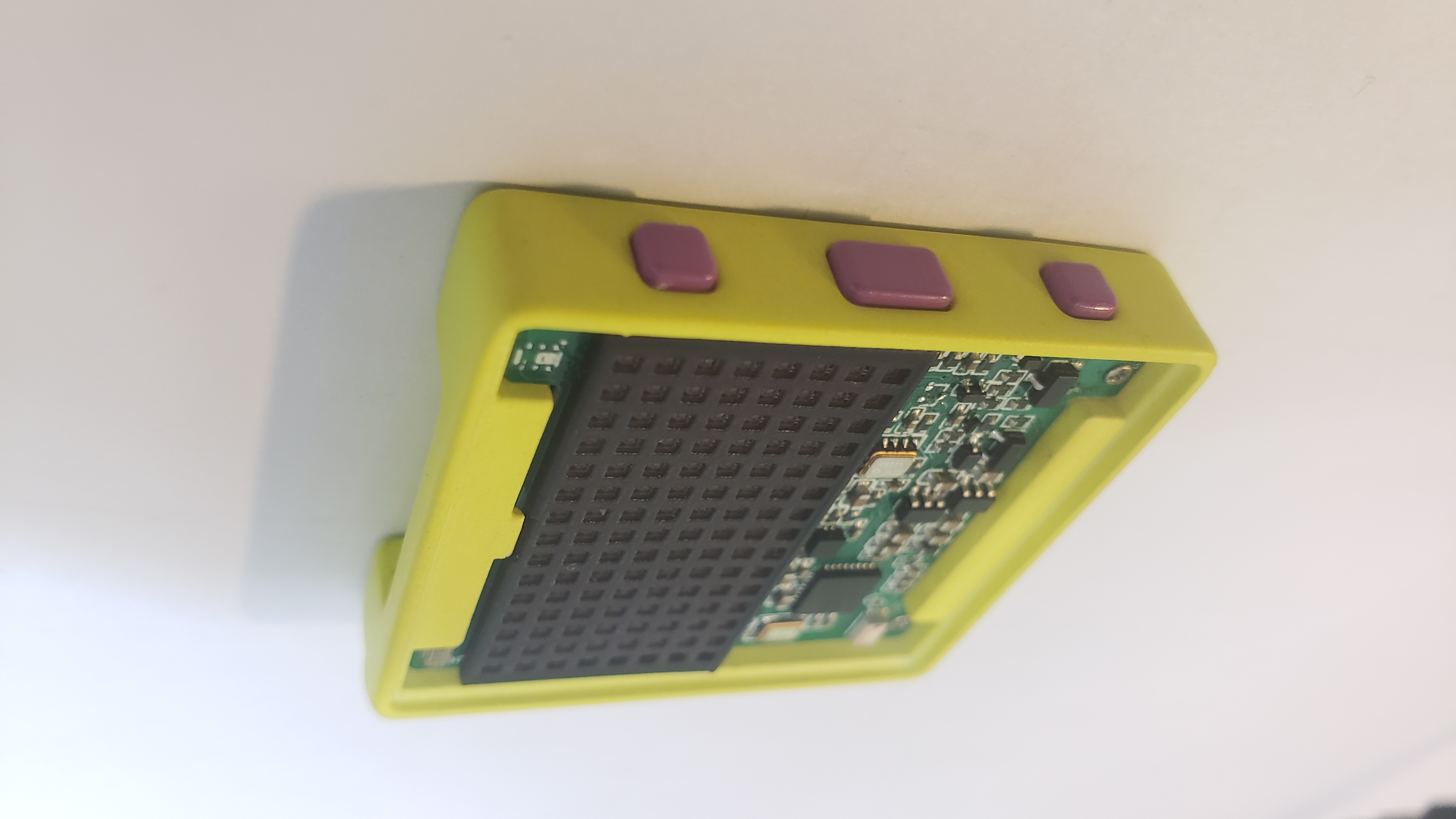
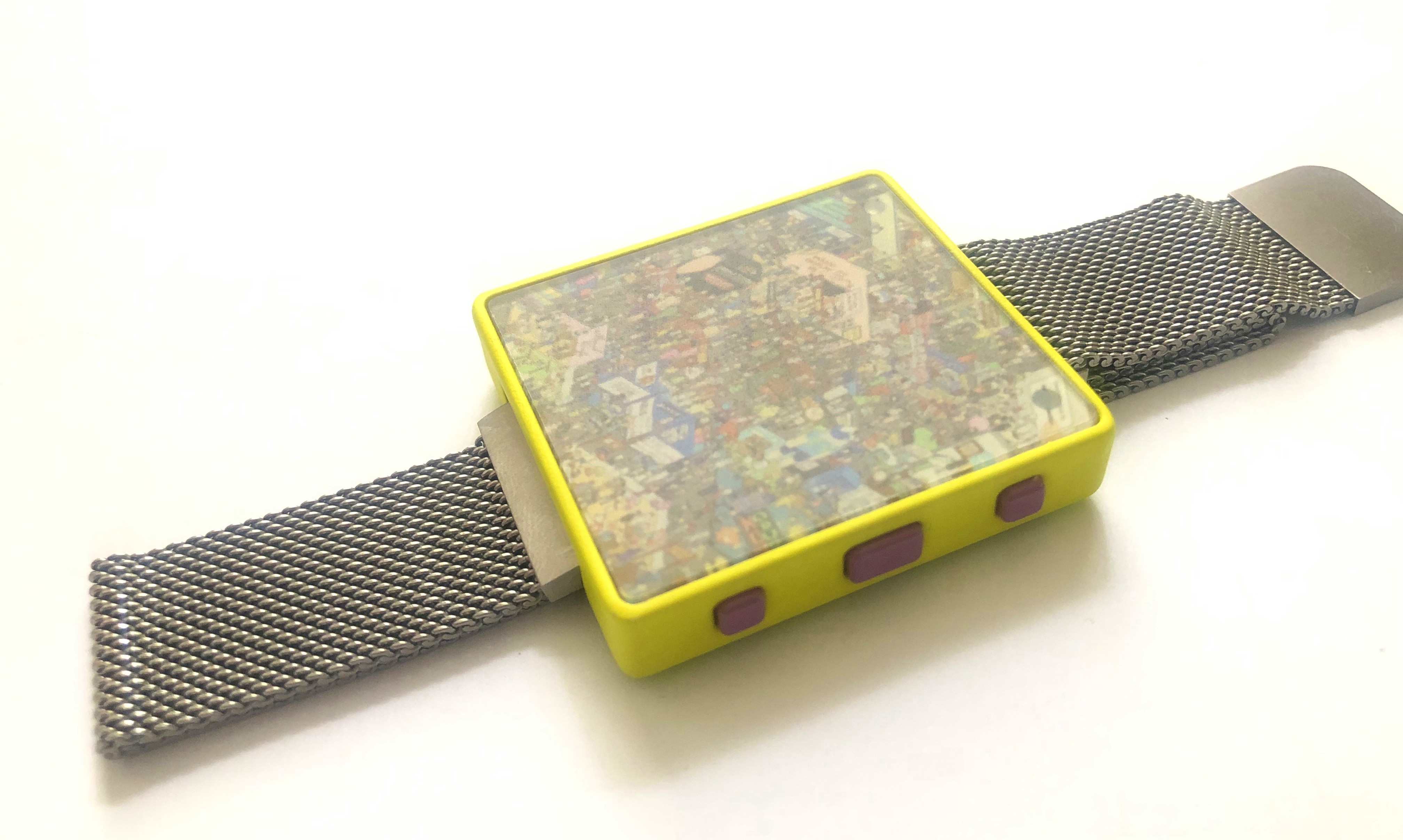
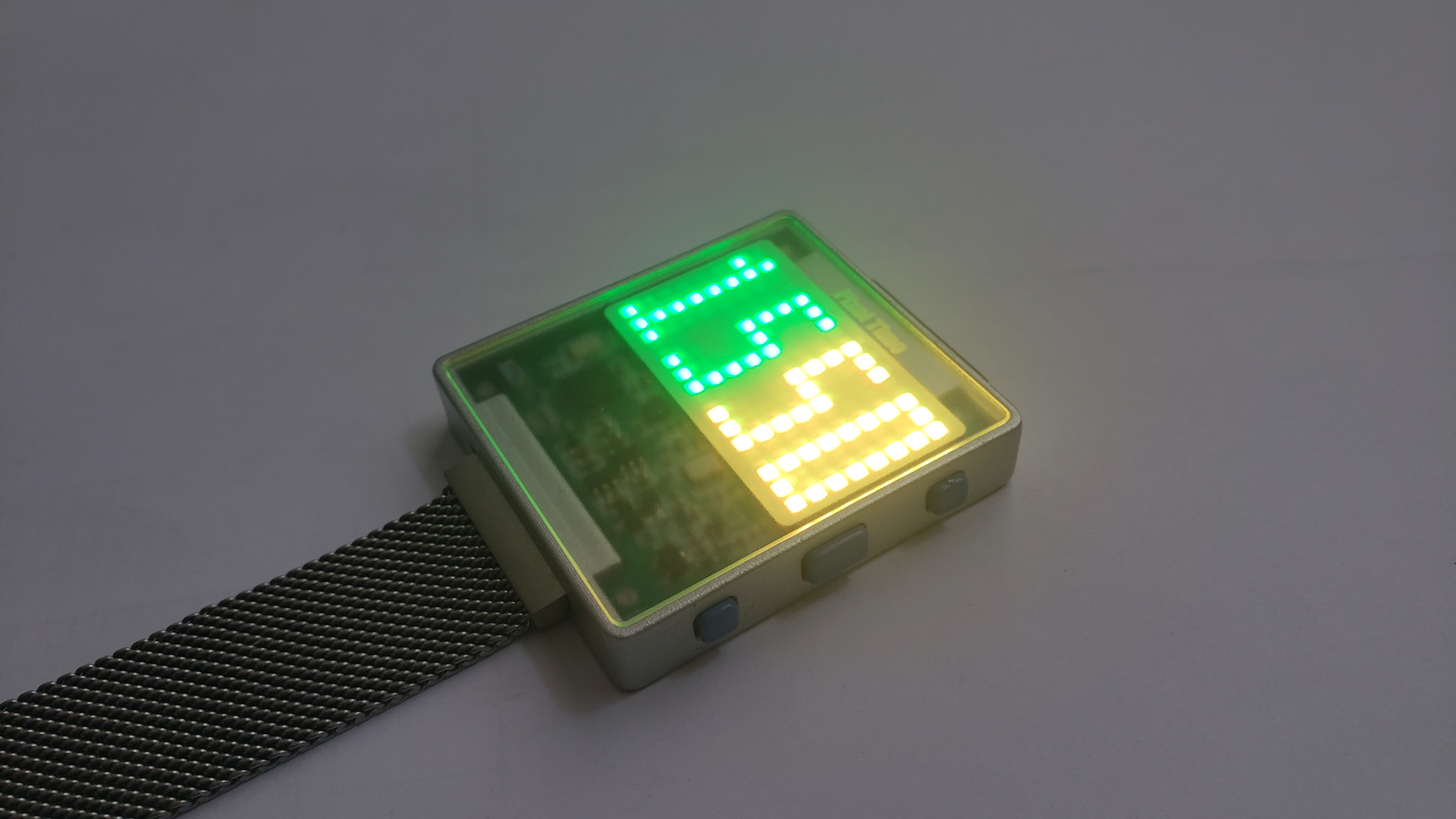
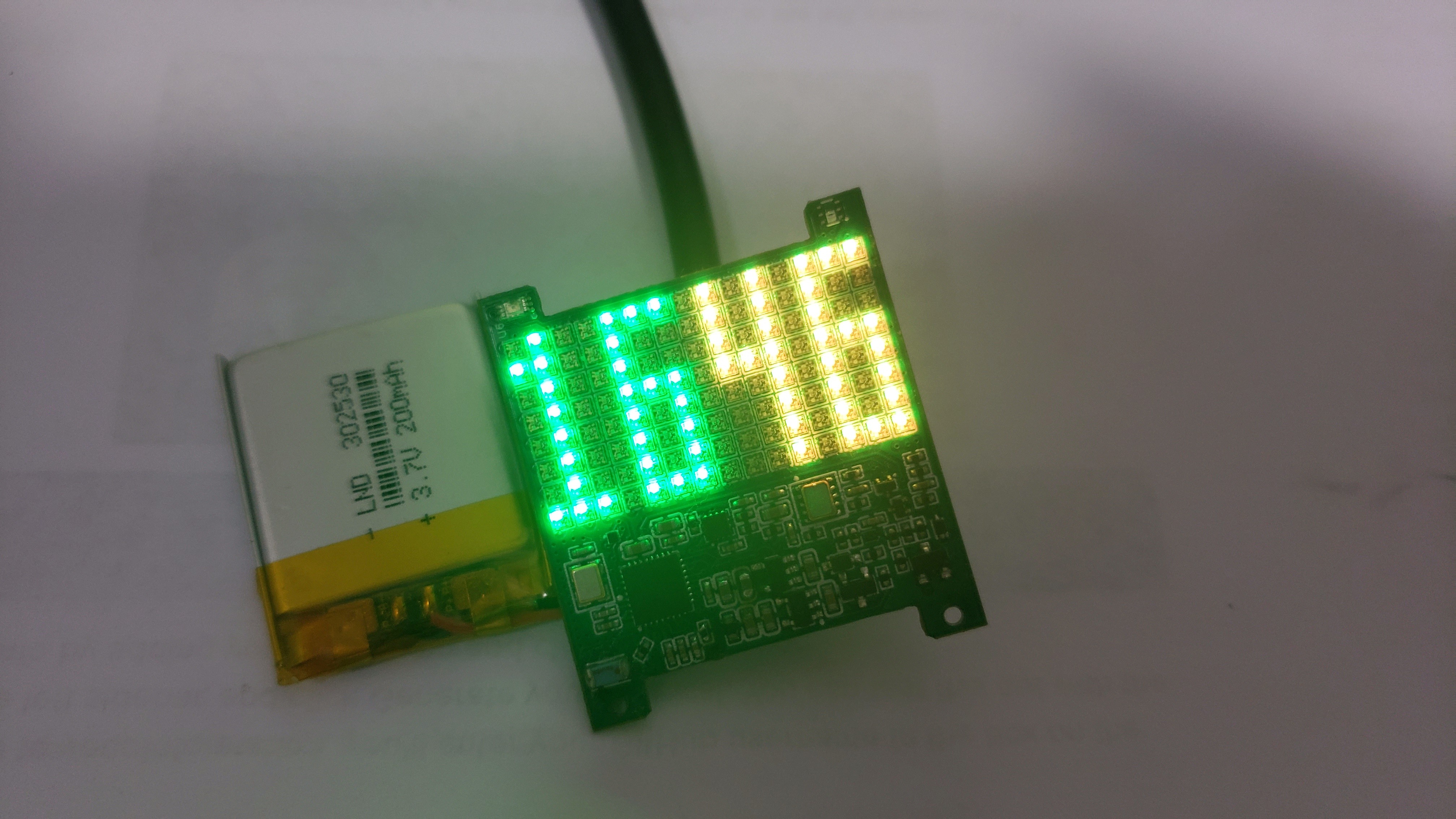
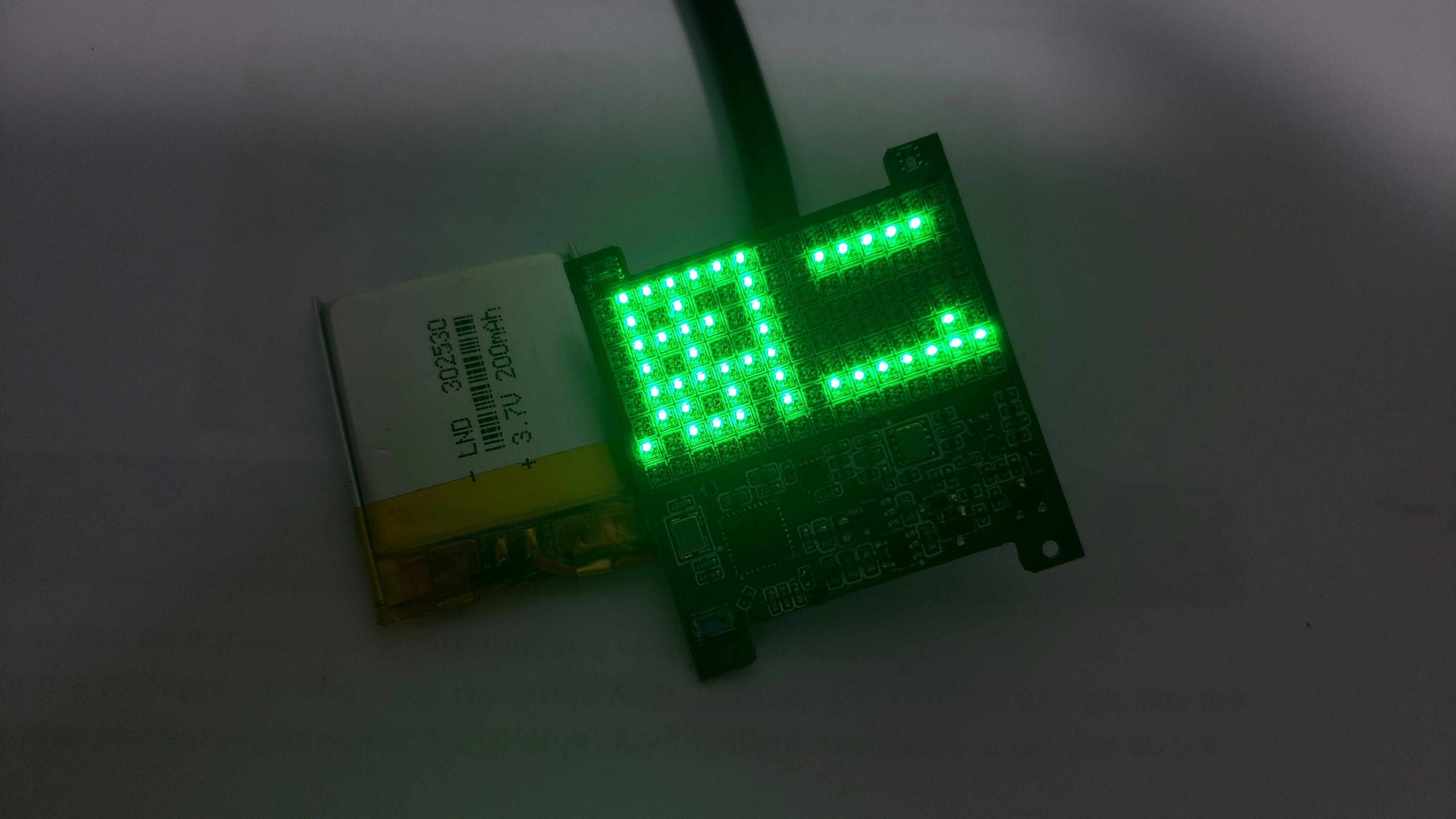
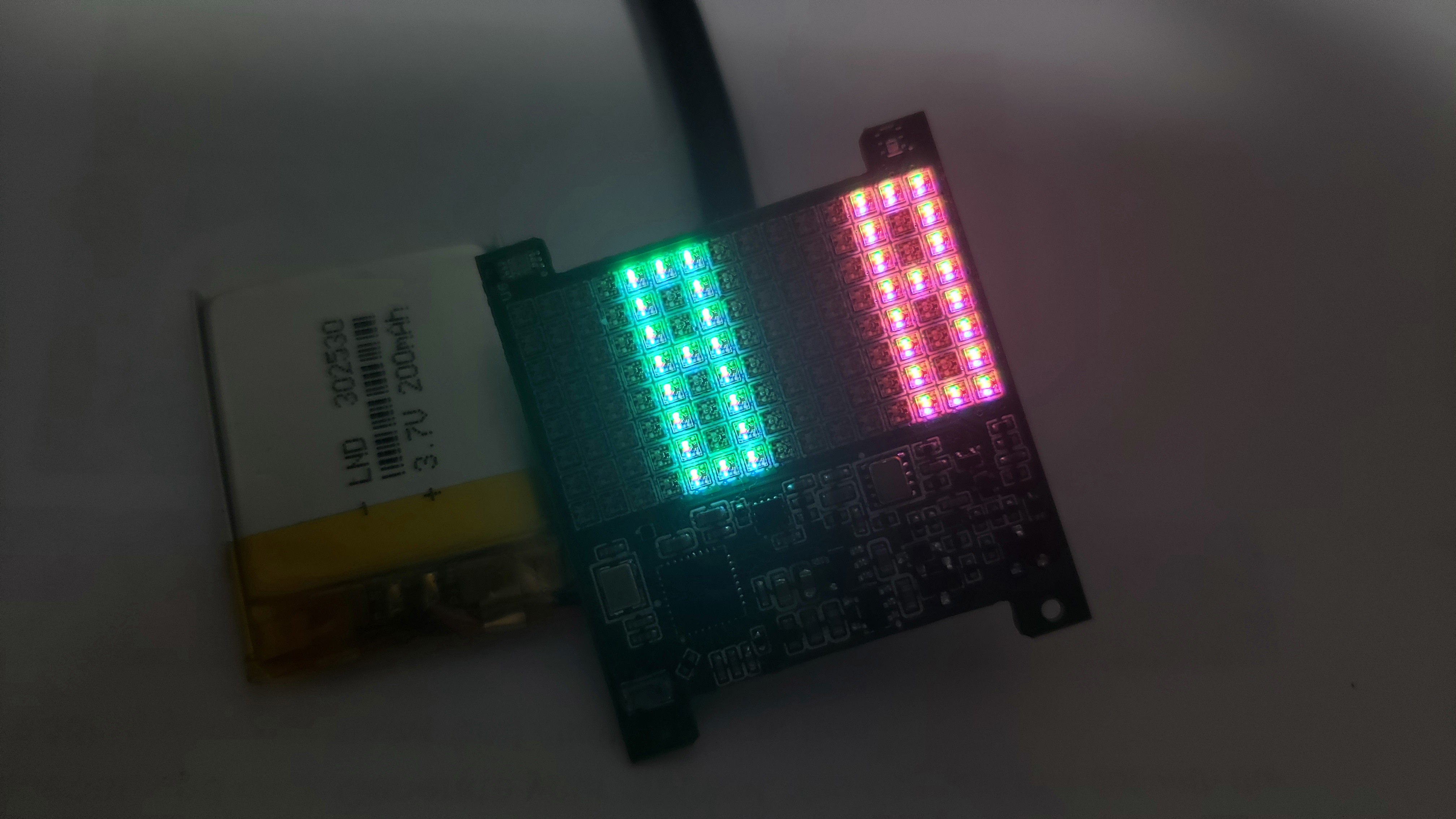
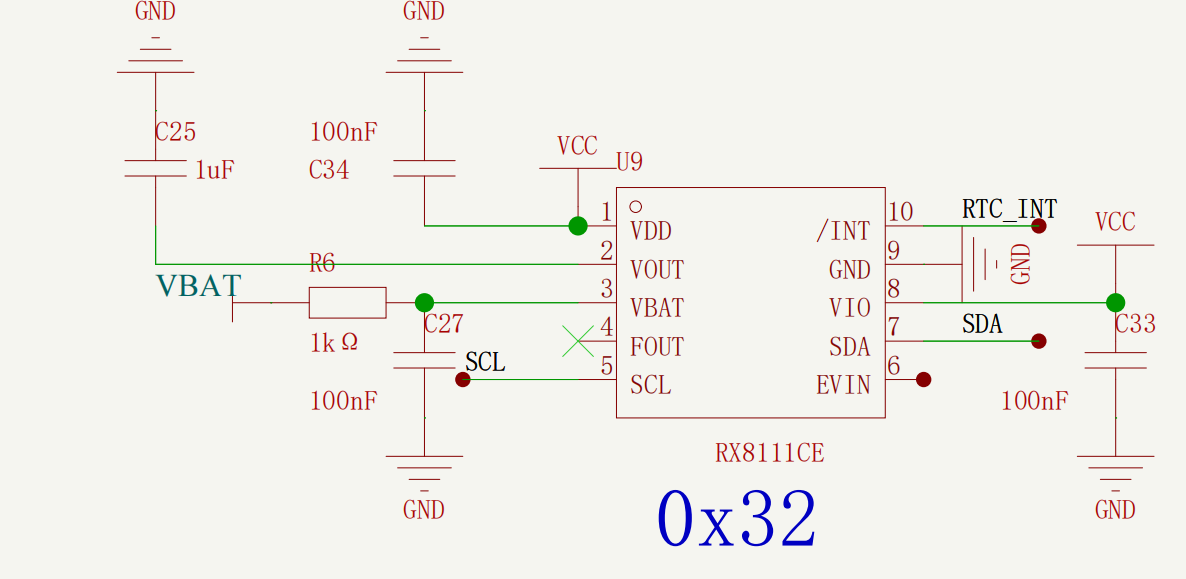
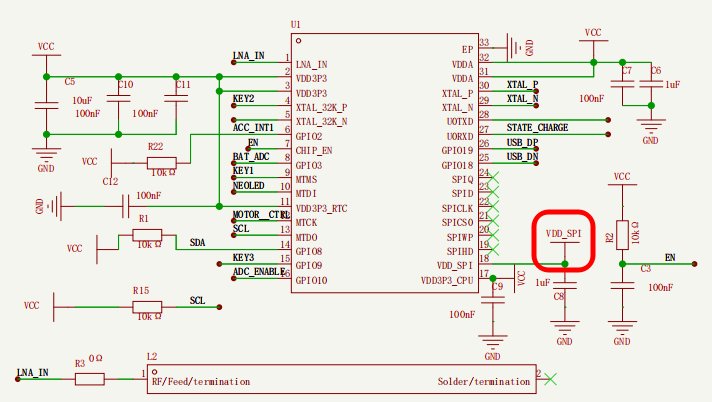
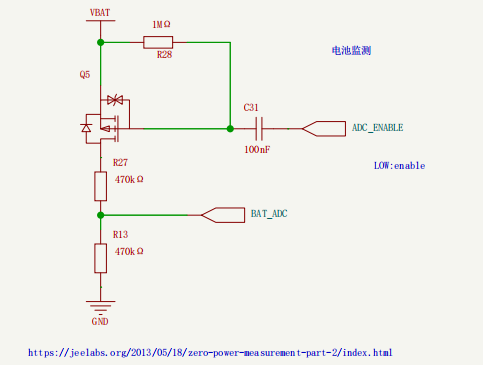
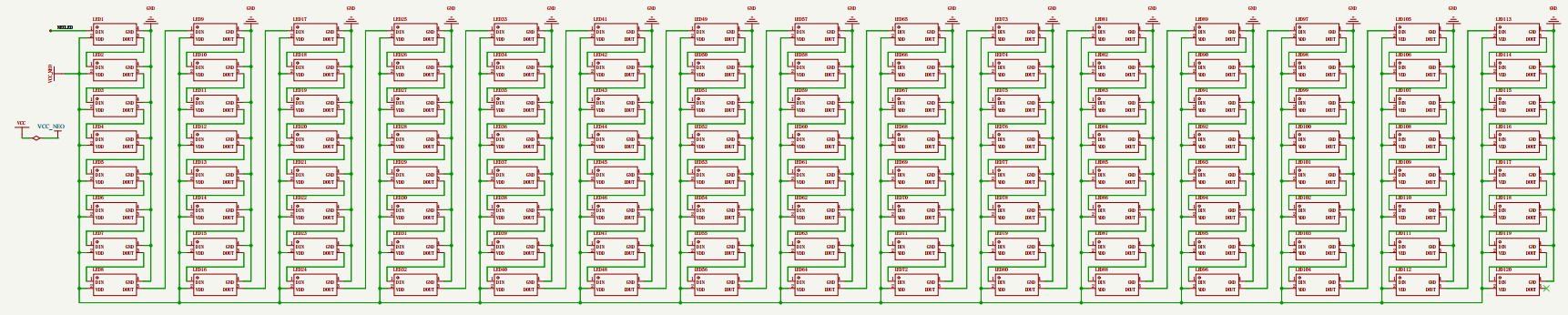
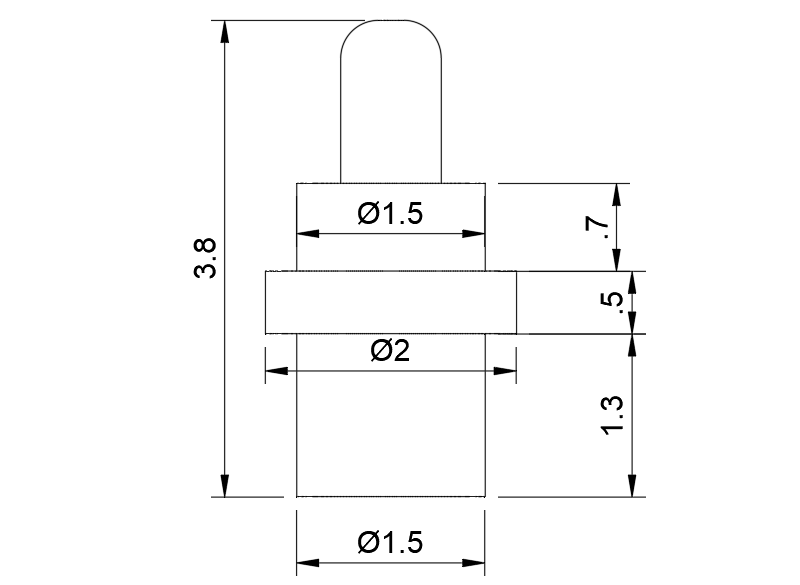
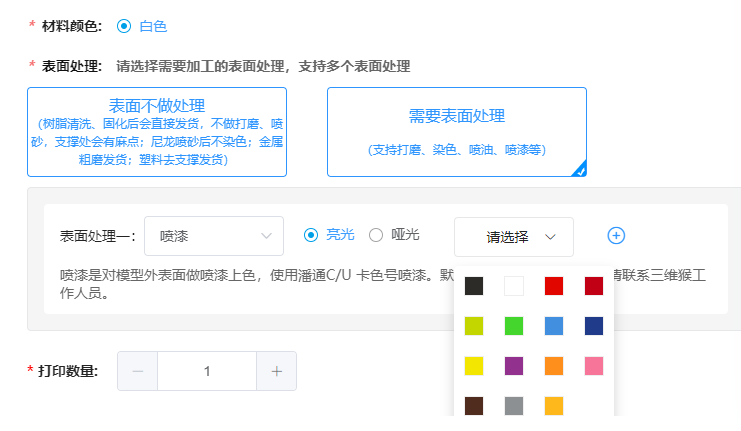
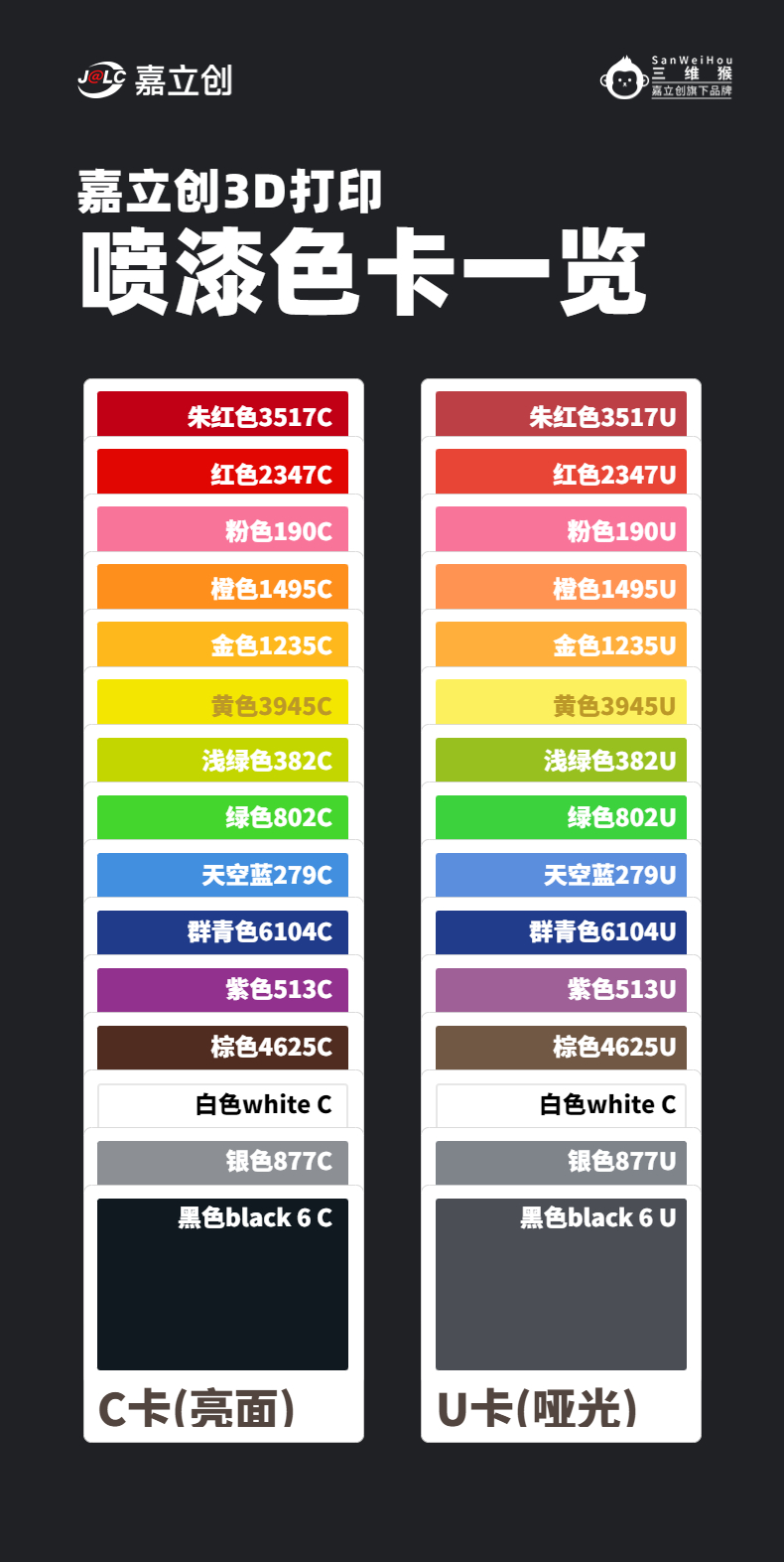
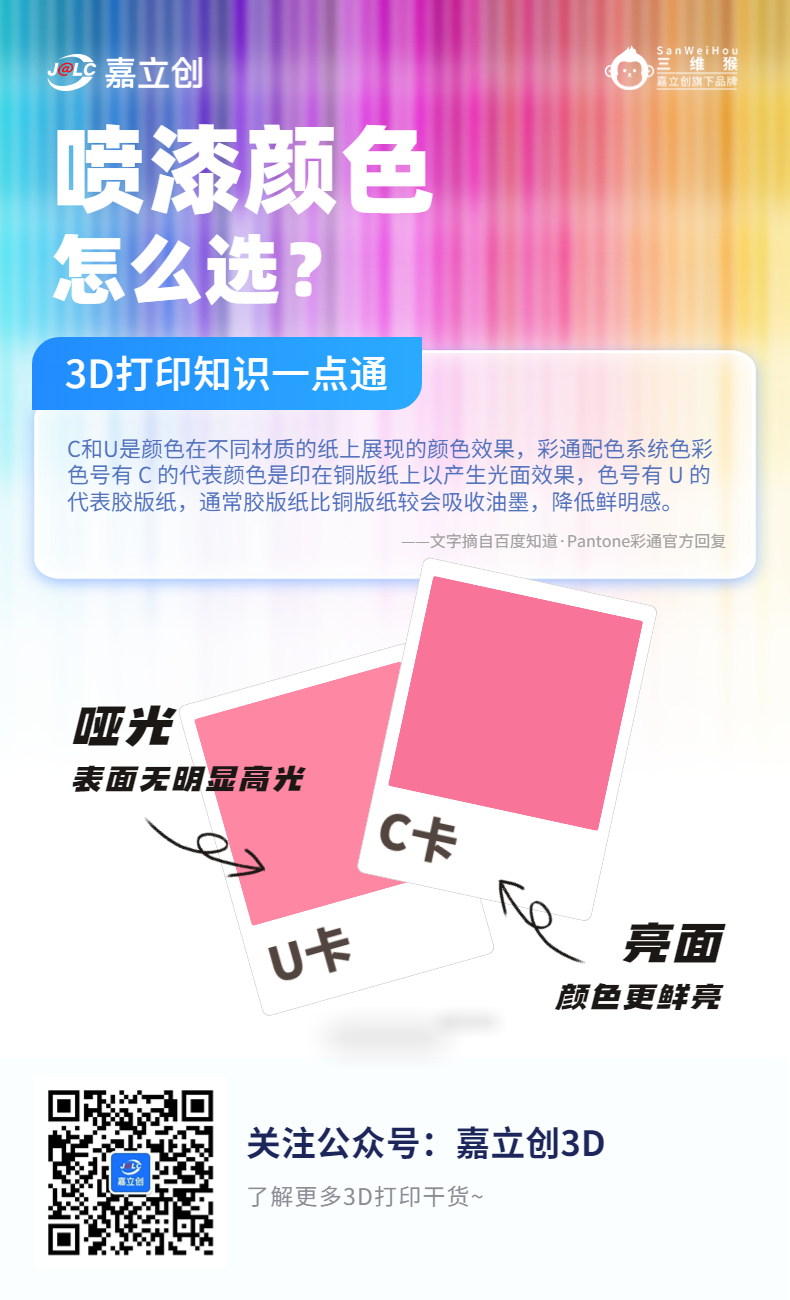
4P magnetic charging and a 20mm strap. A 3D-printed transparent exploration version would be great, with a transparent panel. Note: Due to the use of many colorful LEDs, they generate a lot of heat, so prolonged use is not recommended. Updating: I used 3D Monkey's painting service; the effect is fantastic. I especially recommend the bright colors. The surface has a glossy finish and feels good. Let's take a look at some assembled pictures. The board is currently working normally. Please use PCB License version 1.3a. Hardware design and structure related content is licensed under Attribution-NonCommercial-ShareAlike 4.0 International (CC BY-NC-SA 4.0) The low-power strategy in this hardware project primarily involves supplying power to necessary circuits and cutting off power to unused ones to avoid unnecessary power consumption and thus increase standby time. In standby mode, only the RTC chip is powered, while all other chips are powered off. The area that is always powered is the RTC chip RX8111CE, which is directly powered by a lithium battery to ensure the normal operation of the calendar time, as shown in the figure below. The MCU is only powered when in use, and the overall 3.3V supply is mainly controlled by the power switching of the VDD_SPI inside the ESP32C3. When not in use, the MCU and LDO are directly powered off. The battery measurement section is also powered off. In order to greatly reduce power consumption, the following control circuit is used to disconnect in time to prevent current consumption caused by resistors. The LED matrix uses 15x8 colorful LEDs, which has good color control. Multiple effects can be achieved with one I/O. Before powering on, you can press the down button to enter the ESP32 download mode. A serial port will appear on the computer to download the Mpy firmware. See the attachment for details. Install it according to the instructions on the webpage. MicroPython - Python for microcontrollers. Then follow the command line operation in the website. You can also download the flash from Espressif. The tool is used to flash the firmware. Then, the program file is copied to the board. Thonny or Mu software can be used. In the config.py file, you need to fill in your own Wi-Fi information . The up button is used to connect to Wi-Fi and update the time. The middle button can switch the display content. The down button can turn off the device. Assemble: In addition to the components in the BOM, you need to prepare other parts: 2 magnets, 4mm diameter, 1.5mm thickness, 1 x 4P magnetic data cable, 4 x Pogopin , 1 x panel , 1 x 20mm watch strap , 1 x 3D printed structural part. The PCB board thickness is 0.8mm. Multiple sensors are optional. RX8111 is a must. Panel printing part: The frame is provided. It is recommended to use frosted acrylic, 1mm, with adhesive backing. Replace it with your favorite picture to print. 3D Printing: The pressure plate.stl file in the 3D printing.zip attachment is recommended to be printed in black. The other files are according to your preference. The 3D Monkey LEDO 6060 resin supports spray painting service. It is recommended to use glossy finish. See the picture below for details. Please refer to the official website.








 京公网安备 11010802033920号


 1637440000



