 Actual test results: magnetic lamp *2, the brightness of the center of the desktop can reach 500 lux. This is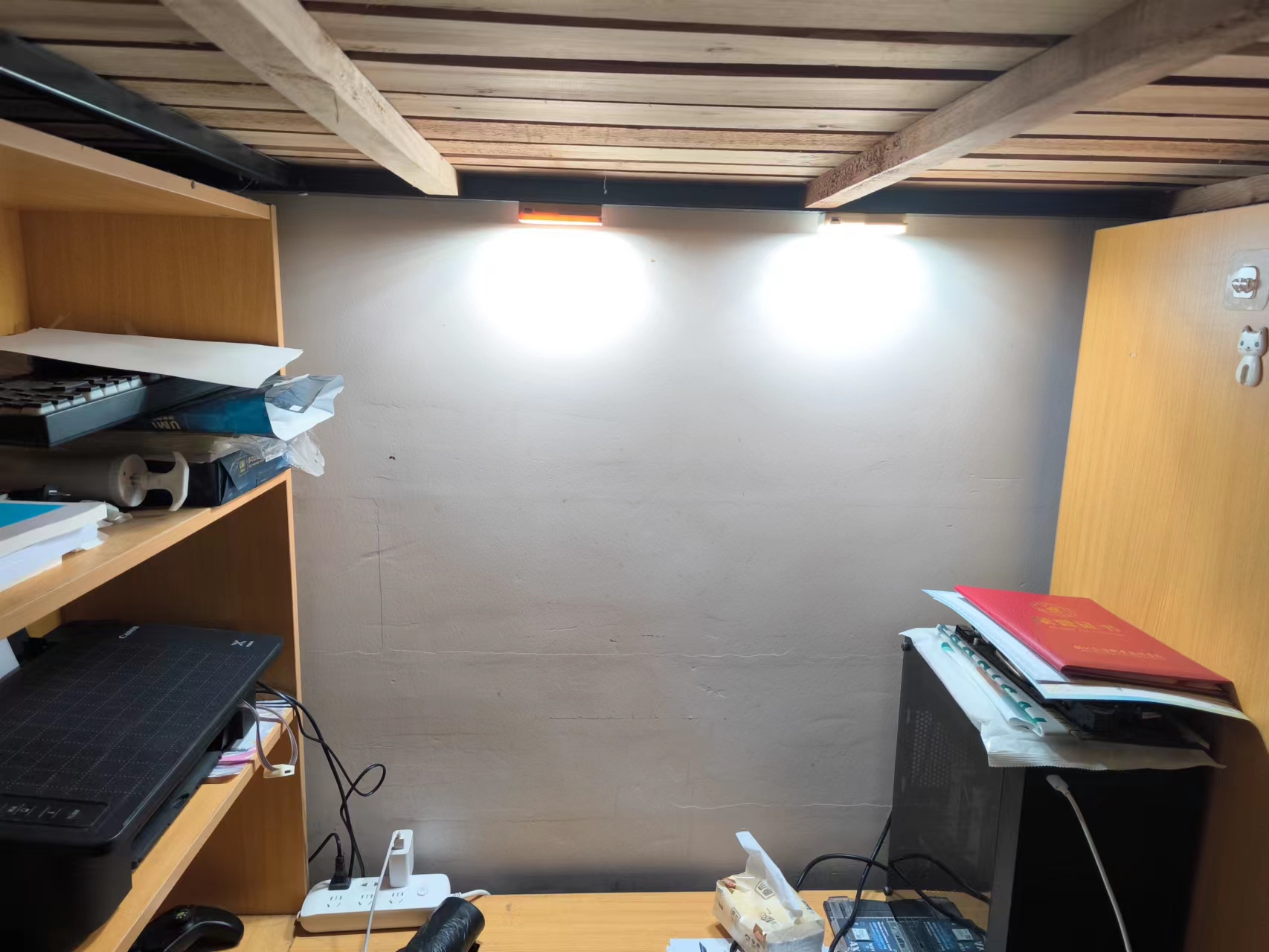
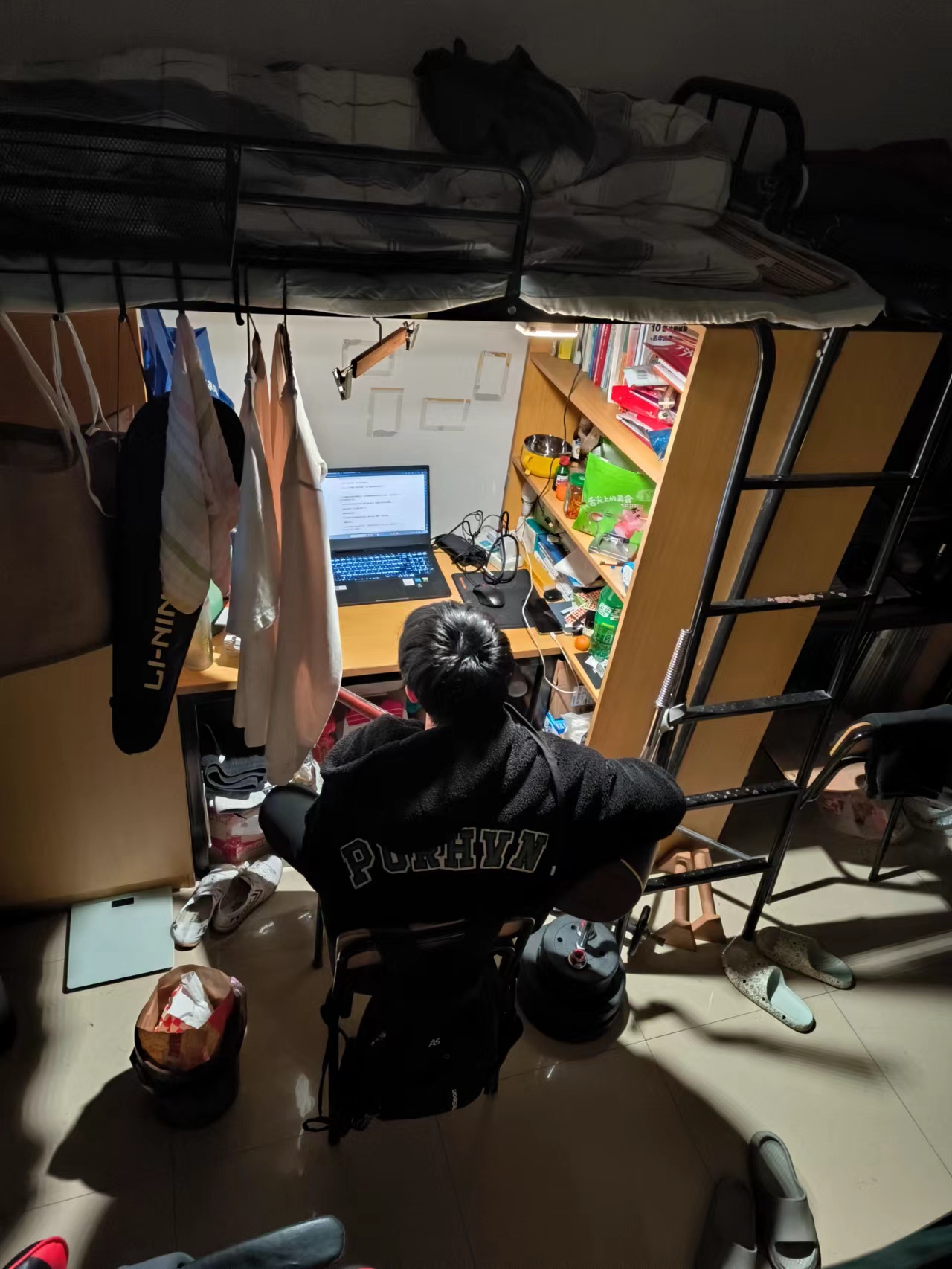 ! The power consumption at full brightness is very high, reaching over 20W, and the battery can only last for 30 minutes.
  LED constant current driver uses high-frequency PWM dimming, maintaining a 60kHz@9bit dimming frequency at a 10MHz CPU frequency. Photodetector testing showed no flicker.
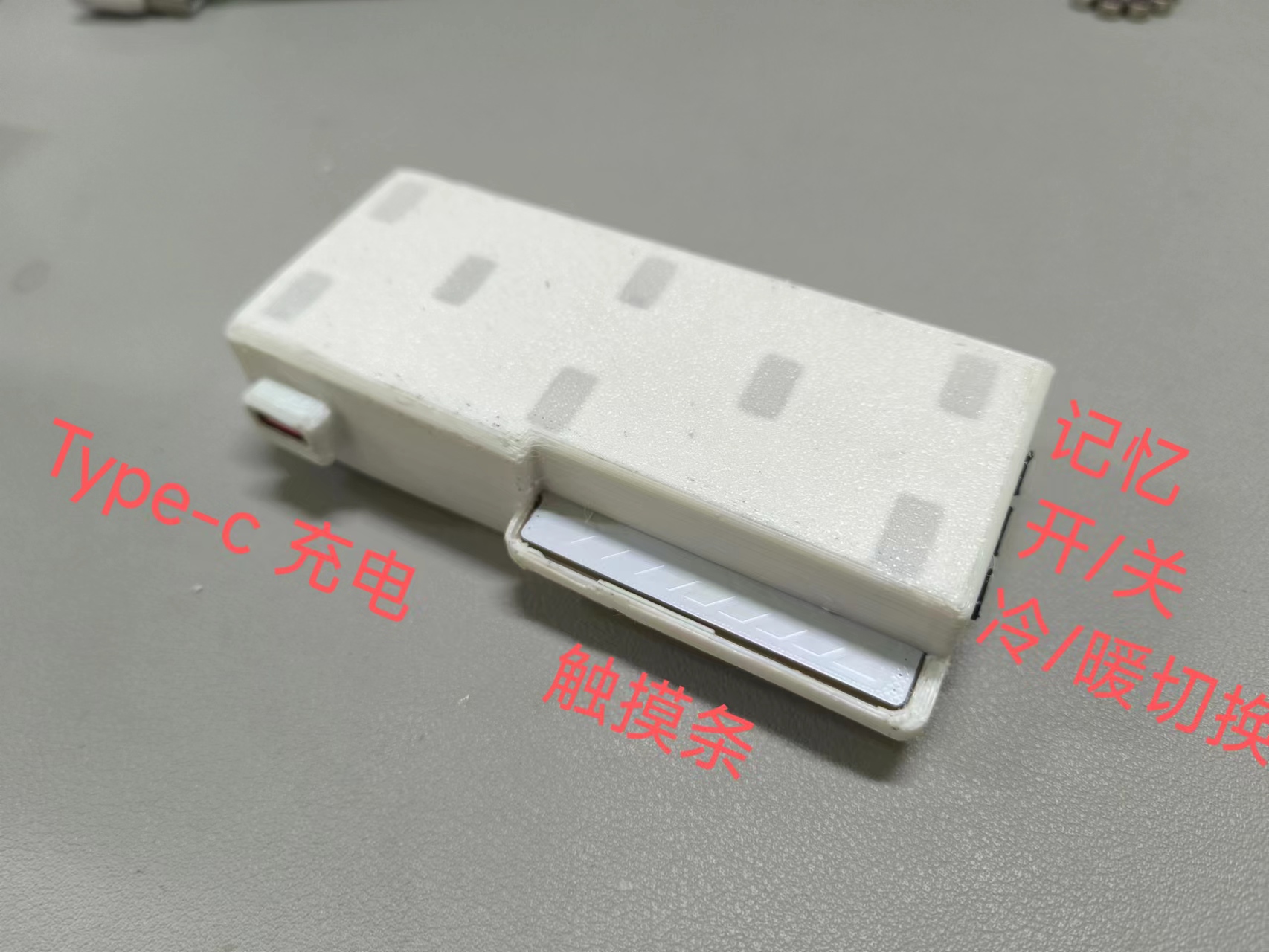
 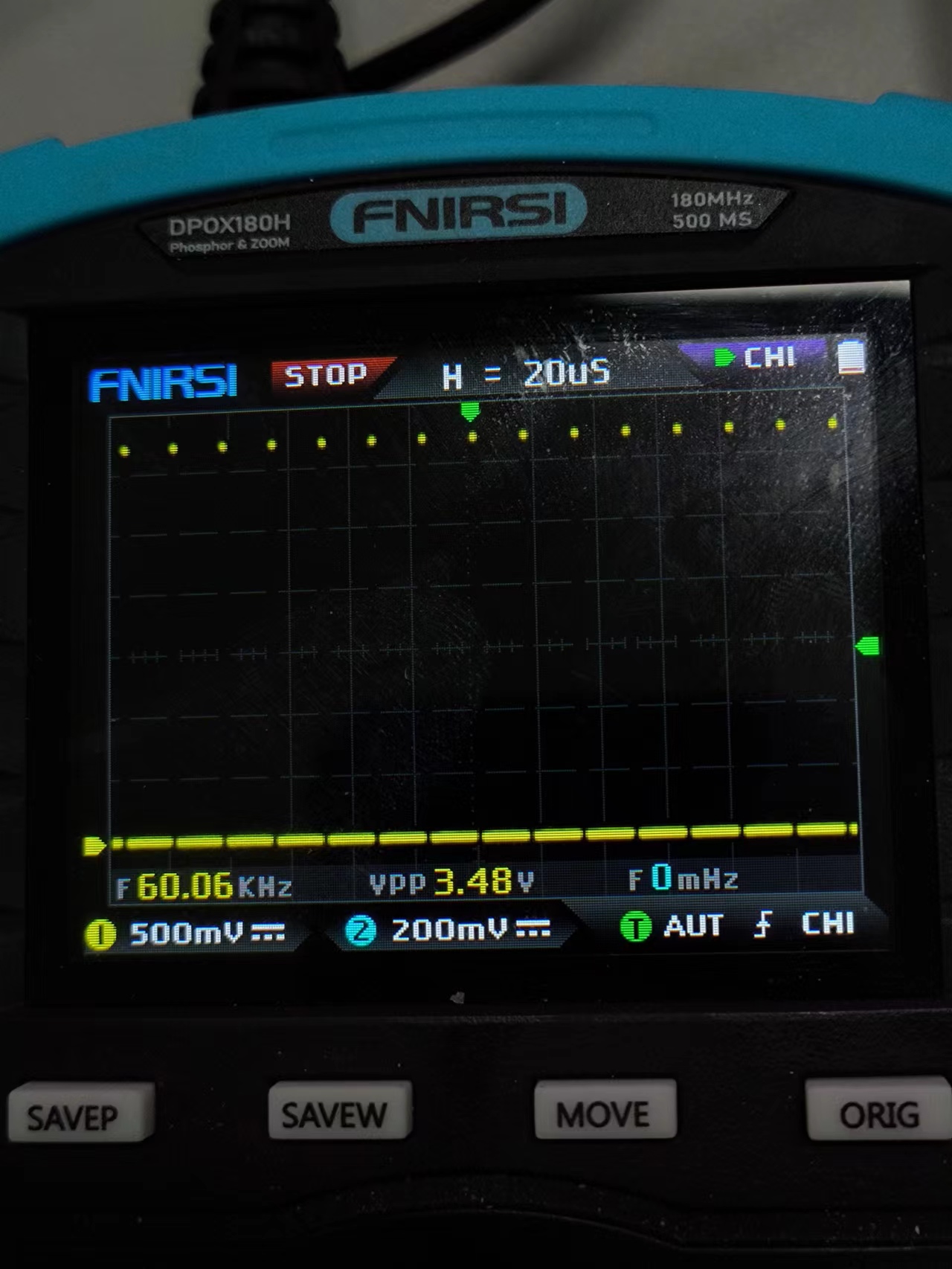 As for why such a high-end SOC like the ESP32S2 is used in the lamp... espidf has a touch component, including the touch slider for this project, but hardware support is only available on S2 and S3 models.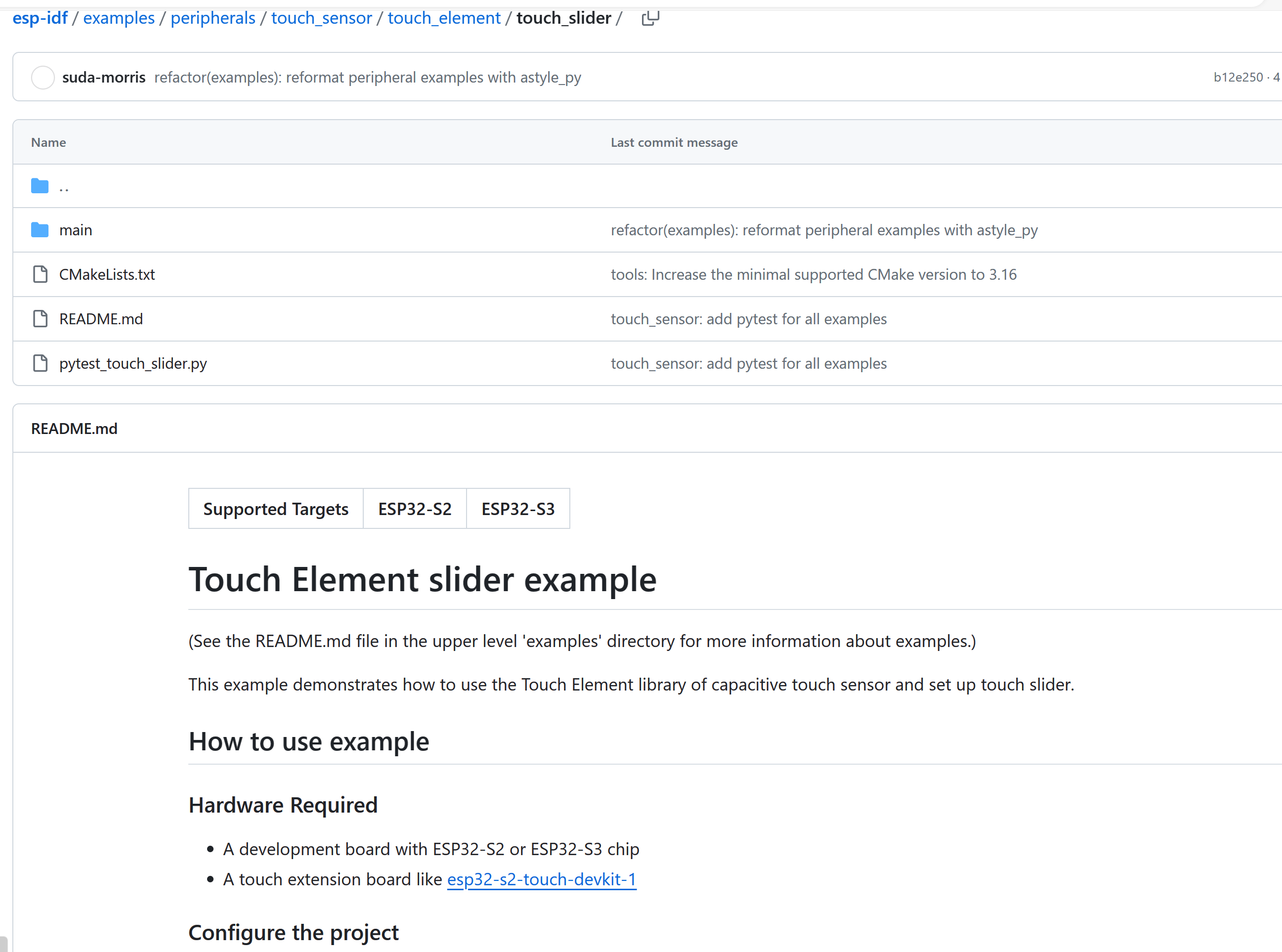
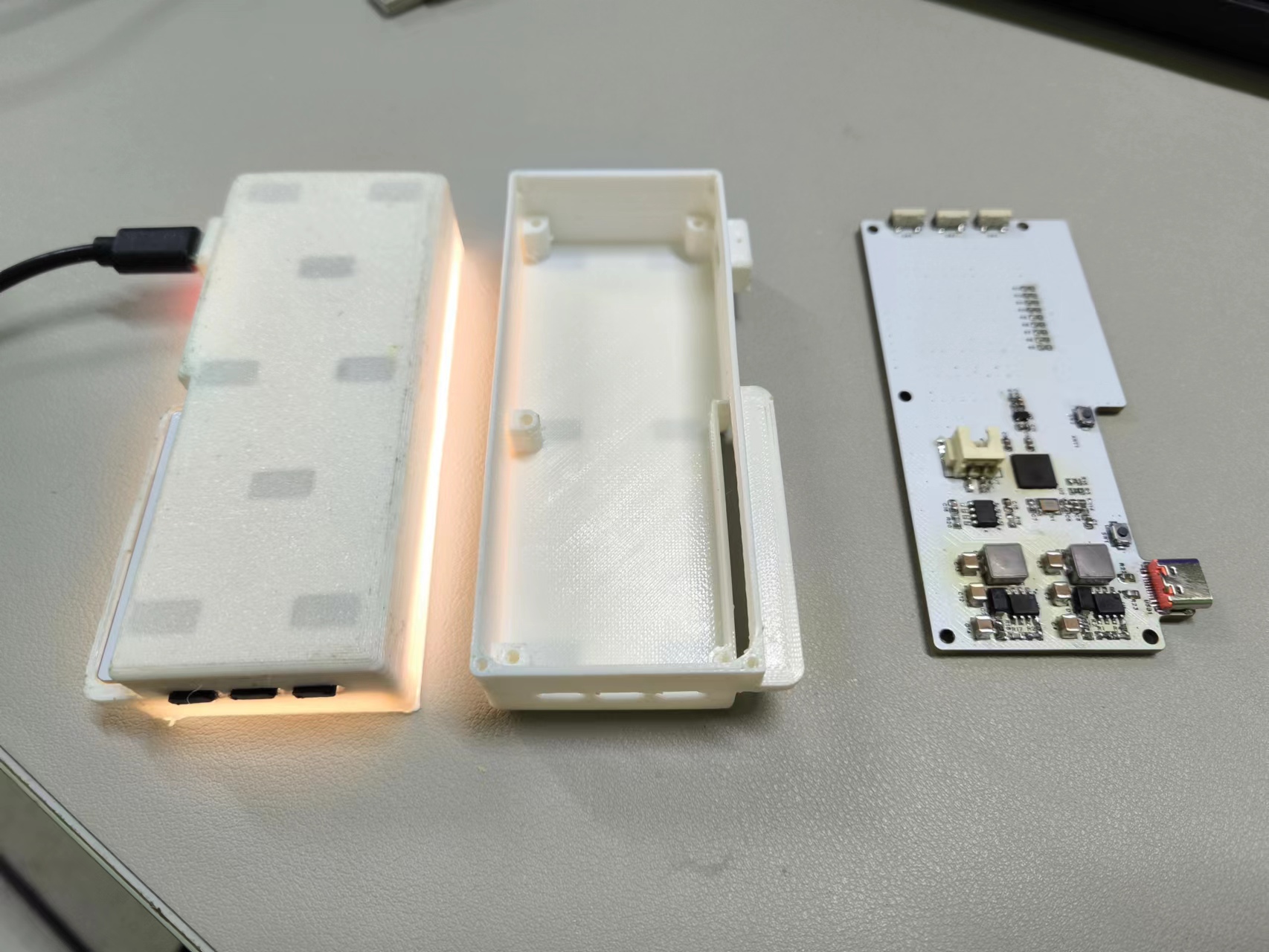 . The 1200mAh battery can be connected using an XH2.5 connector or soldered directly. It's recommended to glue it to the board to prevent movement.
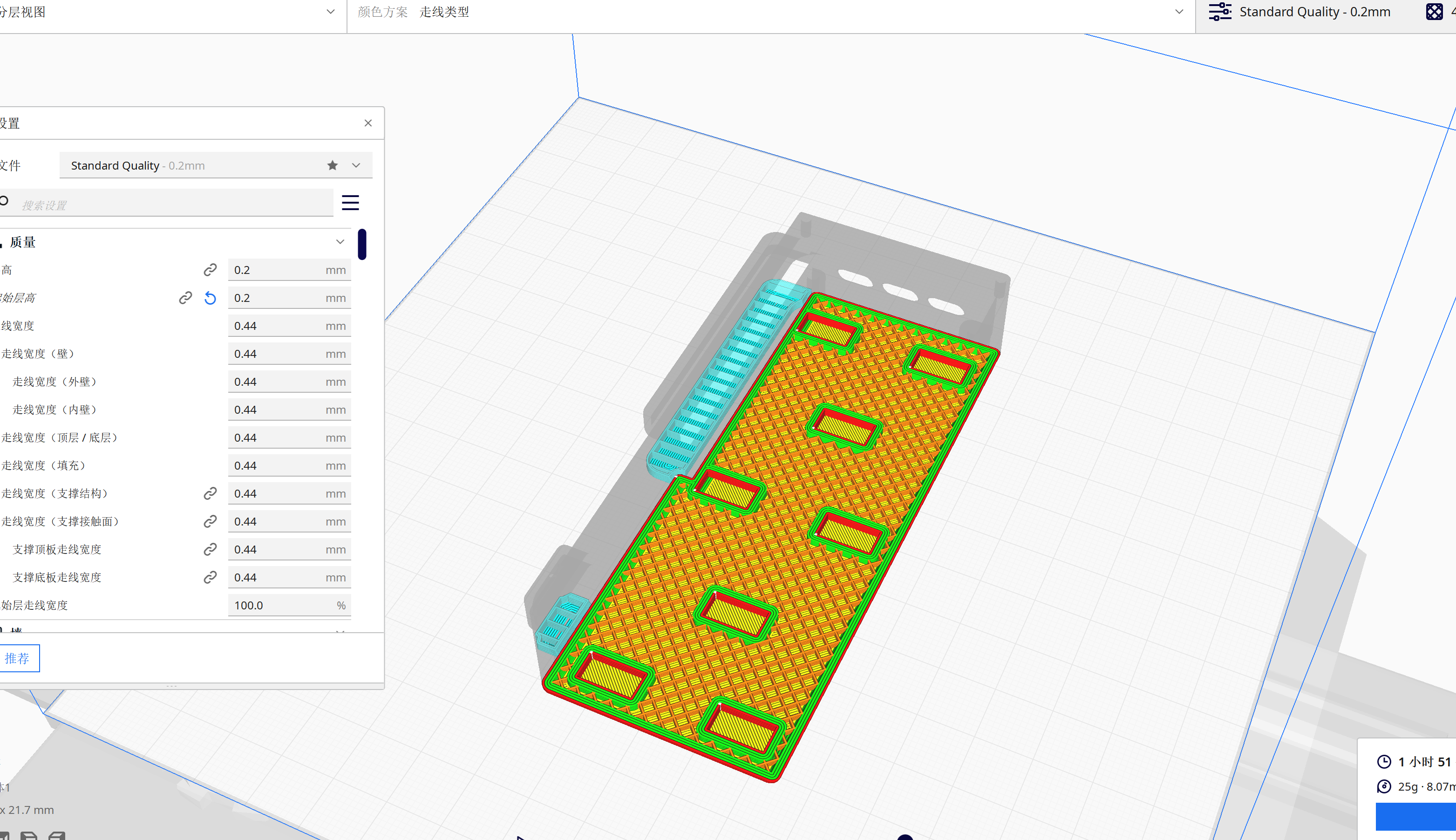
 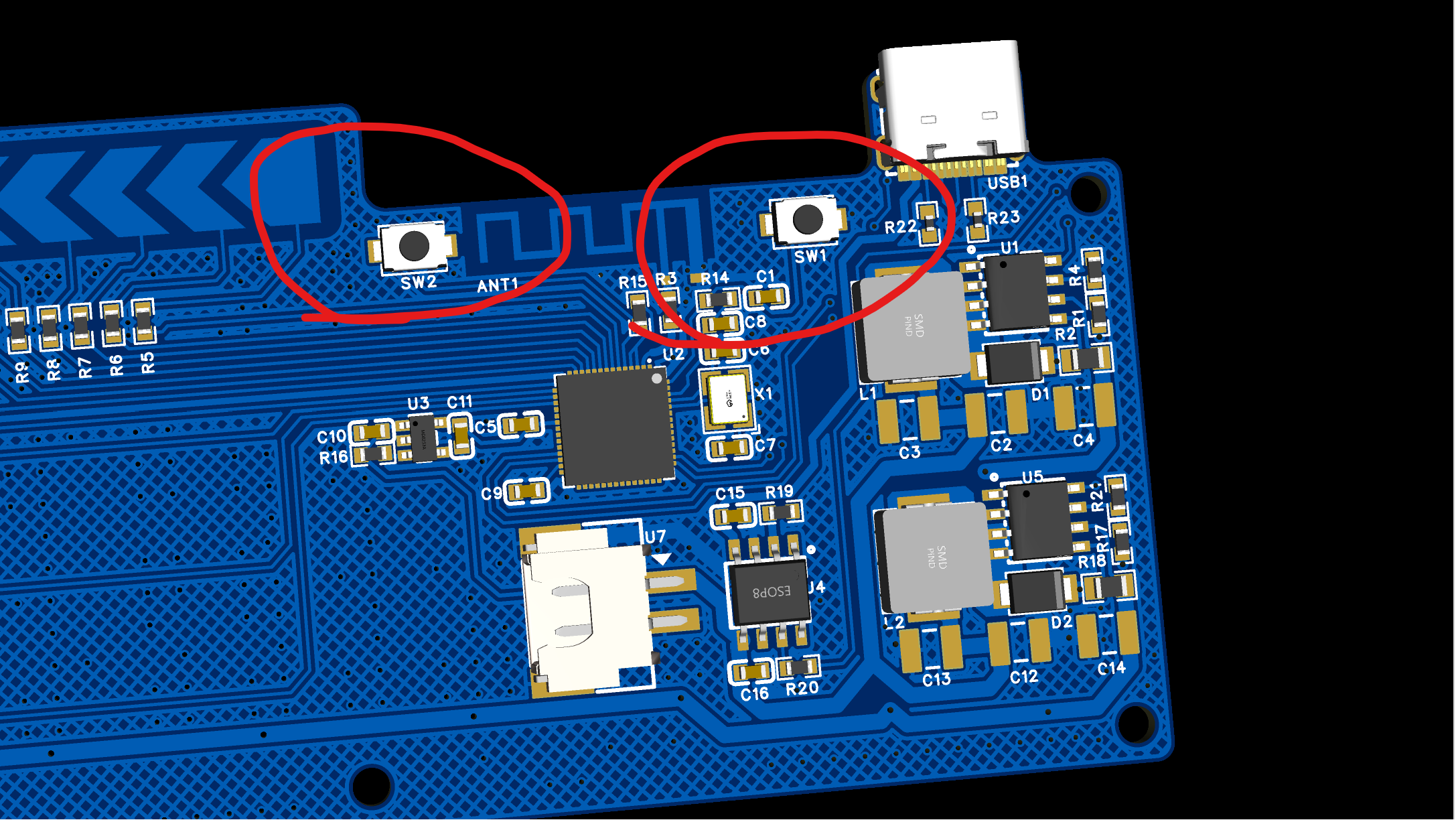 Place the button in the slot beforehand, and insert the board diagonally into the casing, pressing firmly in the direction of the arrow.
 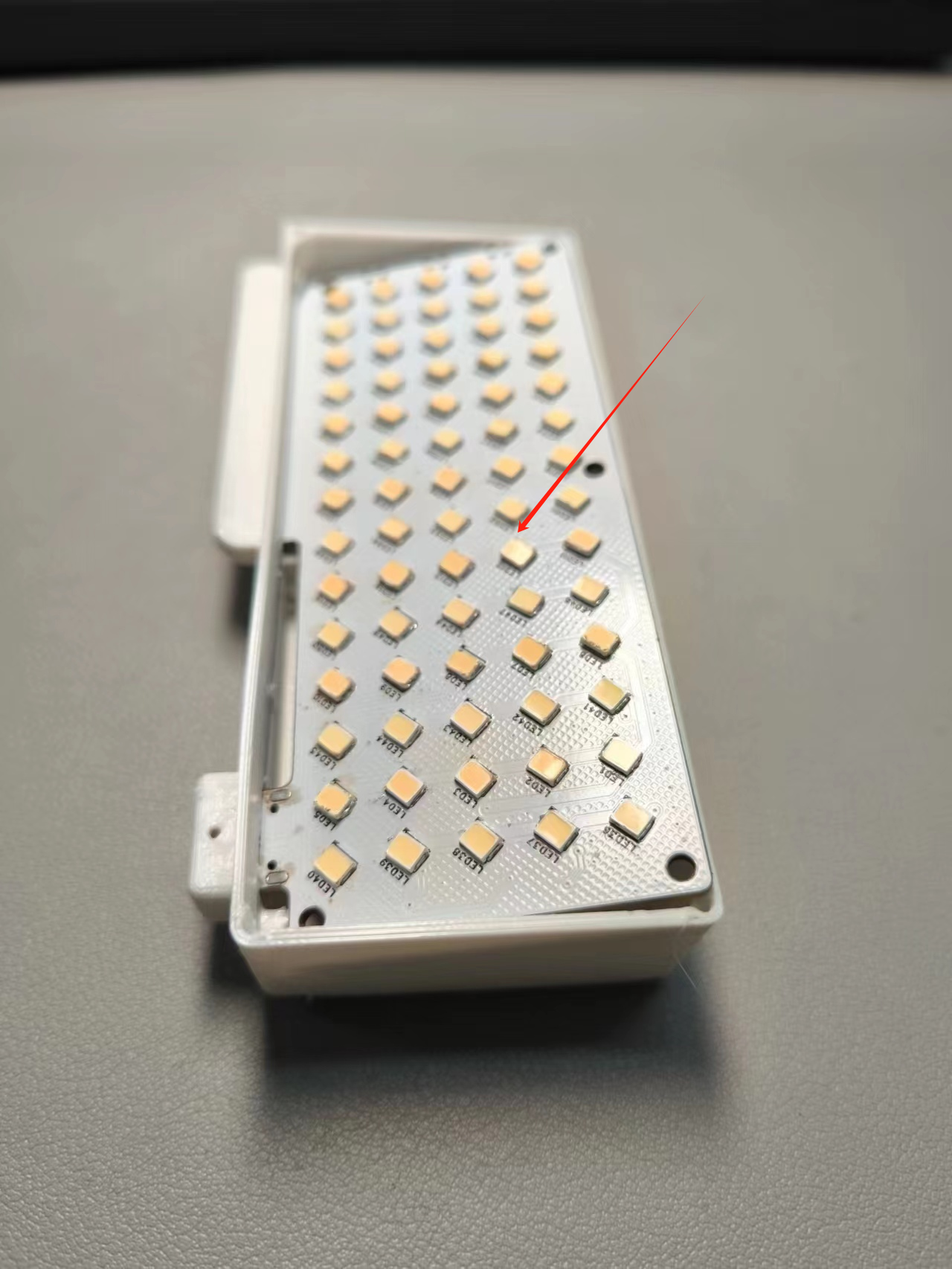 Due to printer performance limitations, the rounded corners of the casing may not align perfectly with the board, resulting in slight misalignment, but this does not affect usage.
 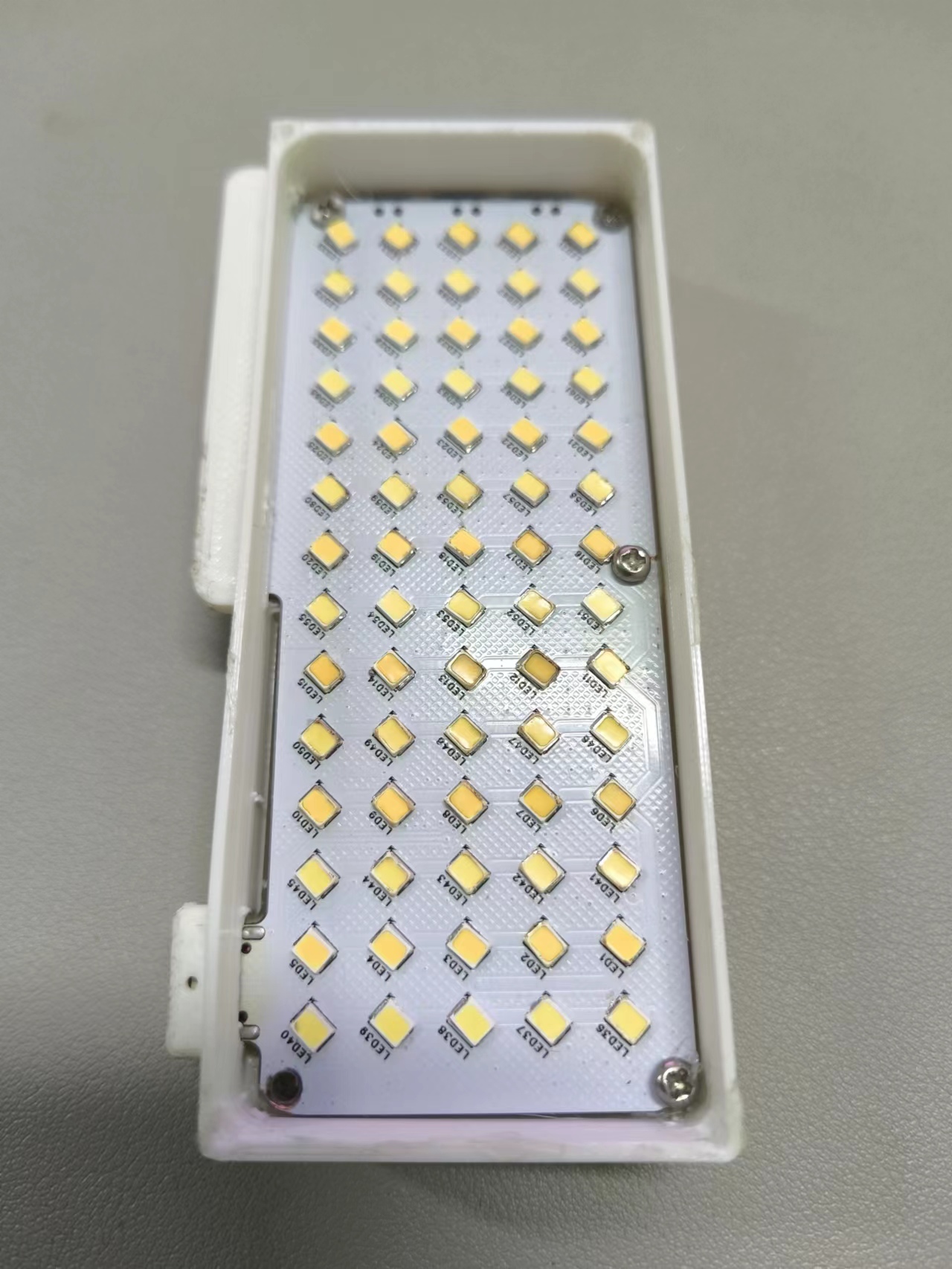 cover the light distribution plate, and secure with M2*4 screws or apply glue. This completes the process.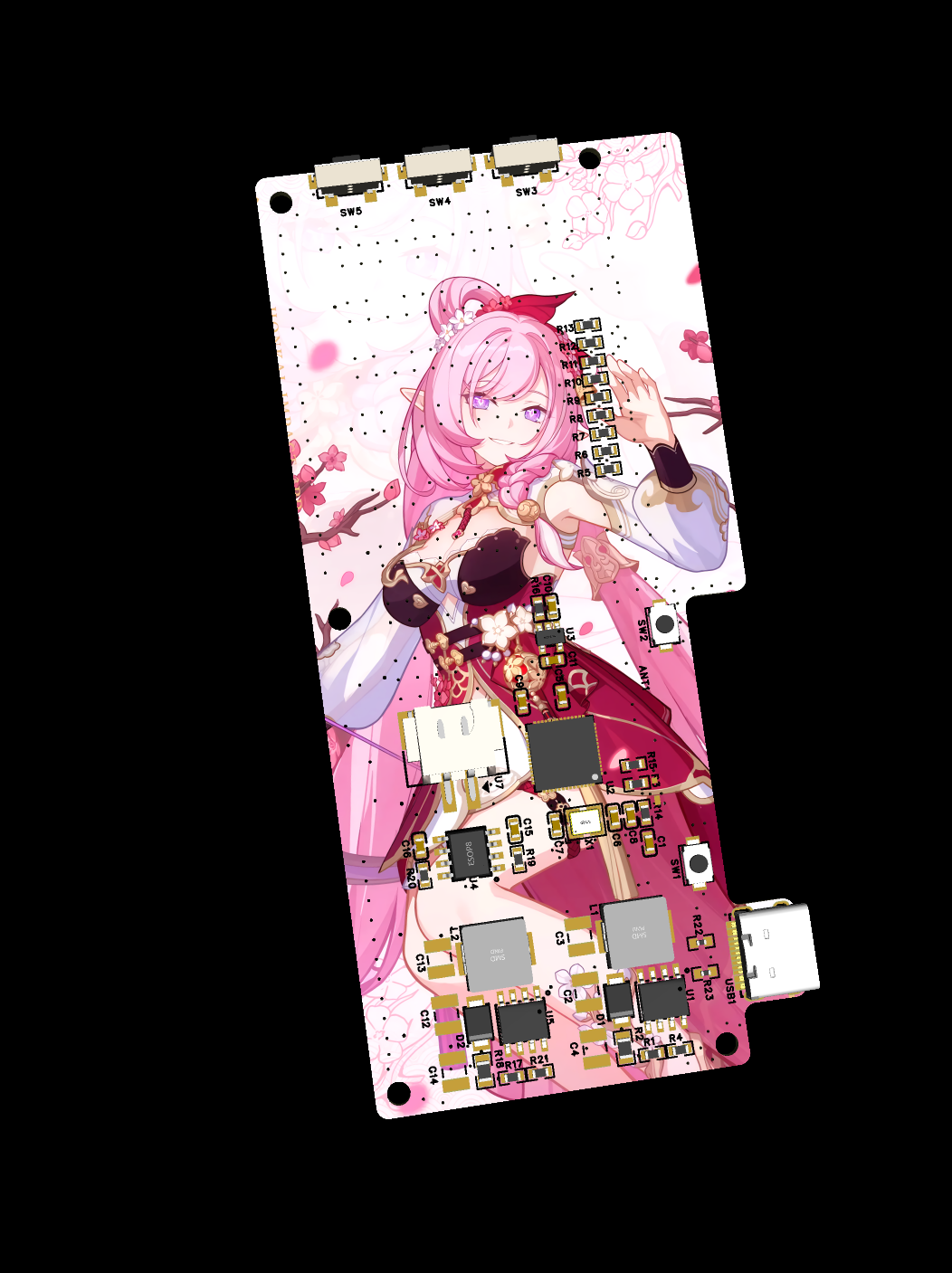


All reference designs on this site are sourced from major semiconductor manufacturers or collected online for learning and research. The copyright belongs to the semiconductor manufacturer or the original author. If you believe that the reference design of this site infringes upon your relevant rights and interests, please send us a rights notice. As a neutral platform service provider, we will take measures to delete the relevant content in accordance with relevant laws after receiving the relevant notice from the rights holder. Please send relevant notifications to email: bbs_service@eeworld.com.cn.
It is your responsibility to test the circuit yourself and determine its suitability for you. EEWorld will not be liable for direct, indirect, special, incidental, consequential or punitive damages arising from any cause or anything connected to any reference design used.
Supported by EEWorld Datasheet
EEWorld
subscription
account

EEWorld
service
account

Automotive
development
community

Robot
development
community

About Us Customer Service Contact Information Datasheet Sitemap LatestNews



Room 1530, 15th Floor, Building B,
No.18 Zhongguancun Street,
Haidian District,
Beijing, Postal Code: 100190
China
Telephone: 008610 8235 0740
 京公网安备 11010802033920号


 1N5913D-AP



