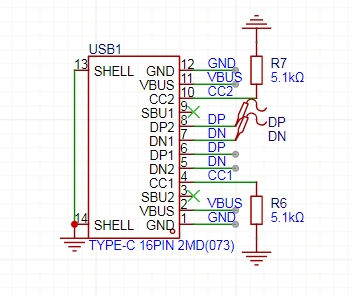
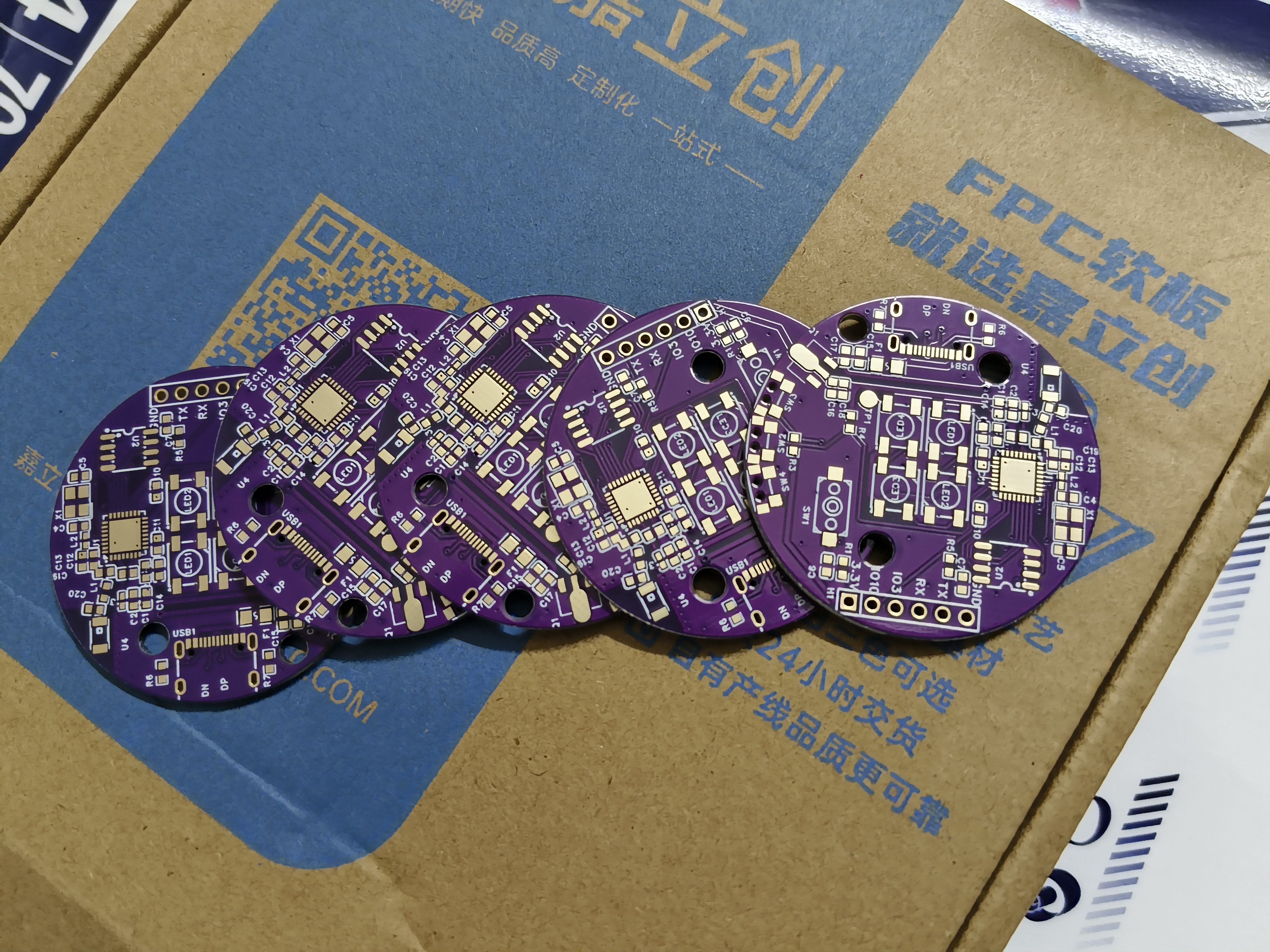
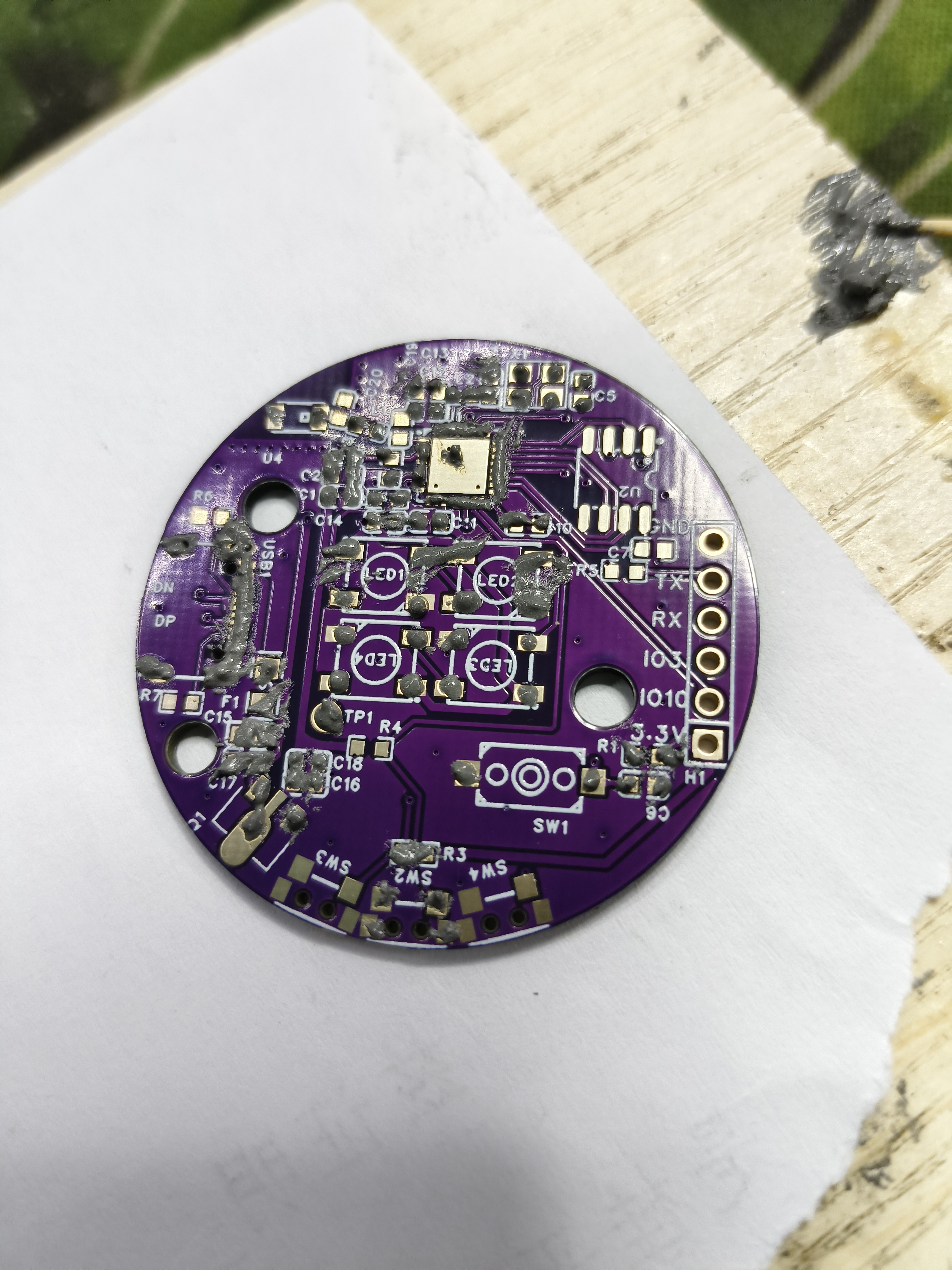
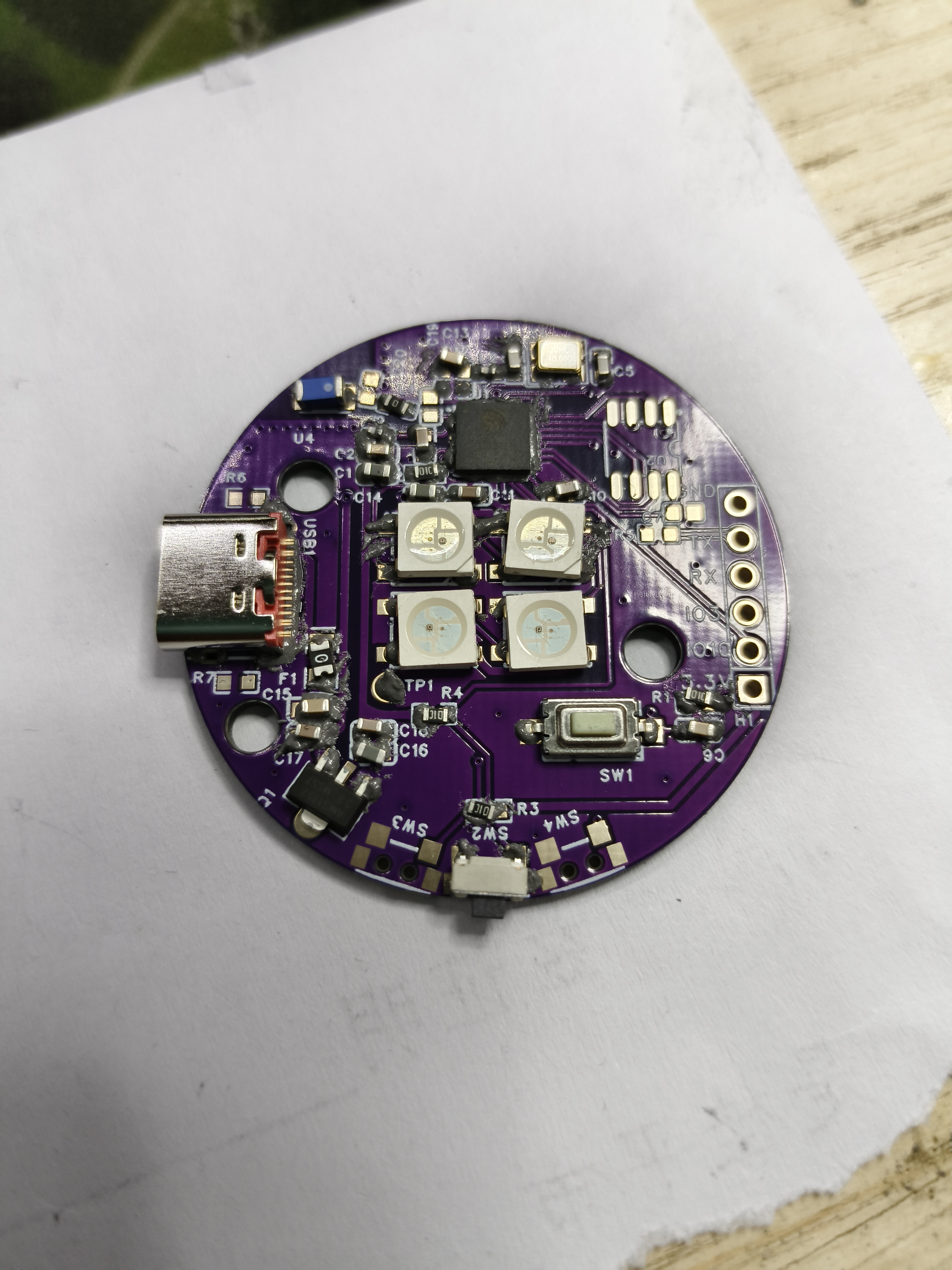
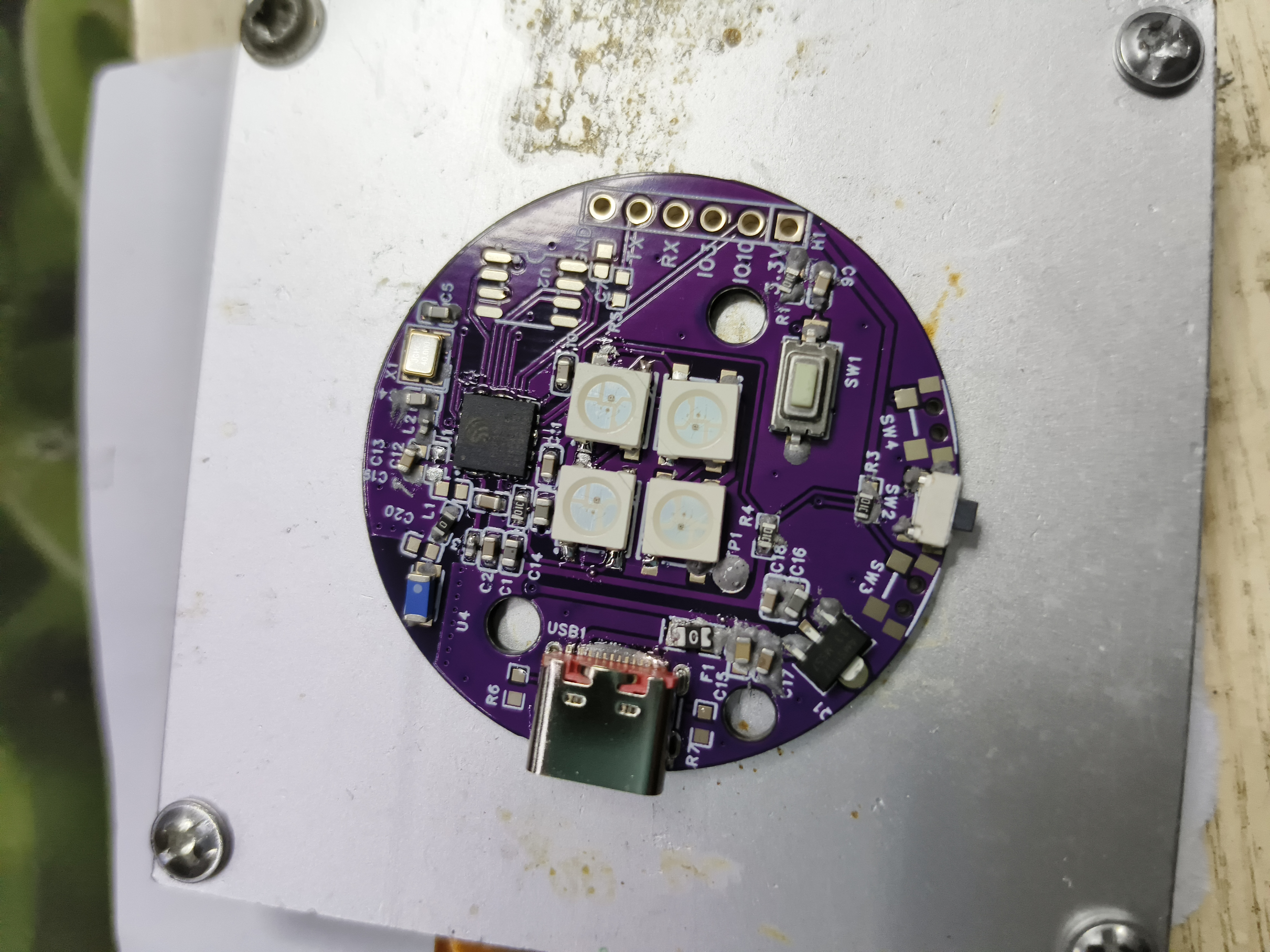
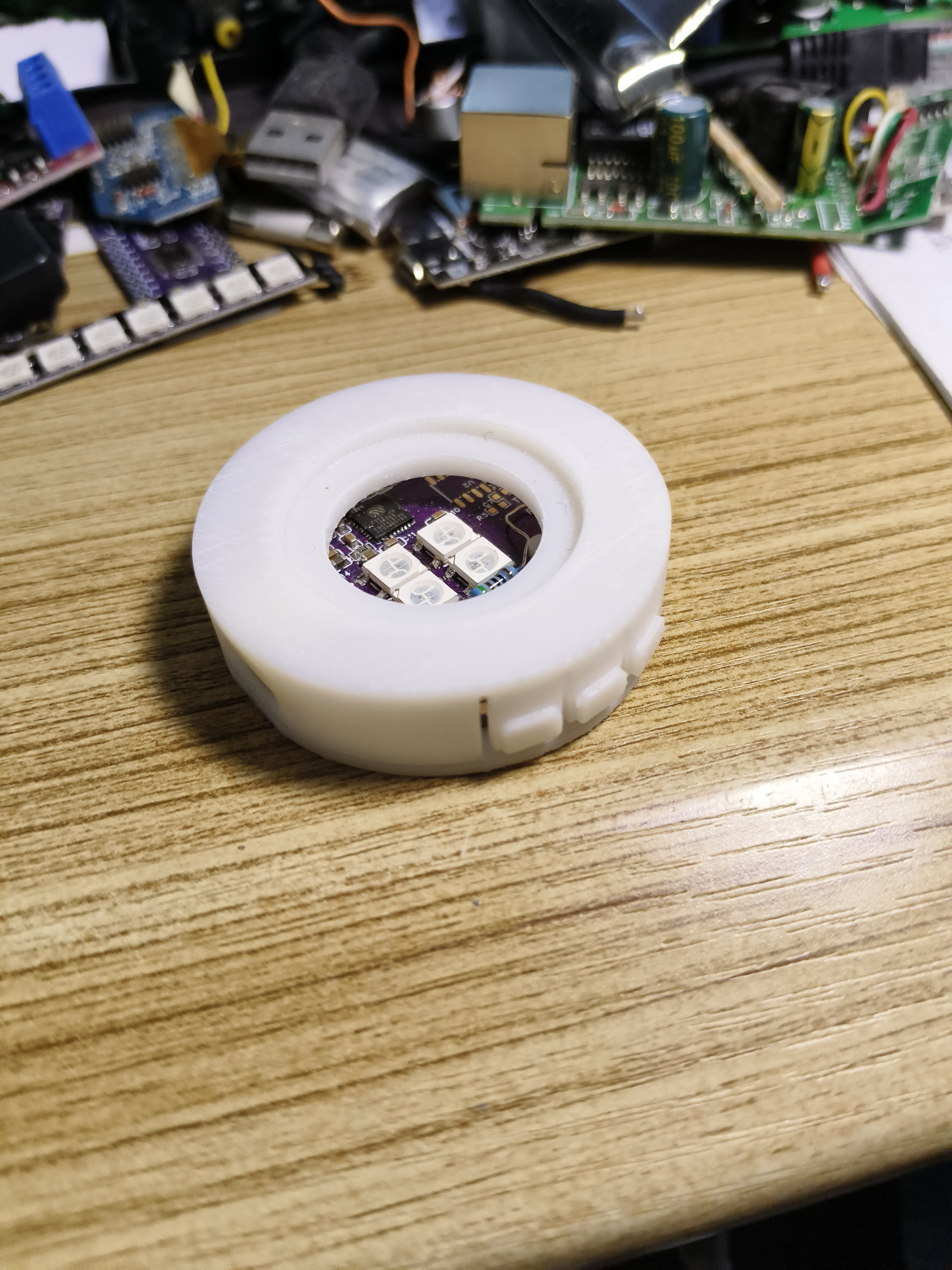
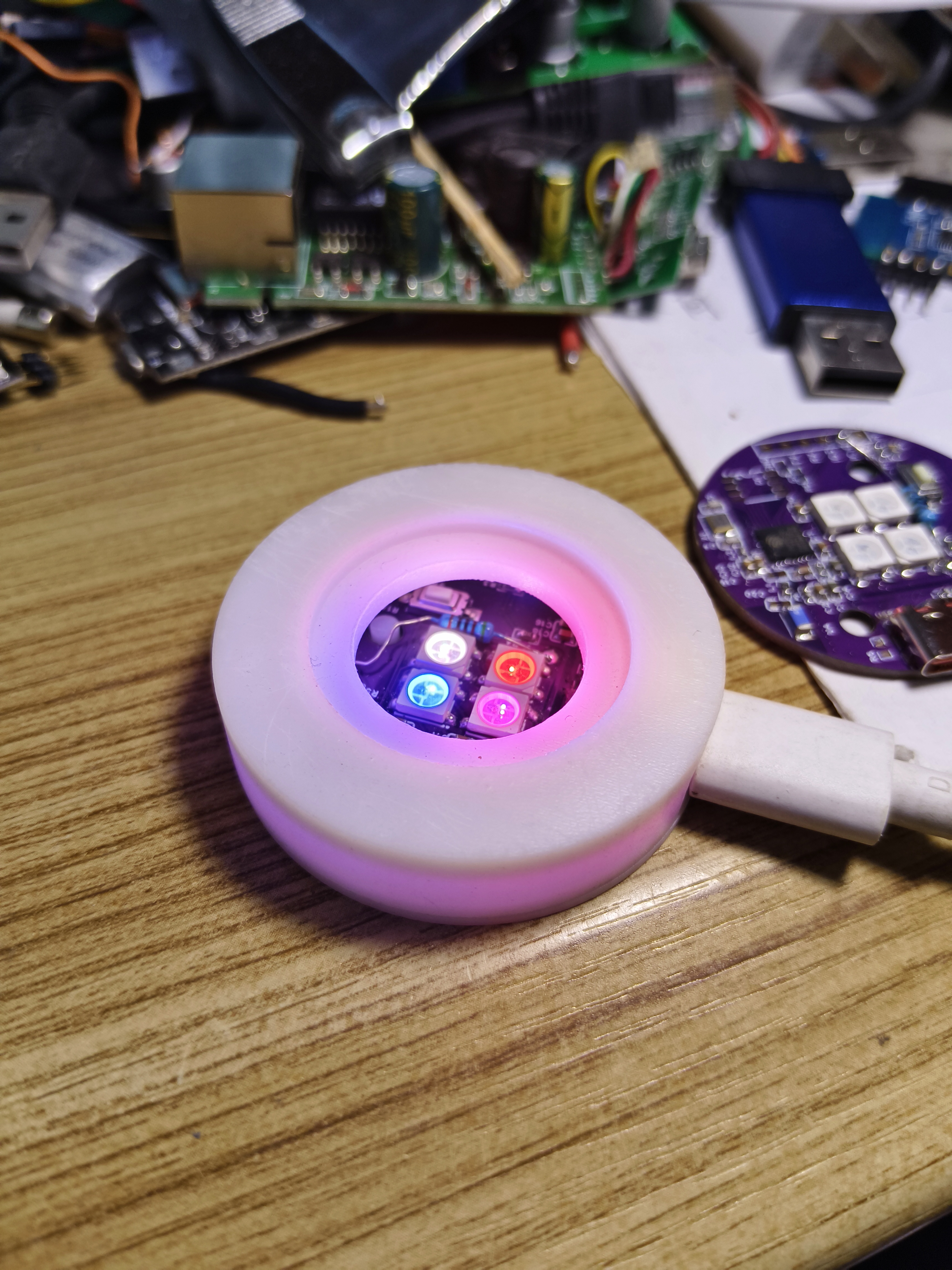
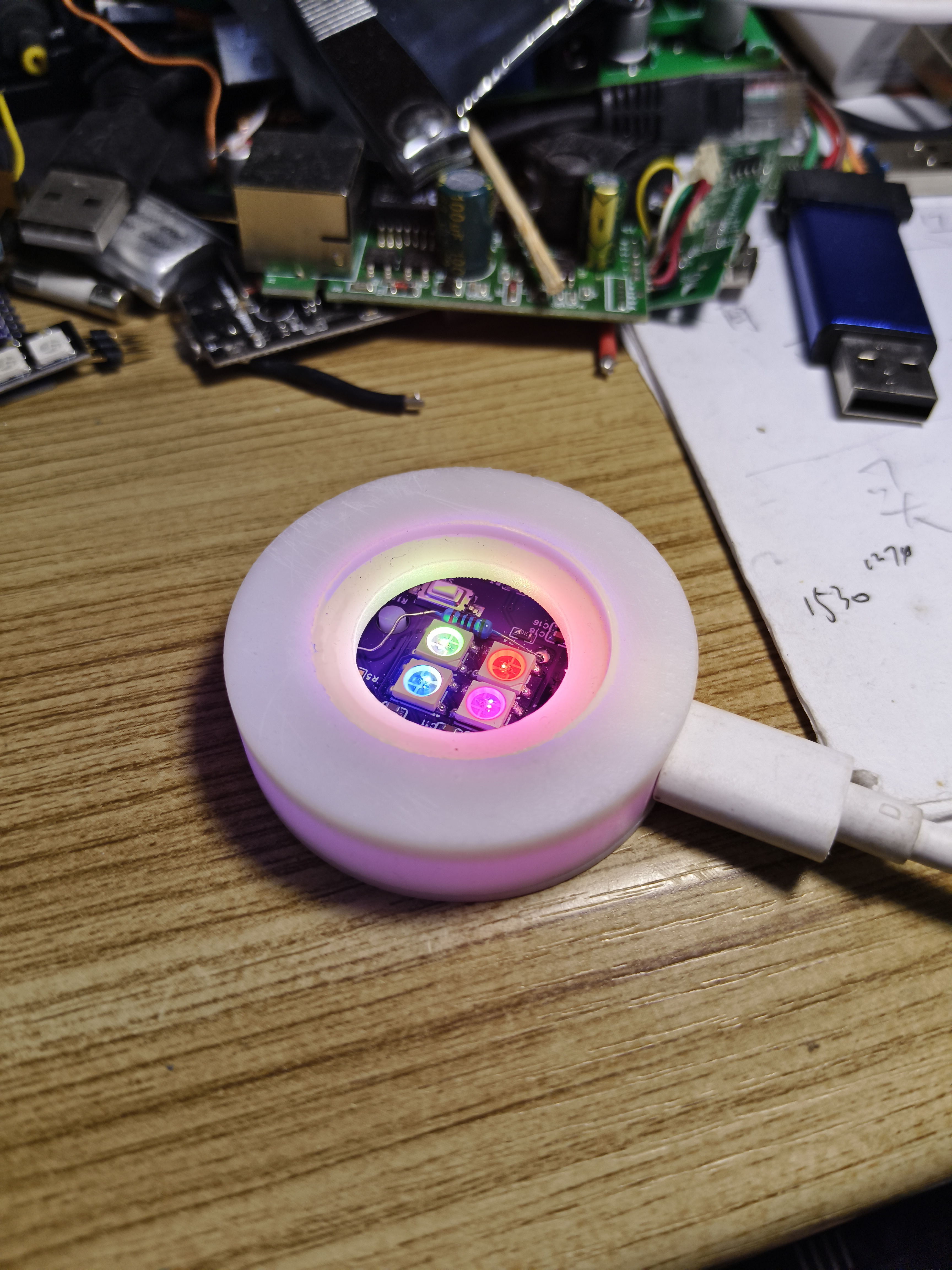
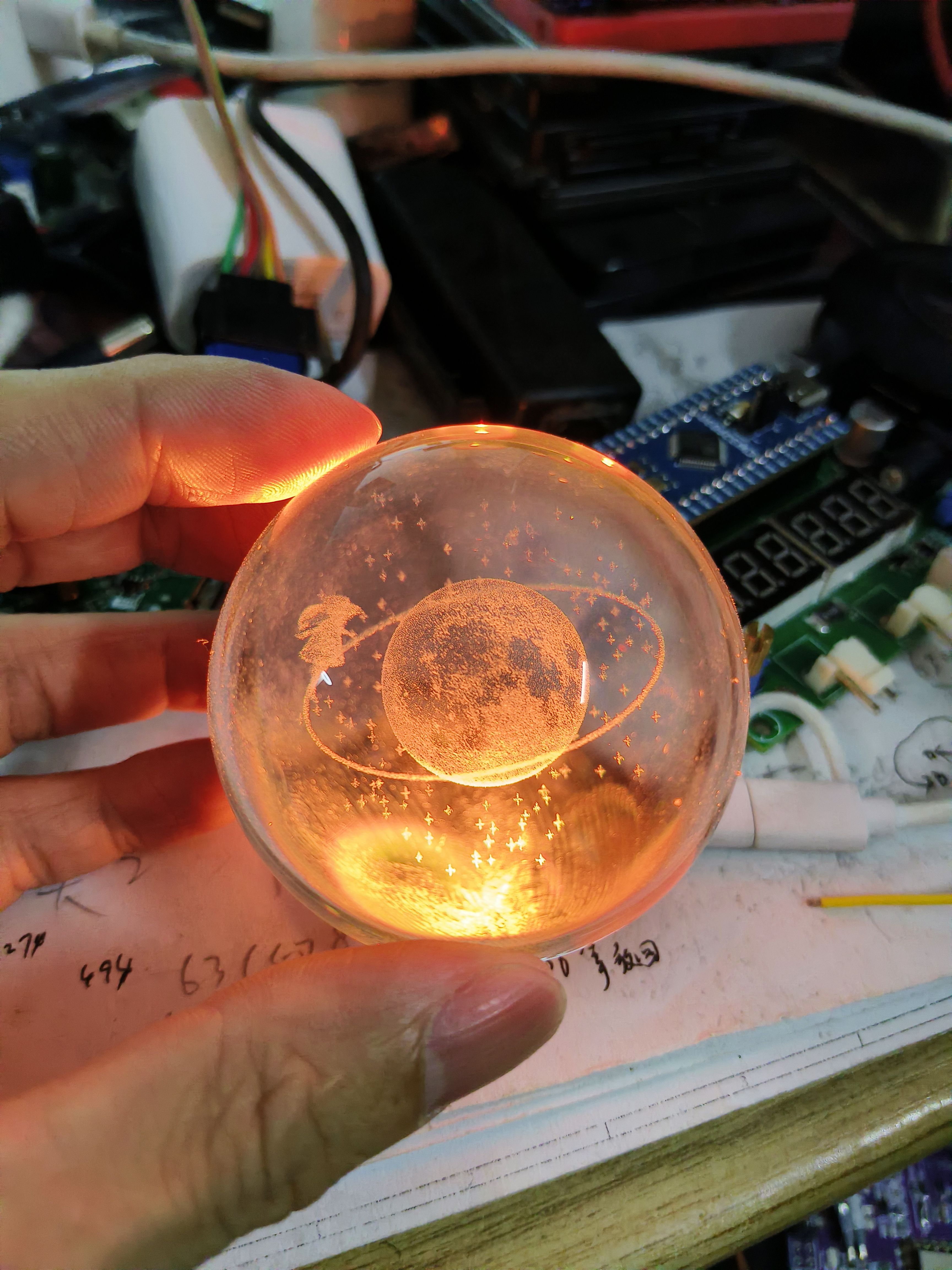
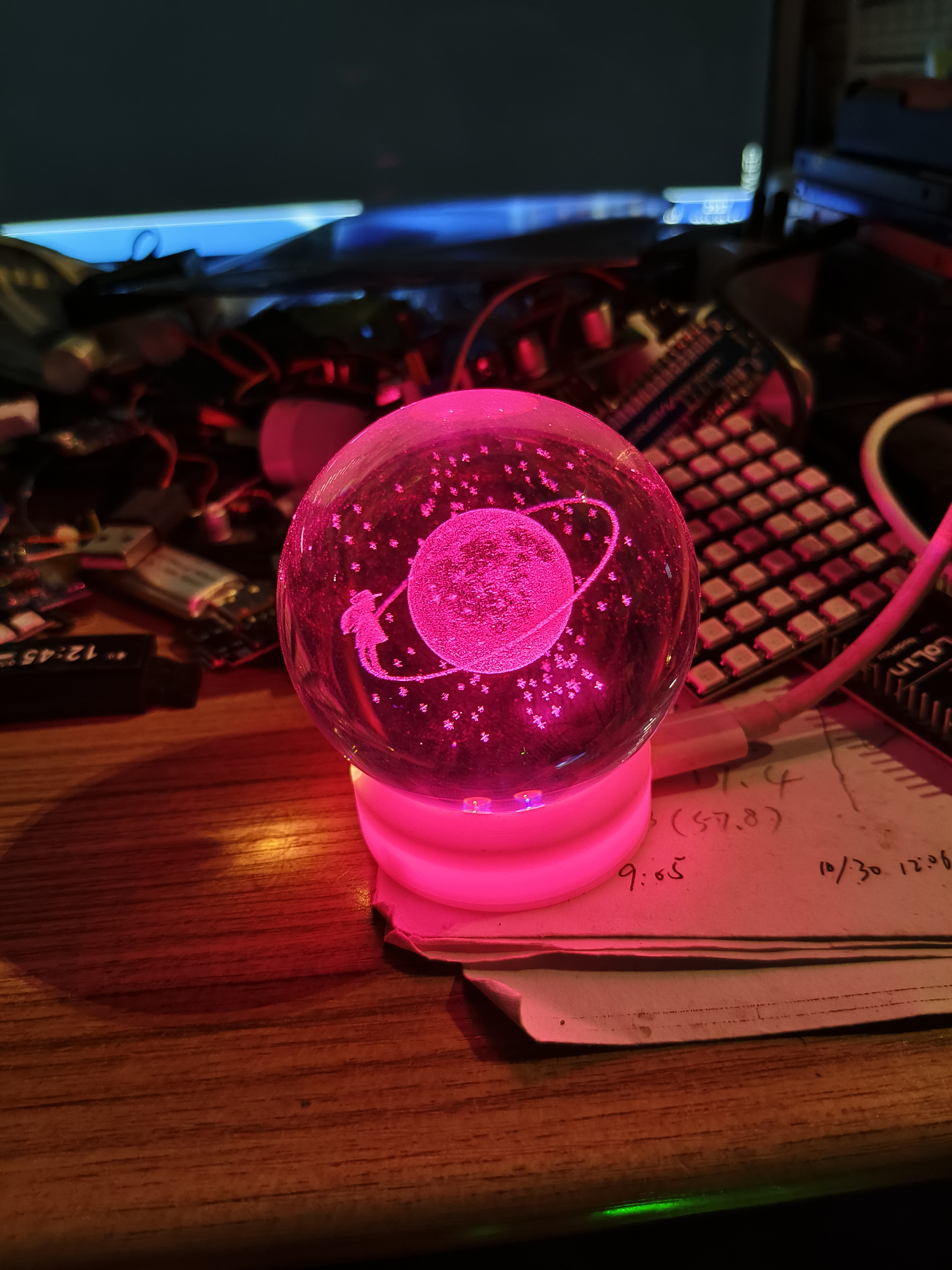
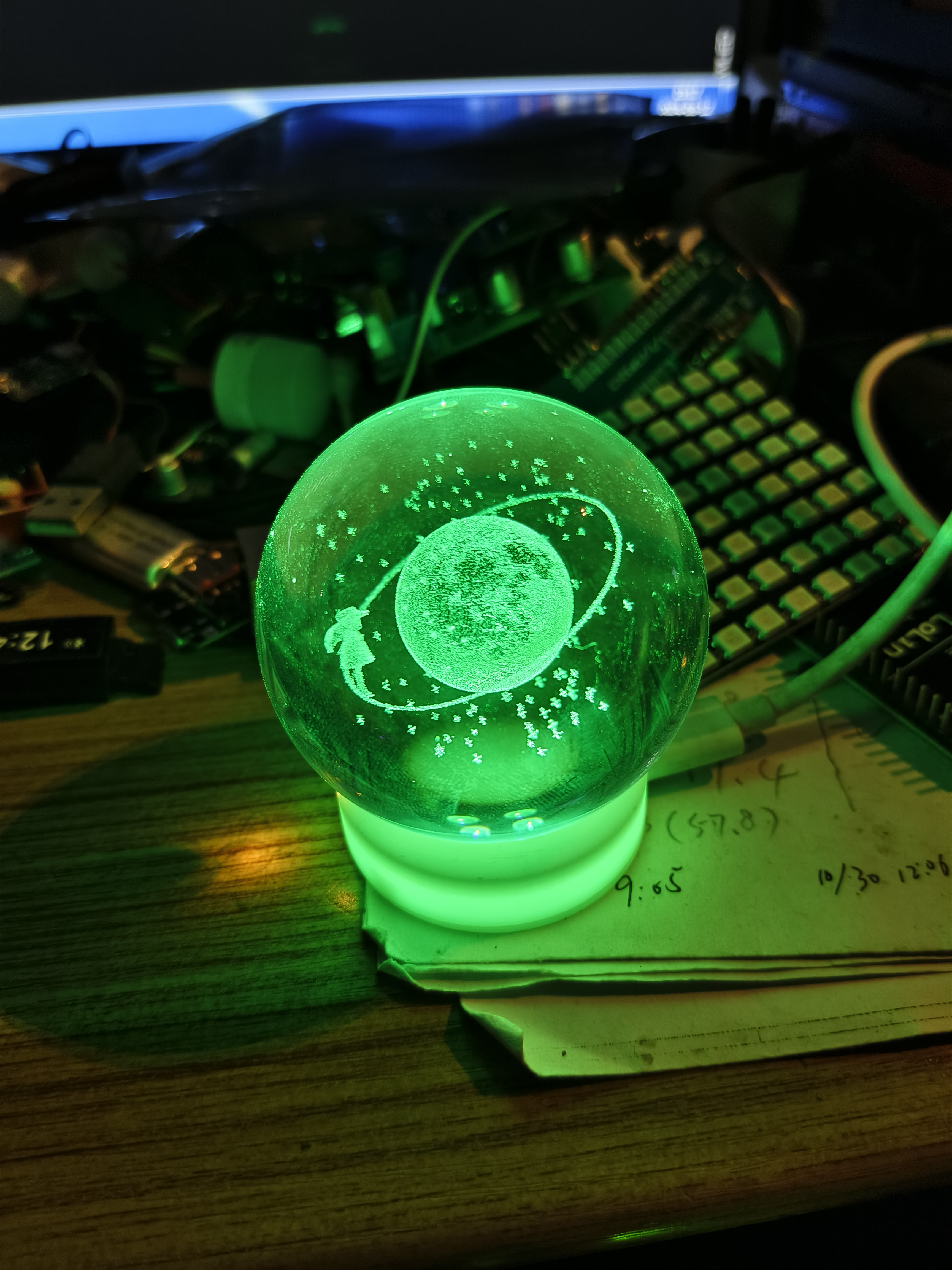
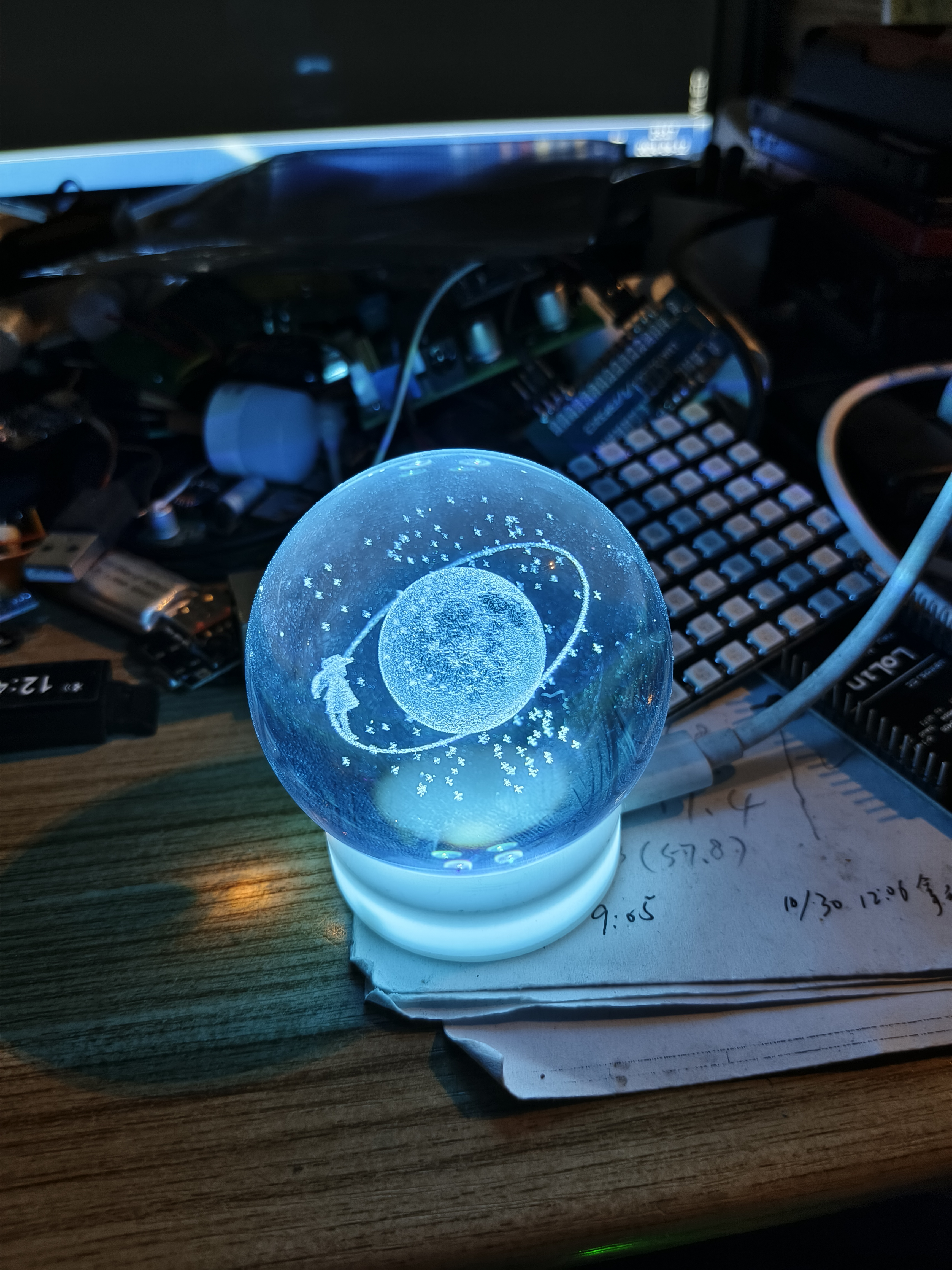
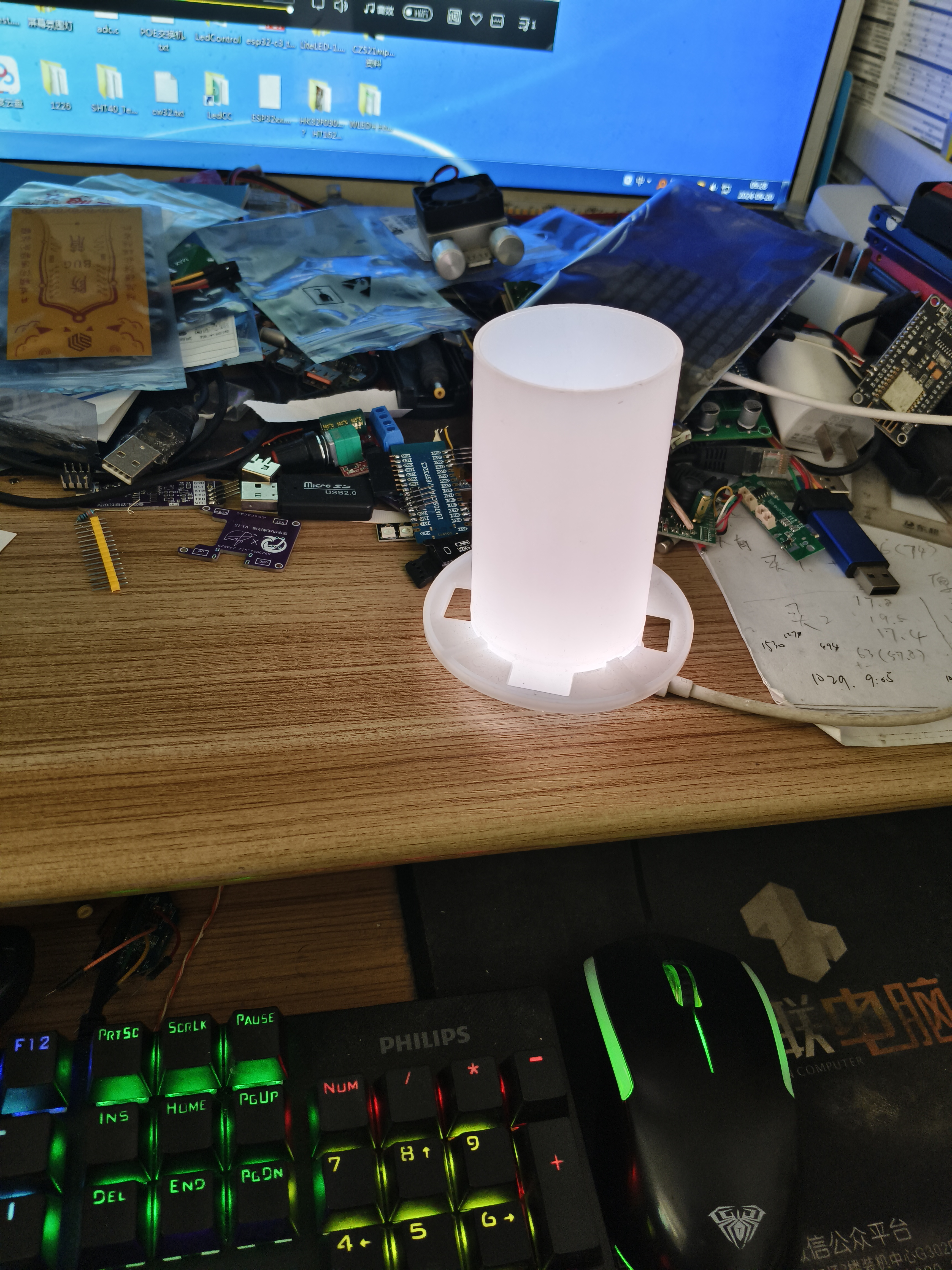
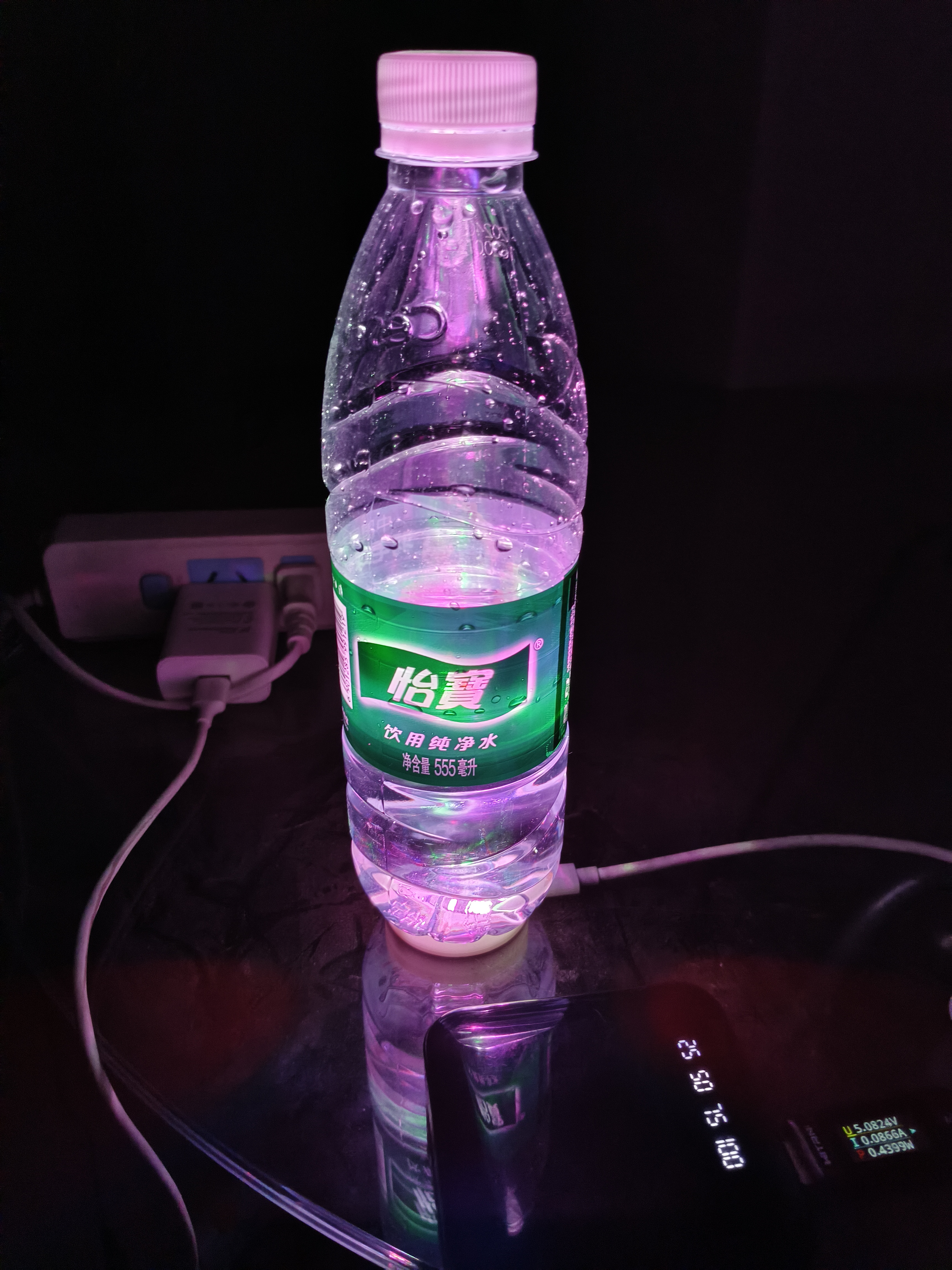
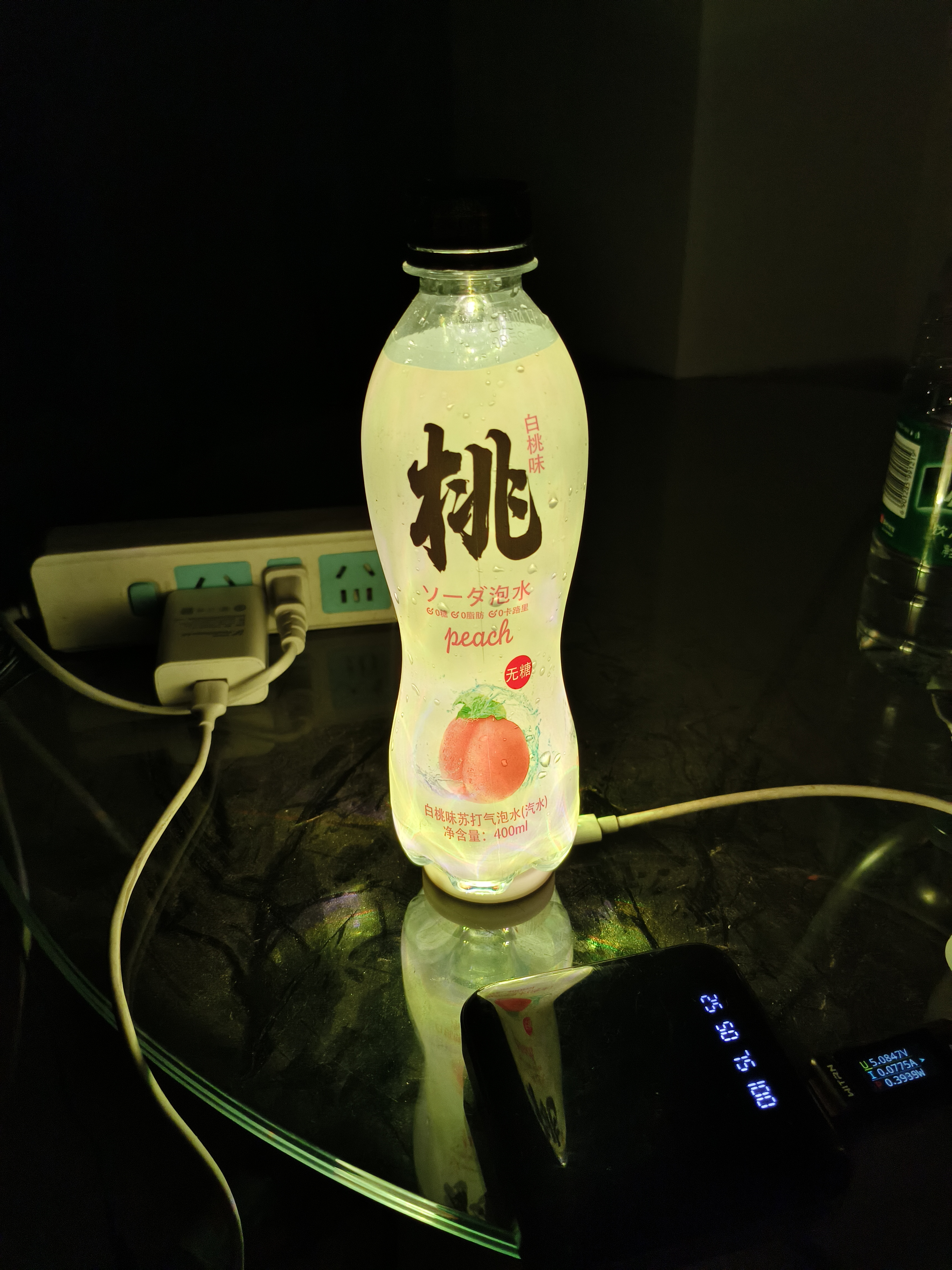
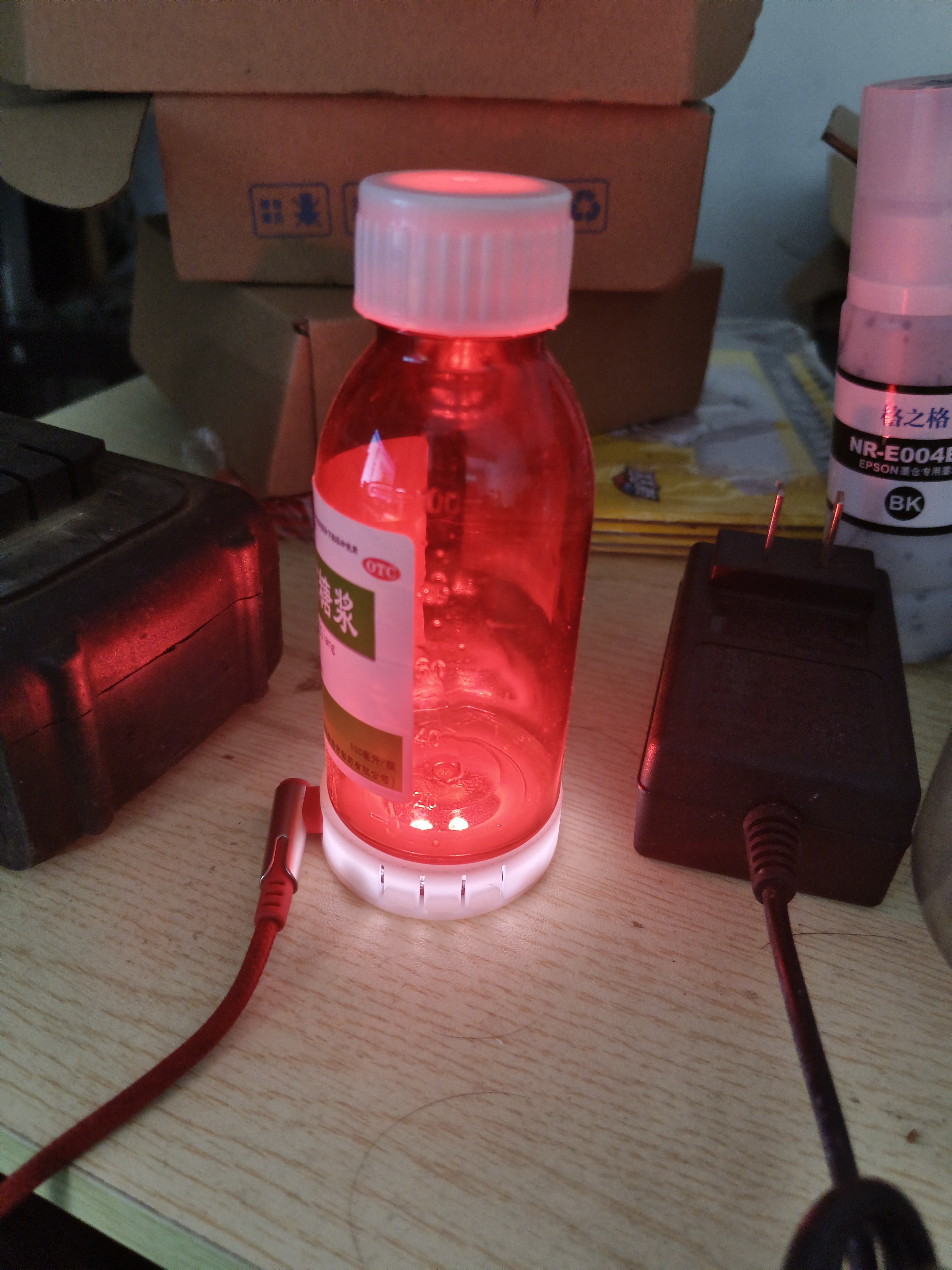
 uses an AMS1117-3.3V LDO linear regulator IC to power the ESP32-C3 . Four WS2812 LEDs are arranged in the middle of the PCB board; different lighting effects can be achieved by changing the colors and brightness of the WS2812s. The casing was roughly drawn using EDA; my skills are limited, so it'll have to do. Originally , I wanted to use the remote control from DianDeng Technology, but DianDeng defaults to developing with the 8266, and compiling it on the ESP32-C3 with the Arduino IDE resulted in errors, which I couldn't resolve. Later, I flashed the open-source WLED firmware. After using it, I found WLED to be very powerful, with various ready-made firmware and modes, and it even supports multi-device synchronization within a local area network—it's incredibly useful. A common problem I encountered when flashing the firmware was that it wouldn't light up. I repeatedly compared settings and GPIO ports, and the DI pin connected to the WS2812 was always pulled low, even though the main controller was working correctly. After flashing the WLED firmware, my phone could find the WLED hotspot, connect to it via Wi-Fi, and successfully access the app to configure parameters. I bought a pre-made WS2812 LED strip from Taobao and tested it on other development boards; it lit up. But when I connected it to this board, it still didn't light up. Finally, I swapped the WS2812 on the Taobao strip with the one on the board. I discovered that the LED on the board didn't light up, but the Chengxingguang WS2812 on the Taobao strip actually lit up! I initially thought my WS2812 was faulty, but it turned out the board was the problem. After comparing, I found that the DIDO package of the Chengxingguang WS2812 was reversed. I then used a jumper wire to the IO10 of the reserved header on the board, changed the settings, and it lit up immediately. The actual product picture shows how beautiful the gold-plated board looks! The soldering process was like a human SMT iron plate , installing the casing and lighting it up... I took out a crystal ball, changed the color, and then just randomly changed the 'lampshade'— using whatever was available. I've been coughing too much this year! @@ Thank you everyone!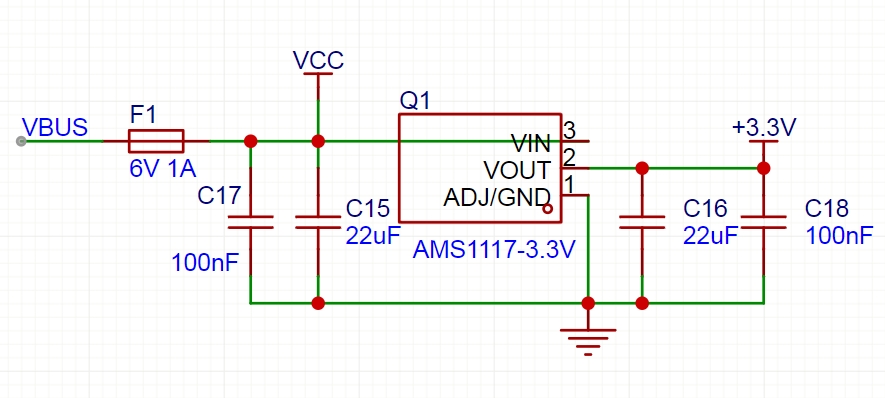

All reference designs on this site are sourced from major semiconductor manufacturers or collected online for learning and research. The copyright belongs to the semiconductor manufacturer or the original author. If you believe that the reference design of this site infringes upon your relevant rights and interests, please send us a rights notice. As a neutral platform service provider, we will take measures to delete the relevant content in accordance with relevant laws after receiving the relevant notice from the rights holder. Please send relevant notifications to email: bbs_service@eeworld.com.cn.
It is your responsibility to test the circuit yourself and determine its suitability for you. EEWorld will not be liable for direct, indirect, special, incidental, consequential or punitive damages arising from any cause or anything connected to any reference design used.
Supported by EEWorld Datasheet
EEWorld
subscription
account

EEWorld
service
account

Automotive
development
community

Robot
development
community

About Us Customer Service Contact Information Datasheet Sitemap LatestNews



Room 1530, 15th Floor, Building B,
No.18 Zhongguancun Street,
Haidian District,
Beijing, Postal Code: 100190
China
Telephone: 008610 8235 0740
 京公网安备 11010802033920号


 PCF0603R 3K01B.T1



