A simple little game console, built with the latest technologies from Sony, Nintendo, and Xbox. The accompanying Dino game is competing with Tears of Zelda for Game of the Year 2023! Acceptance speech: Thank you LCSC, thank you JLCSC, thank you Xiao Xu, thank you Wu Gong!!!
Seriously though: The hardware has been verified to be working properly. Currently, I've only written a simple Google_Dino game. I haven't had time to implement the random appearance and size of obstacles yet. Other NES versions haven't been ported yet, and there are still many features to develop. Keep going!!
Project objective: I just bought the Liangshanpai development board to experience the rich peripheral interfaces of the Corte-M4, and I also want to get a free development board (that's the main point)!!! Hardware part 1. Power supply: A game console expansion board requires a power supply. I previously made a simple battery management board (see the picture below). It can achieve simple switching between USB power and battery power and battery charging, but because it's too ugly and the size isn't quite right, I finally used LCSC's official battery management board. It can achieve short press to power on and long press to power off; the circuit design is ingenious, I've learned a lot.
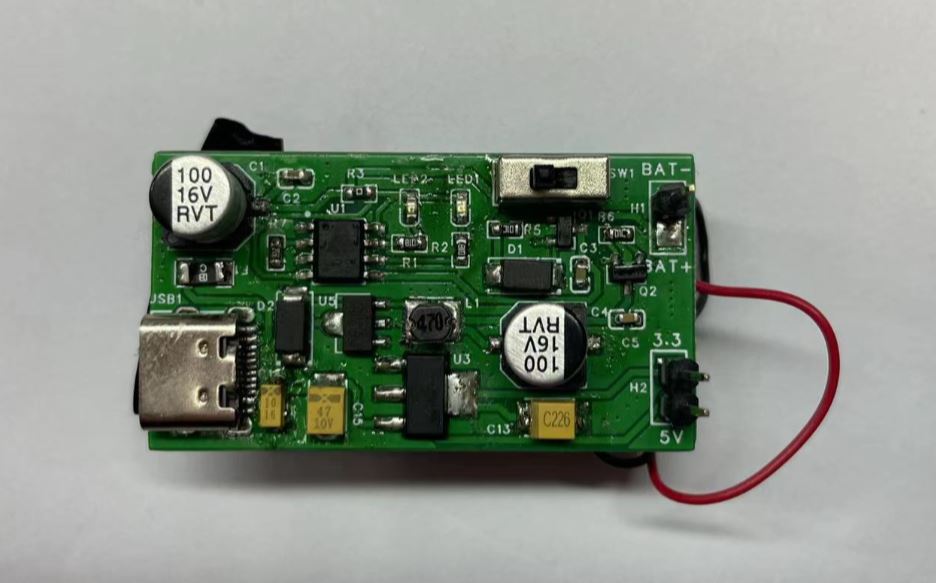
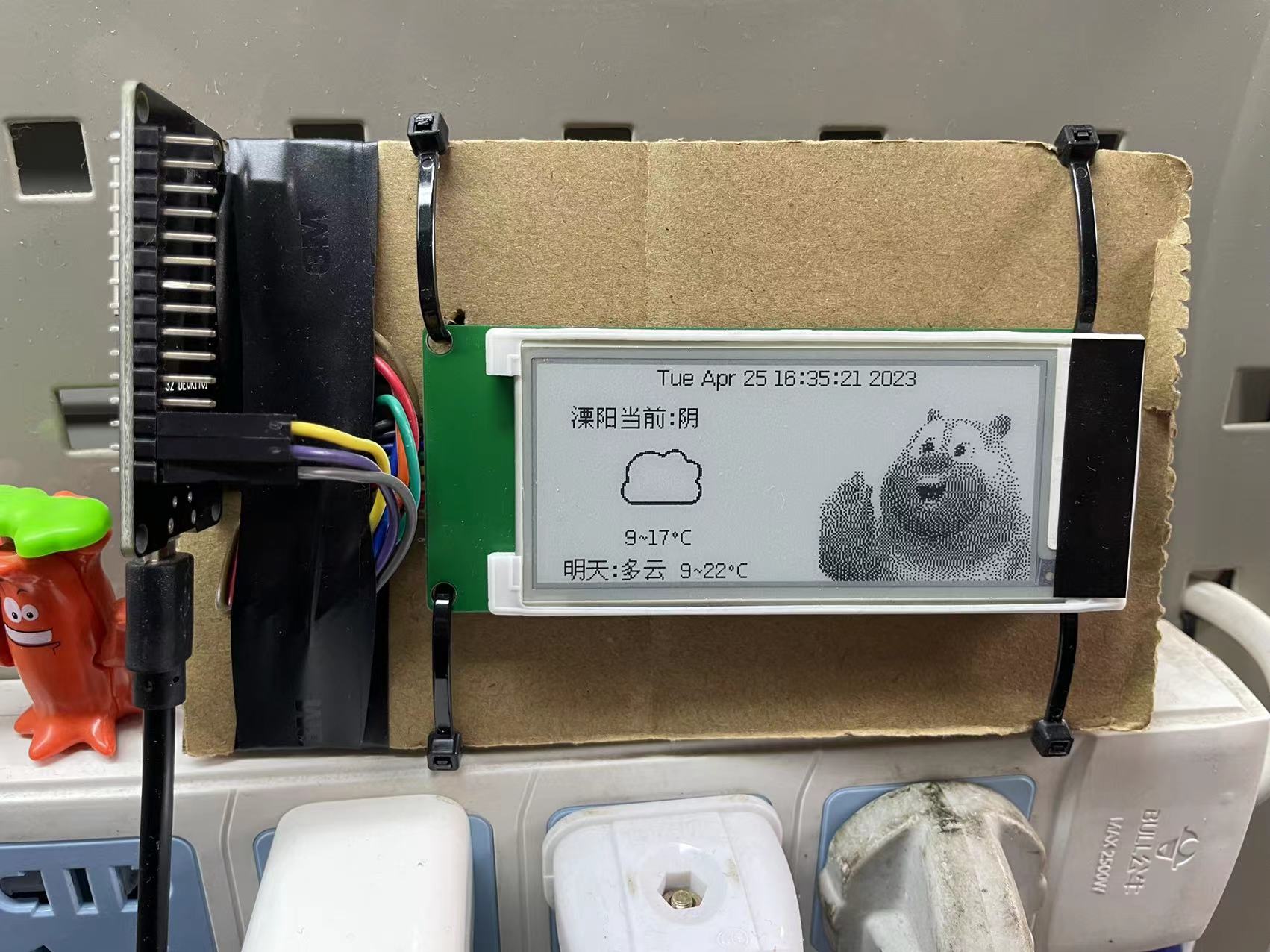
3. Button section: I originally wanted to use the PS4 joystick, but as always, for my first project, I was cautious and ultimately chose the official recommendation. 4. Audio and vibration section: Again, hesitation leads to failure; choosing the official one is definitely the right choice. 5. PCB shape: I chose the classic PSP shape, adding Sony, Nintendo, and Xbox icons—double the brand loyalty!!! Programming section: I'm quite good at this part. After soldering the PCBA, I burned the official demo to test it and verified that the hardware was working correctly. Then I wrote a small game, Google's classic Dino game.
1. Screen driver: The screen uses software-simulated SPI, and the refresh rate and display effect seem okay. I plan to switch to hardware SPI later to see if there will be further improvement. Game Logic: This part referenced some online demos, but unfortunately, those demos used monochrome OLED screens, and the drivers were different from mine. So I could only use parts of the code. For the dinosaur's static state, I created two images that alternately display to make the dinosaur's feet move. For the movement of clouds and obstacles, I used position and speed variables to make them move. For the dinosaur's jumping, the main issue was that the dinosaur's jumps and falls had to conform to the rules of gravity; otherwise, it would look like a space dinosaur. Regarding the final failure judgment, some online resources used pixel overlap to determine if there was a touch, but using arrays would result in too much computation and slow performance. Ultimately, I used the coordinates of four extreme points on the dinosaur and obstacles (top left, bottom left, top right, bottom right) to determine the failure, which worked reasonably well. However, because the images used were rectangular, there were blank areas in the dinosaur image besides the body. Touching these blank areas would also cause a failure, which needs further optimization. The unfinished parts are: 1. Irregular shapes could be made for a stronger sense of movement; 2. There are too few obstacle types, and random appearance is not implemented; 3. Obstacles and clouds do not appear with a gradient at the screen boundary. Issues: Burning the official NES program causes crashes and bugs. I plan to study the code and write my own NES port when I have time.
In conclusion, this was my first time working on a project, and the innovation aspect is seriously lacking. Next time, I will definitely use my creativity to create something different. Finally, I want to thank LCSC and JLCPCB for providing this opportunity, allowing me to learn for free and get free access. Such good companies deserve to make money!








 京公网安备 11010802033920号


 LB-302MP1/KN



