Preface
1- My first encounter with Linux was incredibly difficult.
2- Soldering is not beginner-friendly; I'll elaborate later.
3- Setting up the environment wasn't as easy as Wu Gong demonstrated; I encountered numerous problems and various unexpected issues.
4- The overall time was very tight. To achieve better results, I submitted hardware multiple times, leading to insufficient time later.
5- Time management is crucial; don't get overly bogged down in details. Completing the project is the priority.
6- I learned a lot from this training camp, which opened up a new field for me. I will continue to improve and refine my skills.
7- Thank you to the training camp for providing a good learning environment, and thank you to all the group members for their generous guidance.
Hardware Design
Schematic Design
Interface Adapter Part: I won't go into detail here, as I mainly referred to the official documentation.
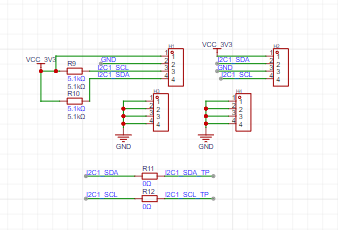
I will only mention the differences and points to note. I added a sensor interface, as shown in the diagram below
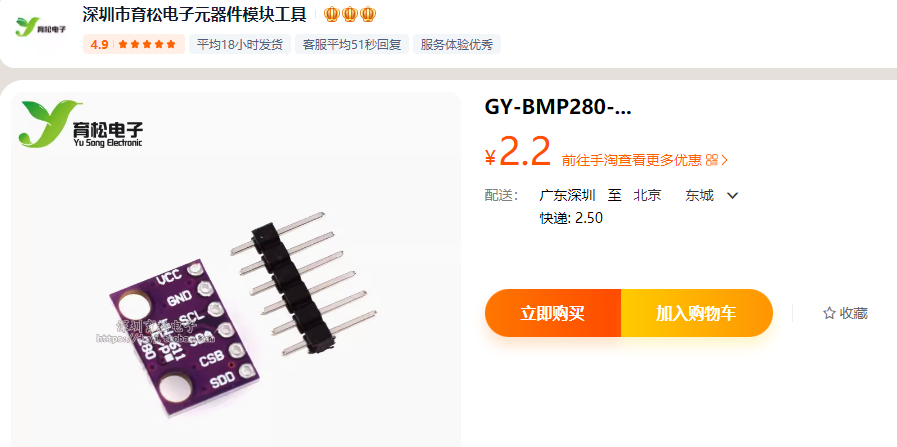
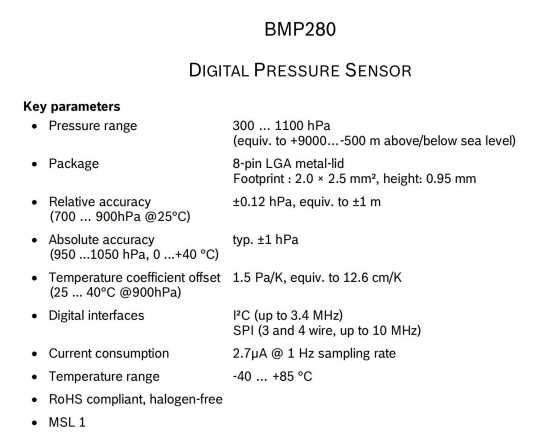
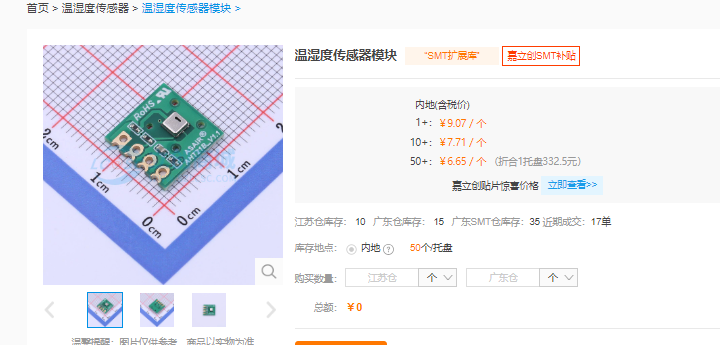
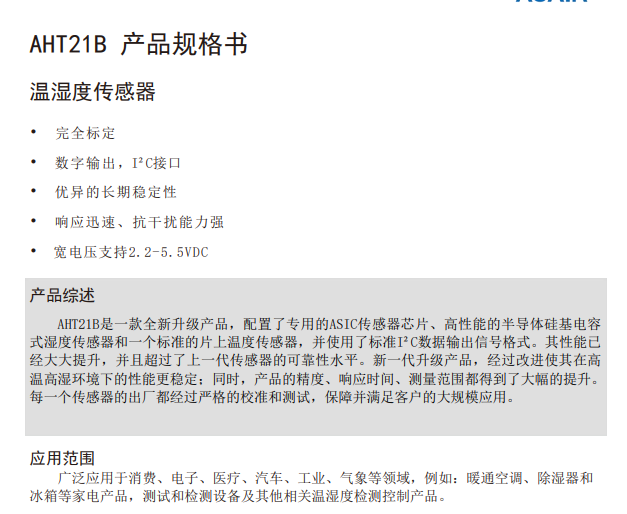
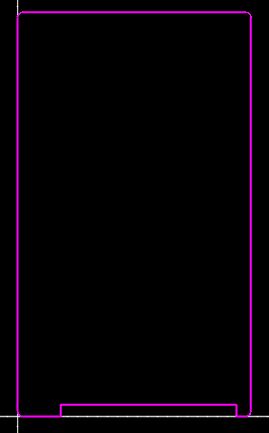
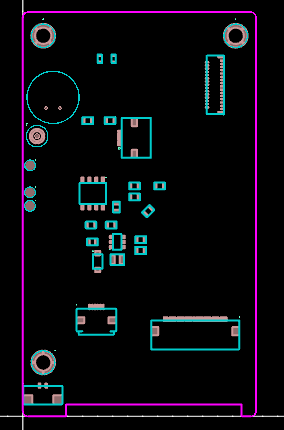
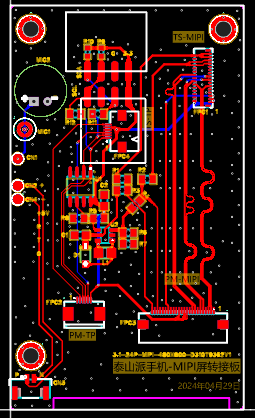
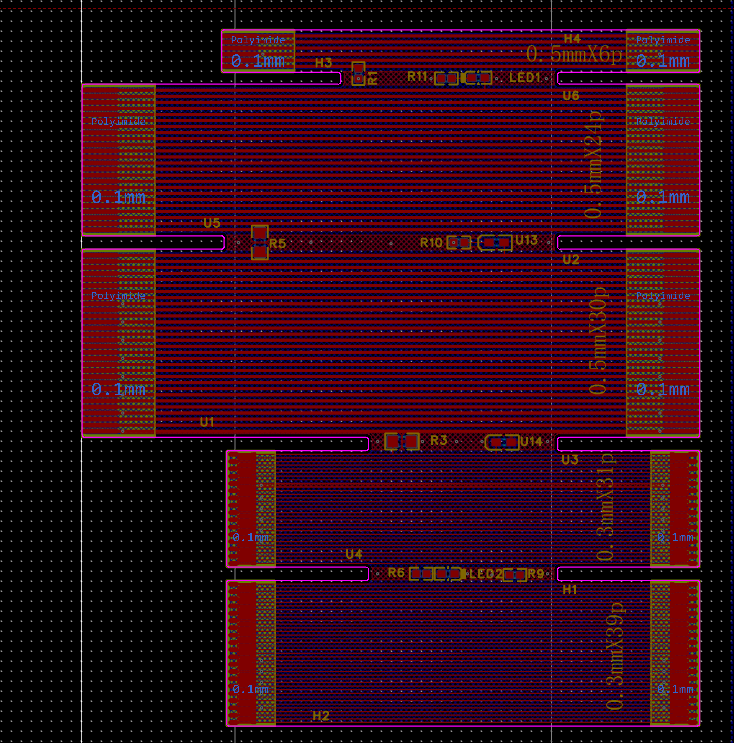
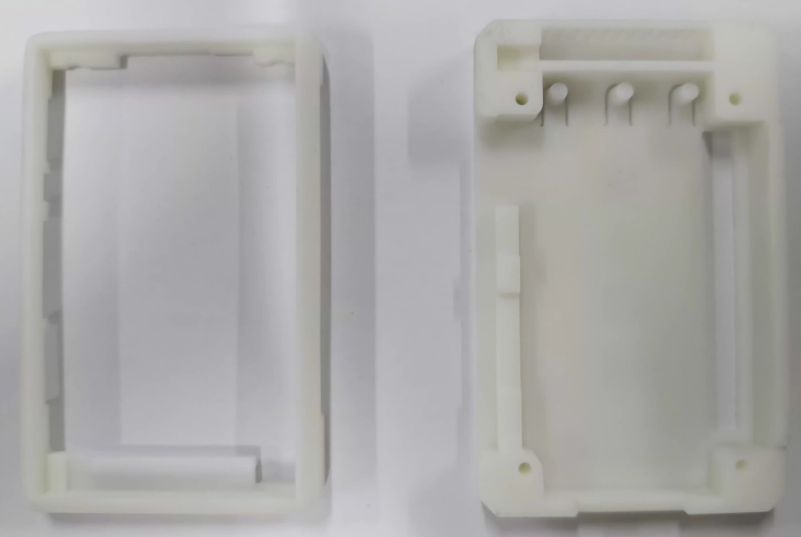
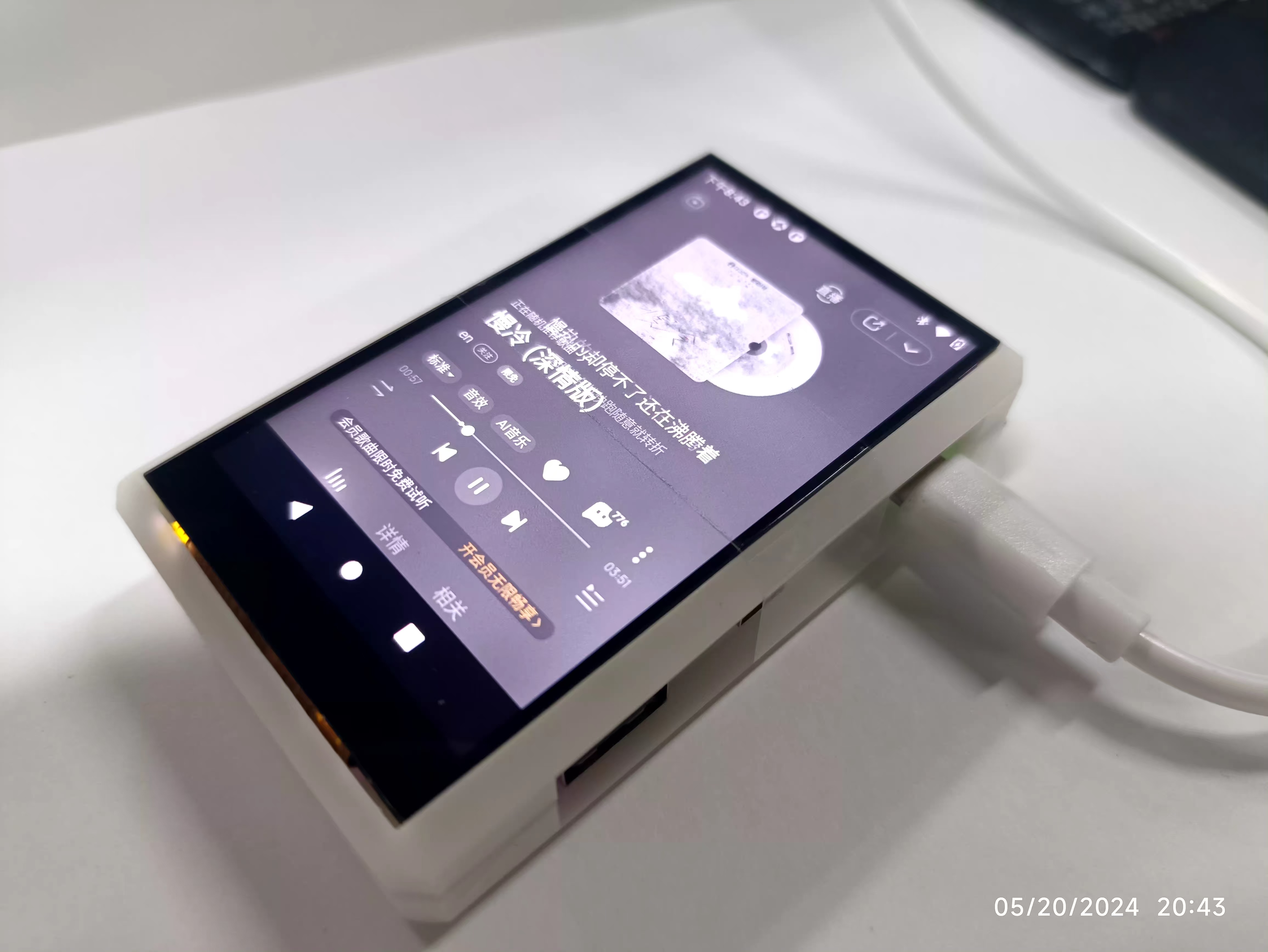
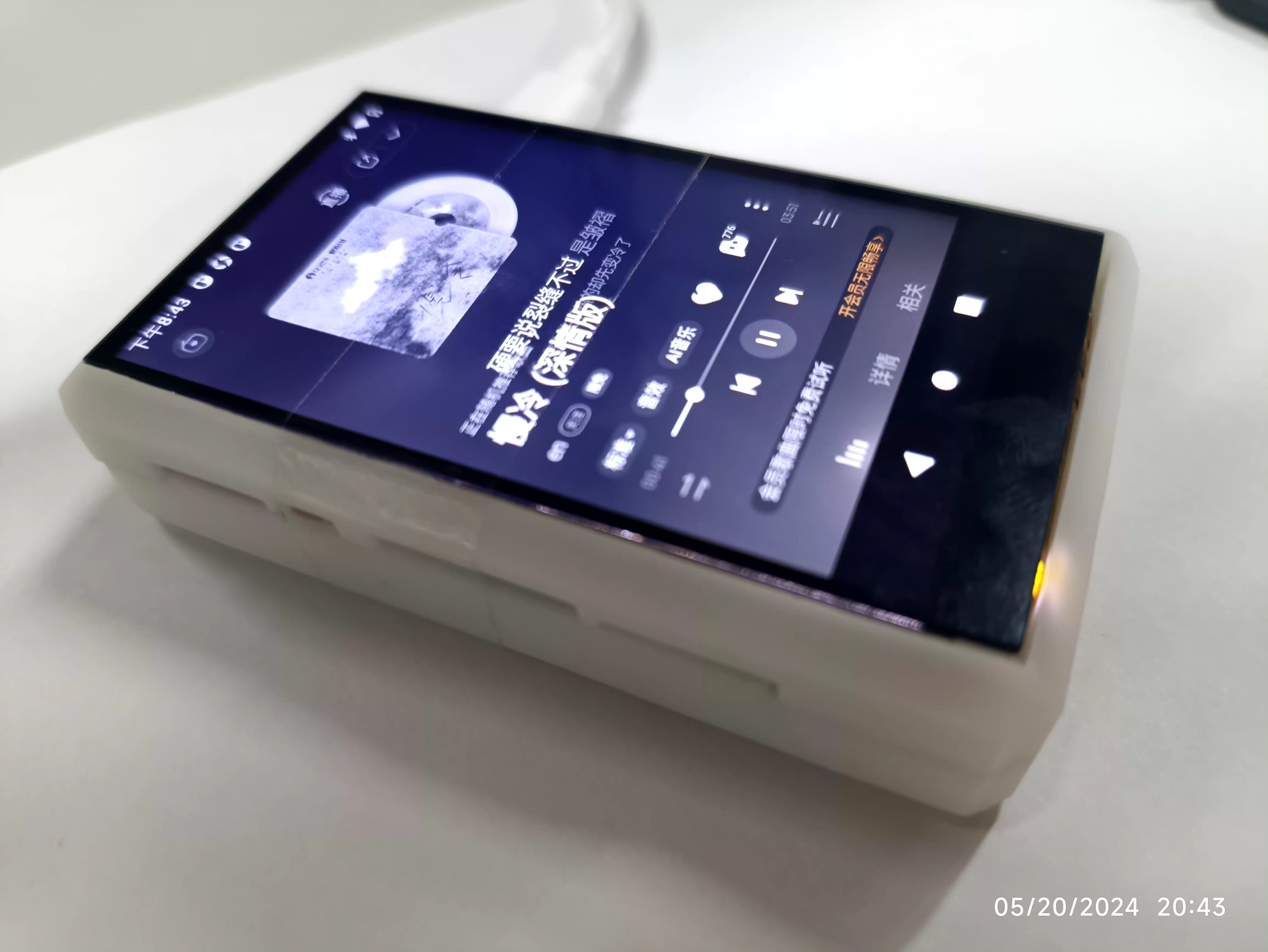
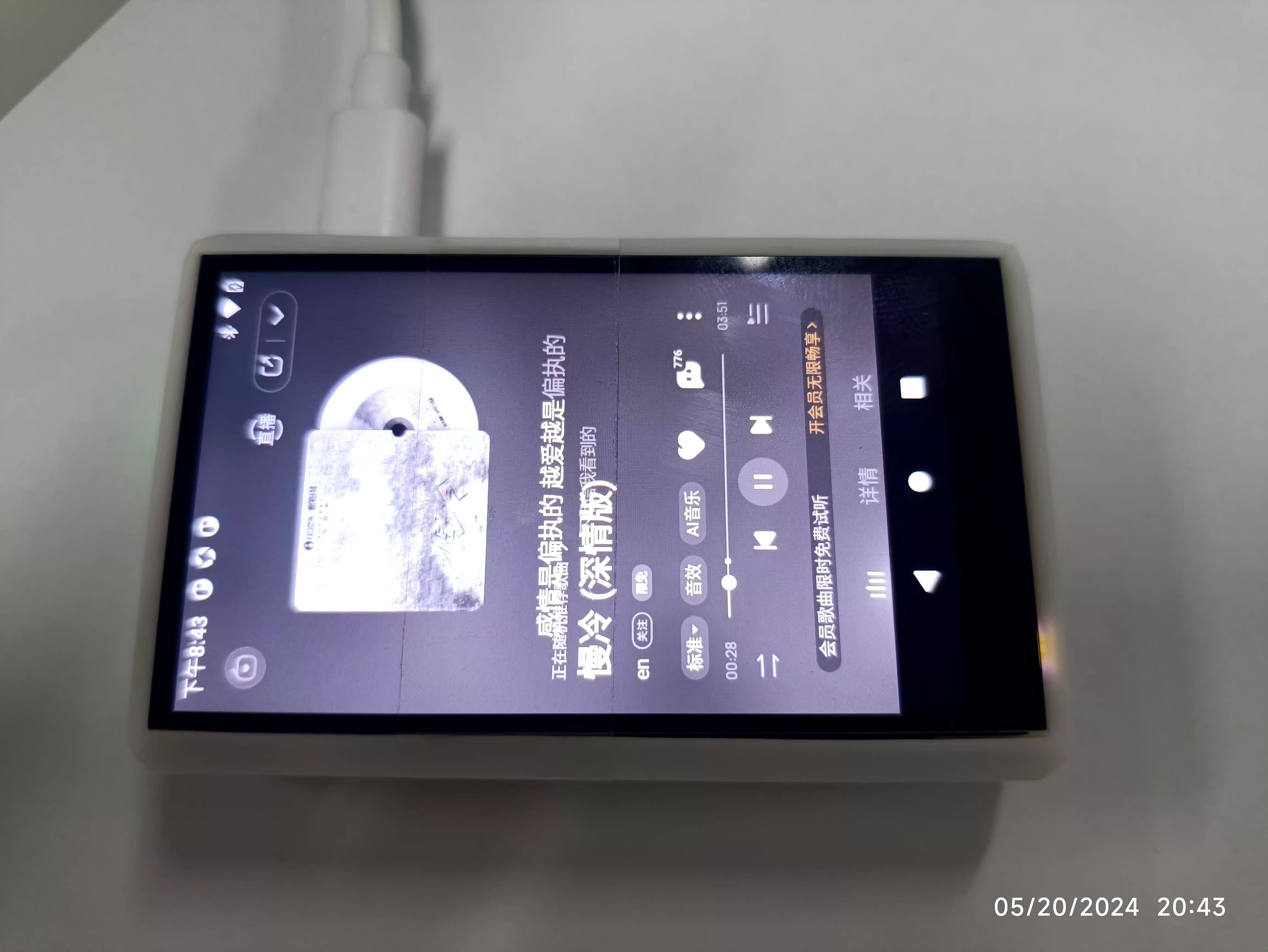
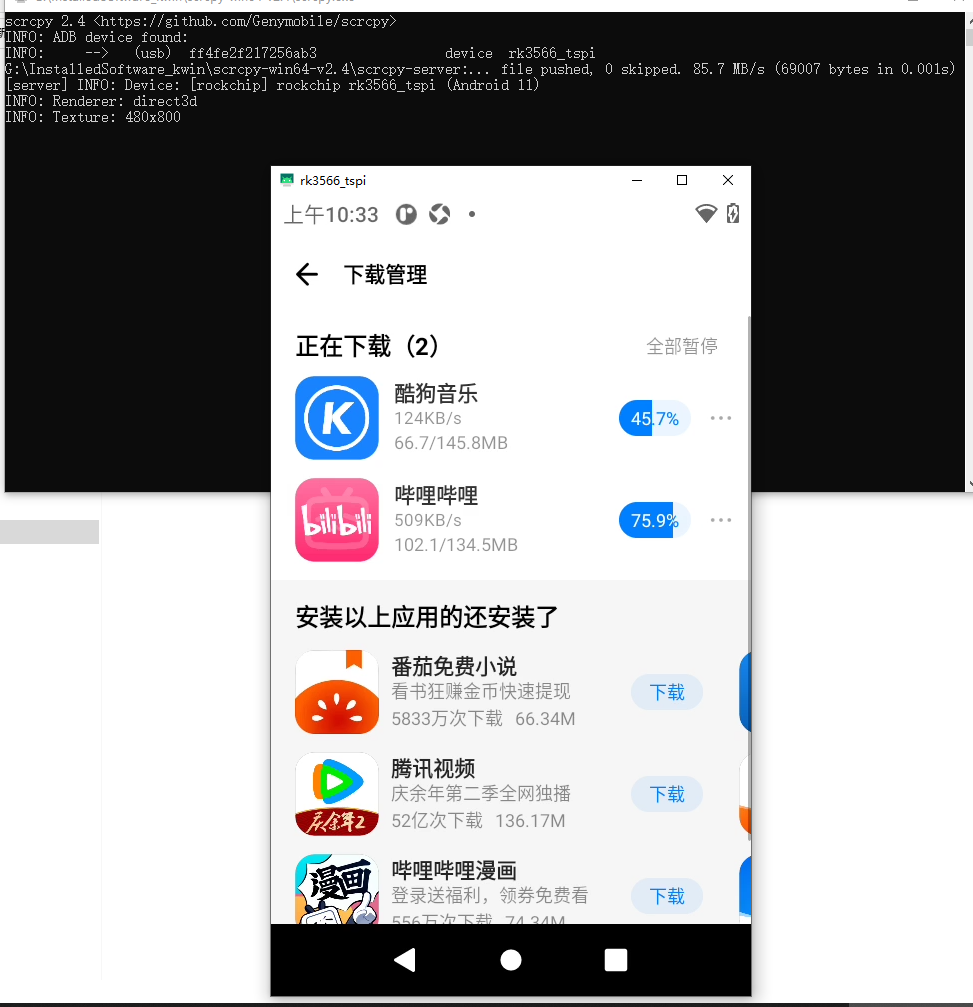
, a BMP280 module. This module can be purchased from Taobao. https://item.taobao.com/item.htm?id=571762880301&ali_refid=a3_430673_1006:1102592138:N:6sh/gSOmwwVvhc7W/eragA==:b80abdce425d1b53dea58d8099d6f3b7&ali_trackid=1_b80abdce425d1b53dea58 The d8099d6f3b7&spm=a2e0b.20350158.31919782.3&bxsign=tanZezK9dzsLHMgtxH40VhcPPzDSf7CjZLnntZ7V1hgmfbUBaOY8NPlT7B306iBu3Swhlq7d8saXxa5XNFInFpsx6C6VUSpfeZTc5isV4we-Og supports SPI and IIC interfaces; the IIC interface is used here. Specific parameters are as follows: The other interface connects to the AHT21B, which can be purchased directly from the LCSC online store . Purchase link: https://item.szlcsc.com/3517693.html Related parameters are as follows: Points to note : 1- Choose the correct package in your design. 2- Ensure the network naming is correct with Taishanpai, especially the order; it must not be incorrect. 3. The 0.3mm 31-pin FPC is the most difficult part to solder; be sure to refer to the tutorial. 4. If you have any questions, ask in the group first; don't try to figure it out on your own. PCB Design : To match the screen, the official design was chosen, the only difference being the pre-cut notch at the screen FPC bending point for easier folding. See the image below. Layout: This layout is basically the same as the official one. Routing: The main thing to learn here is the MIPI routing rules, differential line design, and equal-length line design. See the image below. FPC Design: For convenience, all the necessary FPC interfaces were designed. LCSC provided free FPC prototyping, saving some money. See my project for details. Soldering: I soldered manually due to limited tools. The soldering was done entirely according to the tutorial. A teppanyaki grill was used during the process, and the board darkened due to prolonged operation. In the future, pay attention to the operation time; it must be fast and steady. Shell Design: The 3D printing was done directly using Mr. Wu's design files, and the results are excellent. Fortunately, I didn't design it myself; it would have been a bit too complicated for me, and time was limited. The printed result is as follows: Assembly: I assembled it according to Mr. Wu's tutorial. However, the M2 screws I bought were too short, and I didn't have time to replace them—the assignment is due today. I secured it with transparent tape, and it works quite well; it's very smooth and doesn't affect the touchscreen. The result is as follows: Software Design Environment Setup : Because installing Ubuntu 18.04 using Vxbox always resulted in crashes, I used VMware to install Ubuntu 18.04. I referred to the following installation method: https://blog.csdn.net/supperman_009/article/details/135963726 . The environment compilation process involves many commands. I encountered quite a few problems, such as missing components. Just follow the prompts to install. I suggest switching to the root user directly. The specific command is: `sudo su` followed by your password. Program Development : As I'm a complete beginner, I followed Mr. Wu's tutorial step by step for the program development. I haven't mastered APP development yet, and the sensor data integration interface is not yet complete. Everything else is basically OK. I'm honored that despite the setbacks, it's finally finished. The next step is to learn QT and develop an app to integrate and display sensor data such as temperature, humidity, and air pressure. I encountered the following issues : 1. The Taishanpai overheats severely; after restarting, it keeps restarting. 2. When using USB power, you need to choose a high-quality, short data cable; otherwise, it won't boot successfully. Please note these points. For a complete demonstration, please refer to the following link on Bilibili: [Link provided - showing boot-up, music playback, and Bilibili video playback]( https://www.bilibili.com/video/BV1A1421q79F/?vd_source=24f1befd6441a33d7b240715cb07c7b5 )








 京公网安备 11010802033920号


 BLU1206-5000-BB25



