For a slightly larger mobile phone based on the LCSC development board Taishanpai,
please refer to the following resources:
https://lceda001.feishu.cn/wiki/IJtRwVu5kiylHykl3RJcQ8ANncY ,
https://lceda001.feishu.cn/wiki/M1DVwL6HgihWzlkKgmucPbDbnG4, and https://space.bilibili.com/3493269579237436/channel/collectiondetail?sid=2166974 The screen adapter board isn't difficult to design. The training camp officially uses a 3-inch MIPI screen, and Wu Gong said the speed is low, so differential lines don't have a significant impact. However, the training camp still taught me some methods for drawing differential lines and impedance matching.
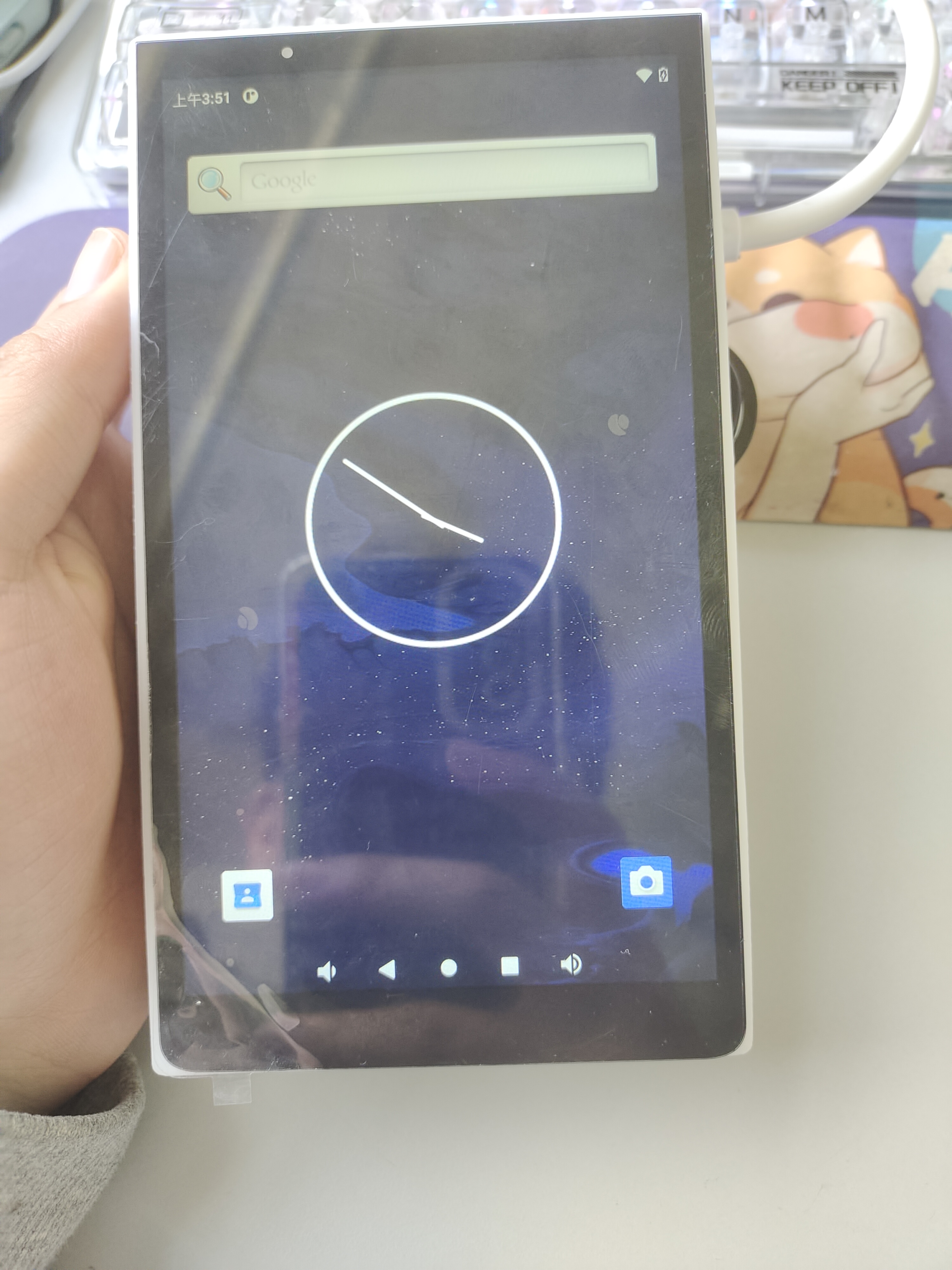
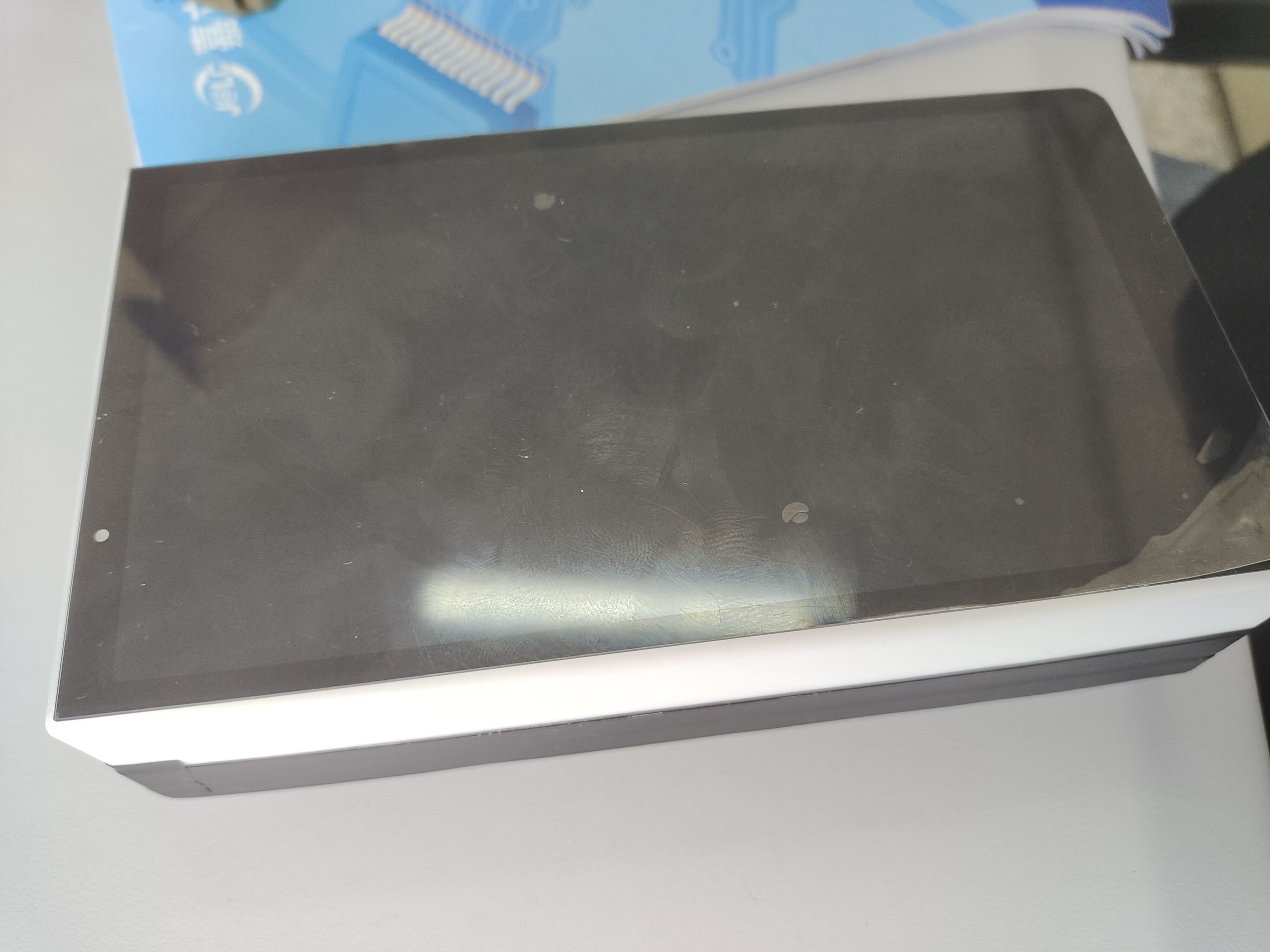
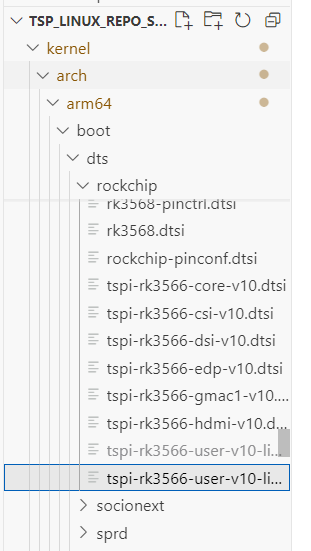
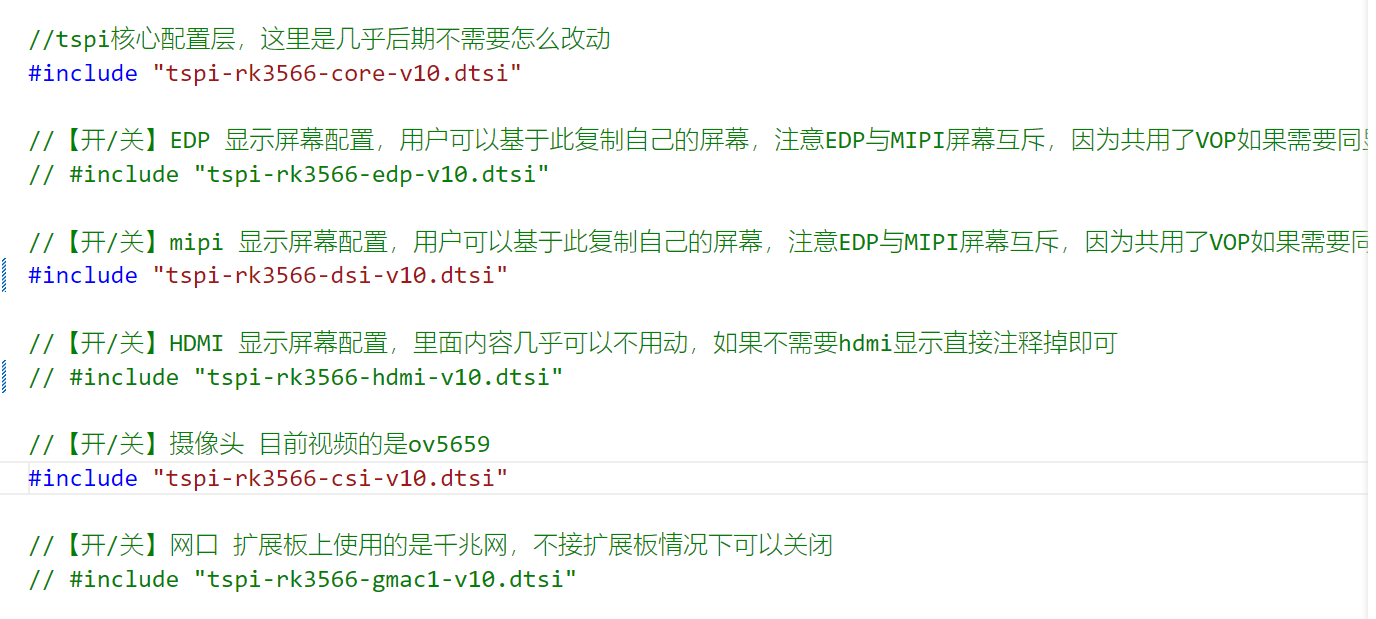
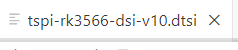
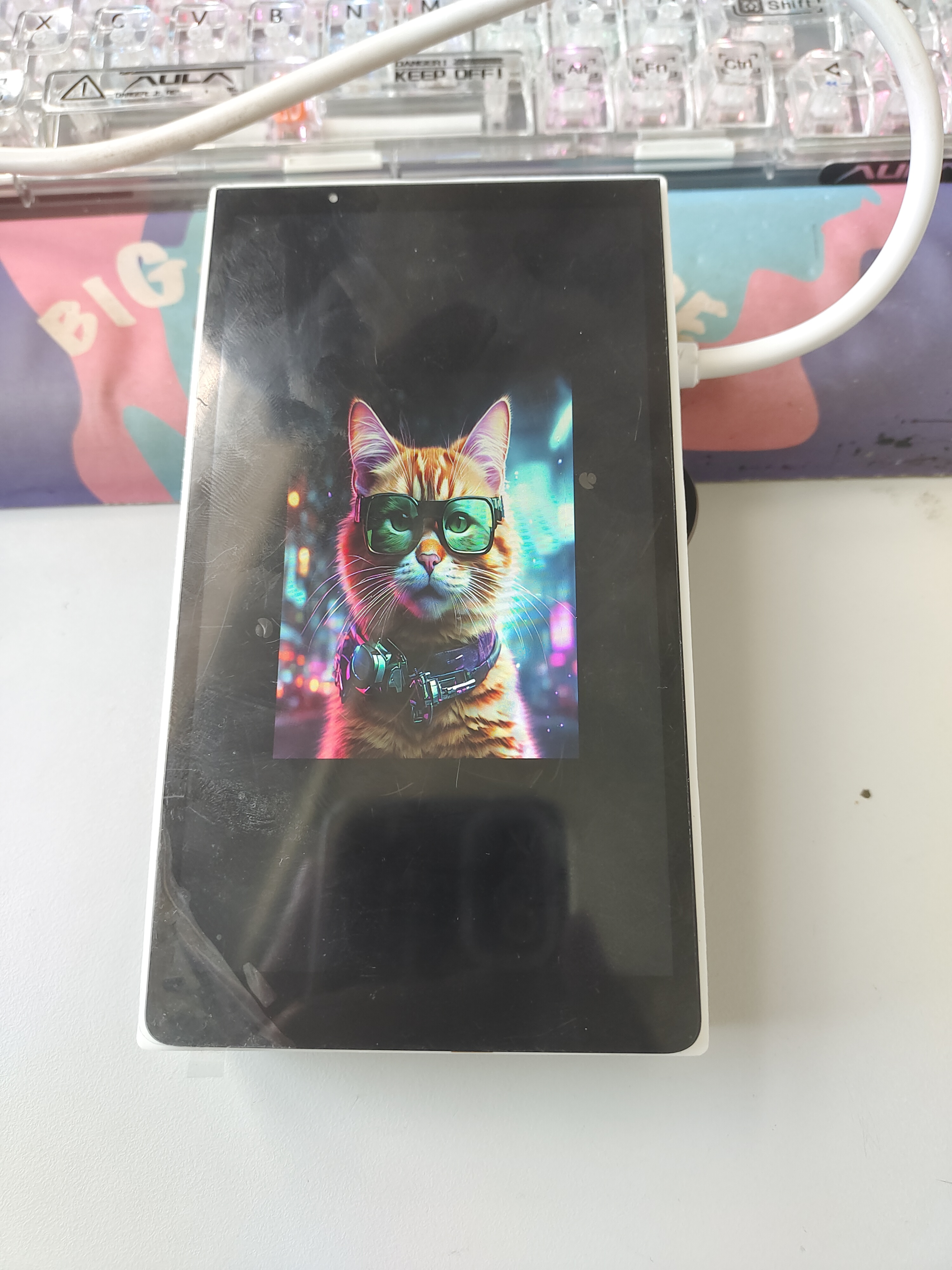
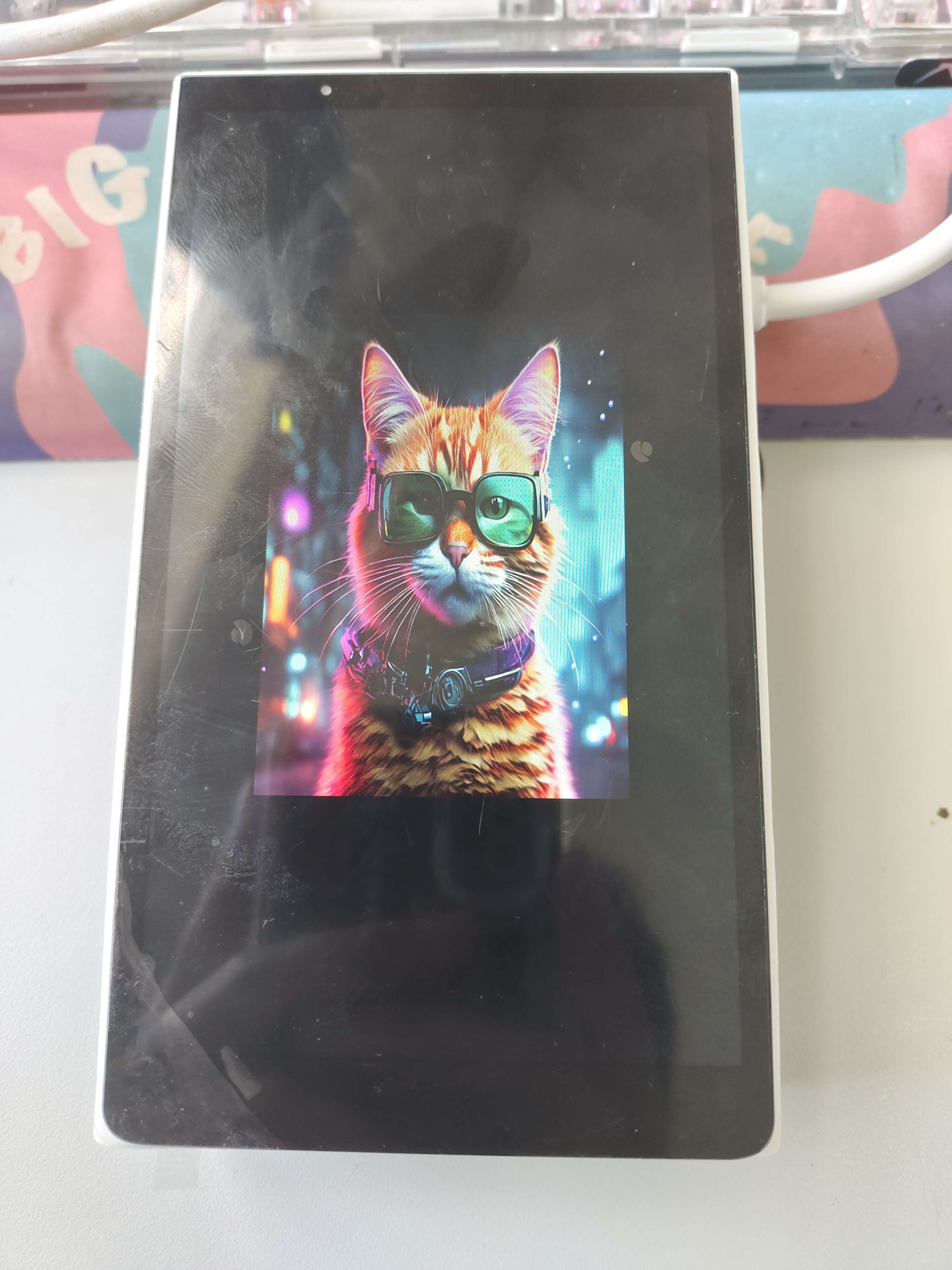
Soldering the adapter board's connectors is relatively difficult, but fortunately, LCSC's official development board website provides a soldering tutorial, which is very helpful. Please pay more attention to LCSC development boards. ( https://www.bilibili.com/video/BV19i421y7Hv/?spm_id_from=333.999.0.0&vd_source=7347f48c26f46dd88082d9ff7cba5902 ) I didn't draw the 3D shell very accurately. After it was mailed back, I spent a long time sanding it to fit the screen in. The final result is still pretty good. As for compiling the program, it took me a long time to compile Linux on my small laptop the first time. Later, I followed Mr. Wu to learn how to debug the device tree, touch driver, and change the boot logo. I learned a lot. Finally, I still want to give a thumbs up to the open source documentation and tutorials of LCSC development board. Thank you LCSC development board team! When developing in a Linux environment, we first need to install a virtual machine. You can use VMware or VirtualBox . I use VMware. Below are some problems you might encounter for your reference: 1. Virtual machine without internet access. You can find many solutions by searching on Baidu: [https://blog.csdn.net/weixin_74034112/article/details/136425525](https://blog.csdn.net/weixin_74034112/article/details/136425525 ) [https://blog.csdn.net/weixin_74034112/article/details/136425525](https://blog.csdn.net/weixin_74034112/article/details/136425525 ) Potential installation problems. 2. Computer blue screen. Common blue screen issues with VirtualBox 7.0.16 and how to log in to the Ubuntu virtual machine via SSH. If you've tried many solutions and still can't find one, try a different version . 3. Initially, the disk space was too small after compilation, so I increased the size in the virtual machine settings. However, the disk size remained the same in Ubuntu . I finally solved the problem after finding information on virtual machine expansion. I expanded the virtual machine disk and then compiled Linux, but kept getting errors. Then I set up a Duker environment and compiled successfully this time. The next day, I tried to compile again but kept getting errors and couldn't find the cause, so I had to start over. The first time I used Ubuntu 20, not the official 18.04 version. This time, I followed the steps and compiled successfully. Below is the link I referenced when encountering compilation errors: https://oshwhub.com/forum/post/14e4b189490c4d3d9ec2142f6751ce15. I also encountered another problem: the VMware virtual machine wouldn't open and kept booting with a black screen. I solved it by referring to this link: http://www .shangzh.com/1154.html, after changing a file in the installation path , you need to modify the device tree. Refer to the screen manual. Modify the device tree here. The screen we want to display is a MIPI screen, which is in this file. Wu's documentation is very detailed. Just try each value one by one according to the Cat screen manual. Try changing this value and then another value. Even if it doesn't work in the end, Cat provides the modified file. You can just copy it. After modifying it, solder the board and use it directly. You can also change the boot image. Refer to the official tutorial document https://lceda001.feishu.cn/wiki/K51kwVQ9ViBTeDkYmsRc0YOLnle









 京公网安备 11010802033920号


 AM29PDLI27H53VKI



