This article details an open-source handheld game console project that combines classic NES games with modern technology. This device not only supports numerous classic NES games, such as Super Mario, Contra, Teenage Mutant Ninja Turtles, and Battle City, but also achieves Bluetooth remote control and wired controller compatibility through technological innovation, providing users with a richer control experience. Original project address: [LCSC Development Board] Smart NES Game Console - LCSC EDA Open Source Hardware Platform (oshwhub.com)
**I. Main Features**
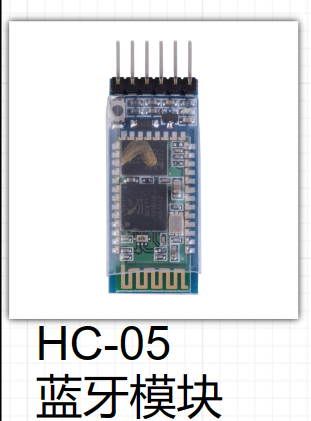
1. **NES Game Compatibility**: This project uses an SD card to read NES game ROMs, enabling access to a vast library of games. 2. **Wireless Control**: The device has a built-in Bluetooth module, allowing wireless remote control via a Bluetooth controller or mobile phone.
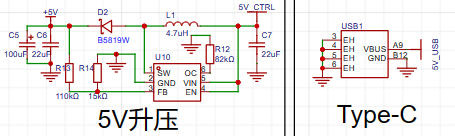
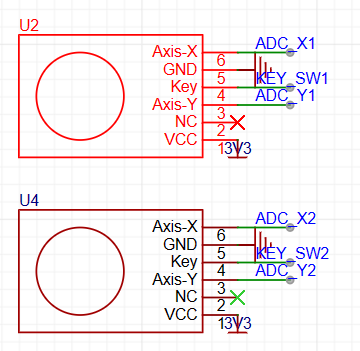
**II. Schematic Explanation**
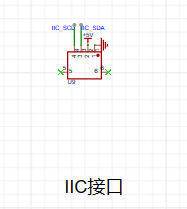
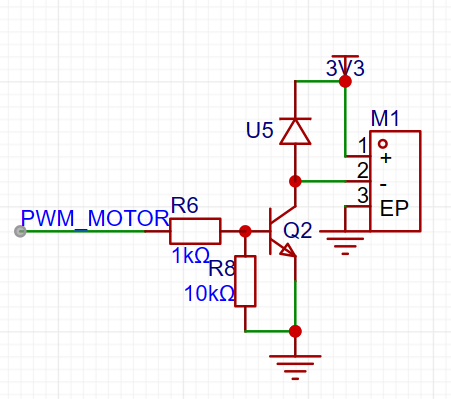
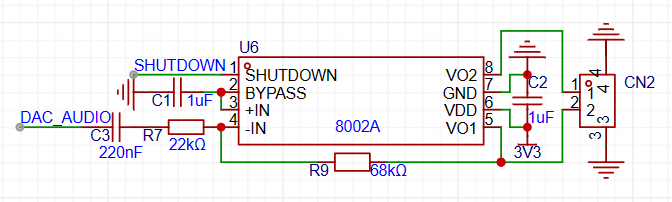
- During the design process, we significantly optimized the pin assignments of the original LCSC official game console expansion board to accommodate the newly added functional modules. - The dual joystick and multi-button design fully considers player operating habits, enhancing the feel and comfort during gameplay. - Added Bluetooth and gamepad module interfaces to ensure seamless switching between wireless and wired control. - Adopted LCSC's official 5V charging and discharging integrated module solution, integrating it into the game console expansion board for integrated high-efficiency power management.
**III. PCB Design Description**
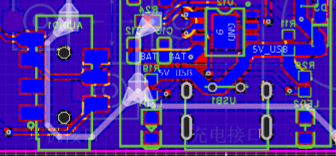
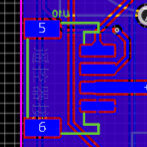
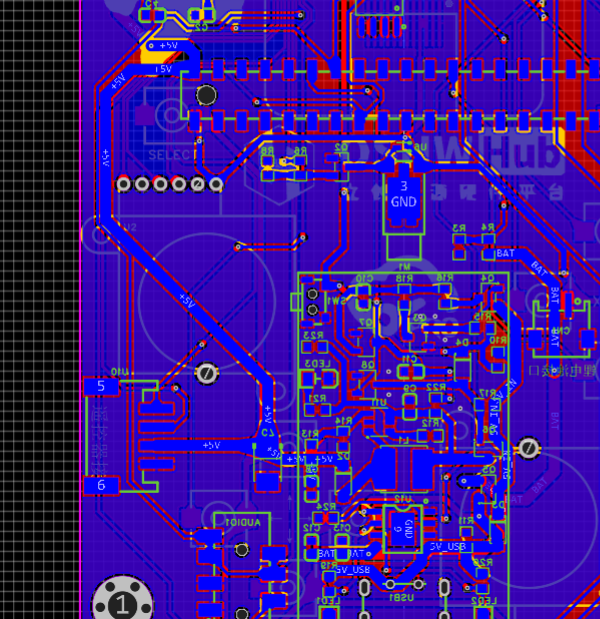
- The PCB layout follows mobile phone design principles, placing the Type-C interface and headphone jack at the bottom for ergonomic design and ease of use.
**IV. Key Program Description**
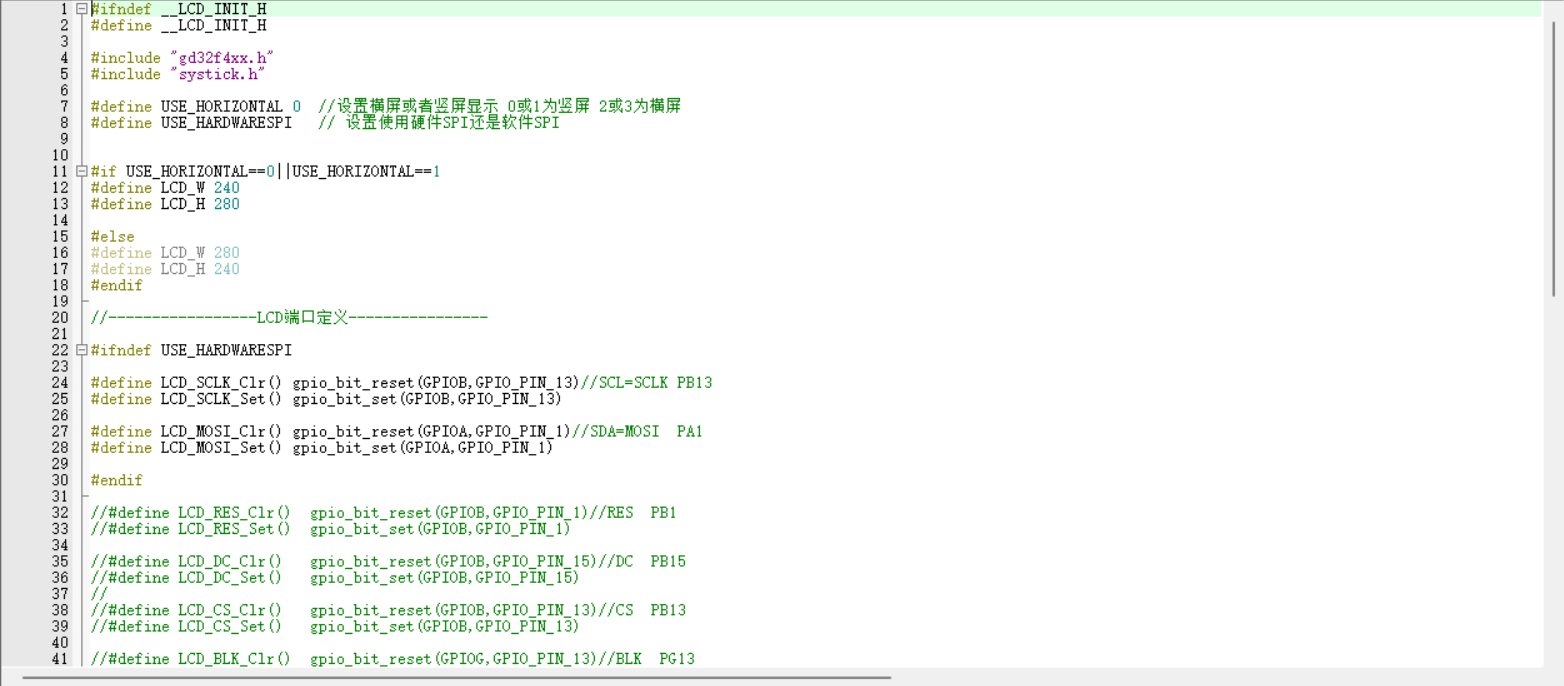
- The screen's SPI driver has been adjusted from SPI4 to SPI3, with corresponding parameter settings modified in core files such as LCD.c, SPI.c, and nes_ppu.c.
**V. Physical Demonstration**
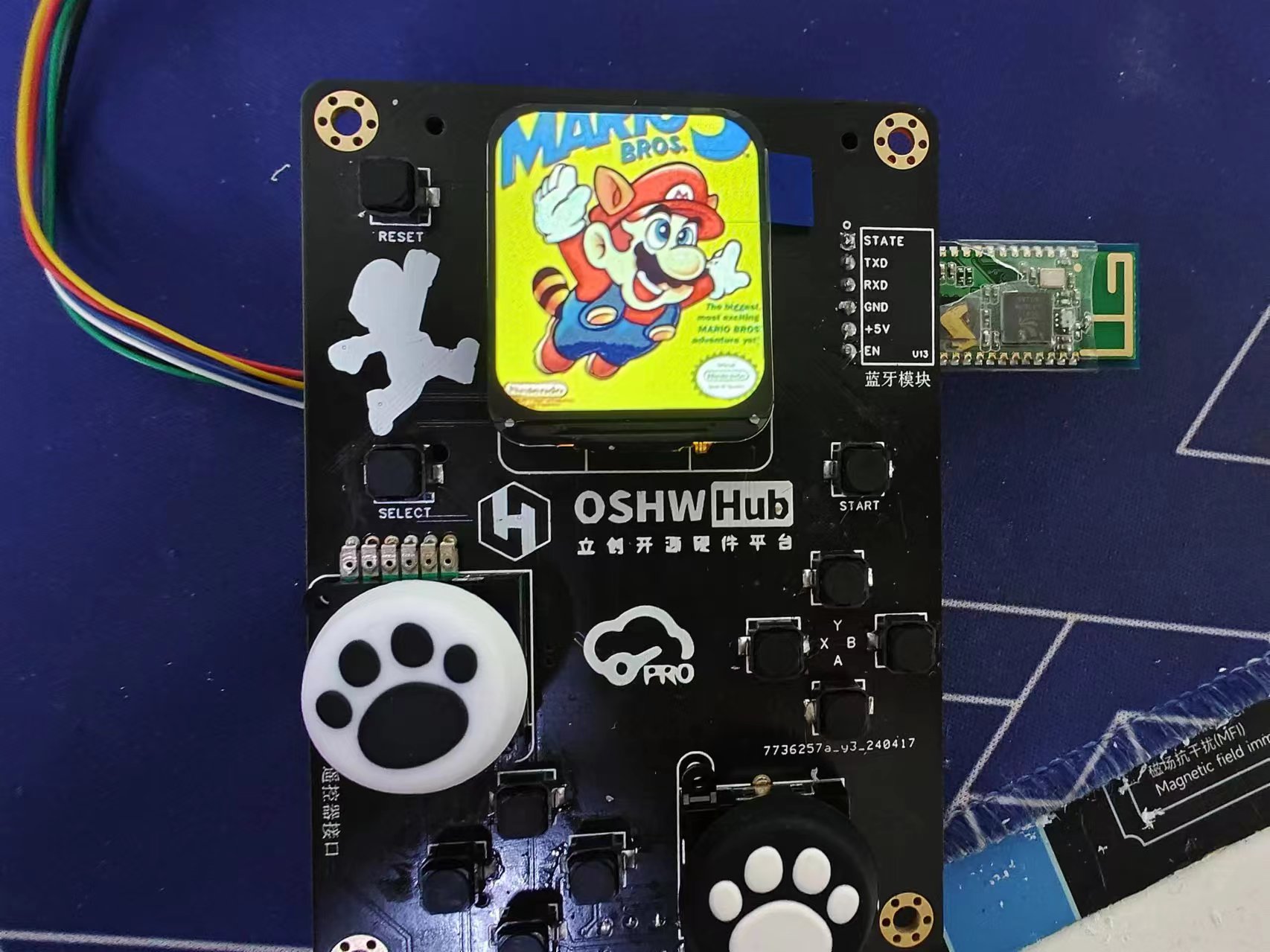
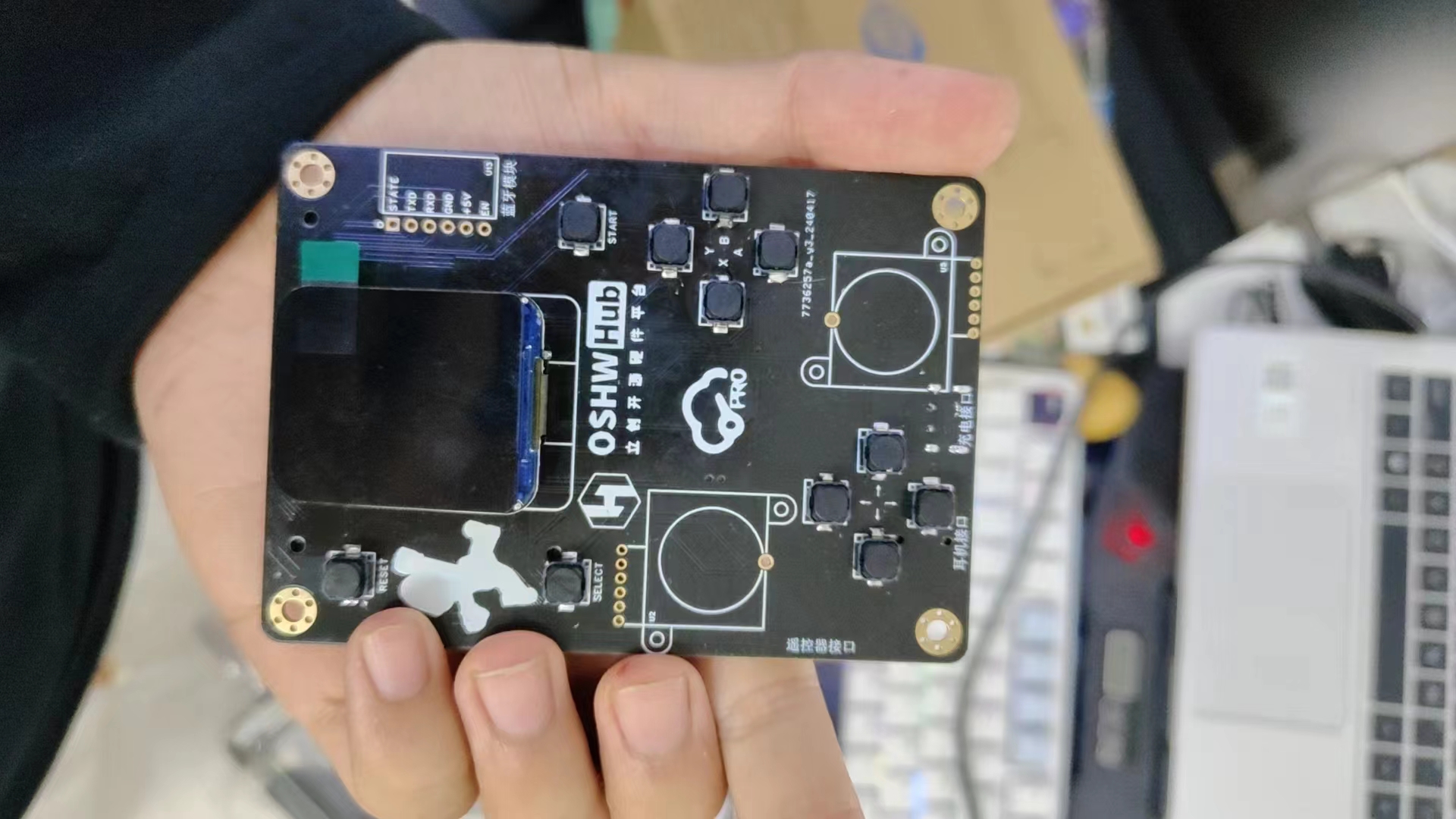
This NES handheld game console boasts a unique appearance with exquisite 3D-printed shell craftsmanship, exuding a strong sense of technological aesthetics. When connected to the gamepad and Bluetooth module, the overall form is complete and unified, showcasing the charm of the fusion of traditional and modern technology.
In summary, this is an open-source project that combines nostalgia and technological innovation. We welcome enthusiasts to participate in discussions and jointly promote the improvement and development of the project. We hope more developers will build upon this foundation to further enrich its functionality, allowing more people to experience the fun of classic NES games and the convenient control experience brought by modern technology.
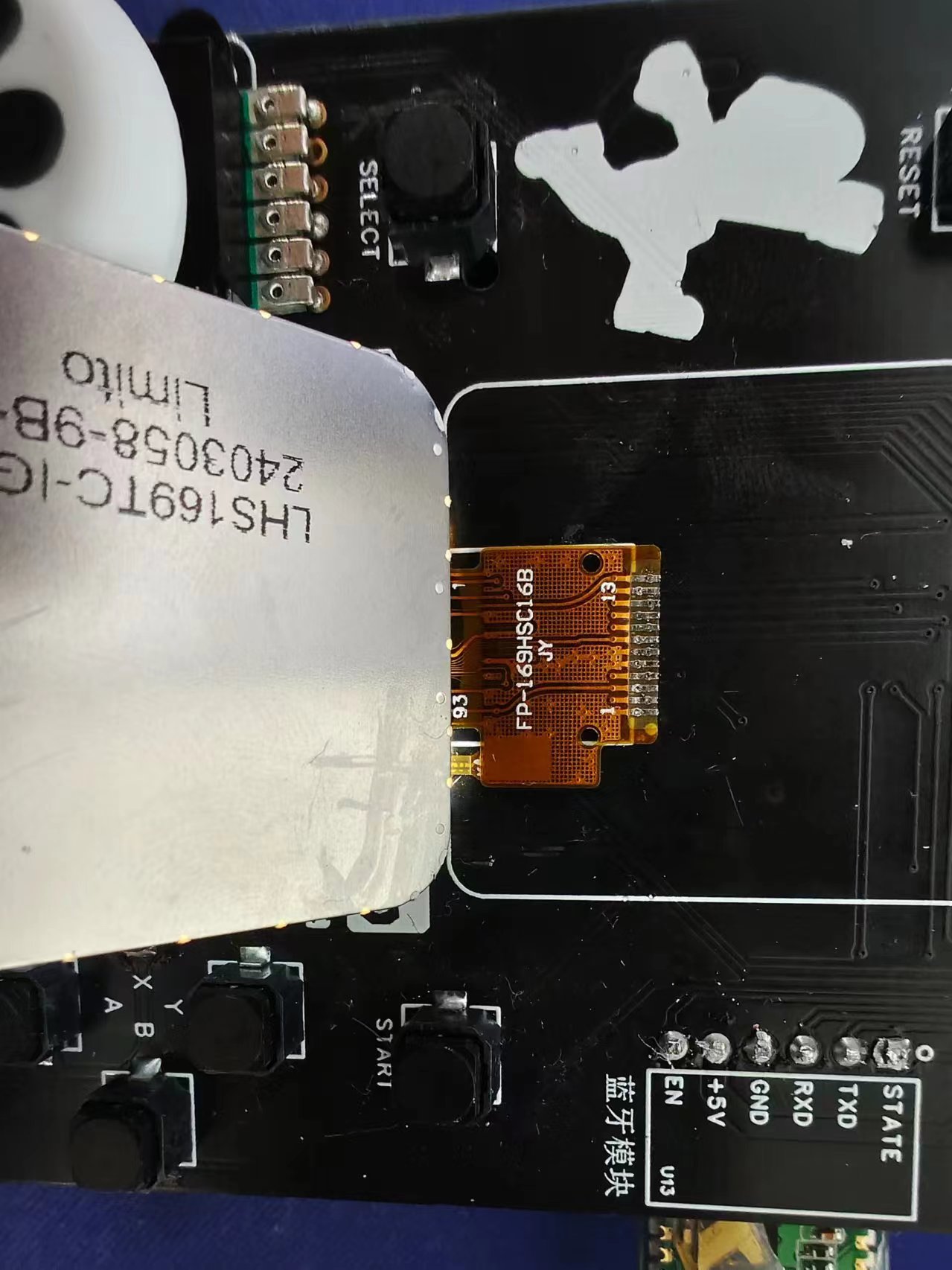
Additionally, please be careful not to bridging the solder joints when soldering the LCD screen. It is recommended to use a small amount of solder paste for soldering, and be careful not to burn the screen.
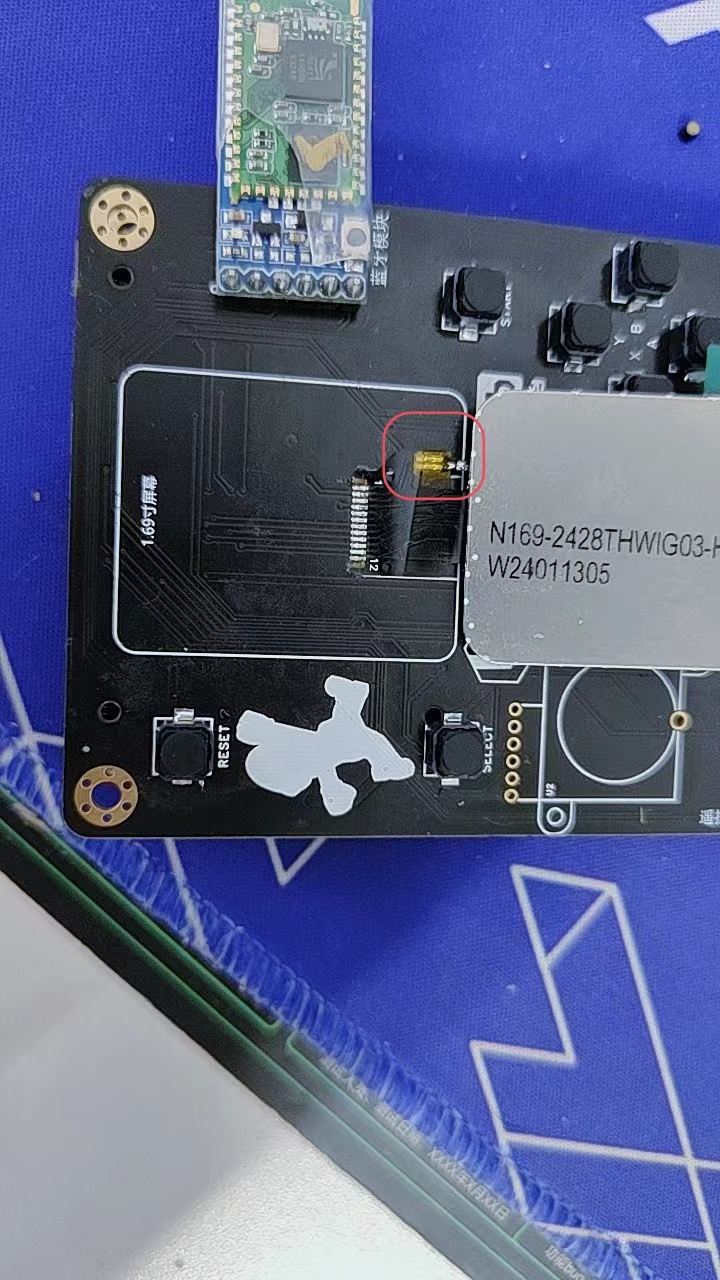
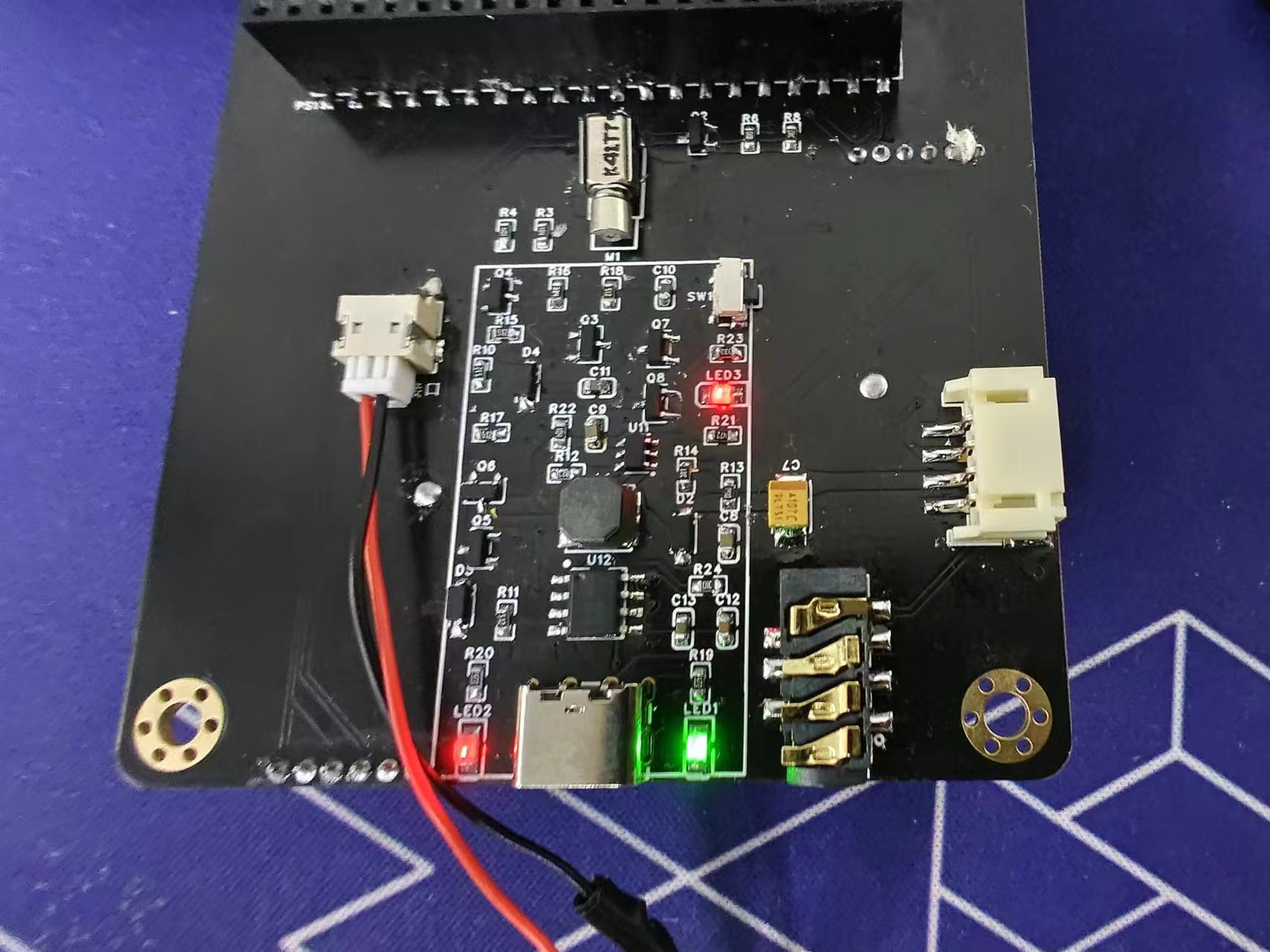
When soldering the battery, note that the left side is ground and the right side is power, so the battery needs to be inserted backwards. If you purchased a 1.2mm connector battery, you will need to cut it and resolder it yourself.
Also, the ground and 3.3V of the vibration module are easily shorted together, so please be extremely careful!
SD card file.zip
Experiment 59 Comprehensive Test Experiment.rar
Game console.zip
code.7z
3D printed shell (2).7z
PDF_Replica of a Game Console Based on the Liangshan School of LCSC - zip
Altium - A replica of the game console based on the Liangshan School of LCSC. zip
PADS - A replica of the game console based on the Liangshan School of LCSC. zip
BOM_Based on the Liangshan School of LCSC Game Console - Replica.xlsx
95043
T113-86 Screen RS485 Expansion Board
The T113-86 screen RS485 expansion board is used in conjunction with the T113-S3 smart home 86 screen V5 version.
The T113-86 screen RS485 expansion board, used in conjunction with the T113-S3 smart home 86-screen V5 version, is
demonstrated in a video :
https://www.bilibili.com/video/BV1sx4y167s9/ .
Usage instructions :
After soldering according to the BOM and PCB specifications, connect the 86-screen PCB using a PH2.0 8P cable.
Then, begin porting the driver, referring to the T527 BSP kernel sunxi_uart.c, adding the sw_uport->rs485_en code section:
https://github.com/chainsx/linux-t527/blob/main/bsp/drivers/uart/sunxi-uart.c
. Configure the device tree as follows:
&uart3 { pinctrl-names = "default", "sleep"; pinctrl-0 = ; pinctrl-1 = ; status = "okay";
sunxi,uart-rs485 = ; sunxi,uart-485fl = ; sunxi,uart-485oe-gpios = ;};
&uart5 { pinctrl-names = "default", "sleep"; pinctrl-0 = ; pinctrl-1 = ; status = "okay";
sunxi,uart-rs485 = ; sunxi,uart-485fl = ; sunxi,uart-485oe-gpios = ;};
Parameters:
sunxi,uart-rs485 = ; // Whether to enable 485 sunxi,uart-485fl = ; // 485 directional line polarity sunxi,uart-485oe-gpios = ; //
After configuring the 485 directional line I/O, make menuconfig find minicom and enable it for testing
entering the system and using minicom Configure the serial port with the -s option, and be sure to disable flow control. Then, connect
the terminal cable to the computer via an RS485 to USB adapter for normal use. Refer to the purchase link for the terminal cable
(color: 8P, length: 80mm, terminals: double-ended (same direction)):
https://item.taobao.com/item.htm?_u=r2dklb45e5e6&id=607000261049&spm=a1z09.2.0.0.24152e8dFFf8qN
PDF_T113-86 Screen RS485 Expansion Board.zip
Altium_T113-86 screen RS485 expansion board.zip
PADS_T113-86-screen RS485 expansion board.zip
BOM_T113-86 Screen RS485 Expansion Board.xlsx
95044
The TYPE-C dual-channel lithium battery charger supports LIR2032/LIR2450/18650 Lithium Cell-2024.
The TYPE-C dual-channel lithium battery charger supports CR2032/CR2450/18650 Lithium Cell batteries.
PCB Hardware Features:
Dual-channel lithium battery charging:
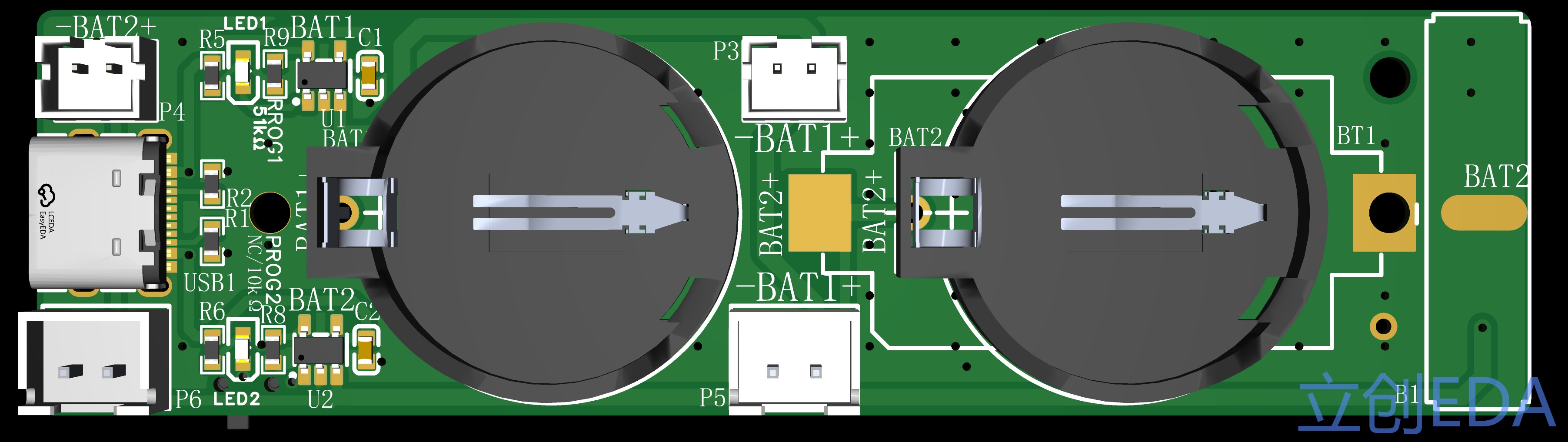
One BAT1 channel has a fixed current of 20mA, suitable for charging LIR2032/ML2032 lithium batteries (do not charge other ordinary batteries; consequences are your own responsibility);
One BAT2 channel offers selectable current of 20mA/100mA, suitable for 18650 or small polymer battery packs;
3D printing of the casing is open; DIY replication or modification is welcome.
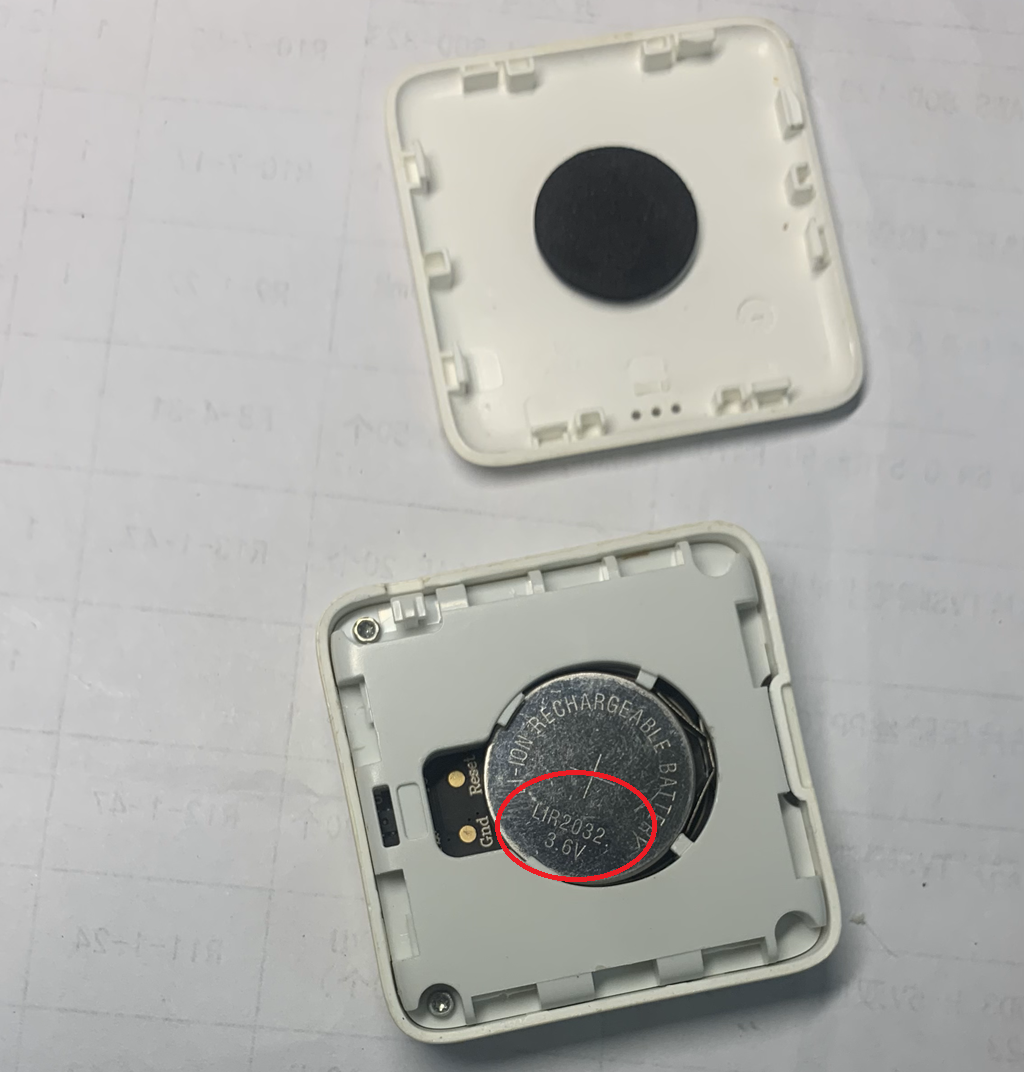
Supported 2032 battery models: LIR2032, ML2032. Actual 2032 battery photos:
PCB 3D printing supports 18650; actual product photo
without casing.
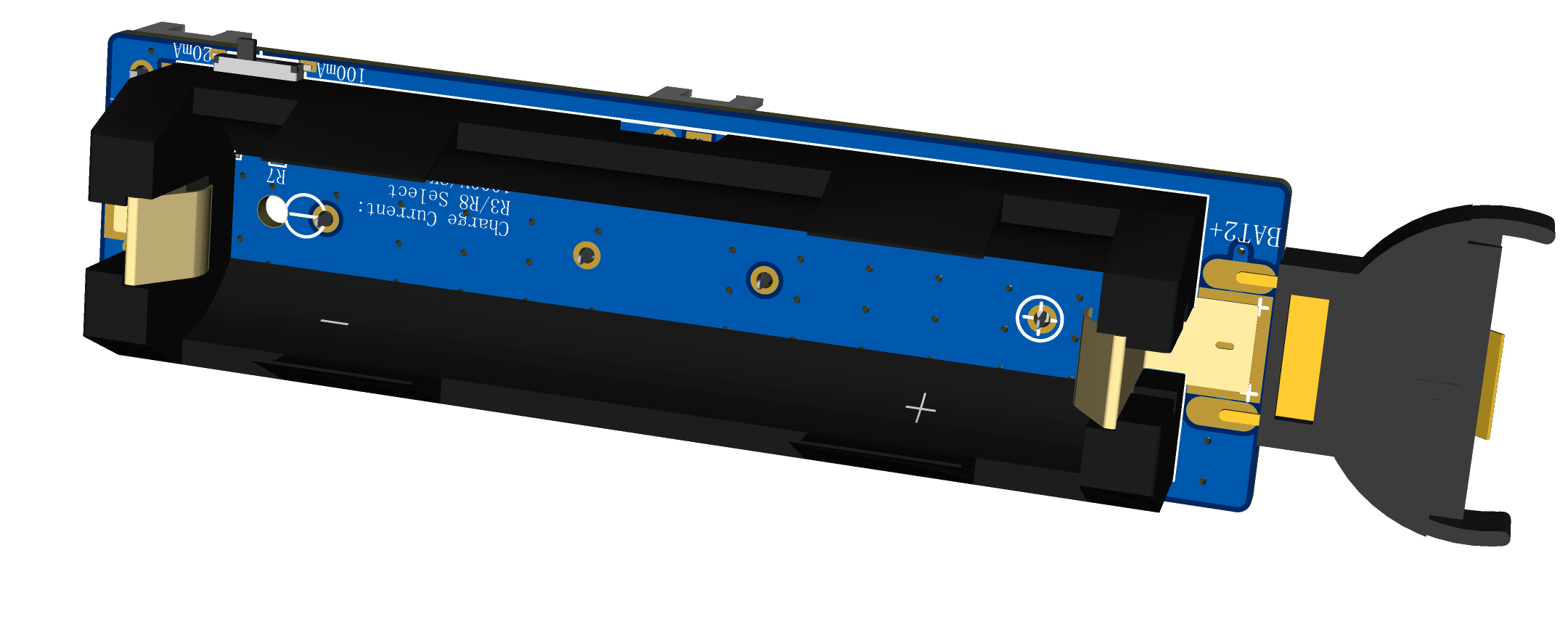
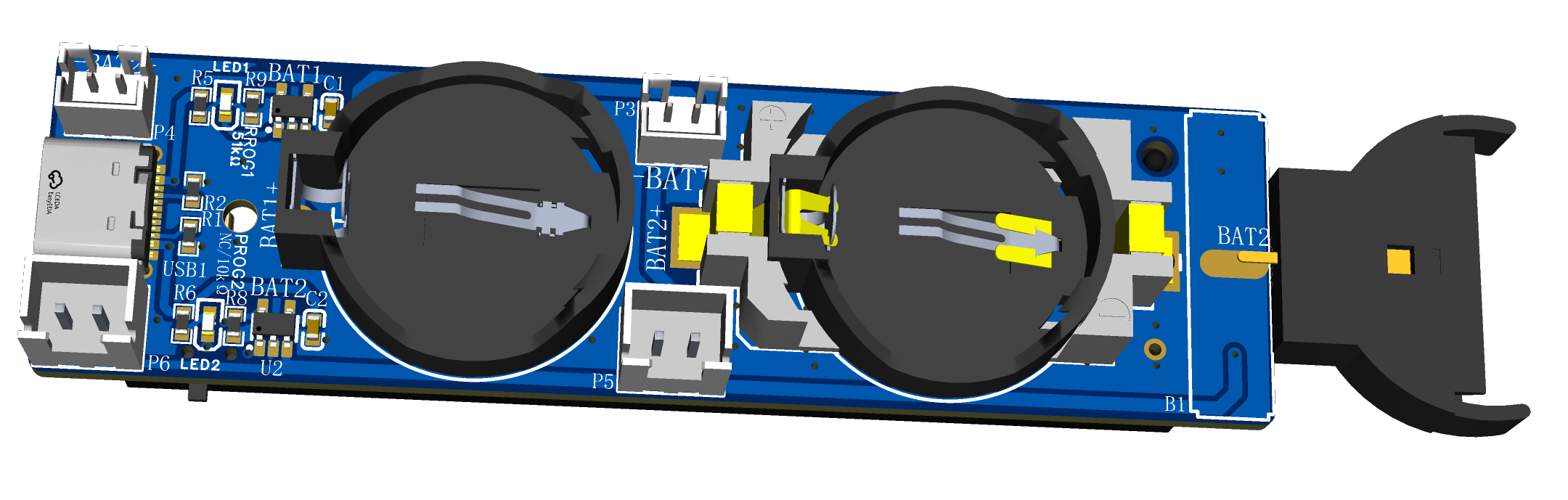
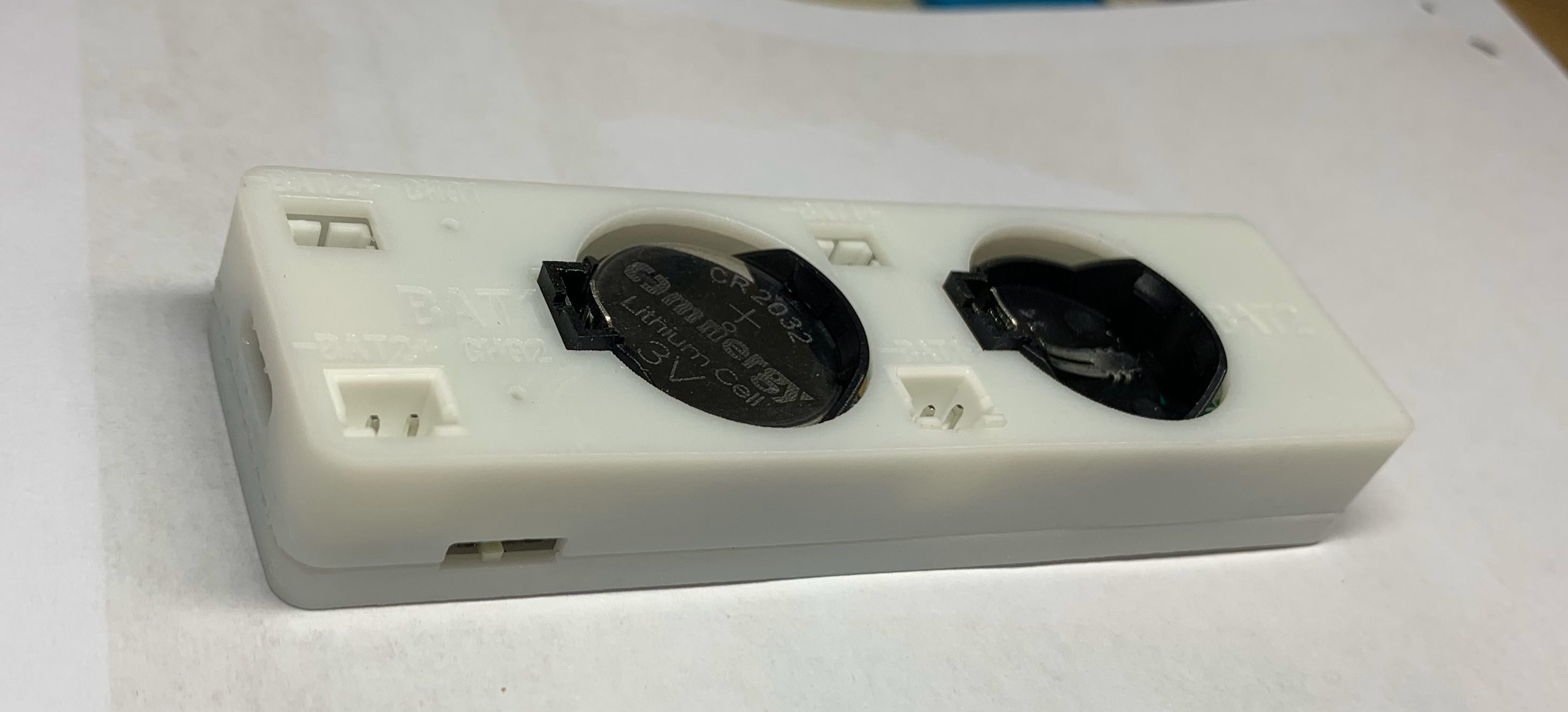
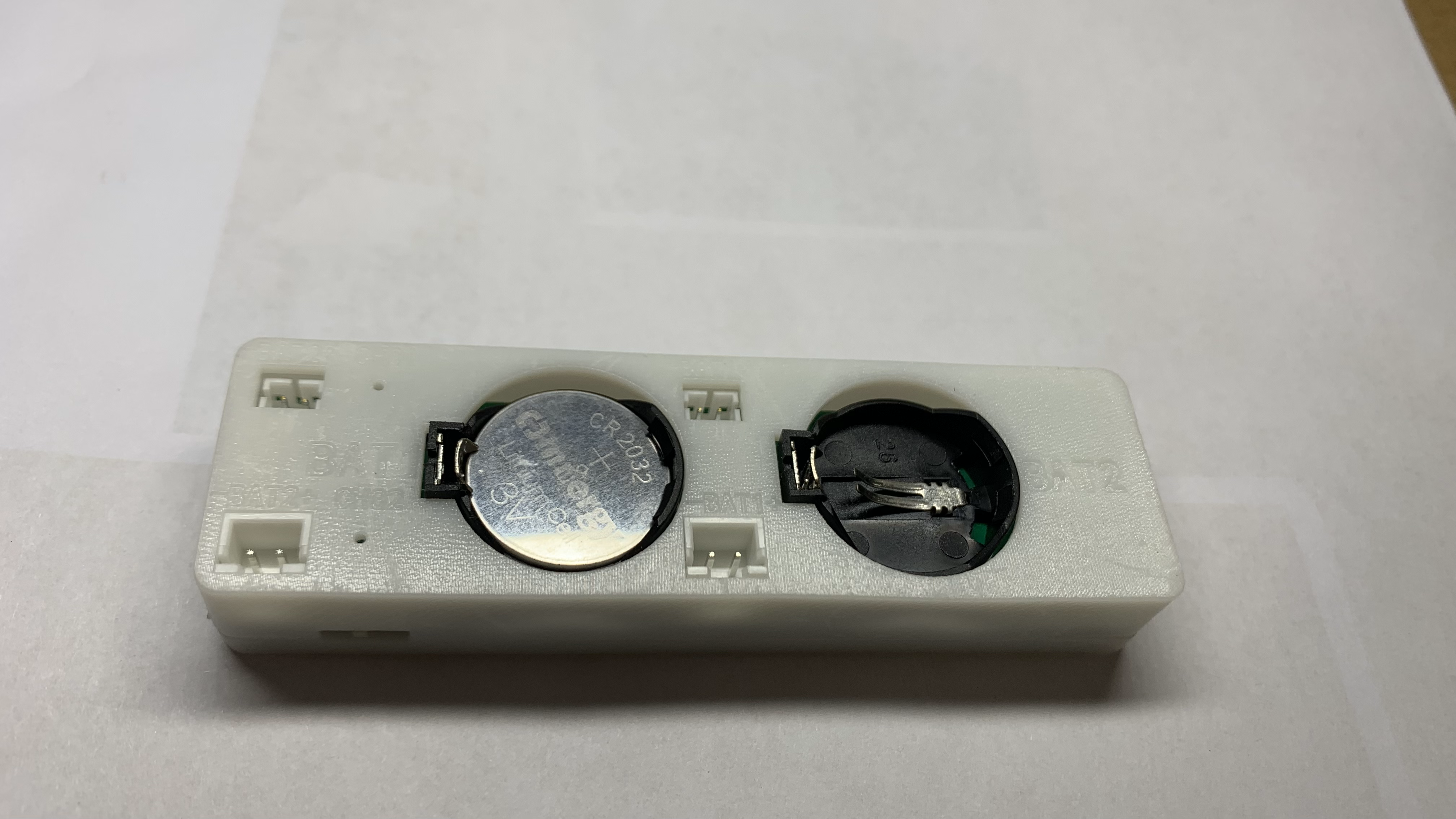
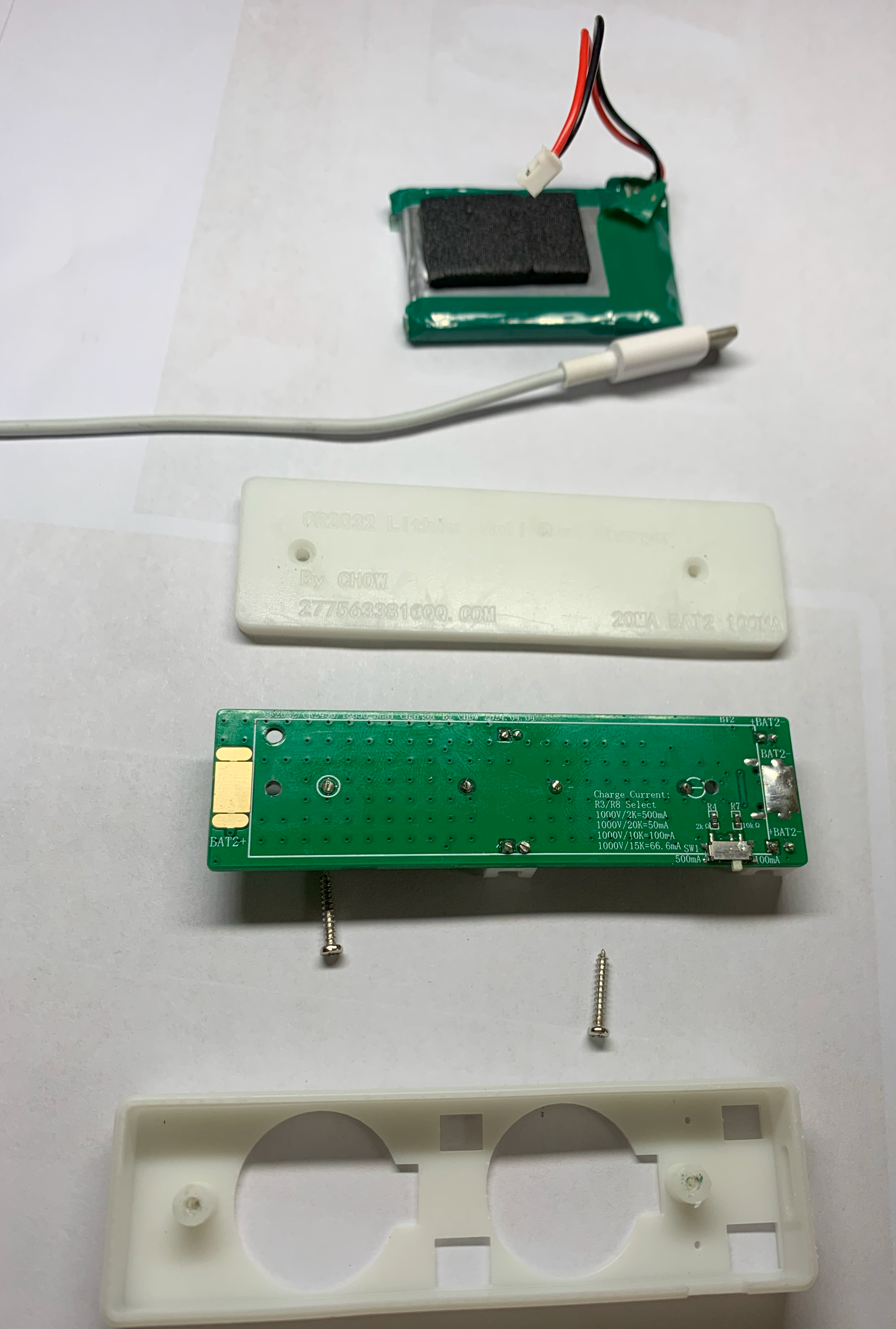
Bottom.STL
BOX.STL
PDF_TYPE-C Dual-C Lithium Battery Charger Supports LIR2032-LIR2450-18650 Lithium Cell-2024.zip
Altium_TYPE-C dual-channel charger supports LIR2032_LIR2450_18650 Lithium Cell-2024.zip
PADS_TYPE-C Dual-C Lithium Battery Charger Supports LIR2032_LIR2450_18650 Lithium Cell-2024.zip
BOM_TYPE-C dual-channel lithium battery charger supports LIR2032_LIR2450_18650 Lithium Cell-2024.xlsx
95045
Magnetic Snowflake Light
I used a small Hall effect sensor as a magnetic switch to control the blinking of an LED. This is my first time making something open source, and I'm very happy.
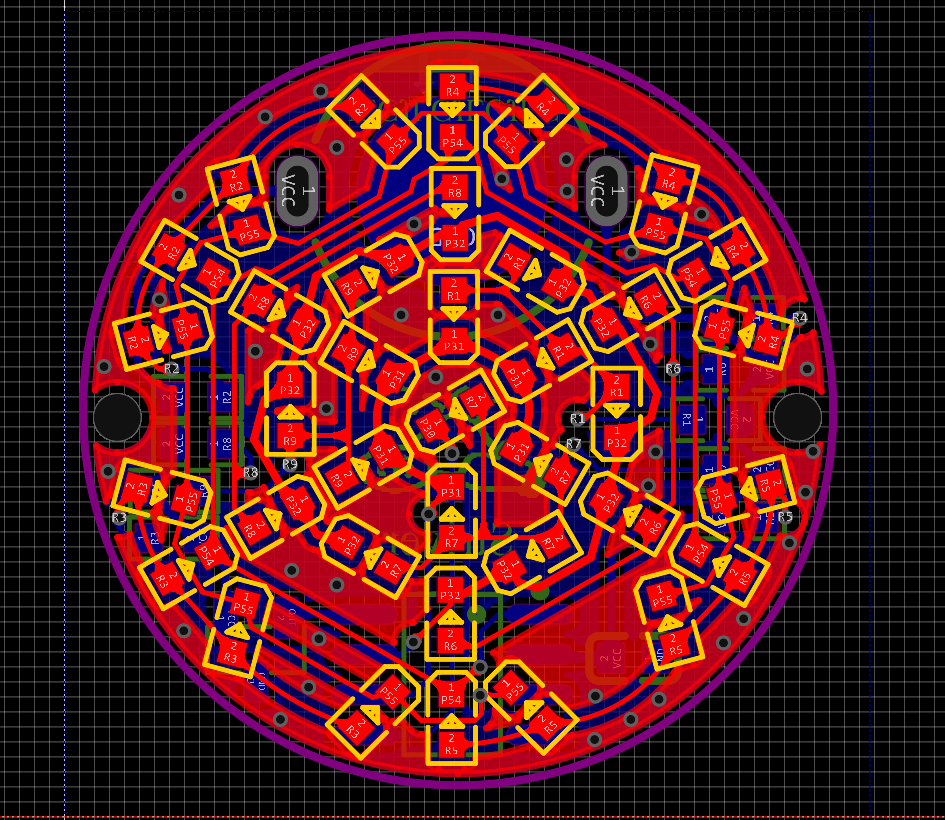
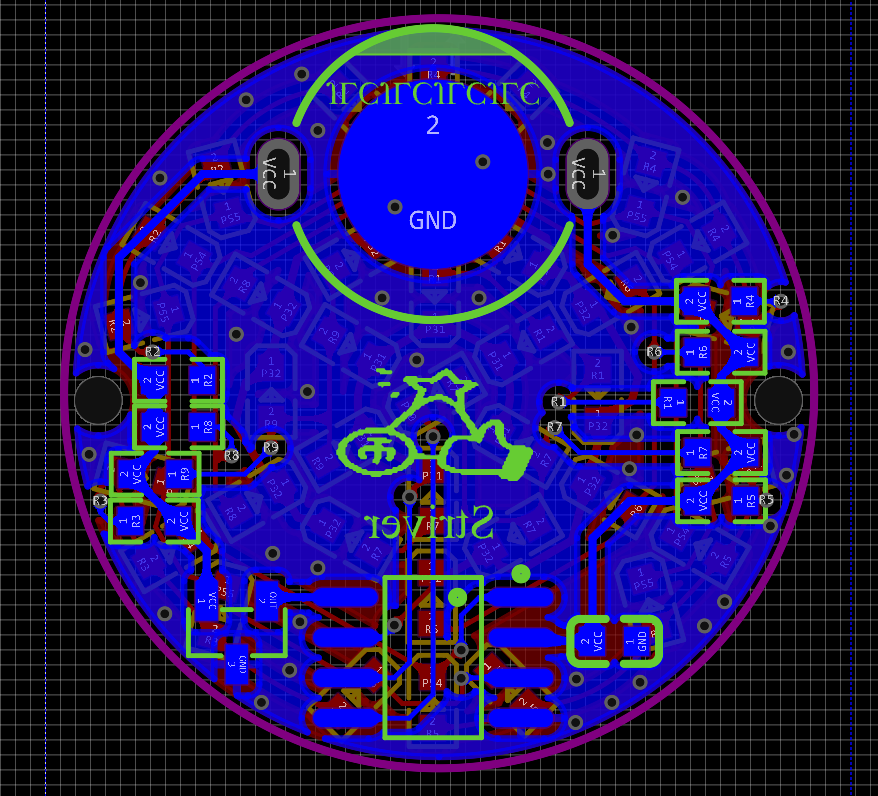
The PCB was designed by myself and can be made for free. It's low-cost, and anyone interested can try it out.
Code address: dujihaoStriver/XueHuadeng: Snowflake Light Project (github.com)
I. Schematic Diagram
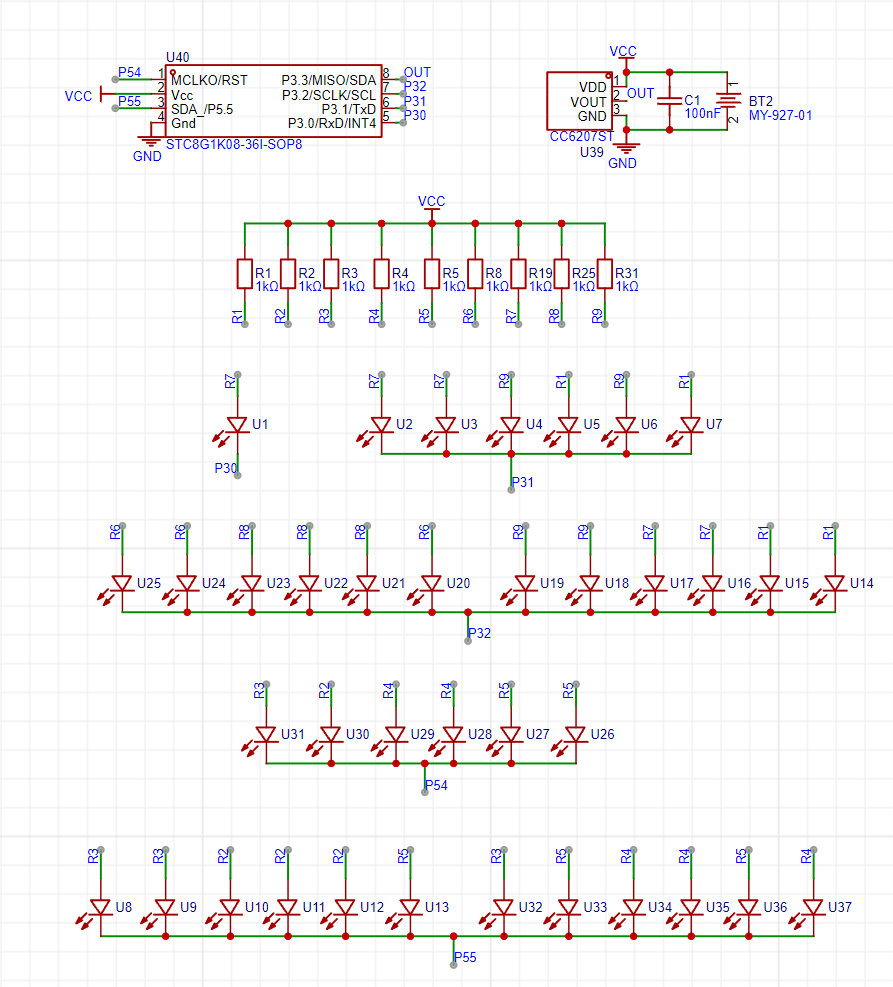
II. PCB
1. Front View
2. Back View
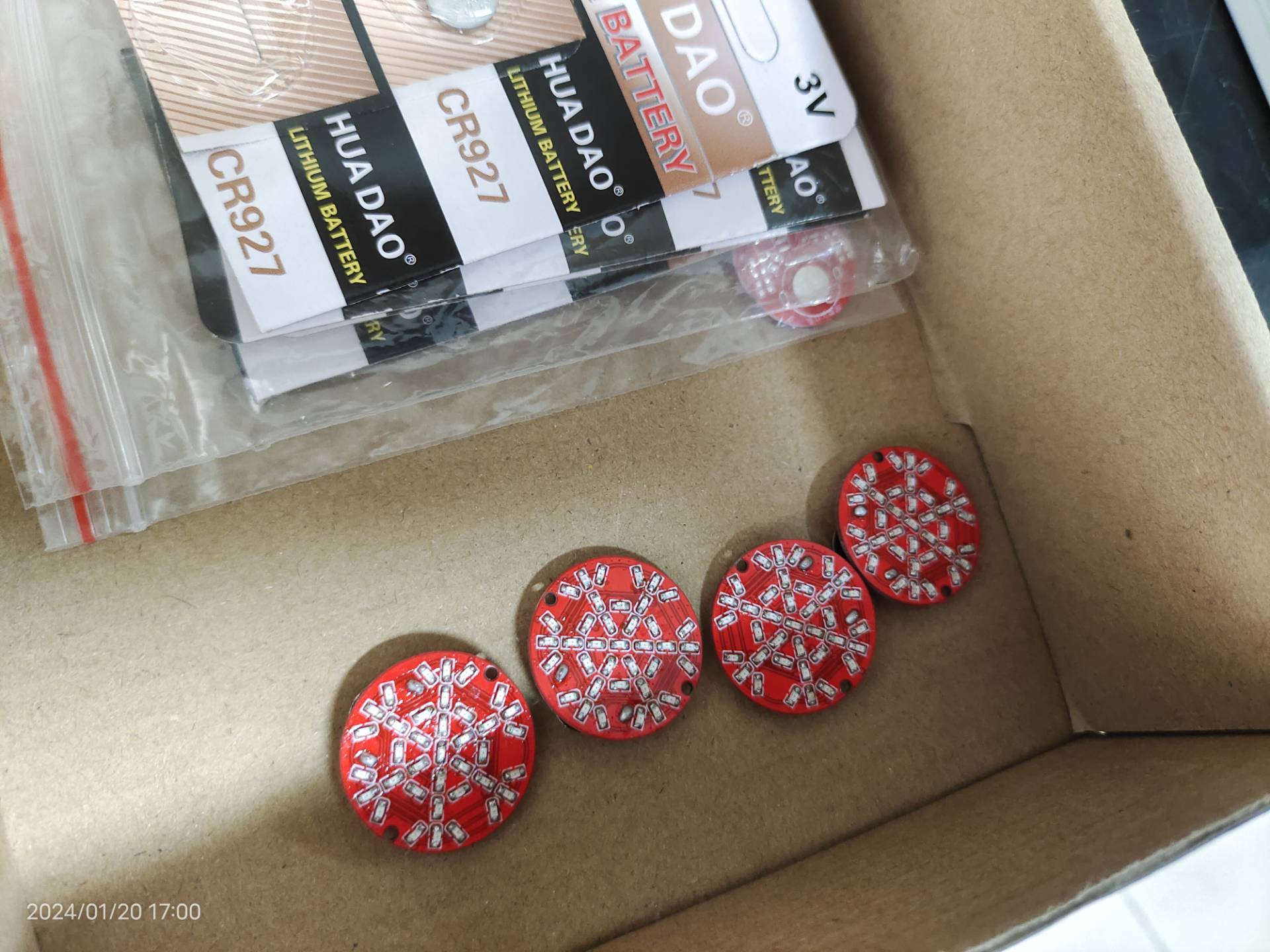
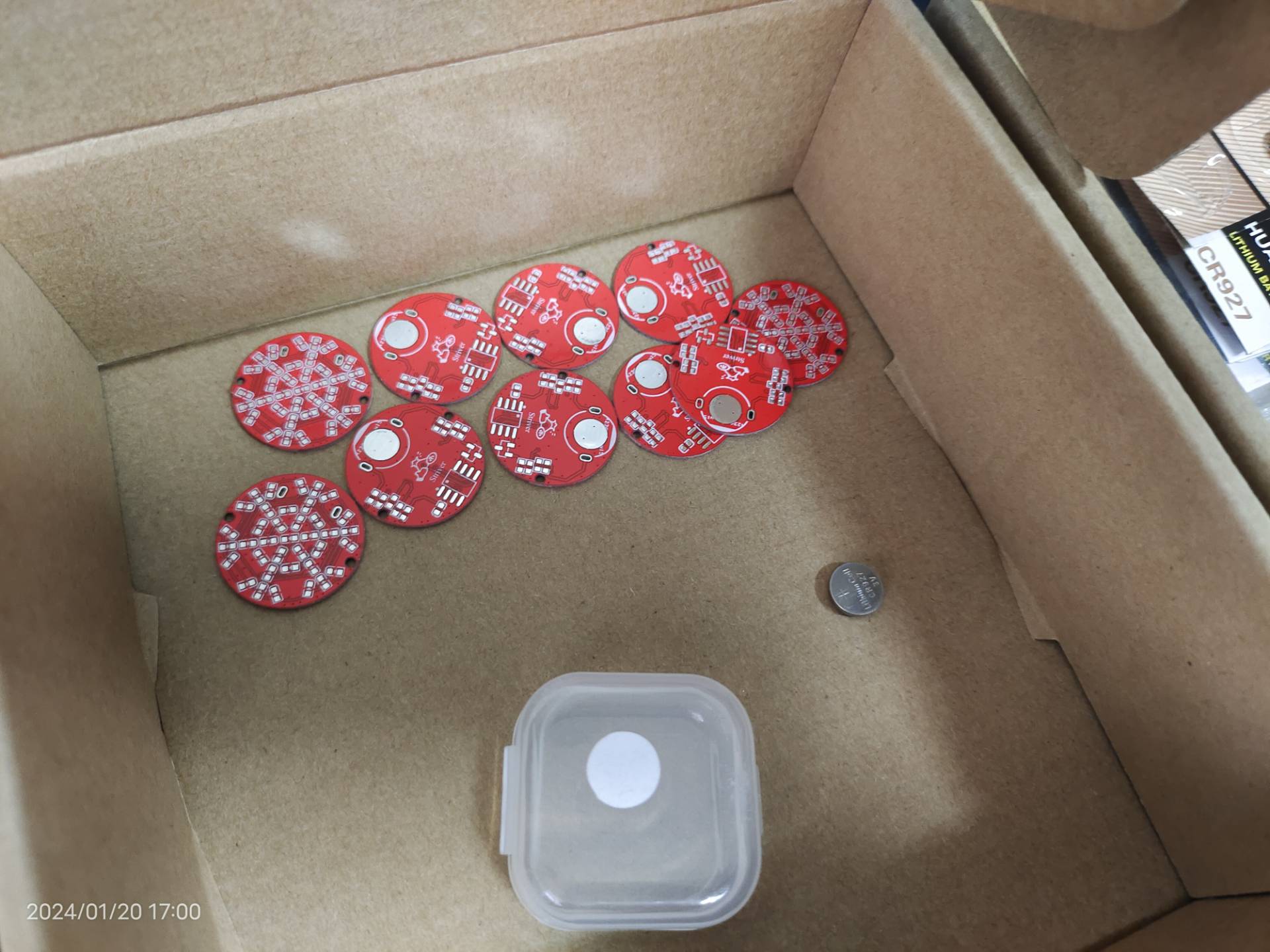
III. Actual Components
QQ Video 20240422213008.mp4
PDF_Magnetic Snowflake Lamp.zip
Altium_Magnetic Snowflake Light.zip
PADS_Magnetic Snowflake Light.zip
BOM_Magnetic Snowflake Light.xlsx
95048
electronic








 京公网安备 11010802033920号


 SSC-MBT623



