WVXBSfr

Smart chat face-changing mini machine

 
Overview
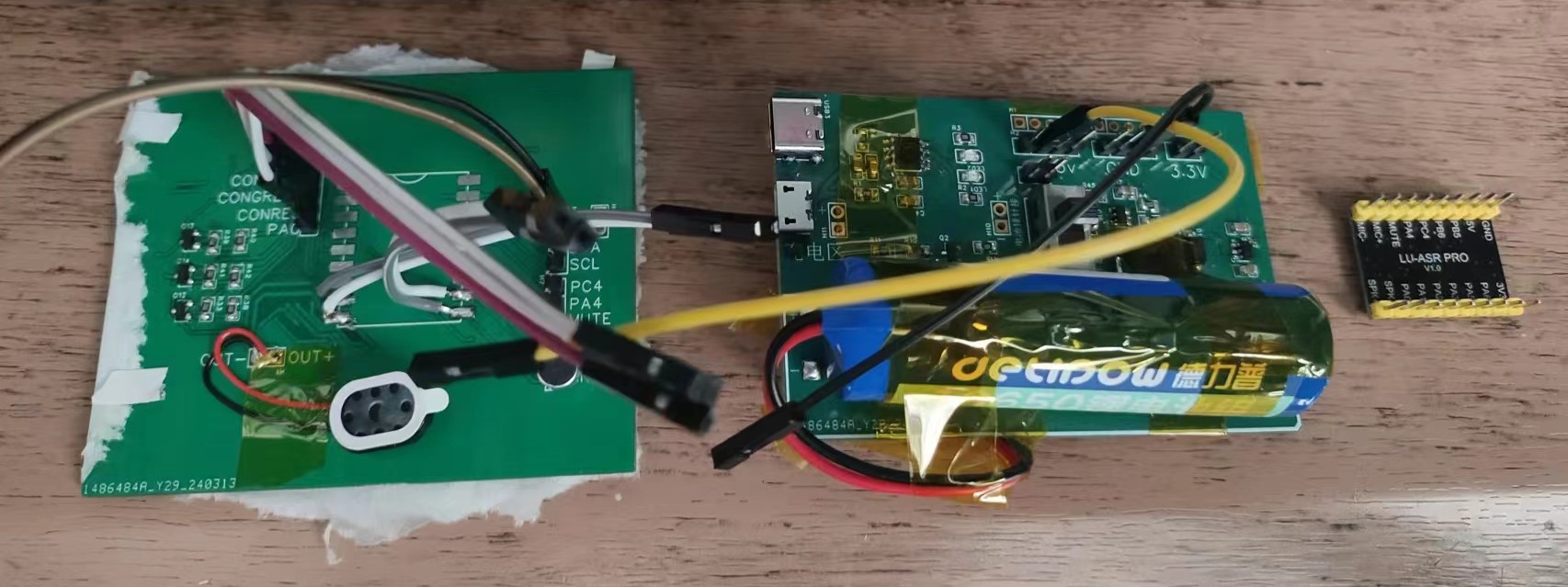
This is a small voice chat toy using the Tianwen ASRPRO chip. It features a power switch and supports charging via micro and Type-C interfaces. The current wake-up word is "Angela" (this can be changed using the CH340 software). After waking up, you can engage in conversation. Depending on your words, LED indicators will display Angela's current emotion and provide a corresponding response. There are three emotions: happy, normal, and sad. Currently, the number of recognized phrases is limited; you can use your imagination to create your own personalized voice companion.
 
 
Main control: Tianwen ASRPRO voice chip.
Detailed instructions for using this chip, and downloadable supporting materials (https://www.haohaodada.com/new/bbs/forum.php?mod=viewthread&tid=592&page=1&extra=#pid1355).
 
Expression LED group: LED
 
light group driver: PMOS switching circuit (for safety, I used a floating input instead of a high level).
(For details, please refer to the switching circuit section of this project: https://oshwhub.com/bzpass/solar-plant-automatic-cultivation-warehouse).
 
Power supply: Portable integrated module, charging, boost, and voltage regulation (For details, please jump to: https://oshwhub.com/bzpass/li-dian-chi-chong-dian-yu-guan-li).
 
Core overview:
 
 
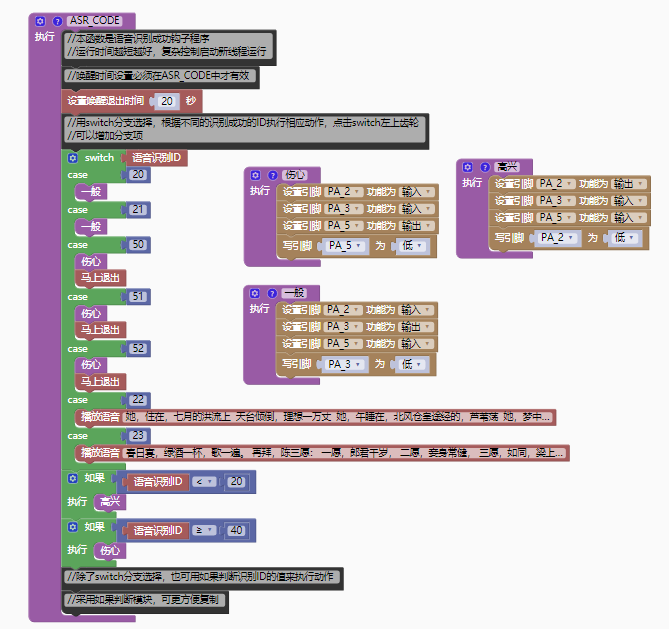
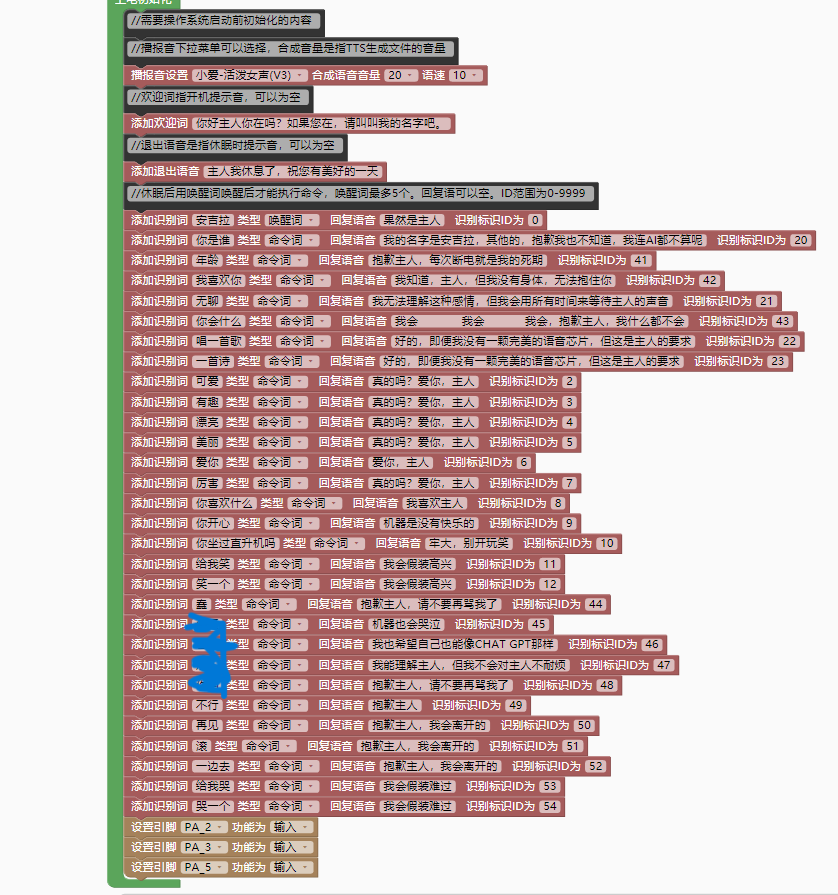
Code section: The code is encoded using graphical programming, which is much simpler than STM32 library function programming.
Wake-up words and command words initialization:
0-20 are happy voice expressions;
20-40 are normal voice expressions;
after 40, it's sad voice expressions. Voice
input is not fully integrated; you can add your own
expression controls.
Actual test:
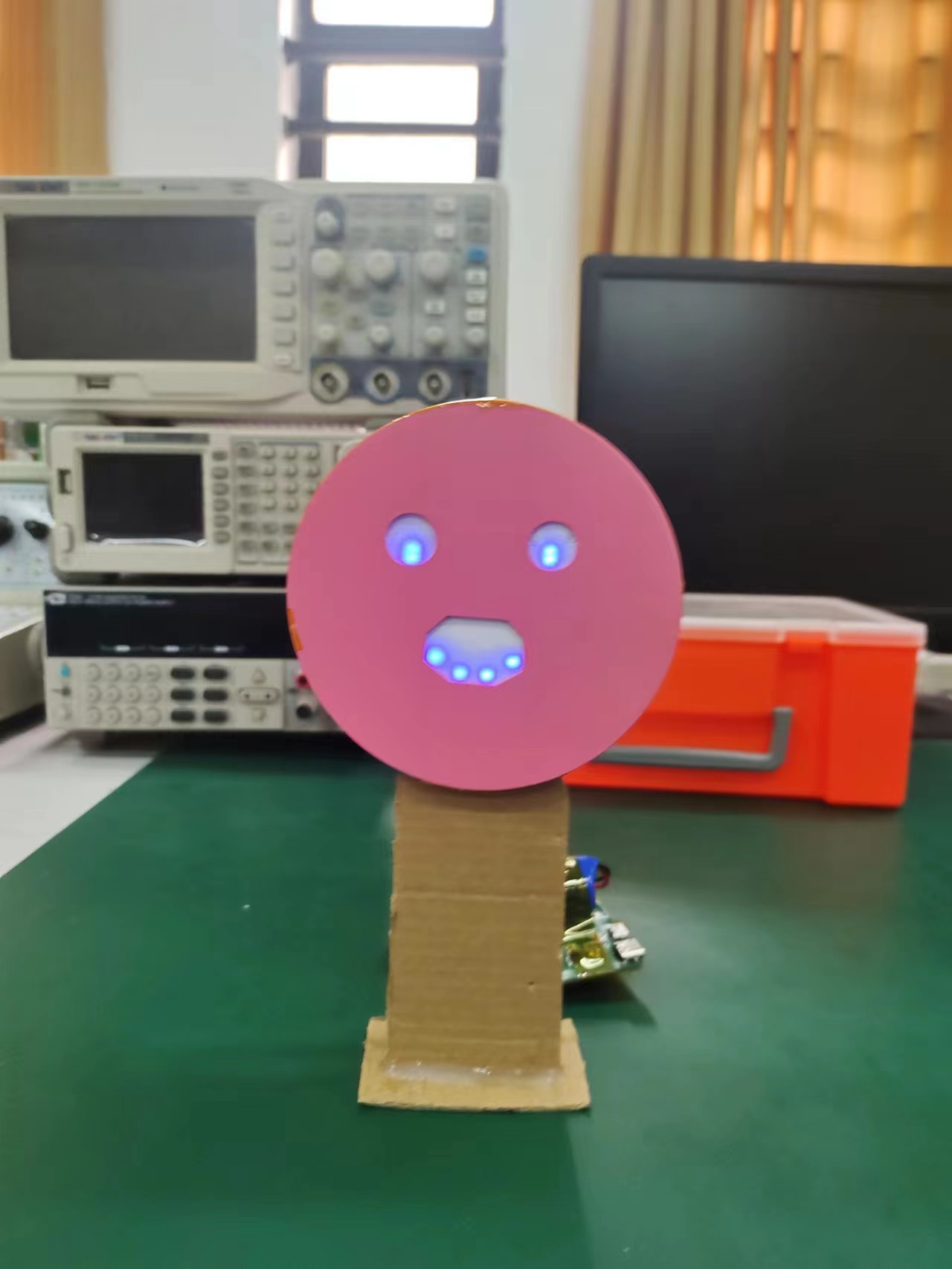
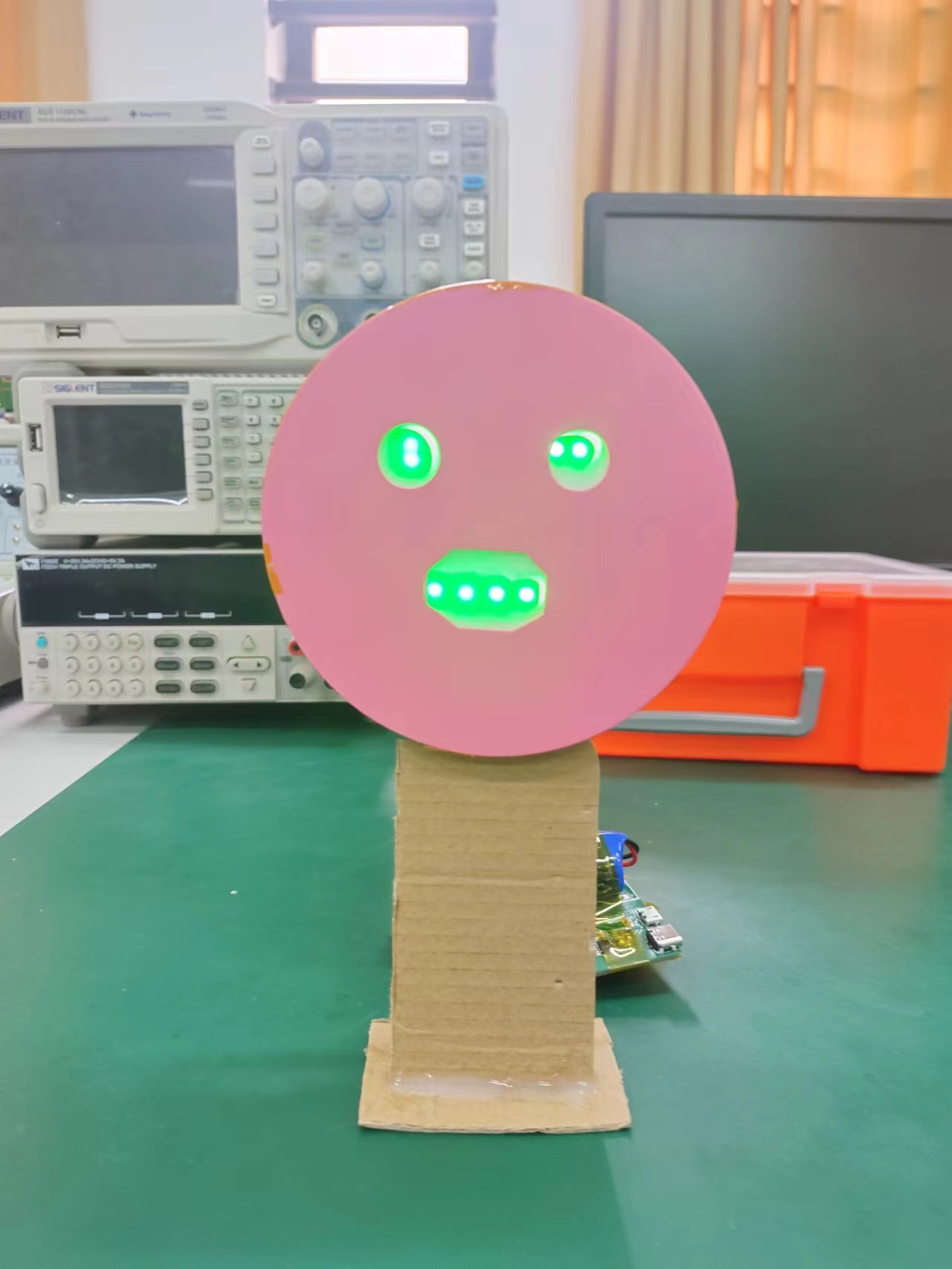
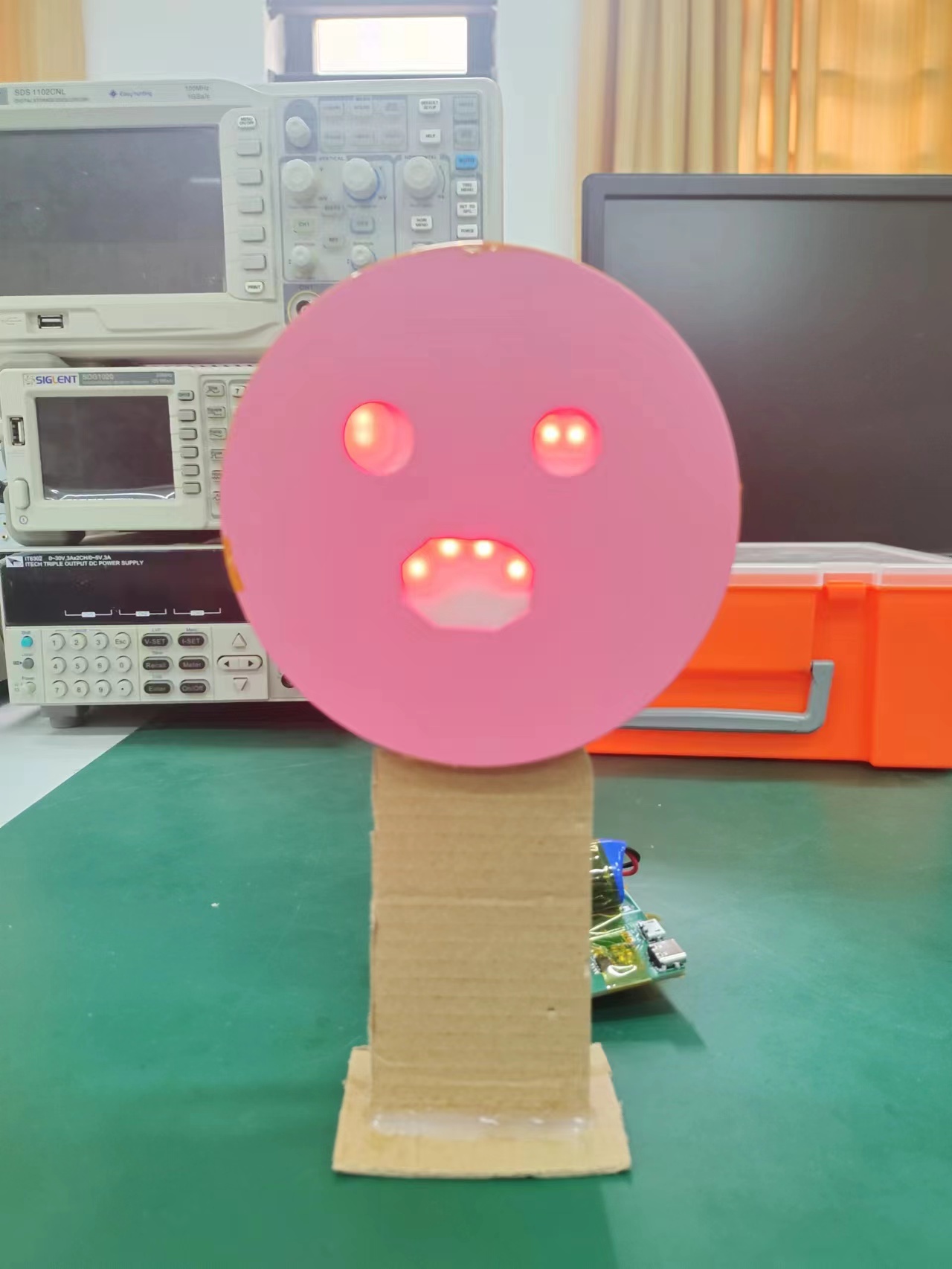
1. Happy;
2. Normal
; 3. Sad
; 4. Test video
explanation: In practice, there were cases where the casing couldn't cover the components. One reason is that I soldered pin headers to the language module; otherwise, it could be directly attached to the light assembly board. The second reason is that the battery I chose was a bit too large. I suggest improving the 3D casing; it was my first time drawing a casing, and it was a complete mess.
Note: In actual testing, I used pins PA1, 2, and 3 to control the light assembly. However, due to hardware limitations, pin PA1 cannot drive the light assembly, so I changed the driving pins to PA2, 3, and 5. This improvement is shown in the schematic, but the problem is that the circuit board I'm currently using is the unmodified initial version. Therefore, the improved version hasn't been actually tested, but the changes are minor. If you're still concerned, please use pin headers and DuPont wires for connection.


参考设计图片
×
 
 
Search Datasheet?

Supported by EEWorld Datasheet

Forum More
Update:2026-03-27 02:24:27

EEWorld
subscription
account

EEWorld
service
account

Automotive
development
community

Robot
development
community

About Us Customer Service Contact Information Datasheet Sitemap LatestNews



Room 1530, 15th Floor, Building B, No.18 Zhongguancun Street, Haidian District, Beijing, Postal Code: 100190 China Telephone: 008610 8235 0740

Copyright © 2005-2024 EEWORLD.com.cn, Inc. All rights reserved 京ICP证060456号 京ICP备10001474号-1 电信业务审批[2006]字第258号函 京公网安备 11010802033920号