OkkvMnBM

Small size ST-LINK/V2-1

 
Overview
I. Fabrication and Soldering
 
1. Schematic Diagram

: The ST-Link circuit on the Pandora IOT development board for the STM32L475VET6 from Zhengdian Atomic
was largely copied, but the reset pin for the main control chip was not brought out.

2. PCB Design:

The entire PCB was designed using LCSC EDA.
Firmware download was performed using the software 【STM32 ST-LINK Utility】 and 【STM32 CubeProgrammer】 ,
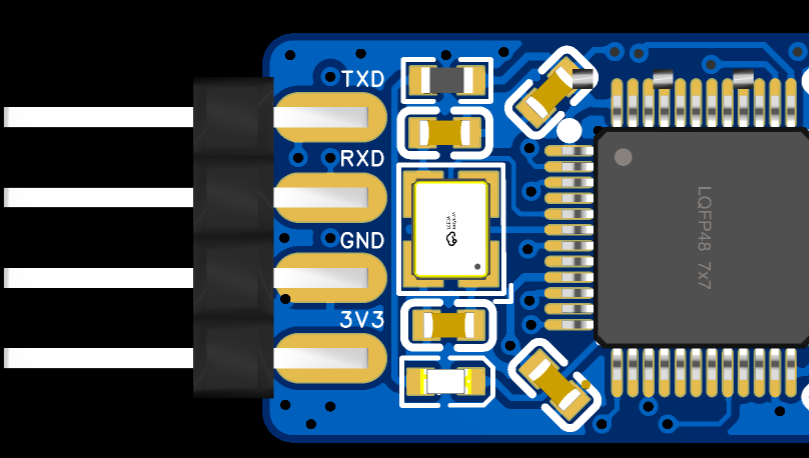
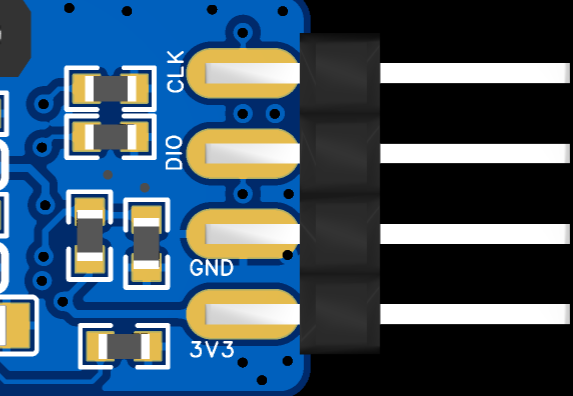
with an SWD download interface and one serial port brought out

. 3. Soldering:

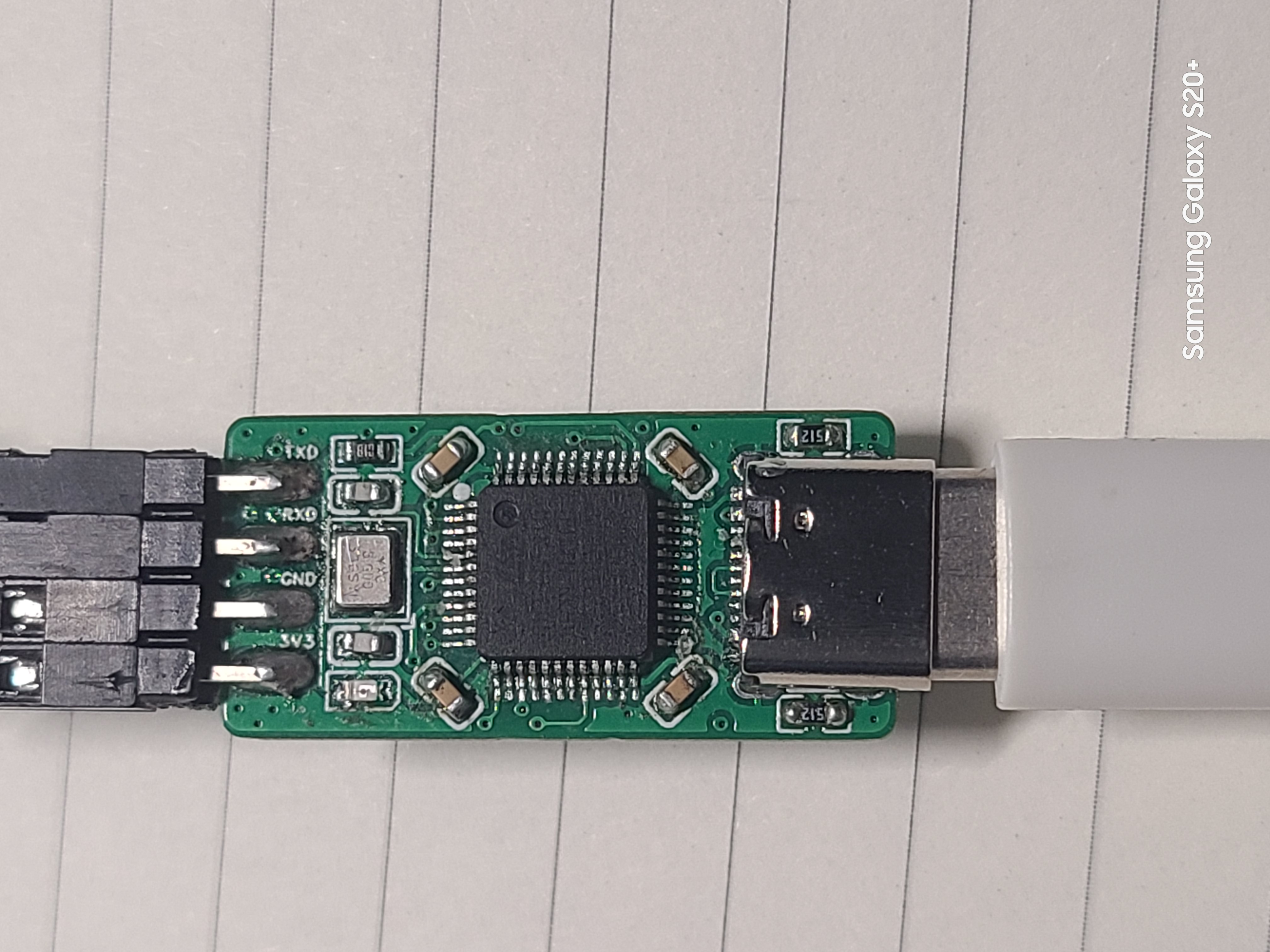
The onboard chip used is the 【STM32F103CBT6】. The chip integrates 128KB of Flash memory and 20KB of Static Random Access Memory (SRAM).
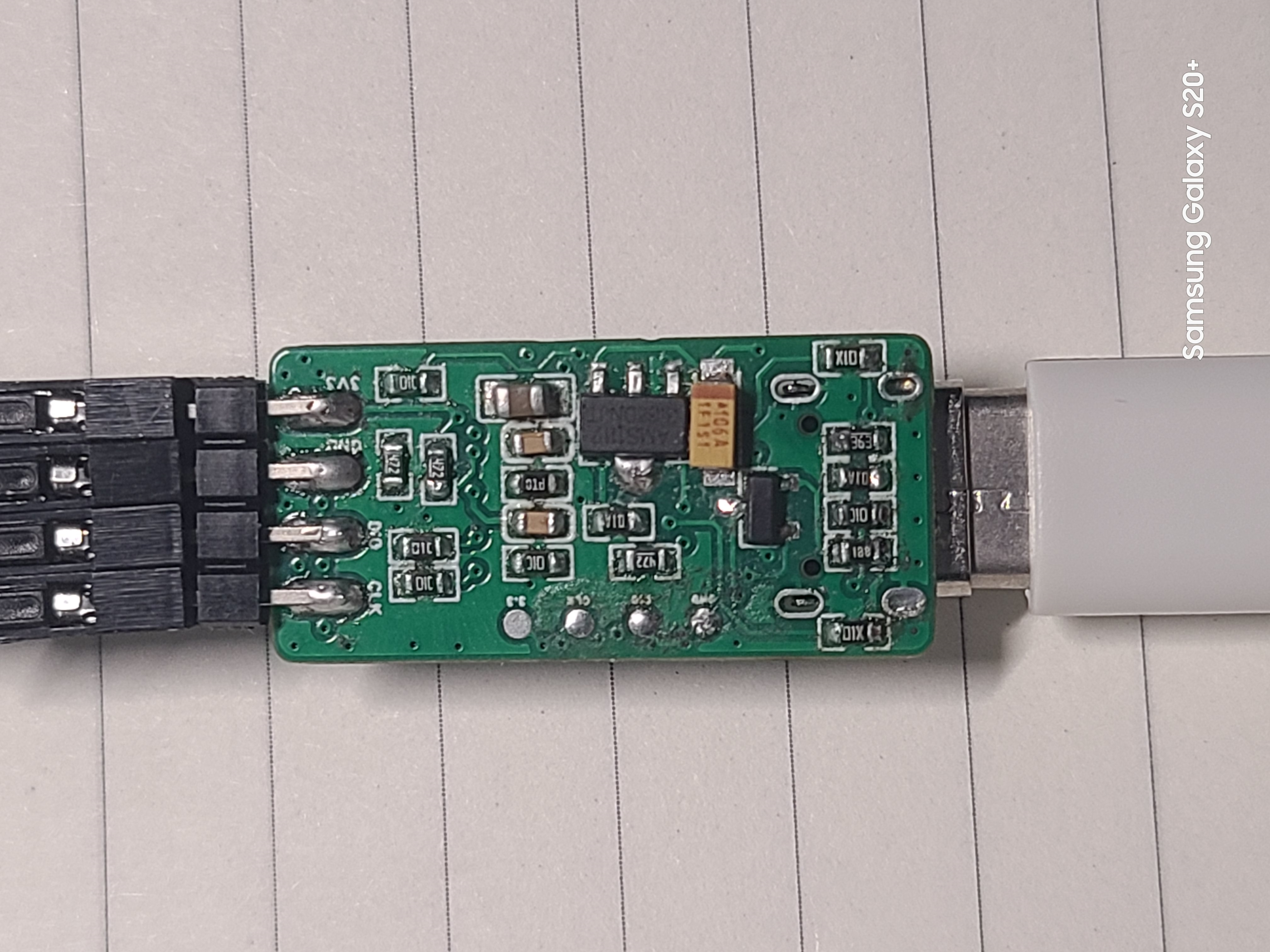
All resistors and capacitors are 0603 packages, which can be soldered using a hot plate, heating pad, or hot air gun.
The onboard chip's download interface is displayed as a "test point" for easy firmware burning.
It uses a USB-C interface for convenient connection.

4. Finished Product Display
 
 
II. Firmware Burning and Testing
1. Original Firmware Burning

A ready-made ST-Link programmer is required. Then, use a soldering iron and DuPont wires to bring out the onboard chip's download port and use ST-Link to download the original firmware.

[Note] Since PA9 and PA10 are not brought out on the board, when purchasing a new chip, it can only be unlocked using software.

You can use an ST-Link programmer and the [STM32 ST-LINK Utility] software to unlock the chip (search online for specific steps).
Firmware can be downloaded using [STM32 ST-LINK Utility] or [STM32 CubeProgrammer] software (search online for specific download steps).

2. Firmware Upgrade After Download

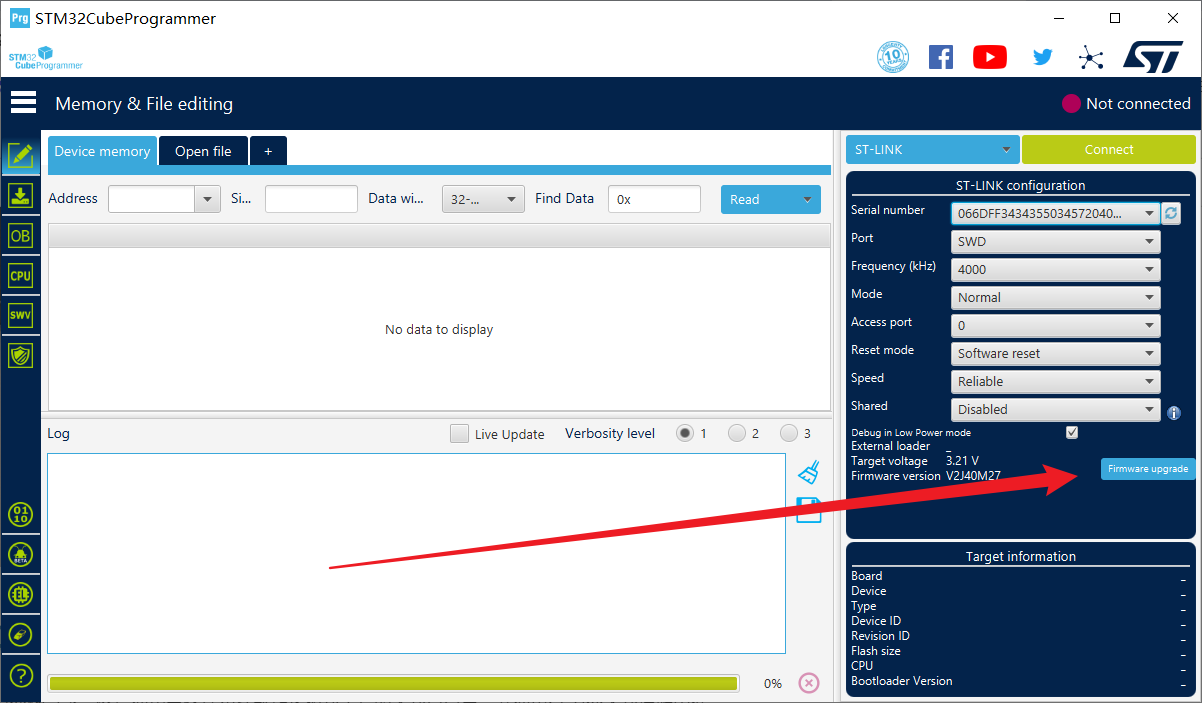
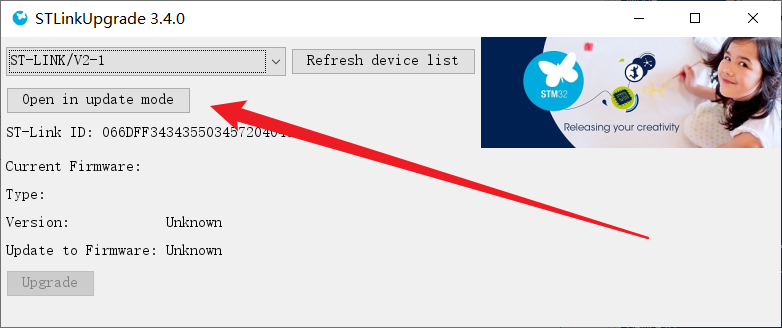
Using TM32 Upgrade using the firmware upgrade tool included with CubeProgrammer. You can connect via USB-C cable to upgrade.


Click "Open in update mode," wait for the detection, then click "Upgrade" and wait for the download to complete.

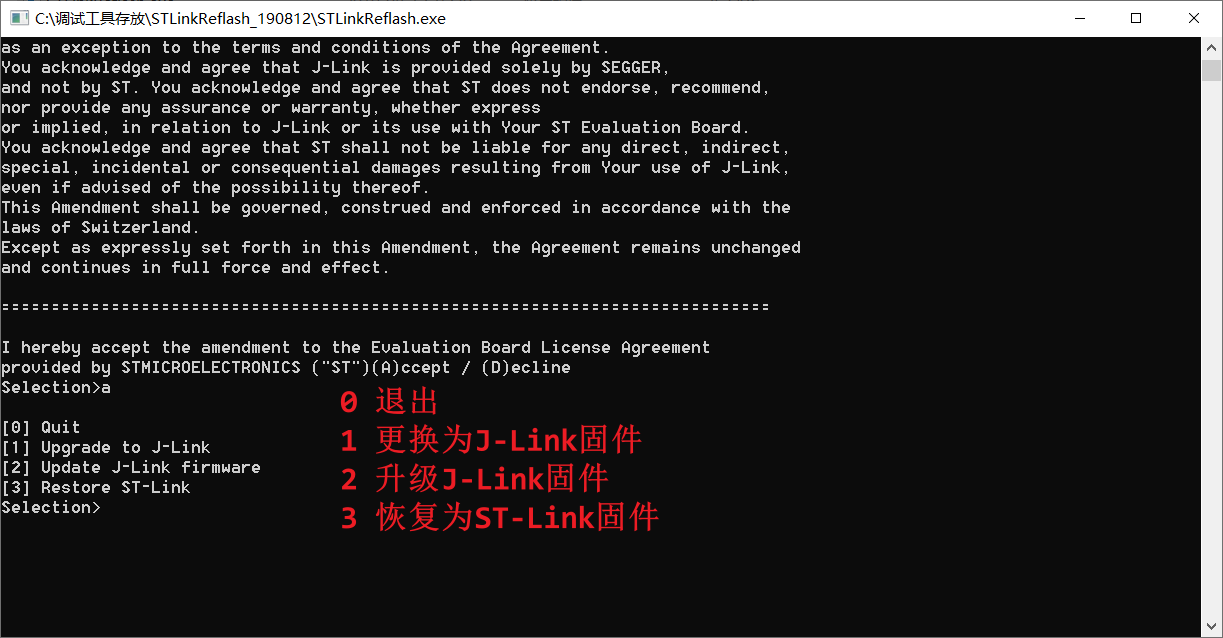
3. To change the firmware
, you can use the ST-Link to J-Link converter to convert the firmware.
Follow the command prompts to complete the operation.
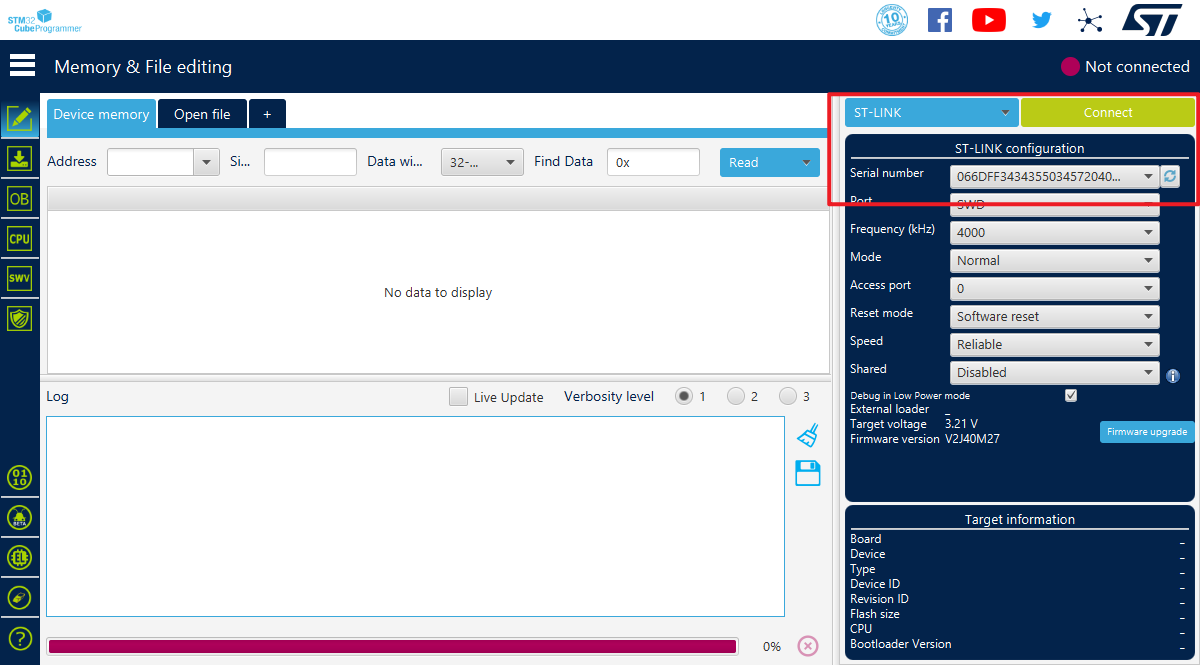
Only ST-Link and J-Link firmware were tested; DAP-Link firmware download was not tested.
 
4. Testing showed that the board

supports drag-and-drop hex programming from a USB flash
drive. After testing, the board can be programmed and used normally on STM32F1 series chips, but not on STM32F4 series chips. The reason is under investigation and has not been determined.


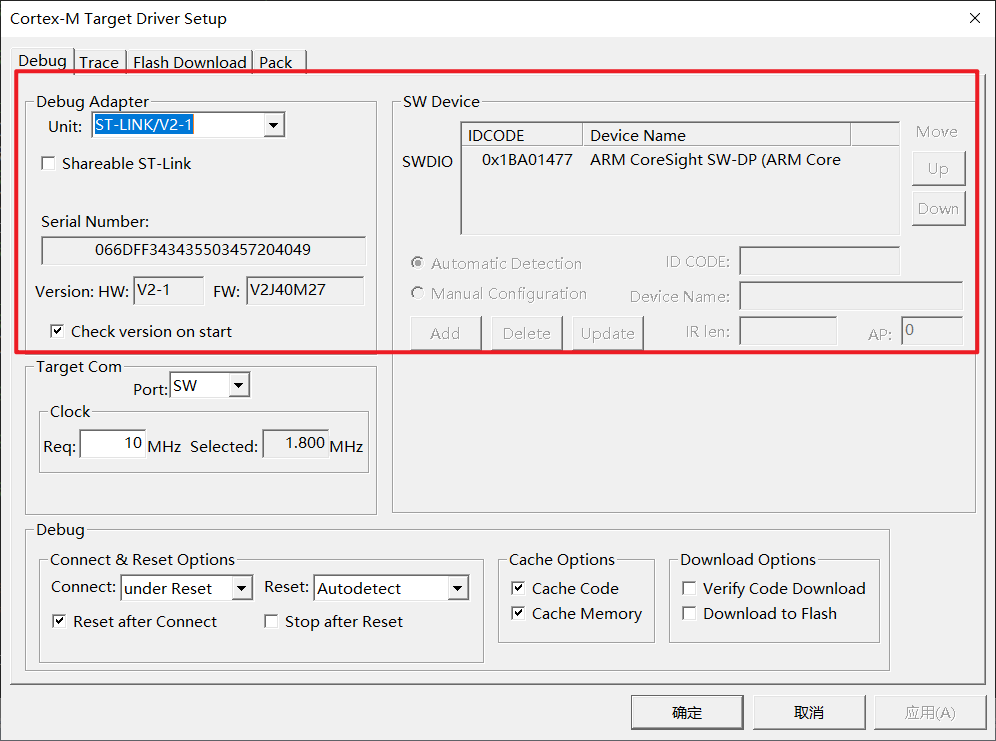
The board can be recognized normally in both Keil and STM32 Cube Programmer software.


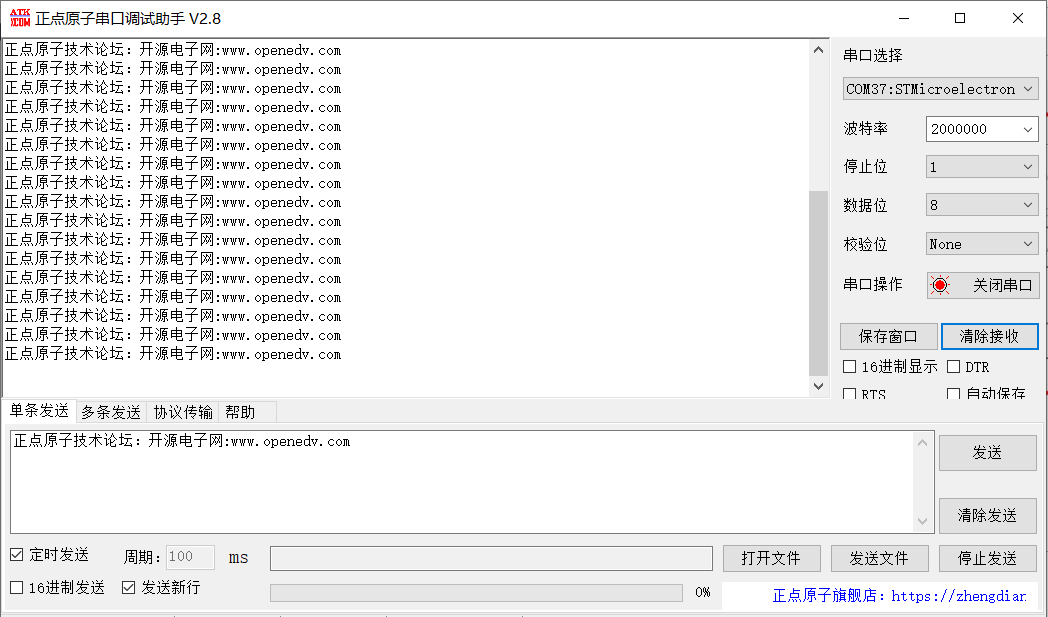
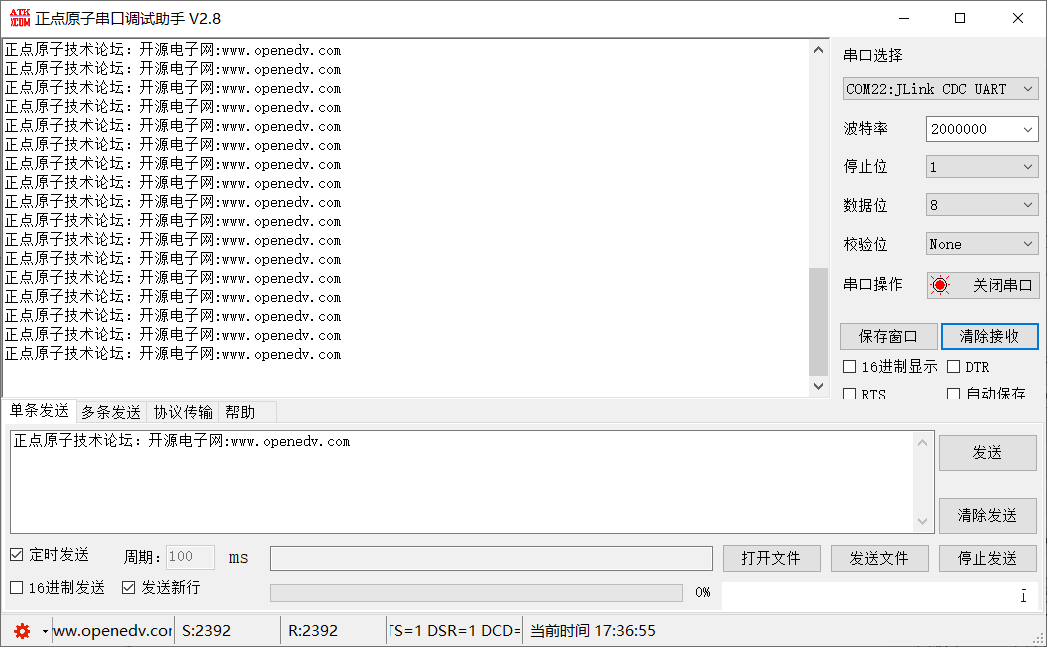
The virtual serial port can be recognized normally in the serial port debugging assistant, and it can be recognized normally under both different firmware versions. The image shows a loopback test.

III. The
issue of not being able to download to F4 will be further investigated.
参考设计图片
×
 
 
Search Datasheet?

Supported by EEWorld Datasheet

Forum More
Update:2026-03-24 16:07:39
  • Determine the range of effective priorities
  • Design a home burglar alarm program
  • What should I do if EBOX4300 cannot start? ? ? ? ?
  • AD5755 is very hot when working
  • download
  • VIA Technologies Hangzhou recruits mobile application software + driver

EEWorld
subscription
account

EEWorld
service
account

Automotive
development
community

Robot
development
community

About Us Customer Service Contact Information Datasheet Sitemap LatestNews



Room 1530, 15th Floor, Building B, No.18 Zhongguancun Street, Haidian District, Beijing, Postal Code: 100190 China Telephone: 008610 8235 0740

Copyright © 2005-2024 EEWORLD.com.cn, Inc. All rights reserved 京ICP证060456号 京ICP备10001474号-1 电信业务审批[2006]字第258号函 京公网安备 11010802033920号