

6g66fR

The Rubik's Cube of Time Management Masters (Part 1)

 
Overview

Product Introduction >>


For frying and cooking? For exercising in bed? For working or studying? For throwing something, turning off the lights or air conditioning? For daily timekeeping? Using your phone and checking your watch is eye-straining and mentally taxing, so TimeCube was born!!!!


Open Source License
This project uses the CC-BY-NC-SA 3.0 open source license, i.e., Creative Commons Attribution-NonCommercial-ShareAlike License.
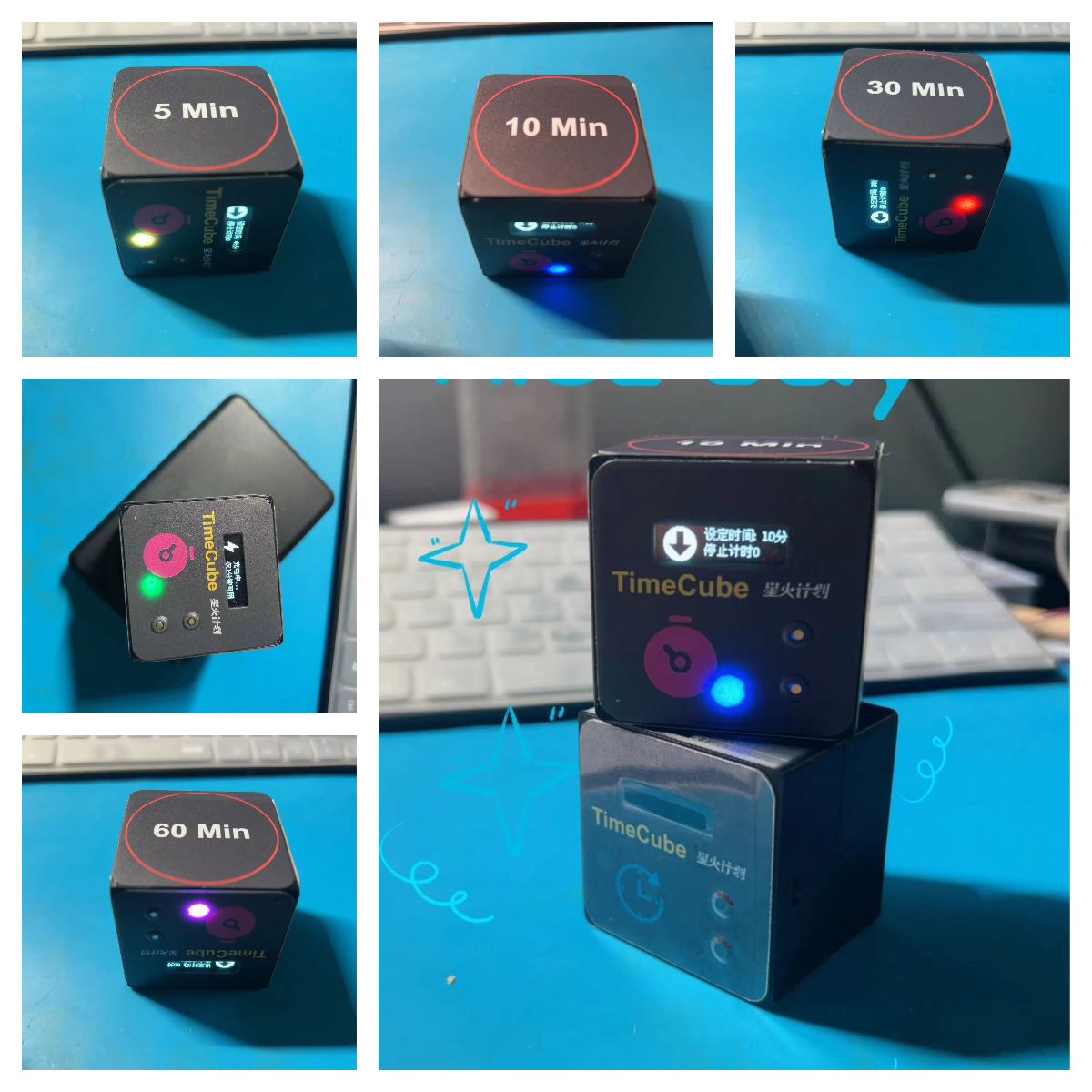
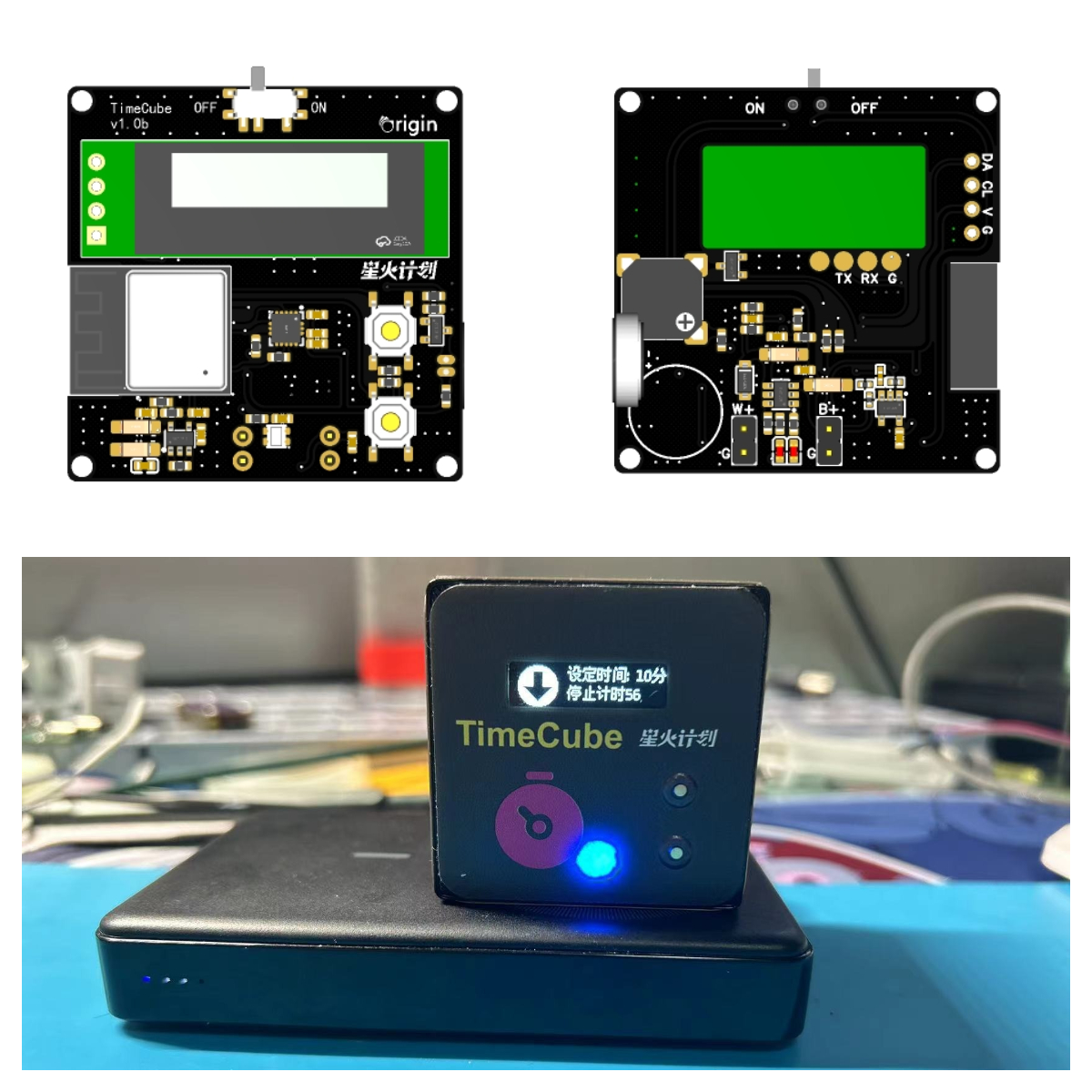
Physical Demonstration
 
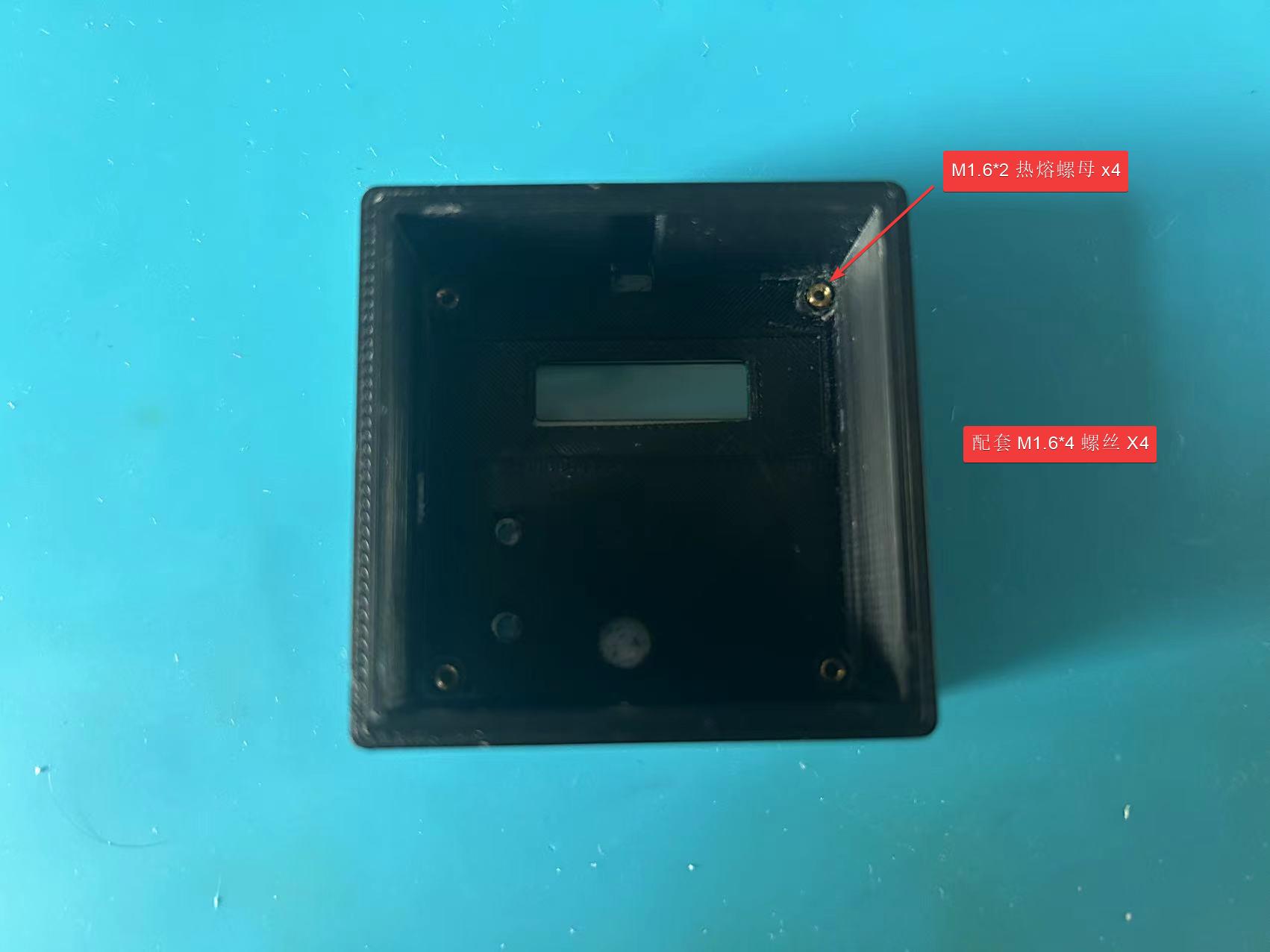
PCB Preview
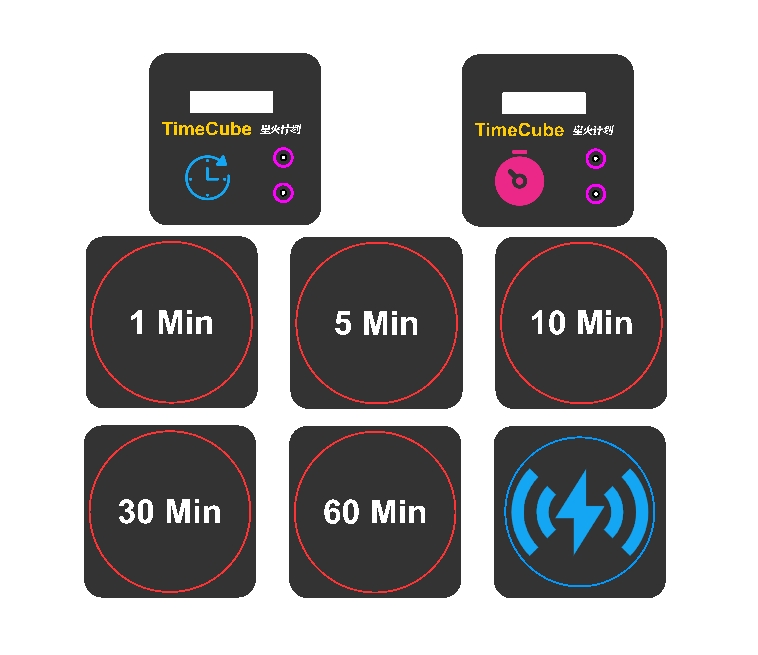
Sticker Preview
Project Attributes
This project is being publicly released for the first time and is my original work. This project has not won any awards in other competitions.
Specifications:

Wireless charging input: >=5W, compatible with Qi protocol;
Operating voltage: 3.3V;
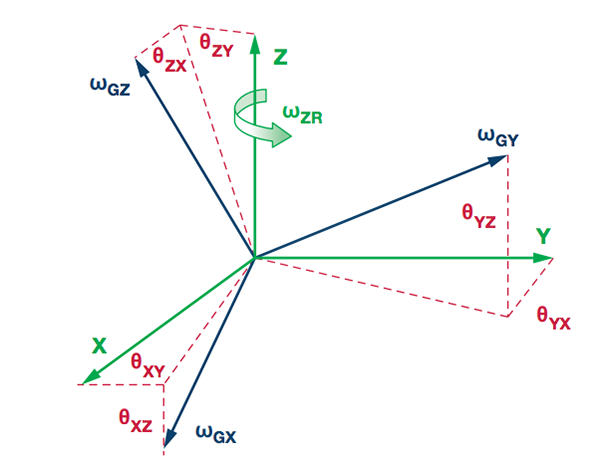
Sensor: Gyroscope, accelerometer
; Built-in power supply: Supported;
Vibration indicator: Supported; Sound
indicator: Supported
; Light indicator: Supported ;

Release function:

Initial version includes 6 built-in minute timers: 1 (charging mode), 5, 10, 30, 45, 60
(time mode)
; Vibration reminder supported
; Wireless charging
supported; Charging detection supported;
Button start & pause & reset supported
; Temperature and status display;
RGB status indicator;

 
Pre-update function: update ---

Customize time for each posture (remote or web modification);
Vibration mode change (rhythm?)
; Function selection (status control? Smart home control mode, Xiao Ai Tmall?);
Remote UTC?;
Menu function control: Buzzer, time modification, function switching (supports power-off storage)?
Shake to perform a function?

Update Log: July 19, 2024
1. Added a notification sound to indicate entering charging status.
2. Fixed an issue where charging status might be inaccurate.
3. Added RGB indicator for charging status.
4. Fixed an issue where the timer could not be reset upon position change.
Product assembly and program download:

Hardware and software functions normally and have been verified. Further details will be updated later. ...
Assembly information with pictures and text for related accessories is being compiled and will be uploaded later. ...
For program download and detailed instructions, please see the attached

demonstration video (to be continued...). If you've read this far, you're a true fan! Please give it a like!
参考设计图片
×
 
 
Search Datasheet?

Supported by EEWorld Datasheet

Forum More
Update:2026-03-28 19:11:02

EEWorld
subscription
account

EEWorld
service
account

Automotive
development
community

Robot
development
community

About Us Customer Service Contact Information Datasheet Sitemap LatestNews



Room 1530, 15th Floor, Building B, No.18 Zhongguancun Street, Haidian District, Beijing, Postal Code: 100190 China Telephone: 008610 8235 0740

Copyright © 2005-2024 EEWORLD.com.cn, Inc. All rights reserved 京ICP证060456号 京ICP备10001474号-1 电信业务审批[2006]字第258号函 京公网安备 11010802033920号