Many desktop computers suffer from the lack of a gravity sensor, and this USB accelerometer and gyroscope sensor designed for desktop PCs can solve that problem!
It plugs into the rear USB port of the computer case and features:
Automatic rotation: The screen automatically rotates when the case is flipped;
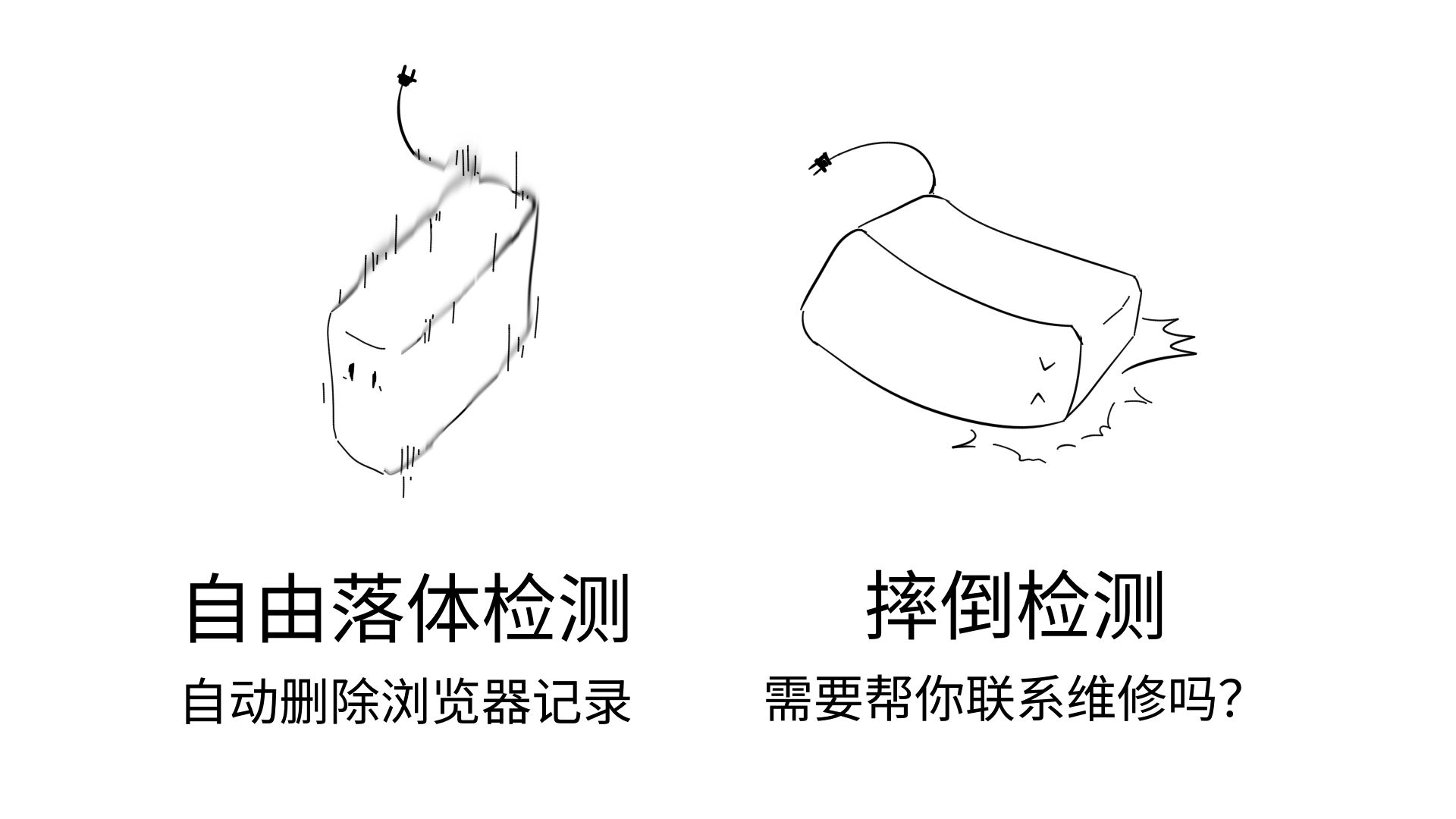
Free fall detection: Automatically erases data when the case is detected to be falling, ensuring peace of mind; Case
fall detection: Your computer seems to have fallen; Do you need to contact repair services?;
Earthquake report: Notifies you two seconds after a delay in the event of an earthquake of magnitude 7 or higher for timely action;
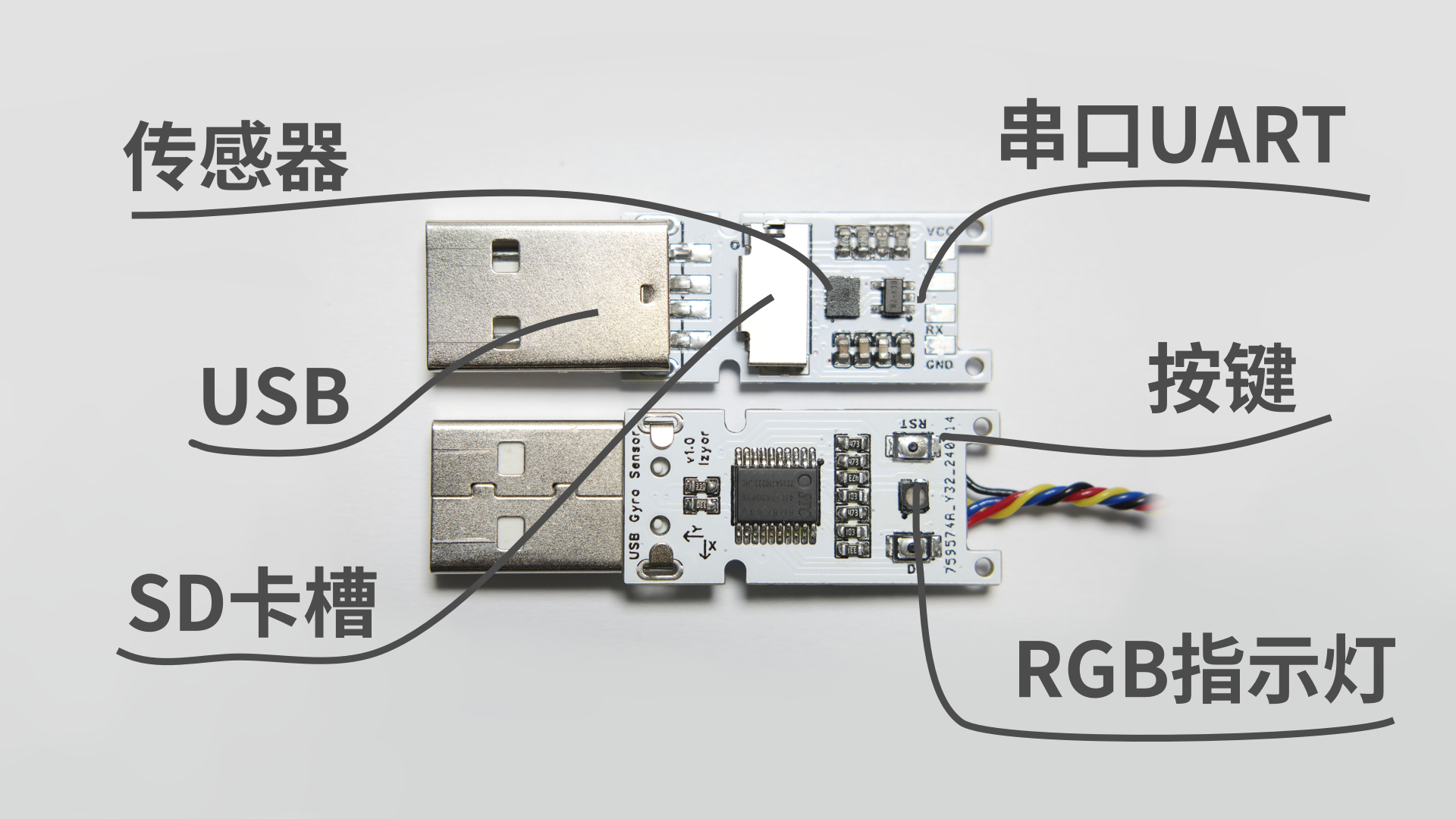
To prevent it from gathering dust, some additional functions have been added, allowing it to function as a USB development board:
UART serial port: The wiring sequence is based on USB-to-serial devices; writing USB-CDC firmware allows it to function as a USB-to-serial adapter;
RGB indicator lights: Pretty, but not really used;
Two buttons: Default for debugging purposes, can be configured as general-purpose buttons;
SD card slot: Can be used as a very slow USB card reader;
By manually writing the above function codes, you can learn: USB-HID, USB-CDC, USB mass storage device.
The following (with code) includes:
Air Mouse: Gravity detection is mapped to the mouse, and the pointer moves with the device's orientation;
Game Engine Integration: Real-time control of 3D objects;
See the video below for mouse and game operation details.
The hardware design
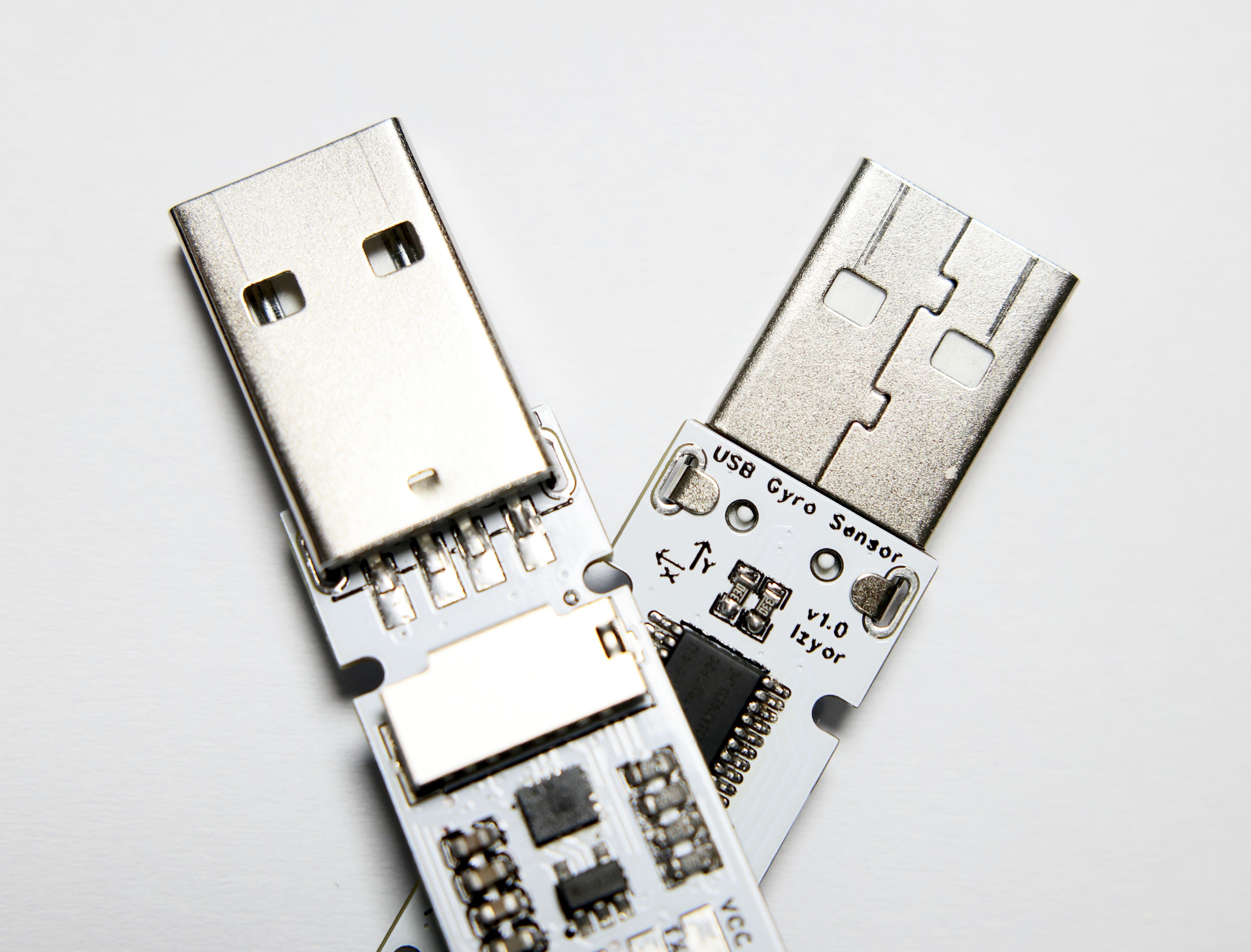
is based on the relatively inexpensive STC8H8K64U microcontroller and LSM6DS3TR sensor. The LCSC BOM is approximately ¥14, while it's around ¥10 on Taobao.
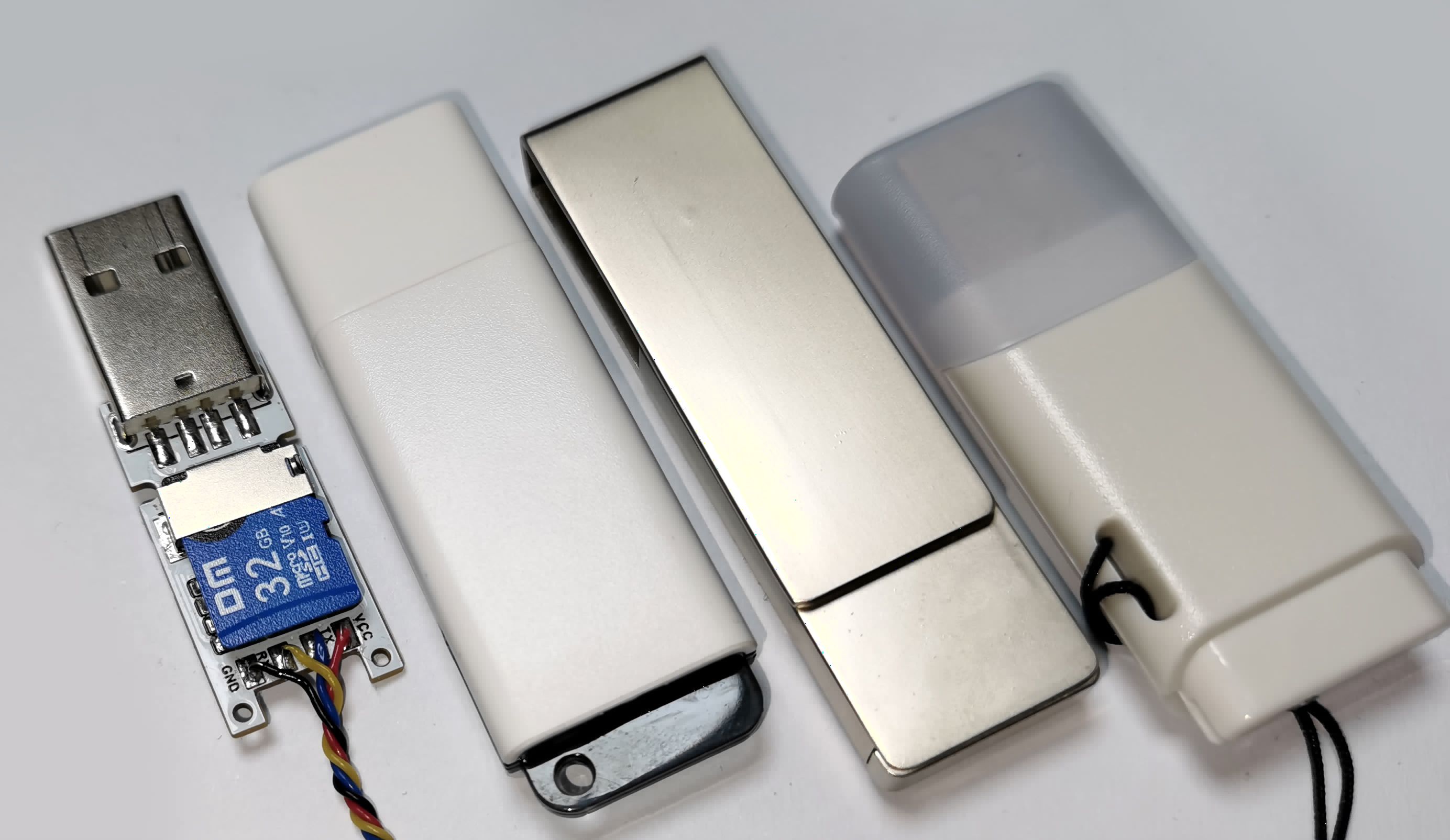
It uses a universal USB flash drive form factor, so a standard USB flash drive casing can be used.
The SD card slot is on the front, which conflicts with the buttons and indicator lights, so the buttons are on the back.
Hardware Notes: 1. When the P54 (NRST) pin is used as the reset pin, it has a built-in 4.1K pull-up resistor, so no external pull-up resistor is needed. When used as a regular I/O pin, the internal pull-up resistor can be enabled, eliminating the need for an external pull-up resistor; 2. To ensure that the SD card does not malfunction during microcontroller reset, all pins of the SD card have 47K pull-up resistors added, maintaining a high level during soft reset and reboot into ISP mode; 3. A relatively large current-limiting resistor (10K because I thought it was too bright) was added to the RGB indicator light. This value can be reduced appropriately, otherwise it may be too dim;
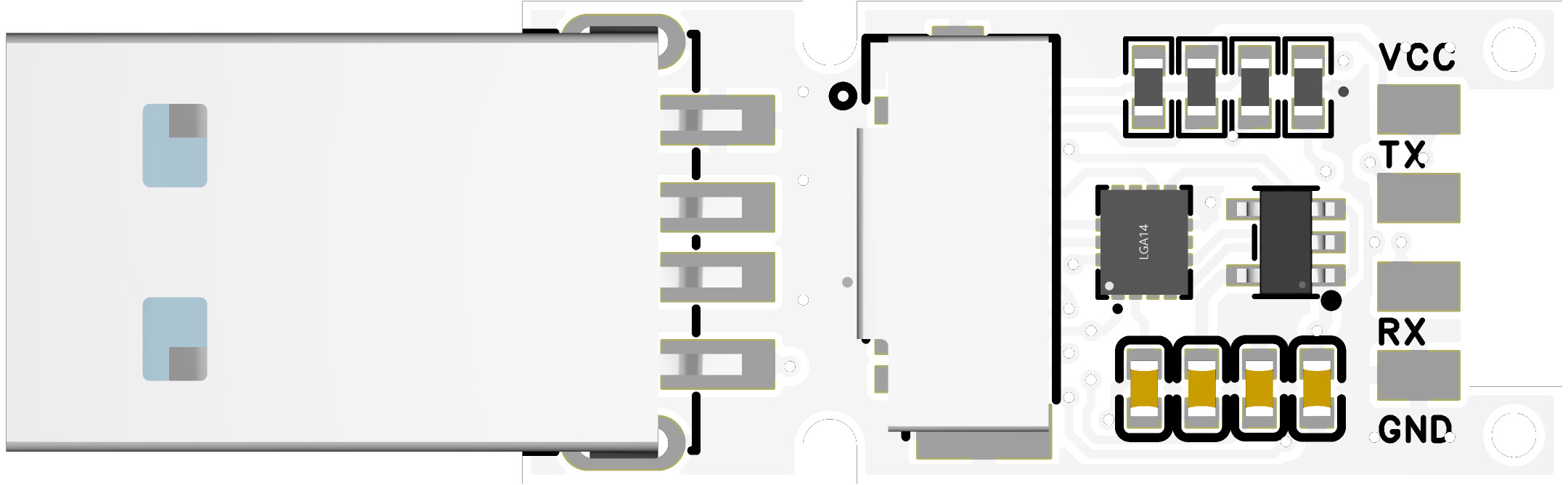
PCB rendering
photos
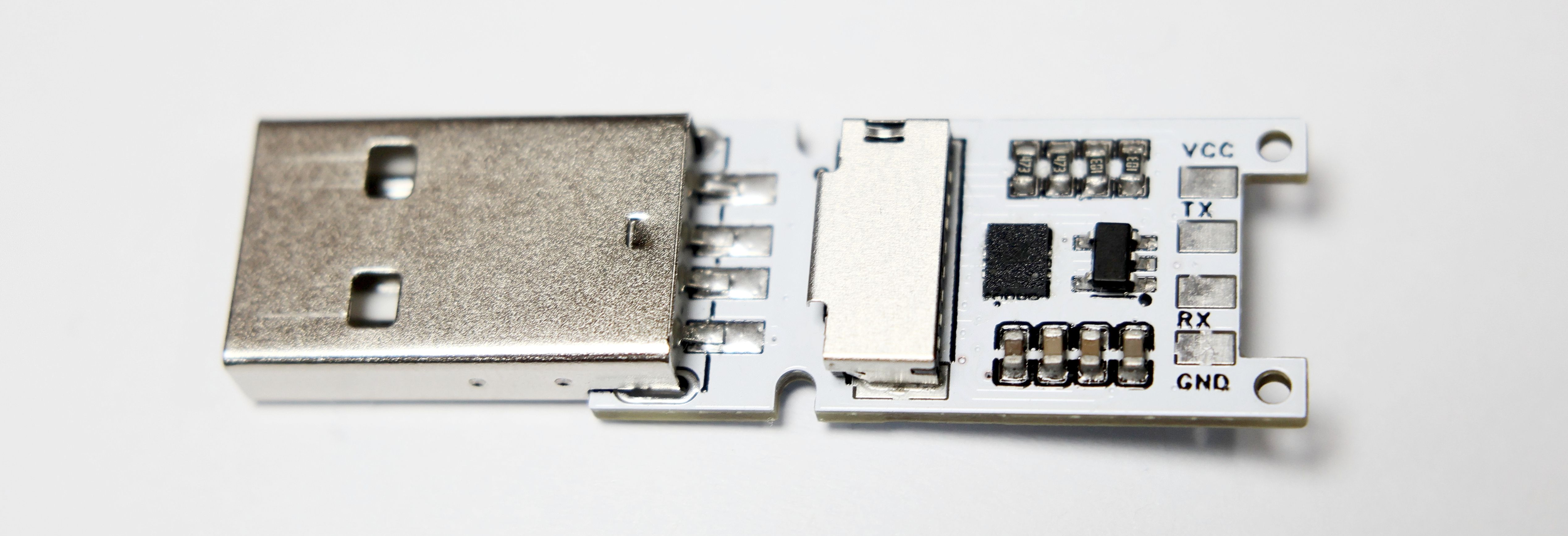
can use a standard USB flash drive casing!
The software, including
the attached code, may not be updated. For the software components:
please visit GitHub: https://github.com/lzyor/oshw-usb-gyro
firmware-gyro-hid: firmware code implementing HID;
py-air-mouse: Python for reading data and simulating a mouse;
rs-bevy-3d-view: Rust implementation of simple filtering and 3D interface demonstration
screenshots;
balancer game, simulating a mouse and
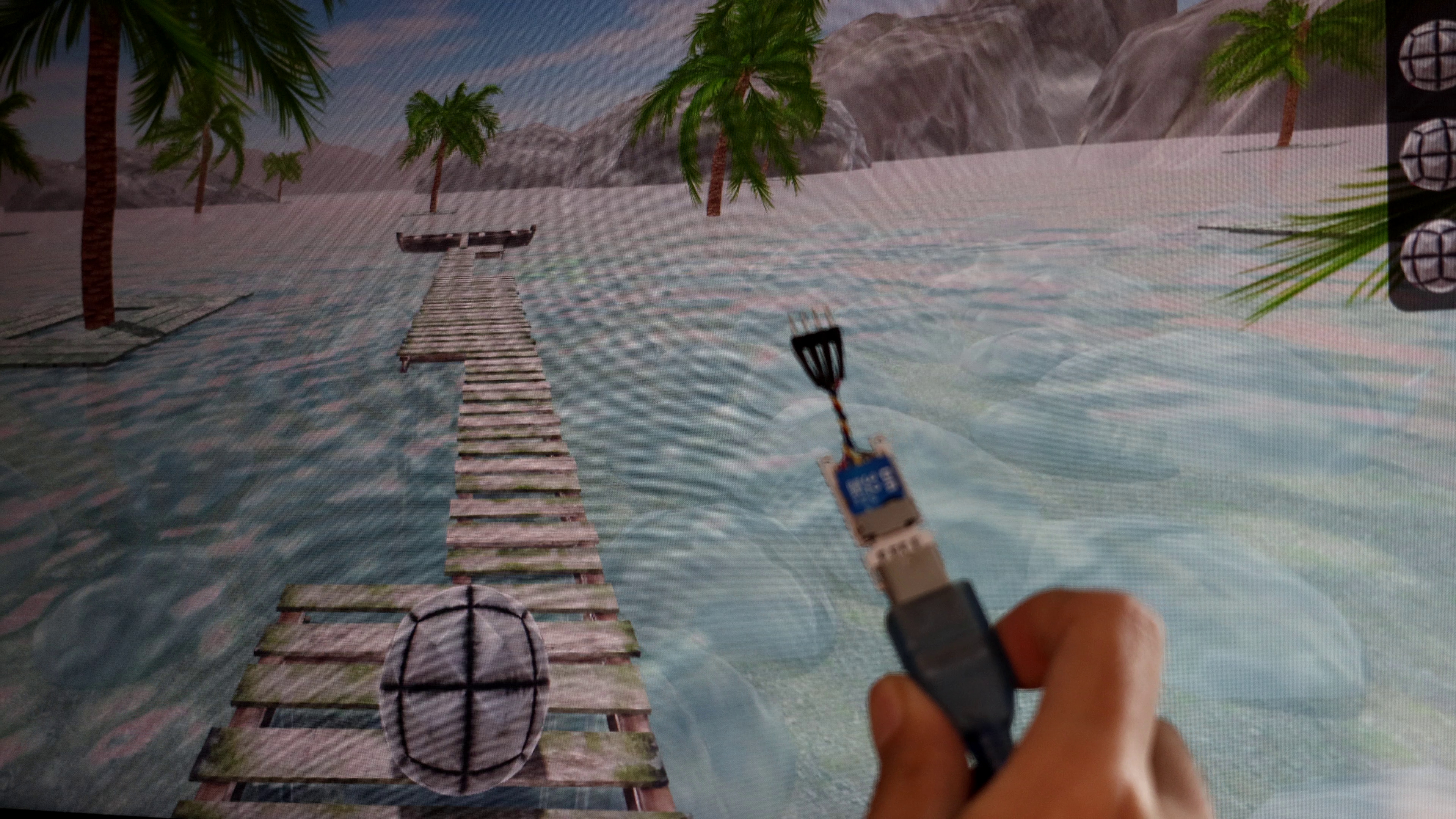
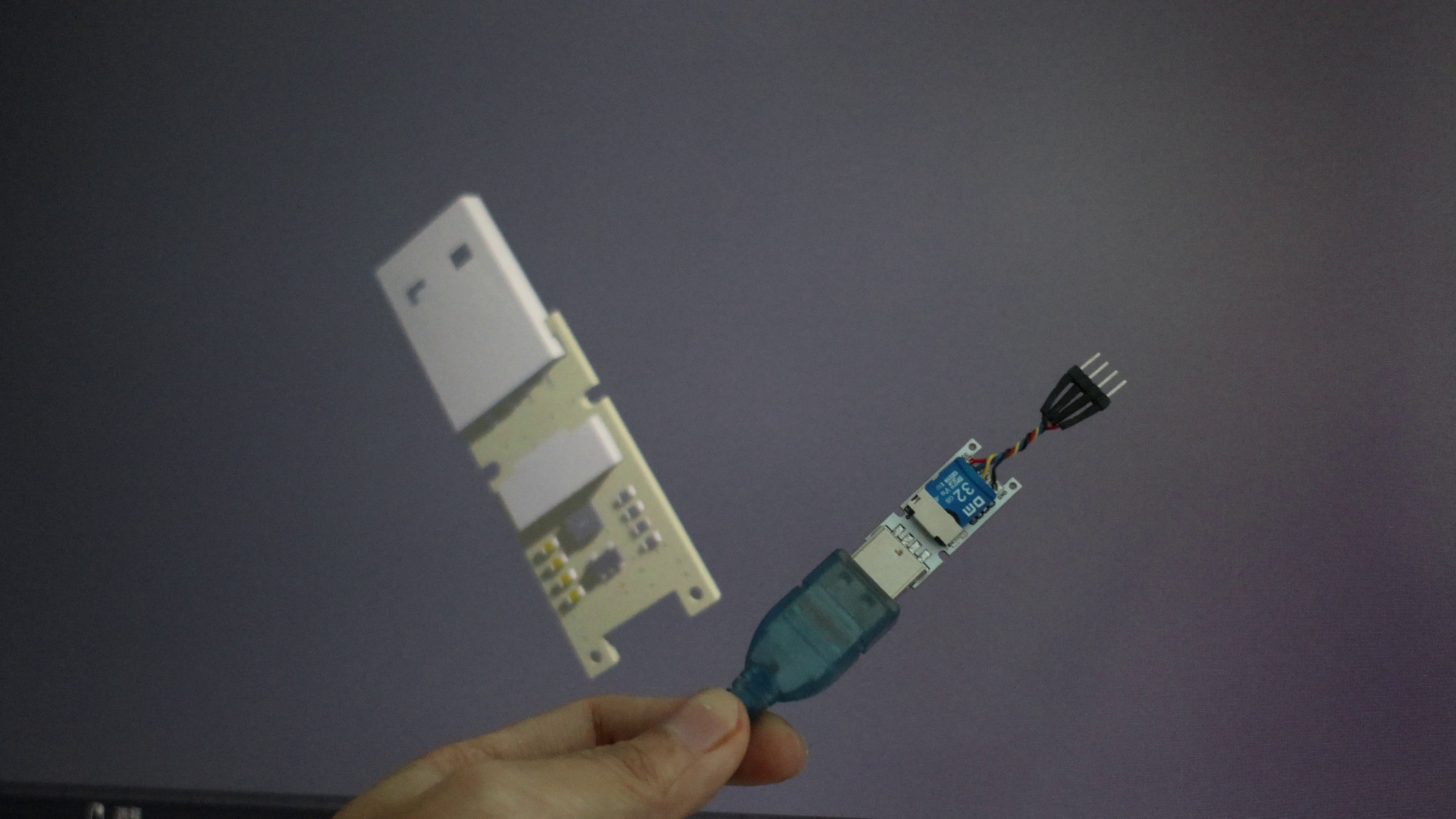
connecting to a 3D game engine to calculate spatial angles.
Firmware code: firmware-gyro-hid
simple implementation of a driverless USB-HID device; please modify the descriptor file yourself.
Based on the sdcc4.4 compiler, please pay attention to syntax and byte order issues when porting to Keil.
Includes USB-HID code and LSM6DS3TR driver. For peripheral and pin configuration, please refer to the bsp.c and bsp.h files.
# Clean up:
make clean
# Compile
: make
# Output located in bin/main.ihx
The default operating frequency is 24MHz; the reset pin is used for reset. The firmware code detects the DL button; when pressed, it automatically resets to USB-ISP download mode. The two buttons can be configured for general-purpose use. The
py-air-mouse
sample code simulates a mouse without filtering. Python accesses the device and reads sensor values, simulating mouse operations to achieve "air mouse" functionality. Obviously, a hardware mouse can also be implemented by modifying the firmware; this code simulates a mouse in software.
It's based on the hid package, and the mouse simulation is based on the pyautogui package.
# pip install hid
# pip install pyautogui
./main.py
The rs-bevy-3d-view
sample code demonstrates a 3D model. It uses Rust to read sensor values and performs simple filtering. The Bevy 3D engine then recreates the device's rotation angle using a 3D model.
The angle mapping and filtering are very rudimentary and require modification for practical applications.
The 3D model of the PCB is saved in the materials folder.
# Rust minimum version 1.75
cargo run
---
Updated Bilibili video: https://www.bilibili.com/video/BV1uM4m1R7bB/








 京公网安备 11010802033920号


 DTA124EUS3



