With the Chinese
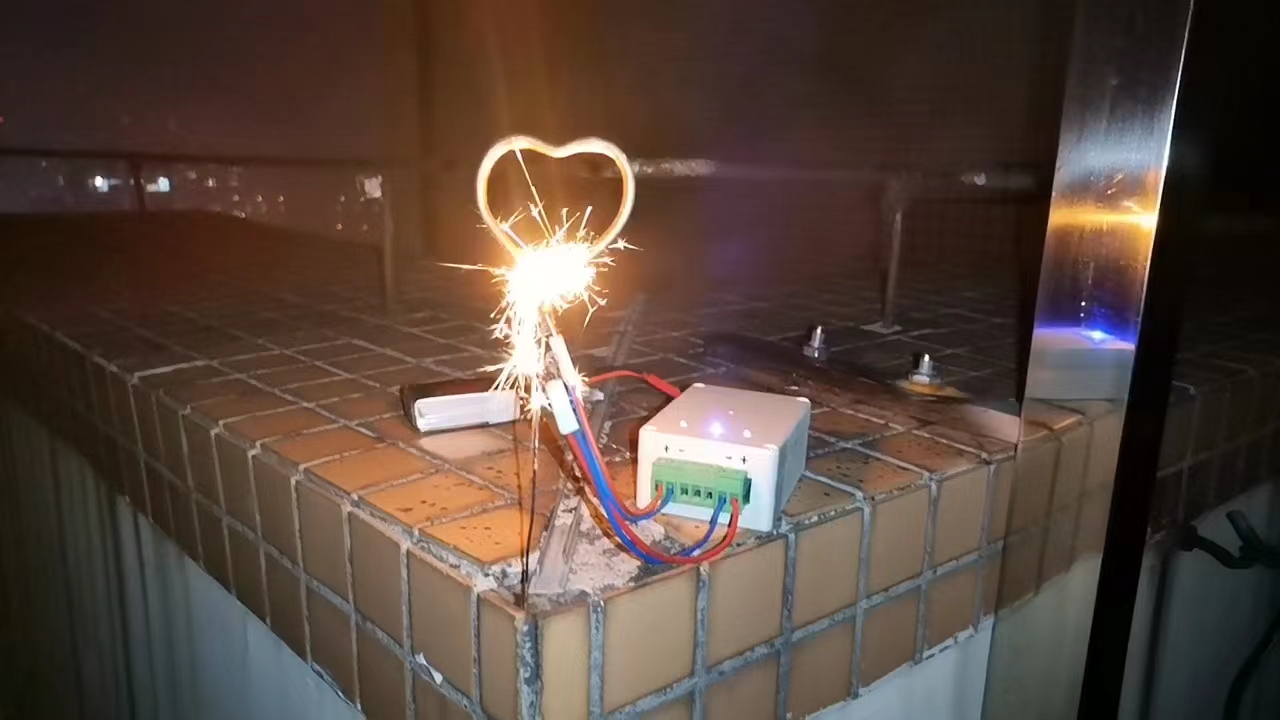
New Year approaching, setting off fireworks is a joyful activity for children, but it also carries certain dangers. Based on this, I created a remote-controlled igniter. This igniter's function extends beyond just ignition; it can also light lamps, drive DC motors, and perform other remote control applications.
2. Circuit Design
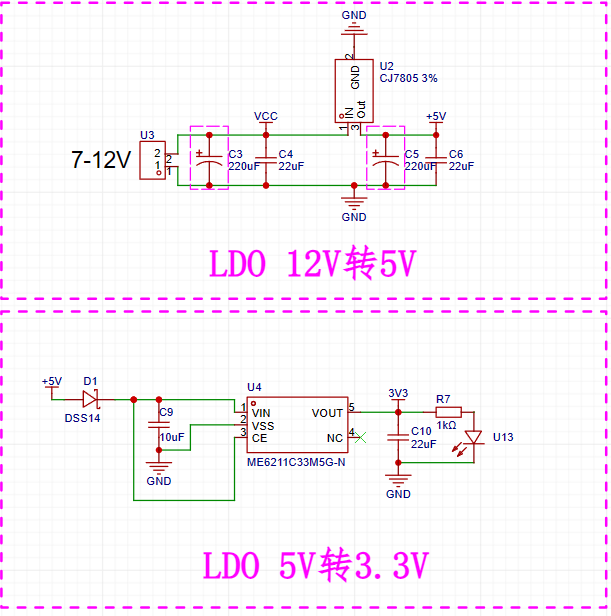
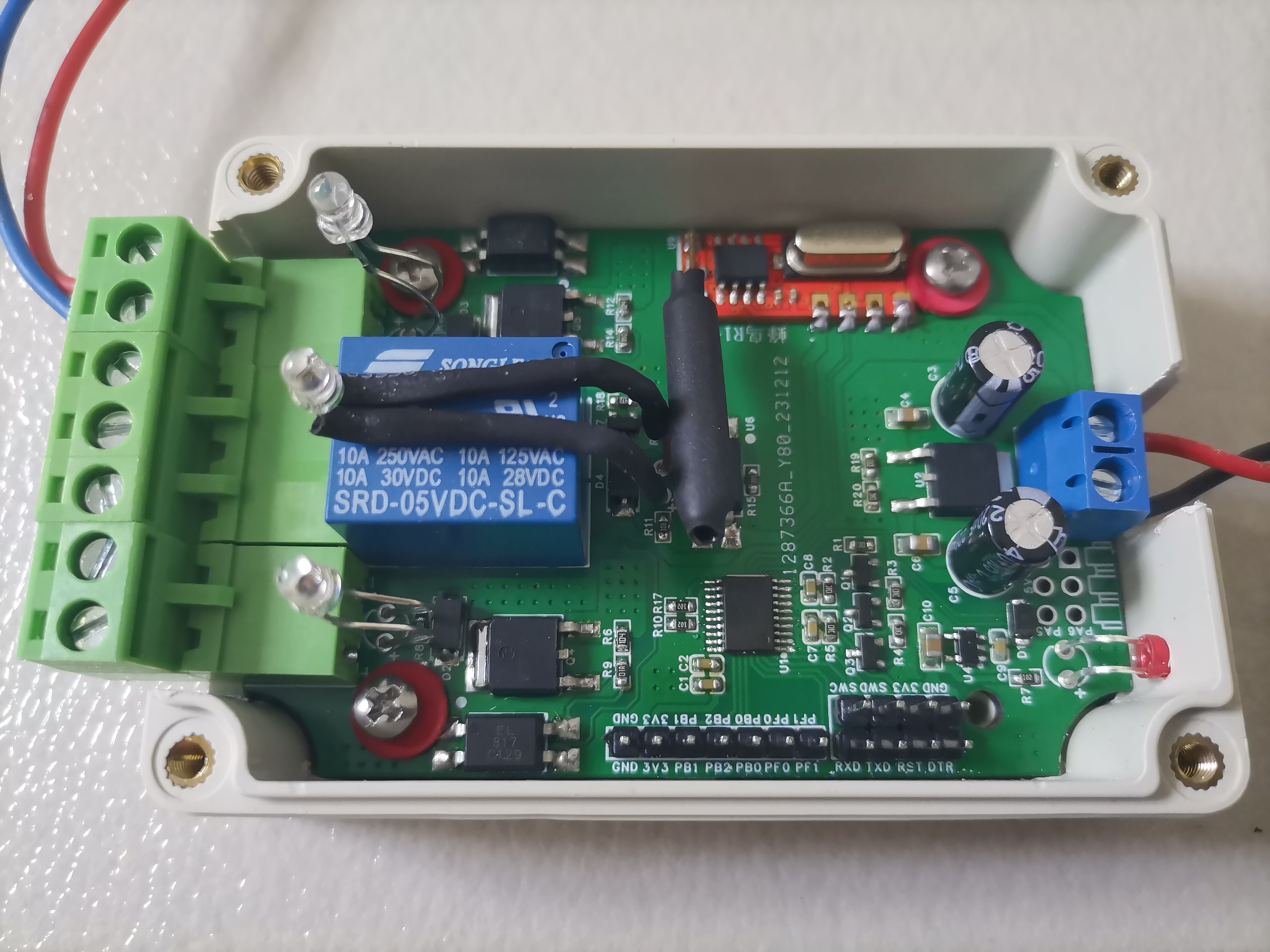
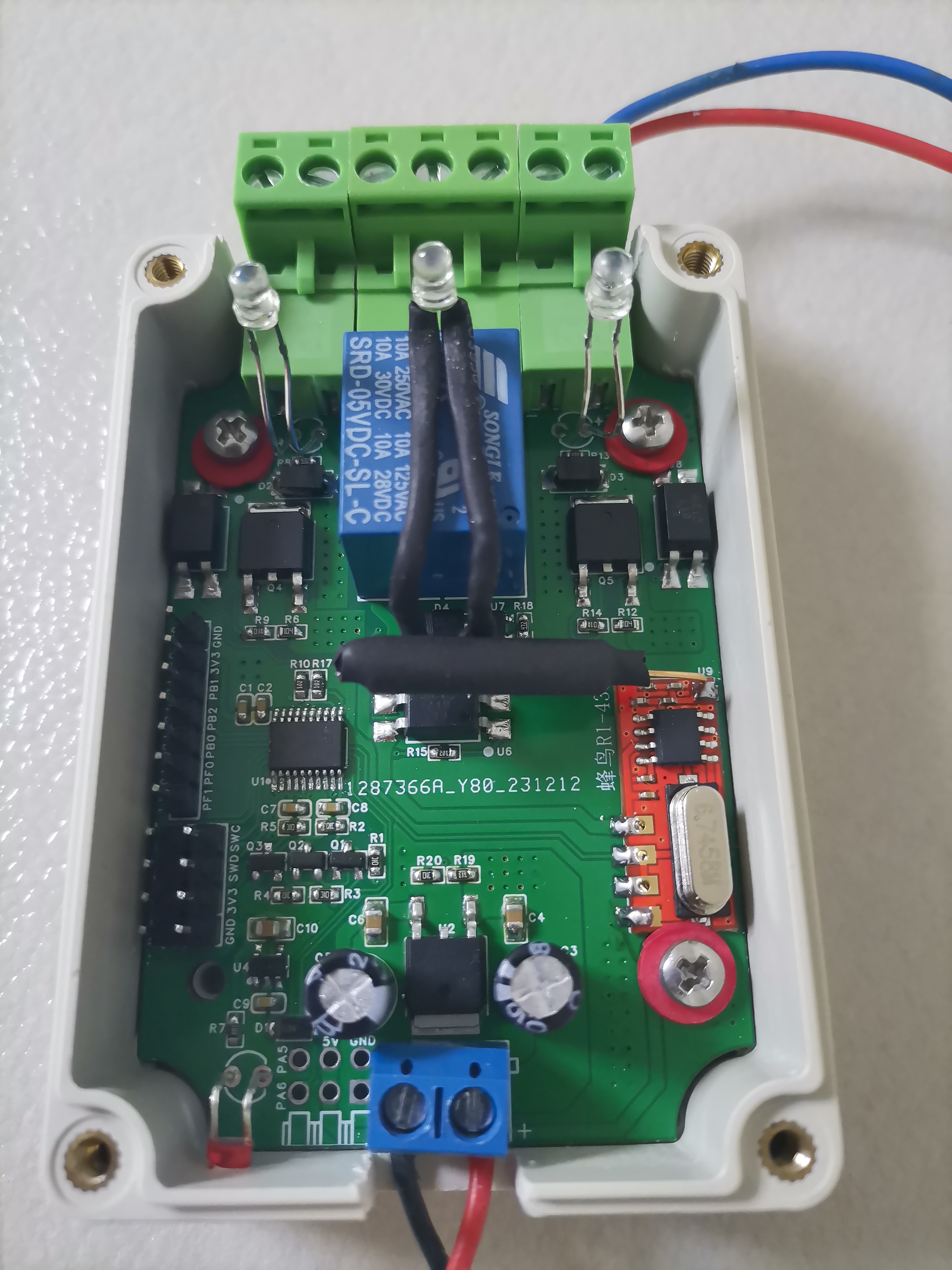
1. Power Supply: Input 7-12V (actually up to 30V). I used a single 2S model aircraft lithium battery for power. A 7805 chip steps down to 5V, which is then further stepped down to 3.3V by an ME6211C33M5G-N chip to power the microcontroller (this is somewhat redundant, as the AIR001 microcontroller can actually use 5V).
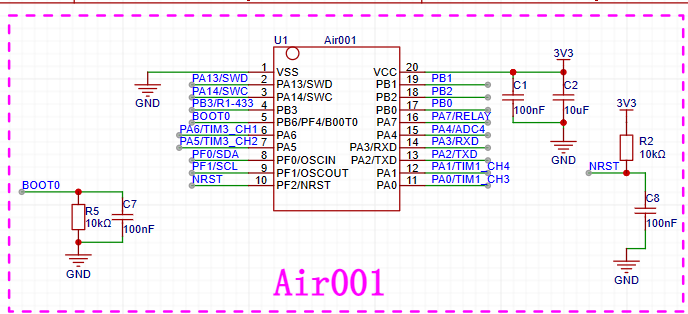
2. MCU: I used the AIR001 microcontroller from Heze as the main controller. This is because it's inexpensive and can be developed using the Arduino IDE.
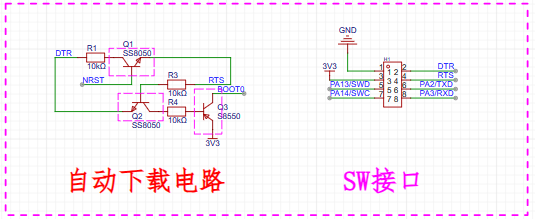
3. Download Interface: It can use either ST-LINK (Keil software programming) or CH340 (Arduino IDE software programming) to download programs. The automatic download circuit is for convenient downloading using a serial port tool. The serial port tool is the CH340G serial port tool I previously open-sourced – JLCPCB EDA Open Source Hardware Platform (oshwhub.com).
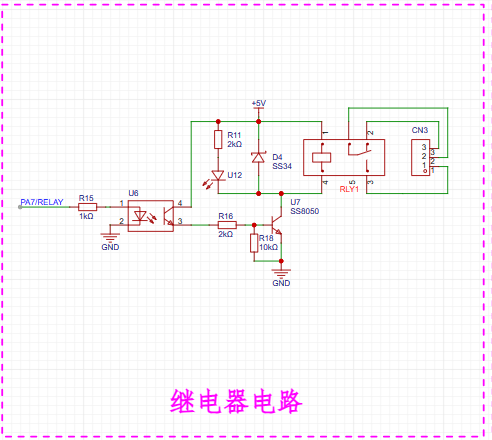
4. Relay circuit. Used to connect high-power electrical equipment or control devices powered by mains electricity. It uses a common relay driver method found online, and the control signal is isolated through an optocoupler.
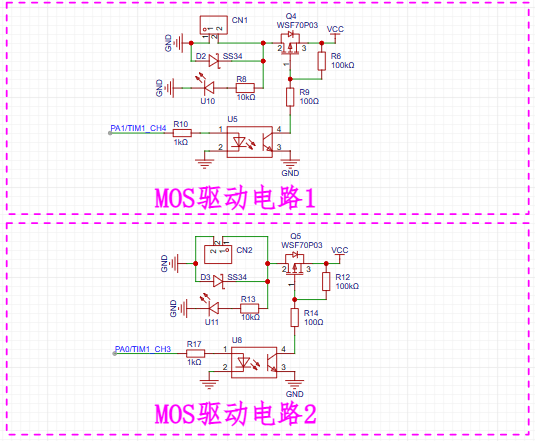
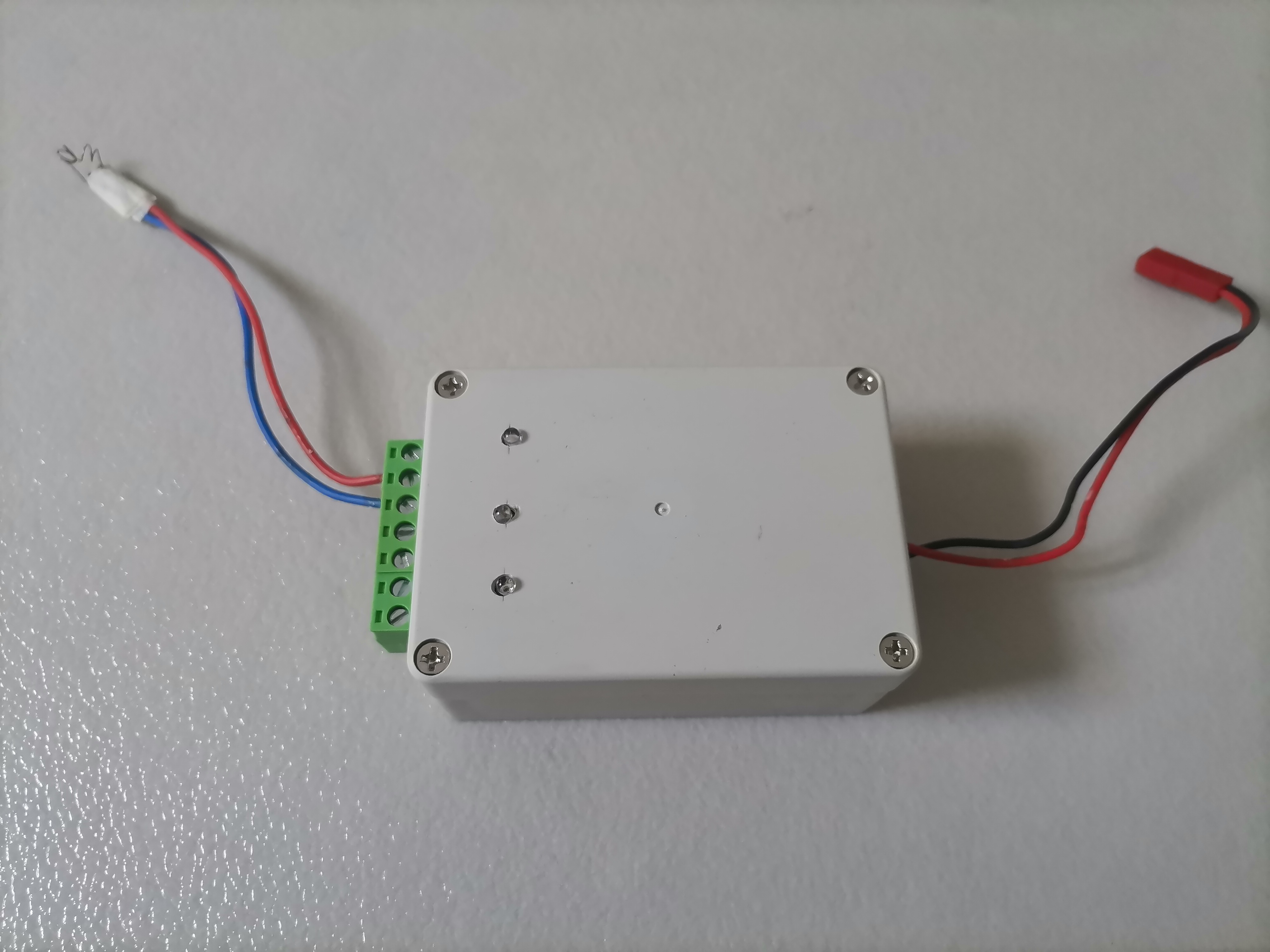
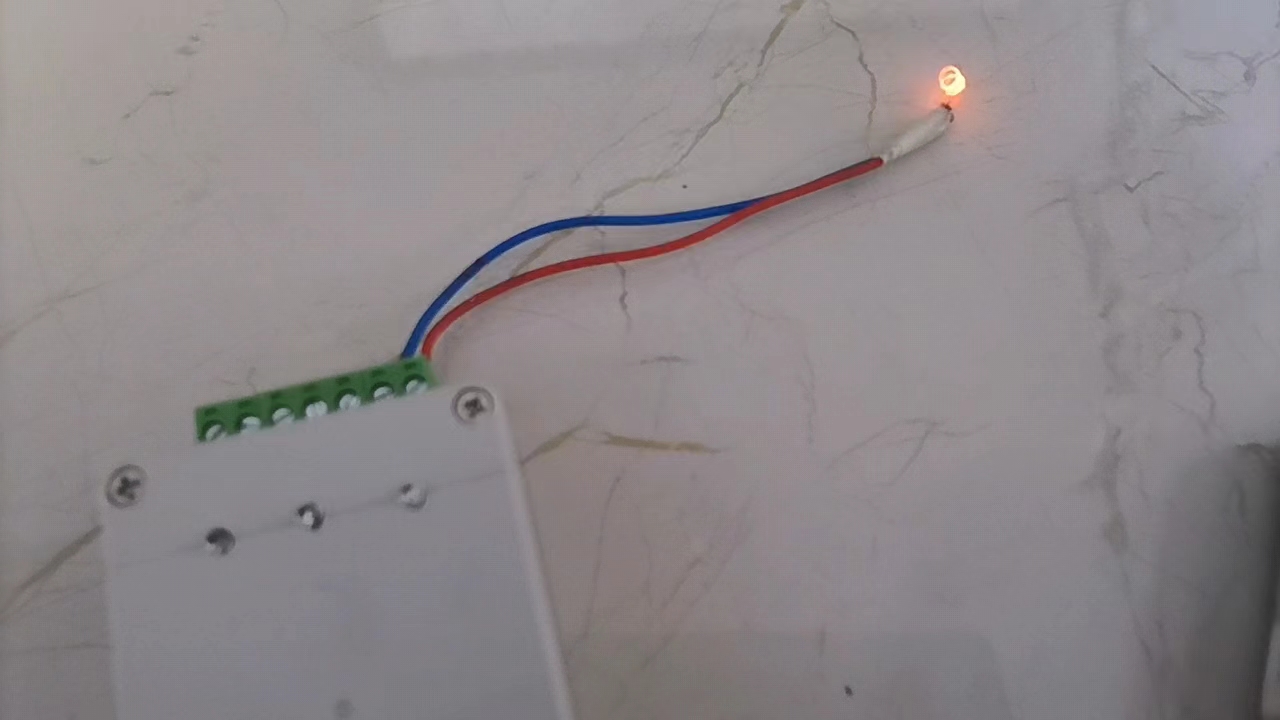
5. MOS control circuit. The control signal is isolated through an optocoupler and can directly control the voltage and current at the output power supply. I connected a tungsten wire (approximately 2Ω resistance; if the input voltage is 8.4V, the current is approximately 4.2A, and it glows red-hot after 1 second of power-on) to the output. The tungsten wire was salvaged from an old hair dryer.
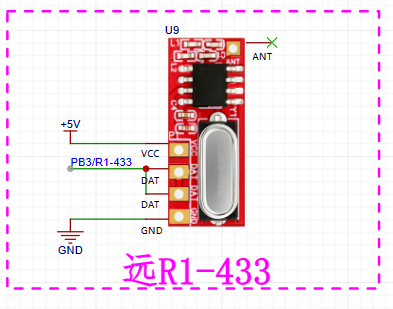
6. Remote control receiver circuit. The remote control receiver uses a Hummingbird R1-433 module, powered by 5V.
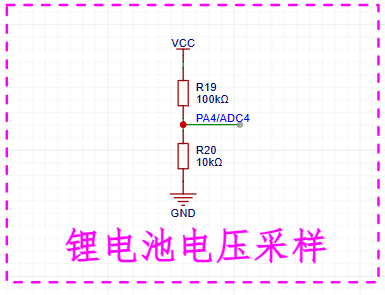
7. Lithium battery voltage sampling circuit. It uses a common resistor divider circuit.
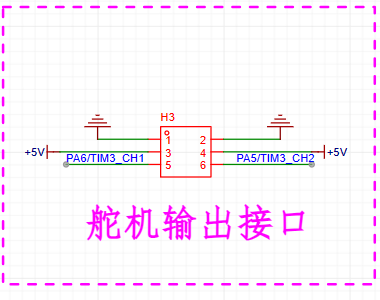
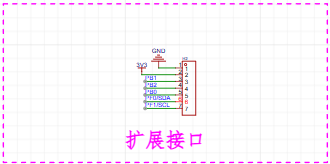
8. Other expansion interfaces. All unused pins are brought out here for easy expansion with other devices later.
3. Program Design
The program is developed using the Arduino IDE, which is simple and easy to use. The RCSwitch library is searched in the Arduino IDE to decode the remote control signal.
The tungsten filament cannot be powered for a long time; here, it is powered on for 1 second and then disconnected.
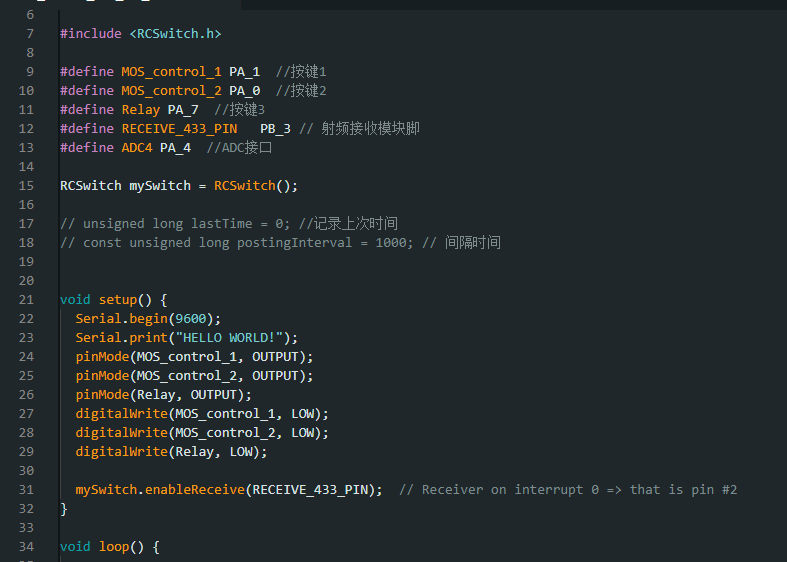
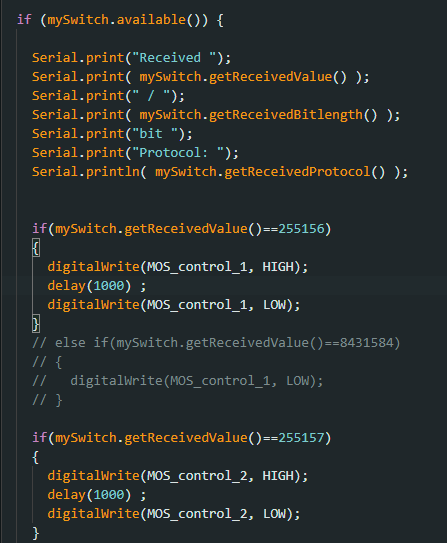
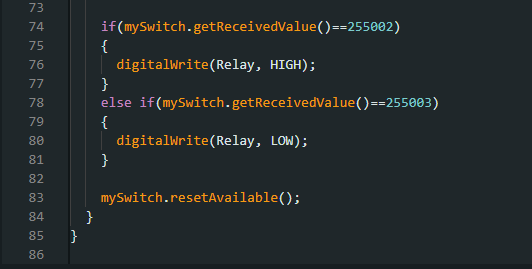
The remote control code in the above program is my custom code, which can be changed as needed.
Regarding the remote control, search for "433 remote control" on Taobao; there are many available. Find any 433 frequency remote control; the cheapest ones are only four or five yuan.
Some cannot be used directly after purchase; you need to learn the code before you can transmit the corresponding code.
If there is no code, you can buy a Hummingbird T2L-433 transmitter module, connect it to the microcontroller, use the SendDemo library in the RCSwitch library, modify the transmission code in the program, compile and upload it. Your Hummingbird T2L-433 transmitter module will then start transmitting once every second. At this point, you can simply hold the 433 remote control and long-press to learn the code (follow the seller's instructions).
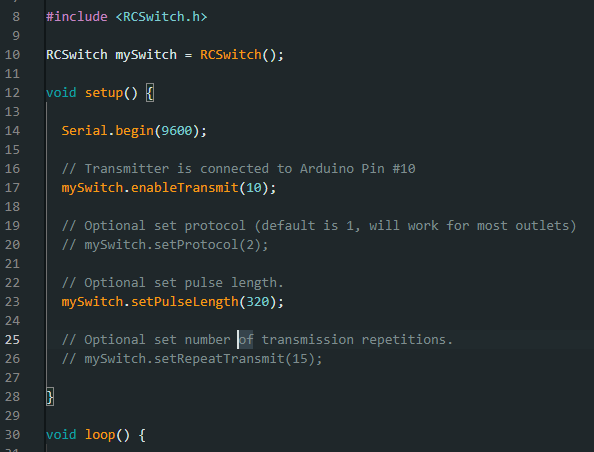
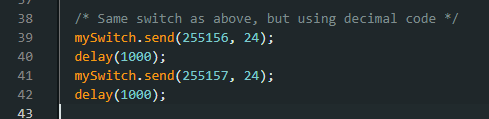
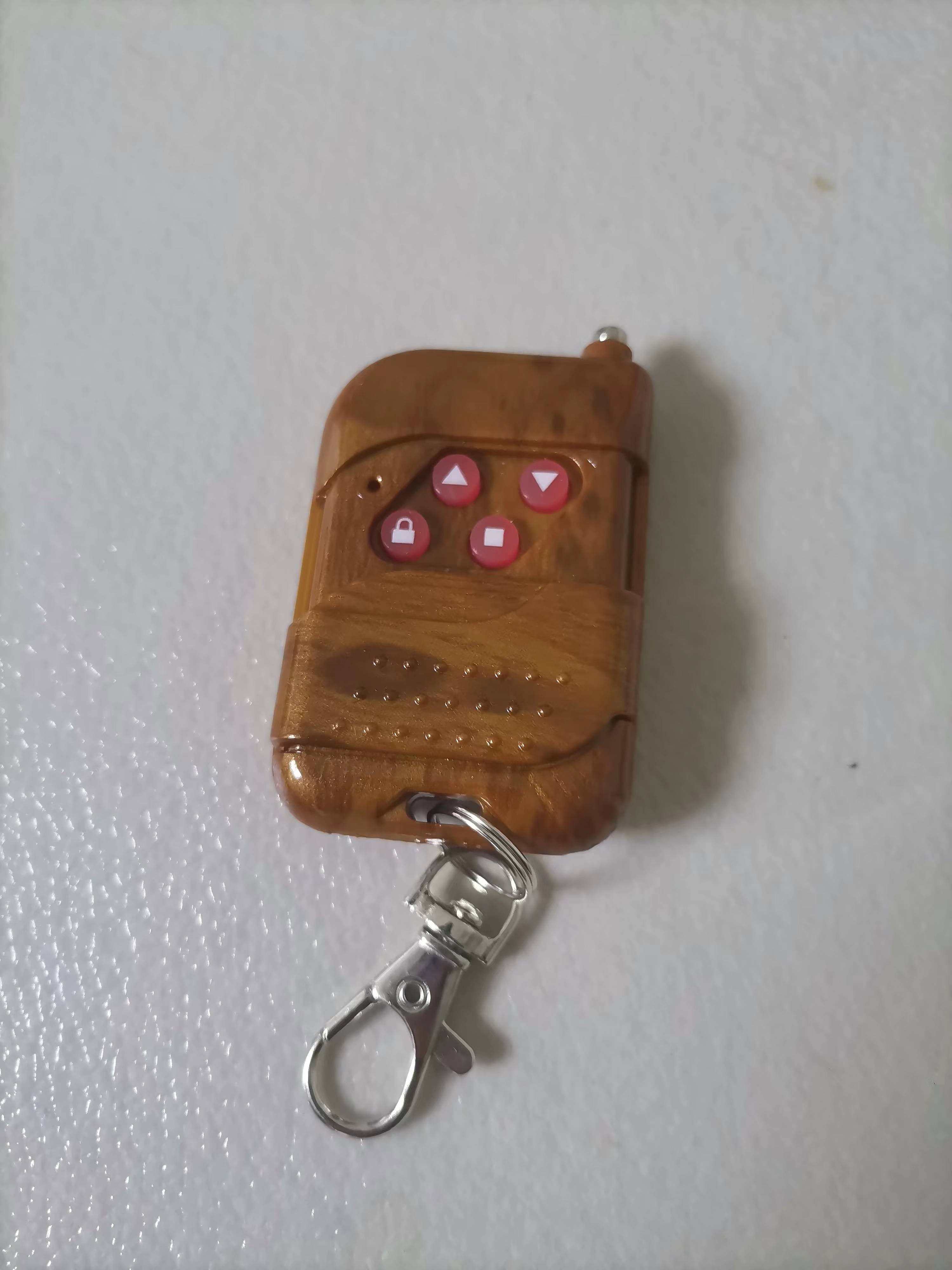
As for the remote control distance, it depends on the type of remote control you buy; the one shown above has a range of approximately 50 meters.
4. Product Demonstration








 京公网安备 11010802033920号


 MDM-21SBSM17-L61A174



