tzCAjAL

MC Fluorite Lamp

 
Overview
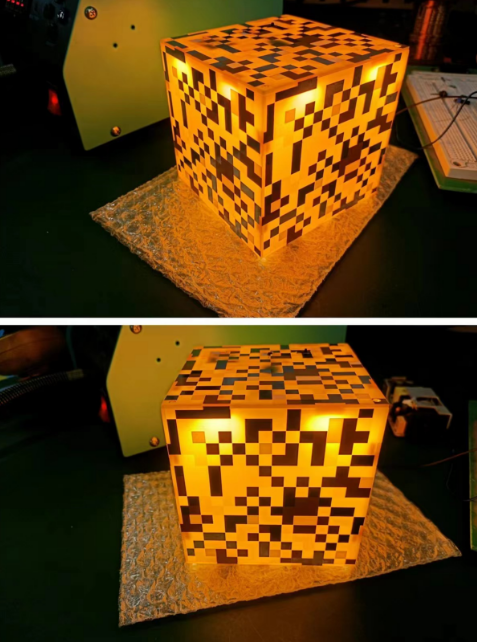
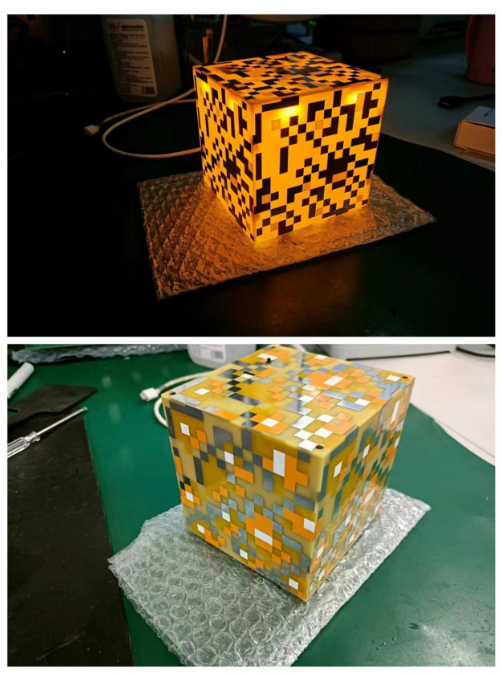
I. Effect Demonstration
 
II. Circuit Introduction
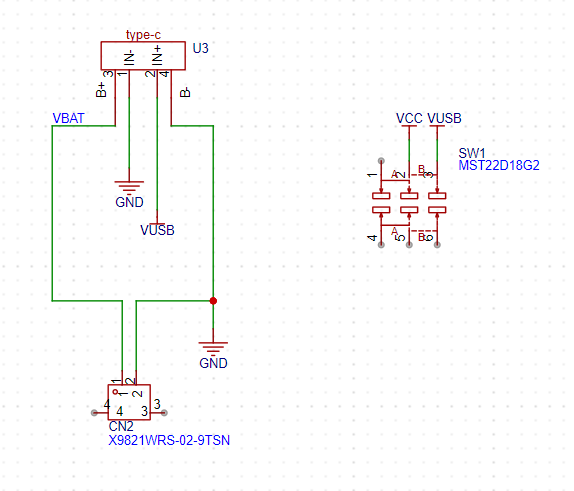
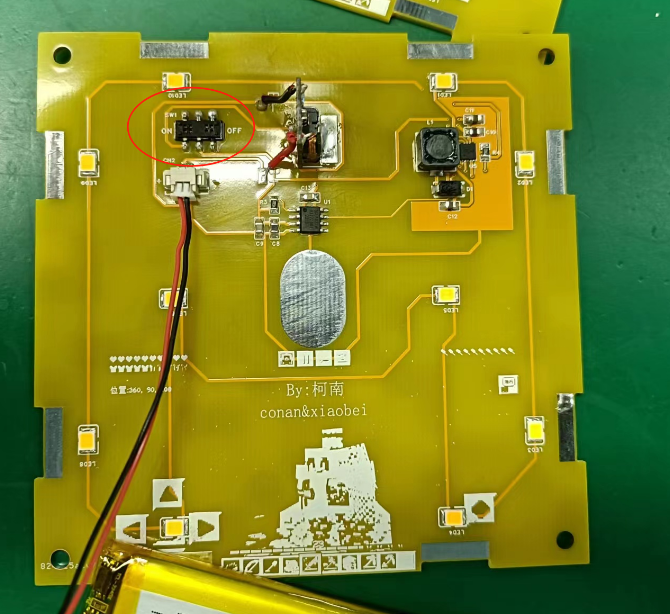
This part connects the charging/discharging module and the battery. When there is no external Type-C port, the battery powers the circuit board through the module and switch. When an external Type-C port is connected, it charges the battery while simultaneously powering the circuit board.
 
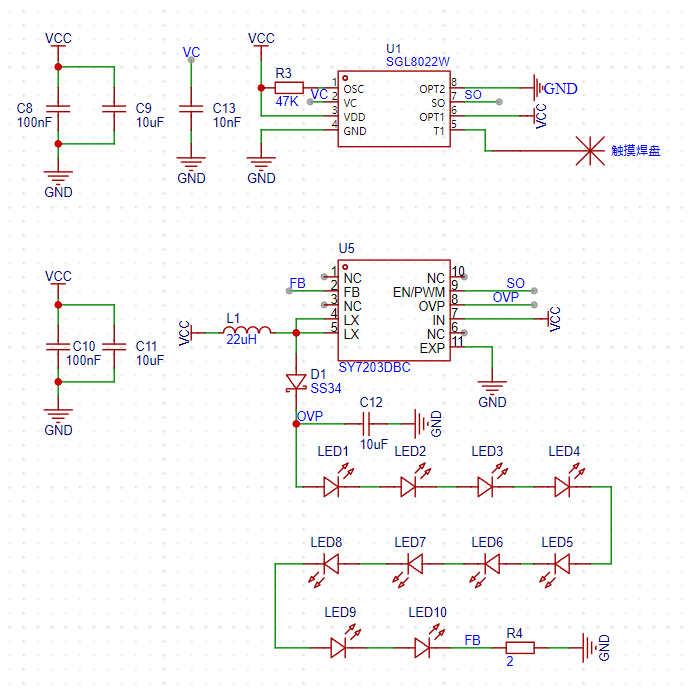
This part contains the touch chip and the DC-DC boost LED driver chip. After touching the pad, U1 outputs PWM to U5, thereby controlling the output of U5. For specific principles and resistor/capacitor parameter selection, please refer to the datasheets of these two chips.
C13 adjusts the touch sensitivity, and R4 modifies the LED current; I set the LED current to 100mA.
 
 
III. PCB
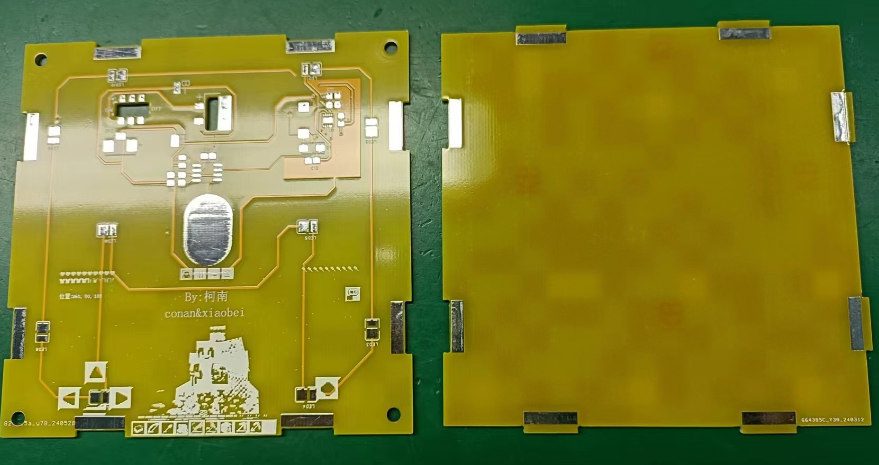
Fabrication Two PCBs are required. Both boards are 10cm*10cm and can be obtained for free through the JLCPCB order assistant with a coupon.
When placing an order, remember to include the customer code in the order notes at the bottom
 
 
. IV. Component Purchase
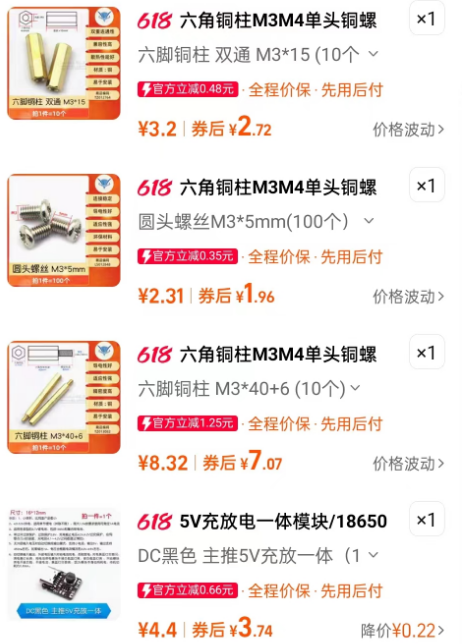
Components can be purchased from the LCPCB online store or Taobao. One important point to note is that the LED color must be warm white, packaged as 2835, 1W 3V.
The module was purchased from Taobao. The copper pillars and screws are used to fix the glowstone lamp to the top plate; you don't need to buy them if you don't need a mounting plate.
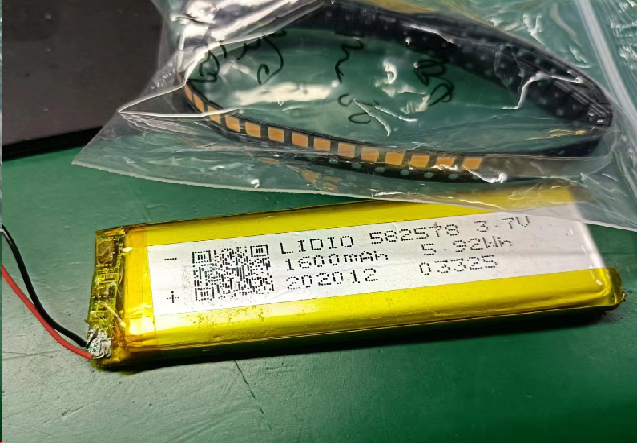
If you don't need battery power, you can skip buying batteries and use Type-C power directly. I used batteries from my own stock.


V. Soldering the Mainboard and Debugging
First, solder the mainboard and check for short circuits before powering it on. Lightly press the touch pads; the lamp will gradually light up. Long press the touch pads to adjust the brightness. Lightly press the touch pads again; the lamp will gradually turn off. (You can refer to the video below.)
Note that the switch is installed backwards; the top layer of the board can be used to toggle the switch, while the bottom layer is only for soldering.
 
 
VI. Soldering the Board Frame
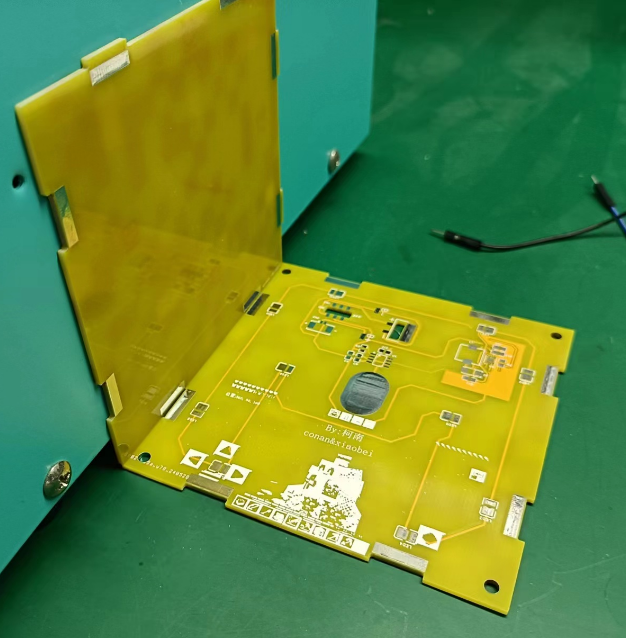
First, use one mainboard as the base of the glowstone lamp, then take a board frame and assemble it, fixing it with solder.
Note that when soldering, ensure the angle between the mainboard and the bottom board is approximately 90°, otherwise it won't look good. It is recommended to have a flat object on the back for support when soldering. (I used the side of the hot air gun stand for support.)
Secure each pad connection with solder.
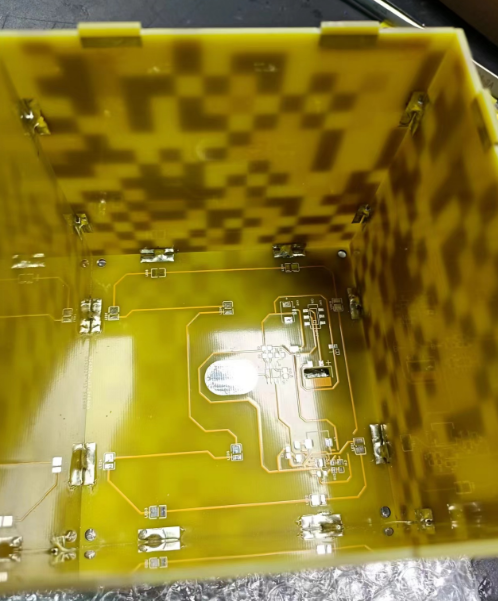
Note: This marking should always be in the upper left or lower right corner, otherwise the board splicing interface will not align.
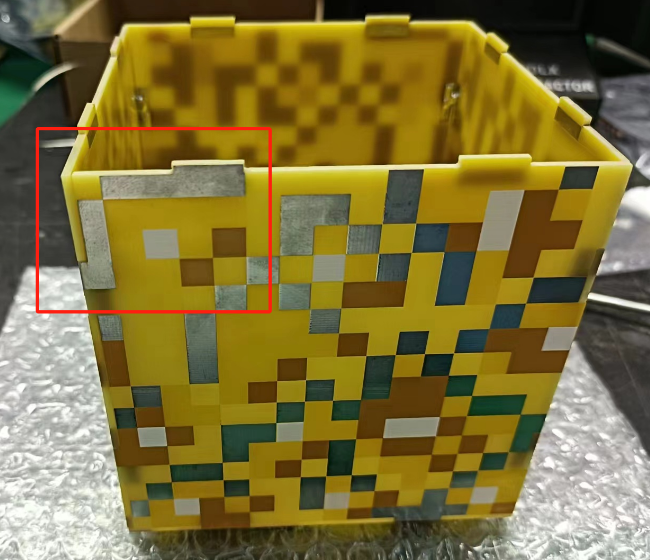
Repeat four times, then you can place the soldered motherboard on to test the effect.
 
 
VII. Board Fixing
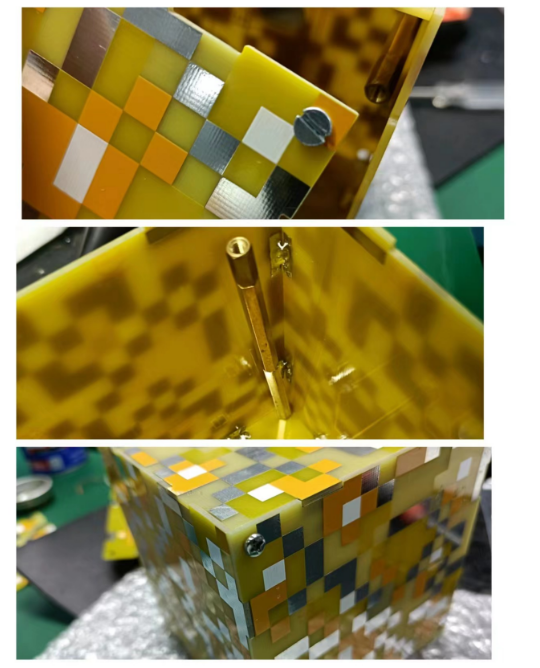
If you have copper pillars and screws, and have completed the above operations, you can start fixing the board. For the fluorite lamp, one screw connects to the bottom to the inside, which is then connected with copper pillars. The top is then connected to the inside with another screw.
For battery fixing, simply fix the battery to the bottom.
 
 
VIII. Additional Notes
1. Because there is no copper plating on the top layer, the boost chip has no place to dissipate heat, so the LED brightness should not be kept at maximum all the time, otherwise the chip will overheat significantly.


参考设计图片
×
 
 
Search Datasheet?

Supported by EEWorld Datasheet

Forum More
Update:2026-03-28 10:21:47

EEWorld
subscription
account

EEWorld
service
account

Automotive
development
community

Robot
development
community

About Us Customer Service Contact Information Datasheet Sitemap LatestNews



Room 1530, 15th Floor, Building B, No.18 Zhongguancun Street, Haidian District, Beijing, Postal Code: 100190 China Telephone: 008610 8235 0740

Copyright © 2005-2024 EEWORLD.com.cn, Inc. All rights reserved 京ICP证060456号 京ICP备10001474号-1 电信业务审批[2006]字第258号函 京公网安备 11010802033920号



