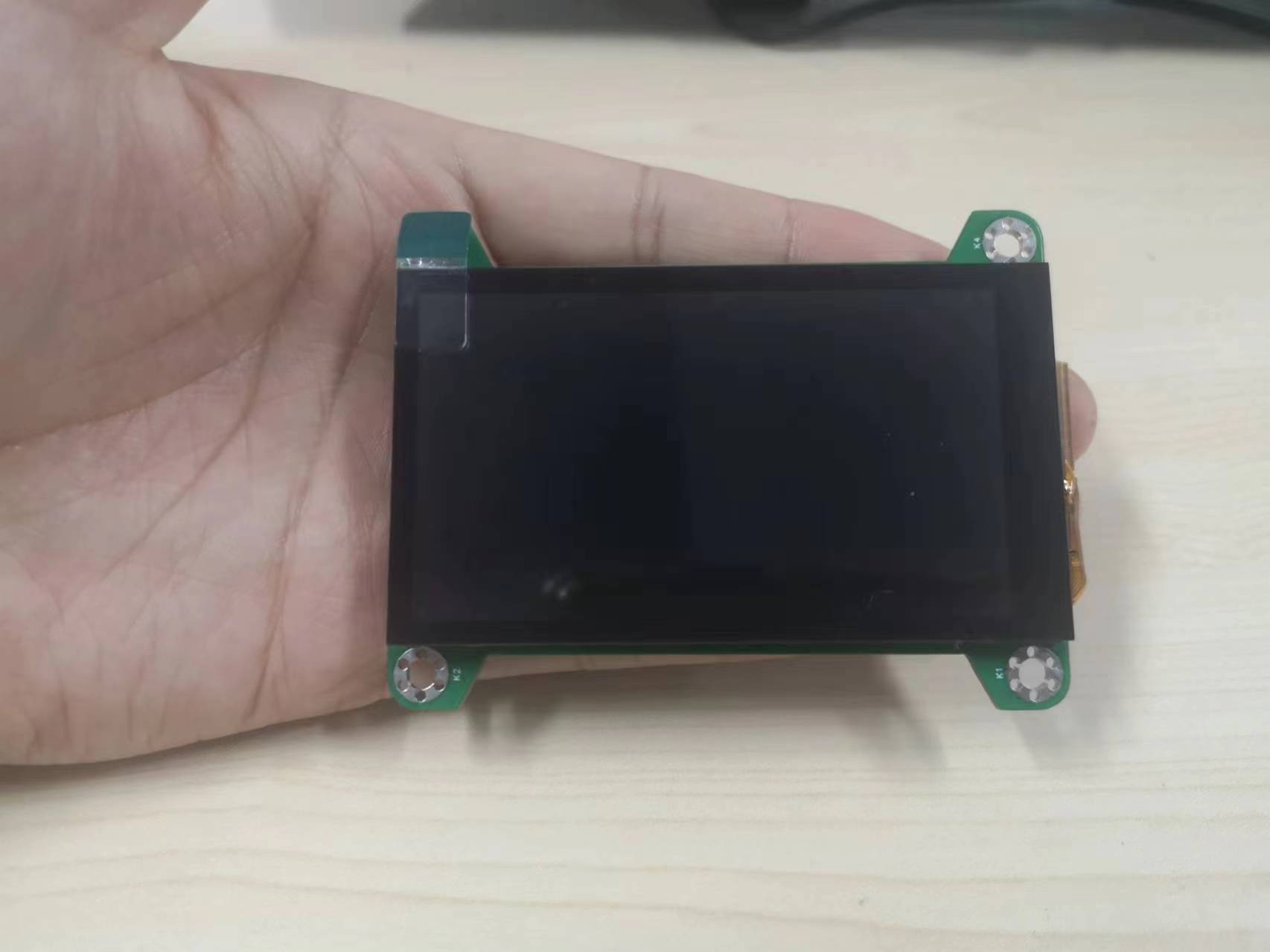
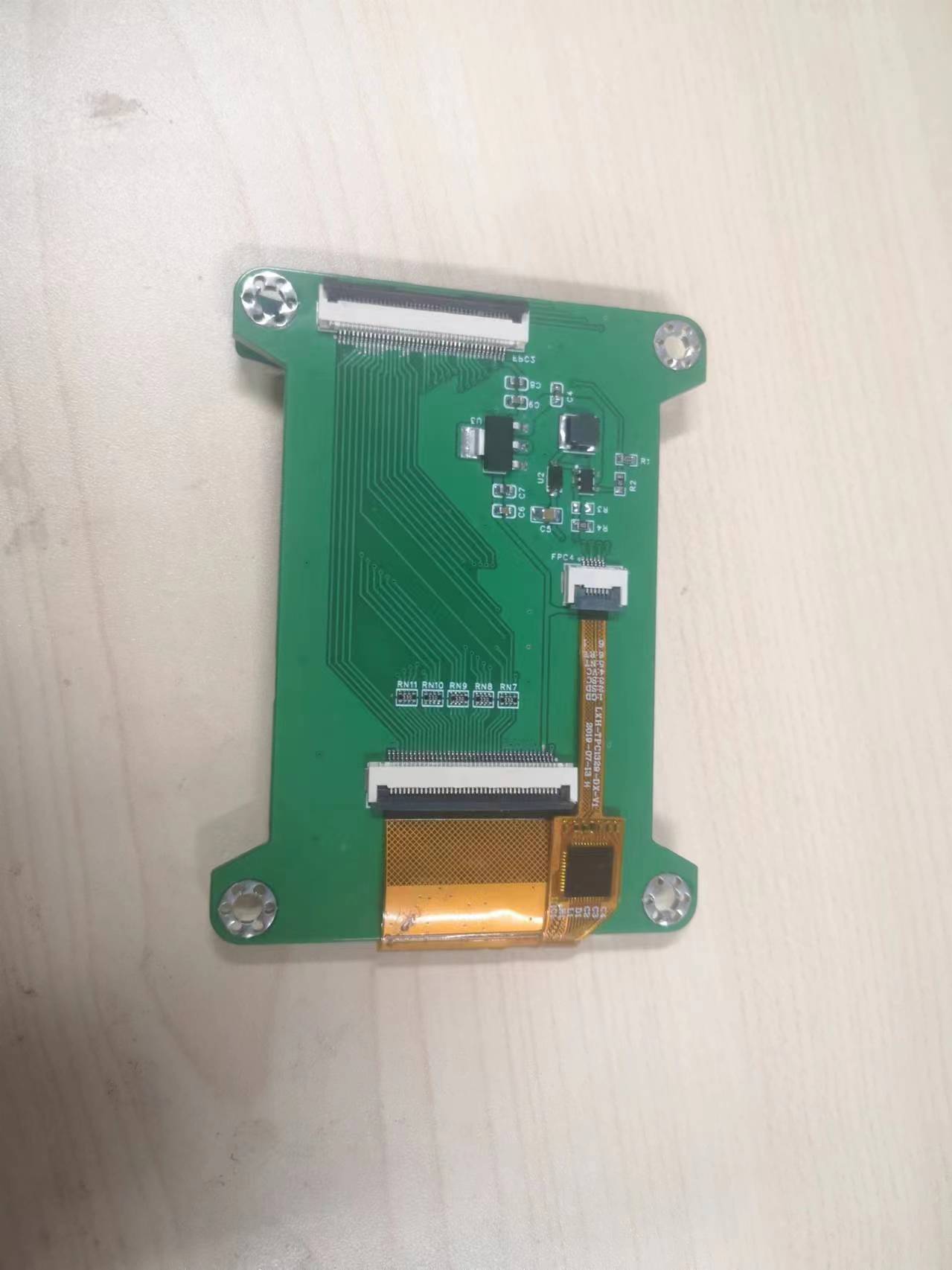
The goal of this project
was to independently develop a driver for an RGB screen, moving beyond simply using existing screens and
their functional descriptions.
This involved successfully driving an RGB screen and porting LVGL for both portrait and landscape displays. LVGL utilizes a double buffer, with IPA peripherals used for acceleration in portrait mode.
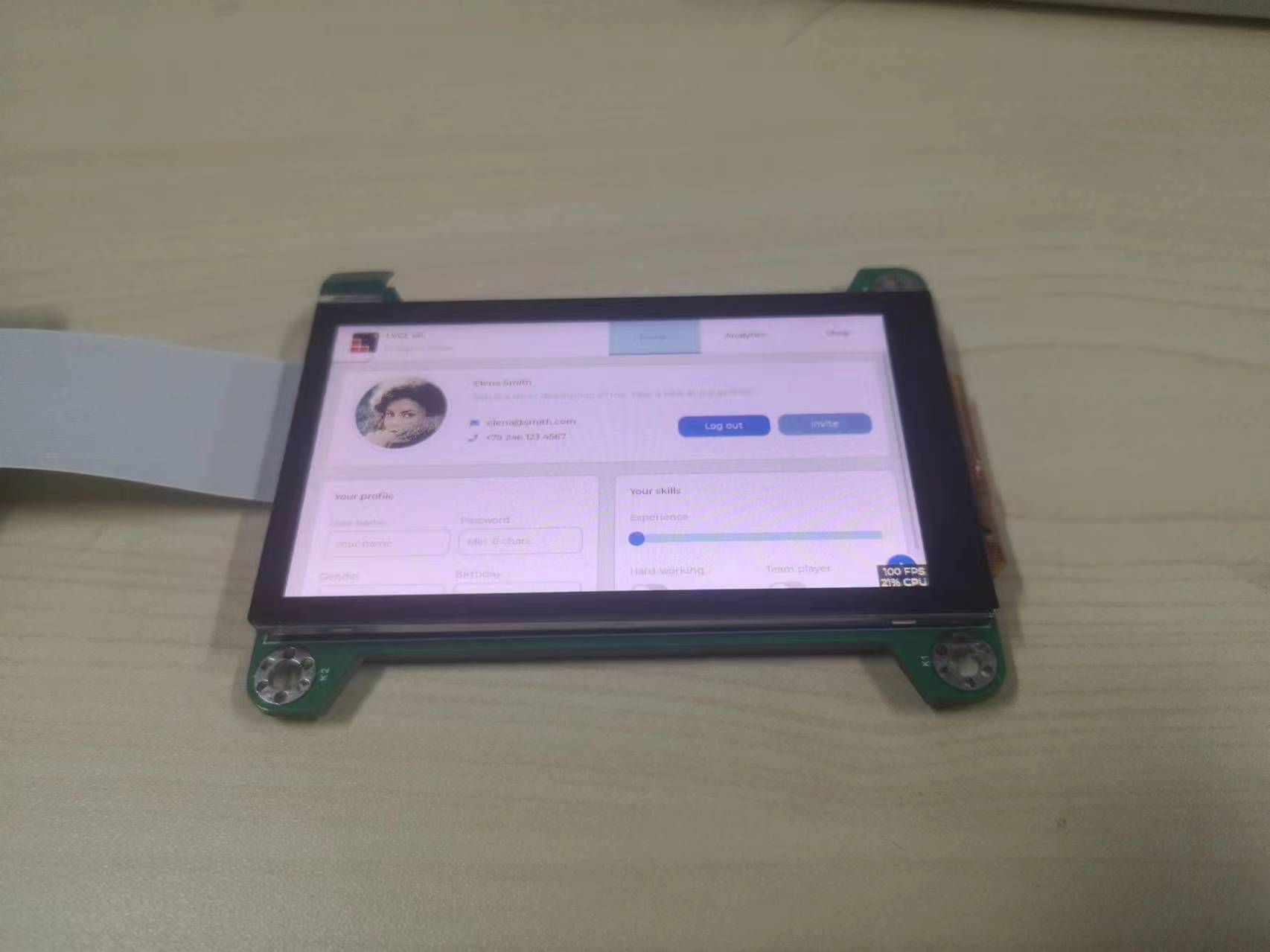
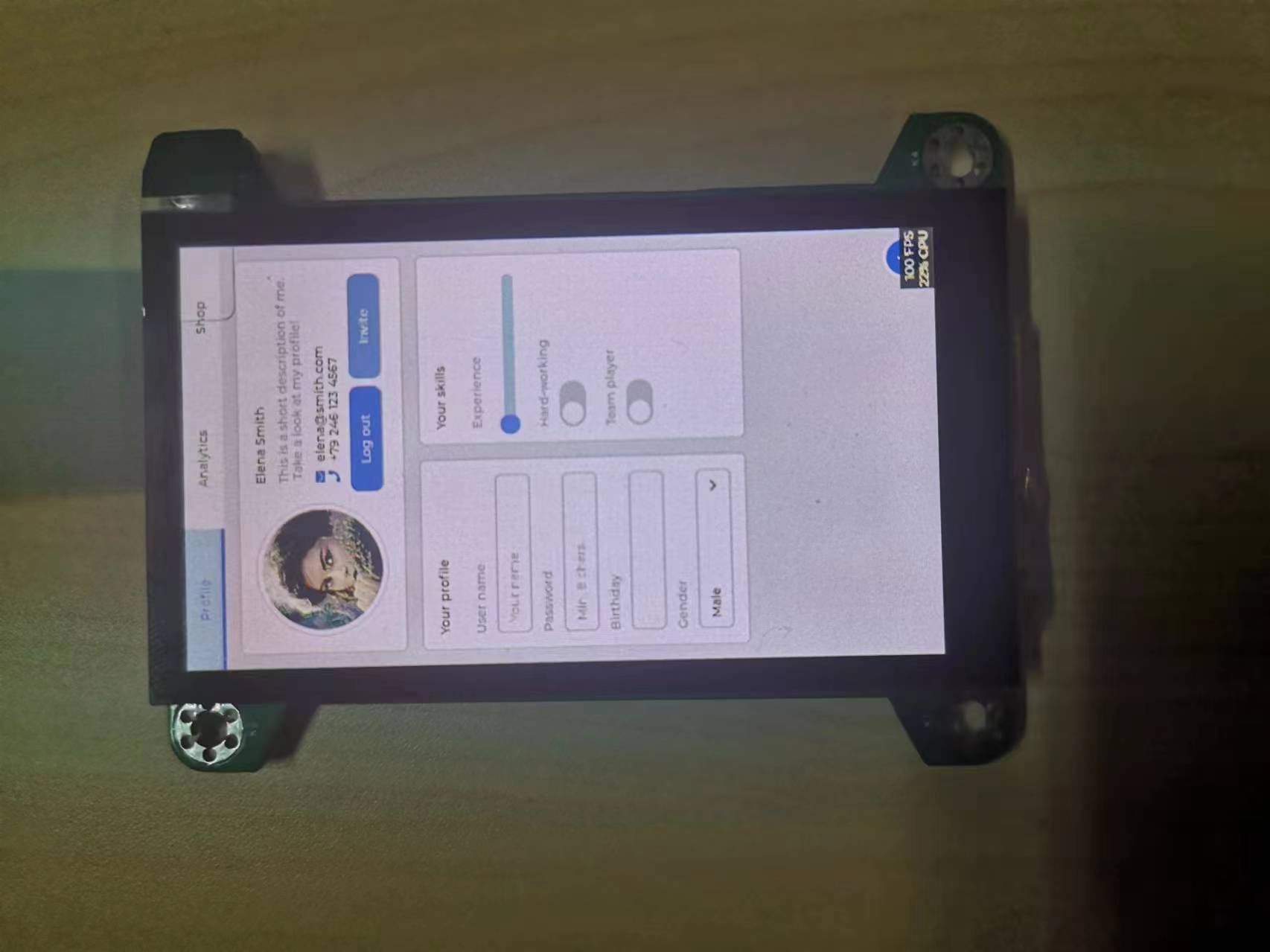
Through
this project, I gained a deeper understanding of the entire process of driving an RGB screen, from schematic and PCB design of the RGB adapter board to board fabrication, soldering, and driver debugging after connecting the screen. Specifically: 1. I gained in-depth knowledge of peripherals such as TLI, EXMC, and IPA for the GD32F470 chip.
2. I learned the basic parameters, timing parameters, and backlight driver circuitry of RGB screens.
3. I learned about SDRAM drivers and their timings.
4. I gained some knowledge about the FT5316 touch chip.
5. I learned some basic knowledge of LVGL and successfully ported a basic LVGL demo
. Shortcomings:
1. Because the screen hardware I'm using is portrait-oriented, currently only portrait mode can use IPA peripheral acceleration. I'll try to make landscape mode also use IPA acceleration to improve performance later.
2. Currently, I've only made this screen module separately and haven't demonstrated many applications yet. Later, I'll use this self-made RGB screen to complete some interesting projects.
3. The RGBLCD driver can still be improved.
Problems encountered during project completion:
1. After the hardware soldering was completed and the screen was connected, the backlight lit up, but the TLI peripheral couldn't drive the RGBLCD to display colors. I checked the hardware connections for proper soldering, the layout and length of the RGB signal lines and clock lines on the PCB, and the screen driver. Finally, I found that the screen initialization required writing commands to the ST7701S chip via software SPI. I discovered a problem with the SPI reset timing during initialization, and finally, the RGB screen was successfully driven
. 2. After the display was driven normally via TLI, white horizontal bars appeared on the screen when reading pixel data from SDRAM. This problem occurred because I referenced the official LCSC 4-inch RGB screen driver, and the official project example used... The F450 has a 40MHz different clock speed than the F470, so the SDRAM driver timings and RGB screen pixel clocks need to be recalculated. After resetting, the screen driver works normally.
3. The RGB screen touch driver is intermittent. After checking the driver program and referring to the chip manual, it was found that the reset timing was also problematic. The required low-level reset time for the touch chip was not met, causing the touch function to be intermittent.
Precautions:
1. The adapter board is only suitable for this screen. If you need to replace it with another screen, you need to check whether the screen pins correspond to the signal lines of the adapter board. If they do not correspond, you need to modify the signal pins.
2. Use The chip used is the Liangshanpai GD32F470 with a 240MHz clock speed. If using the GD32F450 chip with a 200MHz clock speed, the external SDRAM timing parameters in the program need to be modified; otherwise, display problems will occur. Also, pay attention to whether the TLI peripheral pixel clock meets the screen's requirements
.
This project references the official LCSC 4-inch RGB screen adapter board project.
(Official 4-inch RGB screen link).
My experience:
This is my first time open-sourcing a project on LCSC. Although the project is relatively simple, I experienced the entire process, from designing the board, fabricating the board, and soldering (FPC sockets are really difficult to solder!).








 京公网安备 11010802033920号


 UPSD3213BV-40T6T



