#LCSC Training Camp#
Every time I participate in LCSC's training camp, I gain a lot. Each practical small project guides me, a beginner, step by step. This training camp has more vouchers than previous ones; it's hard not to love LCSC!
Update:
2024/08/22
Added multi-level menu style—horizontal menu .
2024/08/24
Modified the shell wall thickness to reduce the gap between the PCB board and the shell.
2024/08/25
Uploaded the ported u8g2 graphics library code (a clean graphics library, without using other miscellaneous libraries), making it convenient for those who need to use the u8g2 library on CW32.
Future plans
include optimizing the code (lightweighting the u8g2 graphics library), improving settings functions,
improving the serial port assistant,
adding mini-game functionality;
the hardware
part mainly references the "CW32 Digital Voltage and Current Meter Training Camp Project Tutorial Document". Only the plug-in components were changed to surface-mount components, and the digital tube was changed to a 0.96OLED display; other than that, there were almost no changes.
The tutorial documents and videos, covering both hardware and software, are very detailed and comprehensive, making learning relatively easy. (Thumbs up to the engineers and staff of this training camp OvO)
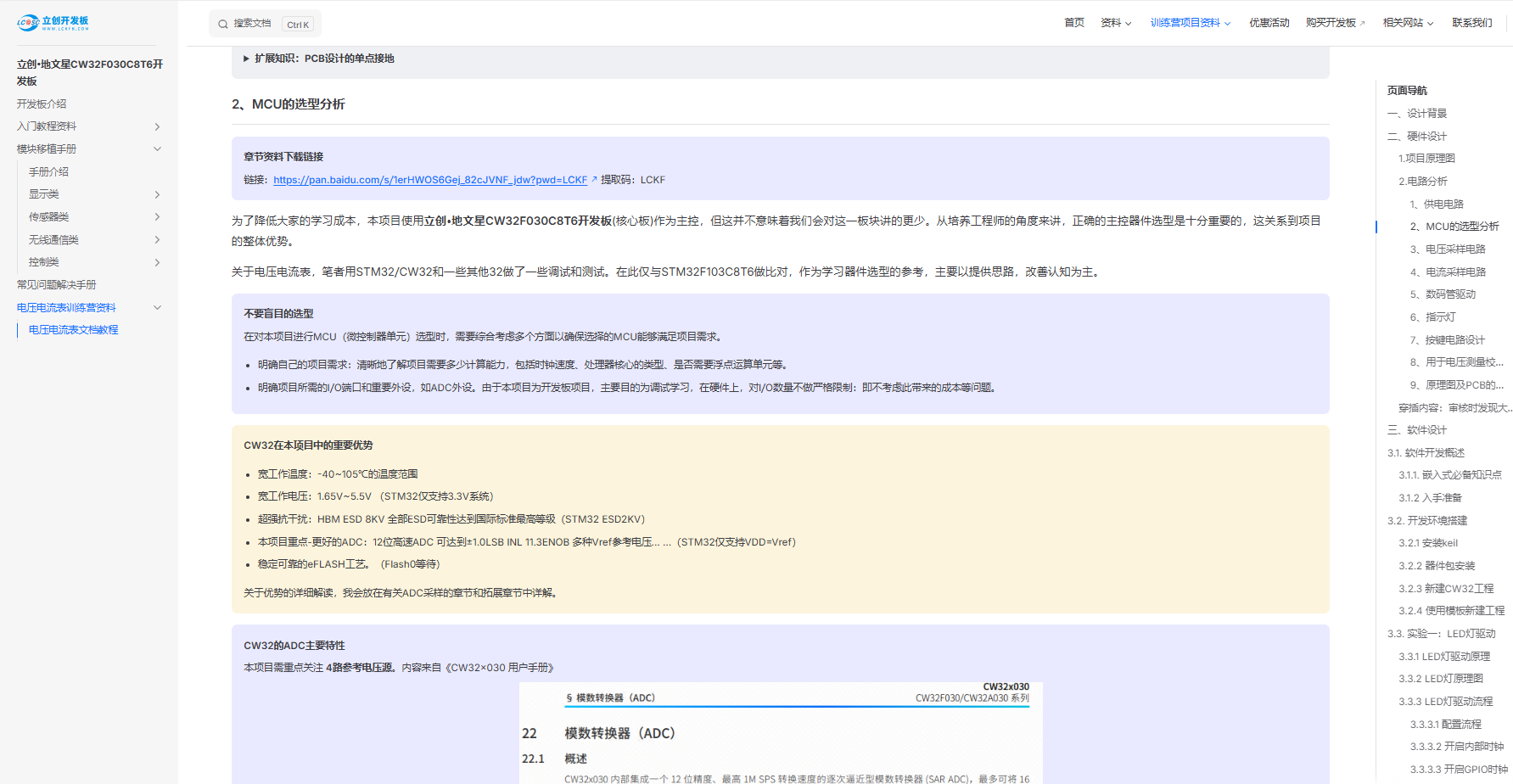
(Excerpt from the tutorial documents) ^
The software
development environment configuration tutorial documents contain detailed explanations in the introductory materials; please refer to them frequently. (Thumbs up again)
The software part mainly references the calibration method and mean filtering algorithm in "Experiment 9: Digital Voltage and Current Meter with Calibration Function" in the document, as well as the example programs provided by LCSC development boards.
Additionally, the u8g2 graphics library was ported and repackaged for easier use on CW32.
Note that in calibration mode, units are not displayed; in voltage calibration mode, "S" is displayed in the upper right corner; in current calibration mode, "A" is displayed in the lower right corner.
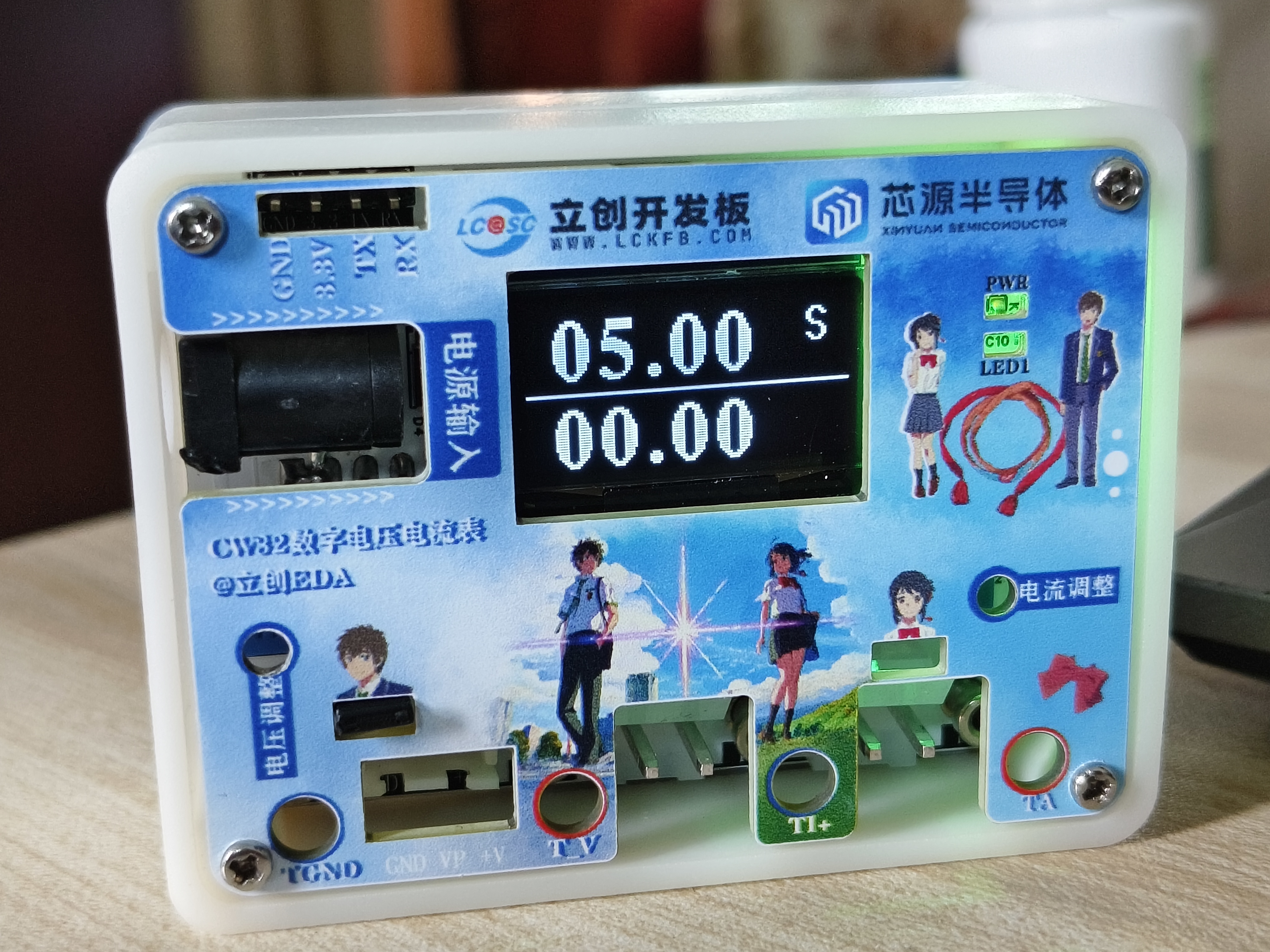
(5V calibration mode)^
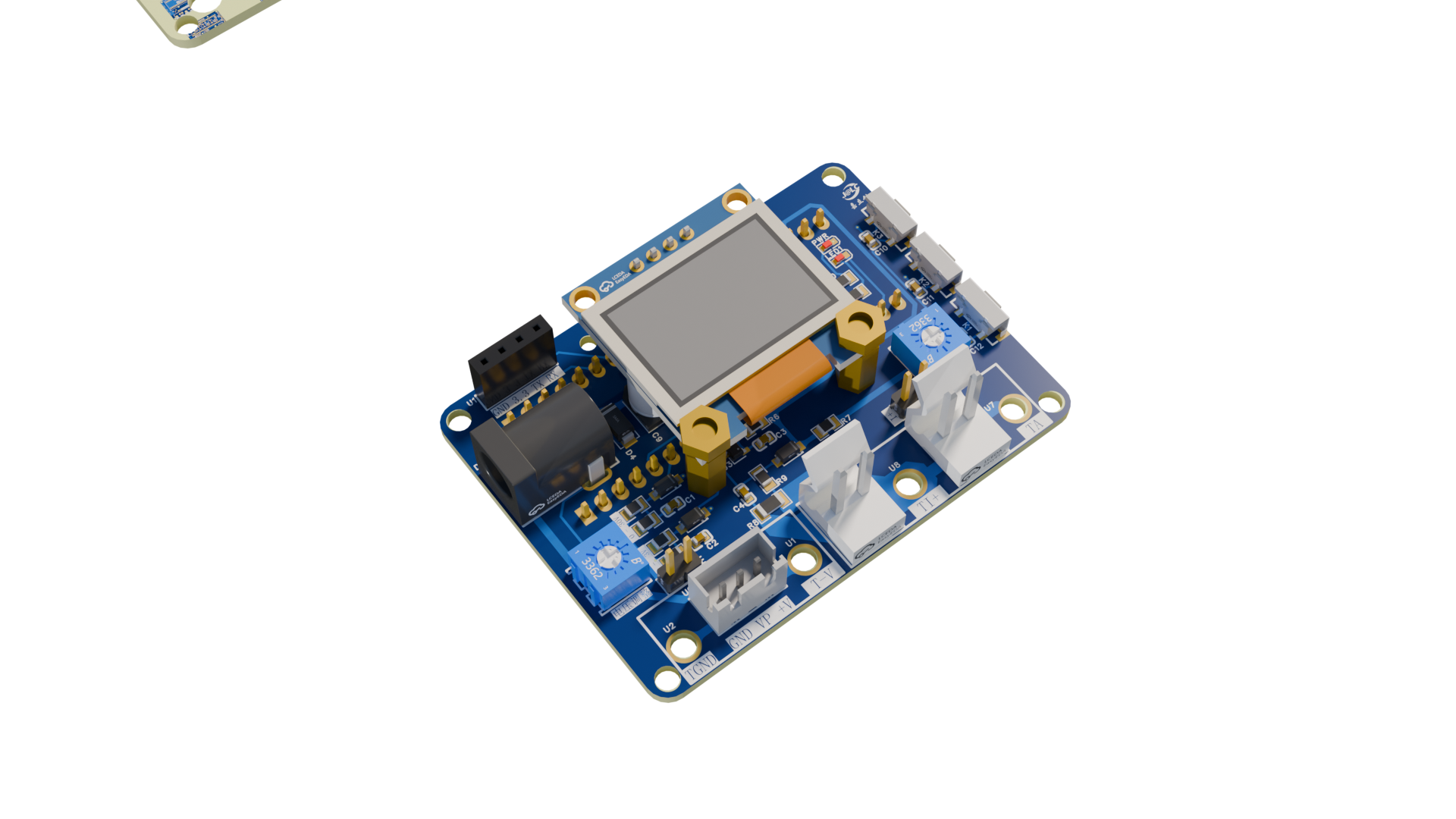
(PCB rendering)^
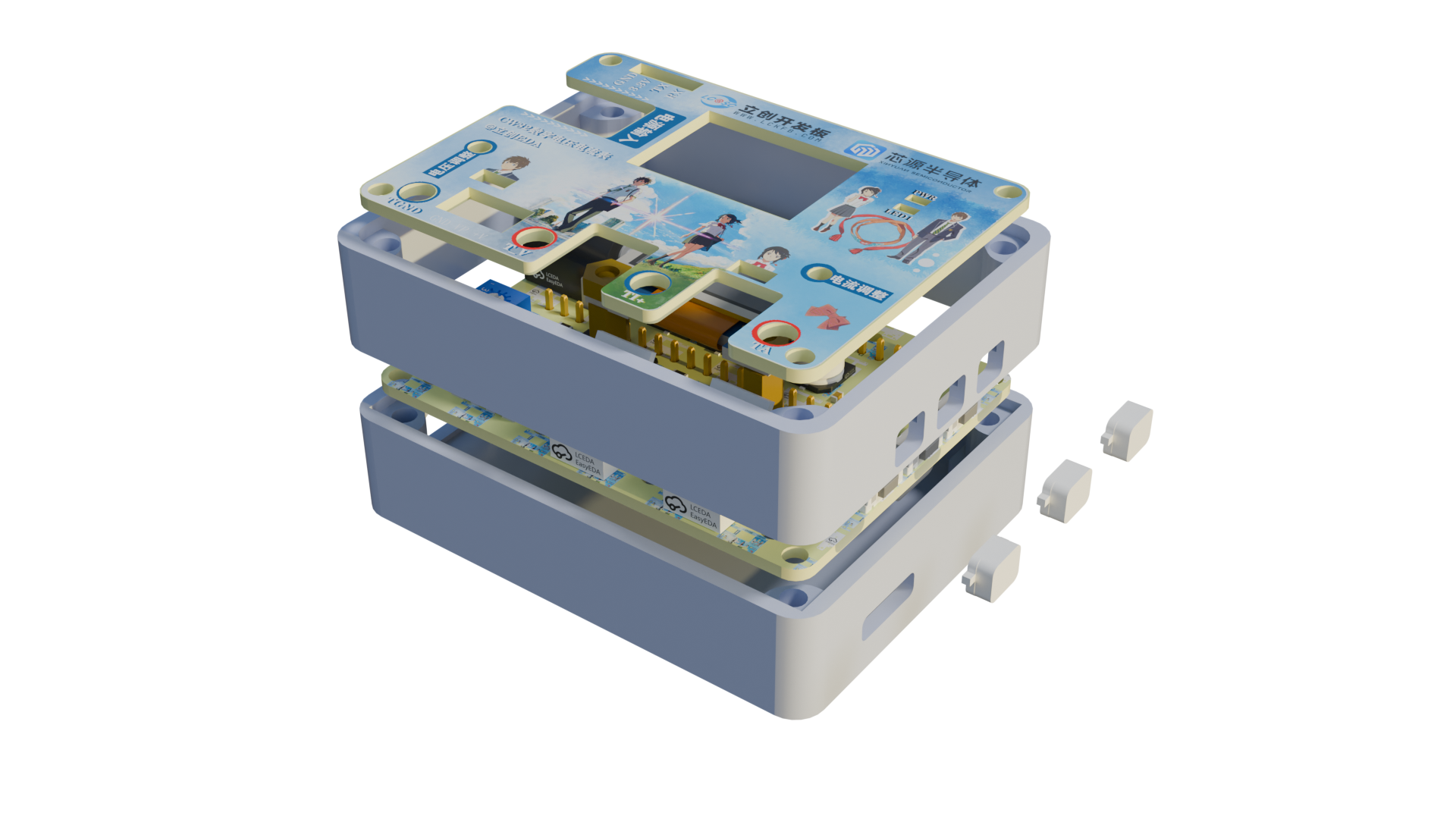
(3D casing rendering)^
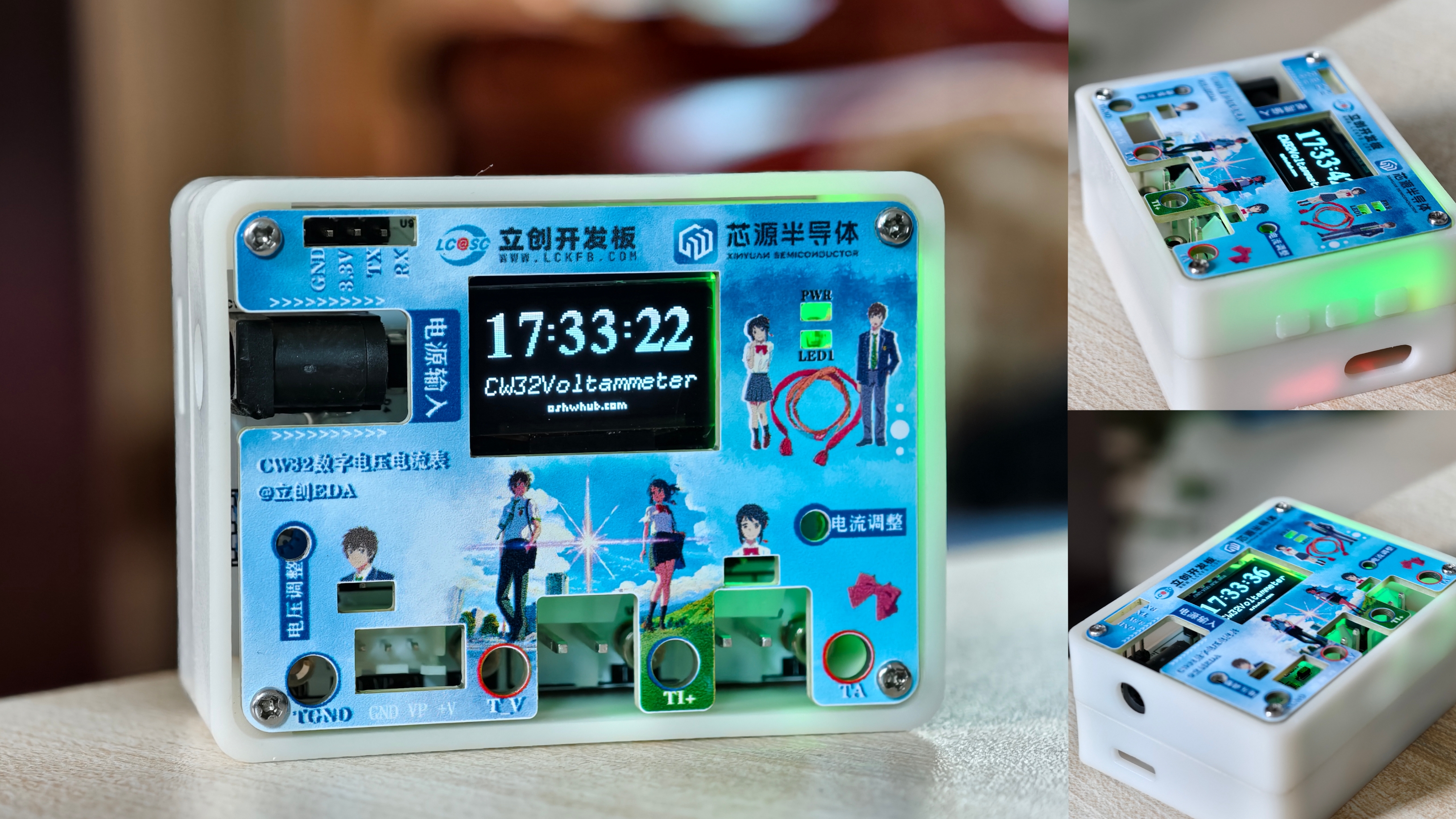
(Actual product image; the color silkscreen printing was done in Photoshop, I really love it)^
The large gaps in the exterior have been modified, so you can use it with confidence
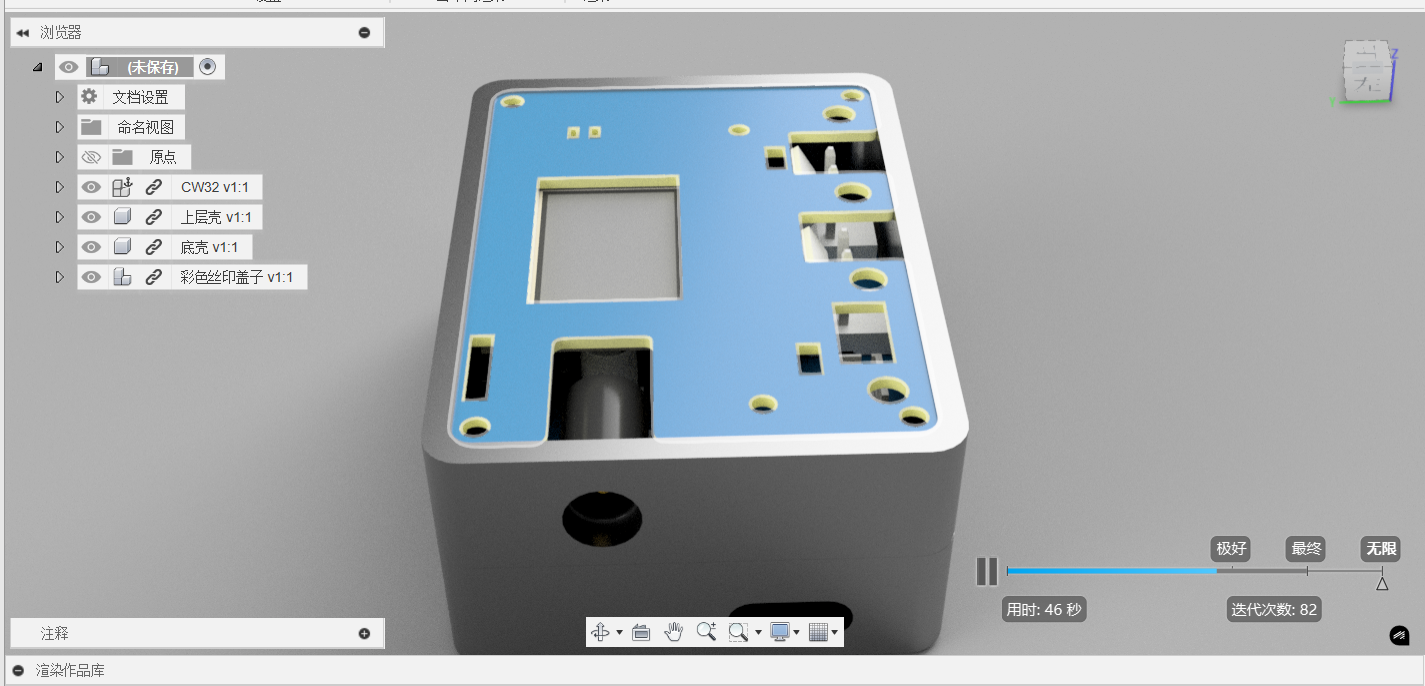
(modified exterior rendering)^
Basic functions
: The basic function is to measure voltage and current. Since the debugging
process was done with a 12V power supply, it went smoothly. The values calculated by the CW32 sampling measurement are quite close to those measured by the multimeter (I bought the multimeter for 10 RMB).
I can't say how high the accuracy is, but it's definitely fine for everyday measurements. This is all thanks to the engineers in this training camp project; I love you all so much!
Extended functions:
Digital clock, simple serial port assistant, multi-level menu, etc.
Because the initial goal was to create a beautiful and practical multi-functional little box, the u8g2 graphics library was ported, and a multi-level menu was written.
I added a lithium battery, which wasn't necessary. It's just a "small product" I made during this training camp that I really love. I play with it all the time, and it can also be used as a small desktop ornament. OvO
BUT
v
dog (2024/08/22):
2024/08/22
Digital Clock
. Although the digital clock function can be adjusted in the settings, it's a "pseudo-RTC clock," meaning it needs to be reset after a power outage and power-on, which is really a bit useless
(because I don't know how to enable the CW32's internal RTC clock, sob sob, the official manual isn't very detailed on how to configure the RTC clock, basically I'm a noob, sob sob. Actually, with a larger capacity lithium battery, it's just an RTC clock (lol)).
If you don't need this function for now, you can change [fun_0] to [fun_a21] on line 25 of the [menu.c] file, so that it will measure voltage and current upon startup.
On August 22, 2024 , after several debugging attempts
with the serial port assistant
receiving strings, the displayed content always showed the last received character . On the
same day,
code optimization was implemented
. The CW32's RAM is 8kb, while the current code is only 2.8kb. However, adding u8g2 display functions to the current code causes garbled characters or incomplete display on the OLED screen.
This strange issue directly led to the menu style selection not being available in the settings, but instead requiring two separate codebases
(the author will actively learn and improve the functionality T^T).
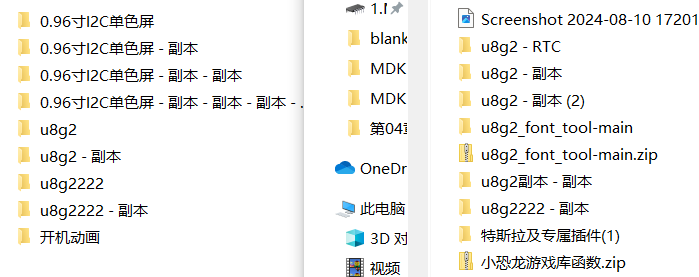
(The software is constantly iterating).
However, rest assured, while the extended functionality is not perfect, the measurement function is normal and easy to use. Furthermore, after software compensation, the error is very small, ranging from 0.01 to 0.03.
Due to equipment limitations, voltage measurement was only performed within the 0-12V range. Current measurement also lacked the necessary power supply; currently, only 40mA can be measured, with almost no error.
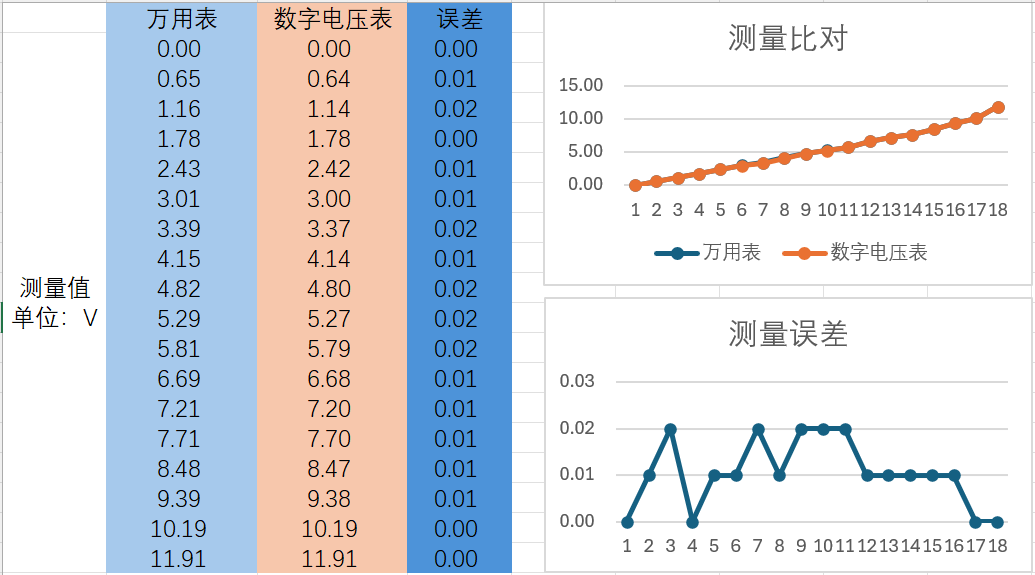
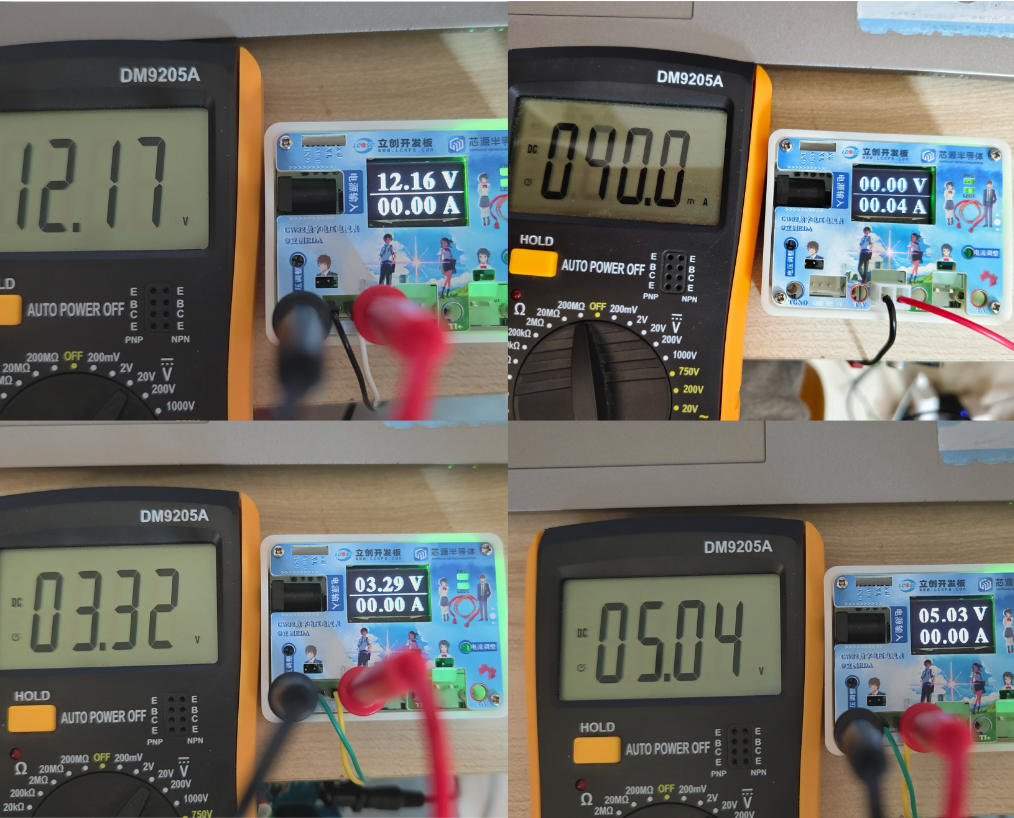
The small box has a built-in 1200mA lithium battery, so it does not require a power supply. The inaccurate measurement issue is also resolved through software compensation.
Of course, it's also possible to connect without a lithium battery, as the 3D casing already has pre-drilled holes. Note: The module's output can be directly connected to the CW32's GND and 5V pins (using a jumper wire).
Connection method (ignore this if you don't need a lithium battery):
The module has the same input and output ports, so directly connect the [Input/Output -] to GND, preferably to the GND of the 6mm input female connector.
Connect the [Input/Output +] to the CW32's 5V pin (because the DC power input 5V is also here).
For [Battery Positive/Battery Negative], just connect the lithium battery normally; never connect it in reverse.
Caution: For those using lithium batteries, it is absolutely essential to insulate the module; there should be no exposed copper or solder. Safety first!
Most components are listed in the BOM, but some are not. Links are as follows:
CH3.96 female connector,
XH2.54 with wire terminals
, CH3.96 double-ended crimp terminal block (black and red recommended for
lithium batteries, dimensions 10*20*40 mm (thickness*width*length))
; TL431, SOT23 packaged
charge/discharge module (white upgraded version preferred, otherwise it won't continuously output
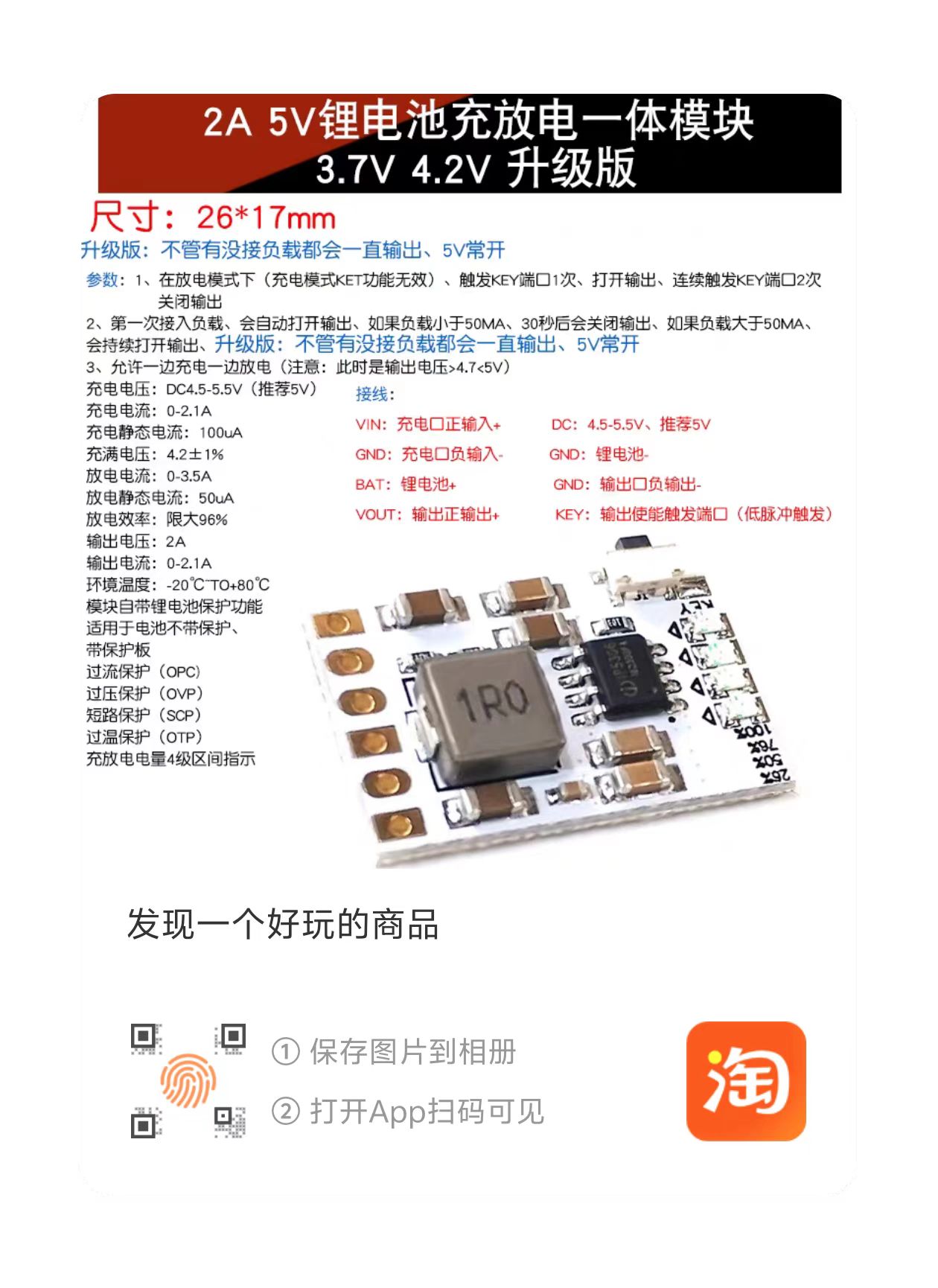
5.7mm low-profile female connector,
M2*9 hexagonal copper pillar
injection molded copper nut, M2*3*3.5
screws (both M2*25 and M2*3 are required).








 京公网安备 11010802033920号


 SRU5011-100Y



