I. Introduction
Years ago, I purchased an Emerson 675W server power supply. Shortly after, forum experts developed a DIY adjustable power supply solution for it. Because this solution might damage the power supply's appearance, I never replicated it. Fortunately, LCSC and Sinyuan Semiconductor launched this voltage and current meter training camp, giving me the opportunity to learn related knowledge and modify this power supply. Since the focus of this project is on building the voltage and current meter, this article will not elaborate on the power supply modification. Below is an introduction to the voltage and current meter designed for this power supply.
II. Functional Introduction
This project is designed for use with a specific power supply. After the power supply is powered on, it generates a 3.3V_SB voltage to power the meter. The PCB design includes a debugging circuit, connected to the development board's C port via a jumper wire, eliminating the need for a separate programmer. The onboard debugger also supports serial port printing, allowing real-time viewing of measurement data via PC. The PCB includes a power start switch and a voltage adjustment knob. When the power supply is not powered on, the external voltage can be measured via the output line. After the power supply is powered on, the meter displays the power supply output voltage. The current display only shows the output current when the power supply is under load; the PCB does not include external current detection functionality.
III. Schematic Diagram Description
This project uses the "LCSC · Diwenxing Development Board" as the core component; the digital tube display circuit and button control circuit are consistent with the tutorial; I/O interface circuits and switching and voltage regulation circuits are designed for this specific power supply; to facilitate programming, debugging, and the serial port printing function that may be used later, an onboard DAP-Link debugging circuit based on CH552E is designed; finally, because the rated output current of this power supply can reach 55A, an INA226 voltage and current sampling circuit is designed separately.
IV. Physical Diagram
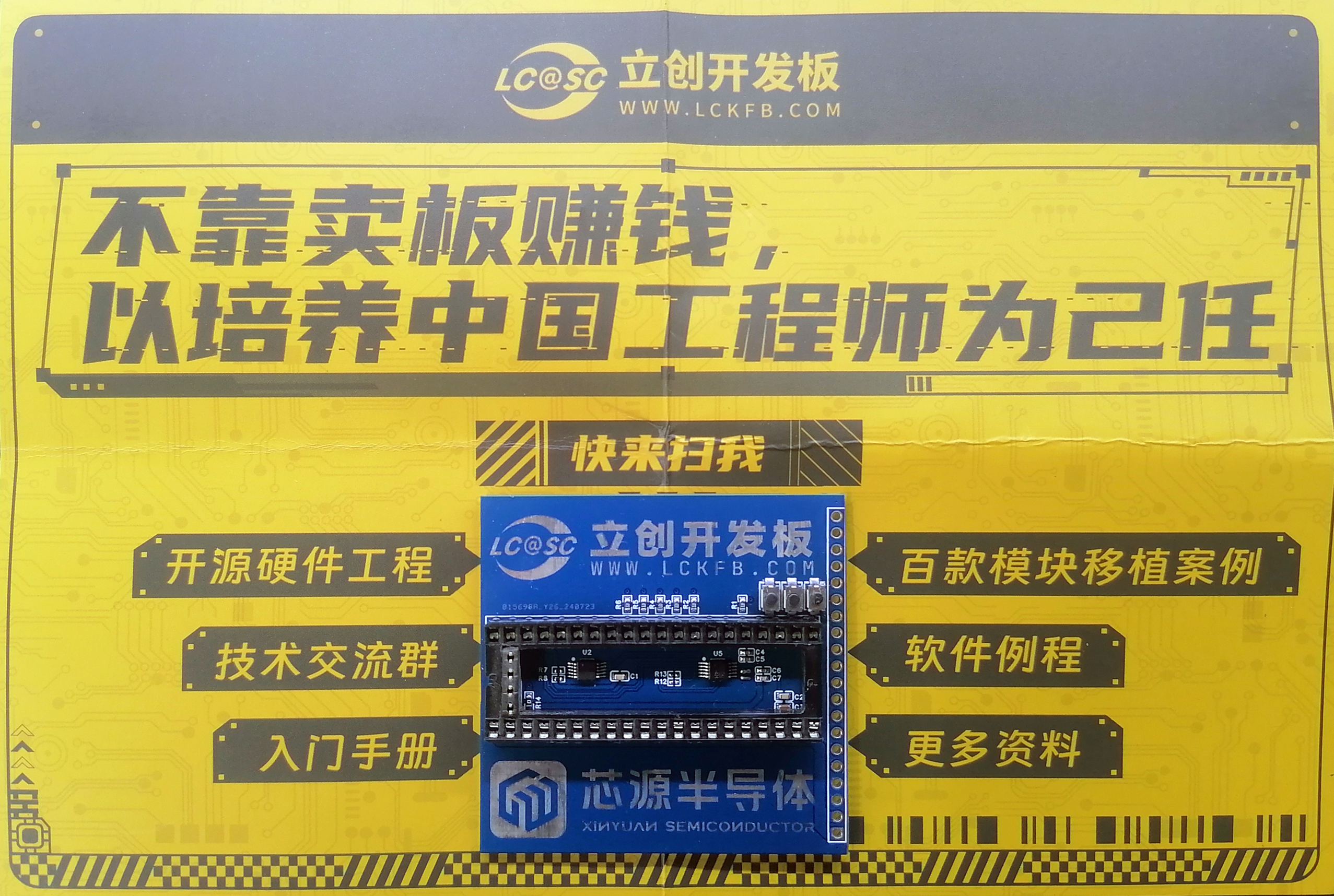
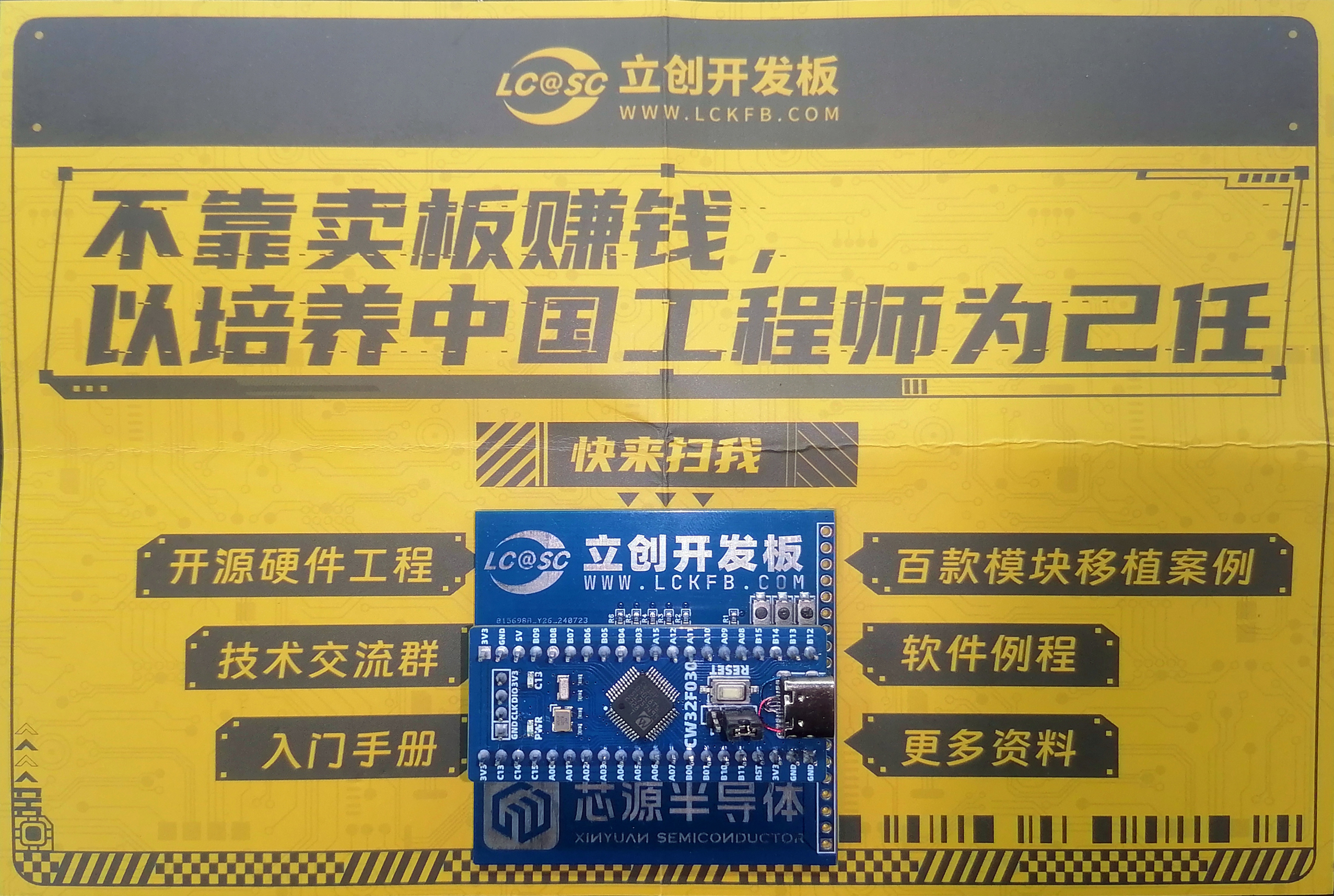
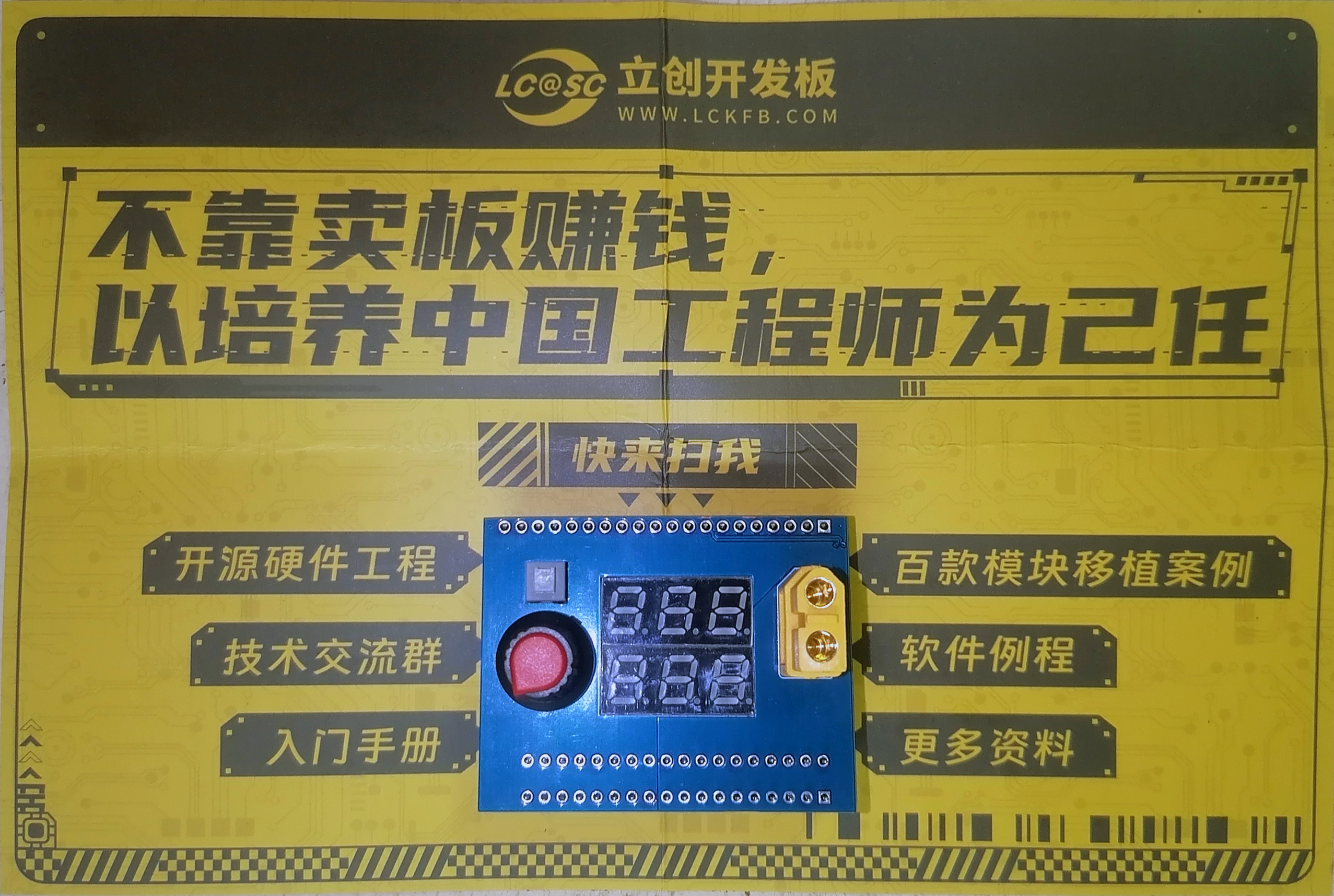
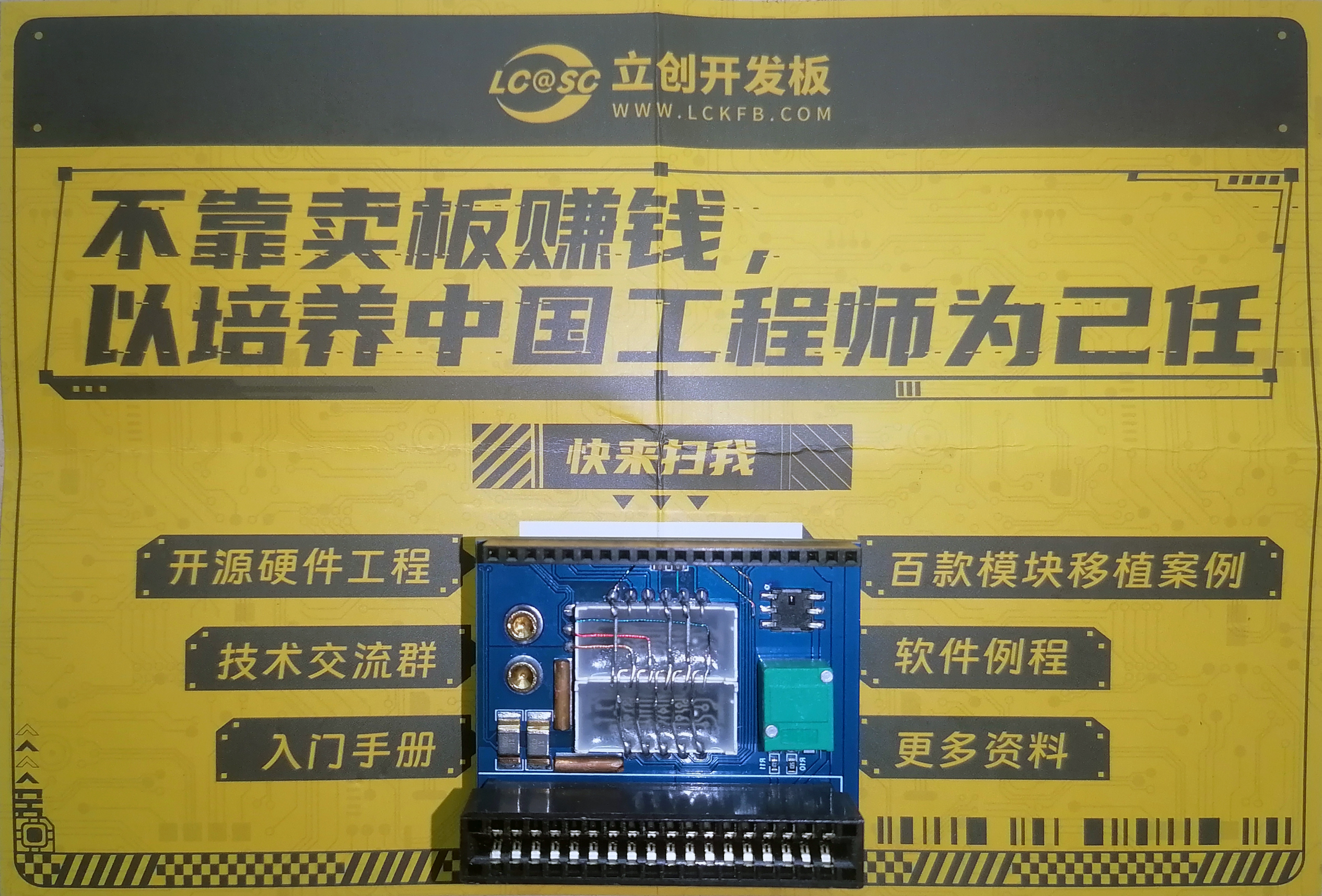
V. PCB Design Description
This PCB is a two-section design, with the upper and lower parts connected by pin headers and sockets, which is not shown in the schematic diagram; the lower half of the PCB also serves as a front panel, so to minimize the traces on the front, the traces on the back of the PCB are connected by flying leads, which is not shown in the schematic diagram; due to the large output current of the power supply, the sampling resistor is designed with dual pads, and the high-current traces on the PCB are designed with windows, and copper strips are soldered later to increase the current carrying capacity; other design points are basically designed according to the tutorial and the instructor's explanation.
VI. Key Program Descriptions
As I am a programming novice, the display portion of this project uses tutorial examples. The INA226 sampling part is ported from the STM32 open-source project, and the serial port printing part is ported from the official examples.
VII. Purchase of Important Materials
Most of the key materials for this project were purchased from LCSC Mall, with a small number of auxiliary materials using existing inventory.
VIII. Assembly Instructions
After receiving the PCB, it needs to be manually split in two. Due to the tight integration between the design and the power supply, the relevant pin headers need to be polished flush with the PCB and properly insulated. Because the PCB design includes debugging circuitry, the 4-pin bent pins on the development board need to be replaced with straight pins to connect to the PCB. Since the lower half of the PCB also serves as a panel, some components are now mounted manually using back-mounting. More details can be seen in the video demonstration.








 京公网安备 11010802033920号


 1N5449CO



