Project Overview:
This project is a modified version of Daplink V2 by the developer "Xifan Fangjiang". While retaining the original mini size design, it adds a 485 communication circuit, facilitating debugging and testing in fields such as industrial automation and manufacturing. Its size is only about the size of a USB-A cable (roughly the size of the top of a data cable). If you do not require 485 communication, you can try to understand, learn, and replicate Xifan Fangjiang's original project, which is attached.
ARM official DAPLink project address: https://github.com/ARMmbed/DAPLink
Heze official DAPLink project address: https://gitee.com/hanszeng/daplink
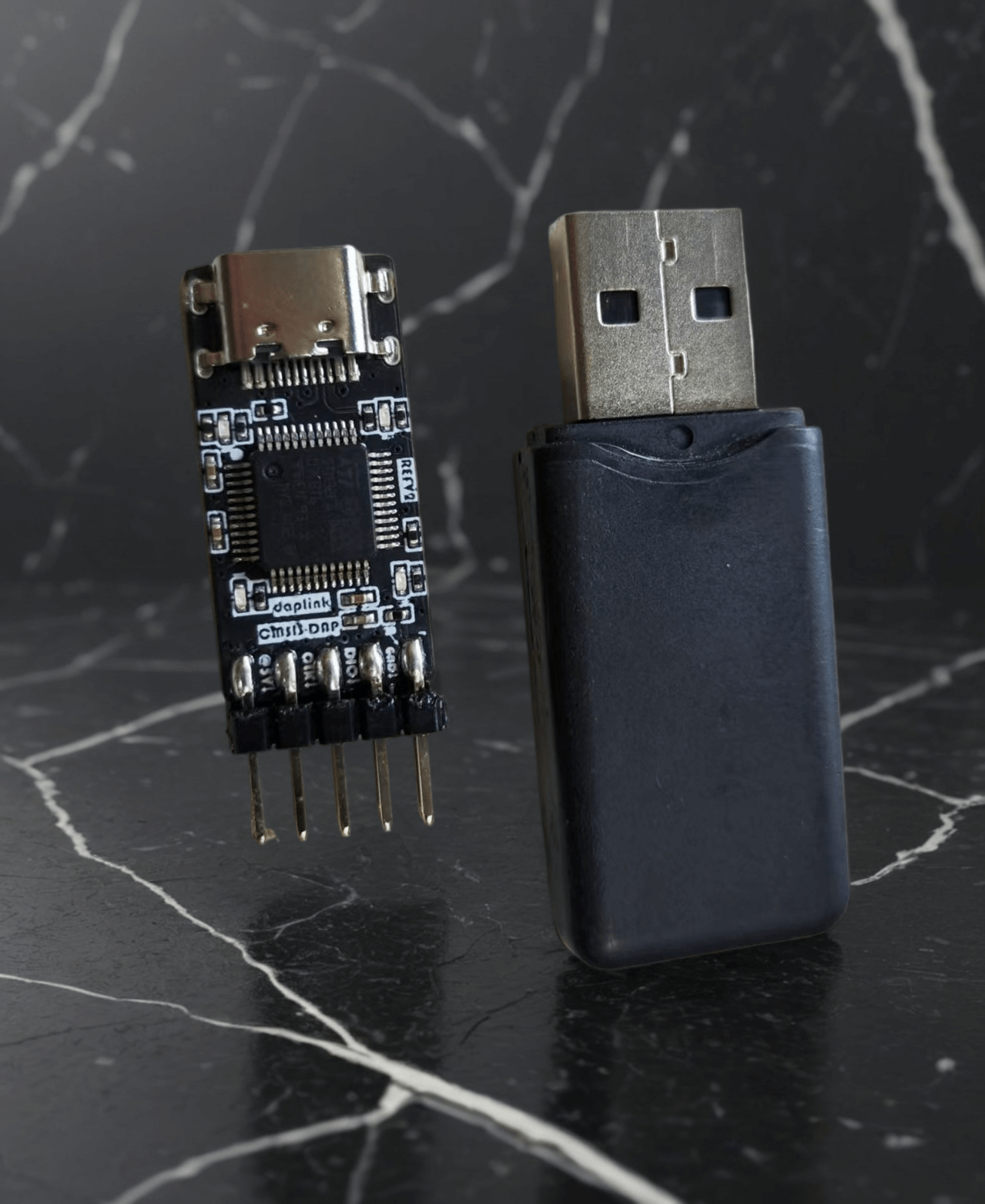
Project features:
Supports SW mode debugging and downloading, supports 485 communication; --241019
Theoretically, this design is compatible with four types of downloaders. ST-Link and DAPLink have been tested; only the relevant firmware needs to be flashed. --241019
Notes:
The main controller can use multiple series of F103 models. Different models require different firmware flashing. If you are capable of compiling the project yourself, you can use the official ARM project for modification. --241019
The ST-Link firmware does not have onboard LED drivers, so the LEDs will not light up when using ST-Link. An upgrade is required after flashing the ST-Link firmware; the specific method will be mentioned later. --241019 The
ST-Link firmware has a virtual USB drive, but no virtual serial port. This means you can use it as a downloader and download via virtual USB drive, but it cannot be used as a serial port. This issue is currently unresolved; perhaps a more advanced firmware is needed? —241019
J-Link theoretically supports this, so I suggest everyone give it a try. Feel free to add your suggestions in the comments section and contribute to the open-source community. —241019
The pinout in this version is rather messy, as required by my project. If you find it unsuitable or inconvenient, please feel free to modify it further, but remember to open-source it so everyone can learn from it. —241019
Different downloader firmwares have inconsistent support for chips with different kernels. Pay attention to the firmware's applicability and flash it according to your own needs.
Possible problems and solutions:
For some flashing steps and firmware upgrade issues, please refer to this article: https://blog.csdn.net/weixin_42880082/article/details/127293349
St.'s official ST-Link upgrade guide: https://www.st.com/resource/zh/release_note/DM00107009-.pdf
Article on operating the virtual serial port supported by STLink 2.1: https://blog.csdn.net/weixin_42880082/article/details/127963348
For space-saving purposes, the USB interface should be a recessed design. Using other interfaces may lead to incompatibility issues and unstable soldering. However, it's worth trying; you might discover a new idea.
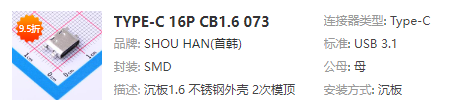
How to use the SW interface to flash firmware into the programmer?
QA: JLink users can use JFlash, STLink users can use STMCUBOPROGRAMER, and DAPLink users can use OpenOCD or PYOCD command lines. Specific operations are not detailed here; please search online.
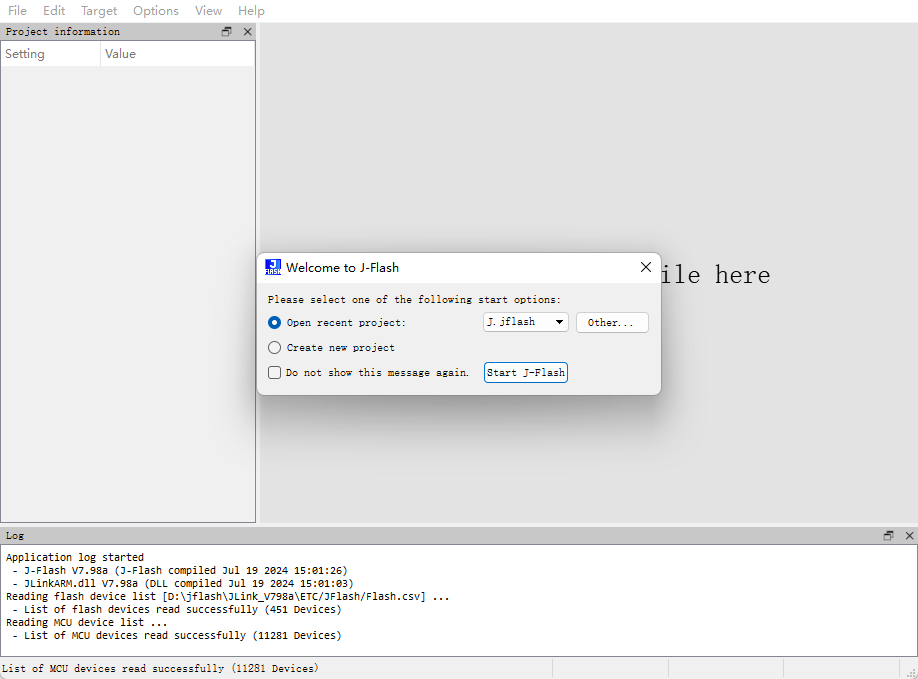
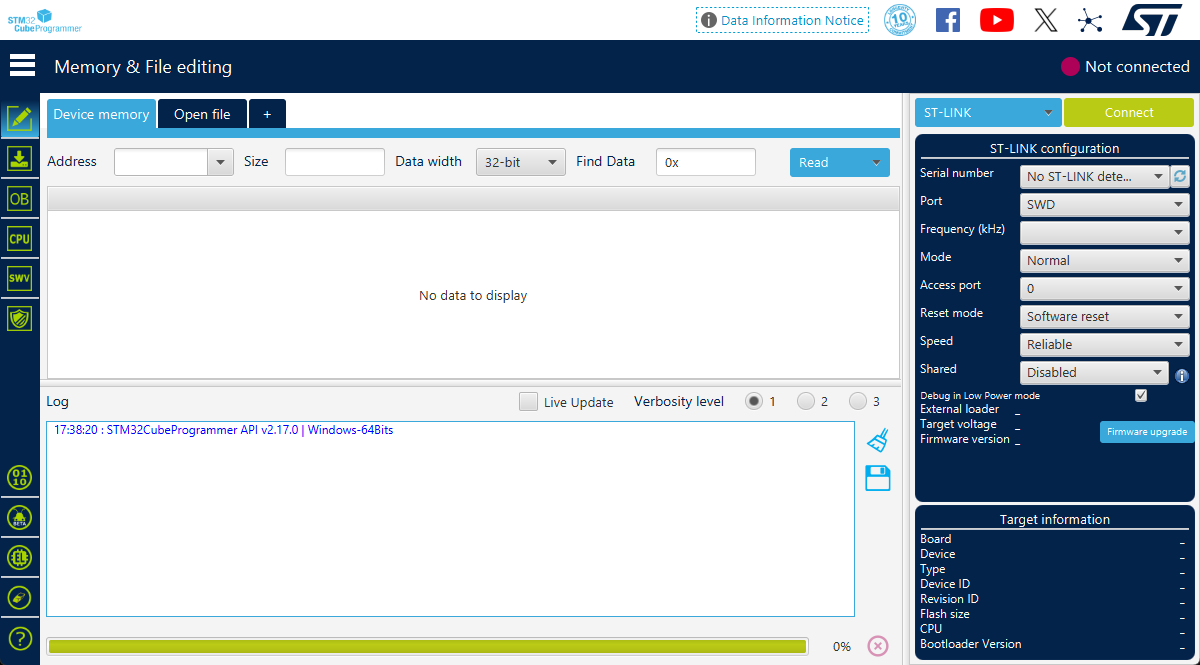
Sign --DF241019 ----- Recorded on 20241019
Programmer Usage:
The pins on the chip side of the front are used for flashing other chips. A is the A signal in the 485 communication signal pair. Note that the 5V power supply is not isolated; it can power the target via USB, or it can introduce electrical shocks from the target into the USB. This means that introducing high voltage from the pins will damage the USB device! !! Please be extremely careful not to connect the wires incorrectly!!!
It is recommended to use only the dio, clk, and gnd wires for debugging. During debugging, the target board needs to be powered by other components.
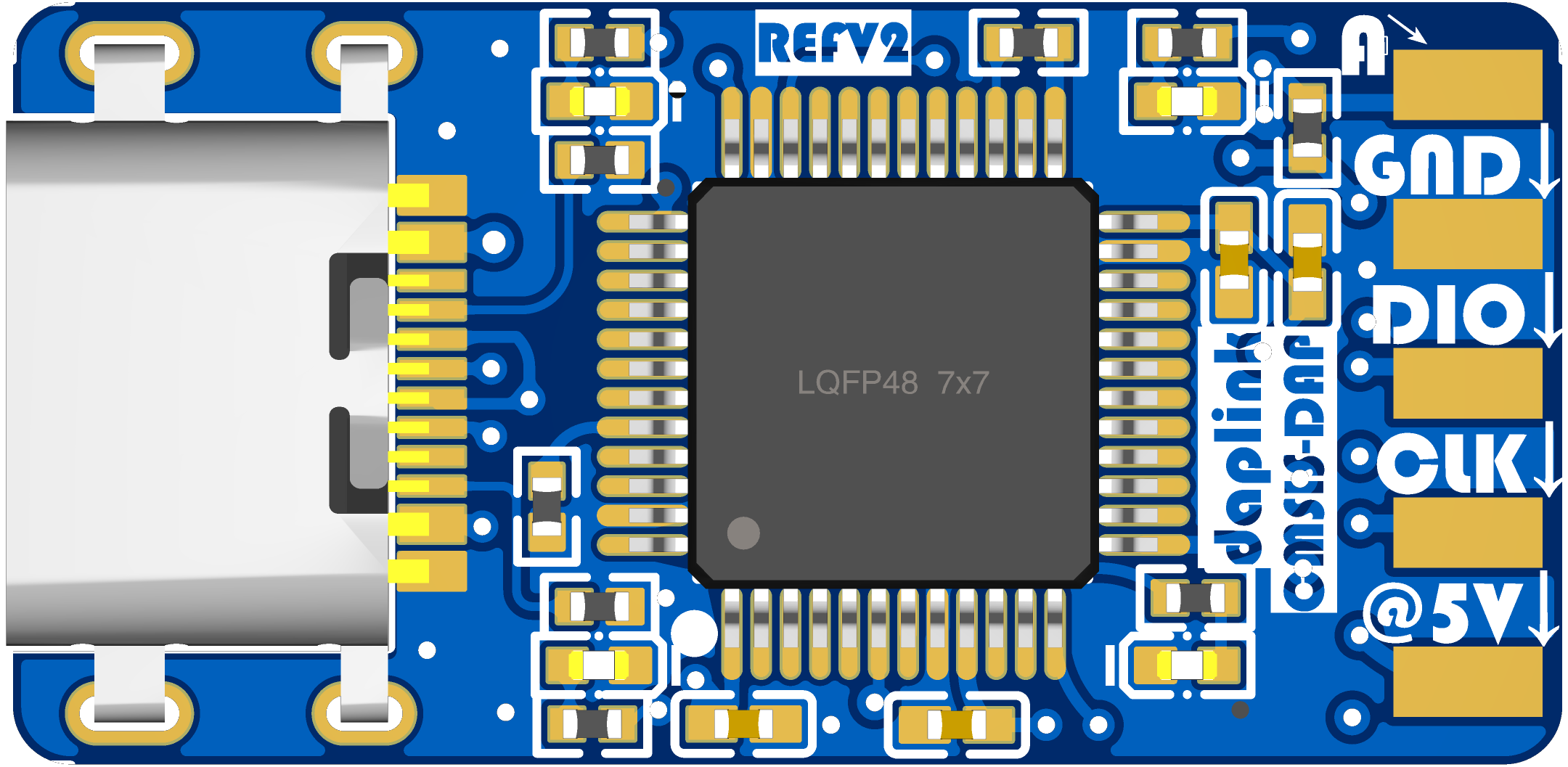
The pins on the reverse side of the programmer are for programming the firmware and for the B signal of the 485 communication. Pay attention to the arrow direction and do not connect the wires incorrectly.
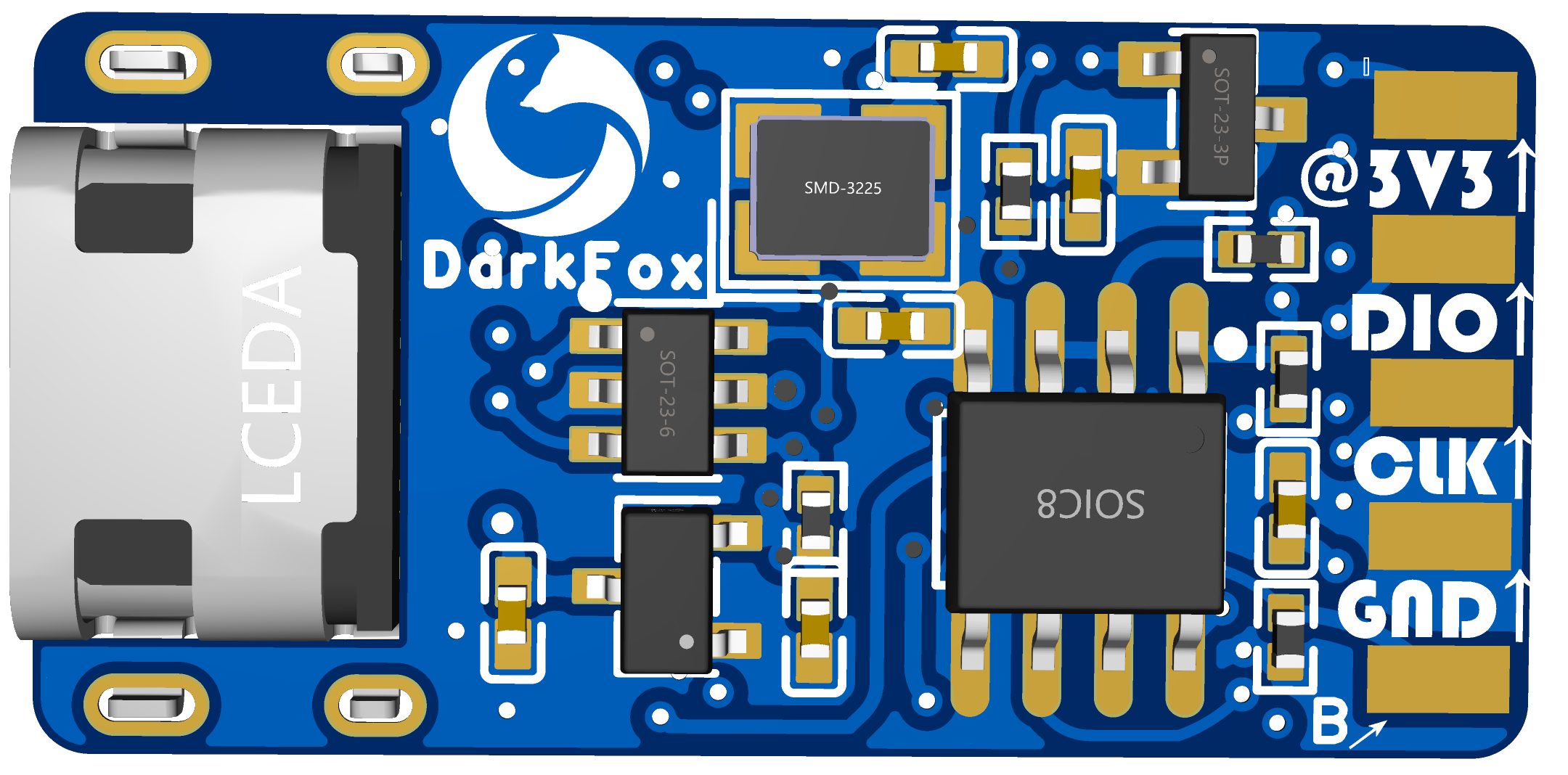
For feedback and answers to questions
, please leave a message in the comments section if you encounter any hardware difficulties or questions. The author will try to reply as soon as possible.








 京公网安备 11010802033920号


 1CS104-04TG



