August 31, 2024: Updated firmware for Gamepad G1S3
to fix button interlocking bug - Macro buttons are temporarily unsupported.
Demo video: https://www.bilibili.com/video/BV1UindeEEme/?share_source=copy_web&vd_source=54fc41cdf2edae385881b75229fda25c
---- Gamepad E2S1 (Elite Board) open source announcement will be released soon.
September 23, 2023: Updated host computer configuration program pre-v2.0 . Updated
firmware for the gamepad G1V2 corresponding to the gamepad.
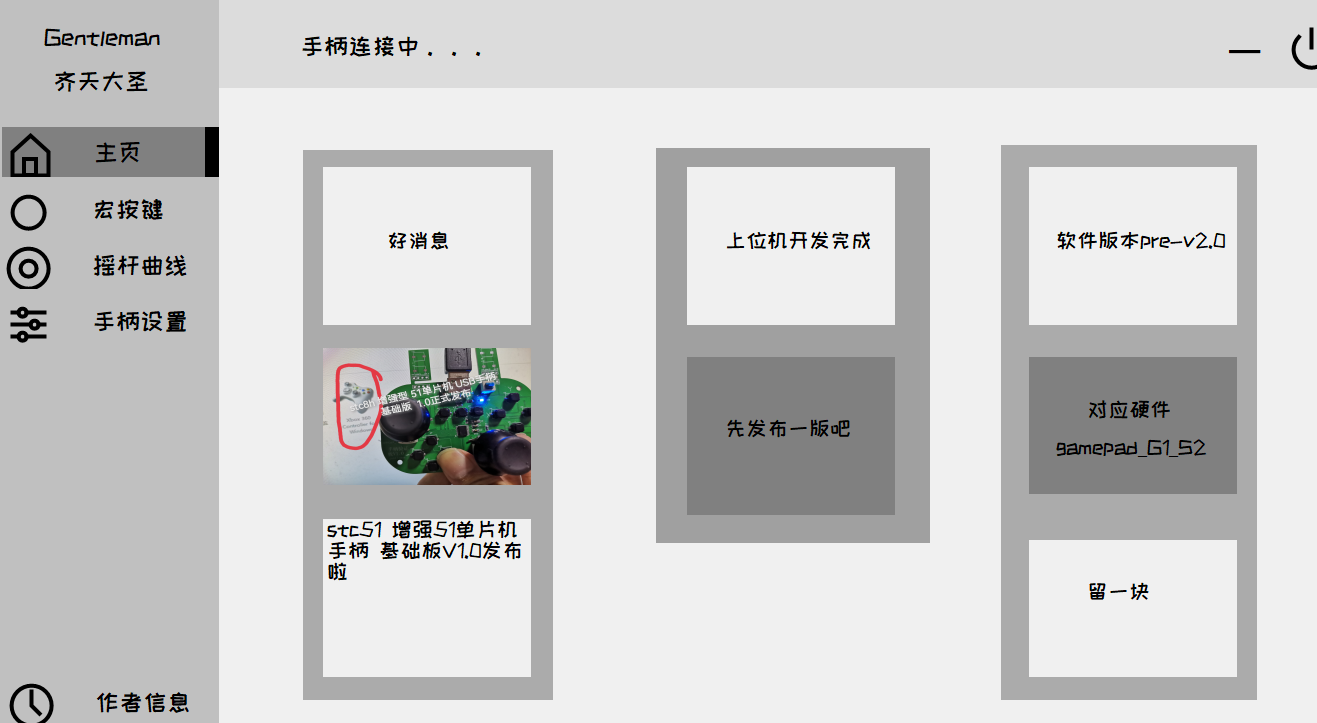
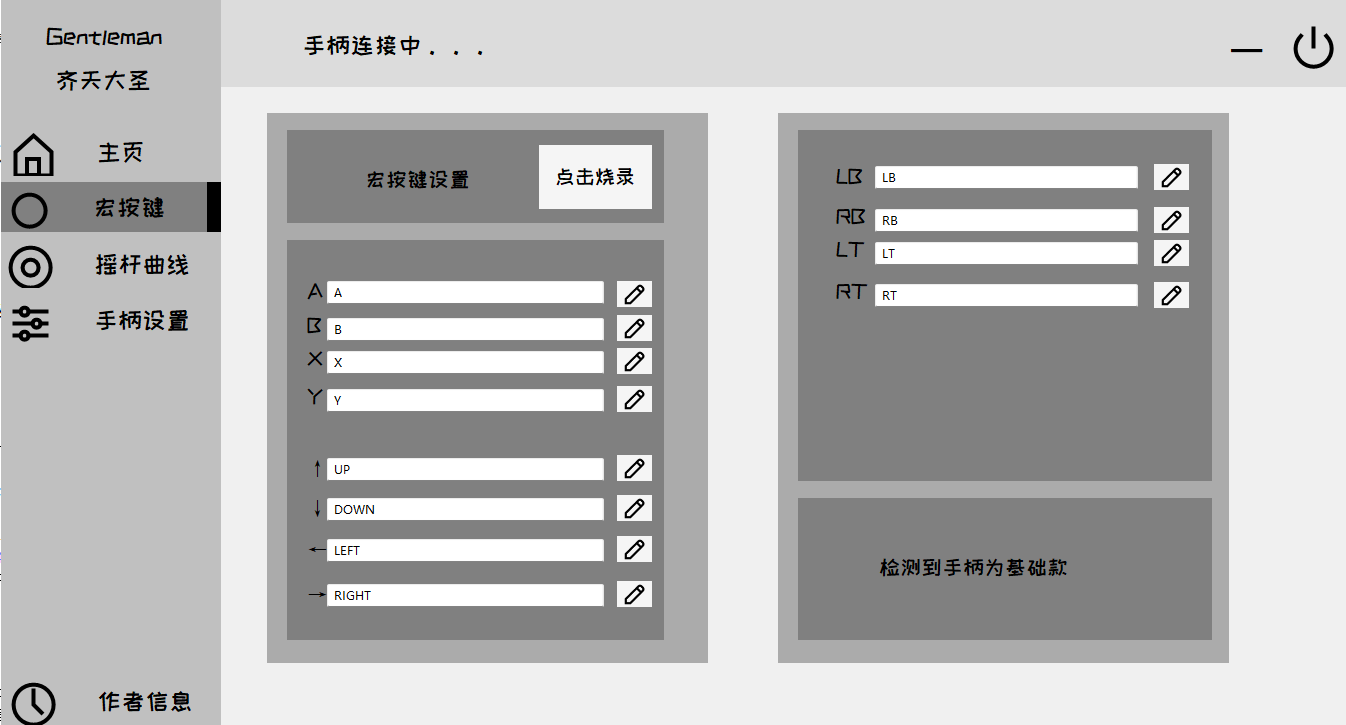
Bilibili demo link: https://www.bilibili.com/video/BV1qF411S7RQ/
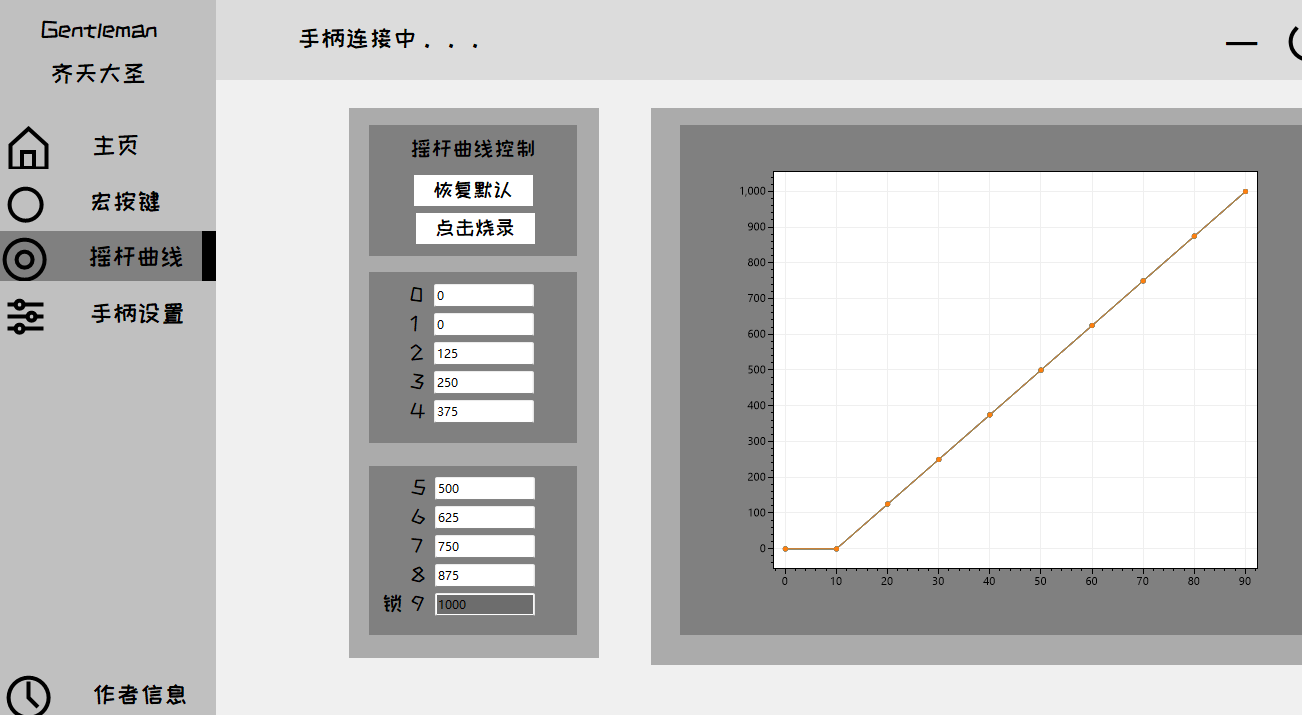
Macro buttons: The gamepad side corresponding to the macro buttons of the 51DIY gamepad host computer has also been developed. Next step: joystick curves_bilibili_bilibili
Long press the watermelon button to enter configuration mode. Currently, the macro button function does not support delay. This is equivalent to a bug in the joystick value of the
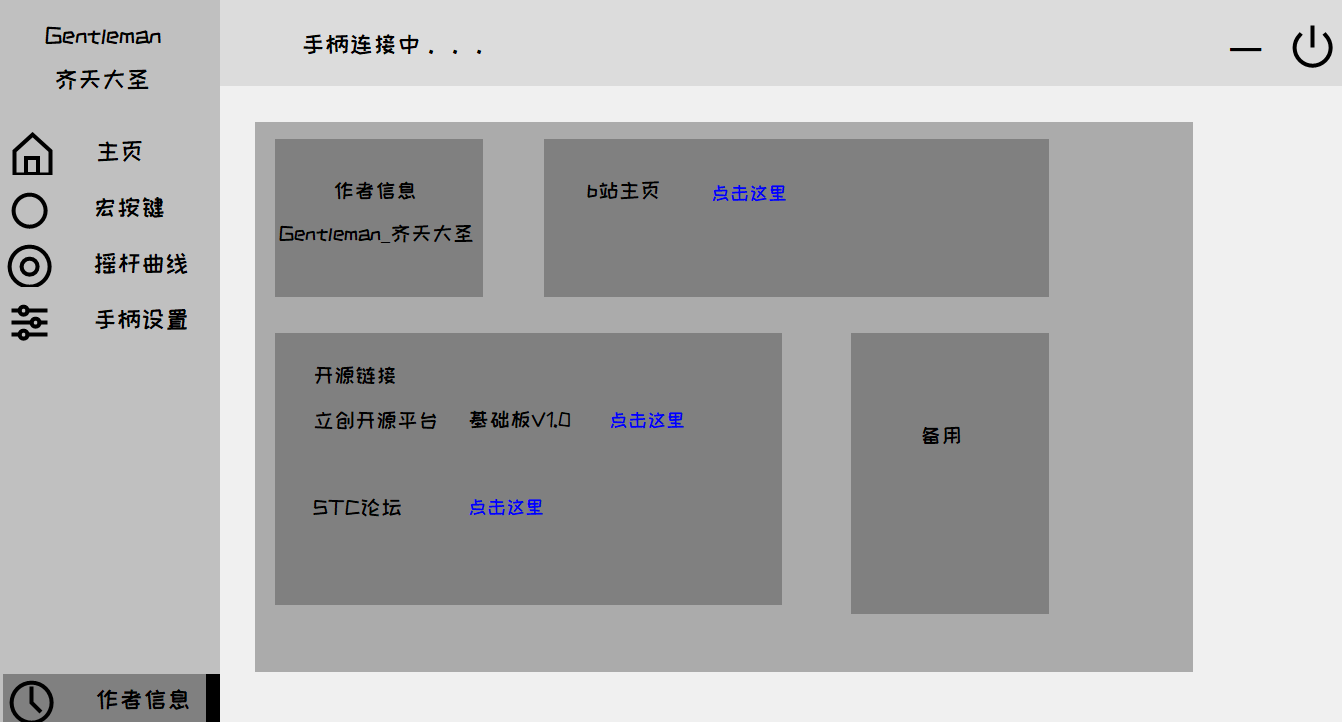
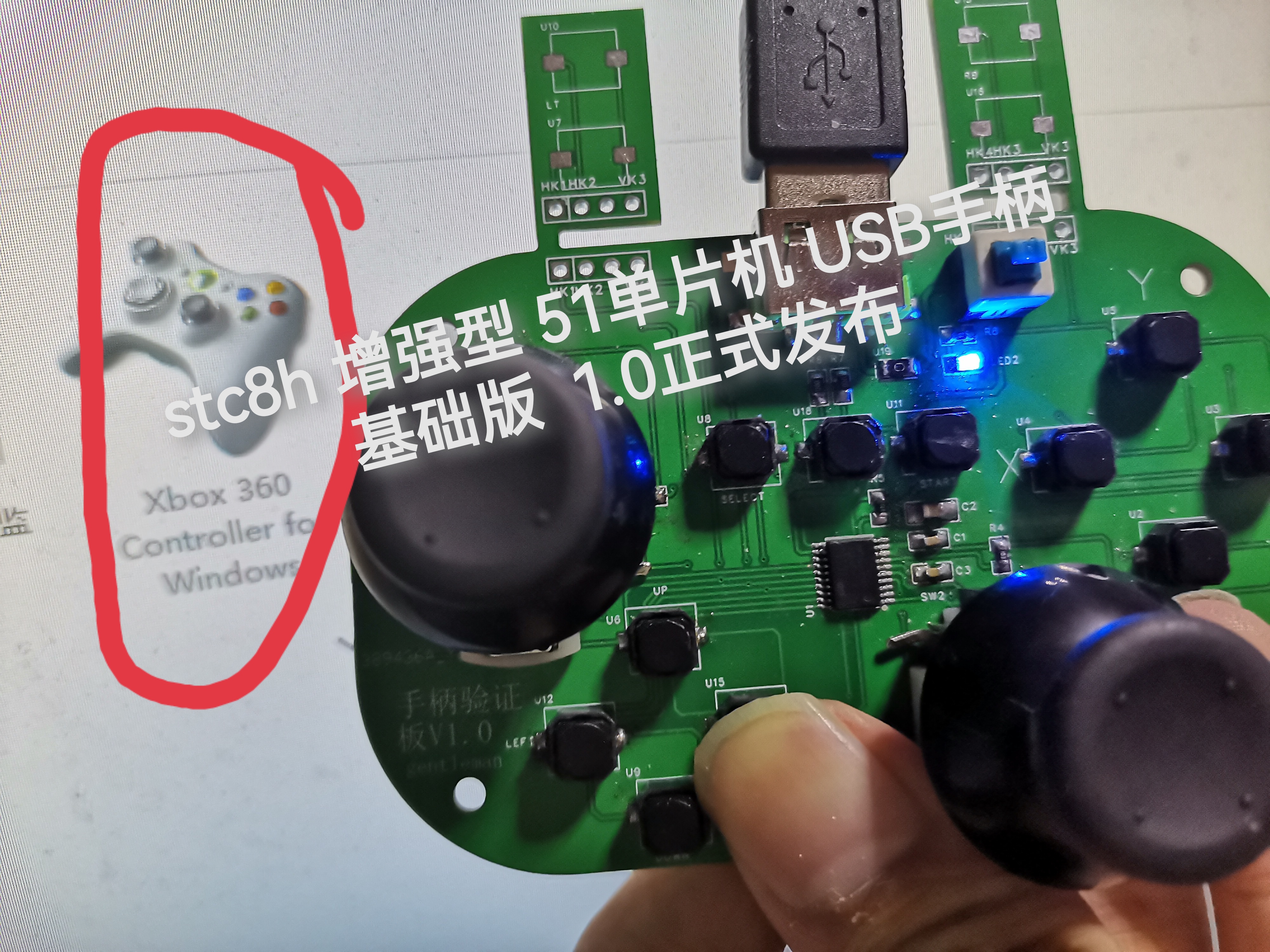
multi-button mapping curve. This will be fixed after the elite version is completed. Remember to set EEPROM to 10k. --------------------------------------------------------------------------------------------------------- Currently, I'm probably the only one using the 51 chip to make a USB gamepad. It's a single 51 chip, without the aid of expansion chips, a global first release, and original code. Disclaimer: The use of the Microsoft 360 gamepad's PID and VID is for educational and exchange purposes only and not for commercial use. This code uses a portion of the STC official test suite example - a USB mouse example based on the HID protocol, version V1.0. Released in September 2023 by Gentleman_齐天大圣. Open source license: GPL 3.0. —————————————————————————————————— Bilibili test video link: https://www.bilibili.com/video/BV14p4y1A7CR/?spm_id_from=333.999.0.0&vd_source=4d02c780af82481d40a80ca841a25329 Game testing [Global First Release: Original Open Source STC8H Enhanced 51 Microcontroller DIY Gamepad Basic Version V1.0 Officially Open Source] The development progress/process of the subsequent advanced version (adding custom back buttons, etc.) will also be shared on Bilibili. Once the advanced version is completed, it will be open-sourced on the LCSC open-source platform and the STC official forum. The basic version uses an STC8H8K64U SSOP20 packaged USB interface. For ease of soldering, a Type-A interface is used; you can replace it with a Type-C interface for replication. The self-locking switch is for programming. If you have an STC USB Link 1D or a dual-purpose programming/debugging tool, you can connect it directly without the switch. To program, press and hold the watermelon button (P3.2 to ground) and power on. --This shouldn't need much explanation. IRC frequency selected 24M // Burning hex files in HID controller stage 4 uildTarget 1. Several resistors on the joystick section can be left unsoldered on the basic board to achieve 13 buttons and 2 axes. The four "ears" are placed on the back for easy testing; normally, they should be connected via ribbon cables on top. Because the joystick potentiometer I bought has a larger package, the two buttons that press down on the joystick are not soldered. I studied software, so the PCB design is rather rough, only for verifying the program. If you have the ability to replicate it, you can optimize the PCB layout and routing, or even redesign it. The test video above is uploaded to Bilibili.








 京公网安备 11010802033920号


 RH5RE29AA



