m0IkigMm

Voltage acquisition device based on STC design

 
Overview
STC8H1K08 Simple Voltmeter Function Design
Button Description:
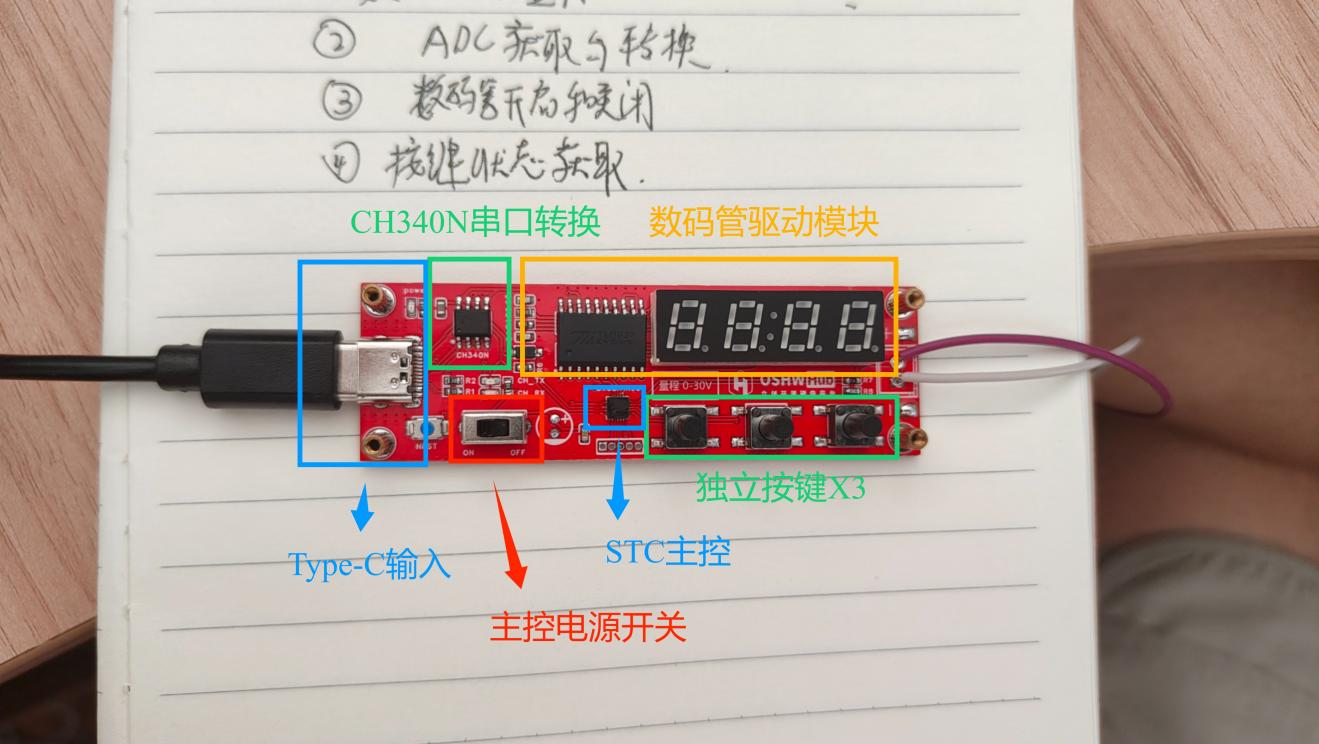
There are three buttons on the PCB, defined from left to right:
Button 1:
Turn the digital tube on/off. Clicking this button turns the digital tube on or off; the digital tube status does not affect voltage acquisition.
Button 2:
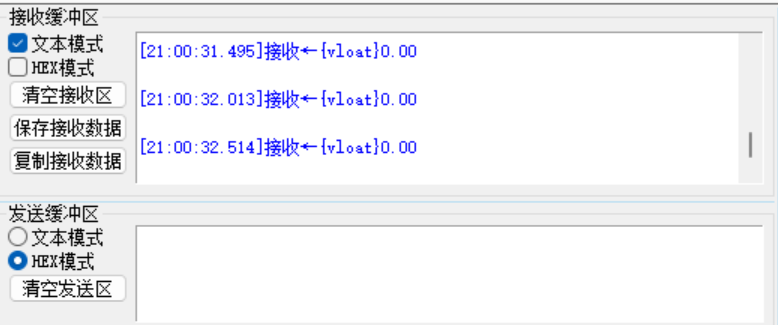
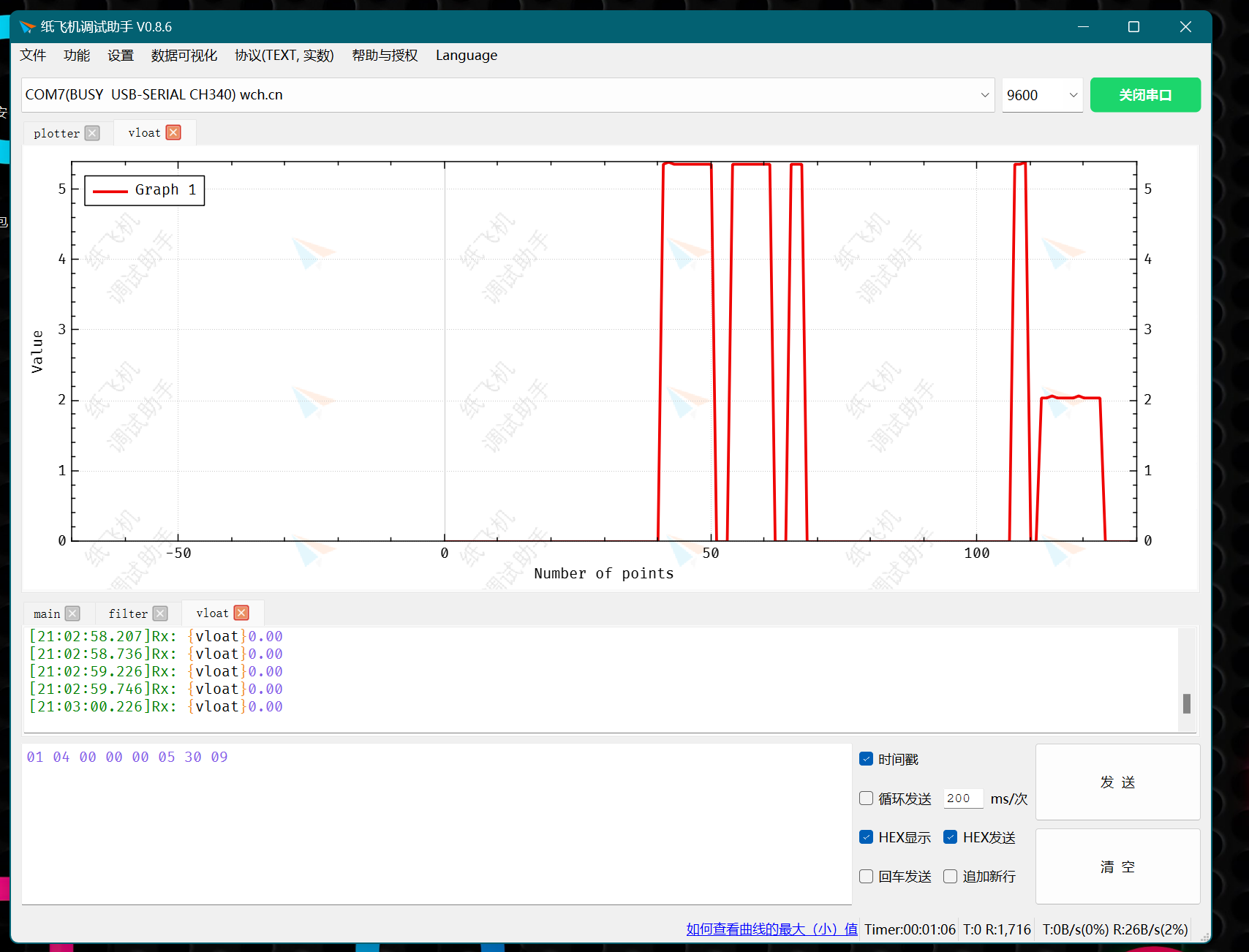
Enable serial port output. The device outputs real-time voltage acquisition data to the serial port via Type-C. Voltage changes can be viewed using a serial port plotter on the host computer.
Button 3:
Disable serial port output. The device will not send data to the serial port.
Power Switch :
The two-pin toggle switch on the PCB only controls the power supply to the main control chip STC8H1K08. The power supply for modules such as the digital tube and serial port converter is directly drawn from the Type-C port and is not controlled by this switch.
Usage Instructions:
Switch the main control power switch to the left (ON). Insert the Type-C cable into the computer's USB port. The computer will automatically load the CH340 serial port. After opening the COM port, press button 2 to enable voltage output (1000ms/time). Connect the voltage test wires to the positive and negative terminals of the source under test (marked on the circuit board). Note that the main control power switch must remain ON unless firmware flashing is being performed.
Serial Port Configuration Reference Voltage:
The device's voltage measurement is accomplished through the ADC pin of the 51 microcontroller and a voltage divider circuit. The ADC reference voltage is affected by the power supply voltage. Due to fluctuations in the power supply voltage (5.0±0.5), the measurement voltage error will increase. Therefore, the device can calibrate the reference voltage via the serial port.

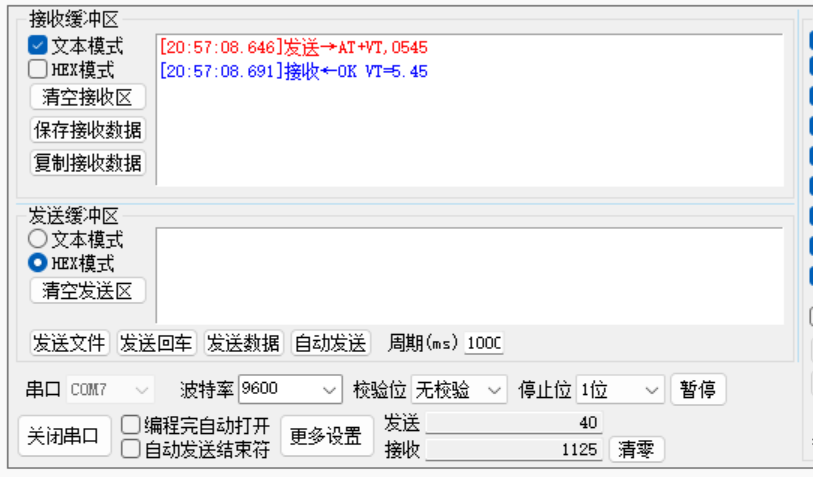
Insert the device into the USB port, open the COM port, and use a serial port tool to send the command

"AT+VT,0545". The device will reply: "OK VT=5.45"

. The device has adjusted the reference voltage and saves the settings after power-down.
Note: The voltage is amplified 100 times from the reference voltage source and set using four digits. If the voltage source is 5.28V, the command is "AT+VT,0528".

Use a serial port tool to plot voltage changes.
The device is connected to the ComAssistant serial port plotter; the output data has a fixed format that can be recognized and automatically plotted by the software.
Download address: Paper Airplane Debugging Assistant – Official Website (comassistant.cn)
Software tutorial: https://www.bilibili.com/video/BV1E3411E7vu
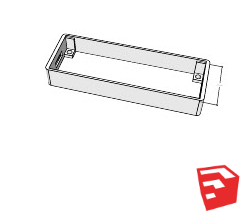
For the shell file:
The attached model source file is developed using SketchUp. Please enlarge by 102% when slicing and printing.
######### Burning frequency 12MHz ############
 
参考设计图片
×
 
 
Search Datasheet?

Supported by EEWorld Datasheet

Forum More
Update:2026-03-27 20:43:03

EEWorld
subscription
account

EEWorld
service
account

Automotive
development
community

Robot
development
community

About Us Customer Service Contact Information Datasheet Sitemap LatestNews



Room 1530, 15th Floor, Building B, No.18 Zhongguancun Street, Haidian District, Beijing, Postal Code: 100190 China Telephone: 008610 8235 0740

Copyright © 2005-2024 EEWORLD.com.cn, Inc. All rights reserved 京ICP证060456号 京ICP备10001474号-1 电信业务审批[2006]字第258号函 京公网安备 11010802033920号