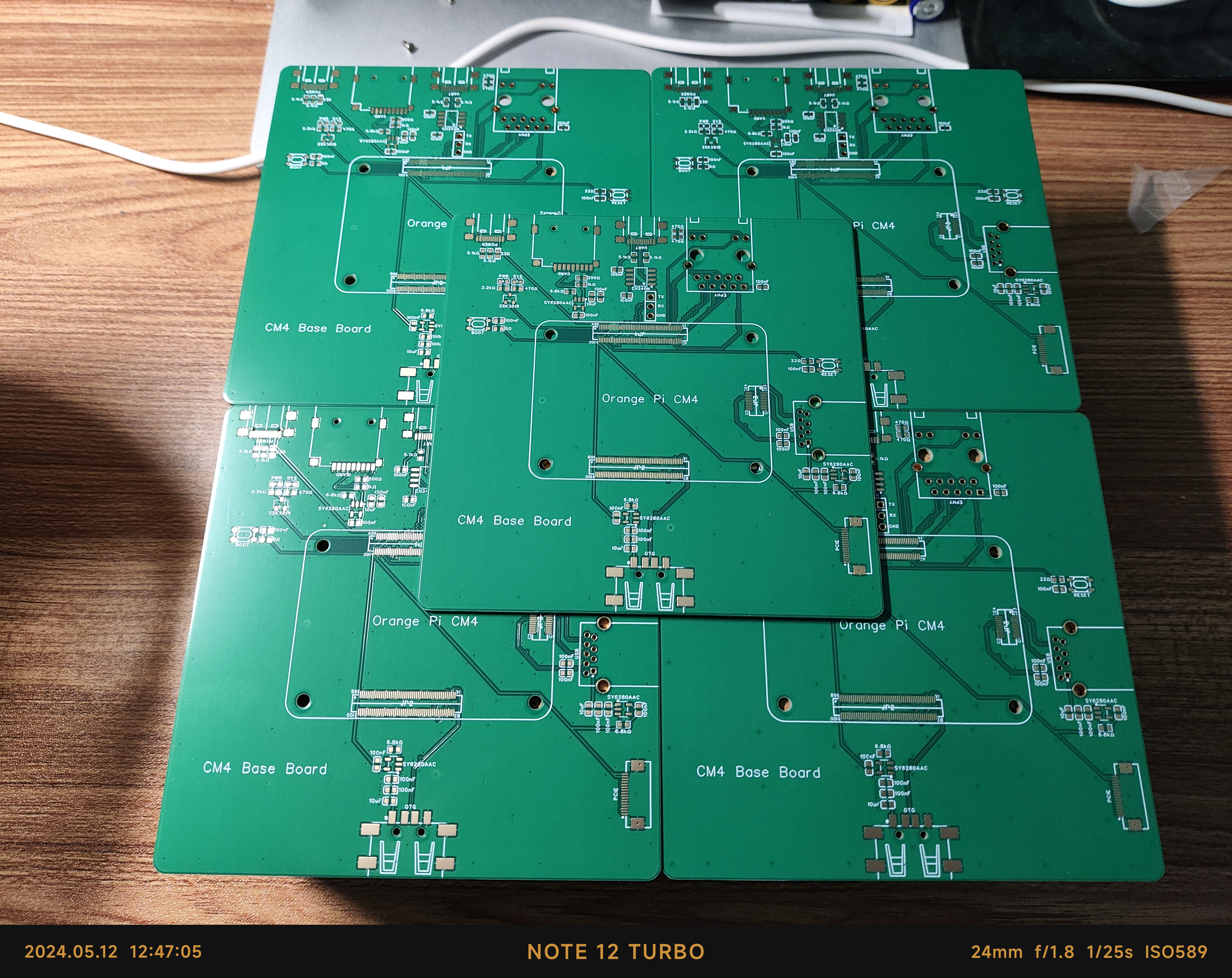
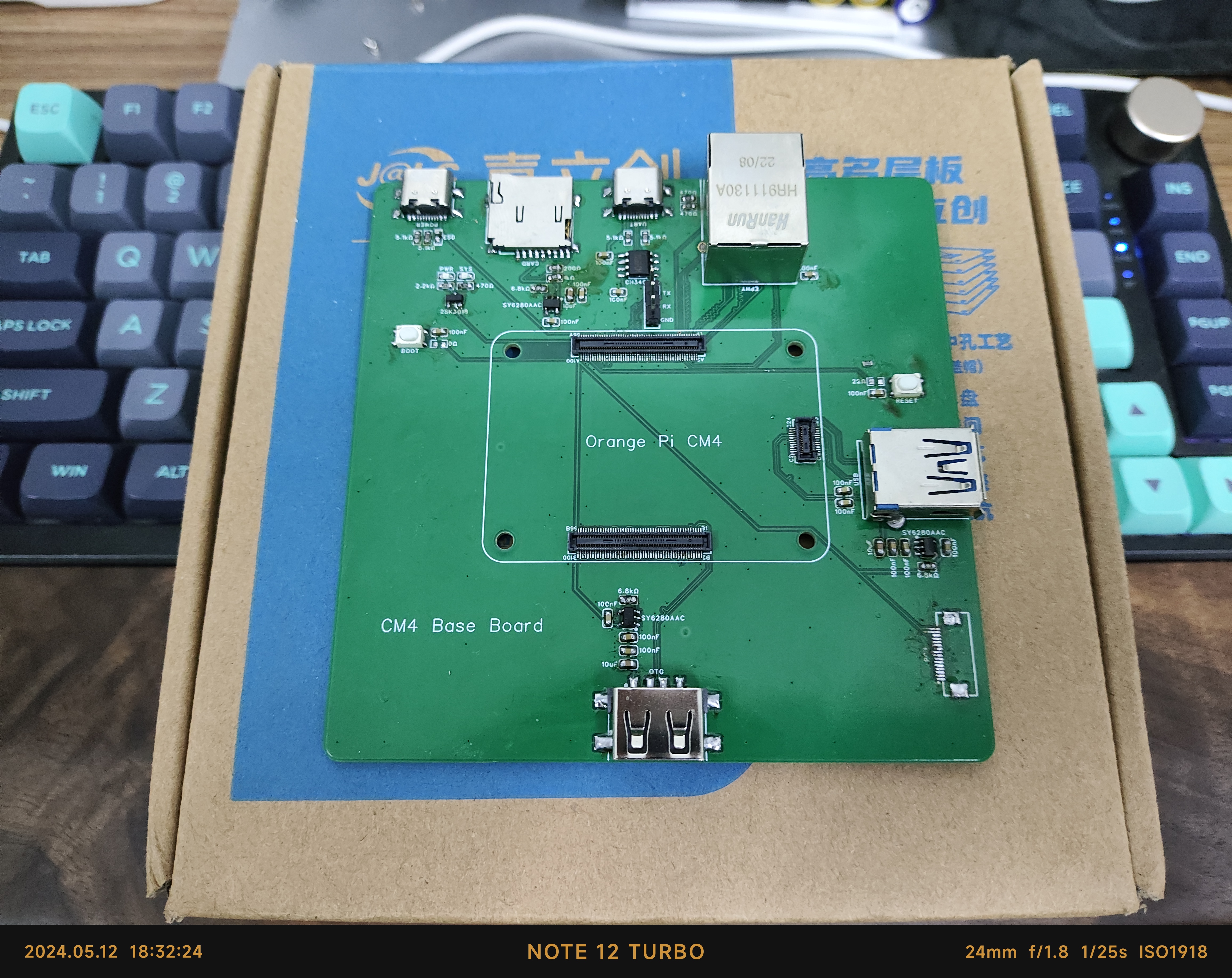
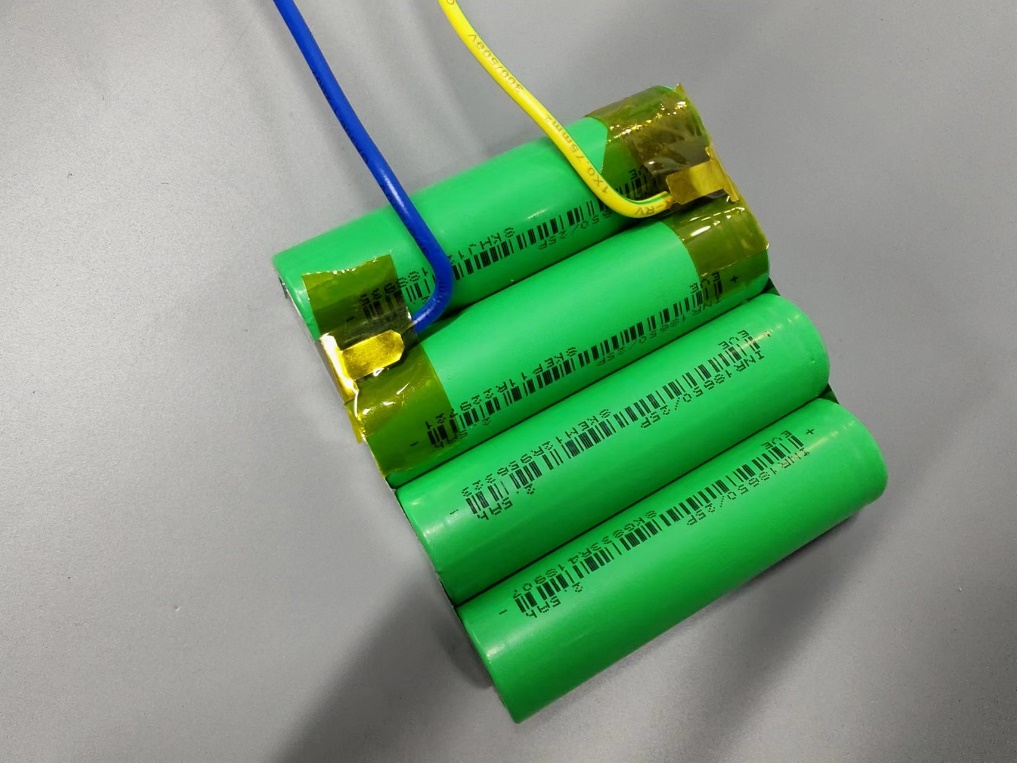
 Soldered appearance]
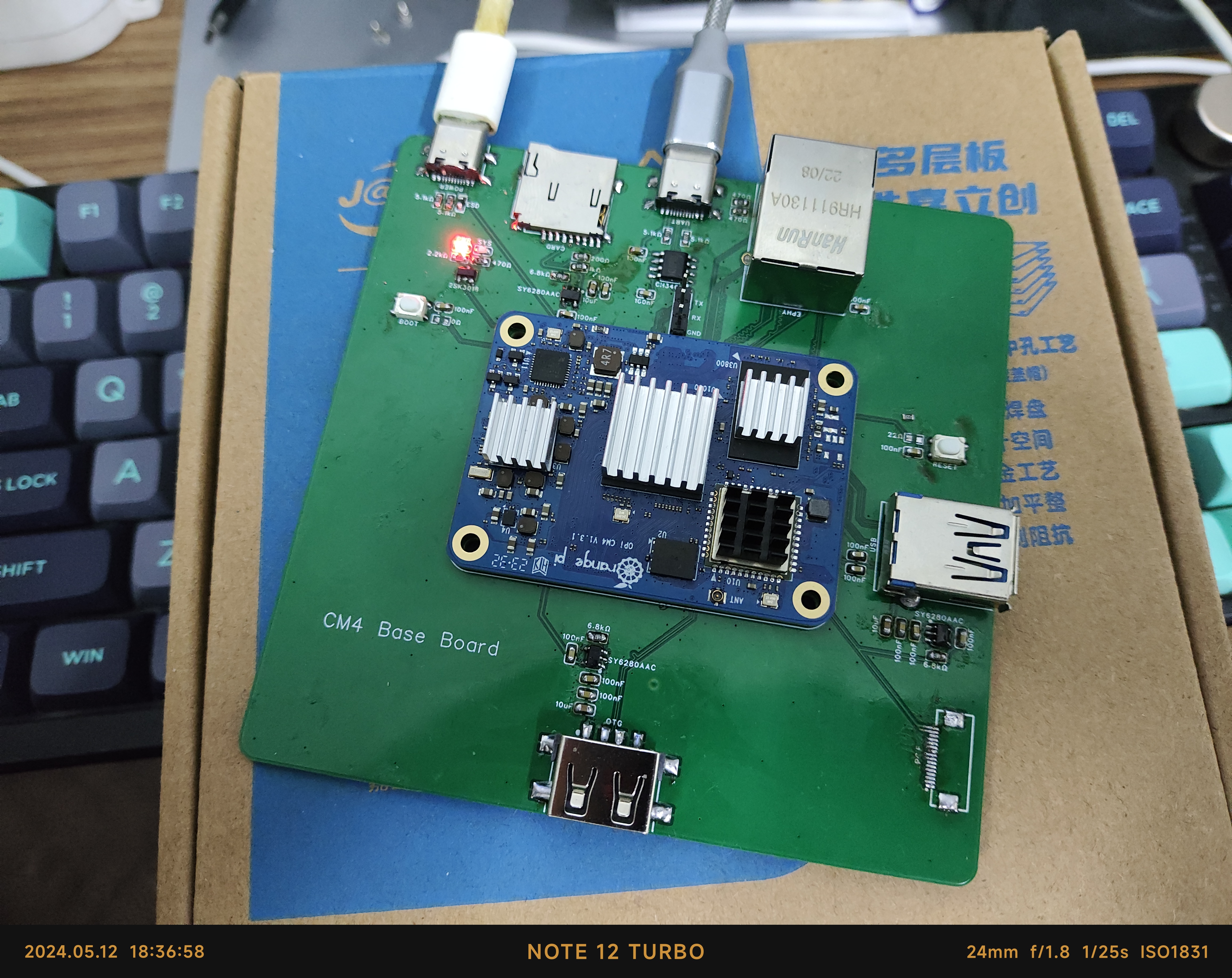
  [Normal operation] [
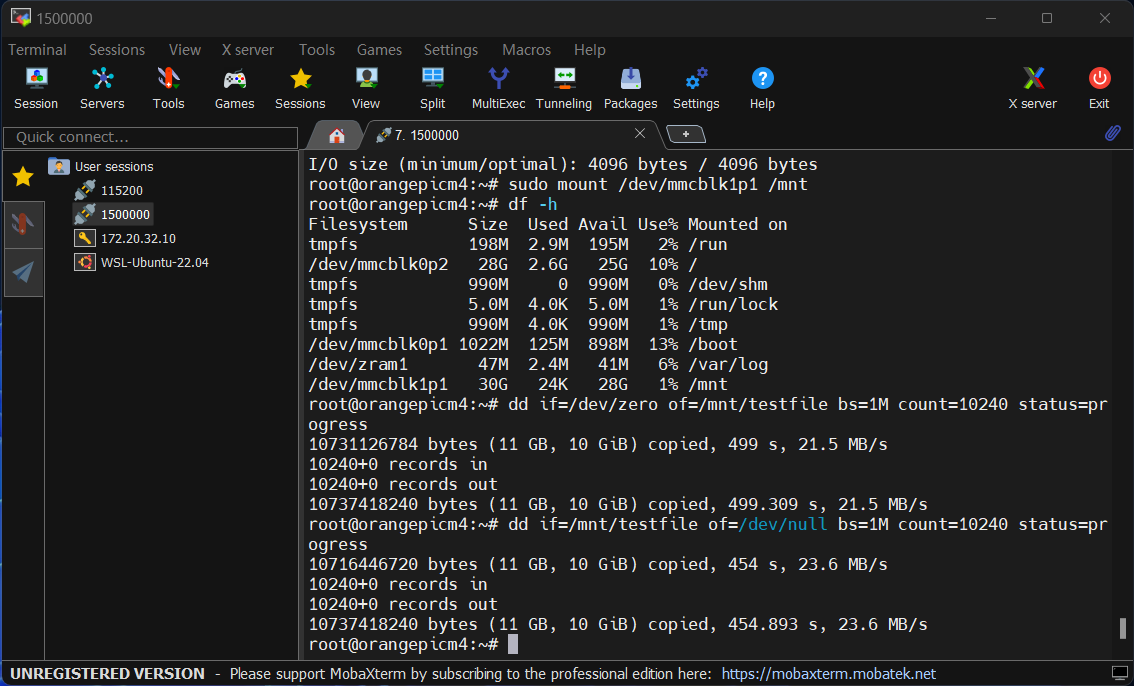
  Memory card speed test]
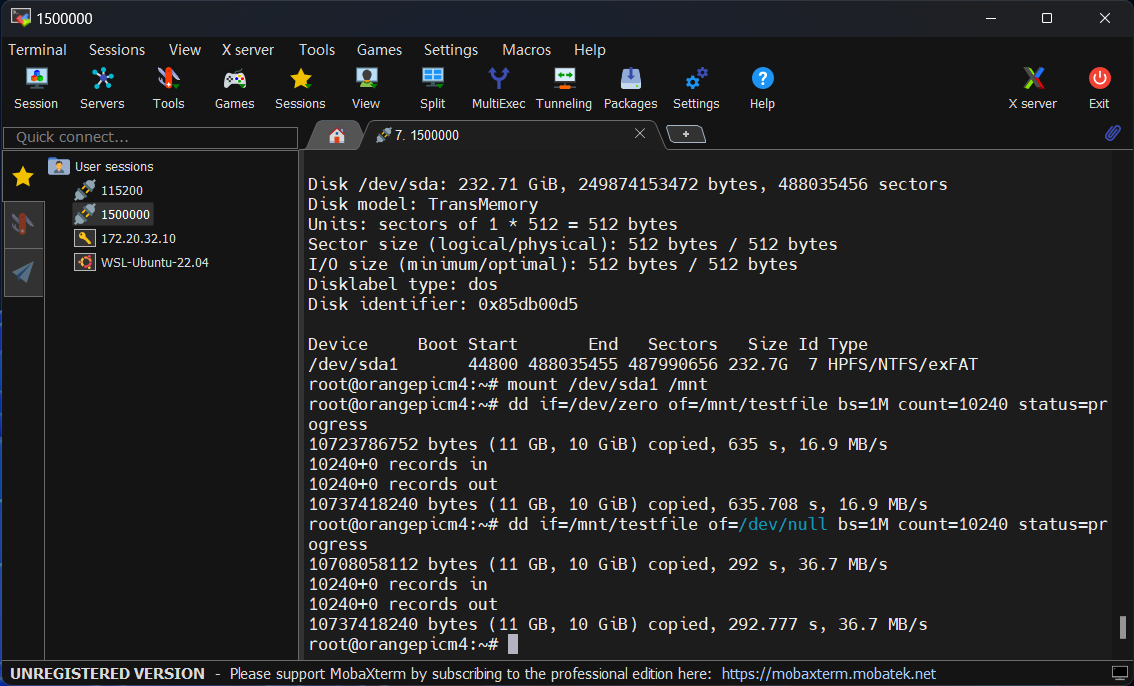
  [USB 2.0 speed test]
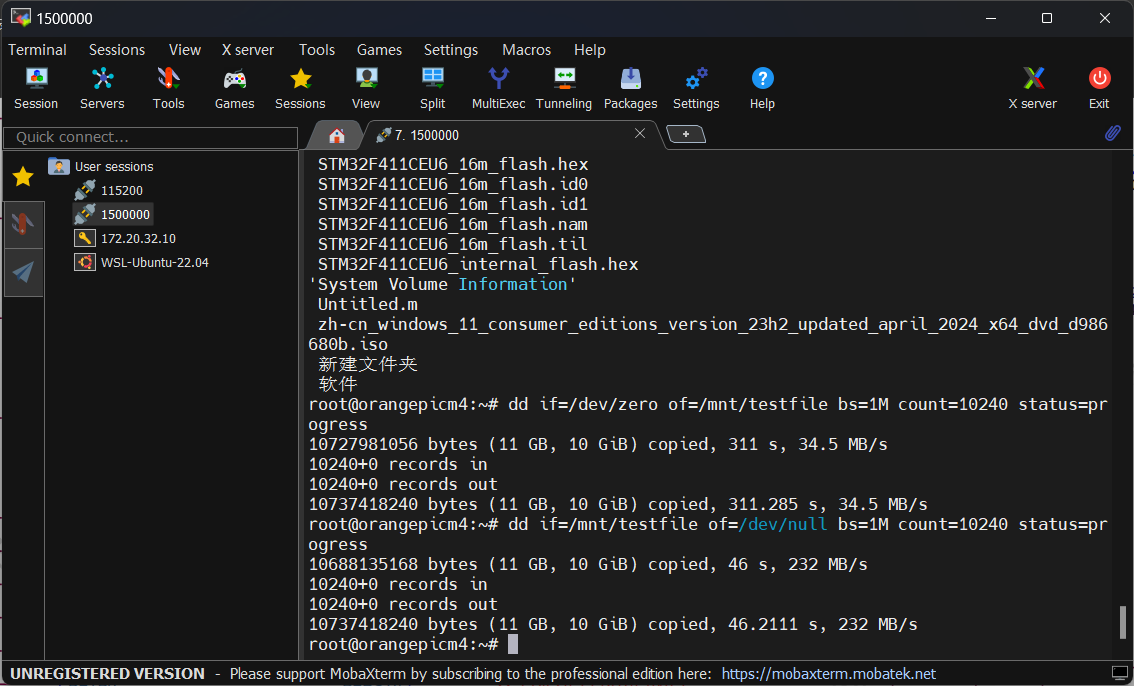
  [USB 3.0 speed test]
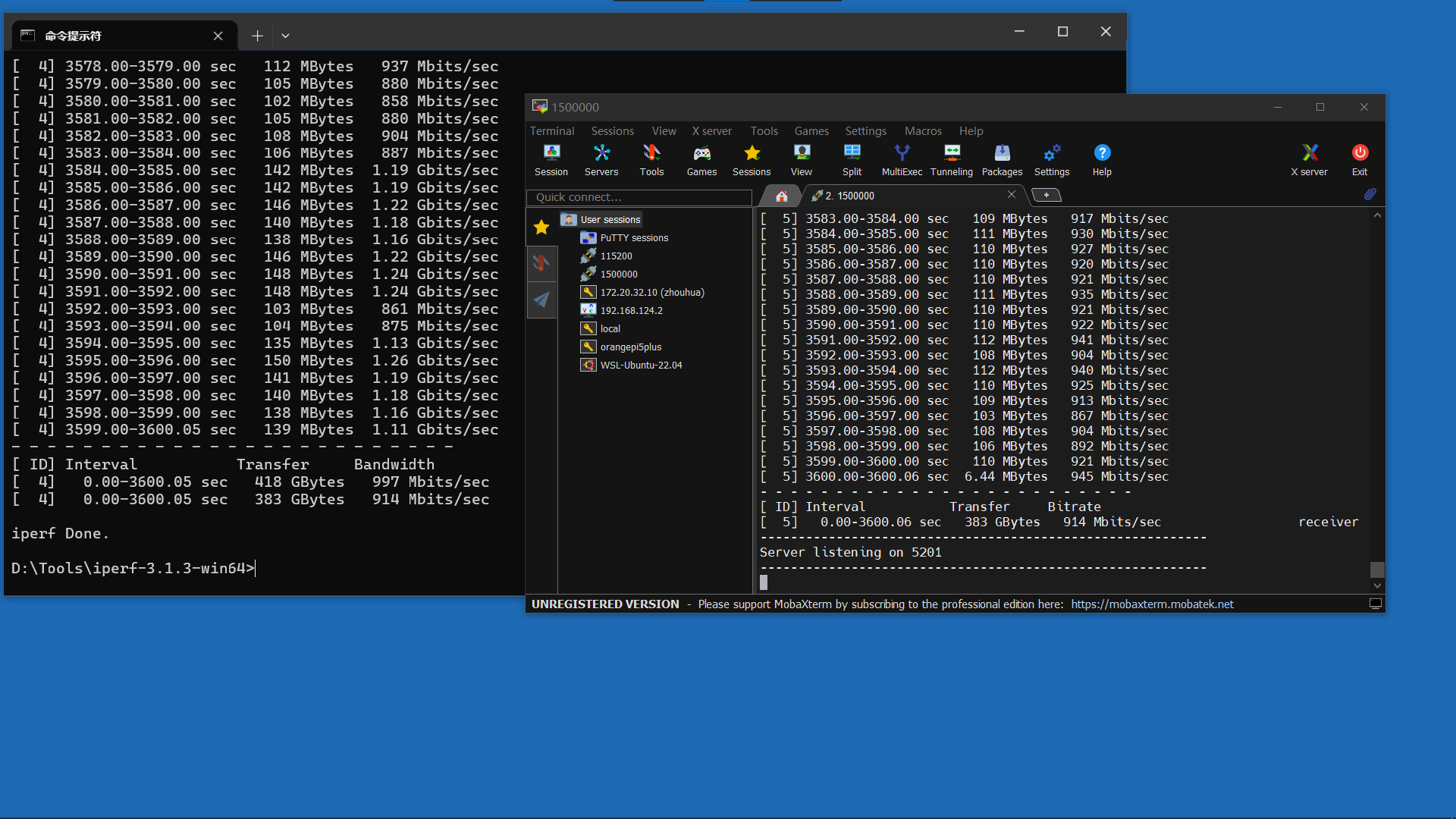
  [Gigabit Ethernet downlink test]
  [Gigabit Ethernet uplink test]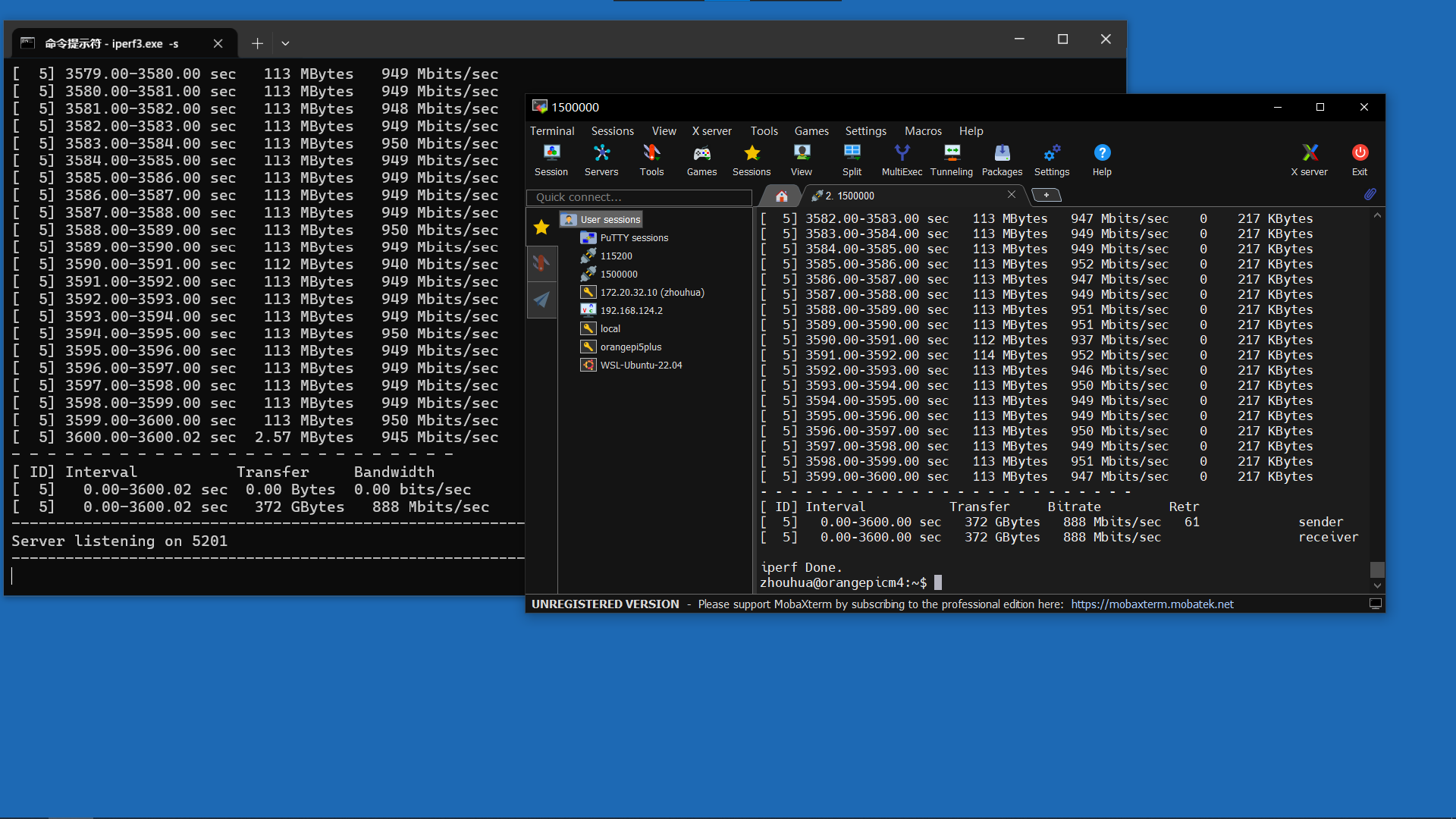
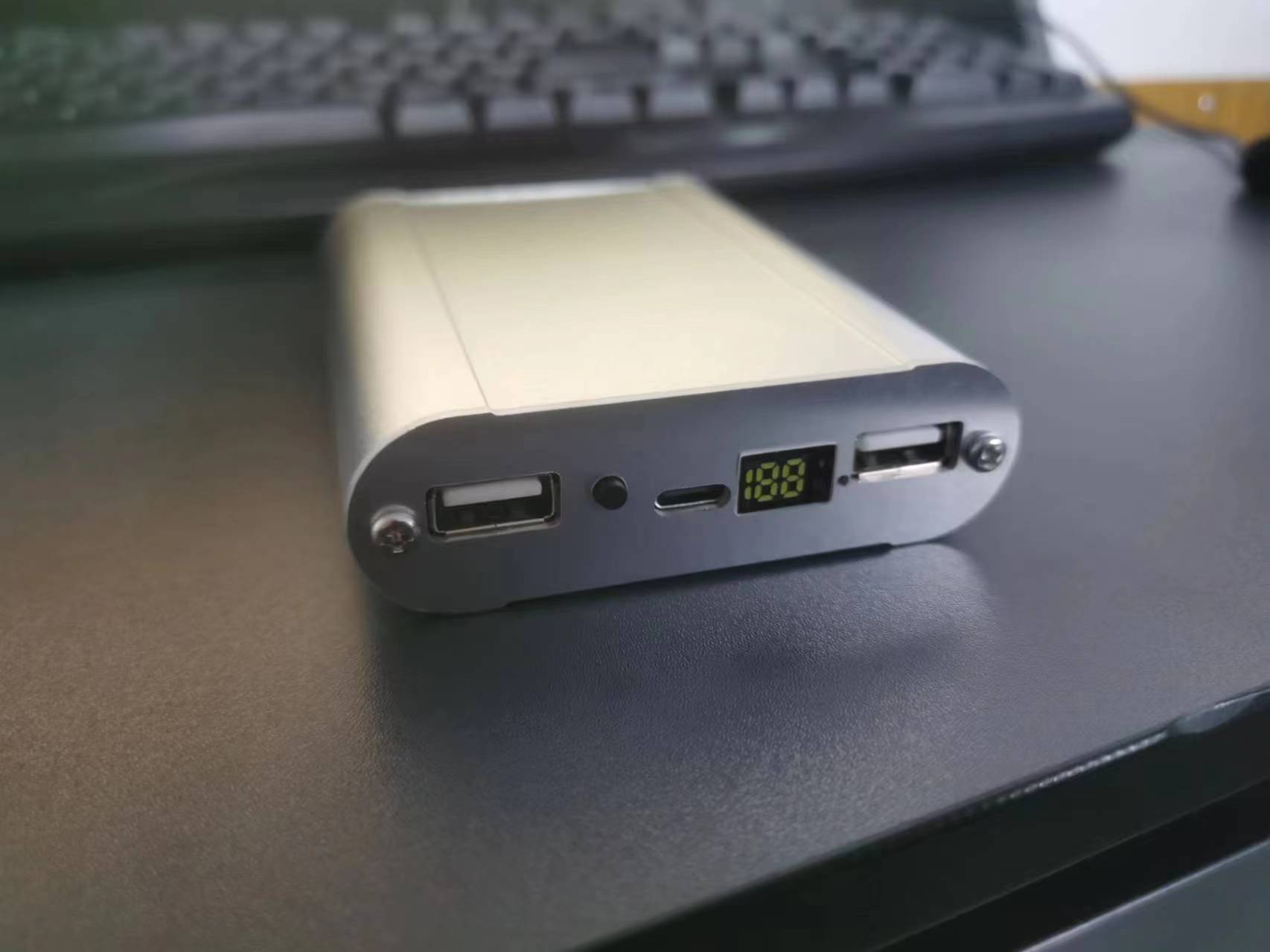
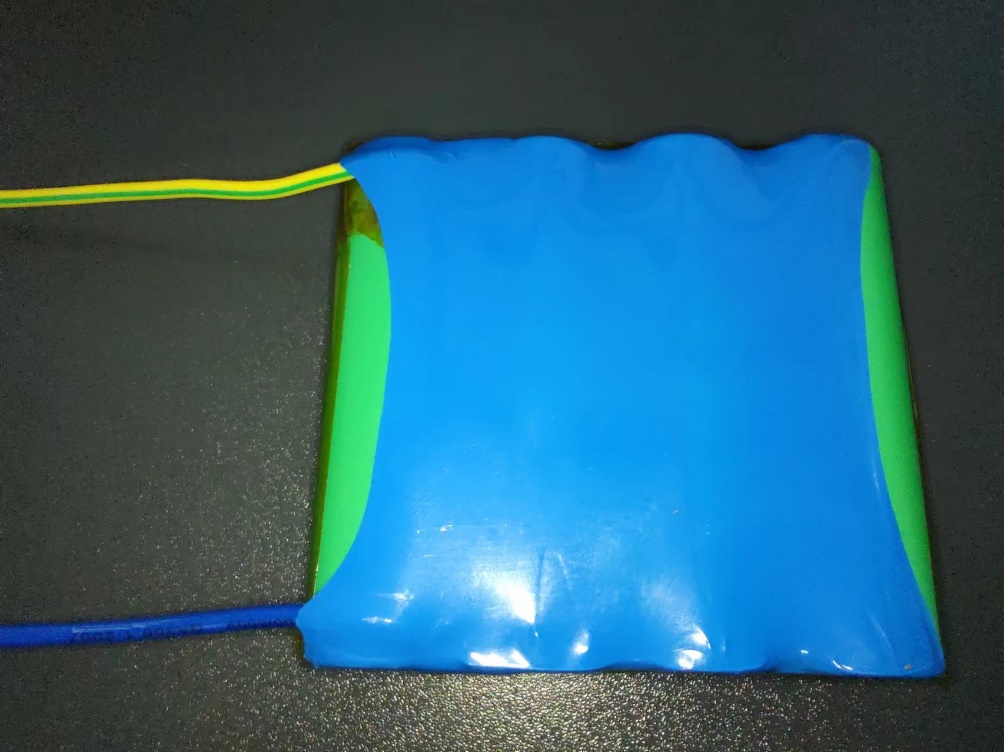
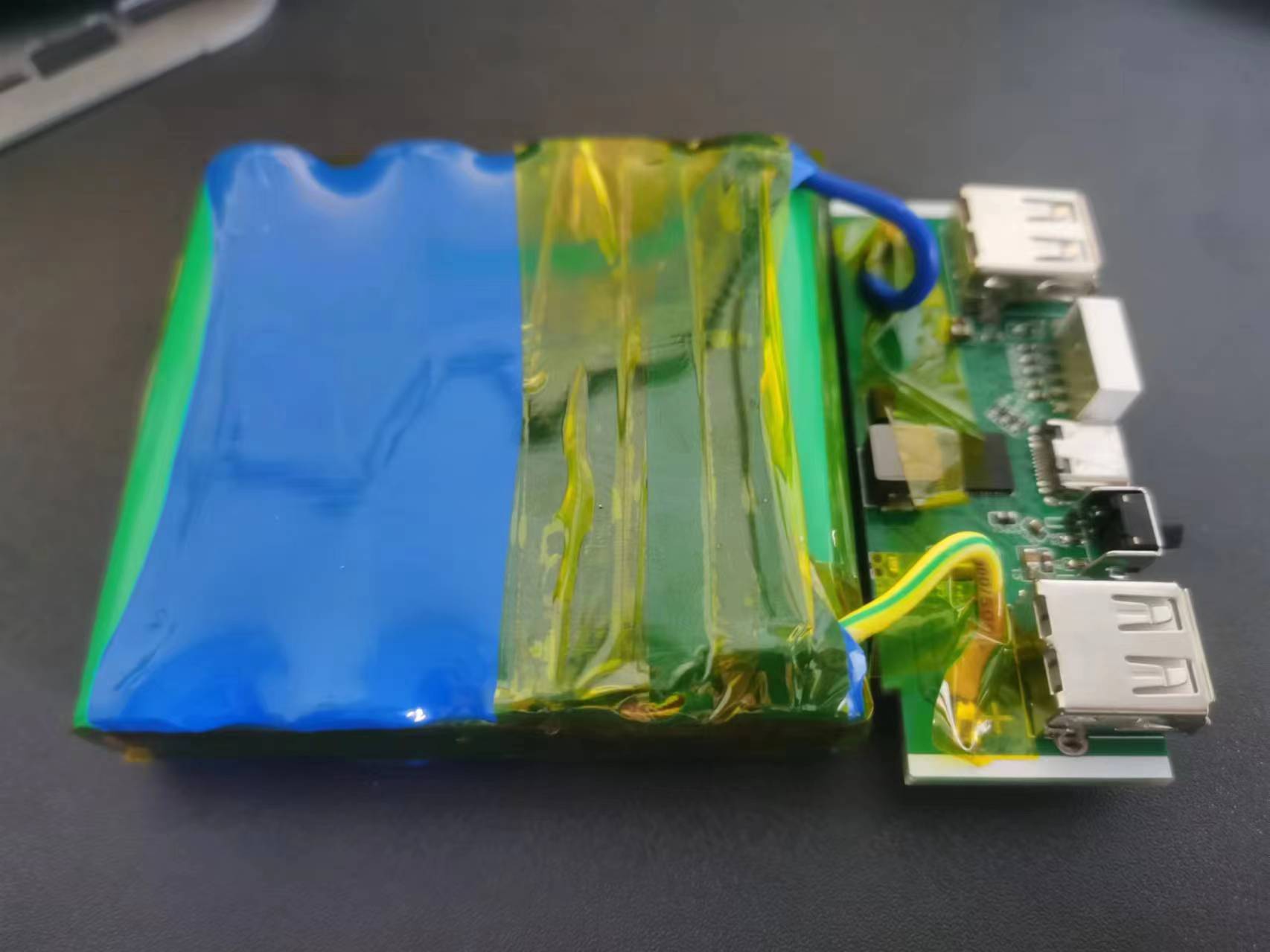
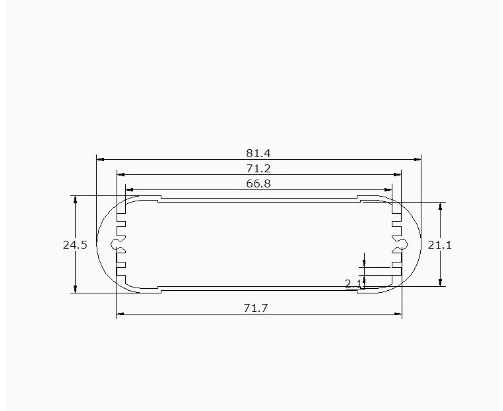
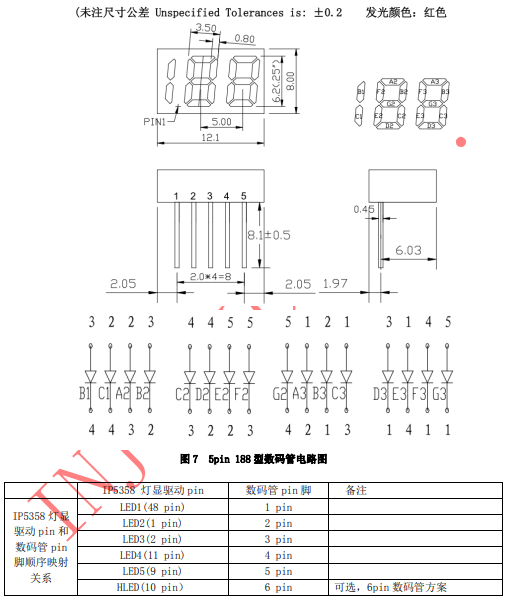
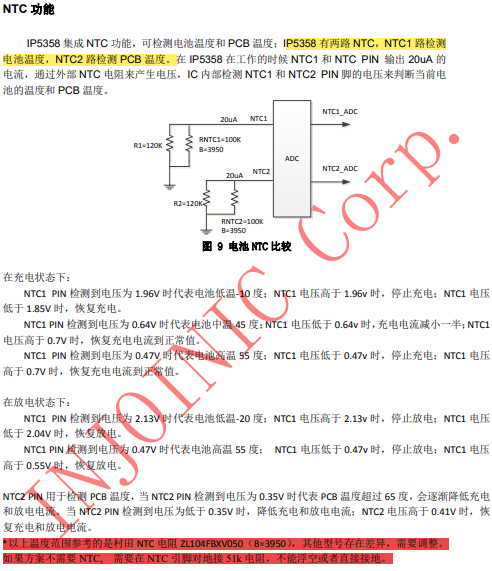
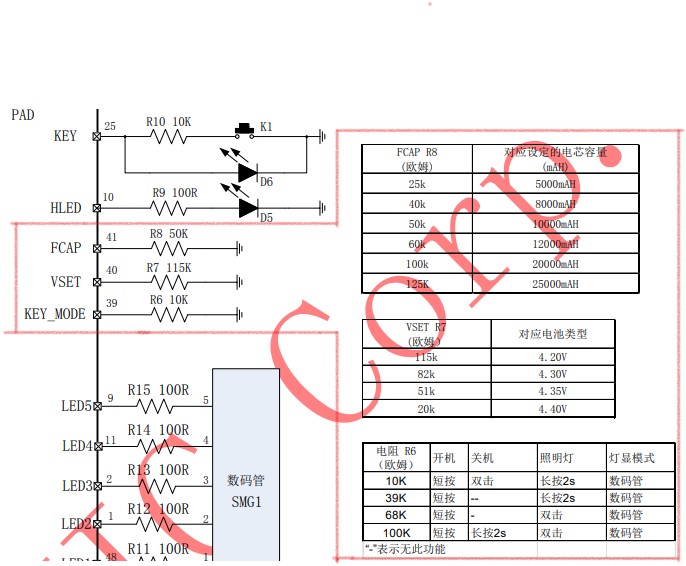
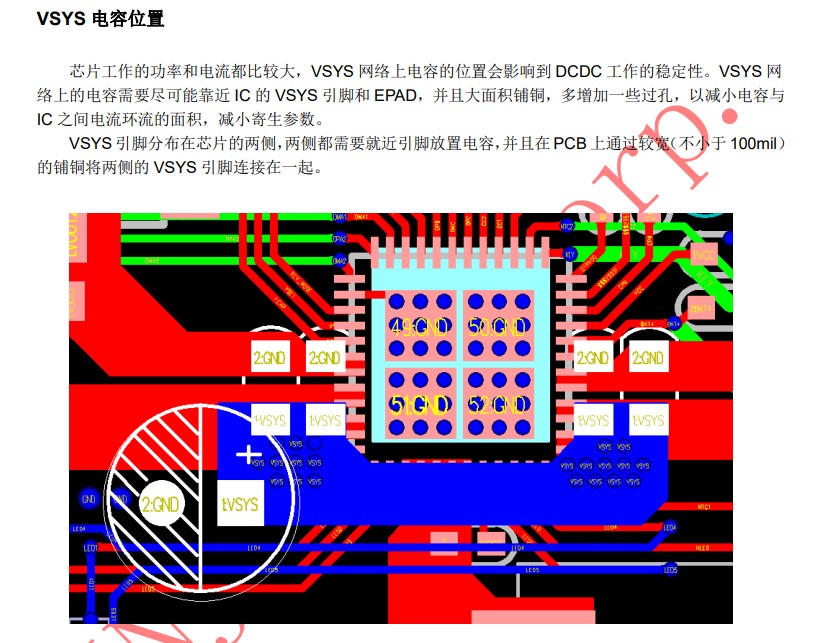
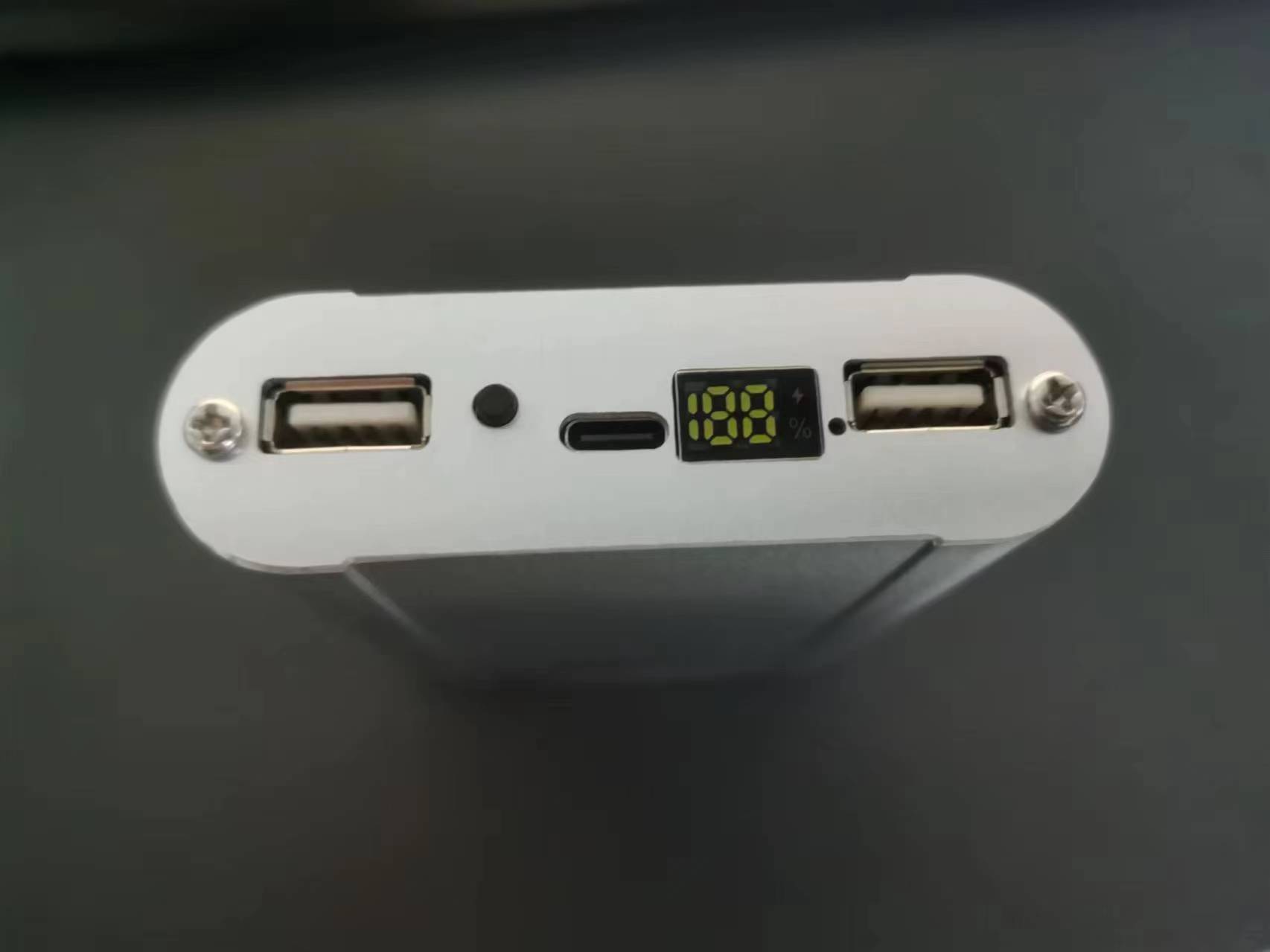 back panel : Without any button presses, the output path of only the output port with a plugged-in device will open; the output path of the output port without a connected device will not open. Once an output port is open, it will automatically close after a period of time when the output current is less than approximately 80mA. Any of the VOUT1, VOUT2, and USB C ports can support fast charging protocols, but because this is a single-inductor design, it can only support one voltage output. Therefore, fast charging output is only supported when one output port is open. Using two or three output ports simultaneously will automatically disable the fast charging function. When any output port is in fast charging output mode, if a device is plugged into another output port, all output ports will first close, disabling the high-voltage fast charging function, and then the output port with the device will open. At this time, all output ports only support Apple, Samsung, and BC1.2 charging modes. When reducing from multiple devices to a single device, after approximately 16 seconds, all output ports will be shut down, high-voltage fast charging will be activated, and then the output port of the last remaining device will be activated to reactivate the device's fast charging request. When only one output port is open, if the total output current is less than approximately 80mA for approximately 32 seconds, the output port and discharge function will be shut down, and the device will enter standby mode. During charging: Charging can be performed by plugging either the VIN or VBUS port into a power source. If both are connected, the first power source plugged in will be used first. In single-charge mode, the fast charging mode of the power source will be automatically identified, and the appropriate charging voltage and current will be automatically matched. Simultaneous charging and discharging: When both a power source and a device are plugged in simultaneously, the device will automatically enter simultaneous charging and discharging mode. In this mode, the chip will automatically shut down the internal fast charging input request. If the VSYS voltage is only 5V, the discharge path will be opened to power the device; if the VSYS voltage is greater than 5.8V, the discharge path will not be opened for safety reasons. To ensure proper charging of devices, the IP5358 raises the undervoltage loop to above 4.9V to prioritize power supply to the device. During simultaneous charging and discharging, if the power source is unplugged, the IP5358 will shut down the charging function and restart the discharging function to power the device. For safety reasons, and to allow the phone to reactivate fast charging, the voltage will drop to 0V for a period during the transition. During simultaneous charging and discharging, if the device is unplugged, or if the device is fully charged and stops discharging for approximately 16 seconds, the corresponding discharging path will automatically shut down. When all discharging paths are closed and the system returns to single-charge mode, the undervoltage loop will be lowered, automatically reactivating fast charging to accelerate charging of the power bank. The outer casing is available at this link: https://item.taobao.com/item.htm?spm=a1z10.5-c.w4002-21968308289.46.46ca5fe4eYTuo7&id=531876771543 . The 188- digit digital tube is also available at this link: https://m.tb.cn/h.5Clo6bqLX5UkACe?tk=ghouWojyG3L . For NTC resistors, if you are not using NTC, remember to use a 51K pull-down resistor. Note: If using batteries with other parameters, configure the capacitors according to the parameters in the red box in the image below. VSYS wiring requirements.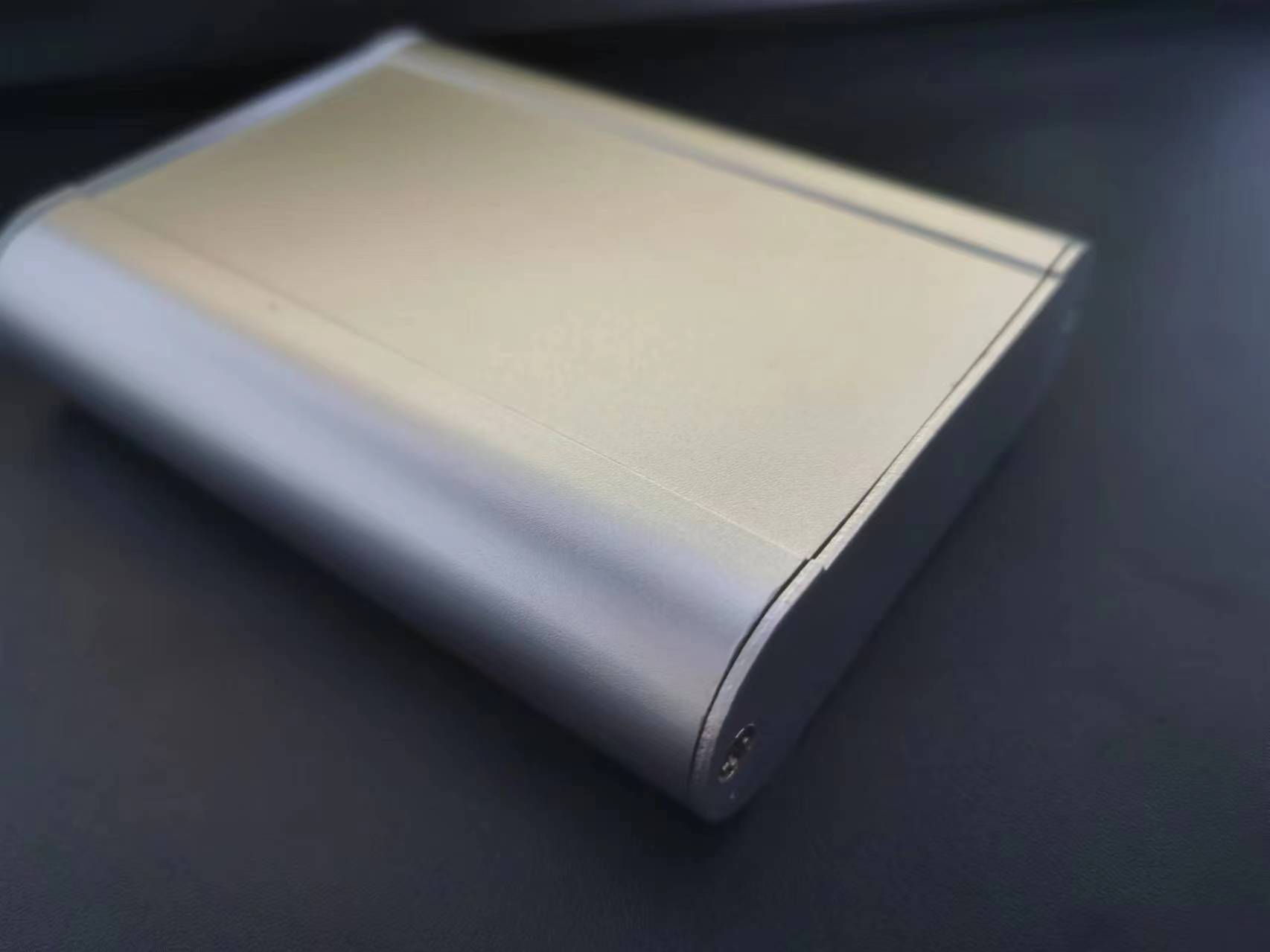

All reference designs on this site are sourced from major semiconductor manufacturers or collected online for learning and research. The copyright belongs to the semiconductor manufacturer or the original author. If you believe that the reference design of this site infringes upon your relevant rights and interests, please send us a rights notice. As a neutral platform service provider, we will take measures to delete the relevant content in accordance with relevant laws after receiving the relevant notice from the rights holder. Please send relevant notifications to email: bbs_service@eeworld.com.cn.
It is your responsibility to test the circuit yourself and determine its suitability for you. EEWorld will not be liable for direct, indirect, special, incidental, consequential or punitive damages arising from any cause or anything connected to any reference design used.
Supported by EEWorld Datasheet
EEWorld
subscription
account

EEWorld
service
account

Automotive
development
community

Robot
development
community

About Us Customer Service Contact Information Datasheet Sitemap LatestNews



Room 1530, 15th Floor, Building B,
No.18 Zhongguancun Street,
Haidian District,
Beijing, Postal Code: 100190
China
Telephone: 008610 8235 0740
 京公网安备 11010802033920号


 1MC0C0-060-3811-001.7-00-AD-00-0



