There's not much more to say; just refer to the official documentation.
As a complete beginner, I'll share some pitfalls I encountered, hoping it will be helpful. Regarding
the software,
as a complete novice with no prior experience with Linux boards, the documentation was quite confusing and discouraging. At that time, the documentation wasn't fully developed, and live streaming hadn't started yet. For unfamiliar terms, I had to look them up myself. I found a tutorial on CSDN and tried installing VMware. I messed up many virtual machines; for example, it defaulted to installing VMtools, which meant the installer wasn't available on the left side, and I didn't know what to do. I had to create a new virtual machine (usually taking about half an hour). Also, I didn't know which version of Ubuntu to use and just randomly picked one. As a result, I instantly clicked the update prompt! Remember, never update randomly; each version is different and can cause various problems later. Try to match the version in your tutorial. I still recommend using VMtools, although the installation is more complex. Of course, VirtualBox is another option, as it's simpler to use.
1.
Because virtual machines are separate from physical machines, you can't directly switch between Windows and the virtual machine at first. You need to install VMtools first to enable copying and pasting between Windows and the virtual machine. However, this is limited to text files. For transferring large files, you need to use other methods, such as shared folders, FTP, or Samba. Strangely, shared folders worked fine initially, but stopped working after shutting down the virtual machine; they seem unstable. I recommend using FileZilla or Samba. You can refer to this CSDN post, which includes a series of steps from installation to compilation: https://blog.csdn.net/supperman_009/article/details/135963726
2.
Initially, I tried to extract the files directly within the virtual machine. Perhaps due to system instability and the large size of the SDK, it almost always crashed and failed to extract. This wasted a lot of time. Later, using MobaXterm to connect solved the problem. The .repo file after extraction is hidden; you can use the `ls -all` command to view it. Then you can synchronize the code.
3. The compilation
process went relatively smoothly, just be careful when setting up Docker. Problems usually stem from forgetting to replace necessary paths. For Linux and Android, it's best to build separate containers. For the rest, just follow the tutorial. Deleting too many libraries earlier might cause excessive space usage. I initially allocated 400GB, but when compiling Android, I ran out of space and allocated another 200GB. If you have limited hard drive space, pay close attention. It also has high memory requirements; less than 16GB might cause errors, so allocate more. The compilation takes a long time, so avoid letting your computer hibernate during compilation, as this can cause problems with the virtual machine. I started compiling late at night and found it disconnected in the morning. Strangely, SanMBA had a problem. Investigation revealed that the virtual machine's IP address had increased by 1. I tried several solutions without success, so I had to change the MobaXterm and network mapping addresses. If anyone knows how to solve this, please let me know. Thank you very much! In summary: If you encounter strange problems and several methods fail to solve them, consider deleting the database and starting over. Therefore, it's best to organize your files into folders from the beginning so you can delete only certain parts. If none of the above methods solve the problem, you can try creating a new virtual machine. For
the hardware part,
I highly recommend carefully checking the schematic diagram first to ensure it's correct!
Because after I finished setting it up, there was no display, not even a backlight. After troubleshooting almost everything, I finally checked the schematic and found that both of my backlight power supply selection circuits were set to MIPI_DSI_VCC_LED. This caused my screen to be directly powered by the high current from the LED. It should have burned out, so why wasn't it even lighting up? Was the screen originally broken? Obviously, this possibility is relatively small. So, I went back to checking the schematic diagram, and finally I discovered!!
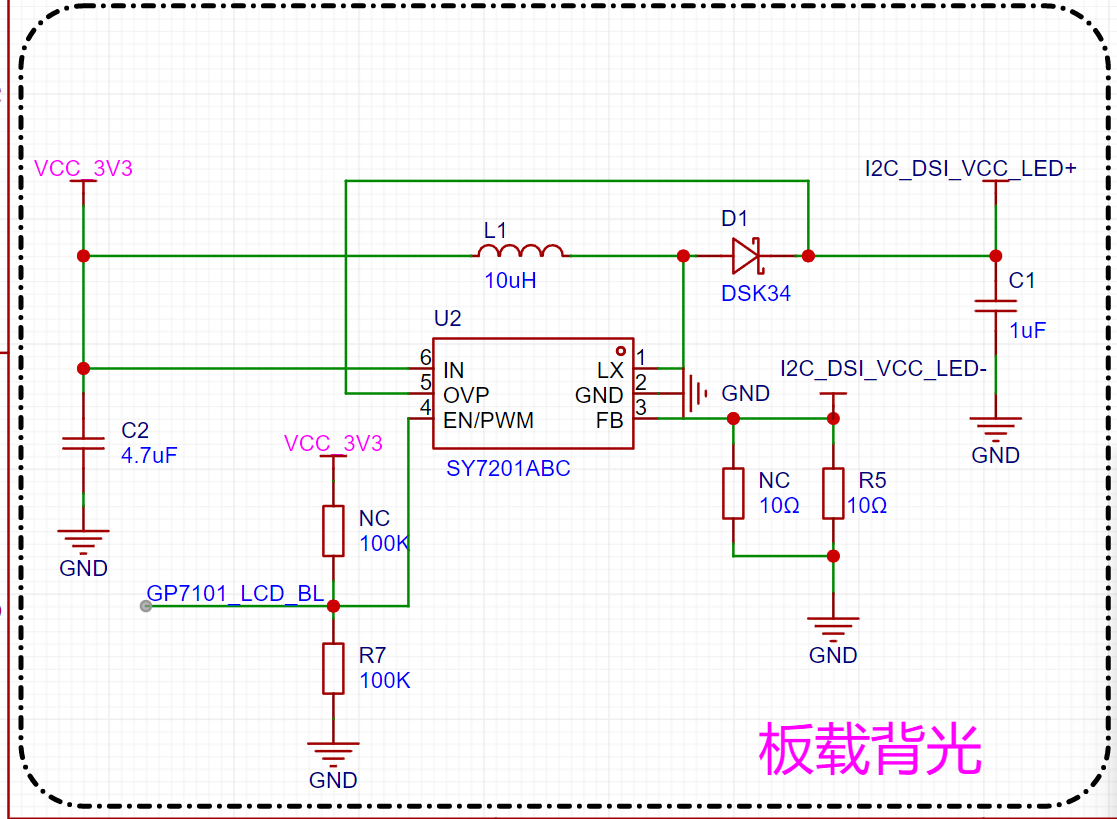
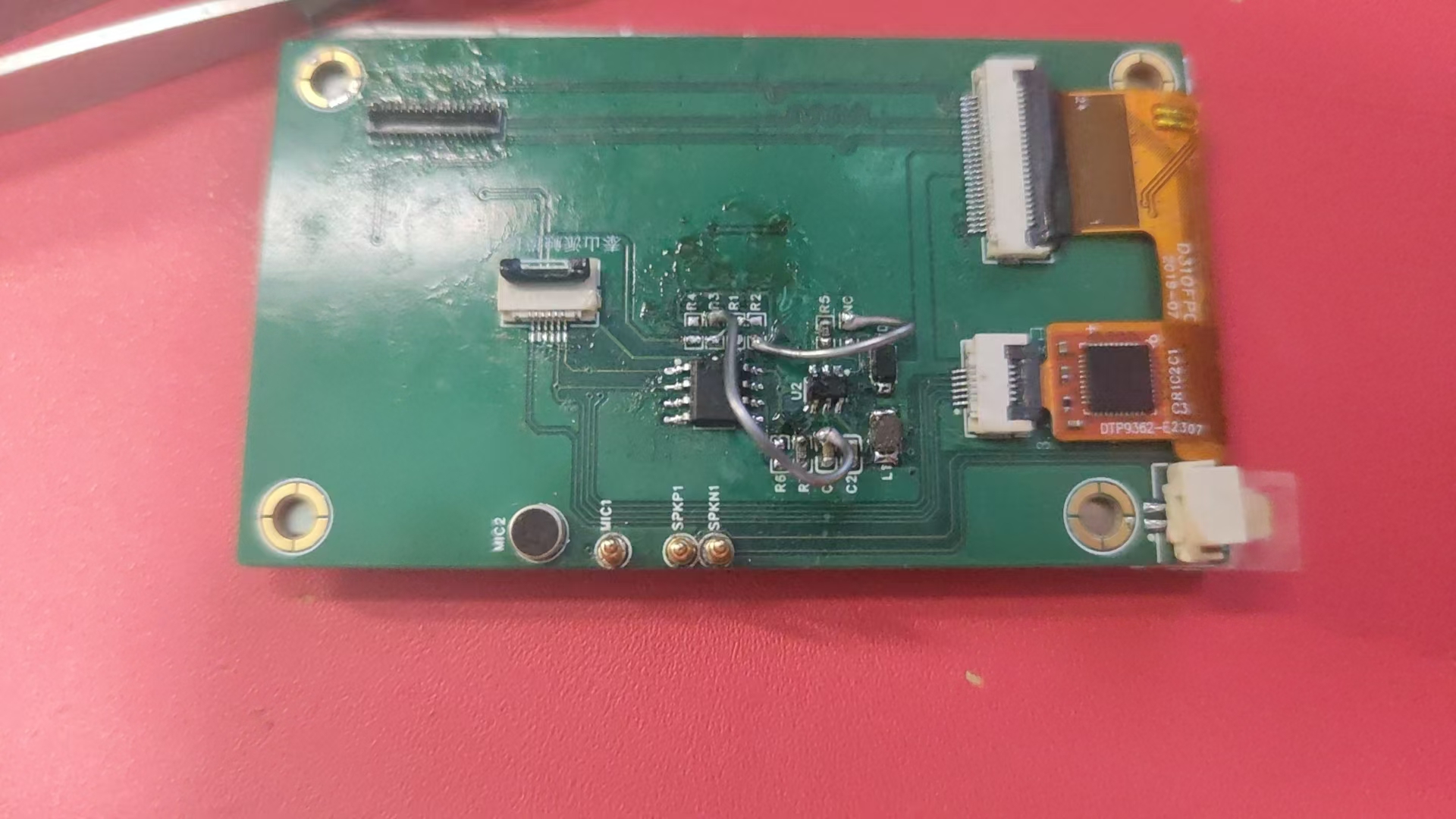
One of the resistors here should be N/A (I remember there were also two N/A resistors on the backlight selection circuit). Pulling it down allowed the backlight to receive power properly. By doing this, I inadvertently protected my screen. The above issues rendered this PCB essentially unusable. I tried replacing the 0Ω resistor with a current-limiting resistor in the original backlight selection circuit and directly using a Taishanpai power supply. However, the backlight didn't light up. At this point, I was almost at a dead end; remaking the board was uncertain and would take a long time... So, I had to take a desperate gamble and use the flying wire method! The finished product is shown below:
Finally, some suggestions: 1. After soldering the adapter board, it's recommended to flash the official firmware to test for problems. If problems occur this way, it's 95% certain the issue is hardware-related. However, if possible, check for short circuits between VCC and GND first. If this is fine, even if there are cold solder joints elsewhere, it's not a major problem.
2. If there's backlight but no image, it's basically a problem with the MIPI connector, usually caused by a cold solder joint. Don't blindly trust your soldering skills. Sometimes it's not necessarily a cold solder joint. If you're using a hot air gun, you might have melted the inside of the connector, preventing the FPC cable from connecting properly. So, if you can't do that, use a hot plate to heat it.
3. If you can't connect to the internet after successful connection, remember that the accessories originally included an antenna. It only supports 4G by default; it won't connect to a 5G mobile hotspot.
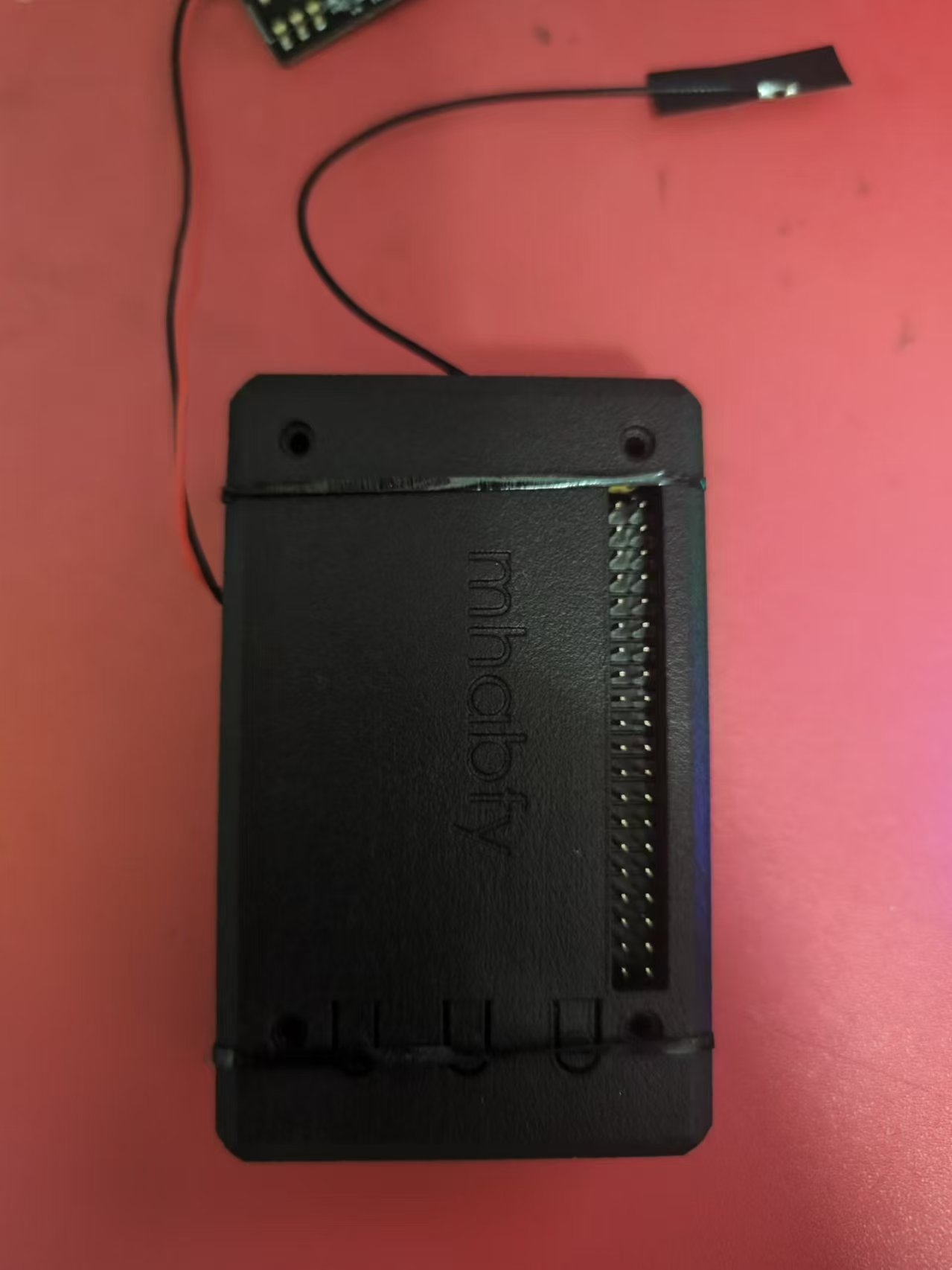
4. For the 3D printed casing, I recommend using 20% nylon material, as it's more heat-resistant. In my actual use, it got quite hot when browsing Bilibili. Although the official specifications state a maximum temperature of around 79 degrees Celsius, it might get even higher if your casing doesn't dissipate heat well.
Finished product as follows:
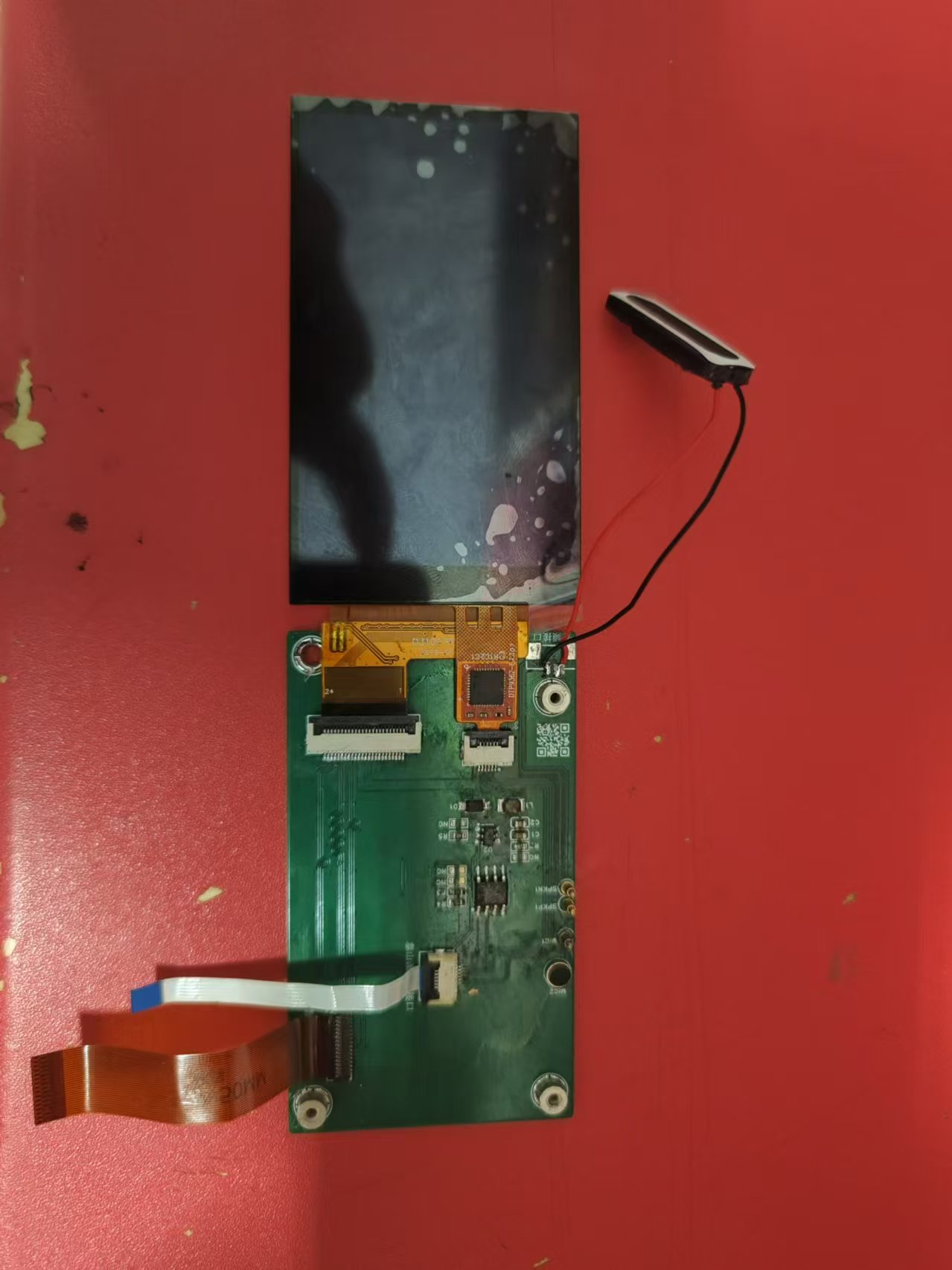
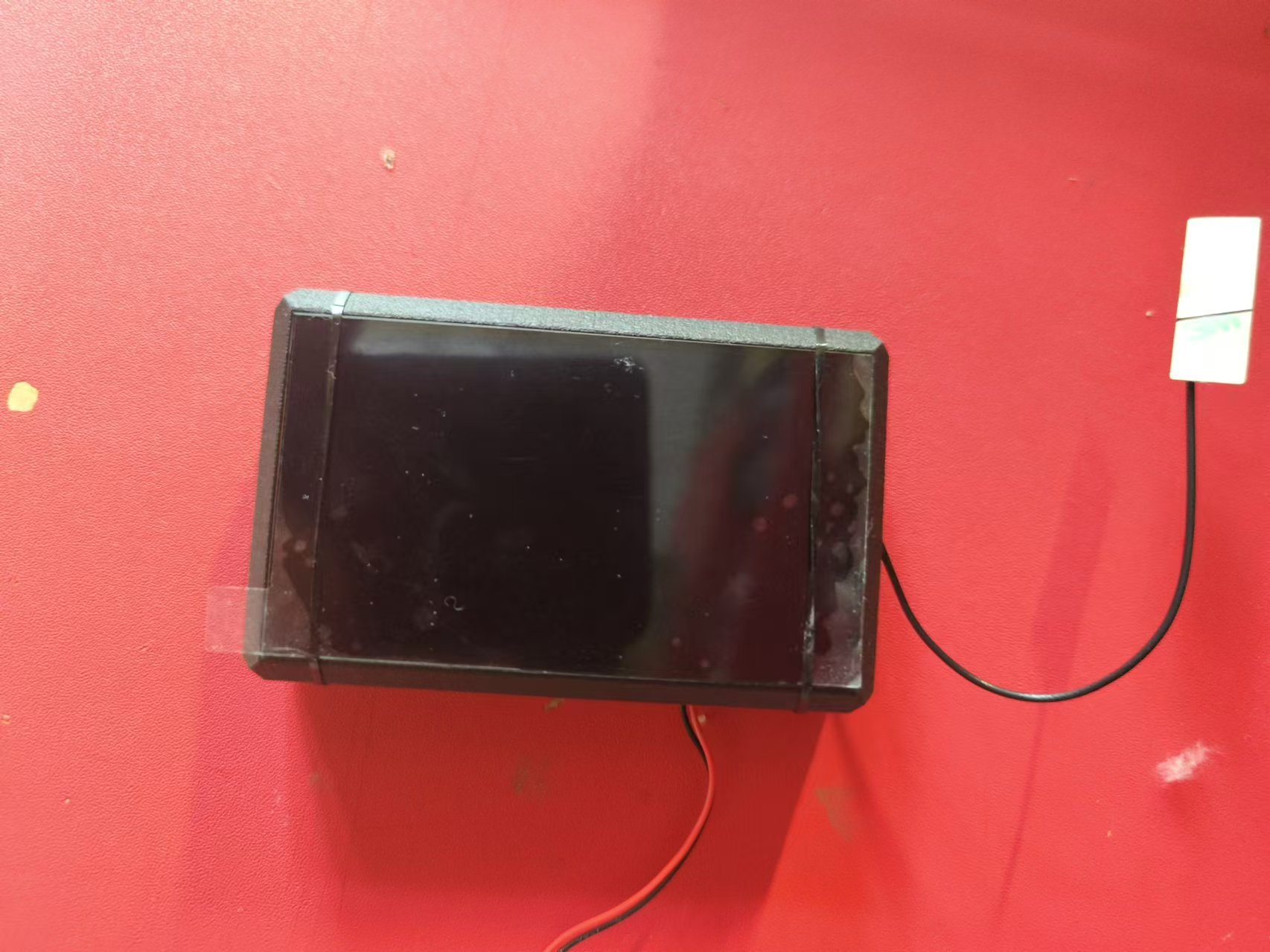
Functionality demonstration: Taishanpai Mini Phone_Bilibili_bilibili








 京公网安备 11010802033920号


 AS4C14400



