A user-friendly ESP-01M programmer and debugger.
This practical ESP-01M programmer and debugger features a well-designed plug-and-play module, facilitating easy insertion and removal of the ESP-01M and ensuring a secure mounting.
Disclaimer:
DIY and use of this device may involve risks of electric shock, burns, and other potential injuries, disabilities, or death. Please strictly follow safety regulations and take adequate precautions. Minors should operate under the supervision of a guardian. Using this solution indicates that you are fully aware of the safety risks; please ensure you have sufficient knowledge before proceeding. You are solely responsible for any losses or consequences incurred, and I assume no legal liability.
I am a software engineer, not a formally trained electronics hardware professional, but merely an amateur enthusiast. Therefore, I may lack basic hardware knowledge. Any errors in the circuit diagram are sincerely appreciated and I would be grateful for any corrections.
Background:
Recently, a netizen suggested I use the ESP-01M/ESP-C3-01M for development. I did have this idea, but to do development, a good programmer and debugger is essential. I searched all over Taobao but couldn't find a single (in my opinion) good debugging socket. Existing sockets either require soldering on before programming or use long pins to hold it in place, both of which are very inelegant in my view. As a severe case of OCD, this is unacceptable. So I searched Taobao again, looking for a socket or slot to hold the ESP-01M. First, I looked for a 1.6mm pitch slot or connector (the ESP-01M's gold finger pitch is 1.6mm), but unfortunately, that size wasn't available. As a second choice, I bought a 0.8mm pitch BTB board connector. However, unfortunately, the single-slot thickness is 1mm (the ESP-01M's thickness is 0.8mm). I then bought a double-slot BTB board connector, 0.5-0.6mm thick, but that didn't work either.
Then I bought spring pins, but the minimum width of the spring pins was only 1.5mm (the gold finger spacing of the ESP-01M is 1.6mm). The width was too wide, making the two contact points too close together, difficult to install, and prone to short circuits.
I then bought antenna spring clips, but the front-contact antenna spring clips were difficult to install, and the width was also an issue.
Finally, I chose side-contact antenna spring clips, and the width needed to be smaller than 1.5mm, around 1mm. After trying to install the side-contact clips, I found that they were still difficult to insert and remove even when installed on the front.
Later, I designed a way to attach the side-contact clips to the back.
Finally, it worked!
Now insertion and removal are very convenient, and the fixation is very secure, meeting my usage requirements.
Related component sources:
1. The most important antenna spring clips, the side-contact clips; one debugging socket requires 18 clips, so I buy 50 at a time. -> Purchase Link
2. Besides this, I basically bought all other components (including resistors, capacitors, AMS1117, LEDs, etc.) from Youxin Electronics. -> Youxin Electronics Taobao Store
Hardware Installation Steps:
1. Apply solder paste and use a hot plate to attach the components on the front.
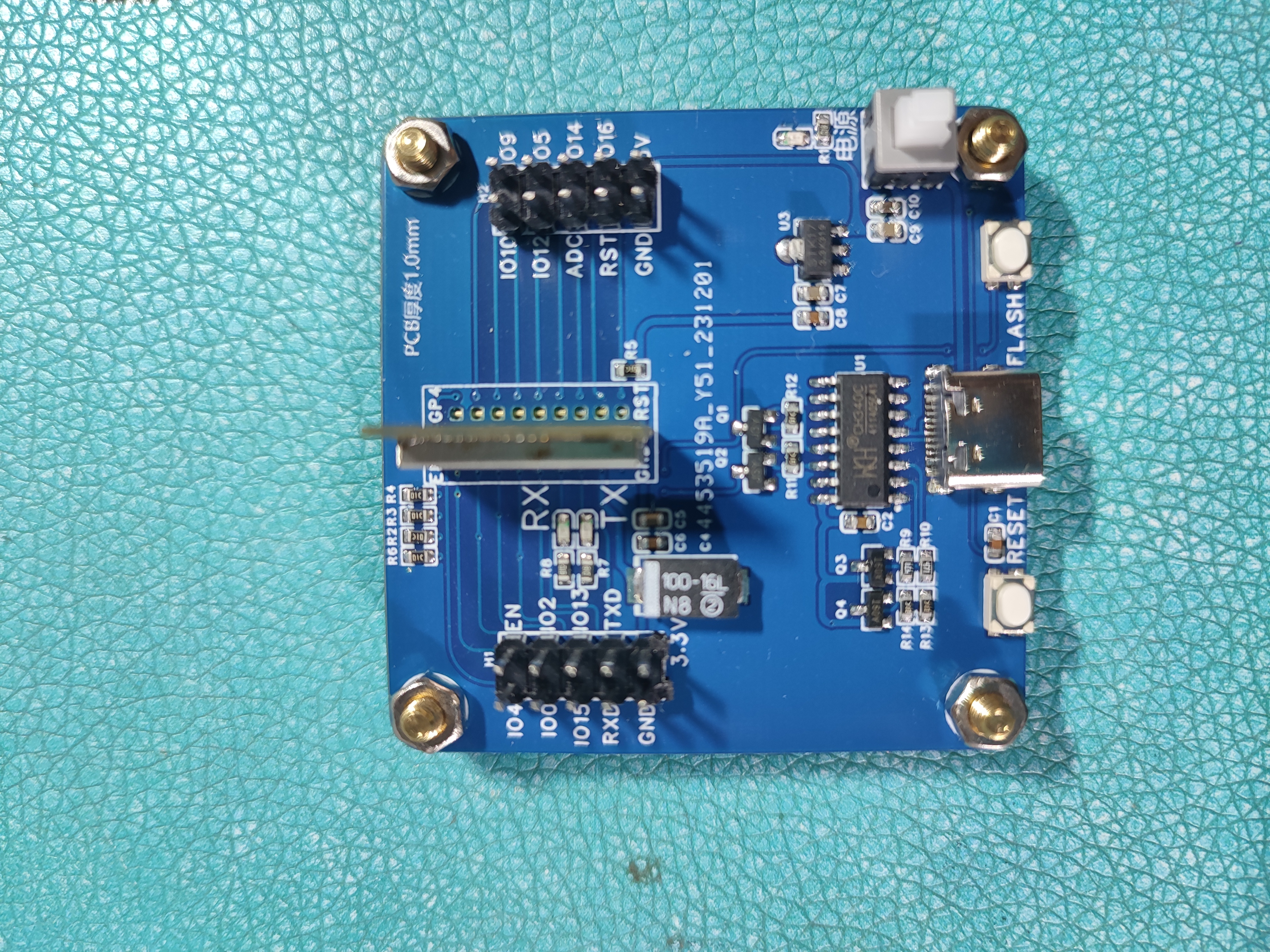
2. Apply solder paste and use a hot air gun to attach the antenna springs.
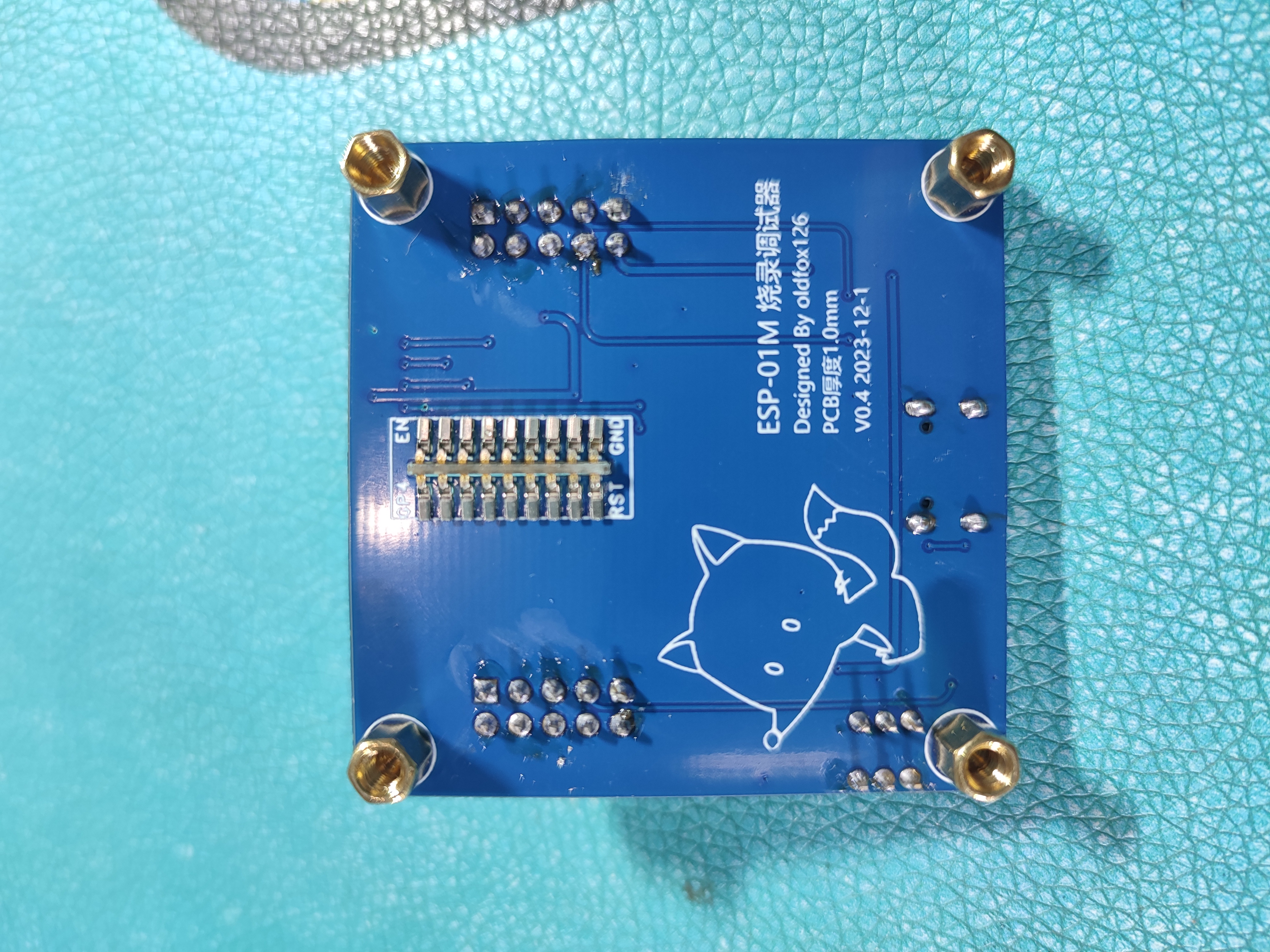
3. Solder other components (switches, two 2.54mm dual-row pin sockets 2*5P), and add TYPEC female connectors.
4. Install copper pillars
. 5. Soldered from various angles
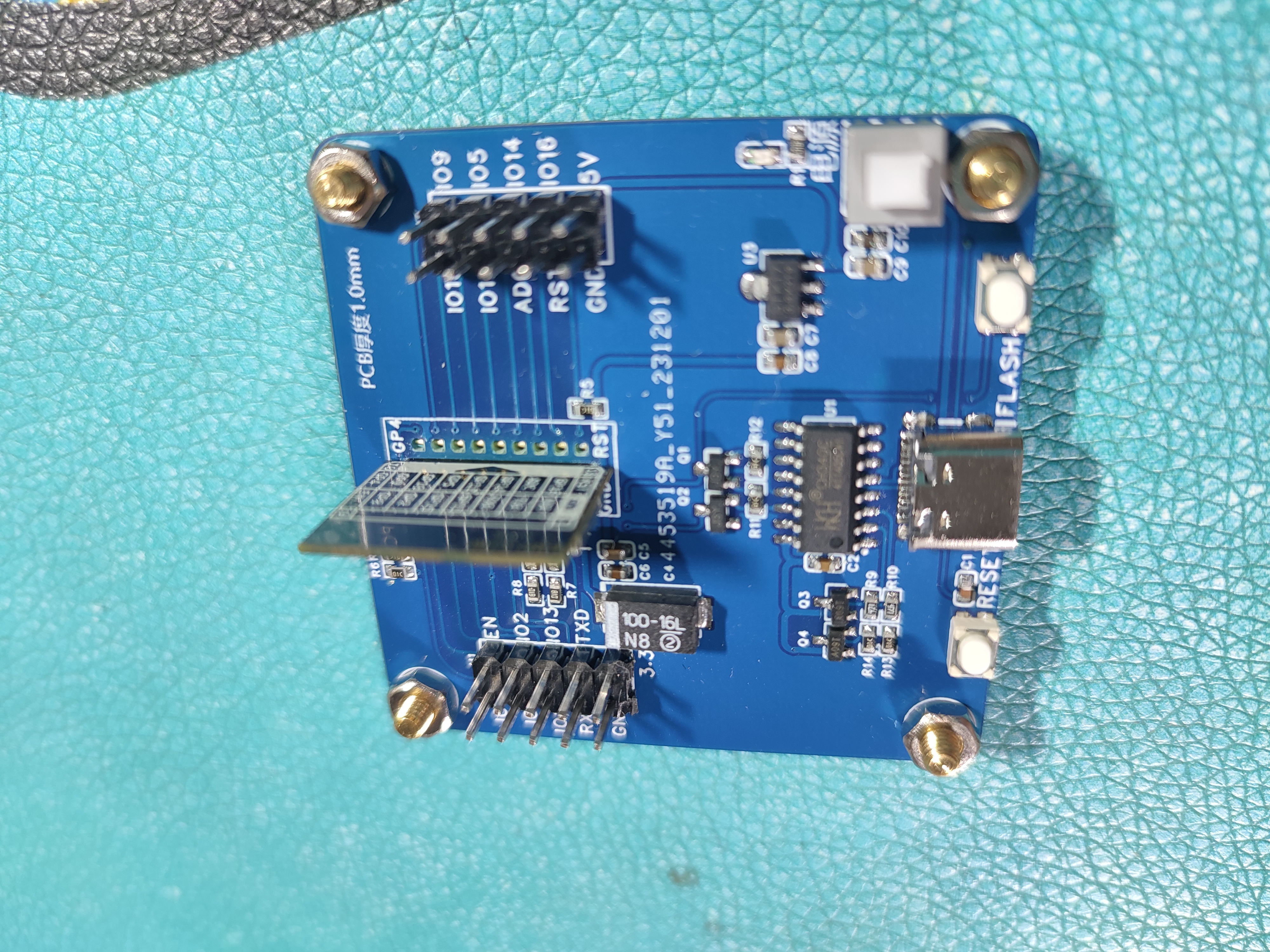
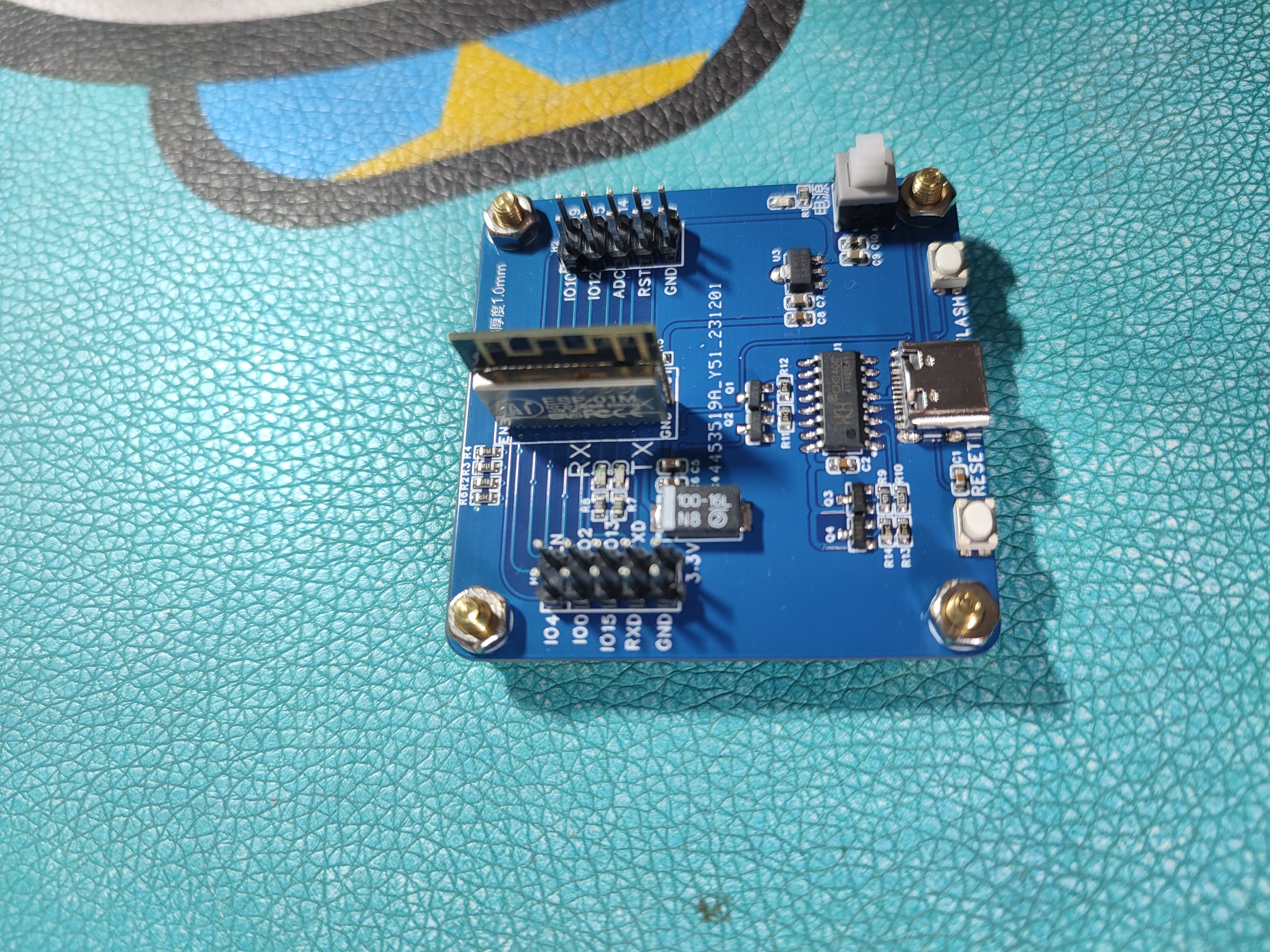
(installation complete).
Hardware Update Notes: 2023/12/11
1. Hardware Release (ESP-01M Programming and Debugging Device V0.4)
QQ Group Discussion:

Acknowledgements:
Thanks to JLCPCB yyds, I get to work with them every month to make PCBs.
Thanks to: @emo986 @unanxtg @Fareeha @tuobeiyang @star19997 @15054616653.0 @hiwy @AaronChu @FPS @jackshi618 @tyrant98 @xuanxiao6 @alphacc @ruyang6061 @tuobeiyang @superman88 @foxykof02 @TUZHIMIN @super_y @夏日的雪 @qlwz @Jeason_B @jeesa @glgsy @fhomex @yangmartin @zhangqianteng @hfyscj @leanco @diuu010 @nihaome @TALLHUB and other experts who left comments. Your opinions and suggestions have given me a lot of inspiration and helped me learn more.
Thank you so much!








 京公网安备 11010802033920号


 240-0326-9PPA4K2-18S1



