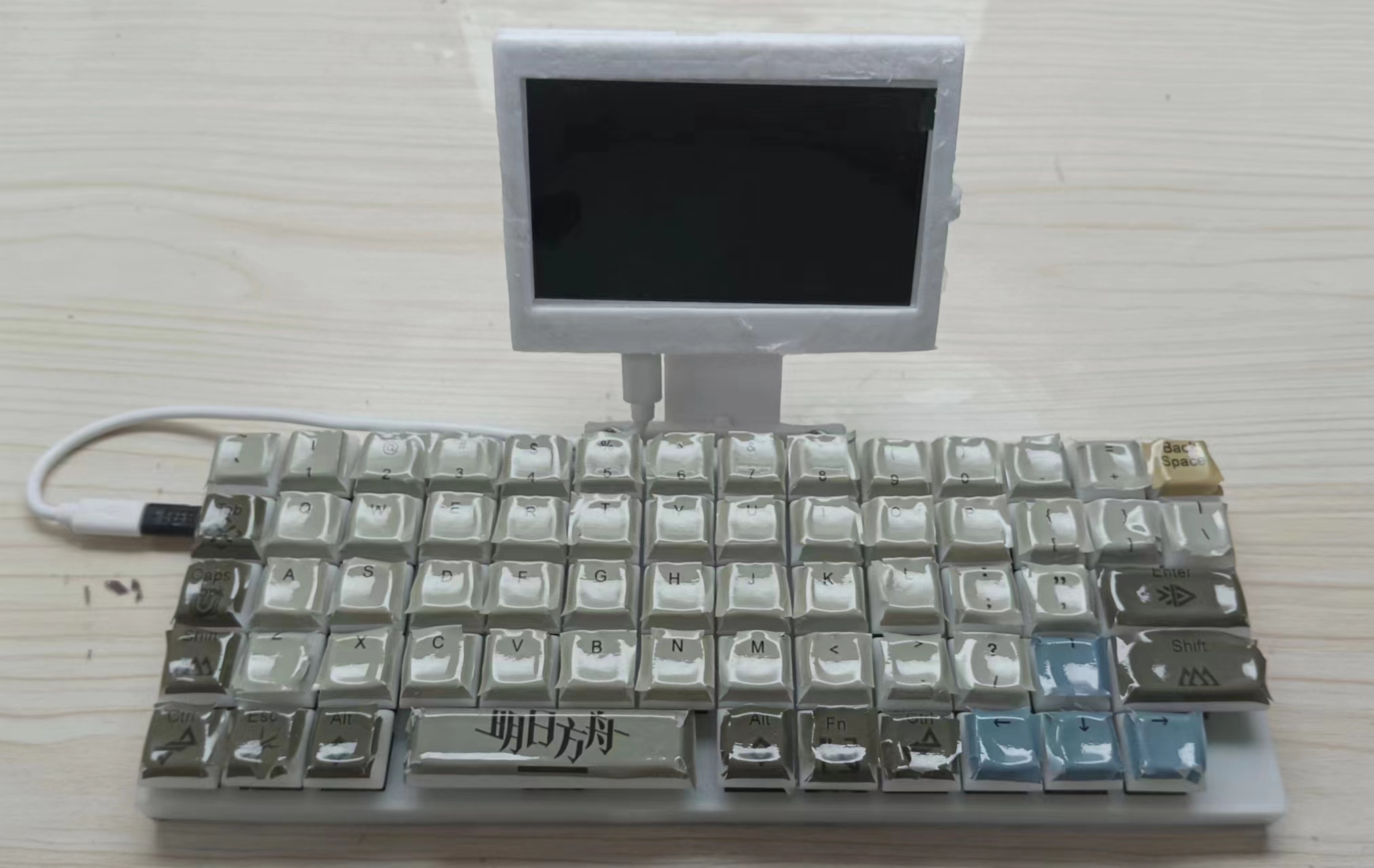
This project
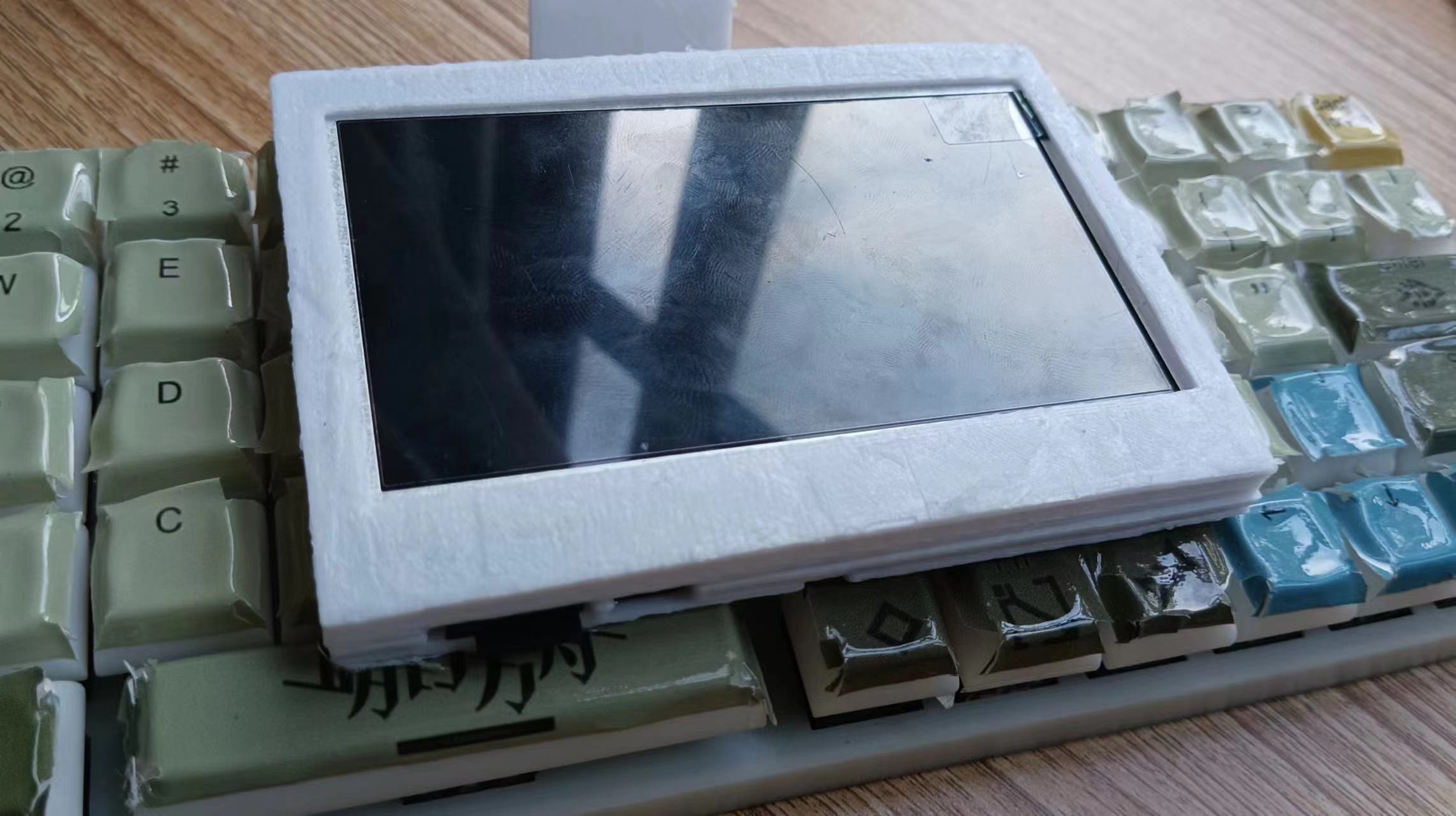
uses the F1C100S/F1C200S, combined with an LCD and a mechanical keyboard to create a portable terminal under the GPL 3.0
open-source license
(using GPL open-source code, referencing GPL open-source projects). The
project
is divided into two parts: hardware and software.
Hardware:
1. Motherboard – chip, network card, battery management, various interfaces, etc.
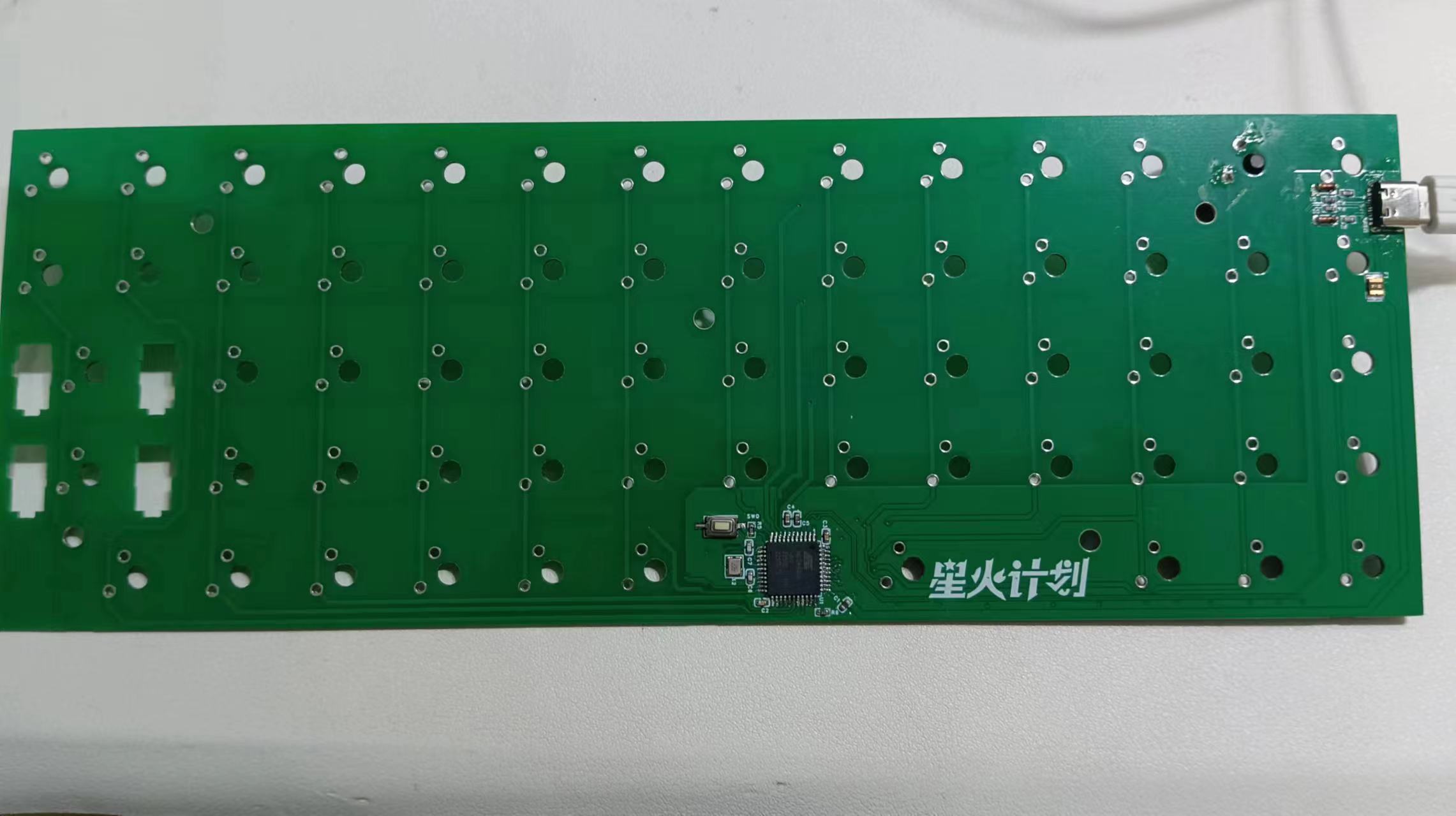
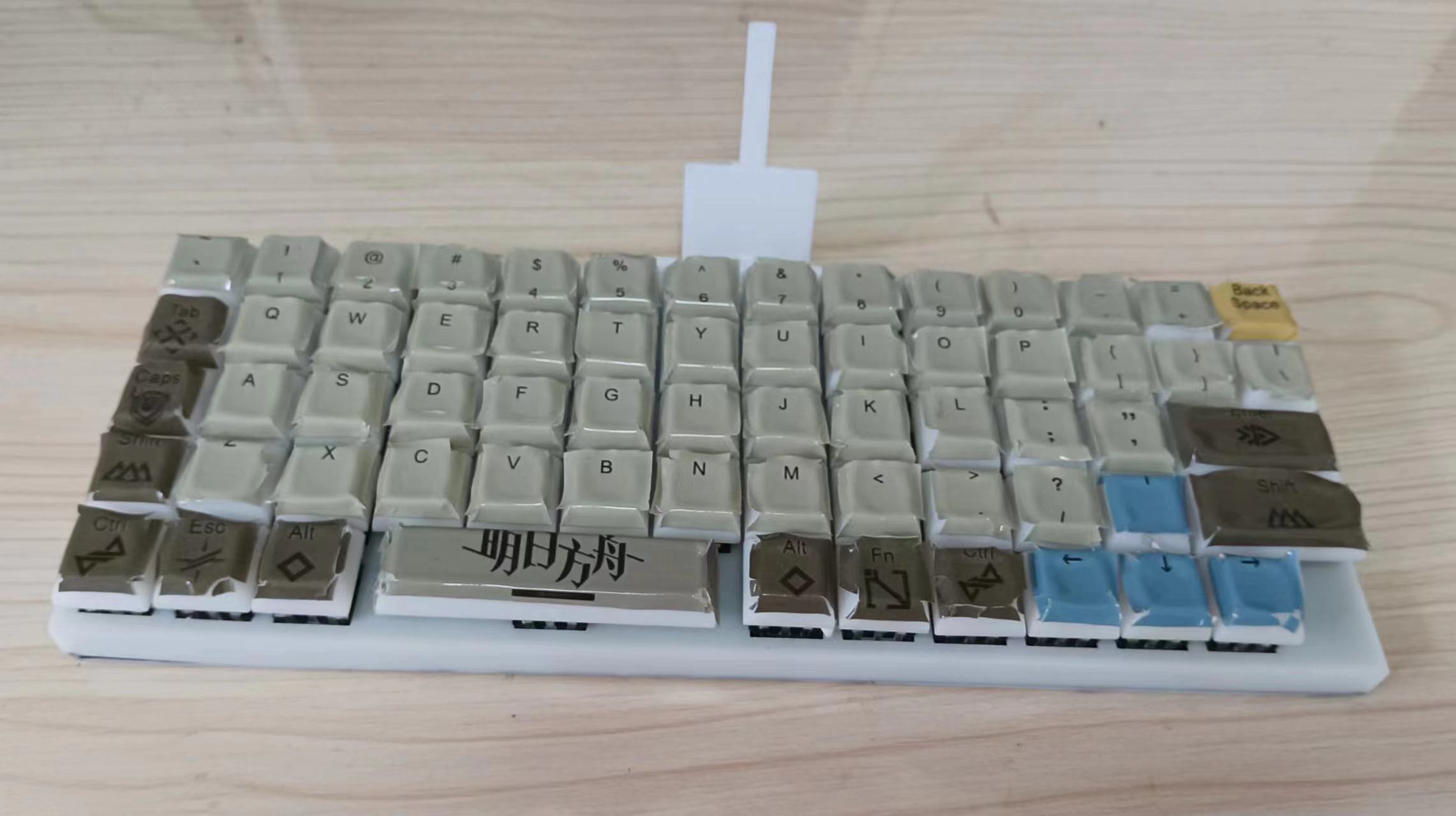
2. Keyboard – 64-key non-standard inline mechanical keyboard, ATmega32U4 main controller, no backlighting, open-source QMK firmware/purchased USB mini keyboard.
Software (V1 & V2 compatible):
Linux computer, u-boot + Linux + Debian 11 modified, driver debugged, enabling file editing, Python programming, etc.
Hardware Specifications
: Motherboard
: V1 and V2 versions, the two versions have incompatible casings, both use 505573 batteries. The 3.7V lithium battery
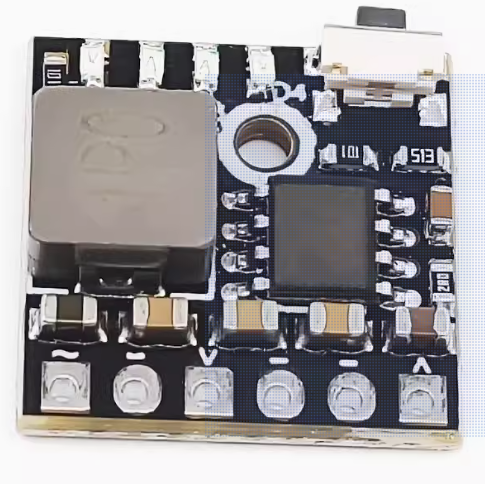
V1 features a modular design, using the Lycheepai nano core board, ESP-12F module, and lithium battery charging module (as shown in the picture below). It is easy to solder (requires removal of the core board and ESP-12F flash), but its functionality is limited and its integration is low.
The V2 has onboard chips, all of which are directly soldered. Soldering is more difficult and requires a hot air gun and solder paste. It has higher integration. For adding an RTC
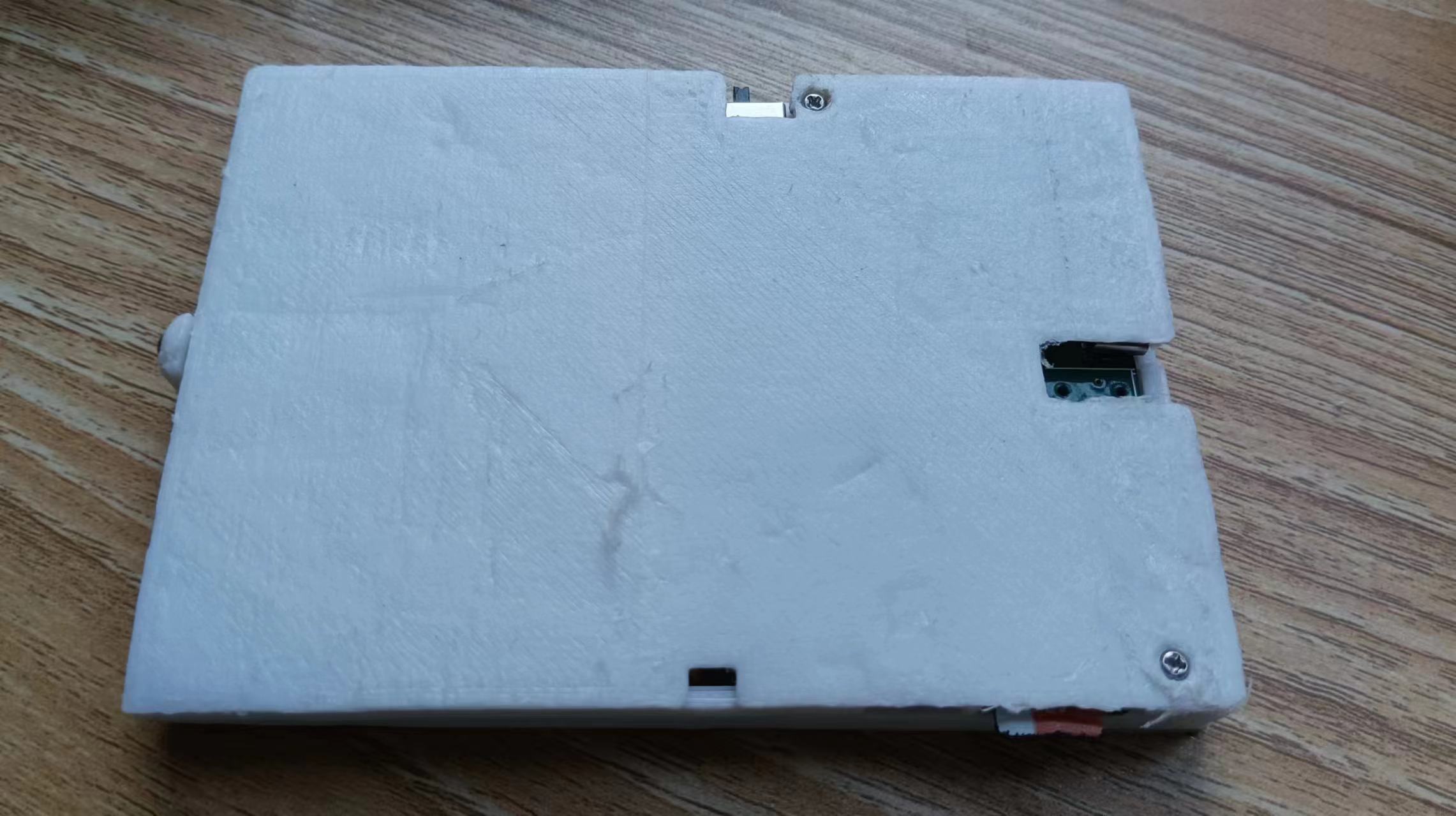
shell, it is recommended to use harder consumables, such as PLA or ABS.
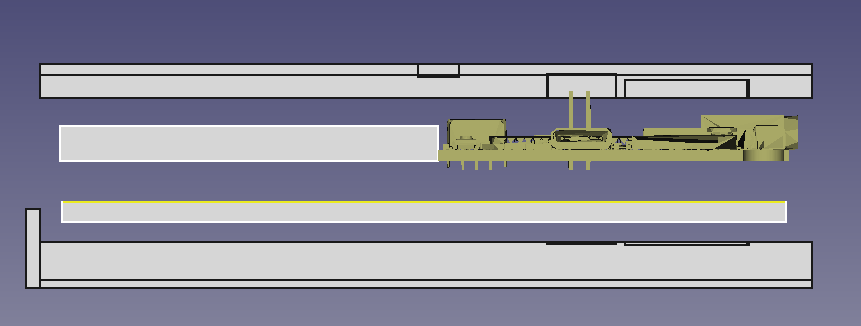
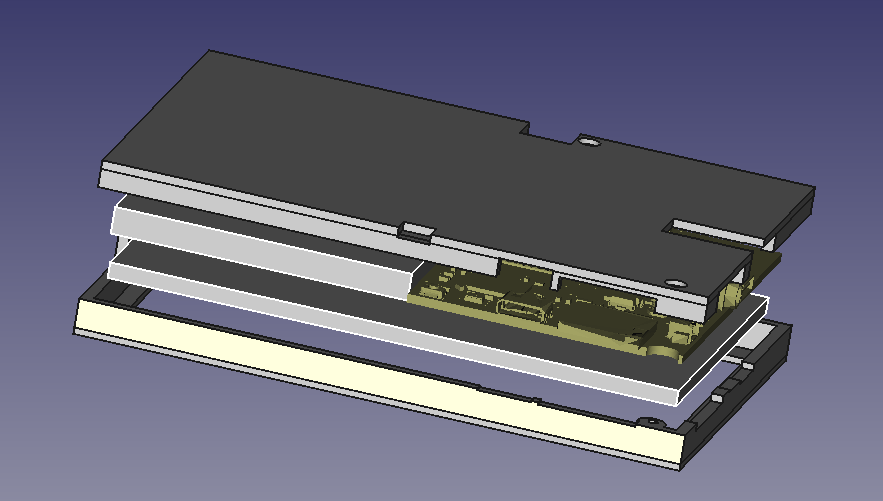
V2 Assembly Diagram:
Keyboard: (V1 and V2 compatible)
Uses an ATmega32U4-AU chip, which is easier to solder. Pay attention to the orientation when soldering diodes. Use standard Cherry MX switches. There is no space to cut a slot for the spacebar; just make do.
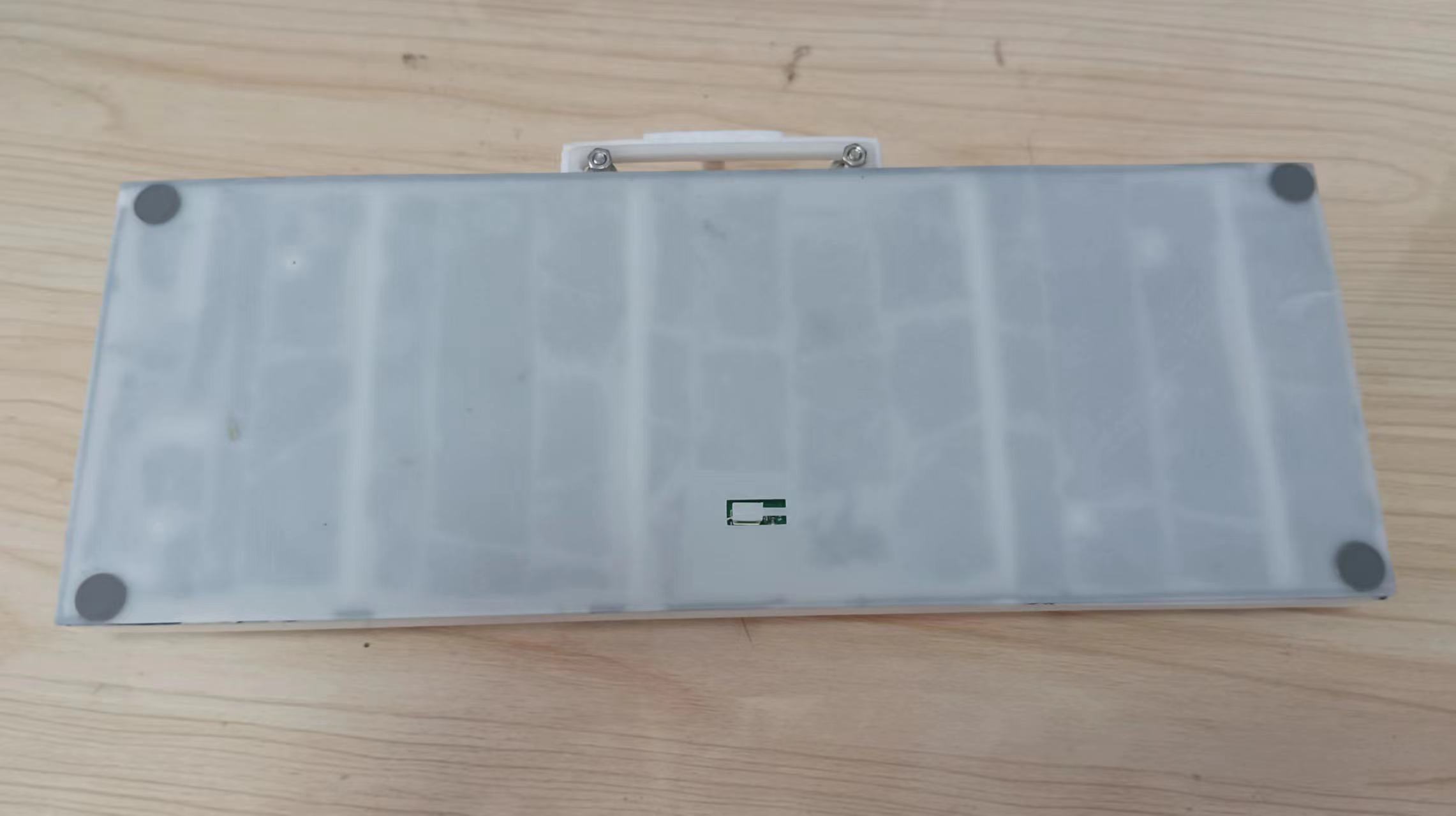
The shell and keycap .stl files have been uploaded as attachments. It is recommended to use photopolymer printing (due to the large number of thin walls). Note that the keycaps are unengraved. You can buy keyboard stickers online or customize stickers.
Software instructions for
the keyboard:
Use the QMK firmware. Set it up according to the schematic and
generate the firmware online using Keyboard Firmware Builder (kbfirmware.com). The firmware has been uploaded as an attachment: cpsoe64keyboard.hex .
Firmware flashing: For the unflashed ATmega32U4, download QMKToolbox on your computer
(using a domestic acceleration website: the latest version 2024.2.1 https://ghproxy.com/ https://github.com/qmk/qmk_toolbox/releases/download/0.2.2/qmk_toolbox_install.exe),
select ATmega32U4, open the firmware, select auto flash, and it will automatically flash after connecting the keyboard via USB. The keyboard can be recognized as a keyboard after unplugging and plugging it back in. Motherboard
:
Provides u-boot, Linux source files, and a Debian root file system. Some files are too large and are compressed in multiple parts. They have been uploaded as attachments.
File system creation:
Use a TF card with ≥4GB of memory. The first partition should be 32MB. For FAT, the second partition, EXT4,
is located in the u-boot folder in Linux. Use
the command: `sudo dd if=u-boot-sunxi-with-spl.bin of=/dev/sdx bs=1024 seek=8`. Note that the 'x' in 'sdx' should be the letter corresponding to the TF card (using `sudo fdisk -l`). (Check)
Copy u-boot/boot.scr, linux-5.7.1/arch/arm/boot/zImage, linux-5.7.1/arch/arm/boot/dts/suniv-f1c100s-licheepi-nano.dtb to the first partition, and unpack debian_rootfs.tar to the second partition.
Physical
keyboard demonstration: Test video in attachment.
Project Progress
: 2024.2.1 Keyboard PCB verification completed.
2024.2.5 Motherboard V1 screen, charging, and USB verification
completed. 2024.2.14 Software debugging completed except for network card and sound card; lvgl successfully ported.
2024.2.17 Motherboard V2 board fabrication completed.
2024.3.2 PCB verification completed.
2024.8.28 V2 assembly completed.
2024.9.22 The V2 code has been recompiled. Some hardware has not yet been tested.
Project attributes
and circuit details are referenced from https://oshwhub.com/zhbaa/esp_8266ex_-kuai-jie-hui-fu-qi and https://oshwhub.com/fanhuacloud/f1c200s_lcd_backup.
This is the first time this project has been publicly released; it is my original work. This project has not won any awards in other competitions.








 京公网安备 11010802033920号


 FL-5535-FB



