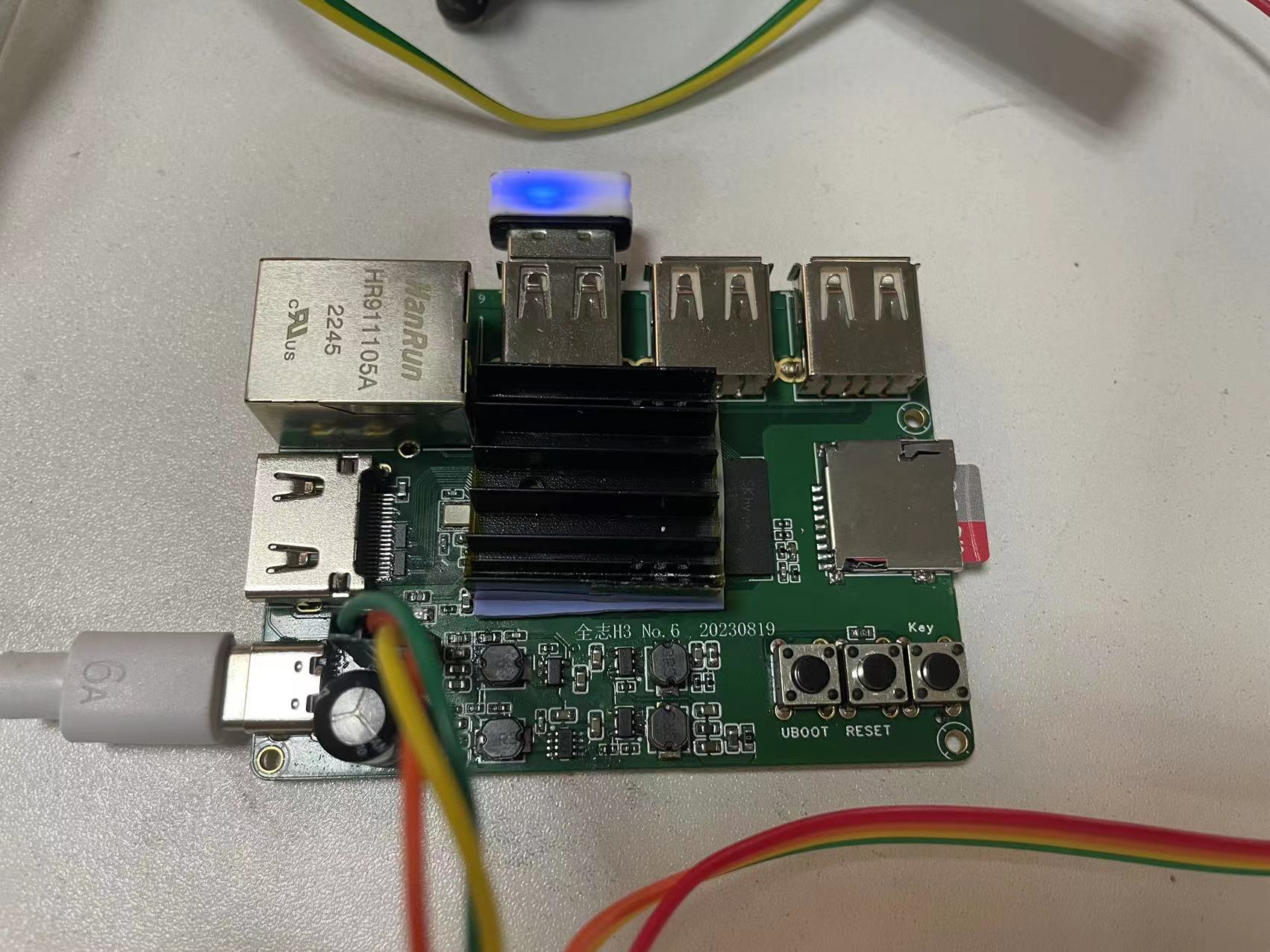
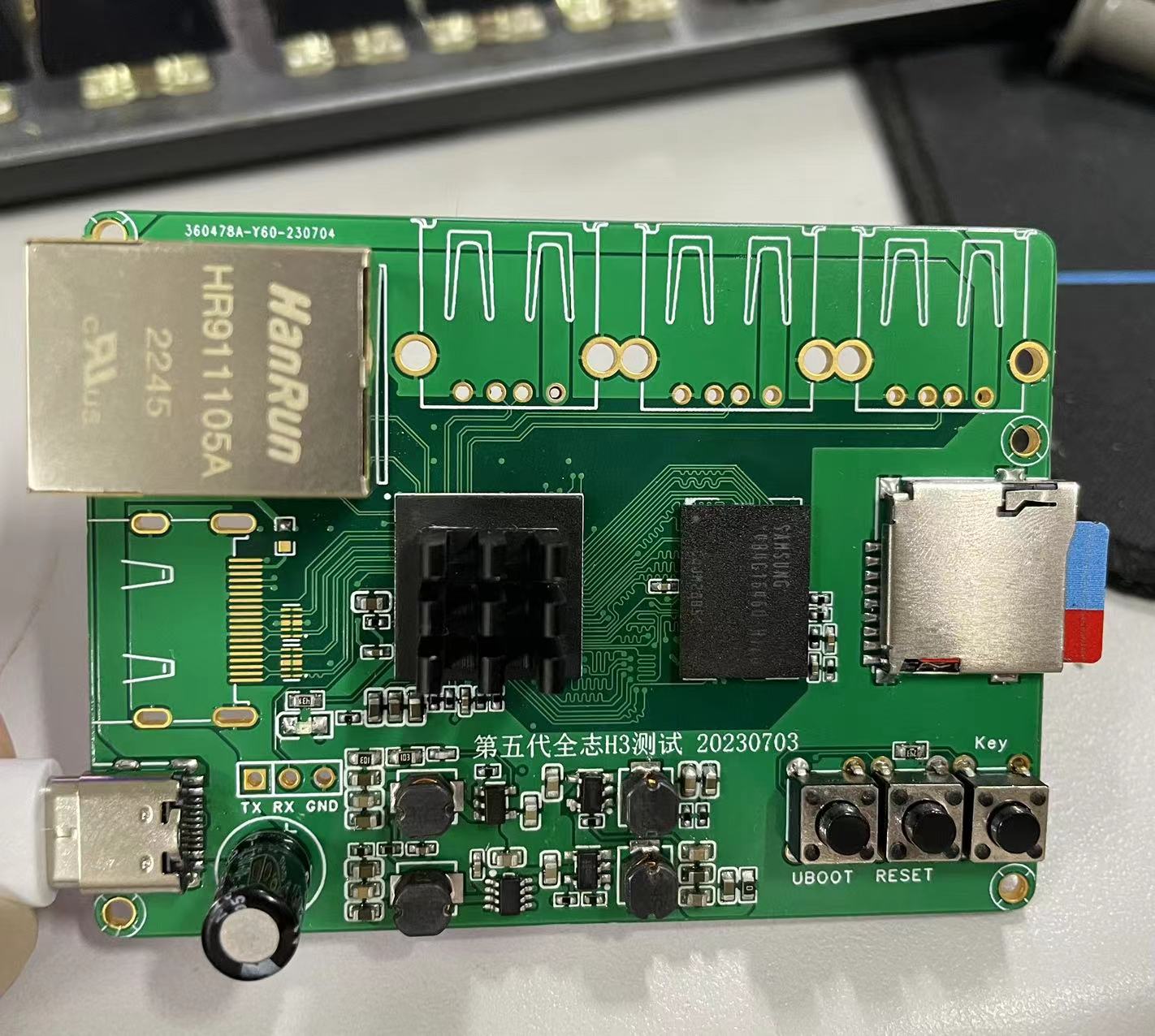
This development board is based on the Allwinner H3/H5 chipset, but I forgot to bring out most of the I/O ports (⊙﹏⊙).
It started when I saw a review of an Allwinner H3 mini-ITX board and remembered buying an Orange Pi (an Allwinner H3) in 2016. The version at the time had a SATA interface, albeit a USB 2.0 adapter, and it cost around 300 RMB. After using it for three or four months, I accidentally damaged the 12V, so I sent this
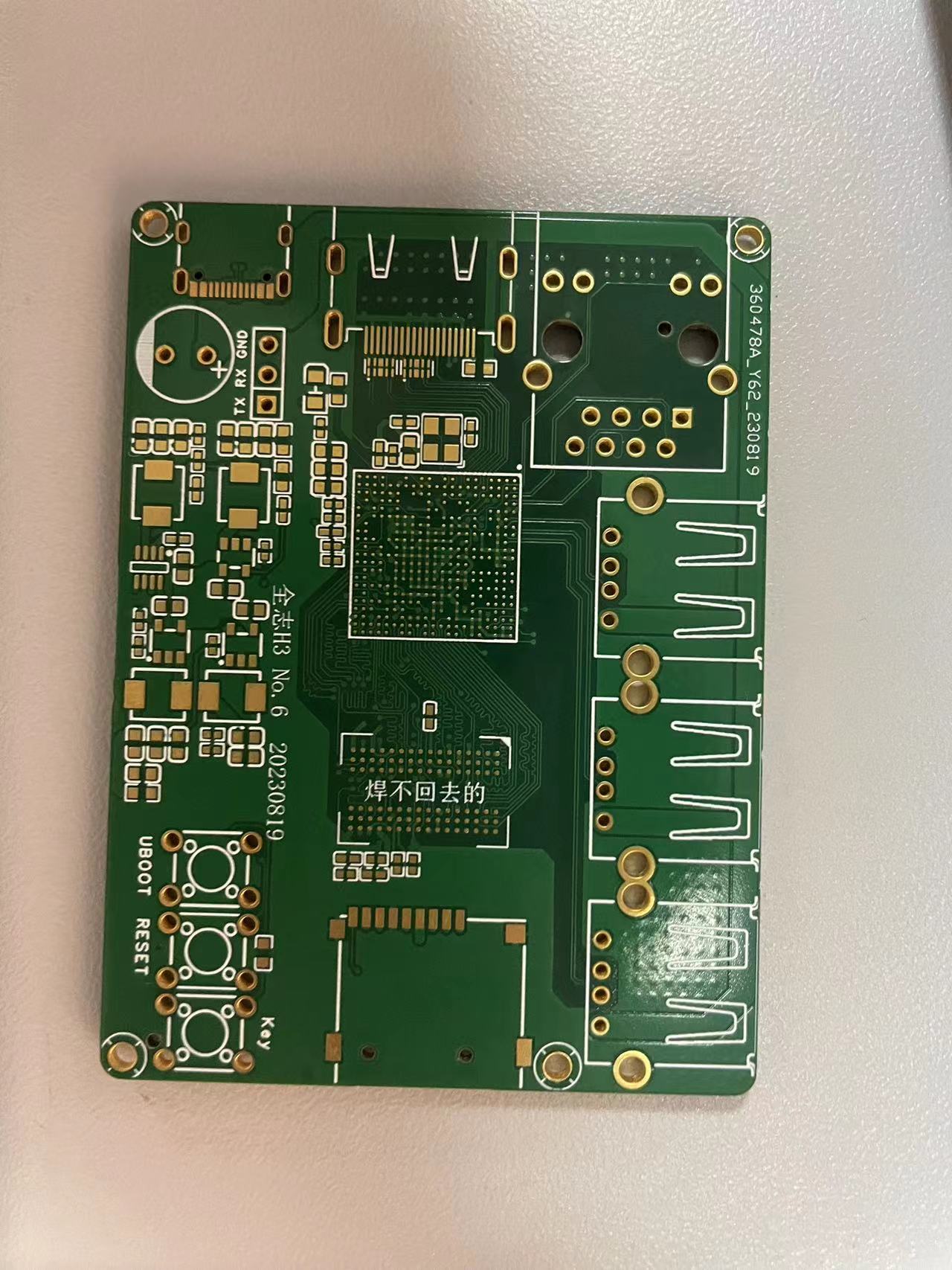
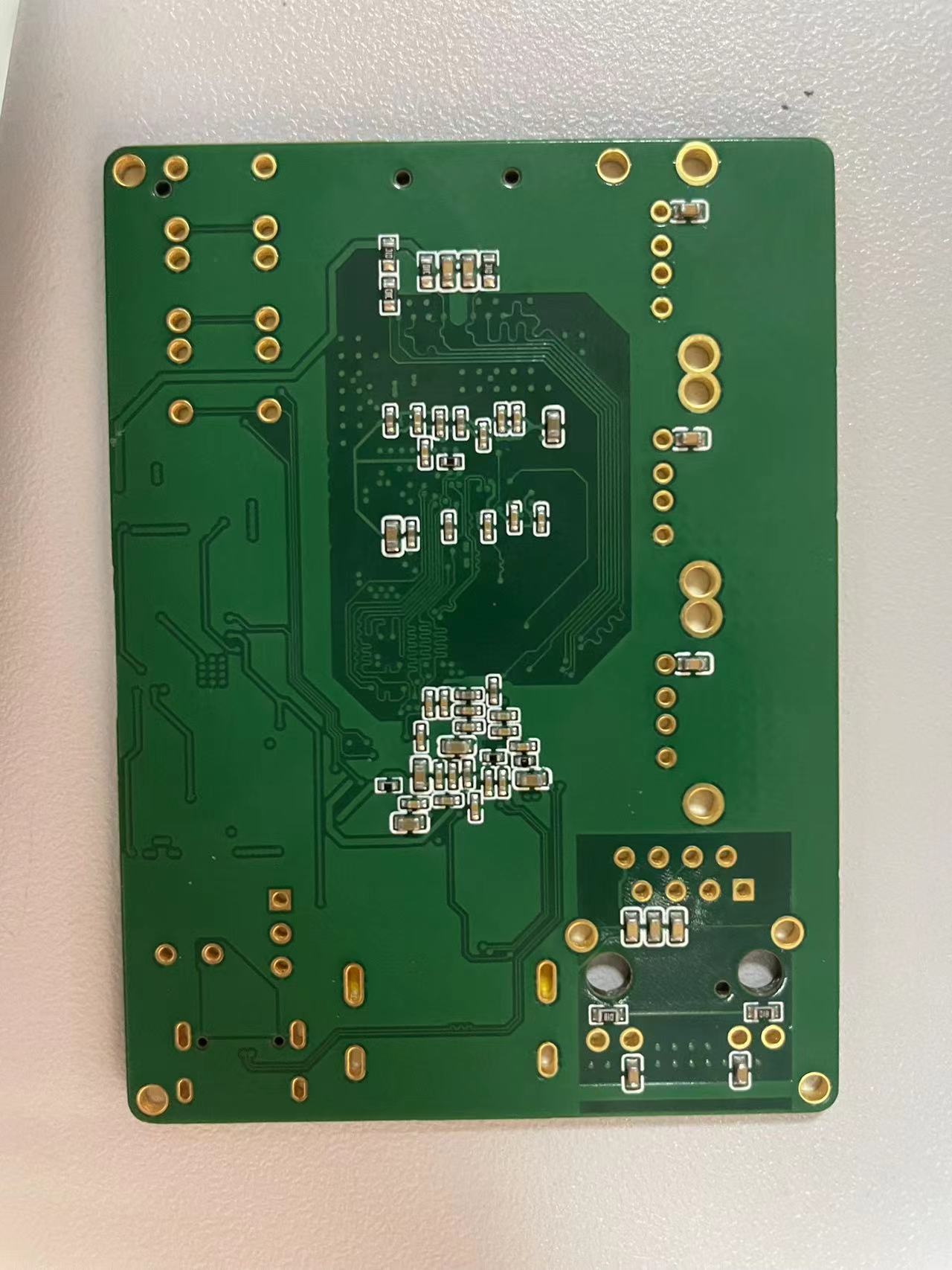
board, which is compatible with Allwinner H3 and H5 chips. I haven't tested the H2 version. The onboard DDR3 256MB/512MB/1GB memory is compatible. It only accepts TF cards; according to the Orange Pi documentation, the maximum is 64GB. It meets the requirements for free 6-layer PCB manufacturing by JLCPCB. It's a 6-layer 1.6mm board with JLC06161H-3313 impedance structure.
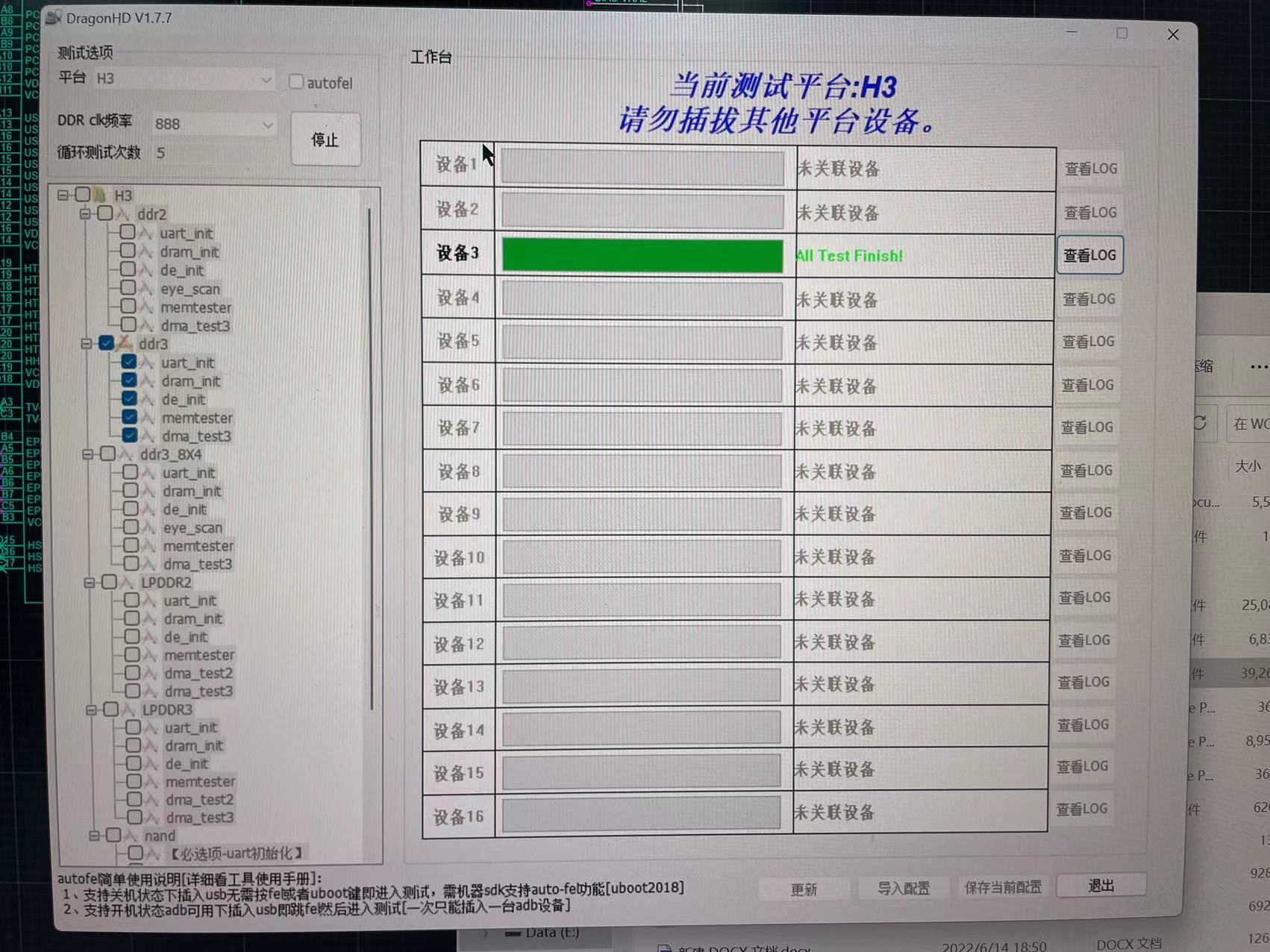
With increased cooling, the Allwinner testing software showed DDR frequencies passing at 200MHz, 400MHz, but failing at 600MHz? 888MHz passed!!! 1056MHz didn't pass...
but it seems that several systems on OrangePi are running at 672MHz. I still don't know how to modify the uboot.
I started working on this project in January of this year. The first four schematics were copied from the work of the expert Zhihui Jun, and the fifth and subsequent schematics were copied from an H3 core board.
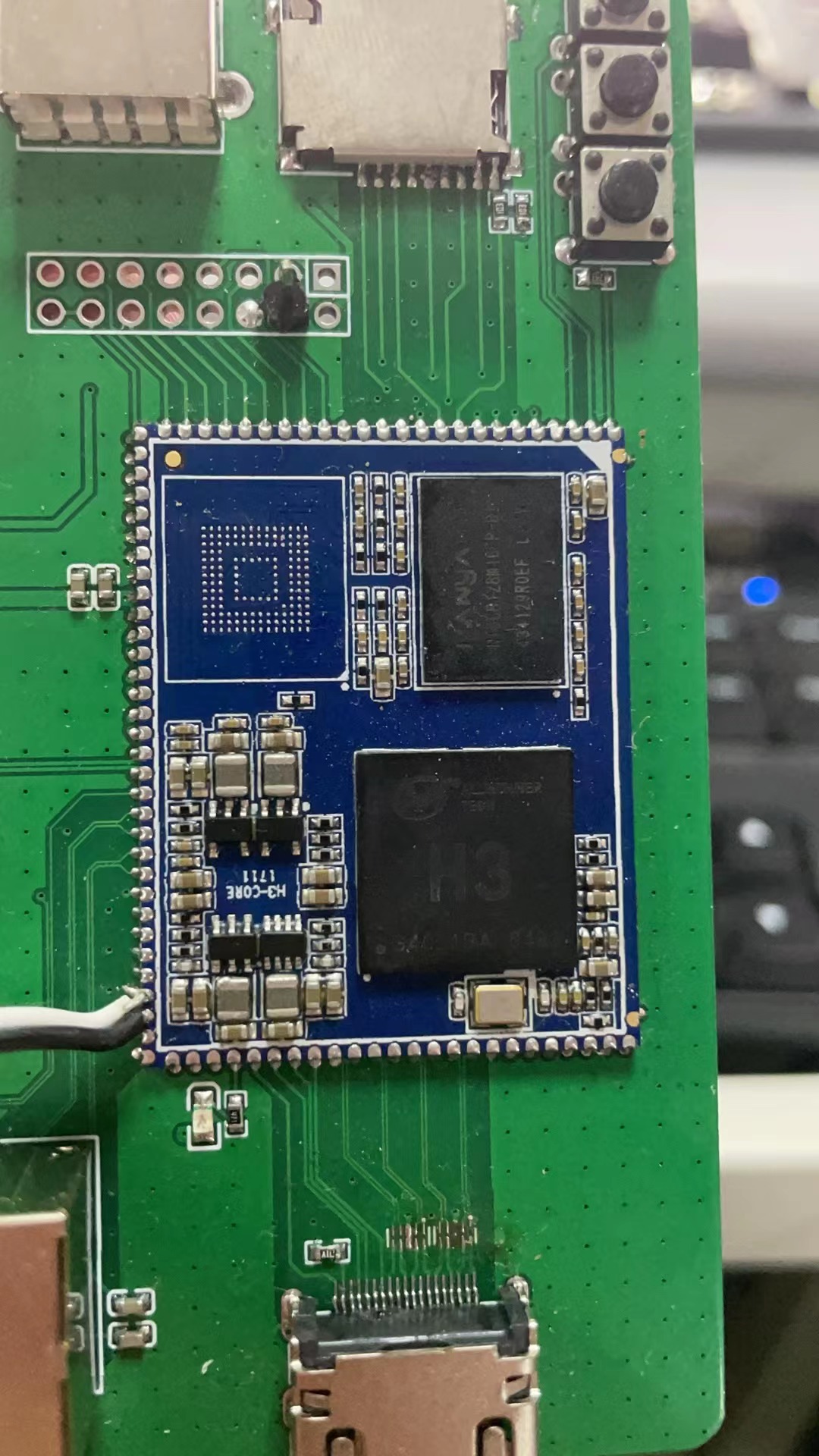
In the middle, I had to participate in a skills competition, and the national competition time conflicted with the electronics competition, so I couldn't participate!
Actually, it should have been usable by the fifth version, DDR was working, around July. Because the H5 and H3 images were not compatible, I encountered problems and went to work on the sixth version.
After testing with a bunch of OrangePi systems,
the H3 driver had no problems, but it required the OrangePi R1 image. It could flash Android 4.4, install Bilibili to watch videos, but it was a bit laggy. 1GB of RAM was barely usable, and 512MB of RAM couldn't run it.
The APK requires remote installation via ADB
for H5. The built-in 100Mbps Ethernet driver hasn't been successfully implemented yet, possibly because the Orangepi H5 development boards are all gigabit. I'm still figuring out how to compile the kernel to add the onboard Ethernet driver…
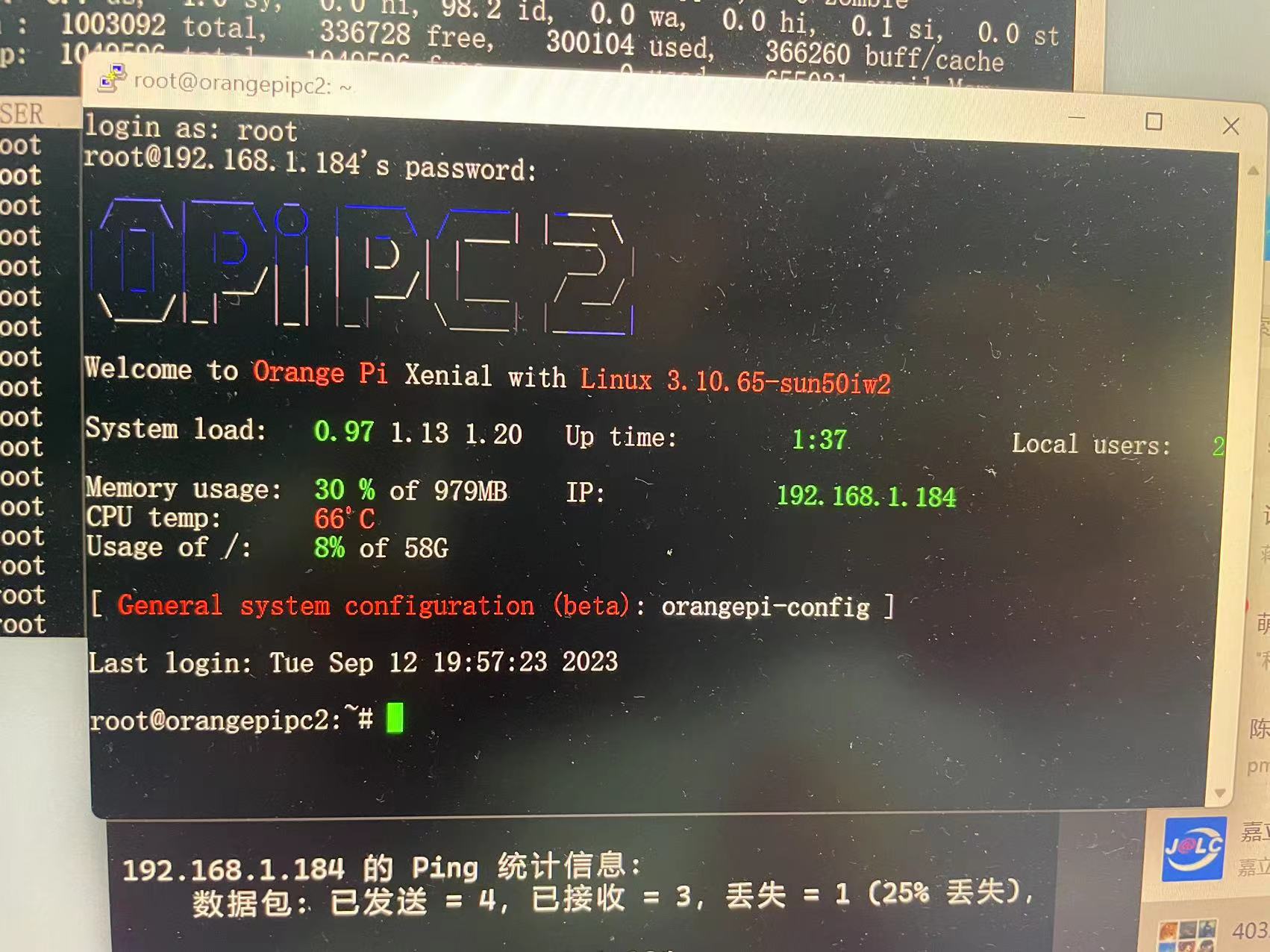
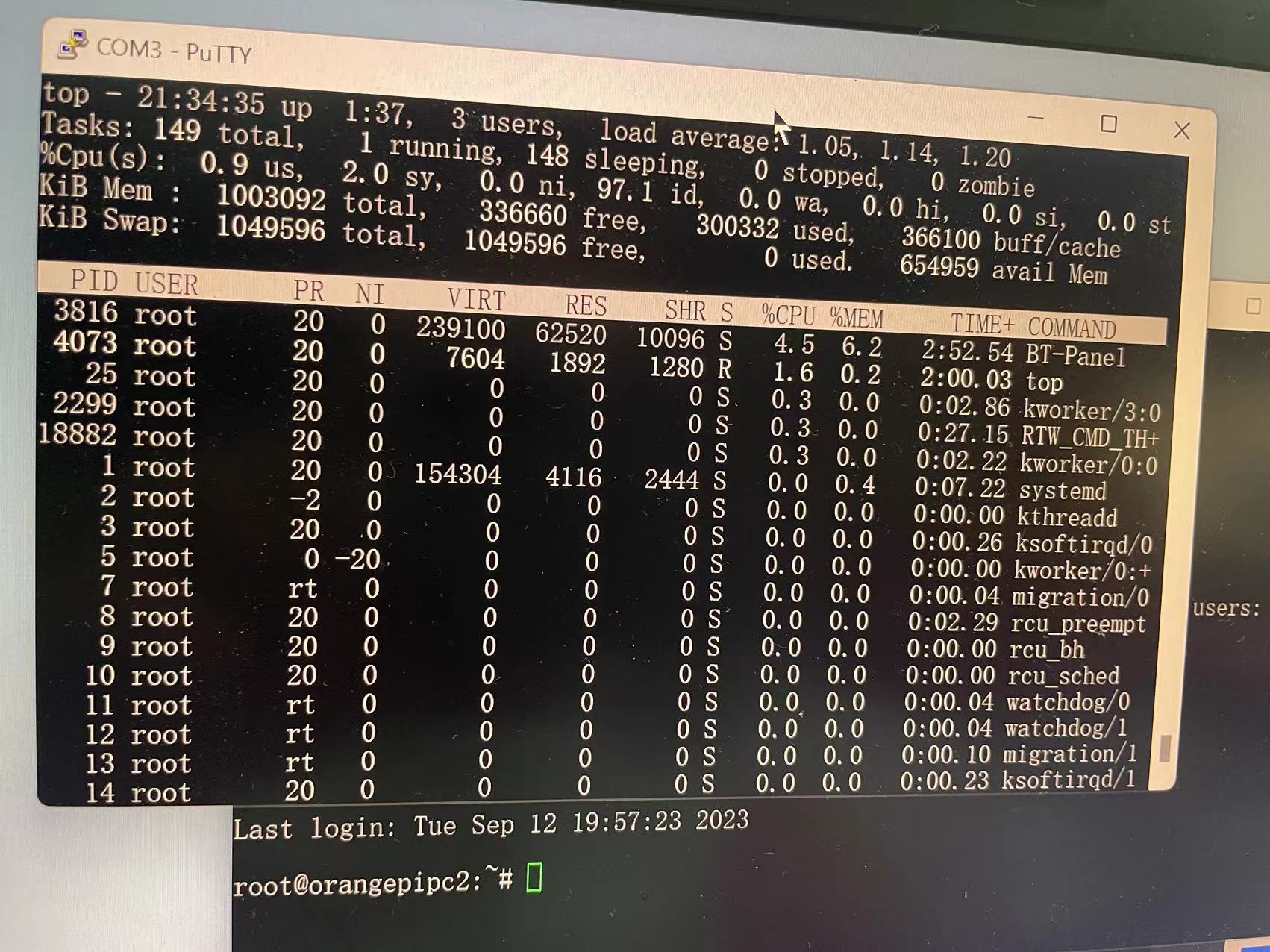
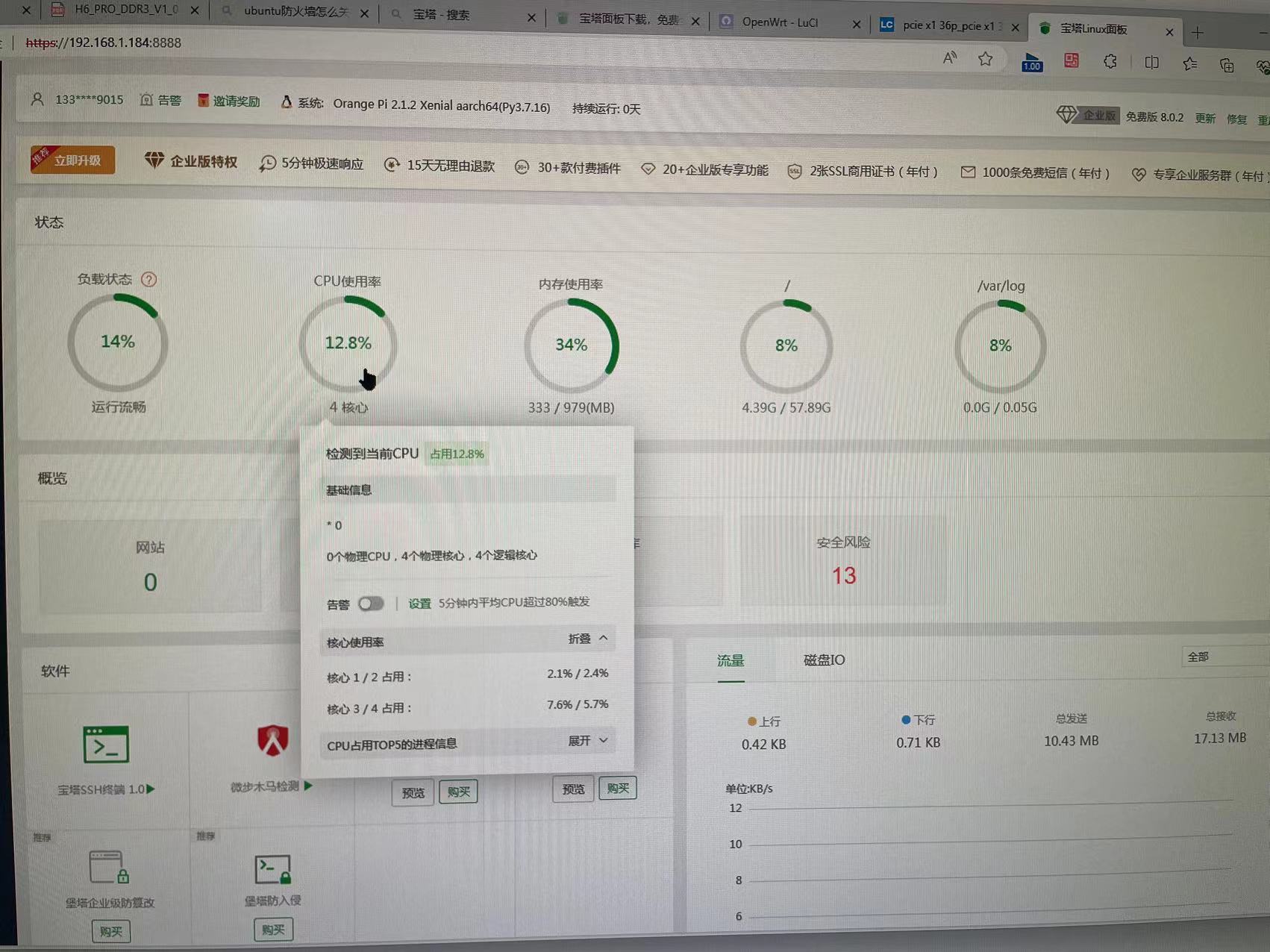
The H5 image is relatively stable with OrangePi PC2 and can install the BT Panel. Orangepizeroplus also works, but it feels a bit strange.
With Ubuntu, H5 requires a USB RTL8188 wireless network card to connect to the internet. Android hasn't connected successfully
yet. I've only tested Ubuntu with Linux so far. Android H3 only supports 4.4, and H5 only supports 5.1. Android 7.0 didn't boot successfully.
The back of the board has a JLCPCB SMT. There aren't many components on the board, so hand soldering isn't too bad.
There might be a problem with the HDMI wiring; if the display setting is above 50Hz, playing Bilibili causes screen flickering (⊙﹏⊙). 4K 30Hz works.
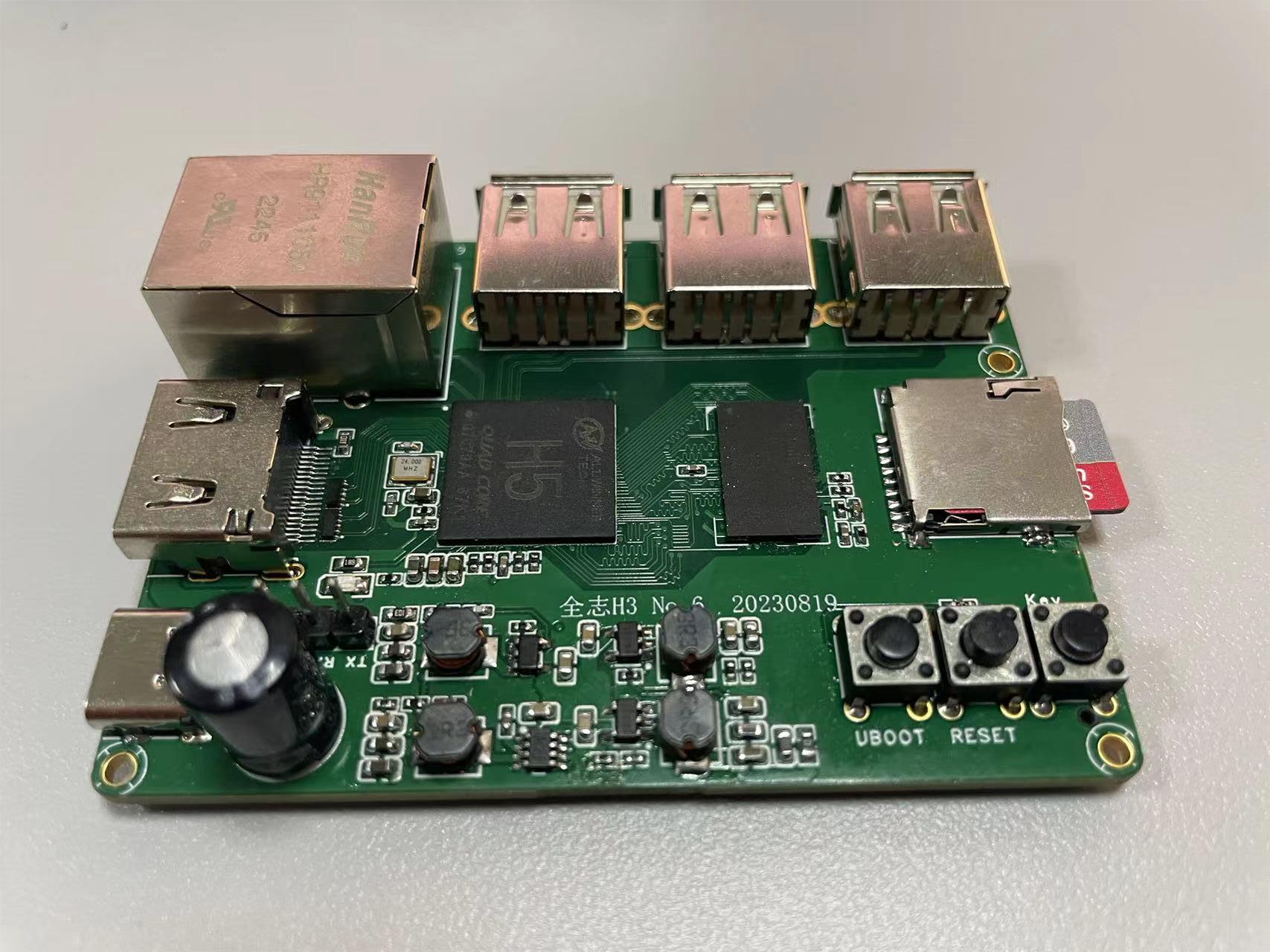
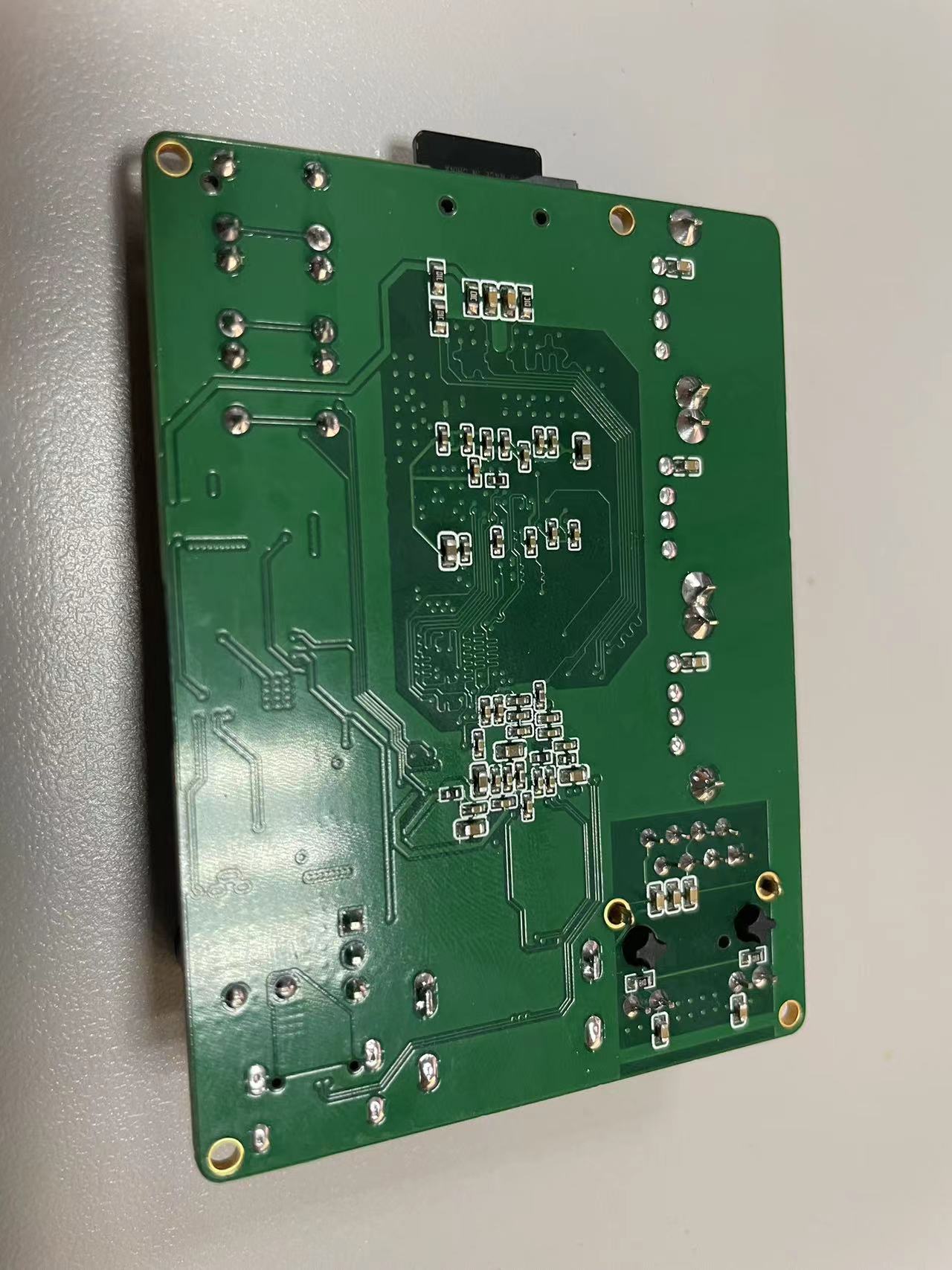
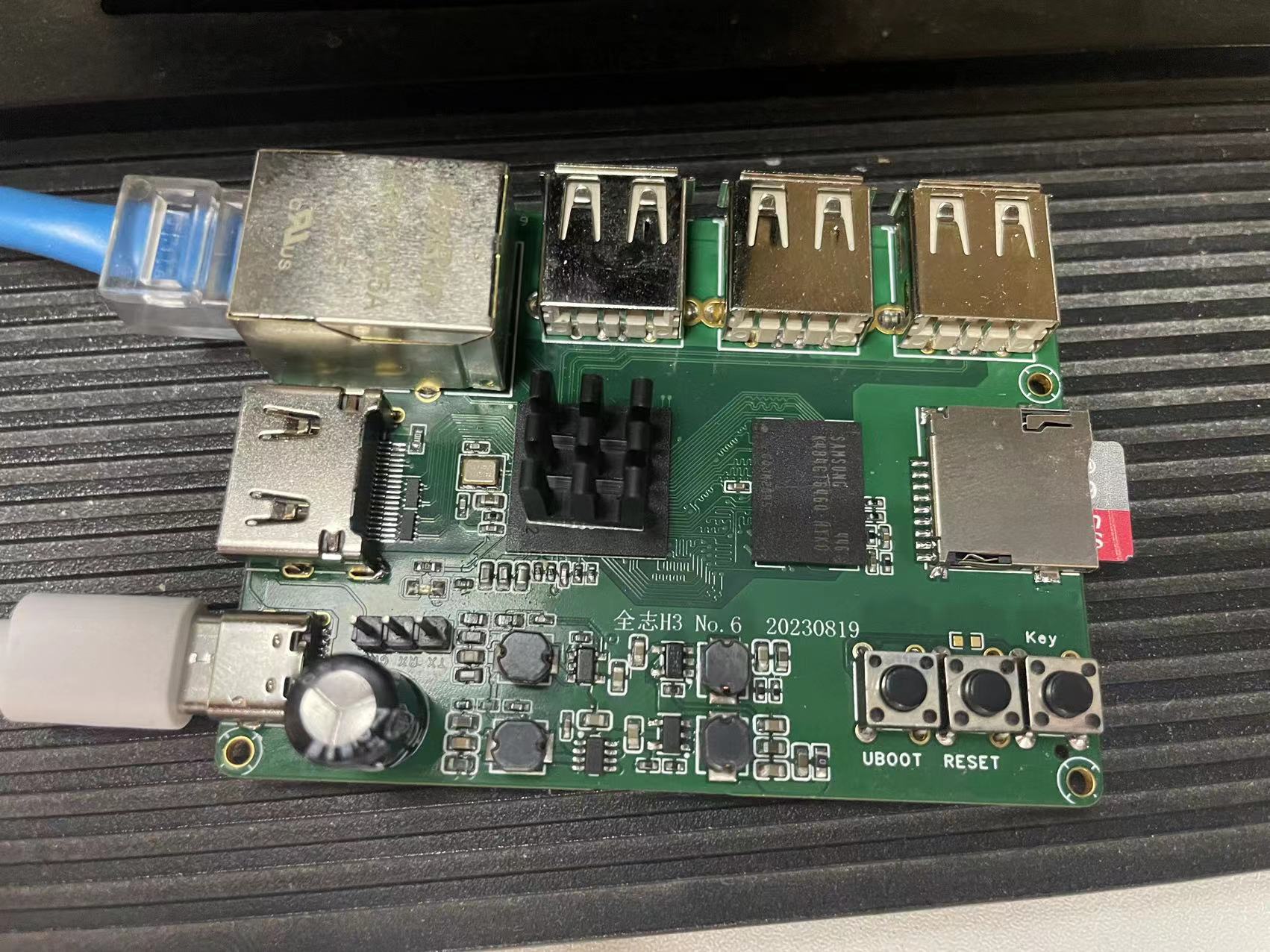
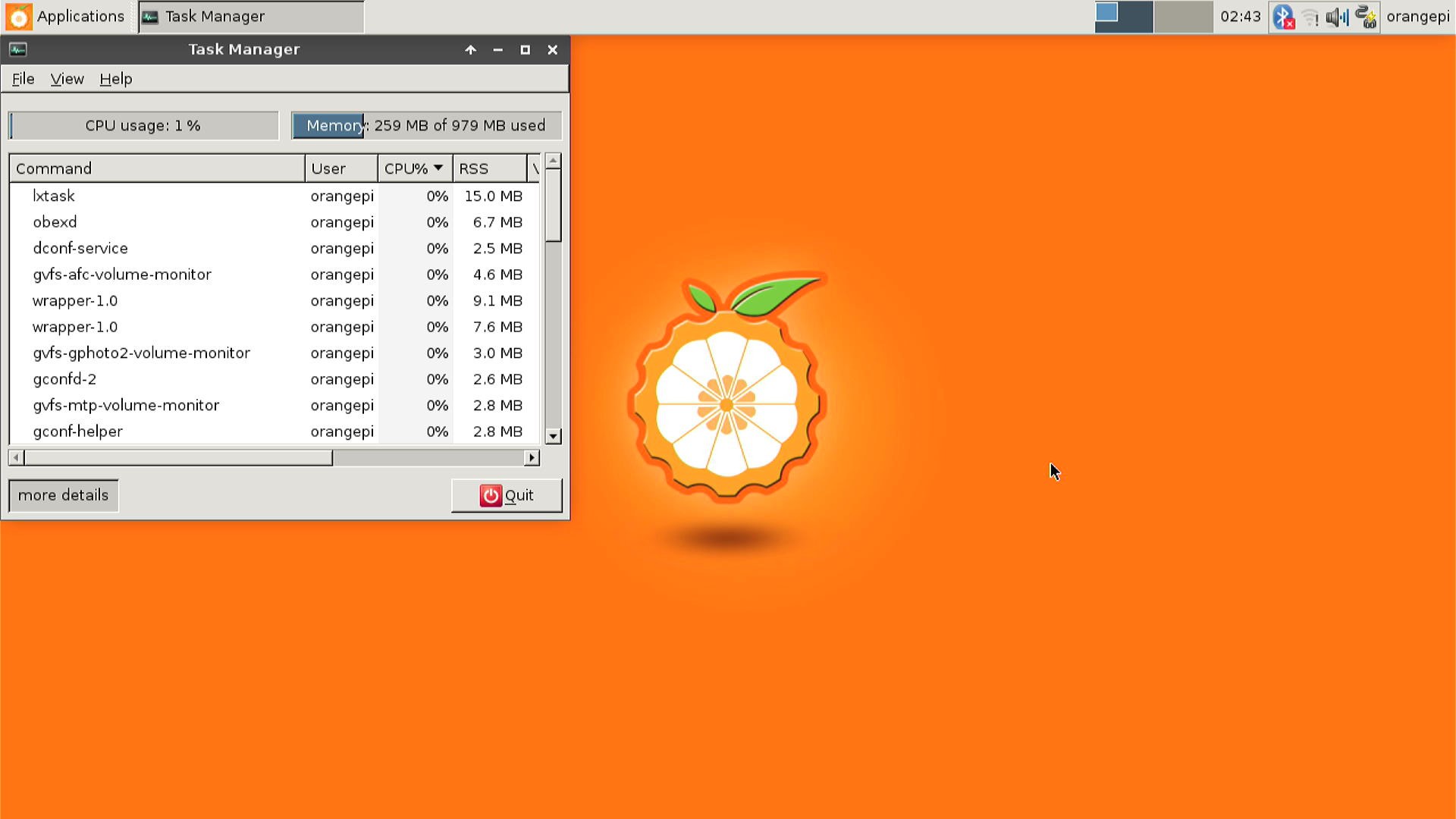
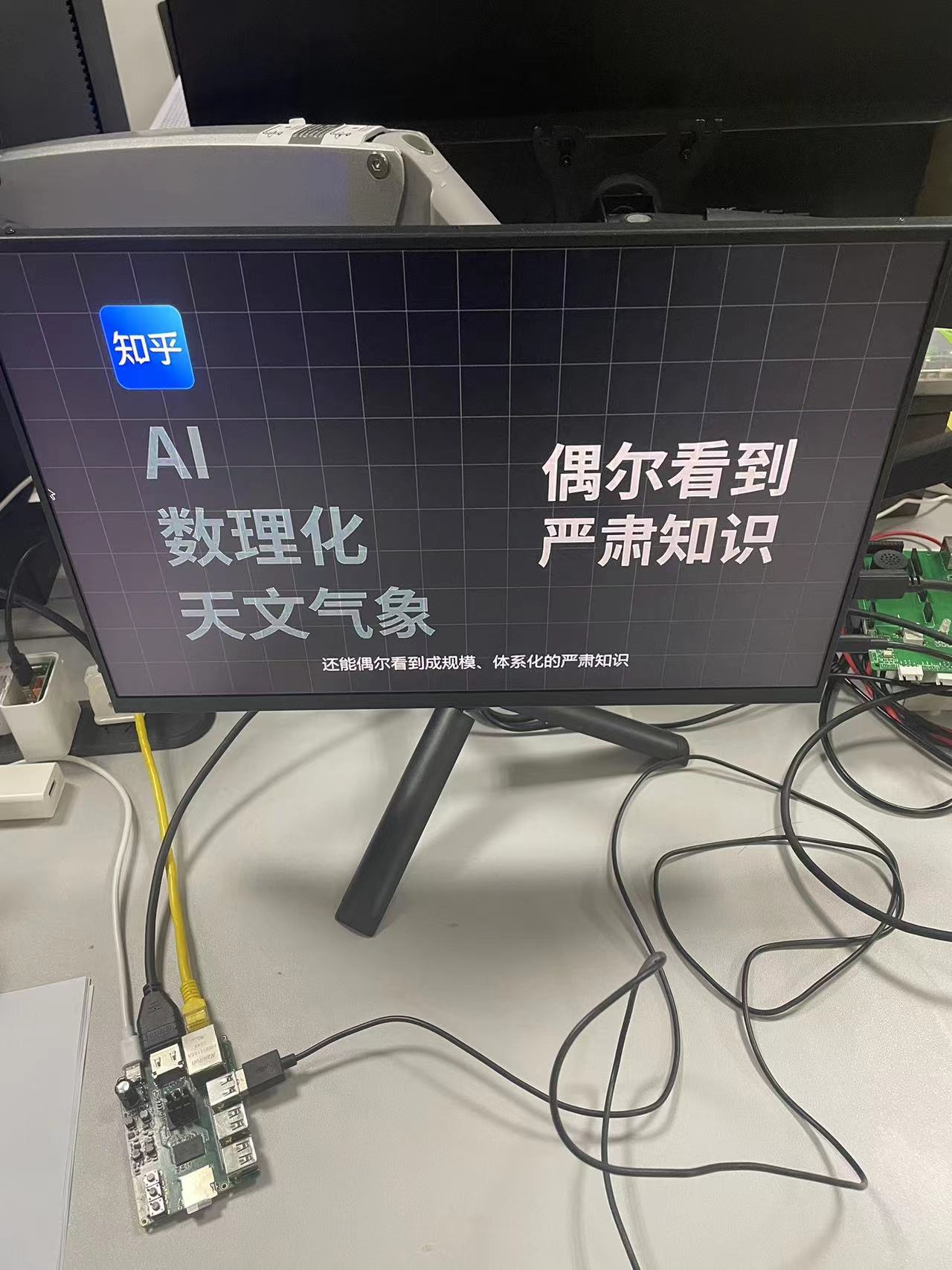
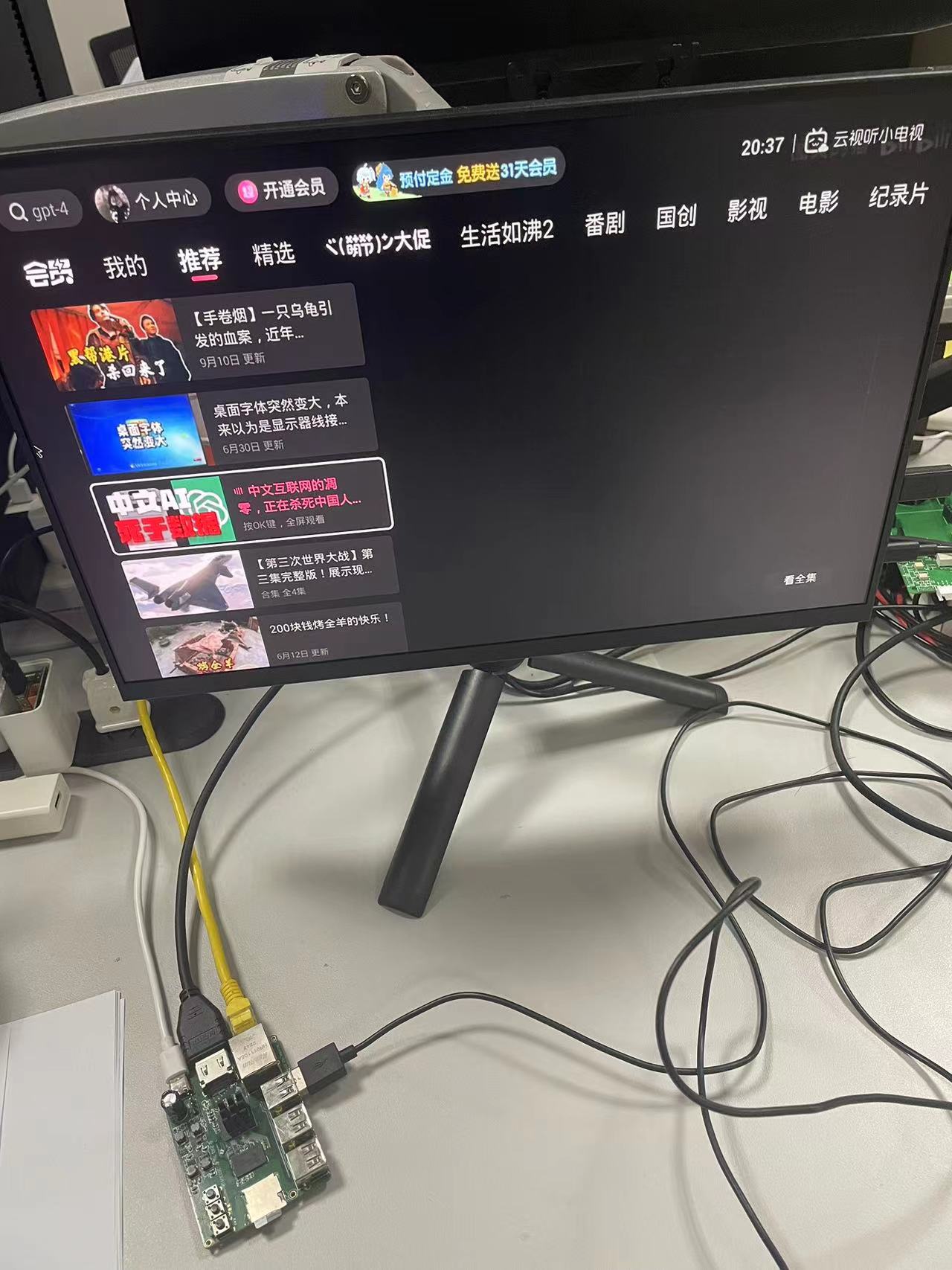
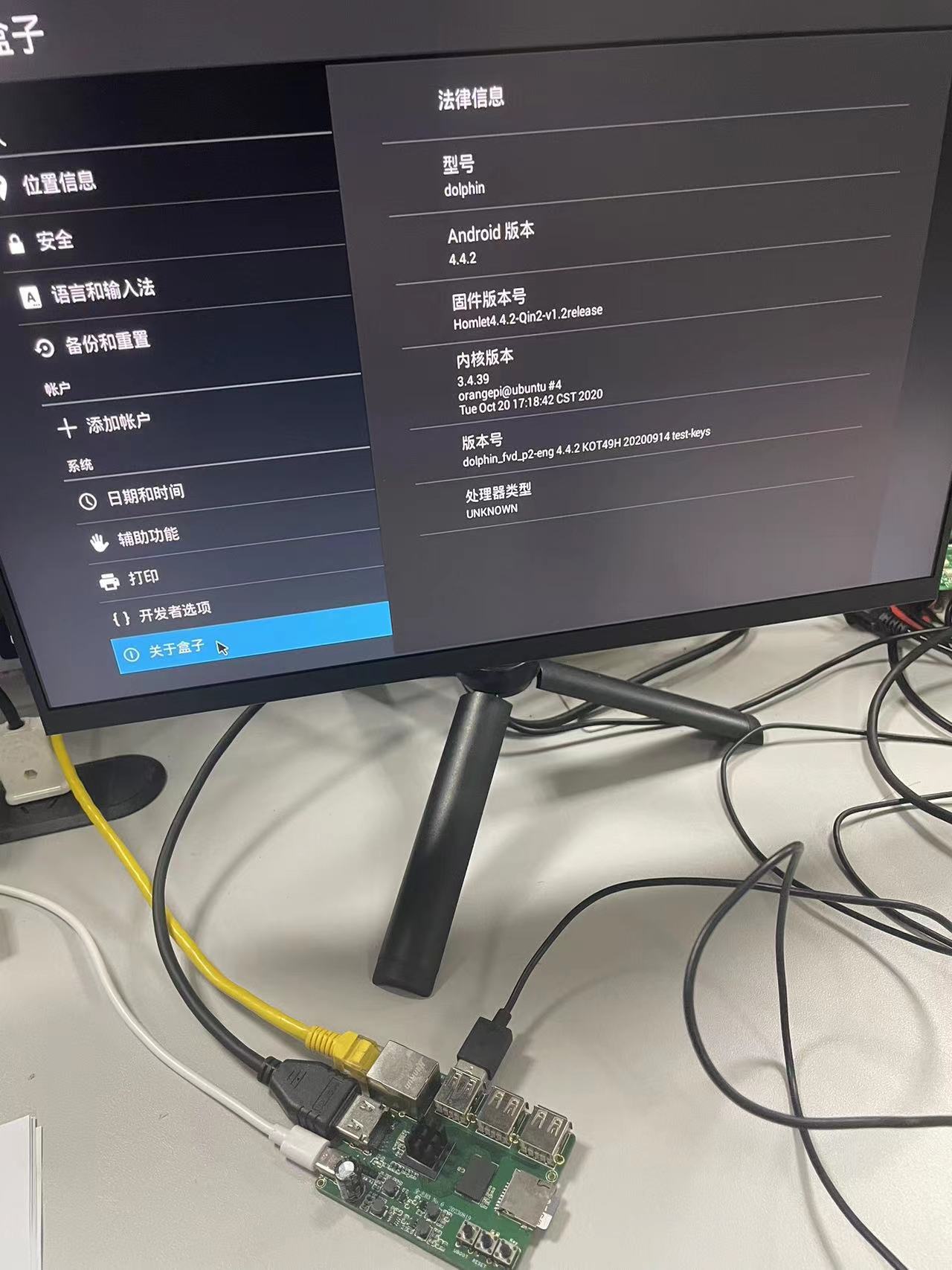
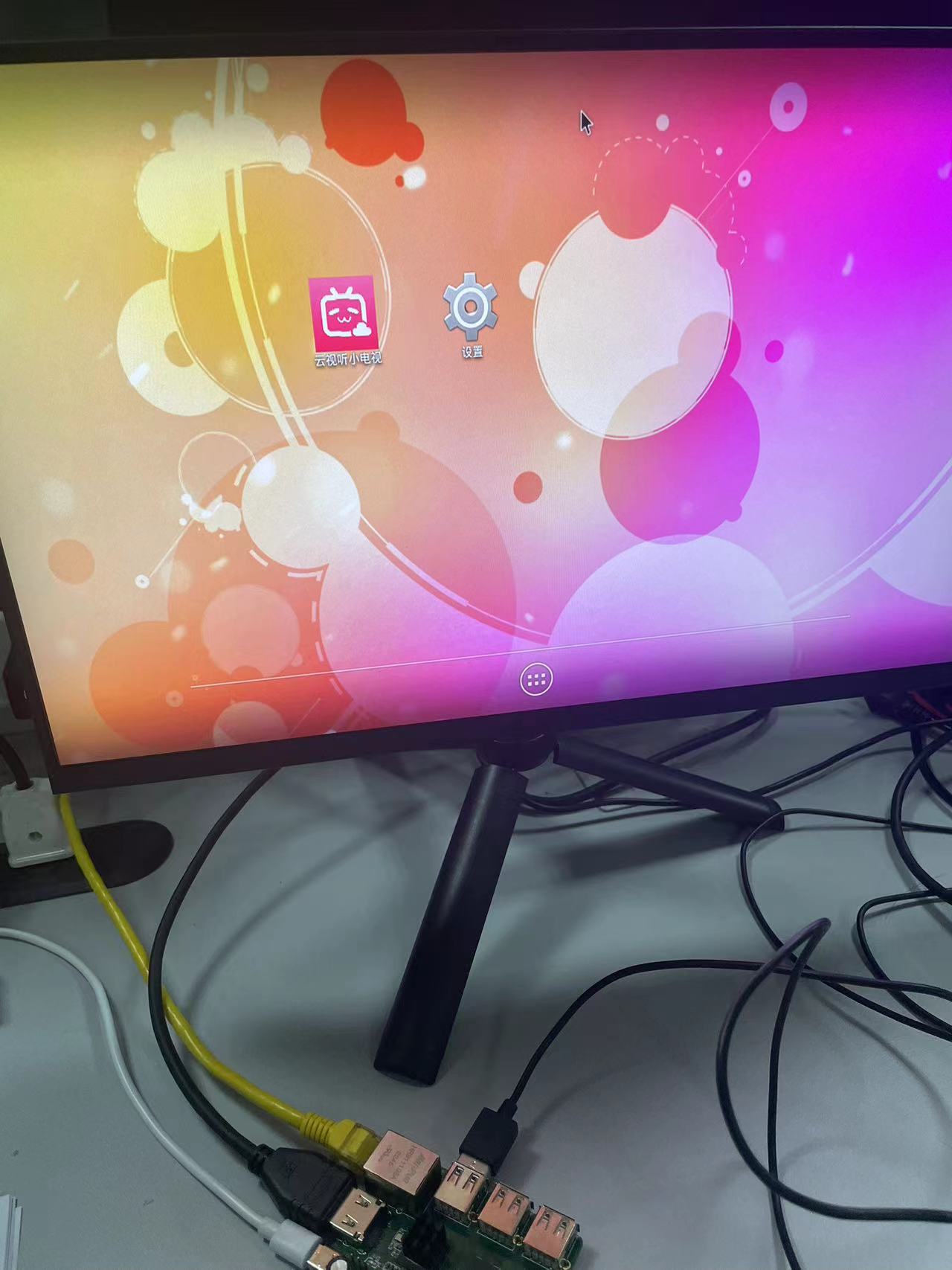
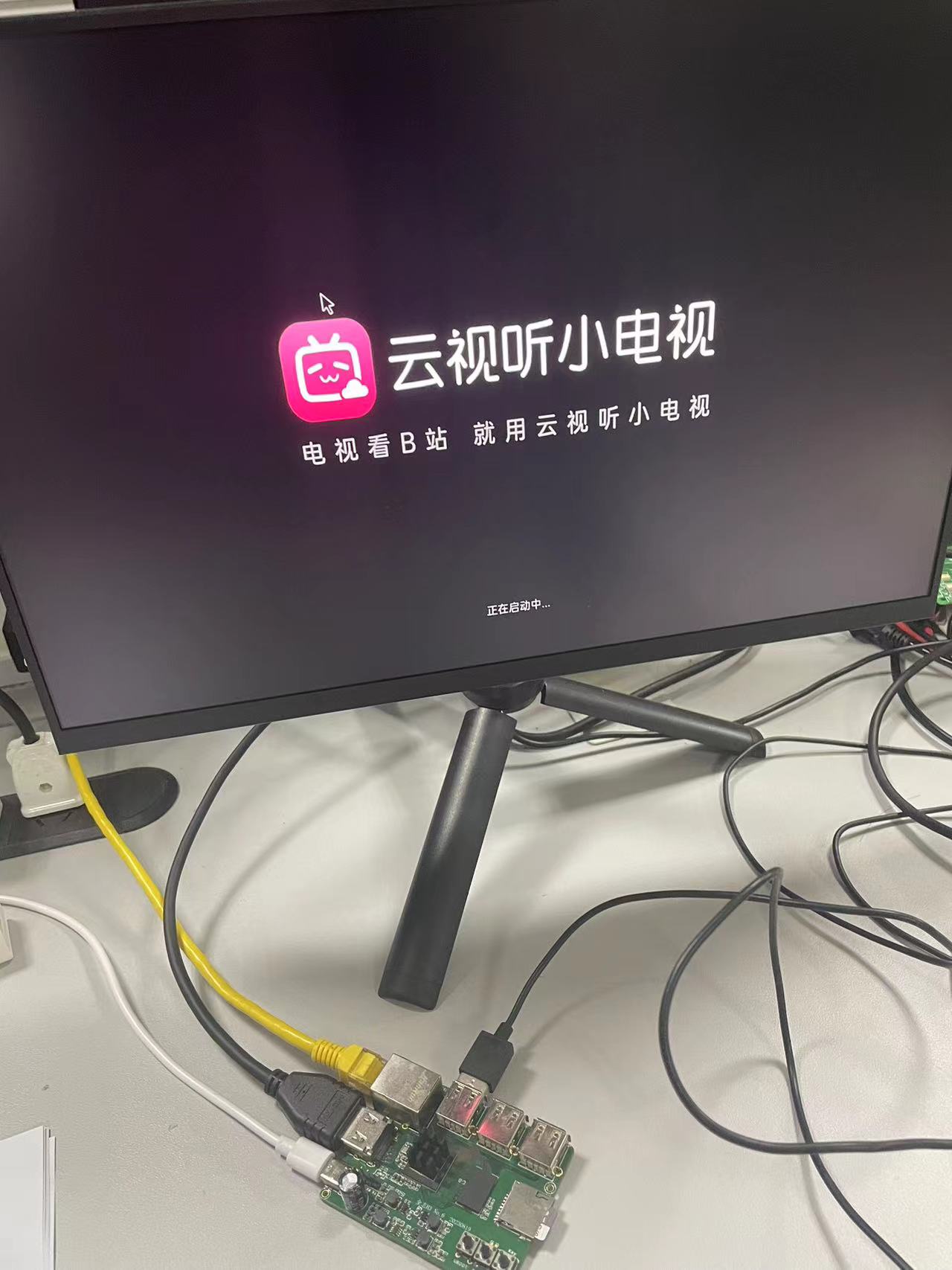
H3 image: http://www.orangepi.cn/html/hardWare/computerAndMicrocontrollers/service-and-support/Orange-Pi-R1.html
The H5 image (http://www.orangepi.cn/html/hardWare/computerAndMicrocontrollers/service-and-support/Orange-Pi-Pc2.html
) will have some GPIO ports added in the next version. This version might only be usable as a server; the performance of ARM-A7 might struggle even on a server, with A53 performing slightly better.
Next, I'll finish debugging the unfinished H6+DDR3 16*2 and RK3328+LPDDR3 open-source versions
. Using 138°C low-temperature solder on the H3 is fine, but the H5's low-temperature solder has already caused cold solder joints after a few days.








 京公网安备 11010802033920号


 MMBZ5258B



