I. Project Origin
The project was inspired by a motion-controlled robotic arm showcased by Songling Robotics at this year's Humanoid Robotics Industry Conference in Beijing. The initial design aimed to allow a motion controller equipped with an IMU to operate a six-axis robotic arm, with a virtual model in a VR headset replicating the actual robotic arm's movements to achieve a digital twin effect. Due to my lack of hardware design skills and funding constraints, I am currently using a PICO VR controller and a 3D-printed three-axis robotic arm as a substitute. The current functionality allows for motion control of the robotic arm via the PICO VR controller, and the virtual robotic arm's movements can be clearly observed while wearing a VR headset. A six-axis robotic arm has been procured, and actuators will be added to its end effector for gripping and other actions controlled by the VR controller.
II. Project Composition
This project has so far achieved motion control and digital twin replication of a 3D-printed three-axis robotic arm, as well as motion control of a six-axis robotic arm. The hardware components include the PICO controller and headset, a PCB control board with an ESP32 microcontroller, a 3D model, the 3D-printed physical object, and the six-axis robotic arm. The software components include the Unity application developed in C# and the ESP32 application. All hardware PCBs, software code, 3D printing models, and BOMs for this project are open source.
III. Hardware Components:
The hardware PCBs for this project were drawn using LCSC EDA Professional Edition, with Solidoworks used for drawing.
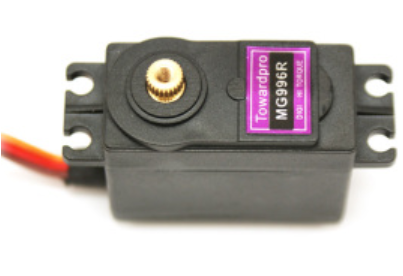
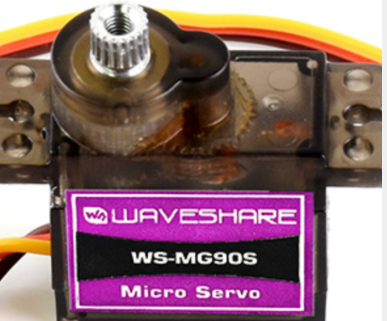
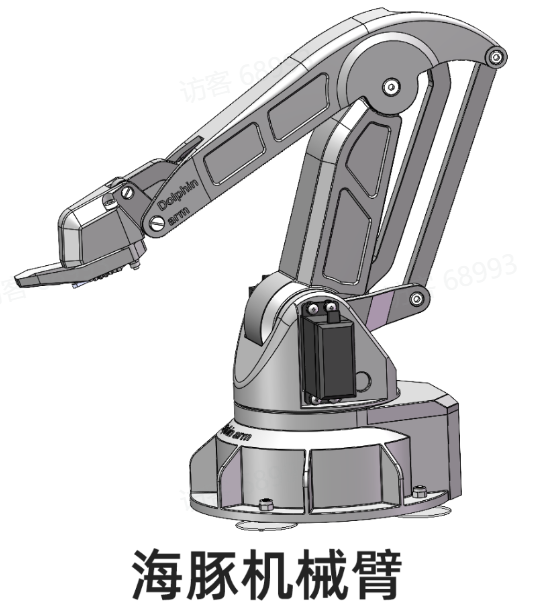
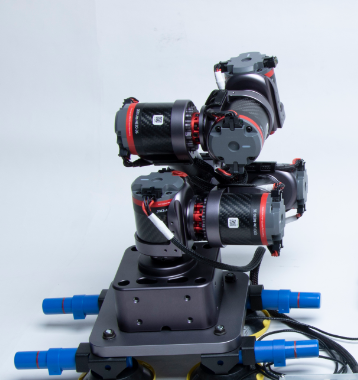
The 3D-printed three-axis robotic arm uses an ESP32 main control chip, with MG996R servo motors for the three axes and MG90S servo motors for the gripper. Serial communication is used between the servo motors and the control board. The purchased six-axis robotic arm uses an STM32F407 main control chip, and UDP is used for communication between the PC and the robotic arm.
MG996S
MG90S
3D-printed three-axis robotic arm,
six-axis robotic arm (model: GLUON-6L3).
The three-axis robotic arm is an open-source Dolphin robotic arm; model and installation instructions are available at: Dolphin Robotic Arm Data | File Download | BOM | Installation Tutorial | Tool Sheet. By Aqi Design Sharing - Feishu Cloud Documents (feishu.cn)
IV. Software Implementation.
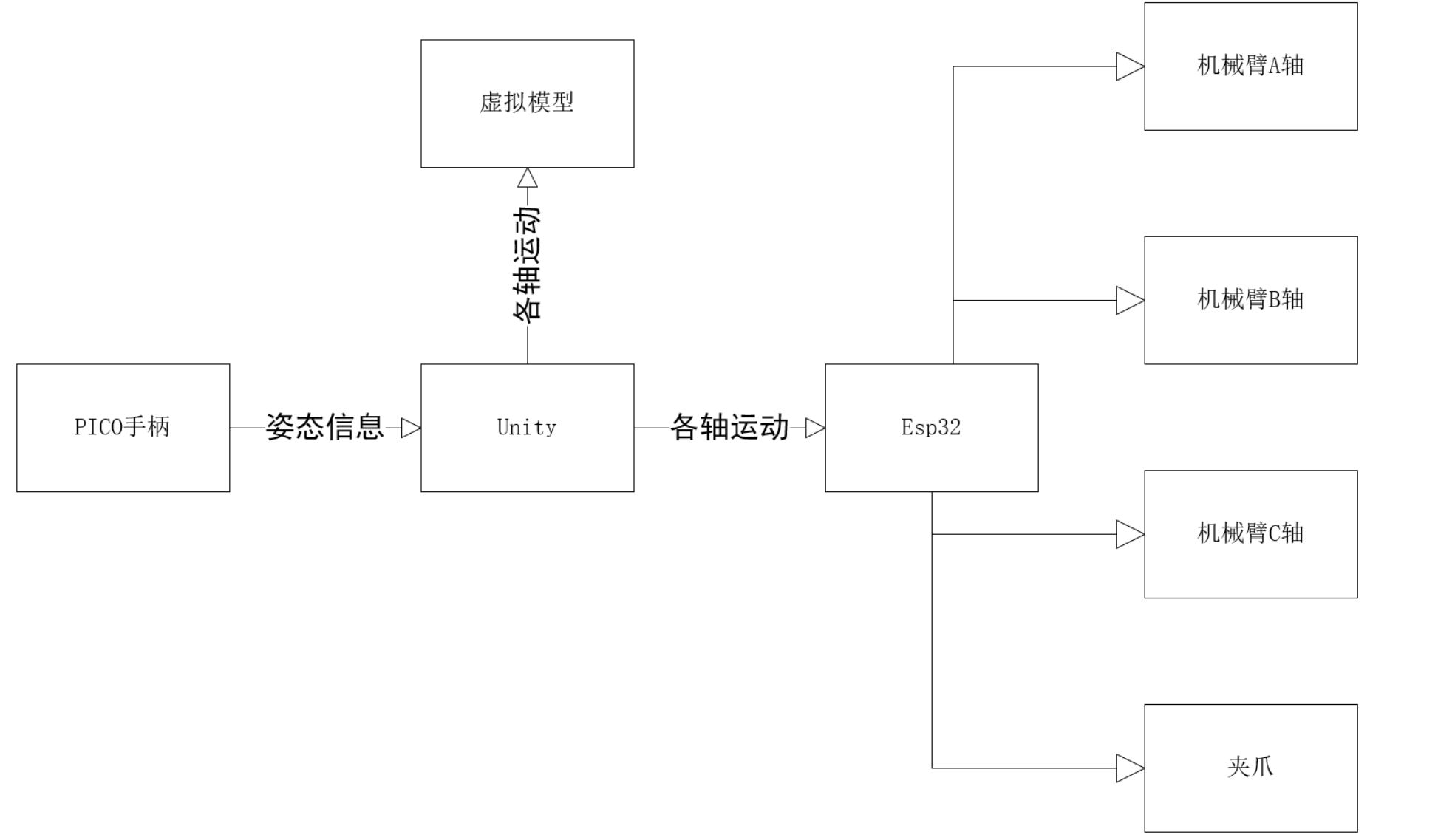
The software approach of this project involves the user holding a PICO VR controller. Unity calls the PICO SDK to obtain the controller's posture information. This posture information is then used as the target posture, and the inverse kinematics of the robotic arm is used to calculate the angles of motion for each axis servo. This information is then sent to an ESP32 microcontroller via serial communication. The ESP32 parses the data from the serial port and sends control commands to the servos on each axis. Simultaneously, a virtual model built in Unity replicates the movements of the real robotic arm.
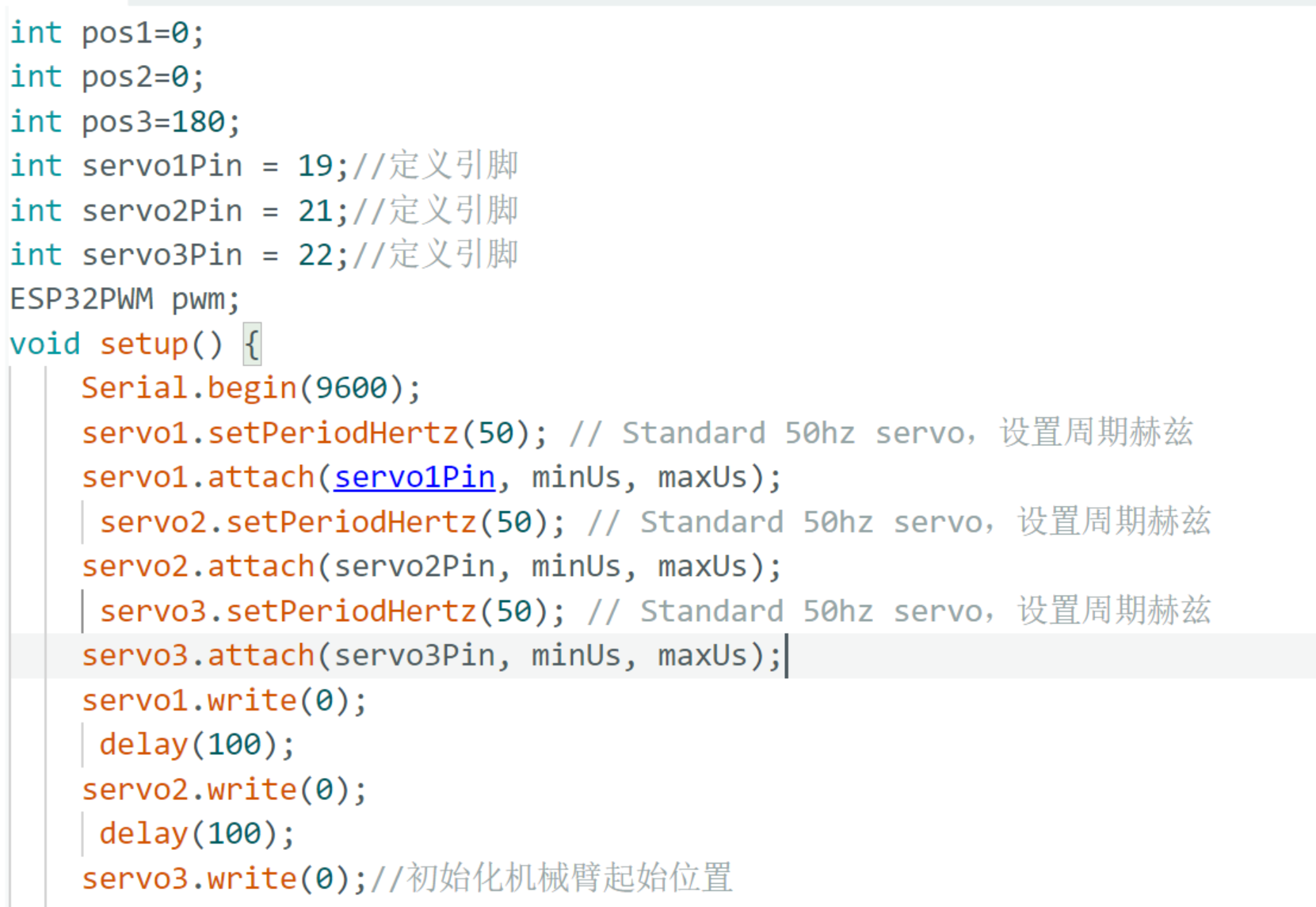
The ESP32 code is developed on an Arduino platform, while the rest of the code is developed on a Unity platform. The servo control uses a simple PWM (
Power Management System
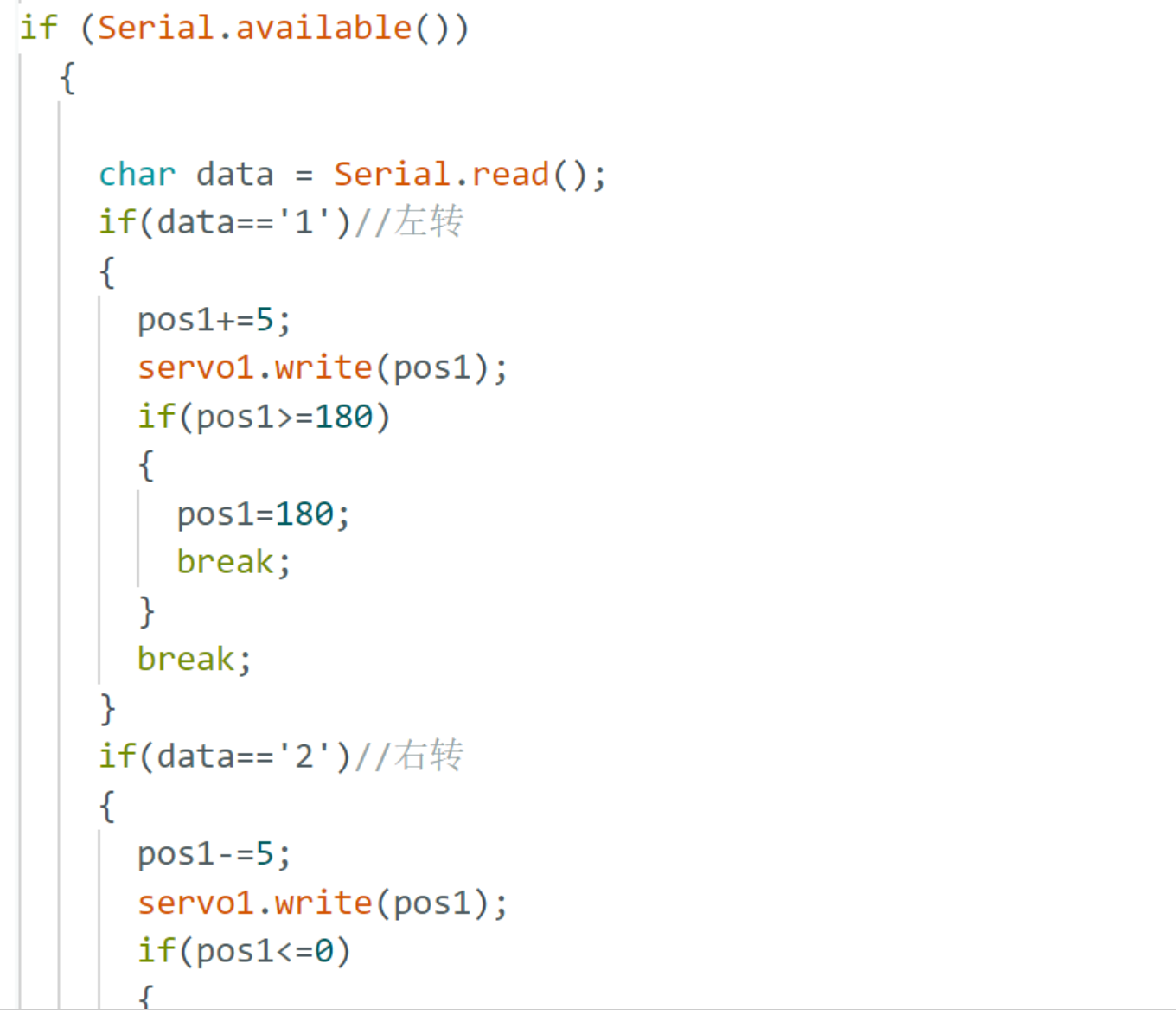
). Given a specific angle, the servo rotates by that angle. The system initializes the servo parameters and positions, continuously listening for data from the serial port in the main loop. Upon receiving data, a judgment is made, and different commands correspond to different actions.
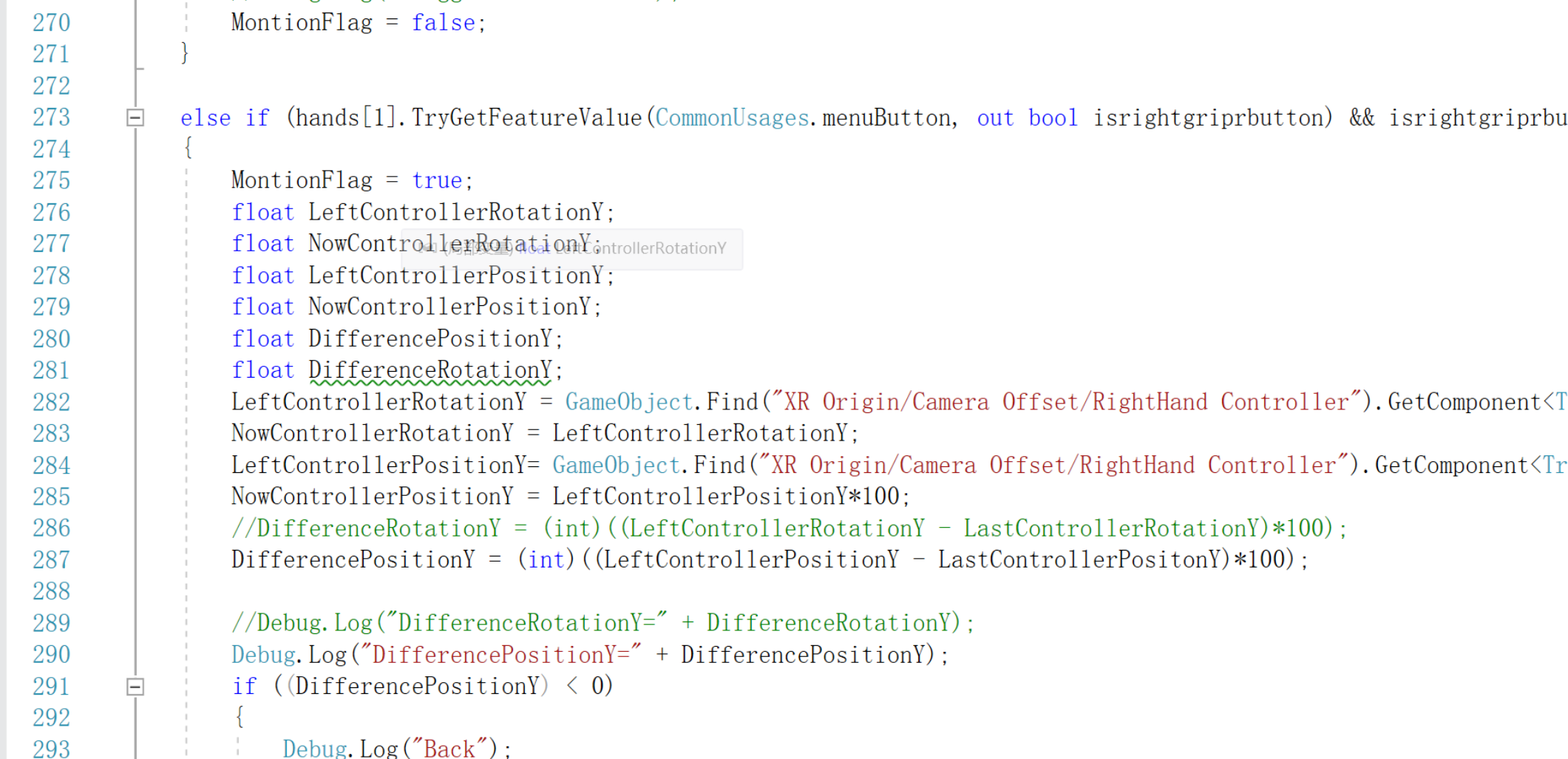
The Unity side primarily handles the PICO controller's posture and displacement data, processes this data, and uses it as the target posture for inverse kinematics calculation of the robotic arm, obtaining the angles of motion for each axis. This data is then sent to the ESP32 microcontroller via serial communication.
The Unity client uses the PICO SDK (Download link: Download | PICO Developer (picoxr.com)) and the streaming debugging software is the PICO Preview Tool (Download link: SDK - Pico Developer Platform).
A tutorial on setting up the PICO environment in Unity is available here: [Unity] Pico VR Development Notes (Basic) _ Unity pico - CSDN Blog. The tutorial
covers converting the actual motion angle of the servo motor to the model angle for
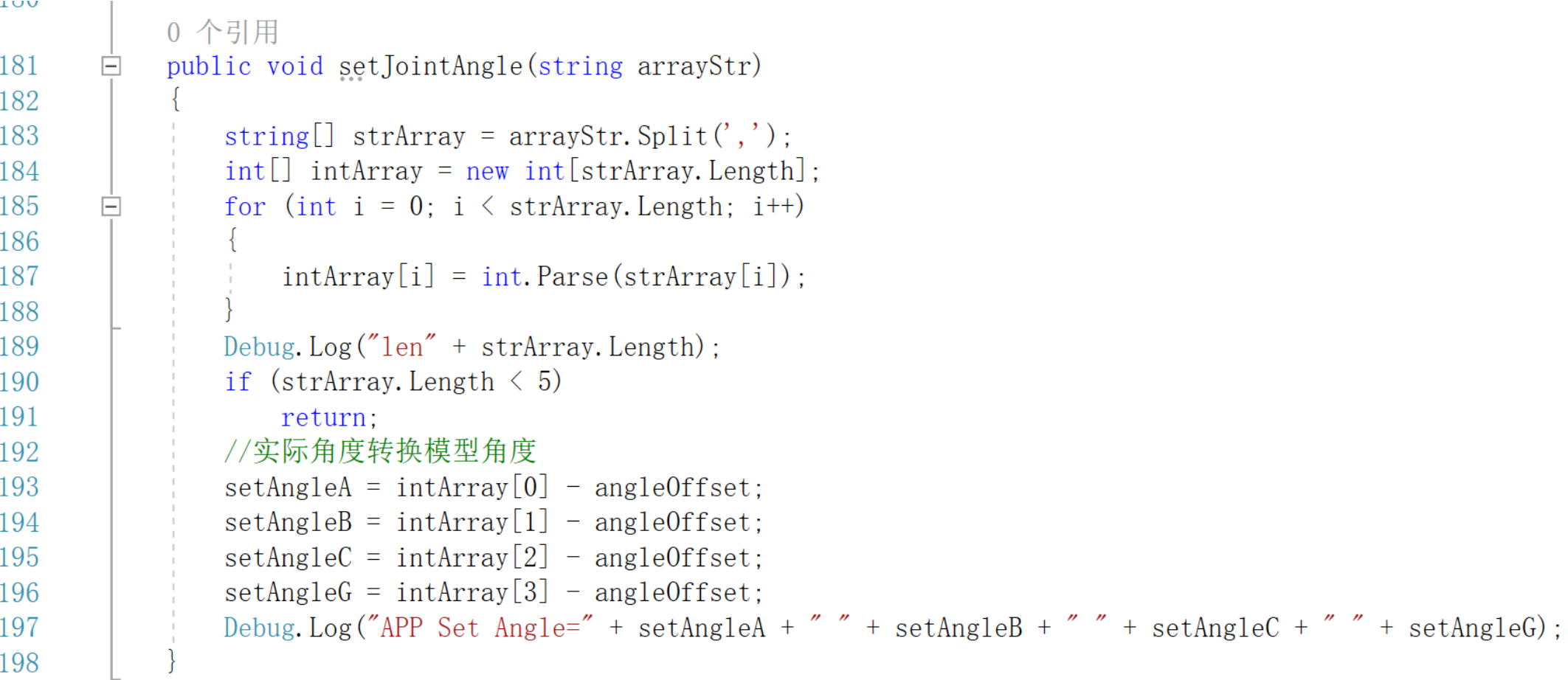
six-axis robotic arm control.
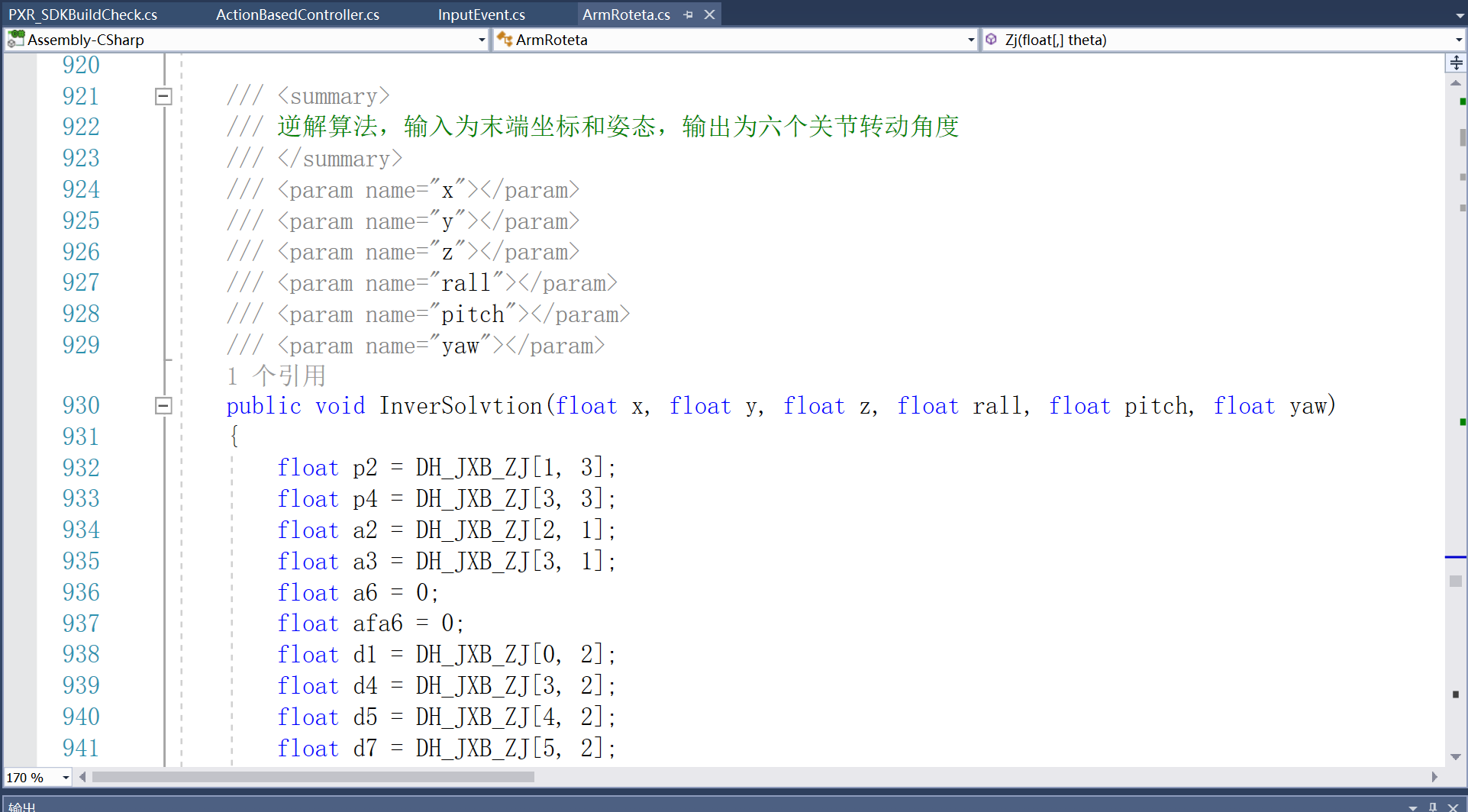
For six-axis robotic arm control, Unity reads the current spatial xyz coordinates and attitude angles (rall, pitch, yaw) of the Pico VR controller. After preprocessing the controller's position and attitude information in the program, the inverse kinematics of the robotic arm is used to calculate the required motion angles of the six joints. The angle of each joint is then converted into the required rotation position of the motor. Finally, this is sent to the robotic arm via UDP communication to control the end effector's movement to the position and attitude of the controller.
(See attachment for details on the robotic arm inverse kinematics algorithm).
A demonstration video is also attached, showing VR controller control of three-axis and six-axis robotic arm motion, and virtual robotic arm model motion.
VI. The materials list (
Excel file) is the BOM list, and the robot compressed package contains the Arduino program. The Unity program is too large to upload as an attachment, so it's uploaded to the cloud drive here: Link: https://pan.baidu.com/s/1KVCvdWZ5VpqTH4Q3Ff790Q Extraction code: 6666
Updated June 17, 2024: Added a program named "Forward and Reverse Engineering Verification" in the robot arm forward and reverse engineering program compressed package. This is a self-made host computer software that verifies the forward and reverse engineering results by inputting them. The file named "Reverse Engineering.cs" is the Unity program for controlling the six-axis robot arm's movement.
Link: https://pan.baidu.com/s/1IZSPyJcEmluvuYYbcTd-bQ Extraction code: 6666
VII. Future Plans
: We will later equip the six-axis robot arm with an end effector to optimize the current motion control effect and make the control more intuitive. We will try to abandon VR controllers and use a self-made motion controller for control.








 京公网安备 11010802033920号


 NTE1749



