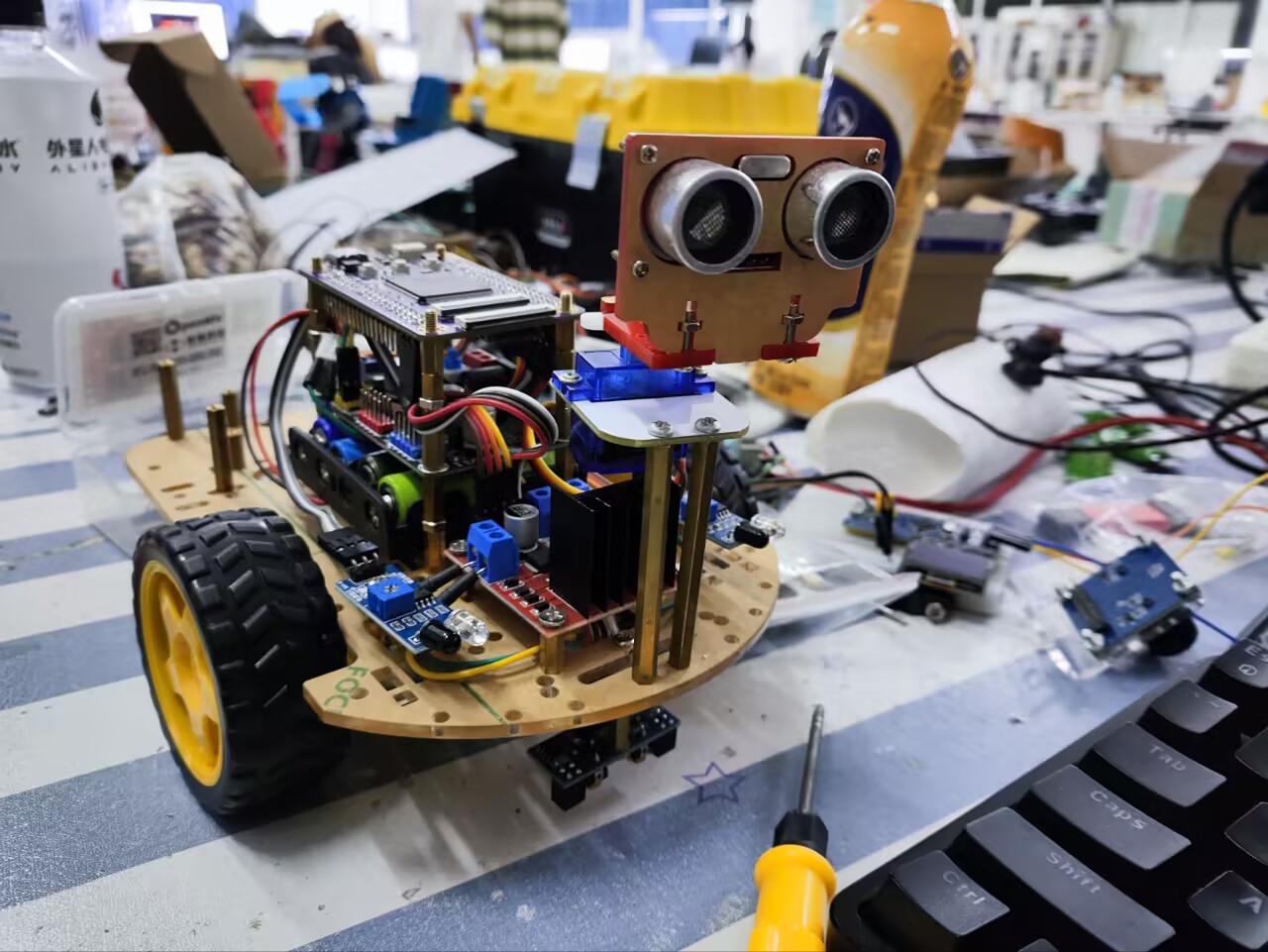
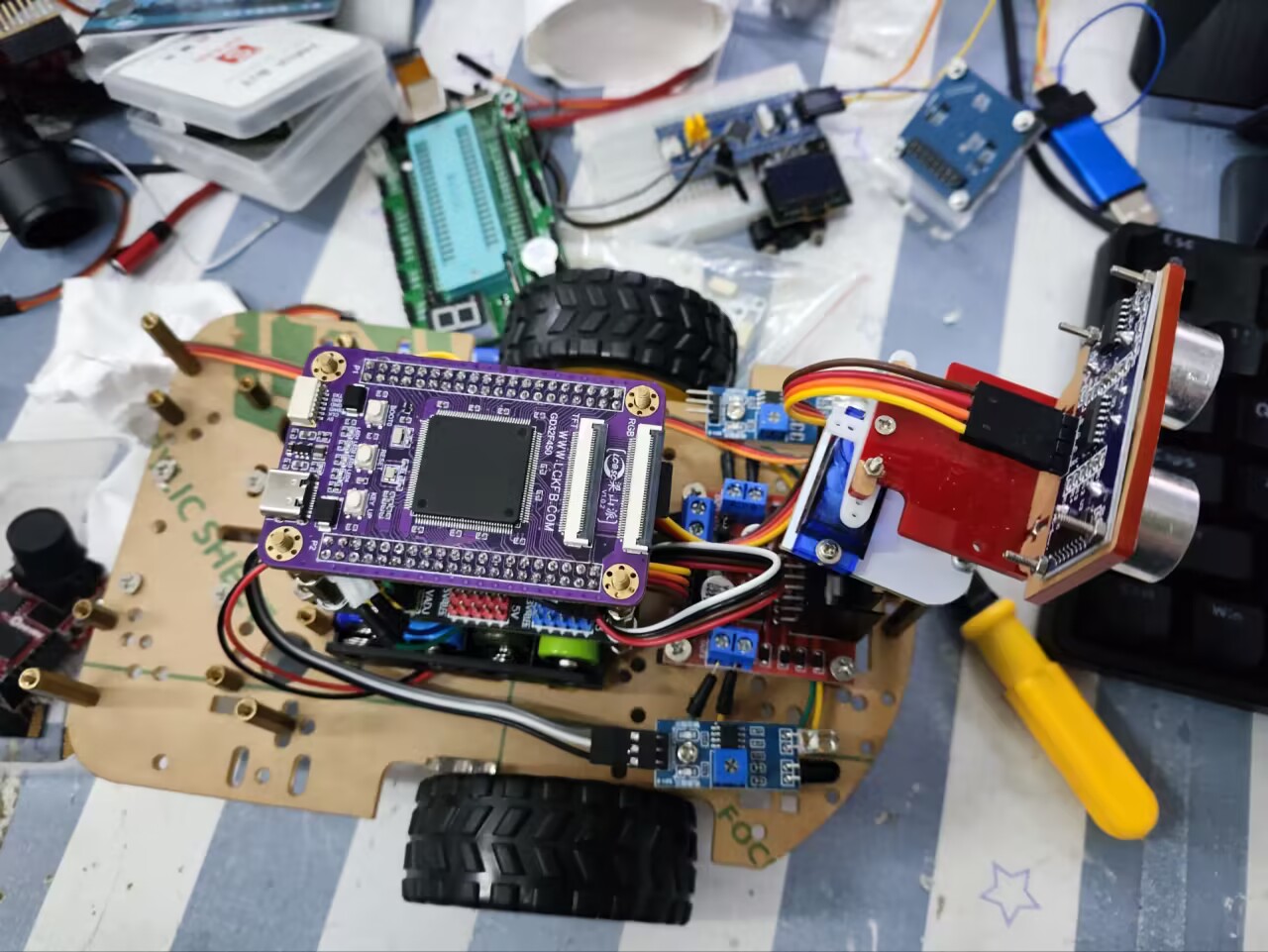
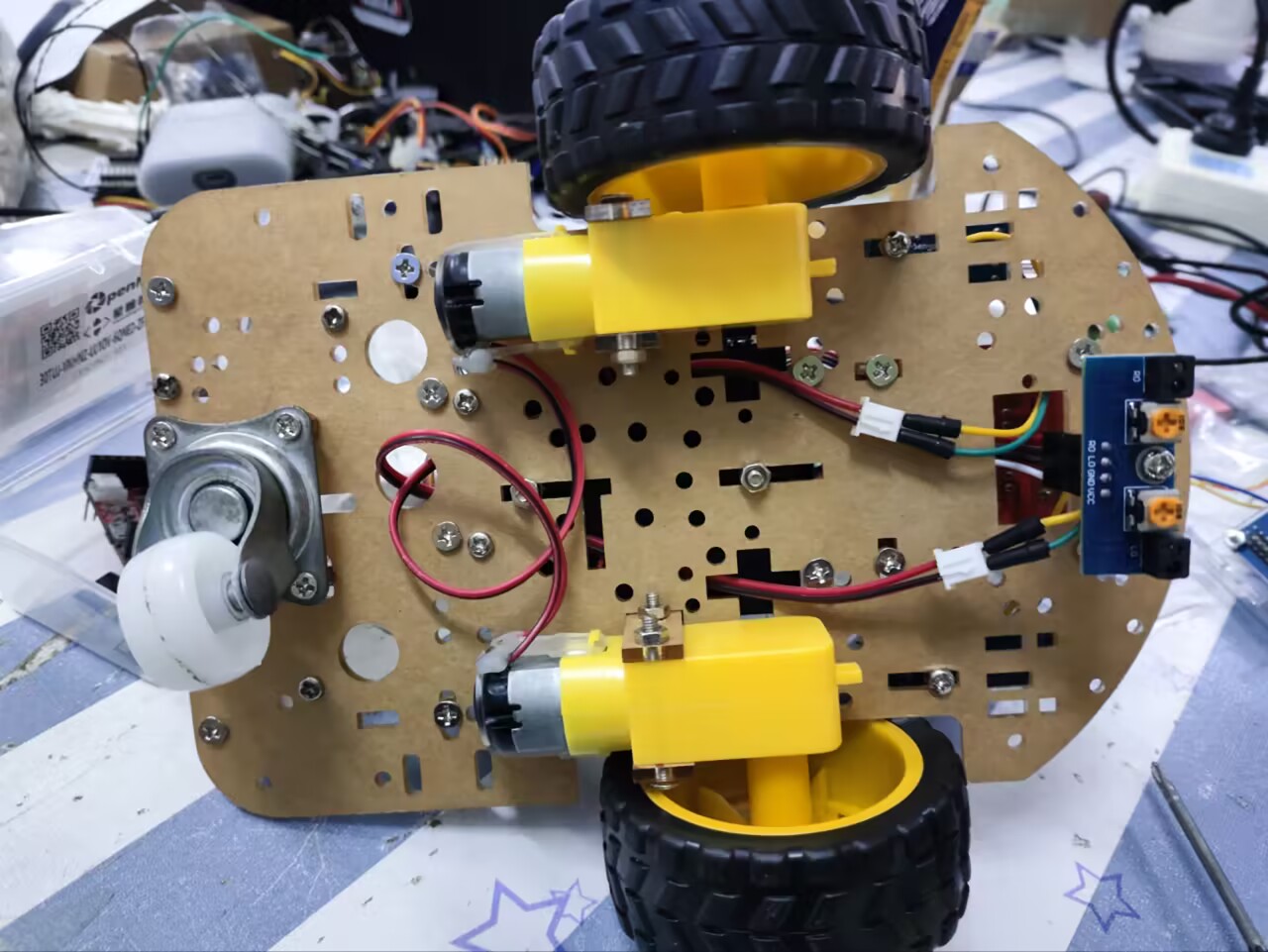
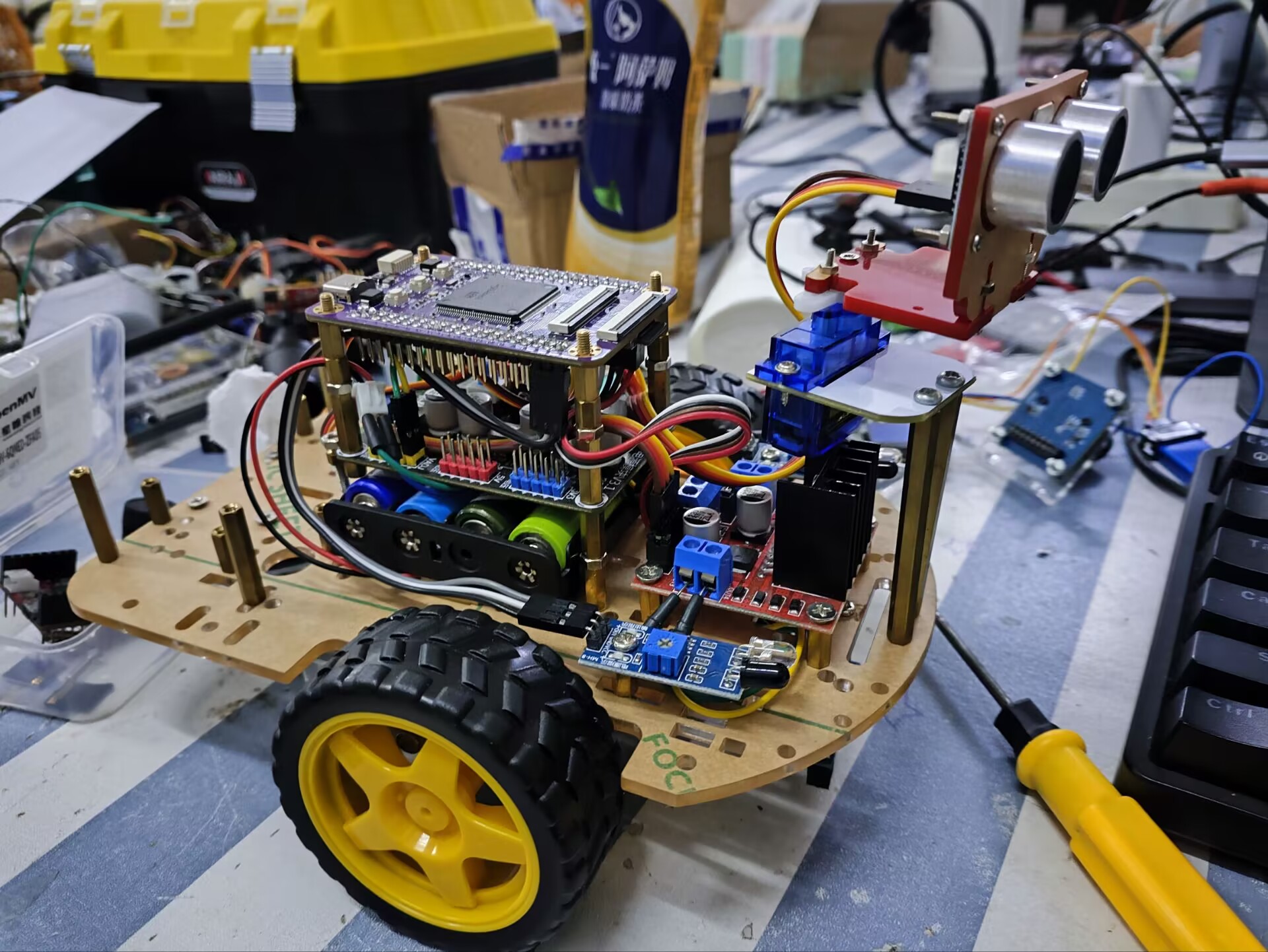
Component Overview:
LCSC Liangshanpai: As the main control unit, it handles all sensor inputs and control signal outputs.
L298N Motor Driver: Drives two geared motors, enabling the robot to move forward, backward, and turn.
Infrared Obstacle Avoidance Module (2 units): Detects obstacles in front of the robot to avoid collisions.
Infrared Tracking Module: Detects preset tracks, allowing the robot to follow them.
Ultrasonic Obstacle Avoidance Module: Provides obstacle detection at greater distances, enhancing the robot's obstacle avoidance capabilities.
Servo Motors: Can be used to adjust the direction of certain parts of the robot (such as cameras, sensors, etc.).
4 AA Batteries: Provide power to the robot.
Longqiu Power Module: Stabilizes the battery voltage before supplying it to the main control unit and other modules, ensuring a stable voltage output.
Geared Motors (2 units): Provide driving force for the robot. Omnidirectional
Wheels: Help the robot turn more flexibly.
Construction Steps:
Assemble the Mechanical Structure: Install the two geared motors and one omnidirectional wheel onto the bottom of the robot, ensuring they can smoothly drive the robot's movement.
Power Connection: Connect four AA batteries to the Longqiu power module, then connect the regulated power supply to the LCSC Liangshanpai and other modules requiring power.
Sensor and Actuator Connection:
Connect two infrared obstacle avoidance modules to the input ports of the LCSC Liangshanpai.
Connect the infrared tracking module to another input port.
Connect the ultrasonic obstacle avoidance module to another input port. Connect
the input port of the L298N motor driver to the output port of the LCSC Liangshanpai, and connect the geared motor to the output port of the L298N.
Connect the servo motor's control port to another output port of the LCSC Liangshanpai.
Control Program Development: Write control programs using appropriate programming languages (such as C/C++, Python, etc.) to implement the robot's obstacle avoidance, tracking, and other functions.
Testing and Debugging: Test the robot's functionality in a safe environment, ensuring all sensors and actuators are working properly, and debug as needed.
Skills Acquired:
1. Hardware Development Capability
1.1 Learning Embedded Project Circuit Analysis:
Read and understand classic embedded project schematics, such as game console hardware circuits.
Learn how to analyze key parts of the circuit, such as power supply, signal processing, and communication interfaces.
1.2 Component Selection and Datasheet Reading:
Learn how to select appropriate components based on requirements.
Read and understand component datasheets, including their basic characteristics, operating parameters, and limitations.
1.3 Schematic and PCB Design:
Use CAD software (such as Altium Designer, KiCad, etc.) for schematic design.
Learn PCB layout and routing rules, and perform PCB design.
1.4 Understanding Specific Circuit Design:
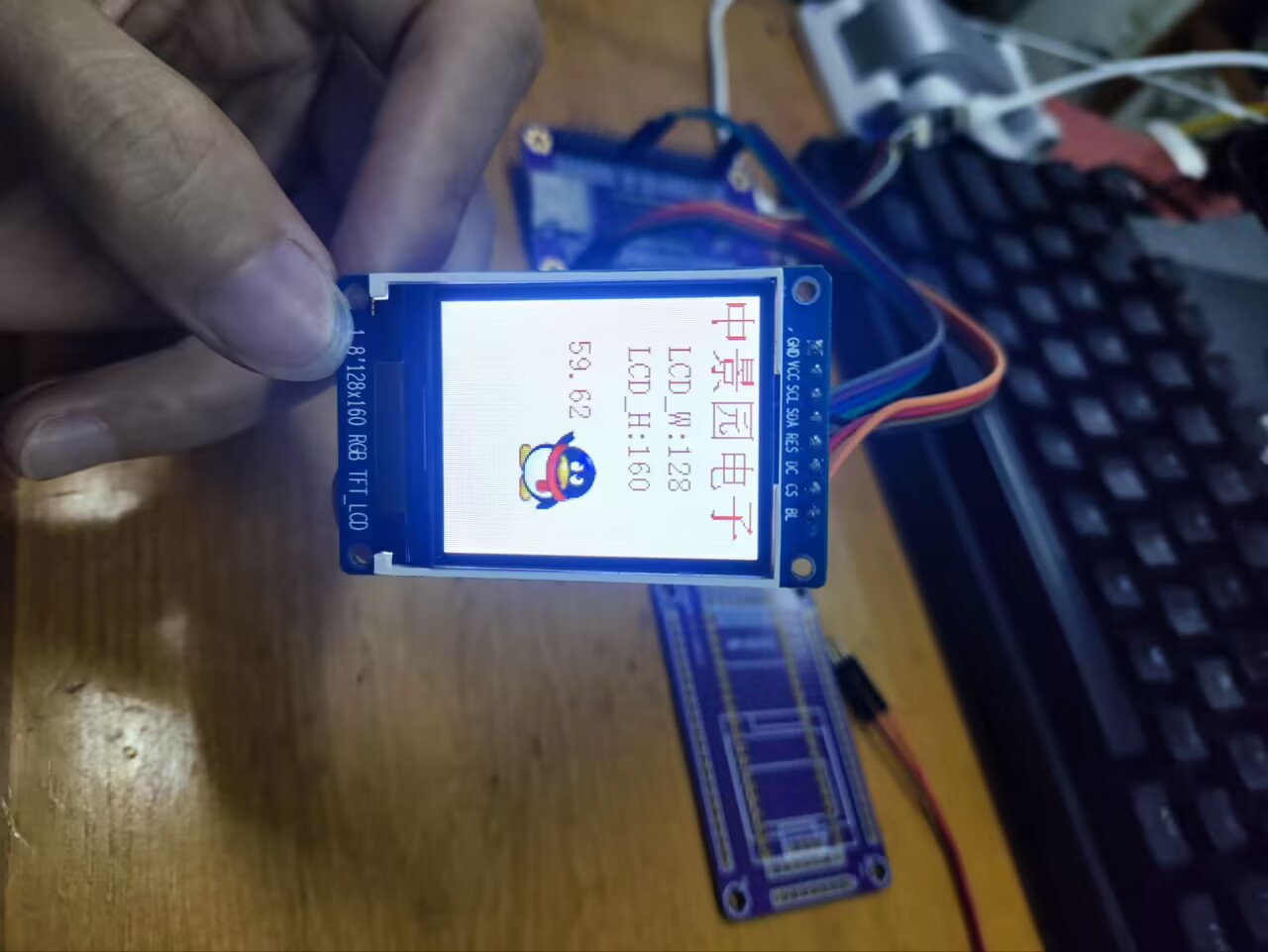
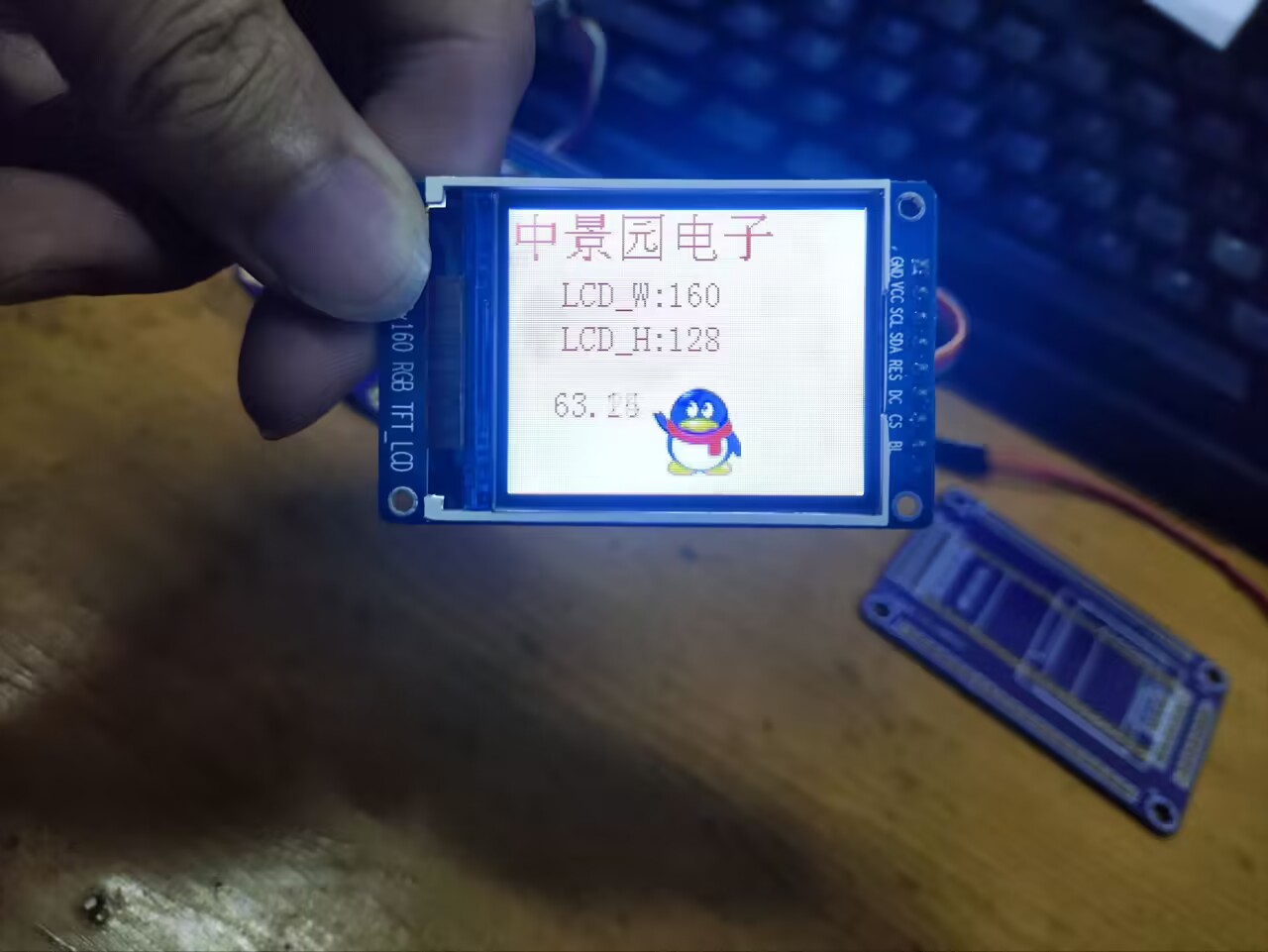
In-depth study of the working principles and design considerations of circuits such as SPI screens, analog buttons, and audio amplifiers.
1.5 Instrument Usage and Circuit Analysis Skills :
Master the use of instruments such as multimeters, oscilloscopes, signal generators, and student power supplies.
Learn to use these instruments for circuit analysis, troubleshooting, and performance optimization.
1.6 Component Soldering and Hardware Debugging:
Master the use of tools such as soldering irons and hot air guns.
Learn how to solder components, debug circuit boards, and troubleshoot.
2. Software Development Capabilities
2.1 GD32 Basic Functions and Peripheral Usage:
Learn the architecture, functions, and peripheral interfaces of the GD32 microcontroller. 2.1 **ADC Acquisition Principle and Implementation
:** Learn the working principle and configuration methods of ADC (Analog-to-Digital Converter). Write code to implement ADC acquisition for reading five-way button values and battery voltage. 2.3 **DAC Principle and Audio Output :** Learn the working principle and audio encoding formats of DAC (Digital-to-Analog Converter). Write code to implement audio output, such as playing sound effects. 2.4 **SPI Protocol and LCD Driver: ** In-depth study of the SPI communication protocol and its application in LCD drivers. Write LCD driver code to display content on the screen. 2.5 **Image Extraction and UI Interface Creation: ** Learn image extraction methods and convert images to a format displayable on the LCD. Use graphic design software (such as Photoshop, GIMP, etc.) to create the UI interface. 2.6 **Basic Working Principles: ** Understand the basic working principles of a game console, such as logic, data storage, and retrieval. Write code to implement the basic functions of a small car, such as character control and action execution. 2.7 **Embedded Software Development and Debugging: ** Master the basic processes and methods of embedded software development. Learn to use debugging tools (such as J-Link, Keil, etc.) for code debugging and performance optimization. Learn how to read and modify open-source code to improve development efficiency and quality. 3. System Debugging and Integration: Integrate the hardware and software components and perform system debugging. Test whether the various functions of the car are working properly, such as display, button control, audio output, etc. Troubleshoot and modify according to the test results until the car is fully functional and stable. 4. Summary and Improvement : Summarize and reflect on the entire development process, identify shortcomings and areas for improvement. Continuously learn new technologies and knowledge to improve your embedded system development capabilities. Participate in more practical projects to accumulate experience and improve practical skills. Precautions: Regularly check the robot's mechanical structure and electronic component connections to ensure they are in good working order. Adjust the sensitivity of sensors and the response speed of actuators as needed to obtain optimal performance.








 京公网安备 11010802033920号


 XC6366C405MR



