6DSf9AfFY

WiFi desktop decorations based on ESP8266

 
Overview
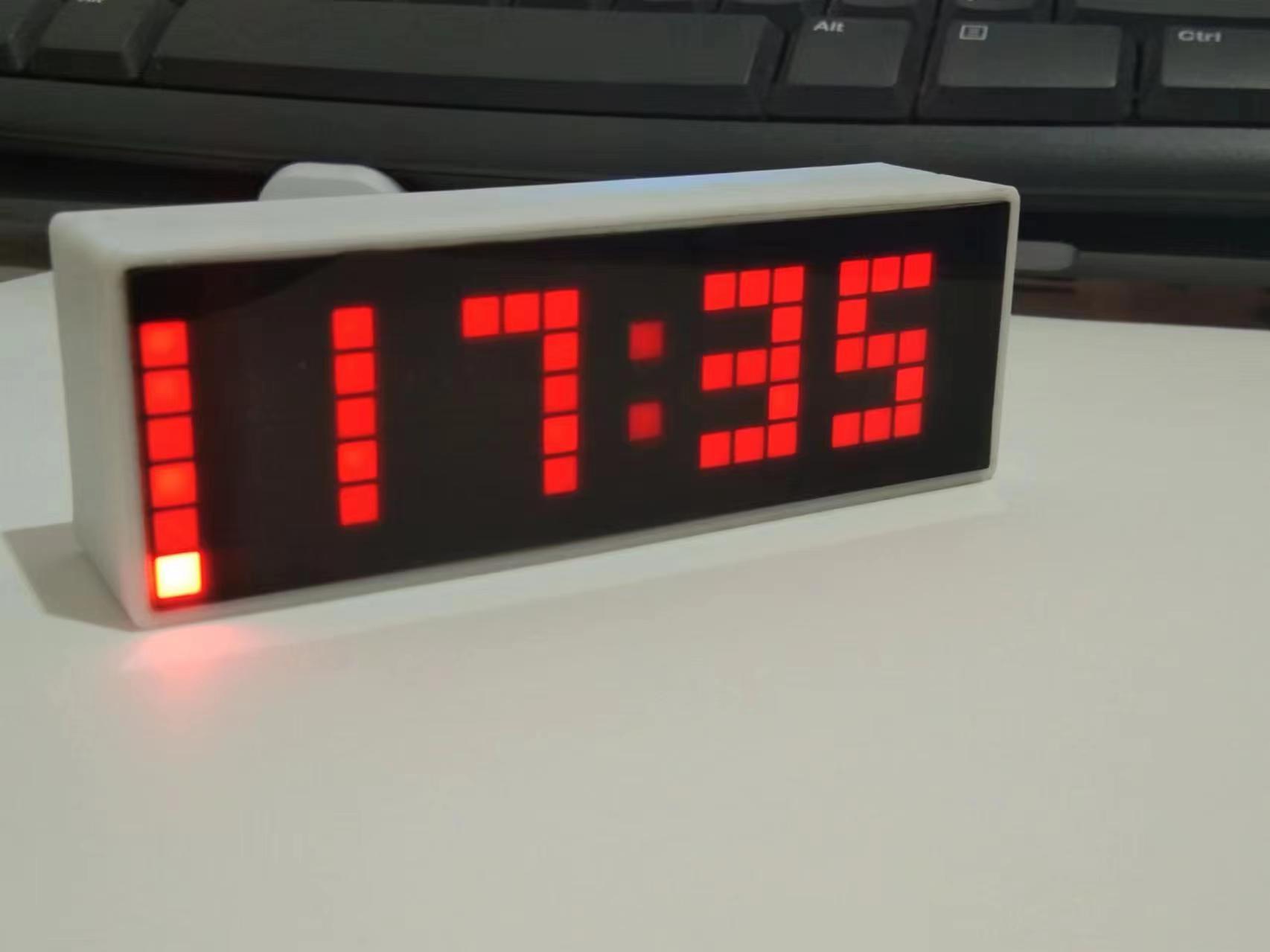
WiFi Desktop Fixture Based on ESP8266
 
1. Product Introduction
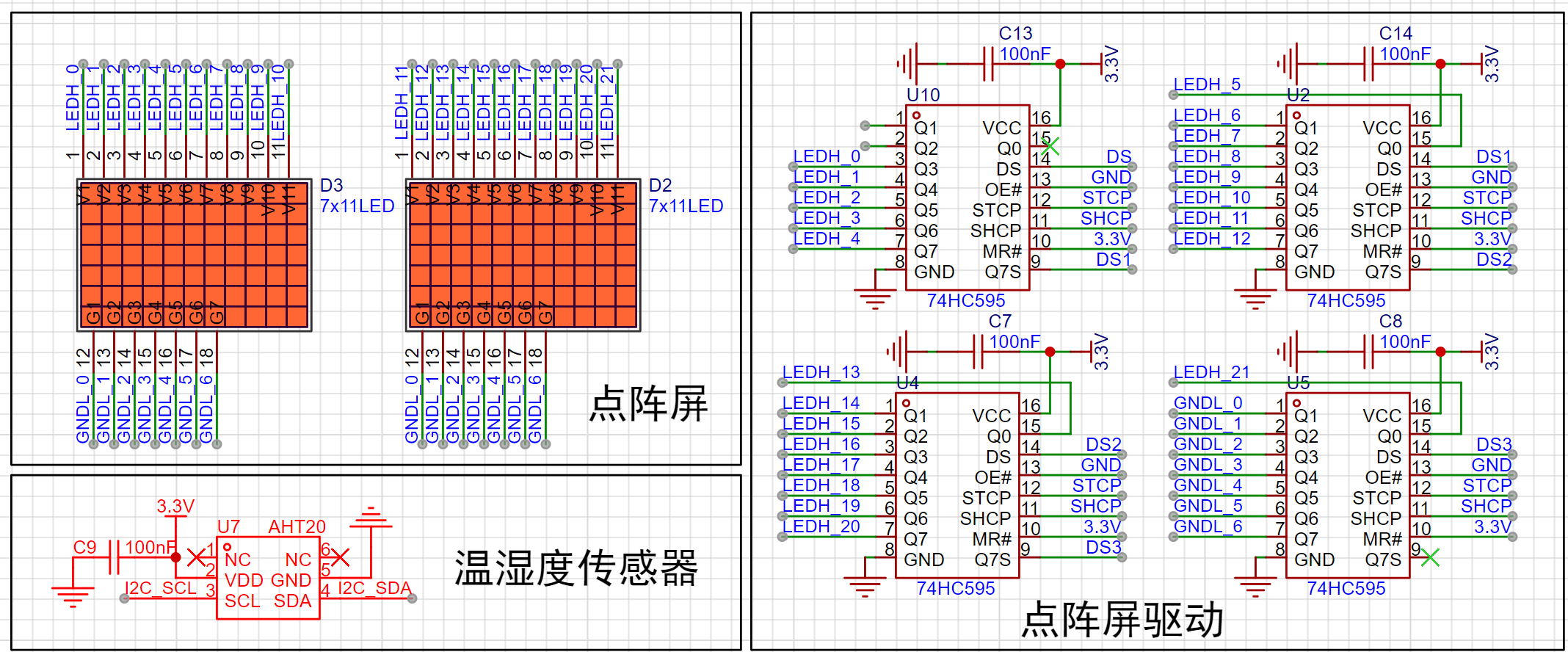
This product is a desktop fixture based on ESP12-F and 74HC595 for dynamic scanning with a resolution of 7*22.
 
2. Serial Port Programming
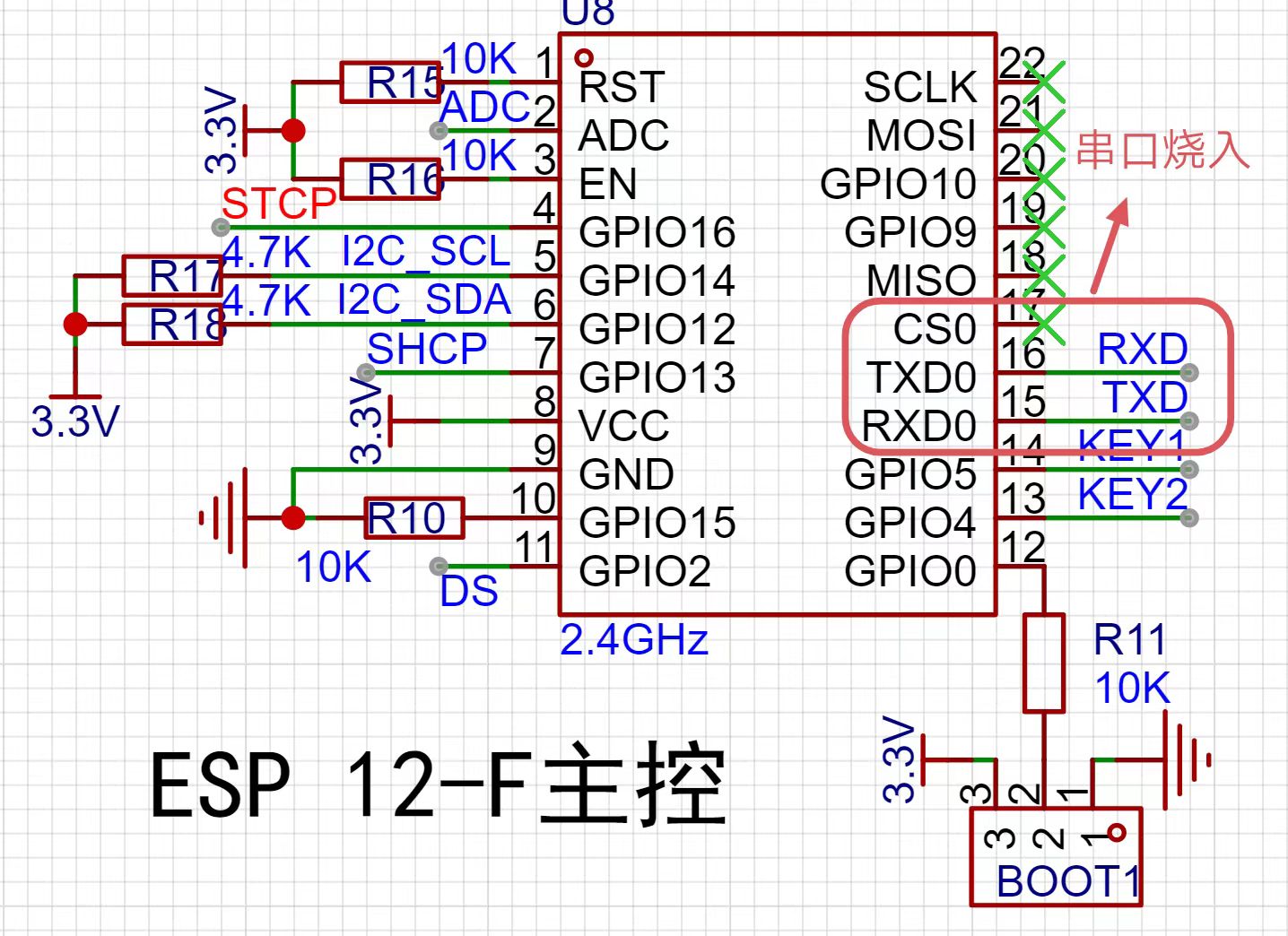
2.1 USB to TTL converters, ST-Link, etc. can be used for downloading.
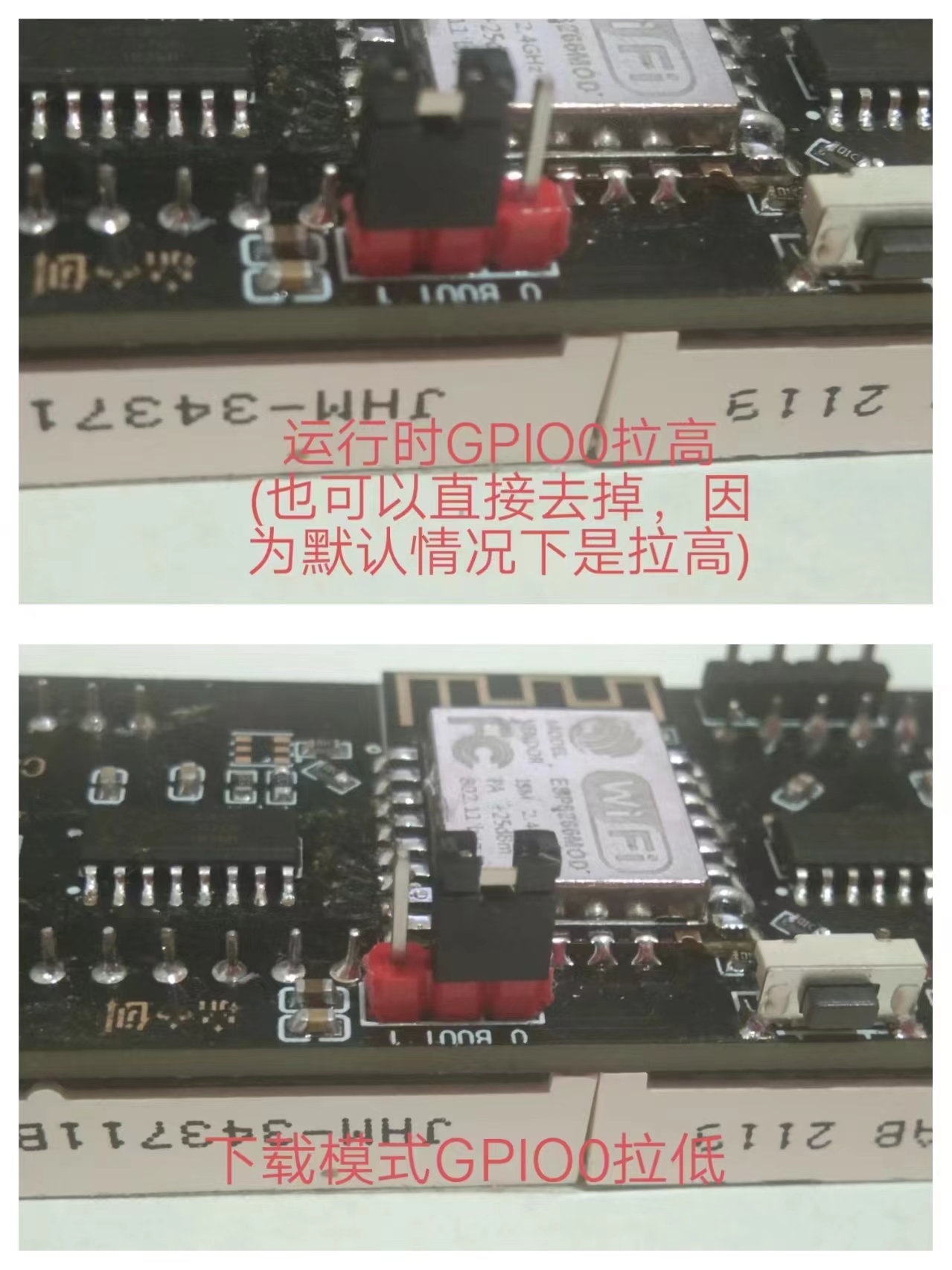
2.2 Pin Level Requirements for Different ESP12-F Modes


Mode


EN


RST


GPIO15


GPIO0


GPIO2


Download Mode High High Low Low


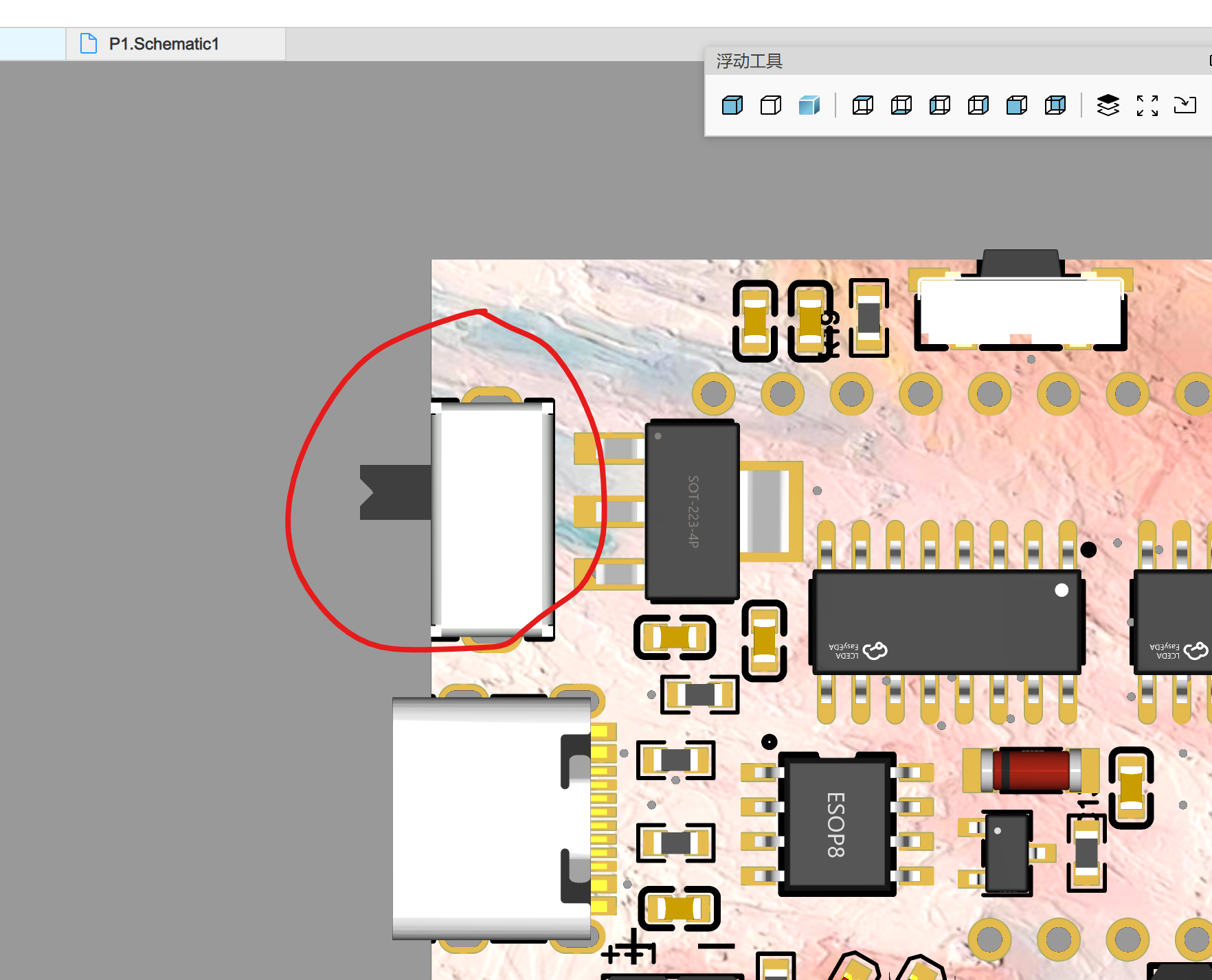
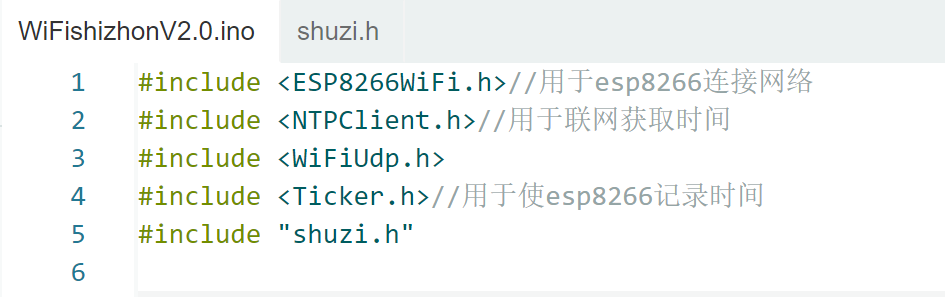
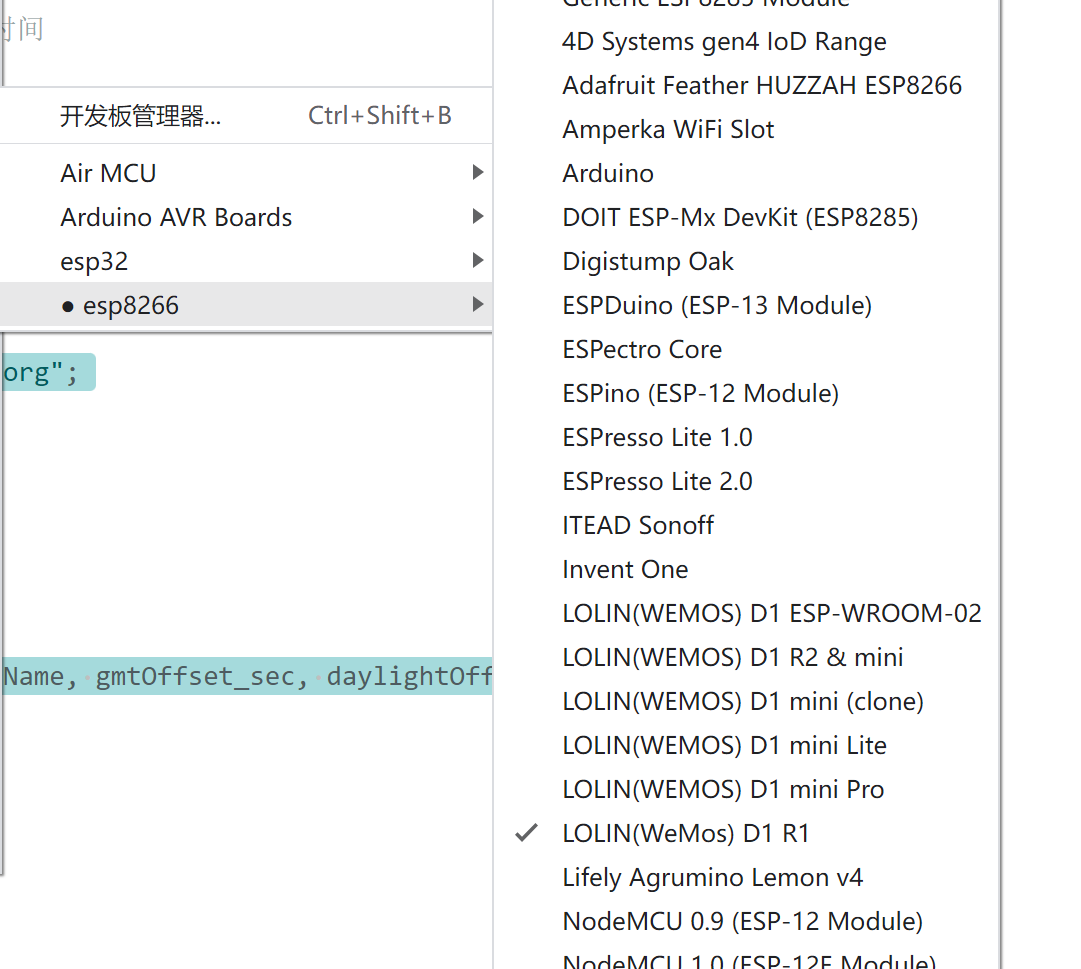
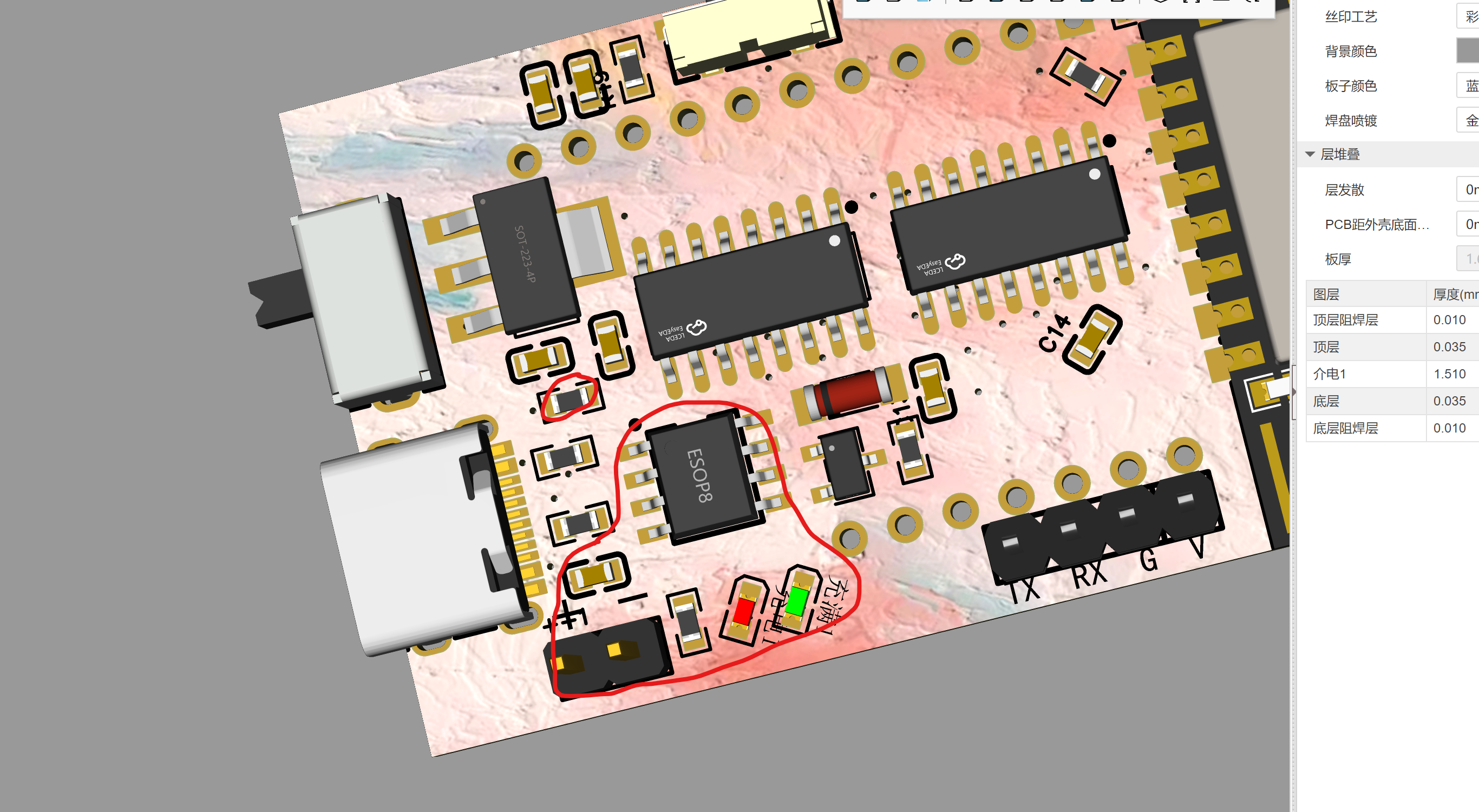
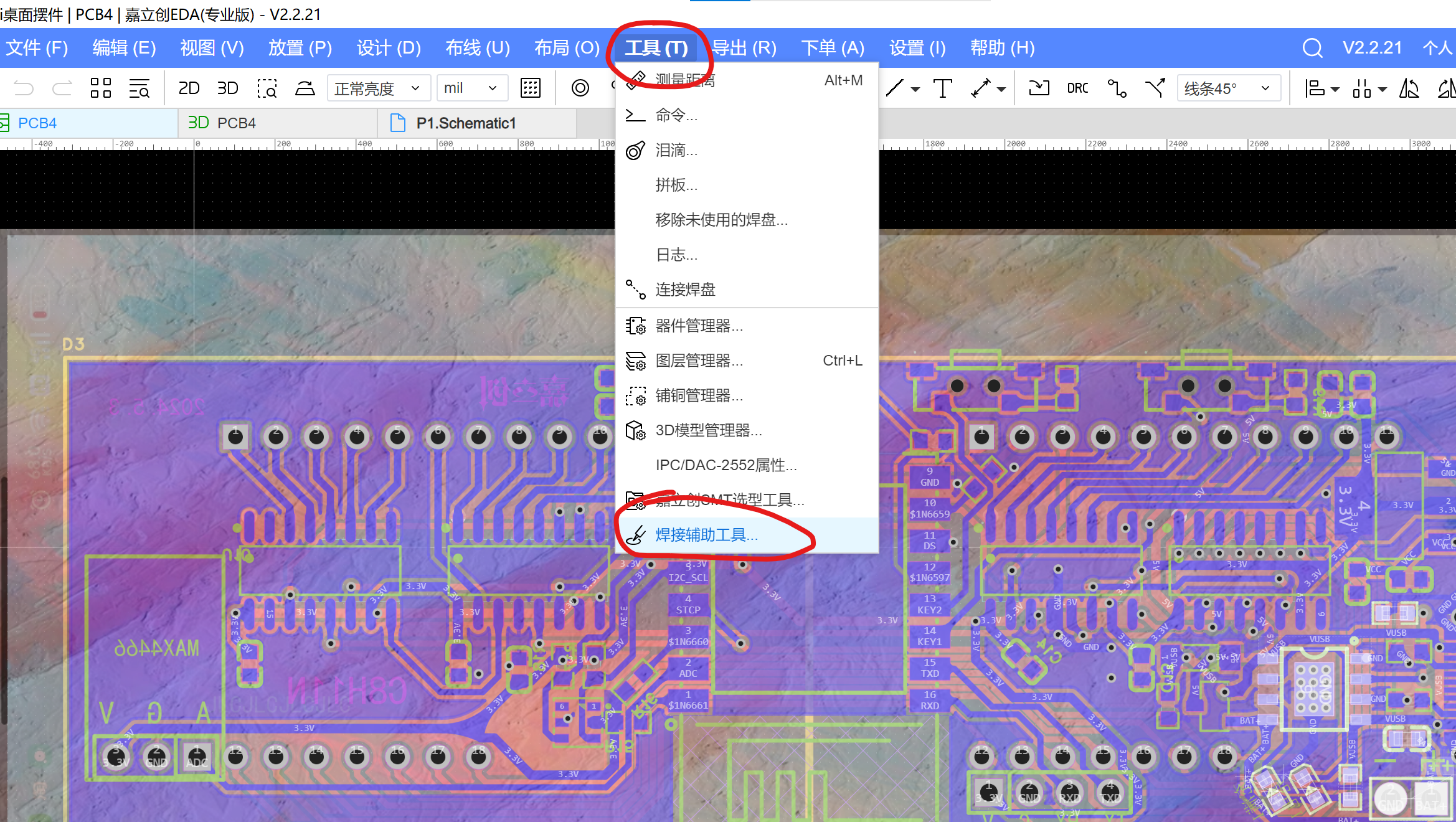
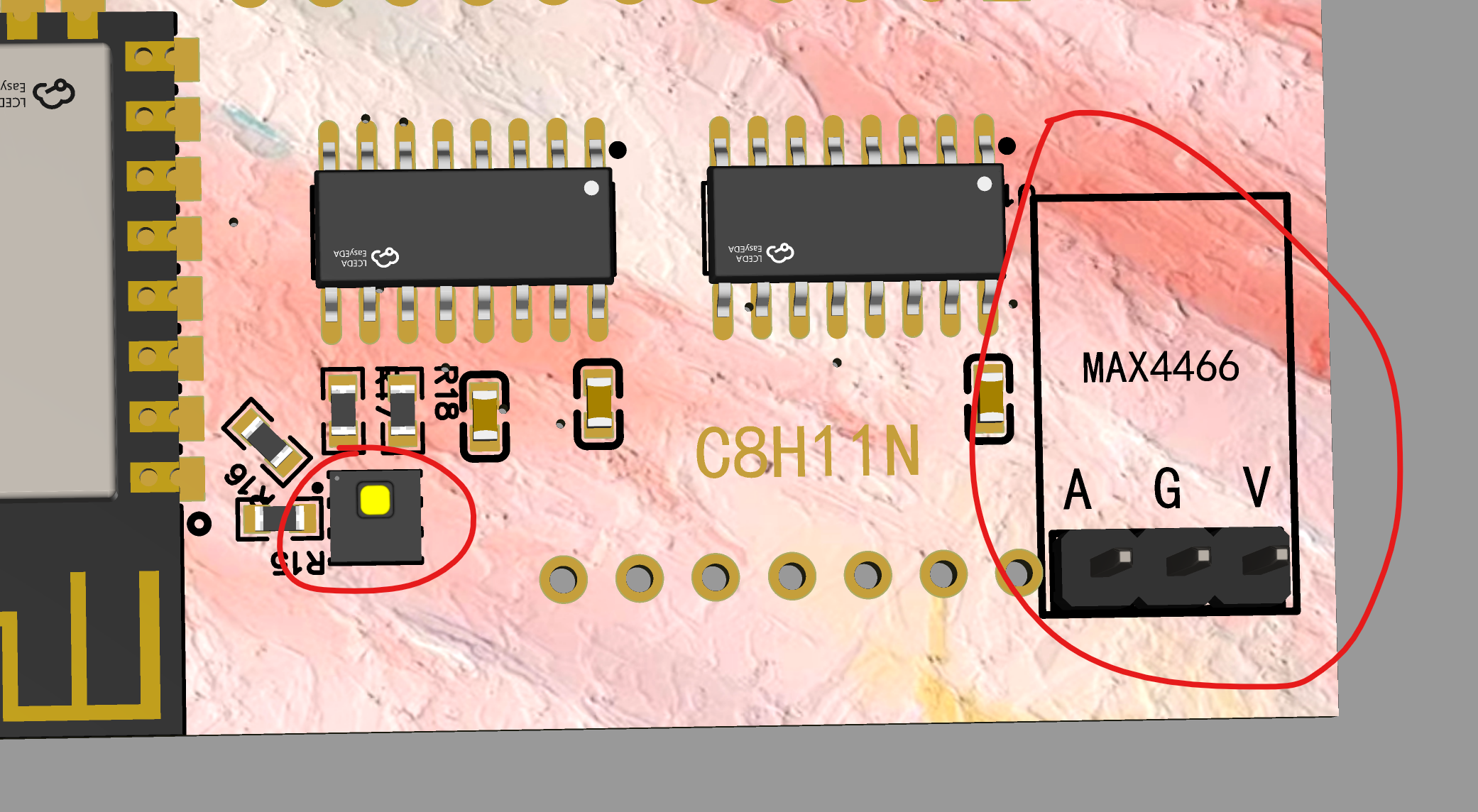
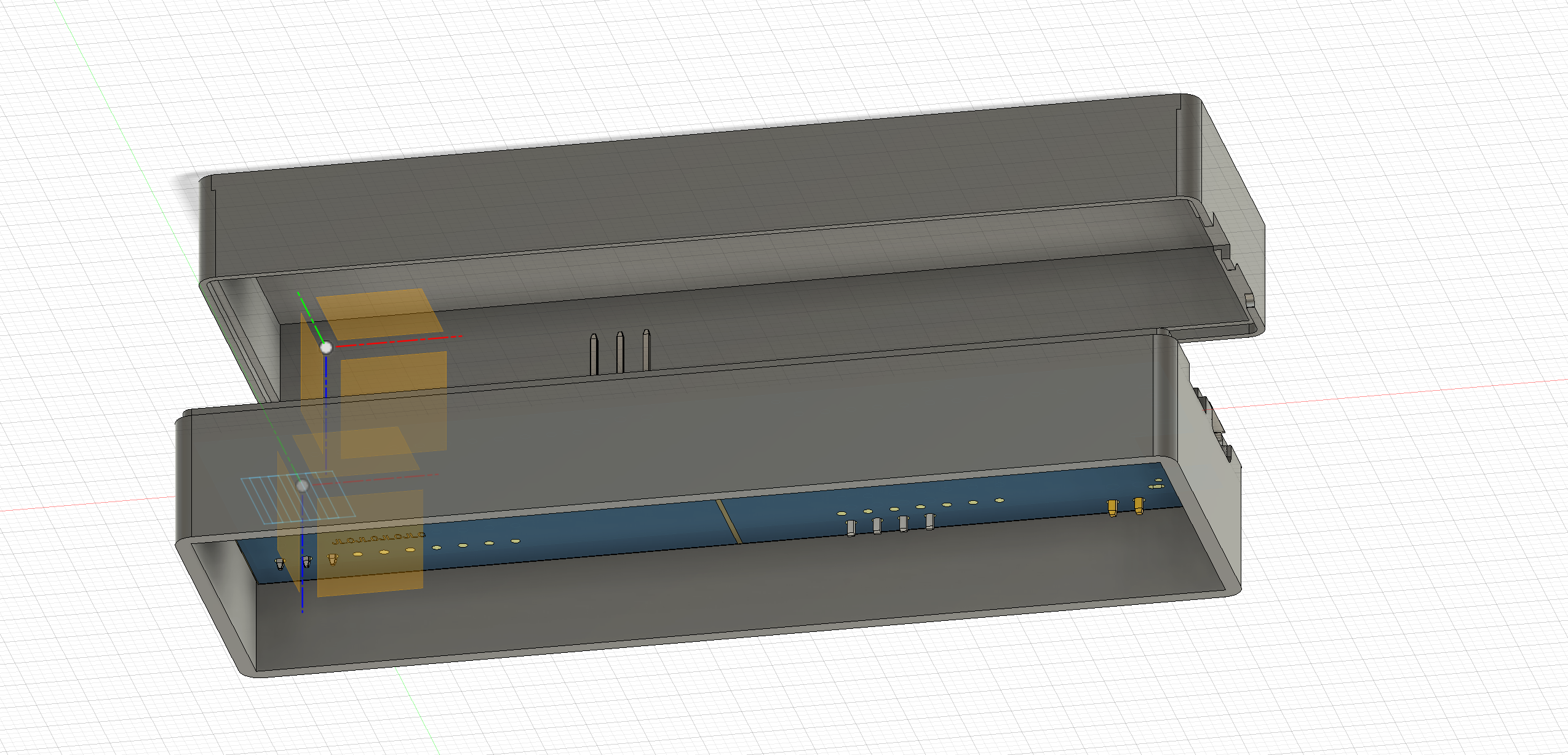
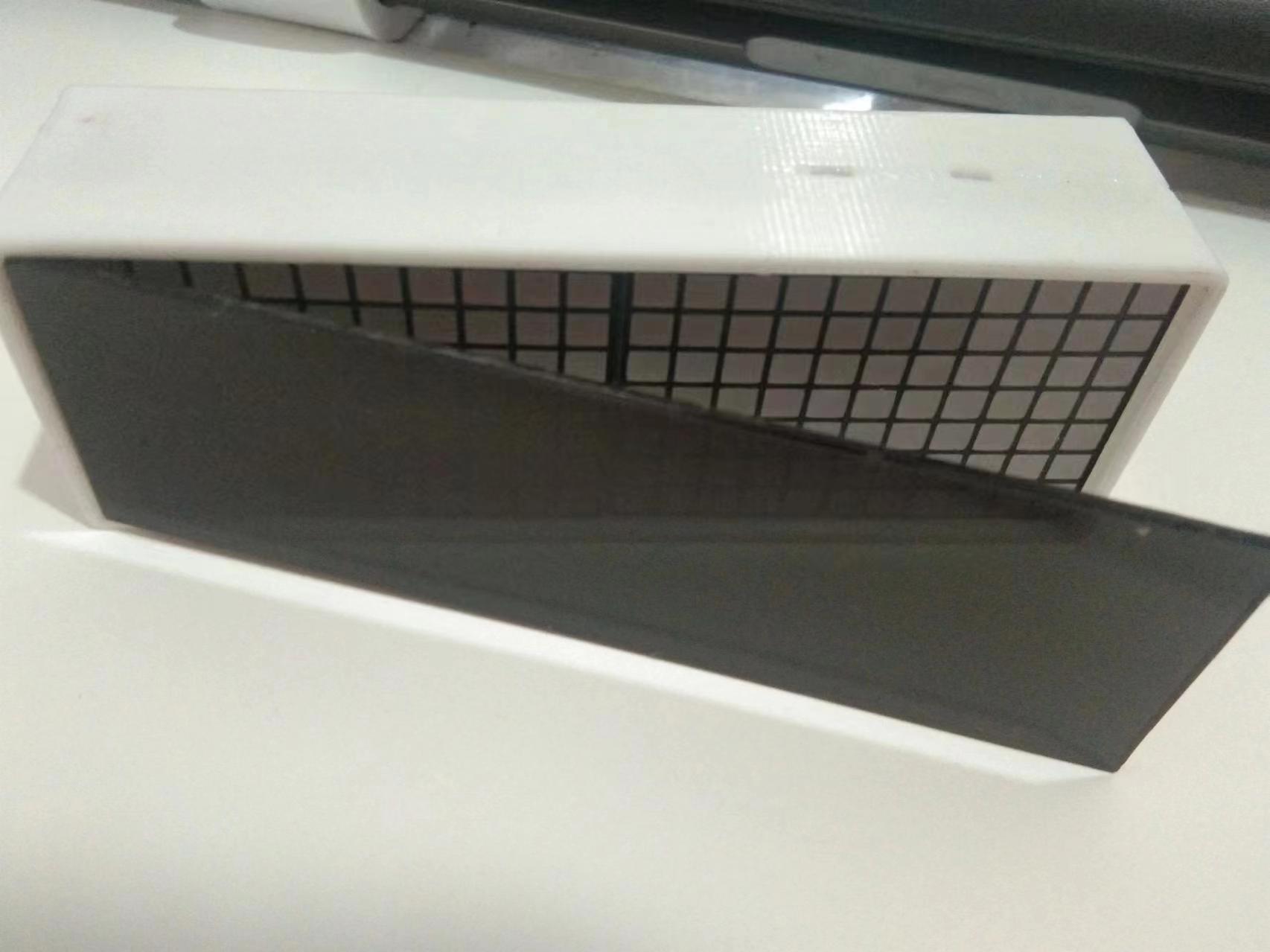
High Running Mode High High Low High High Therefore, the following operation should be performed during downloading. 2.3 This is the main power supply; pulling it off will block all circuits except battery charging. 3. Software (I am an amateur, so please point out any shortcomings) 3.1 Development Tools This project uses Arduino for development and requires the ESP8266 development environment in Arduino to be installed. If not installed, please find relevant information to install it yourself. 3.2 Arduino Library The libraries used in this project are as follows: 3.3 Program Compilation and Download 1. Download the program in the attachment and open the .ino file with the same name in the folder using Arduino; 2. Modify the network in the corresponding location ; 2. Select the development board as LOLIN (WeMos) D1 R1 and select the corresponding port;  3. Click compile, and download after successful compilation. 4. Soldering and Shell 4.1 Power Supply: Type-C power supply is used. A battery can be added. If a battery is not needed, the bottom part does not need to be soldered. 4.2 About Soldering: In LCSC EDA, find the tool and click the soldering auxiliary tool to view the corresponding component positions. You can selectively add an AHT20 temperature and humidity sensor and a MAX4466 to expand the functionality of this ornament. 4.3 About the Shell 1. The shell in the attachment adopts a split shell design (the shell can be modified by yourself); 2. A 2mm thick black translucent acrylic sheet can be embedded on the surface to enhance the visual experience . 5. Finished Product Demonstration Currently, only a network clock has been made (it will continue to be optimized later). Note!!! 1. There are certain requirements for soldering. Solder the components first and then solder the dot matrix screen last. 2. Please carefully review the project description. 3. This will be continuously updated. 4. After a power outage, the time needs to be recalibrated by connecting to the network.


参考设计图片
×
 
 
Search Datasheet?

Supported by EEWorld Datasheet

Forum More
Update:2026-03-28 08:29:18

EEWorld
subscription
account

EEWorld
service
account

Automotive
development
community

Robot
development
community

About Us Customer Service Contact Information Datasheet Sitemap LatestNews



Room 1530, 15th Floor, Building B, No.18 Zhongguancun Street, Haidian District, Beijing, Postal Code: 100190 China Telephone: 008610 8235 0740

Copyright © 2005-2024 EEWORLD.com.cn, Inc. All rights reserved 京ICP证060456号 京ICP备10001474号-1 电信业务审批[2006]字第258号函 京公网安备 11010802033920号