ThLdN

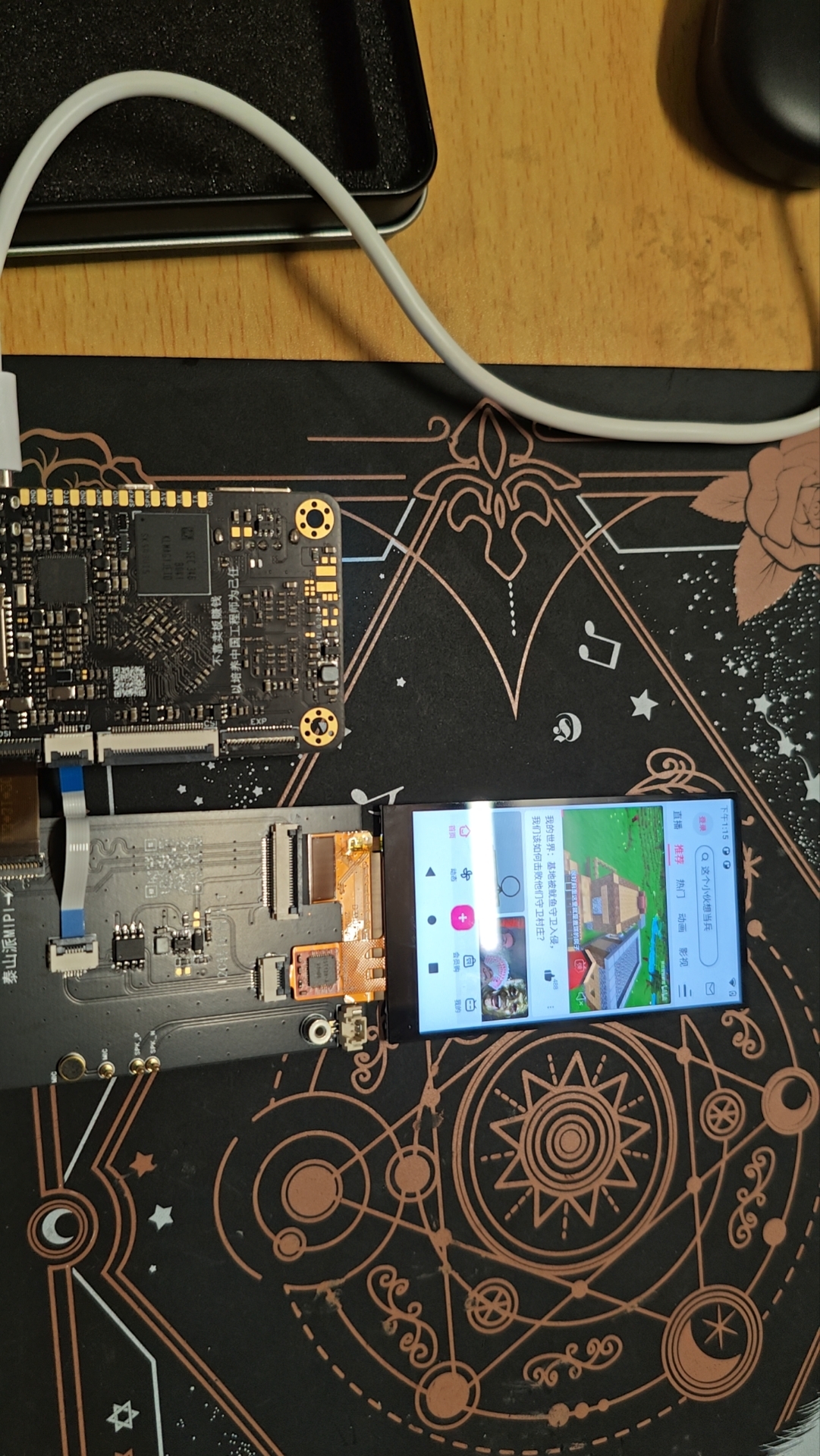
LCSC Taishanpai Development Board - Android Mini Phone

 
Overview
 
Here's a summary of some problems I encountered while tapping the screen.
The first one was compiling Android. My computer only has 16GB of RAM, and even less can be allocated to the virtual machine. Normally, it shouldn't be able to compile, but I joined a training camp group and learned a few tricks from the experts.
 

root@lckfb:/home/lckfb_tspi/android11/Release/tspi_android_sdk_20230909# cd u-boot && ./make.sh rk3566 && cd ../kernel && make clean && make distclean && make ARCH=arm64 tspi_defconfig rk356x_evb.config android-11.config && make ARCH=arm64 tspi-rk3566-user-v10.img -j16 && cd .. && source build/envsetup.sh && lunch rk3566_tspi-userdebug && make installclean -j16 && make -j16 && ./mkimage.sh
 

When executing the above commands for a full compilation, change the three j16s to j4. The gist is that the original 16-thread compilation was reduced to 4 threads, which alleviated the memory shortage to some extent. However, errors still occurred later. At this point, changing j4 to j1 usually resulted in successful compilation, but it was much slower. Of course, you could use j1 initially, but it would still be very slow. You can increase the value initially, then decrease it when errors occur. On the second run, be sure to remove `make clean && make distclean` from the compilation commands; otherwise, the results of the first compilation will be erased, rendering the effort wasted.
Secondly, when flashing the kernel alone, I spent an entire afternoon flashing it, repeatedly watching the video and changing the device tree, but the screen wouldn't light up.
Later, I discovered the file path was incorrect. The fully compiled result flashing path was    `ockdevImage-rk3566_tspi` , while the single-kernel flashing path was
different. This small kernel issue took me an entire afternoon to figure out QAQ. Another issue was that the flashed Android system would show ERR_UNKNOWN_URL_SCHEME errors when searching web pages. This is because it only supports HTTP and HTTPS protocols by default. Other protocols require modifying a file (which I couldn't find). The final solution was to use adb to directly install a browser, and then it worked. I gained a lot from following the training camp. First, I gained a basic understanding of embedded Linux, and second, I gained a rudimentary understanding of device trees. I hope LCSC continues to thrive!


参考设计图片
×
 
 
Search Datasheet?

Supported by EEWorld Datasheet

Forum More
Update:2026-03-28 07:07:16

EEWorld
subscription
account

EEWorld
service
account

Automotive
development
community

Robot
development
community

About Us Customer Service Contact Information Datasheet Sitemap LatestNews



Room 1530, 15th Floor, Building B, No.18 Zhongguancun Street, Haidian District, Beijing, Postal Code: 100190 China Telephone: 008610 8235 0740

Copyright © 2005-2024 EEWORLD.com.cn, Inc. All rights reserved 京ICP证060456号 京ICP备10001474号-1 电信业务审批[2006]字第258号函 京公网安备 11010802033920号




