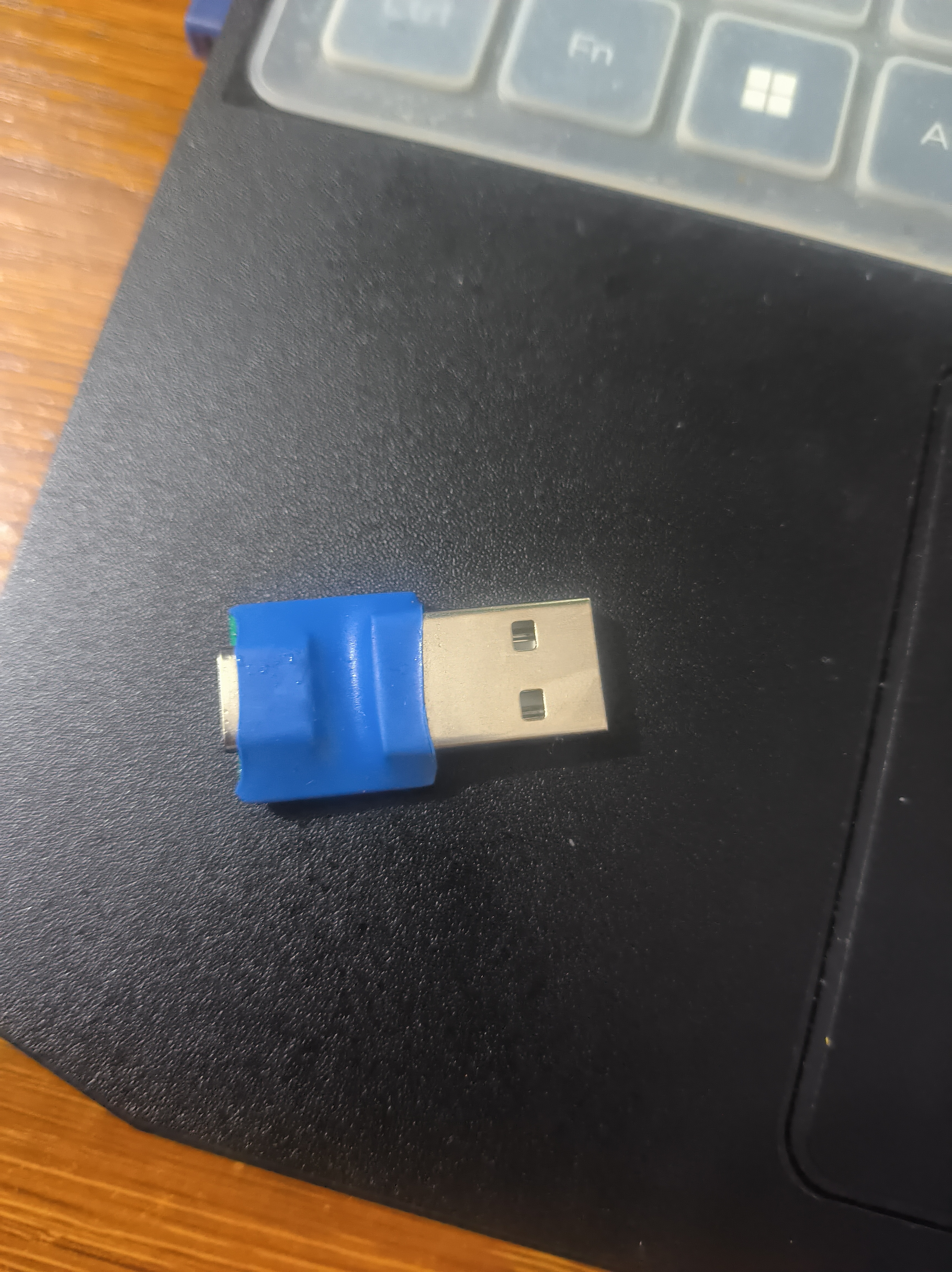
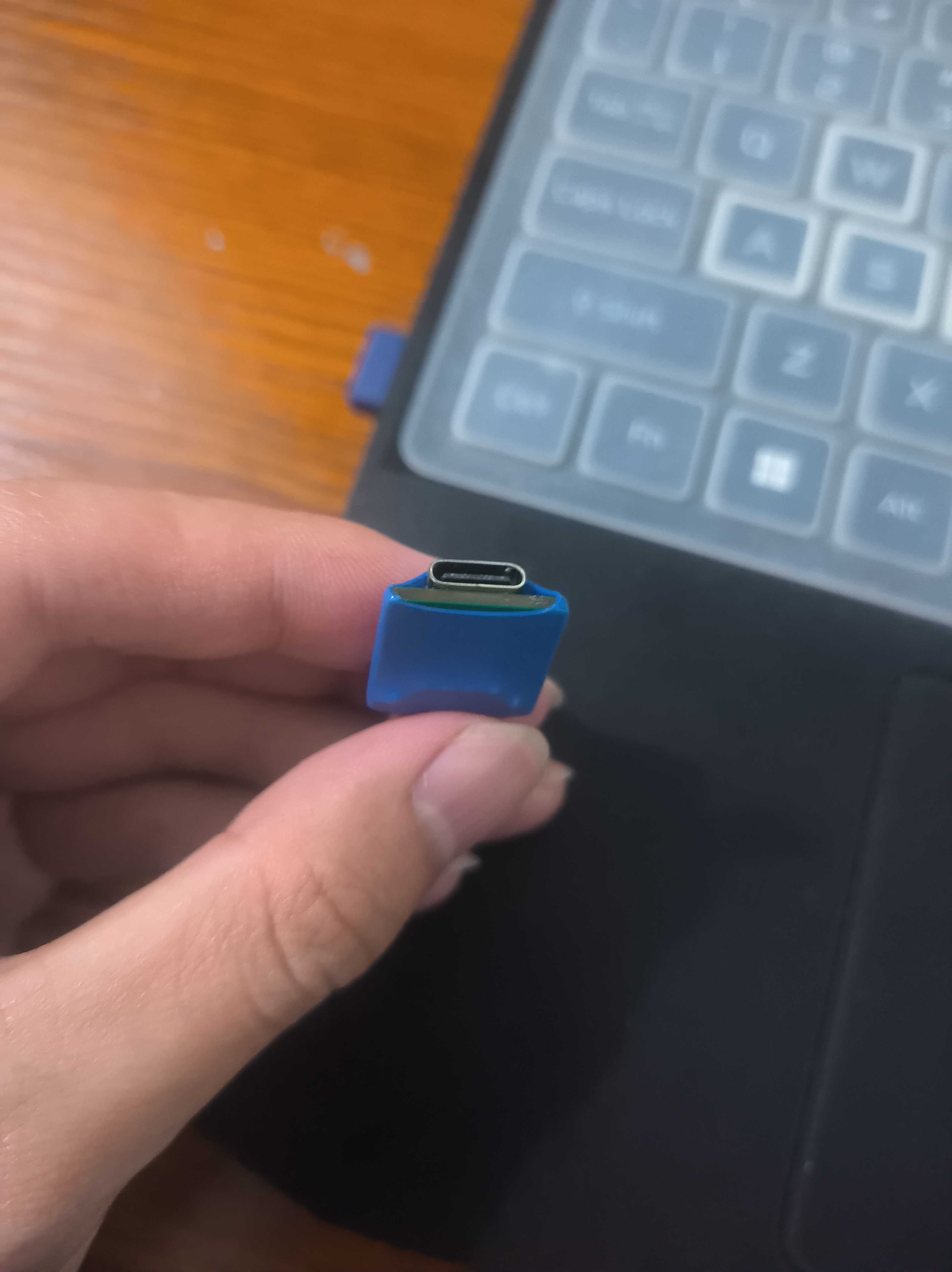
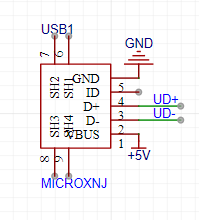
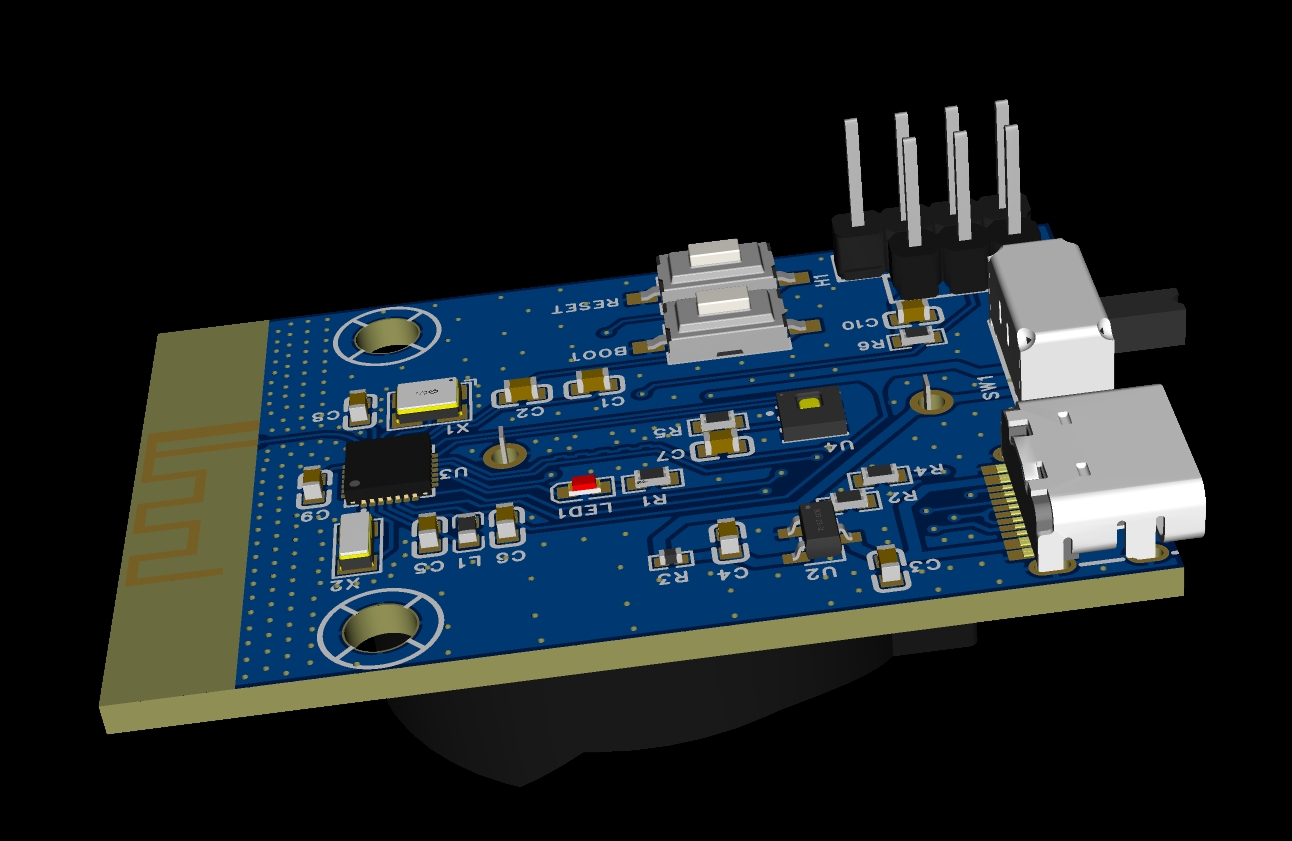
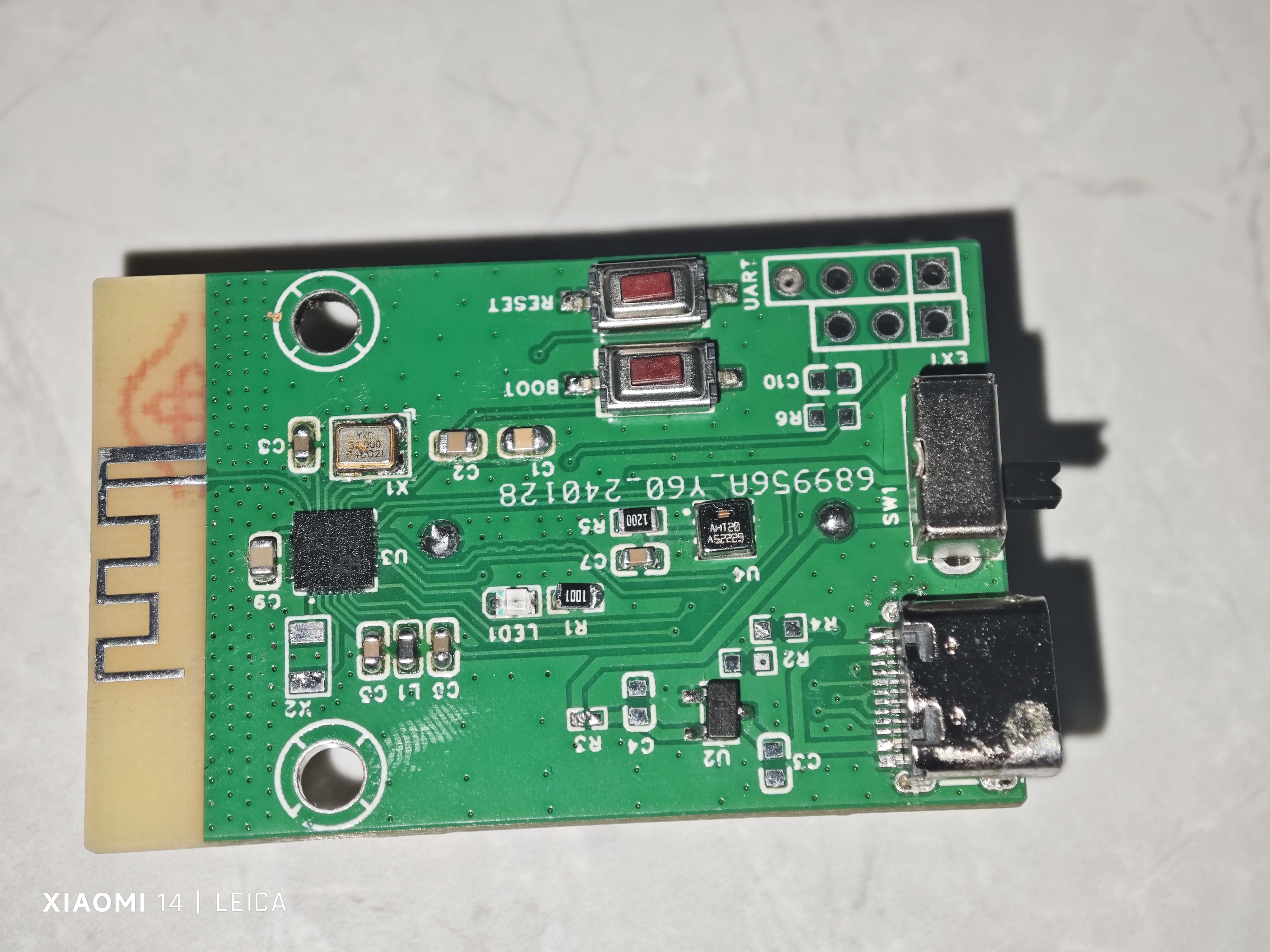
 The 16-pin Type-C interface isn't particularly difficult to solder; with proper temperature adjustment, drag soldering can achieve a smooth finish in one go. Beginners can try using solder paste with its included flux for a more comfortable experience. Use a clip to hold the connector in place while soldering, and release it afterward. Solder the four retaining pins. If using solder paste, the retaining pins need to be soldered on both sides, otherwise they will be very weak.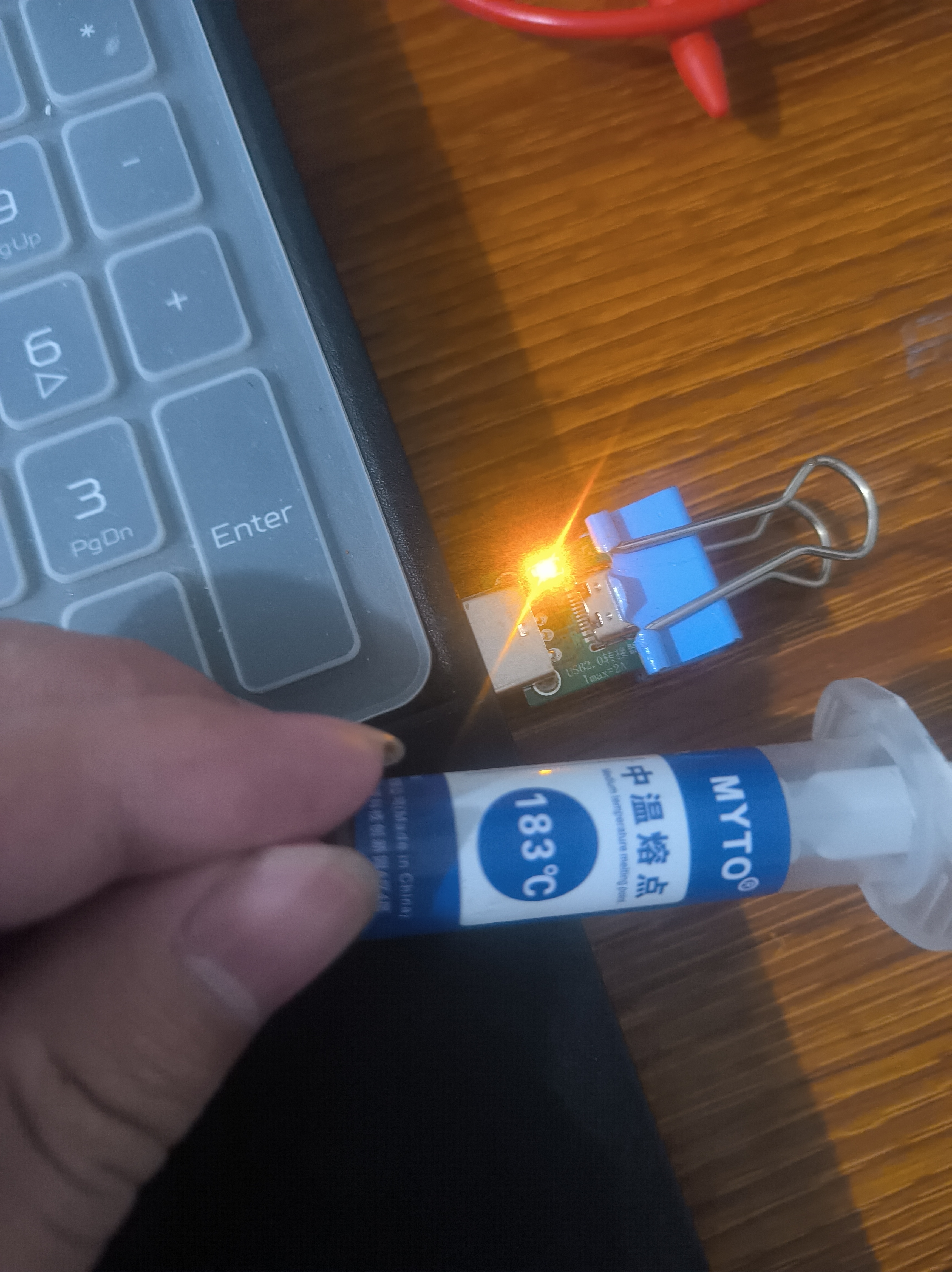
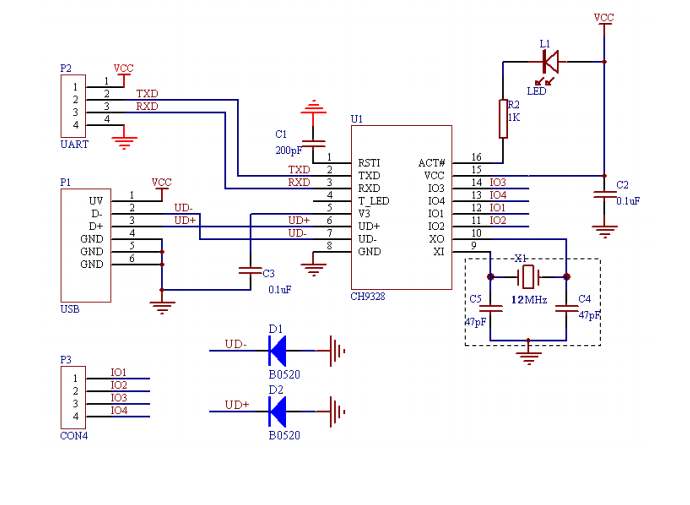 (The above is the reference circuit from the manual; all circuits below are for this project)
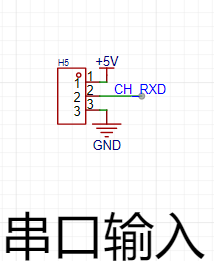
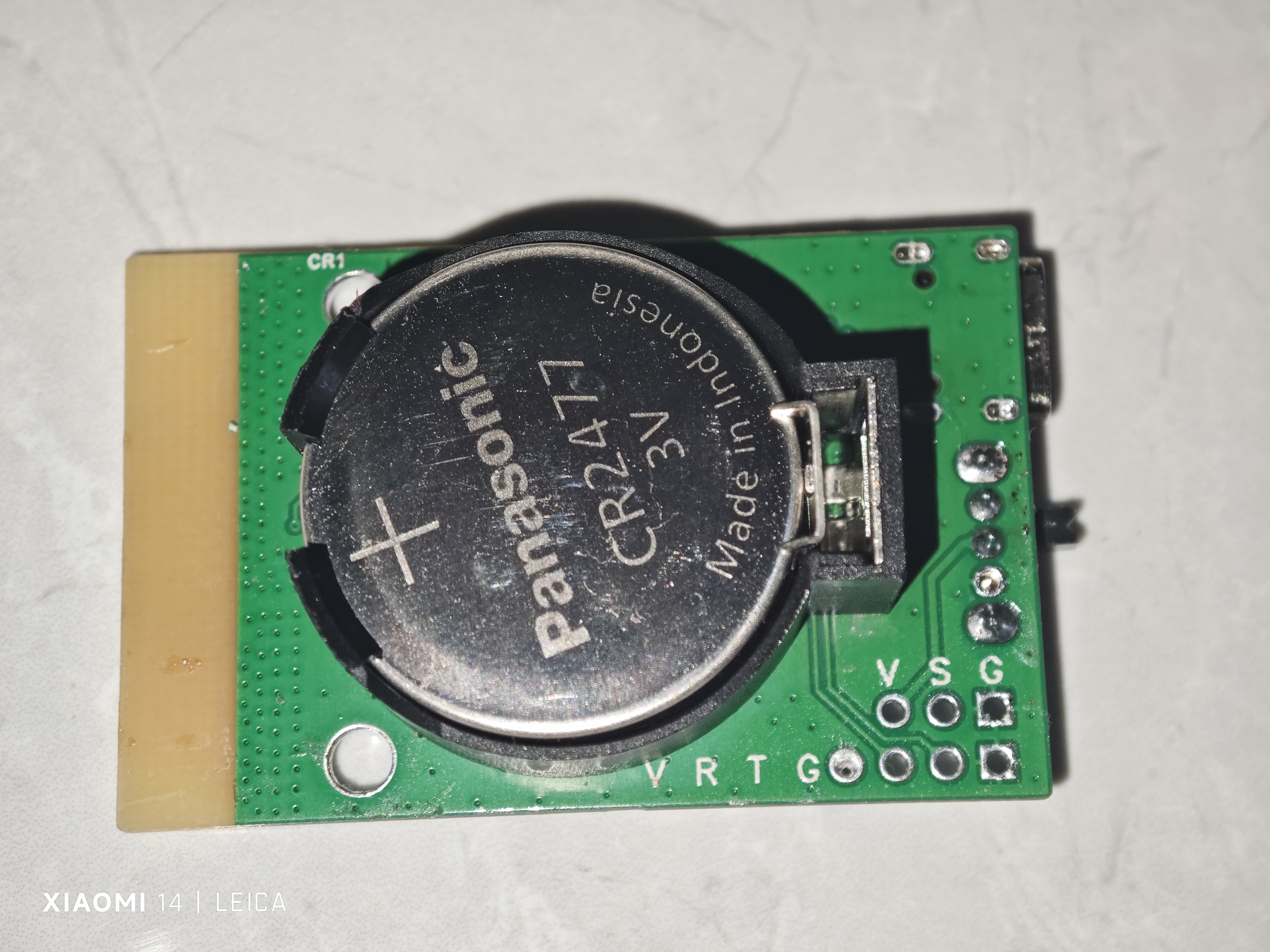
  3. Because this module only needs to receive data, which is then converted by the chip and connected to the computer via USB, only the RX port of the UART interface is provided.
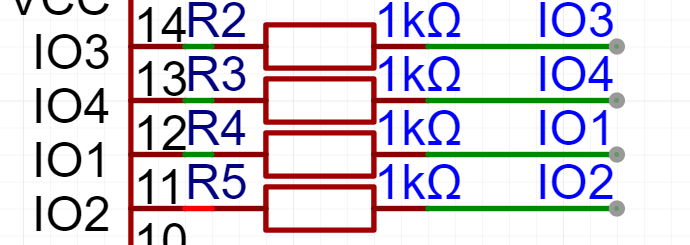
  4. This module is a small test board designed to test all modes, hence the few interfaces provided. If it were a keyboard, IO1 would be pulled up, IO2 down, IO3 up, and IO4 up.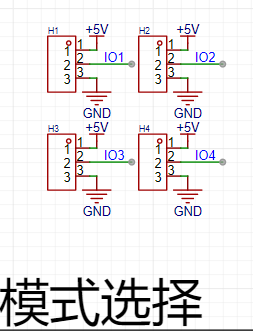
 5. Regarding the crystal oscillator: the manual states the chip has a built-in crystal oscillator and doesn't need to be soldered, but in practice, it wouldn't be recognized without it. Because I followed the advice and included a ground plane, the verification was successful.
 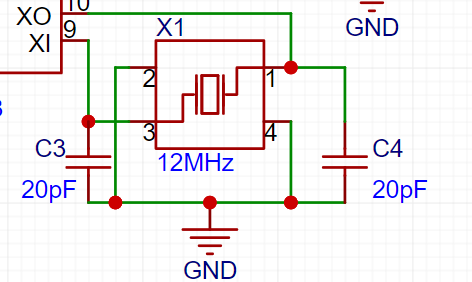 Note: All components drawn in this project are soldered. For components described in the manual as optional, it's recommended to include them. If the verification fails, you can attach them and test again; otherwise, you'll have to wait another week.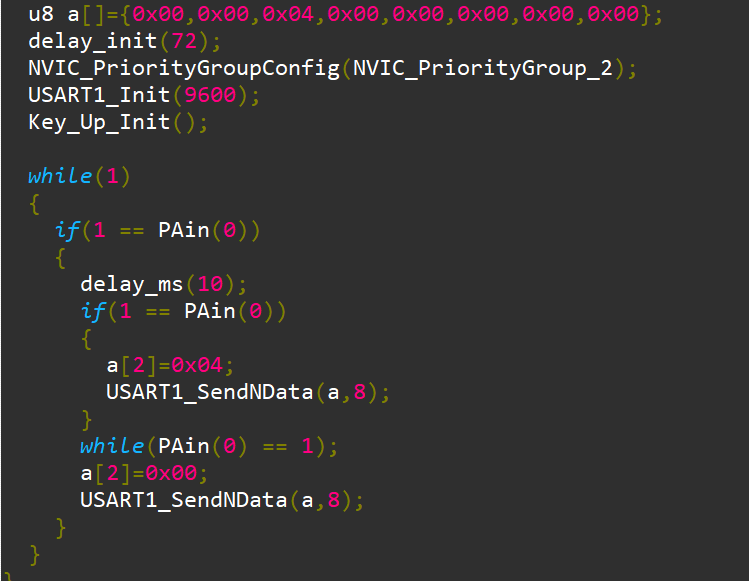
 .Jpeg] ![1 (3).Jpeg] ![1 (4).Jpeg] ![1 (5).Jpeg] ![1 (6).Jpeg] ![1 (7).Jpeg] ![1 (8).Jpeg] ![1 (9).Jpeg] ![1 (10).Jpeg] ![1 (11).Jpeg]
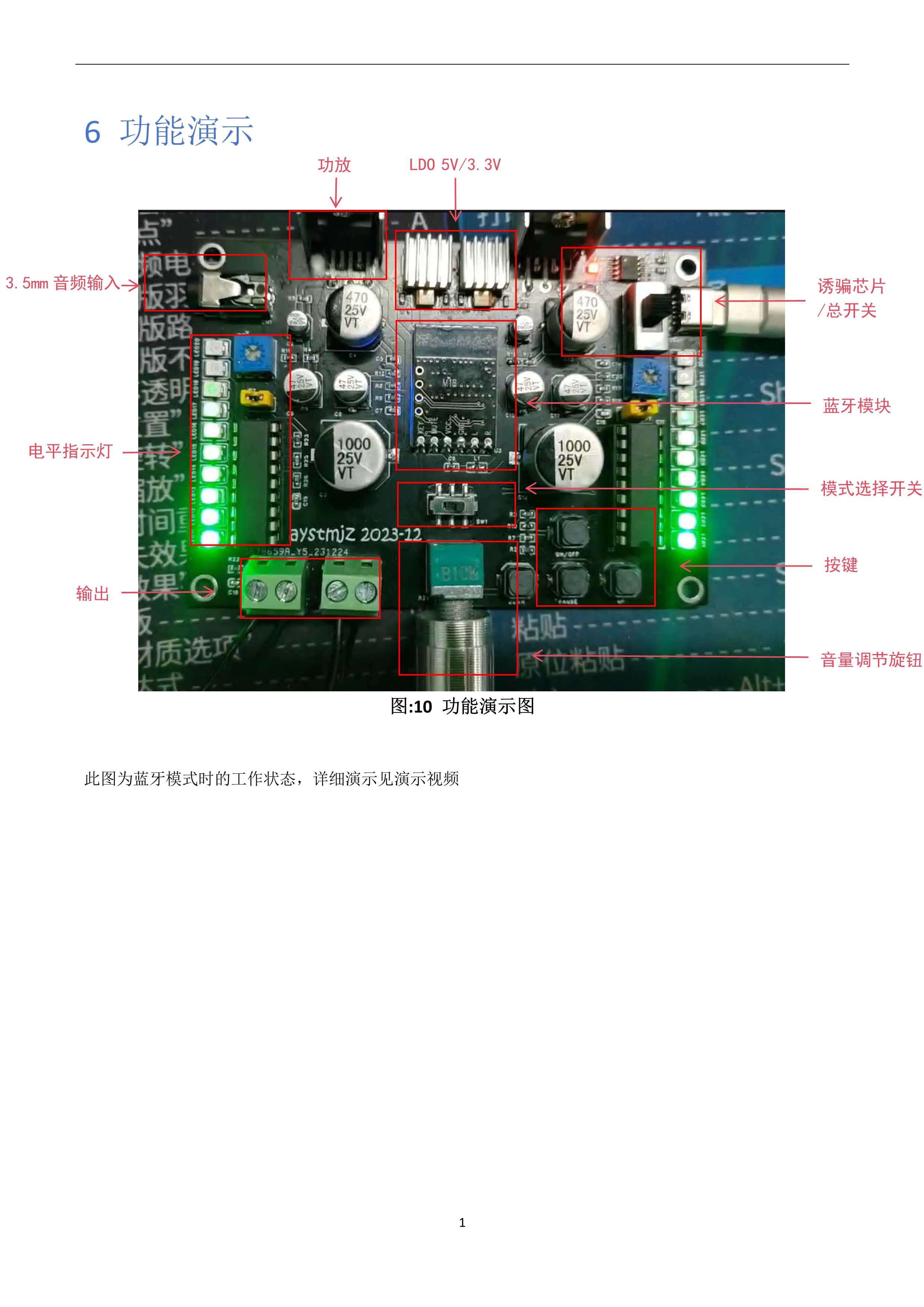
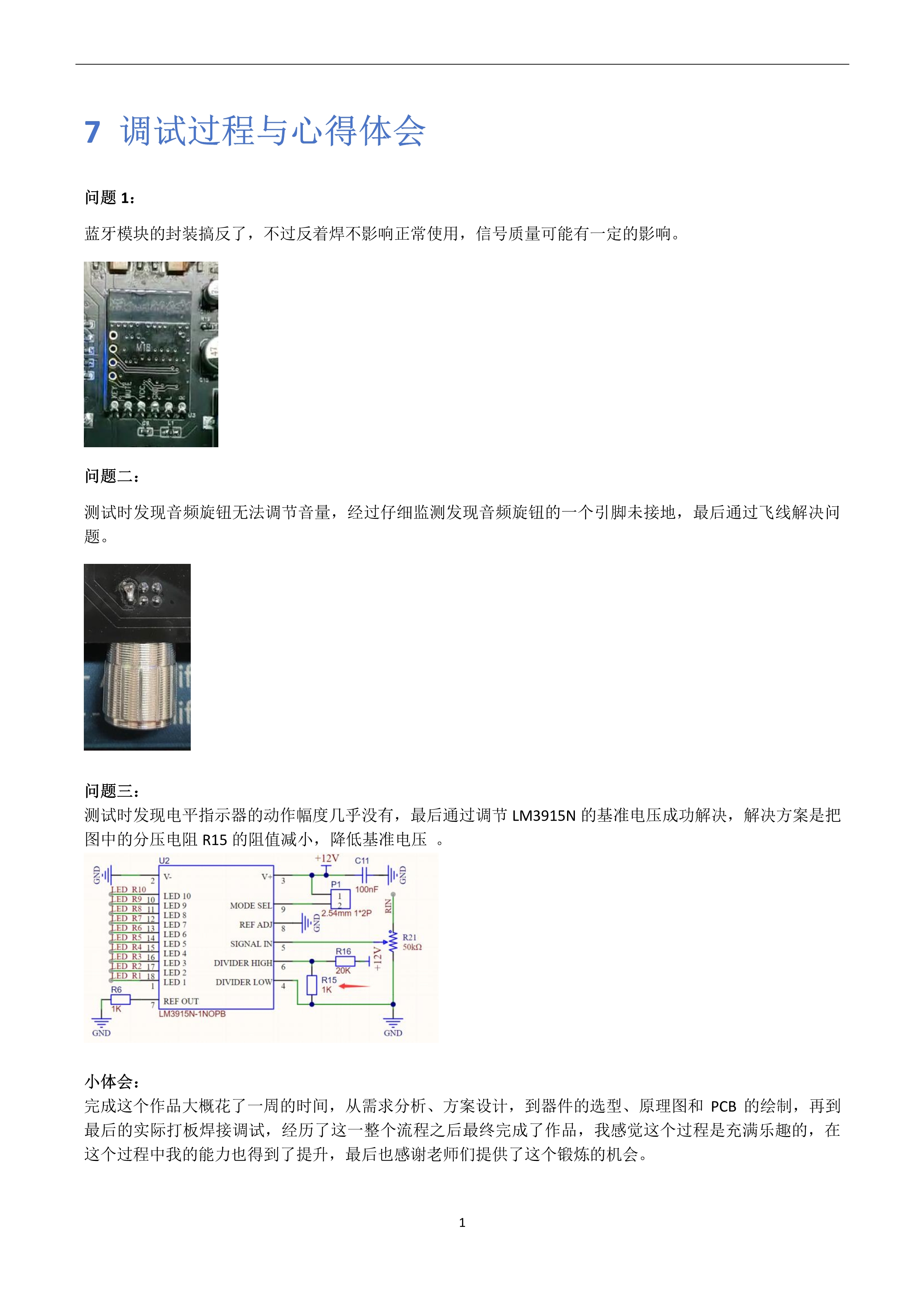
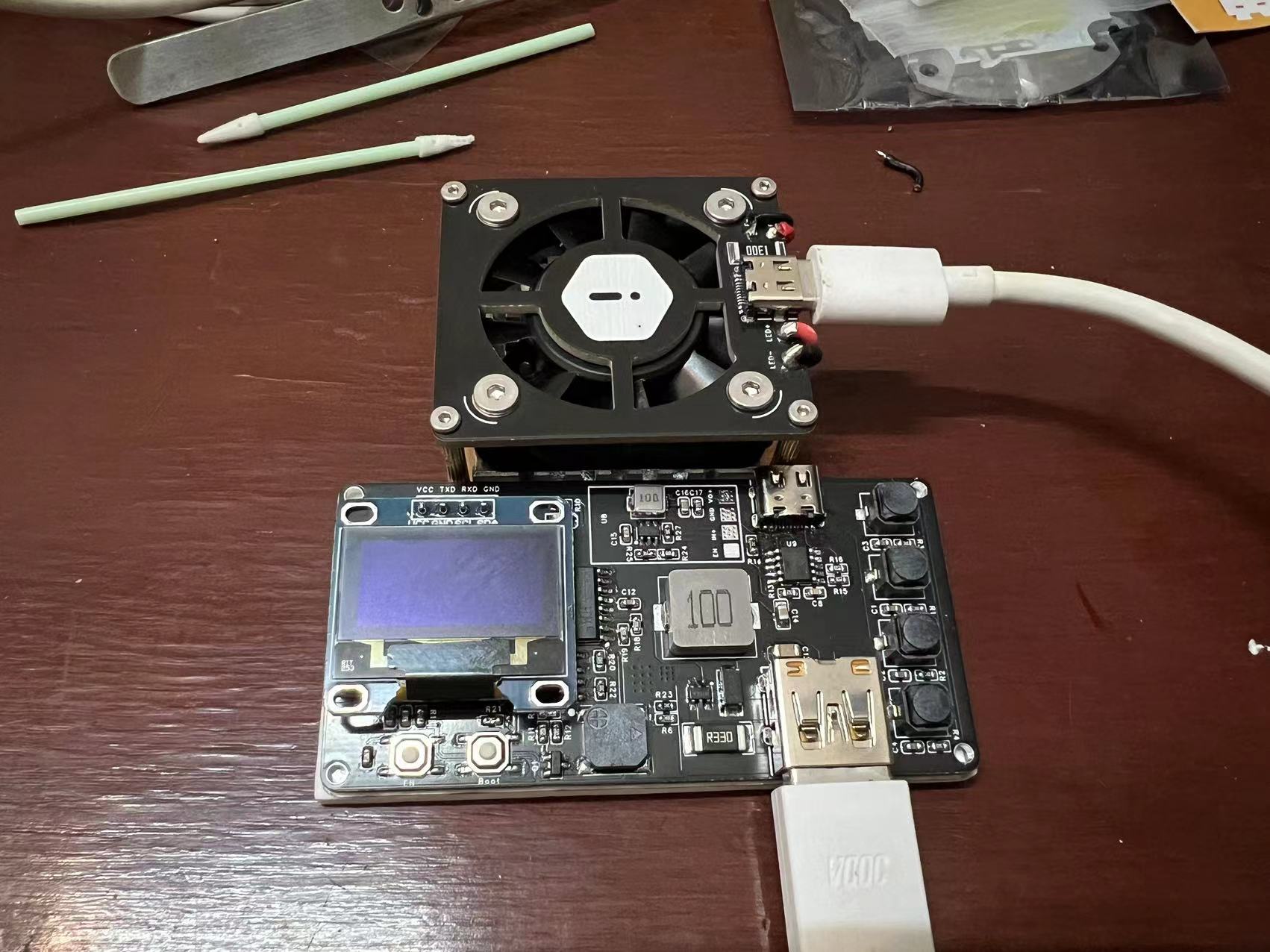 The system consists of a control board and a UV lamp module, including a heat dissipation module.
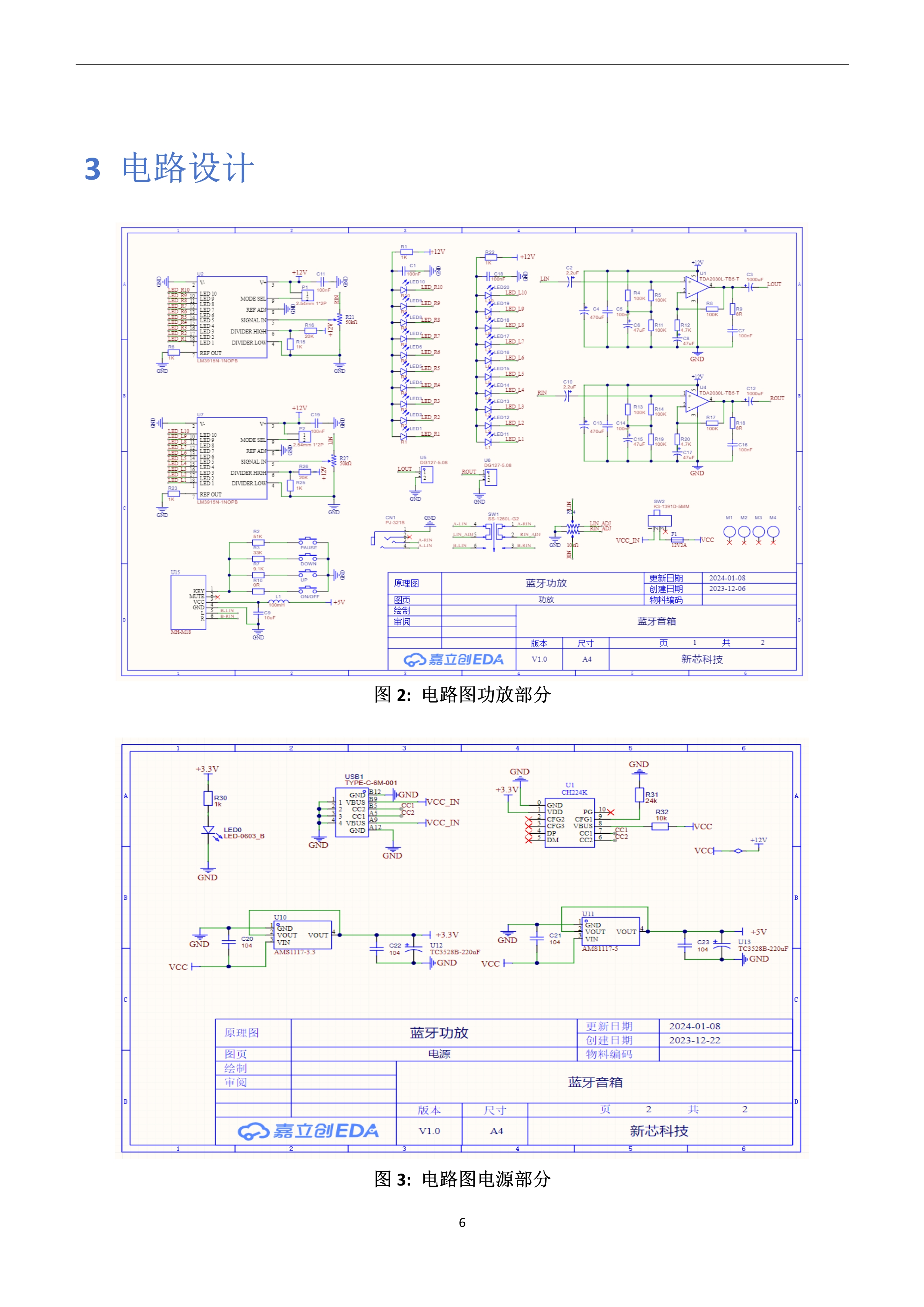
 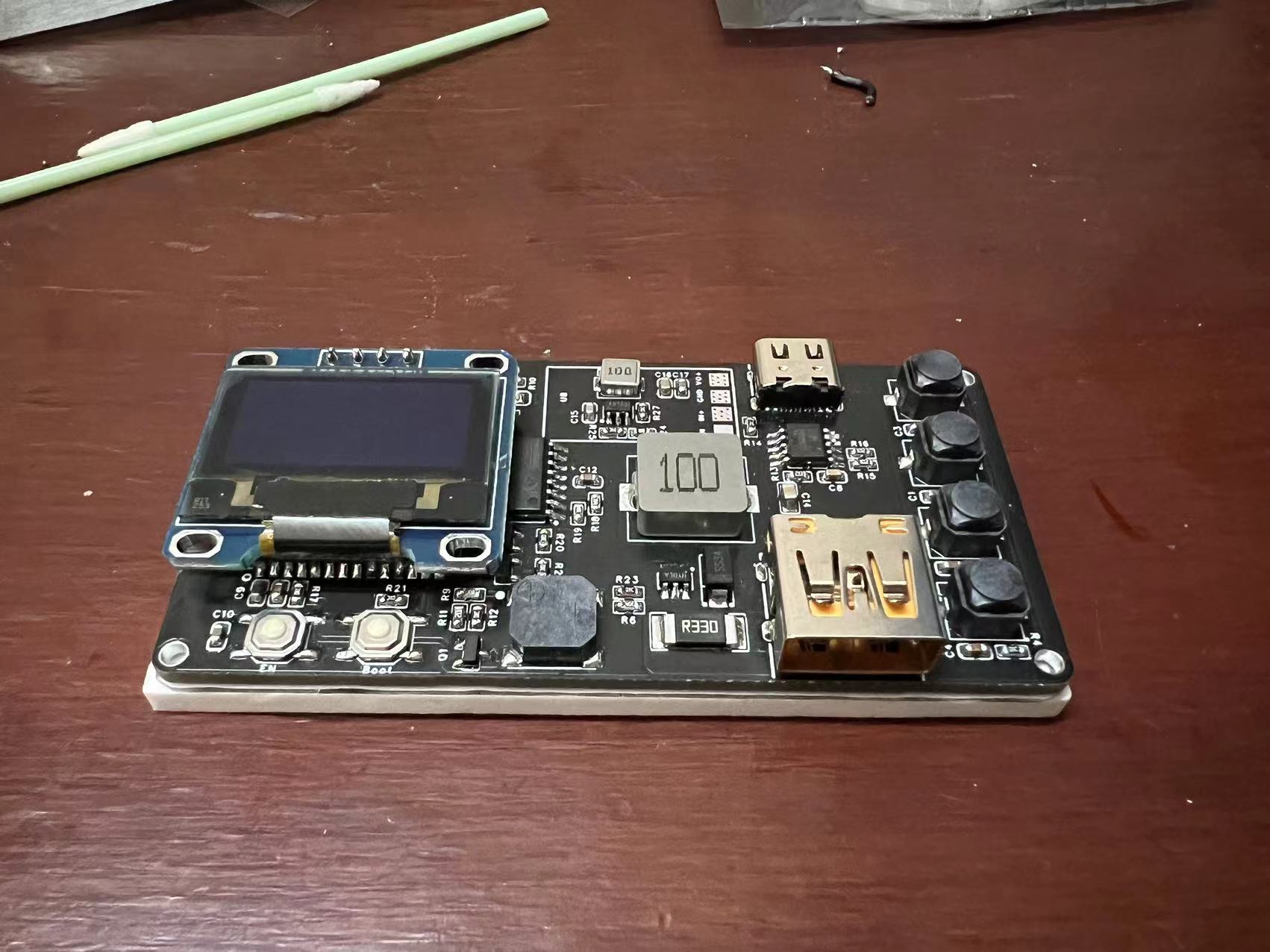 Power is supplied using a CH224K chip to trigger a 12V power supply. The control board includes four buttons (+, ---start, --reset) for time control.
 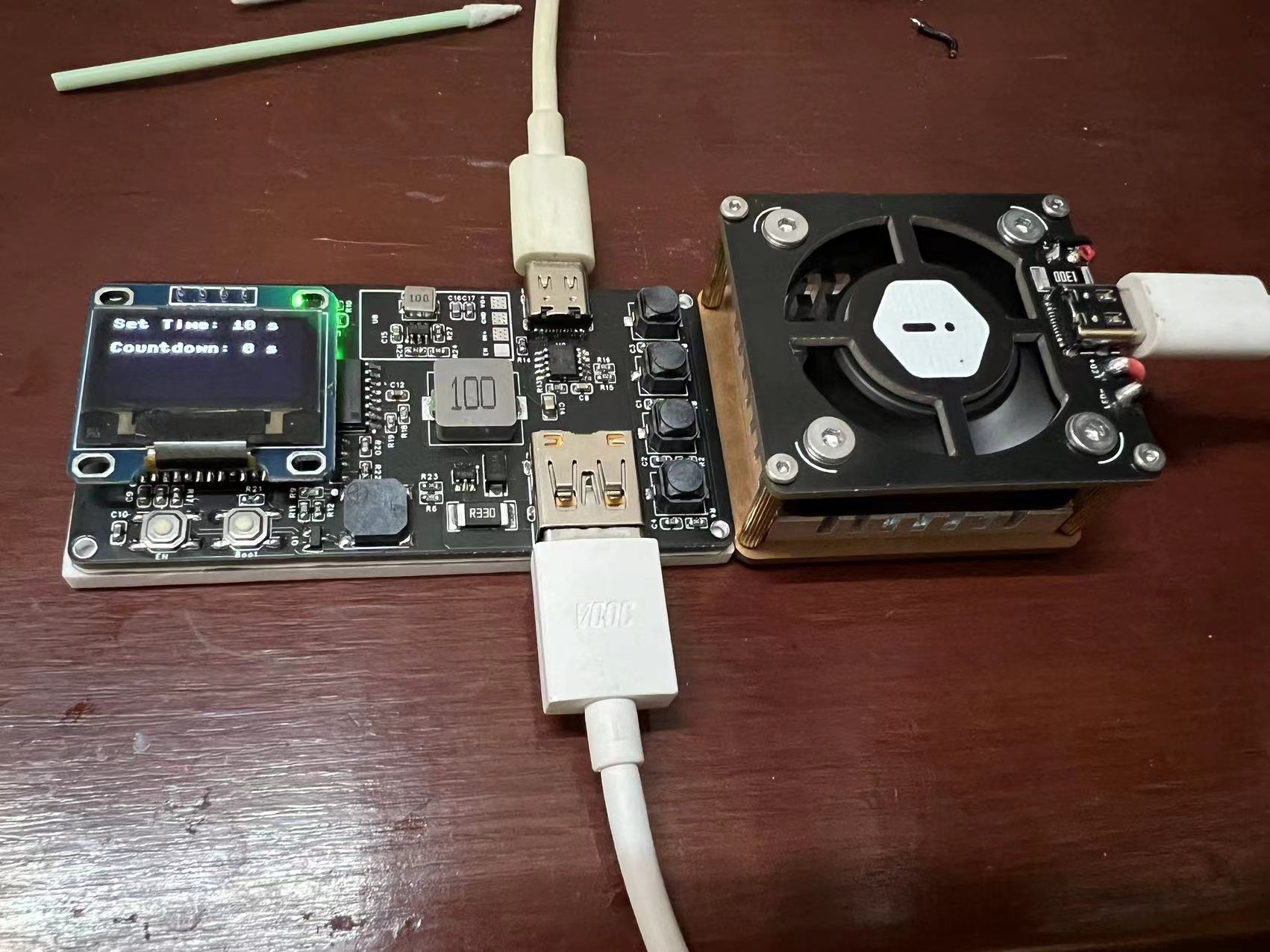 A buzzer on the control board provides a countdown timer.
 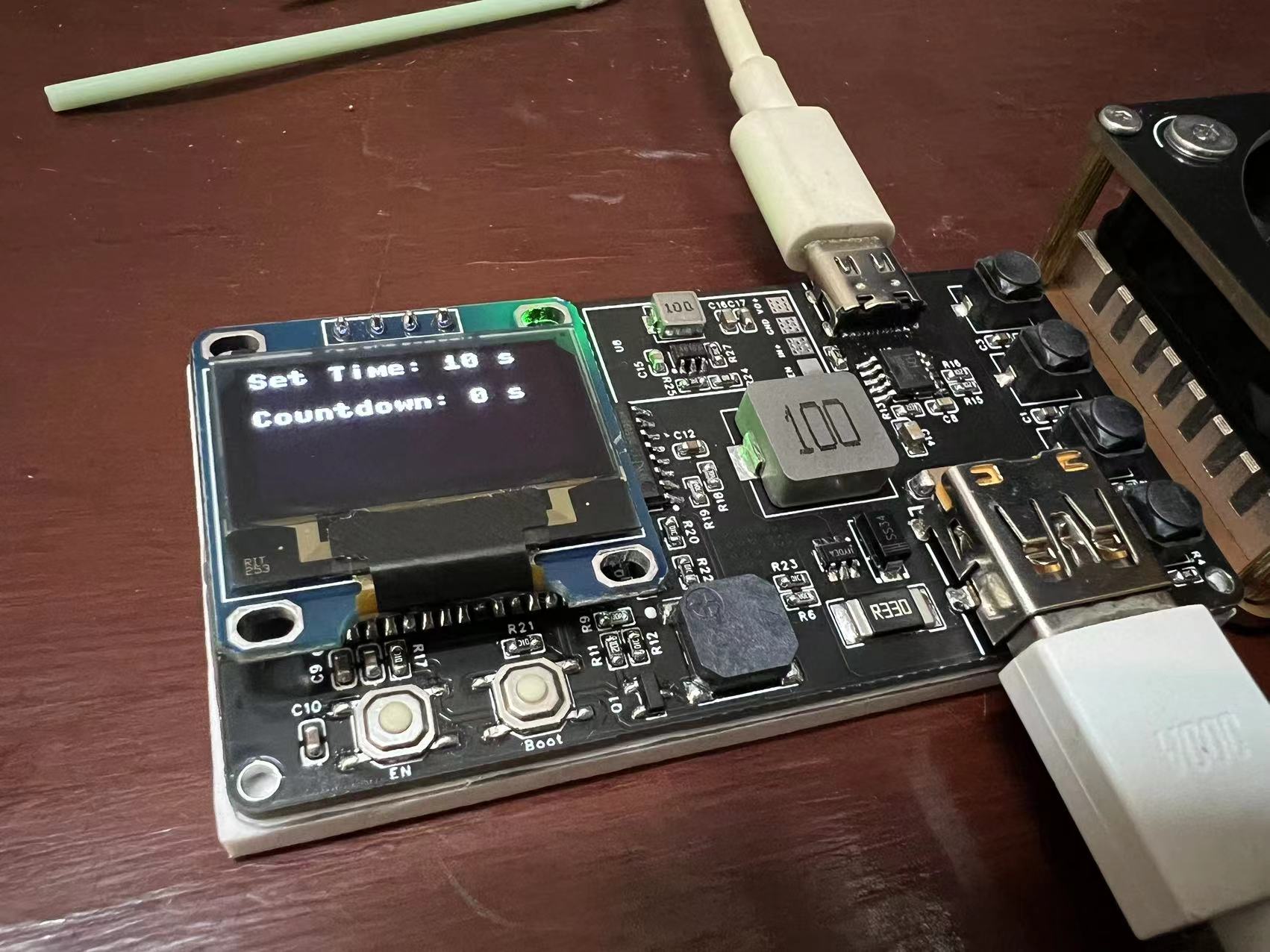 Being a beginner and still learning programming, I only created a simple system. After setting the countdown, pressing the button starts the countdown and illuminates the LEDs; the buzzer sounds when the countdown ends.
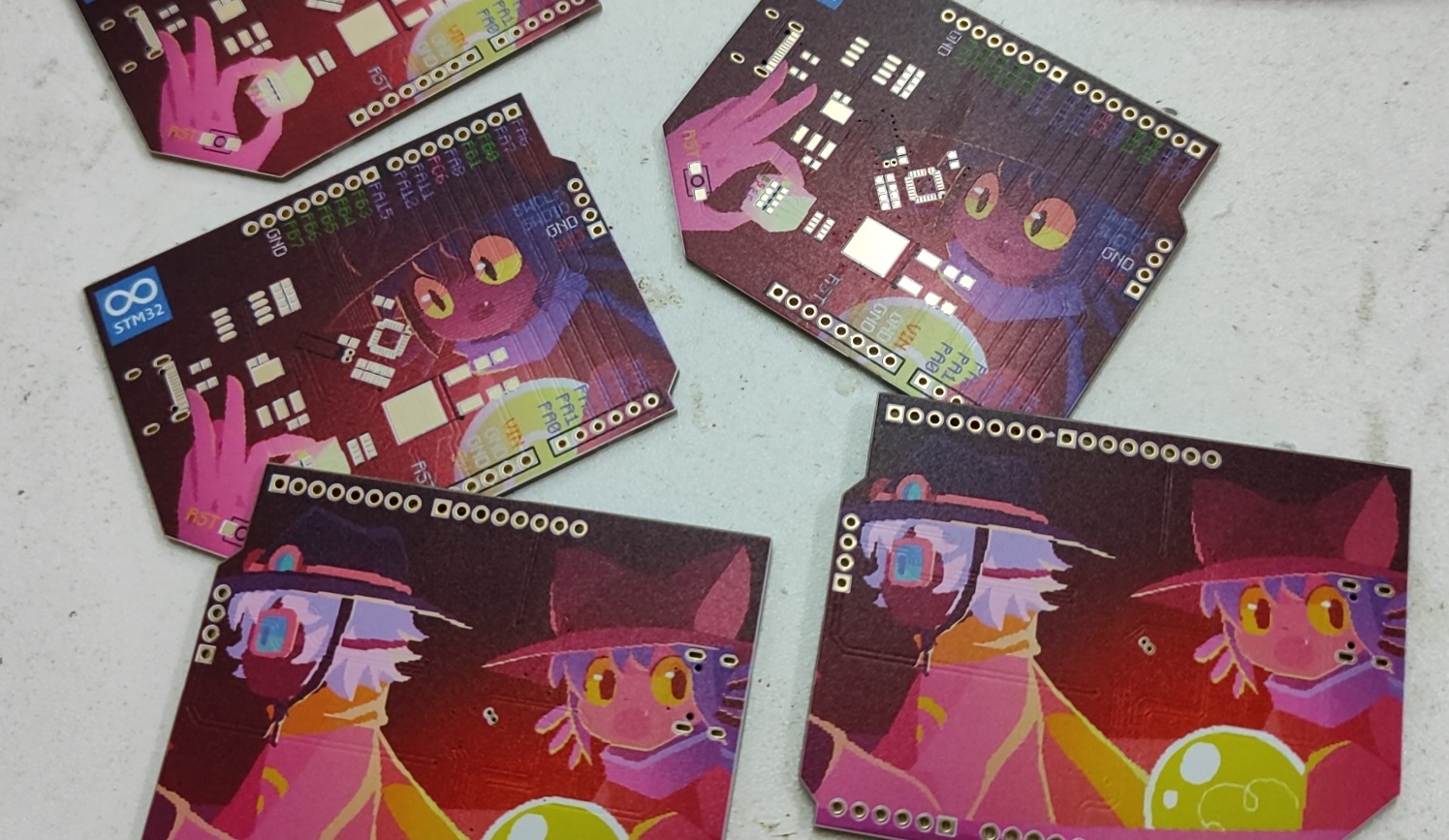
 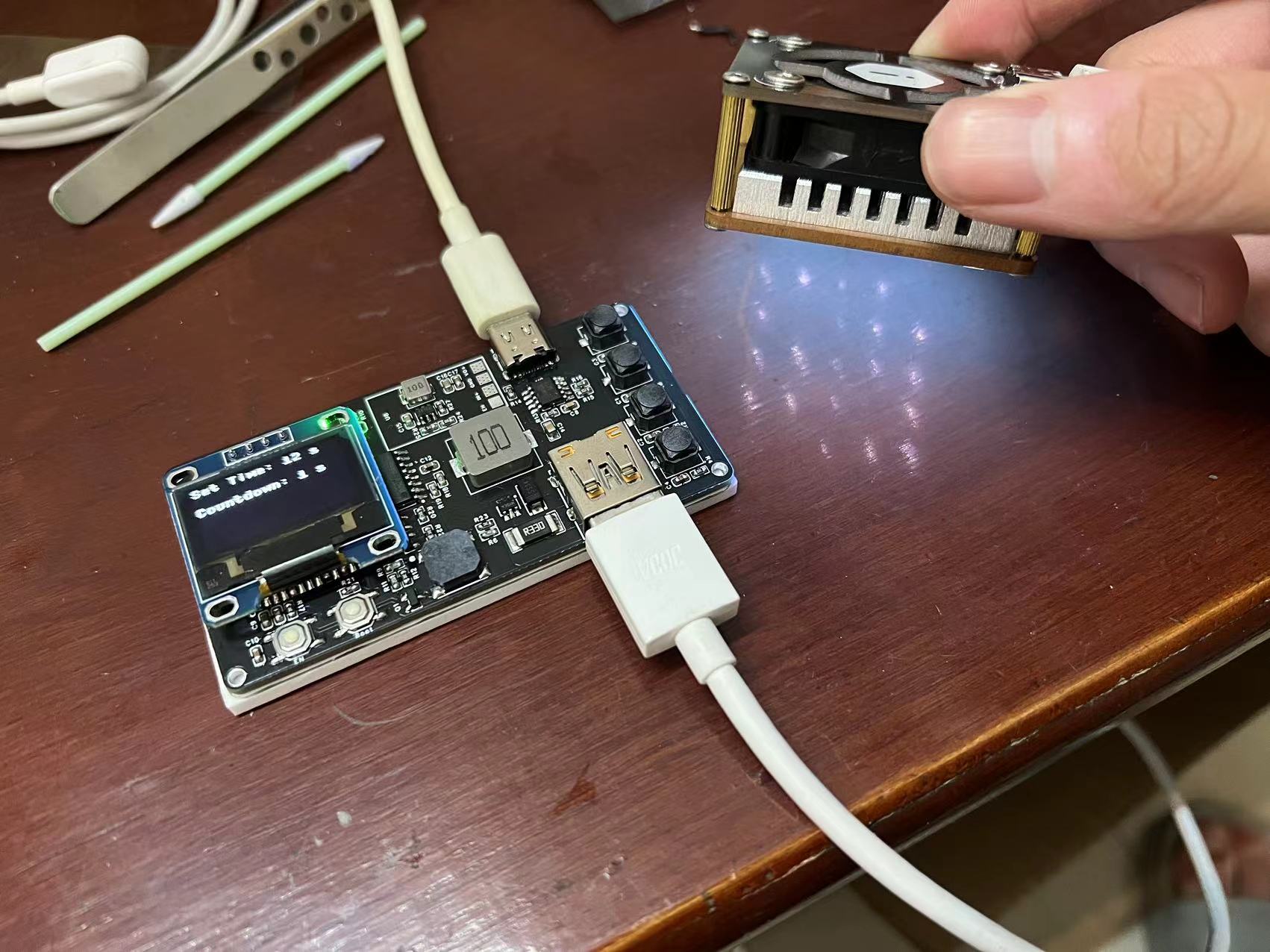 The lamp board arrived a month ago, and I only started working on it after returning from a school holiday trip to Shenzhen. I found that several LEDs wouldn't light up. The seller said they were tested before shipping, but given the long delay and the courier service disruption, I'll leave it as is for now.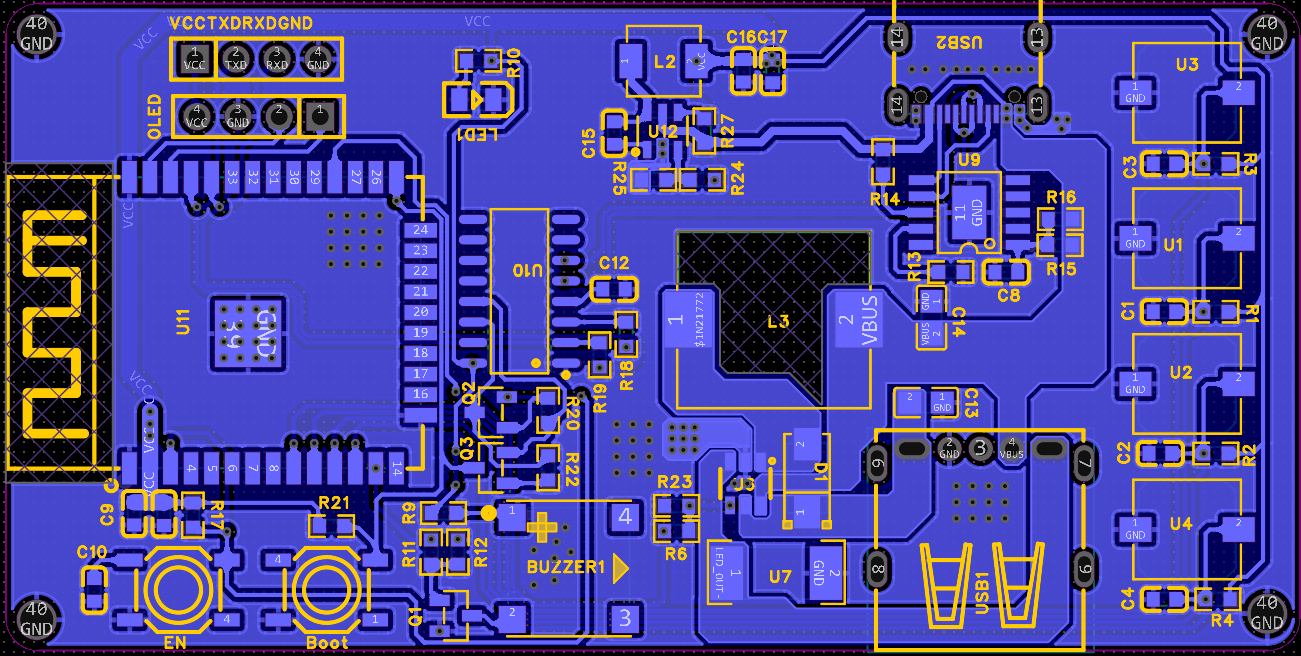
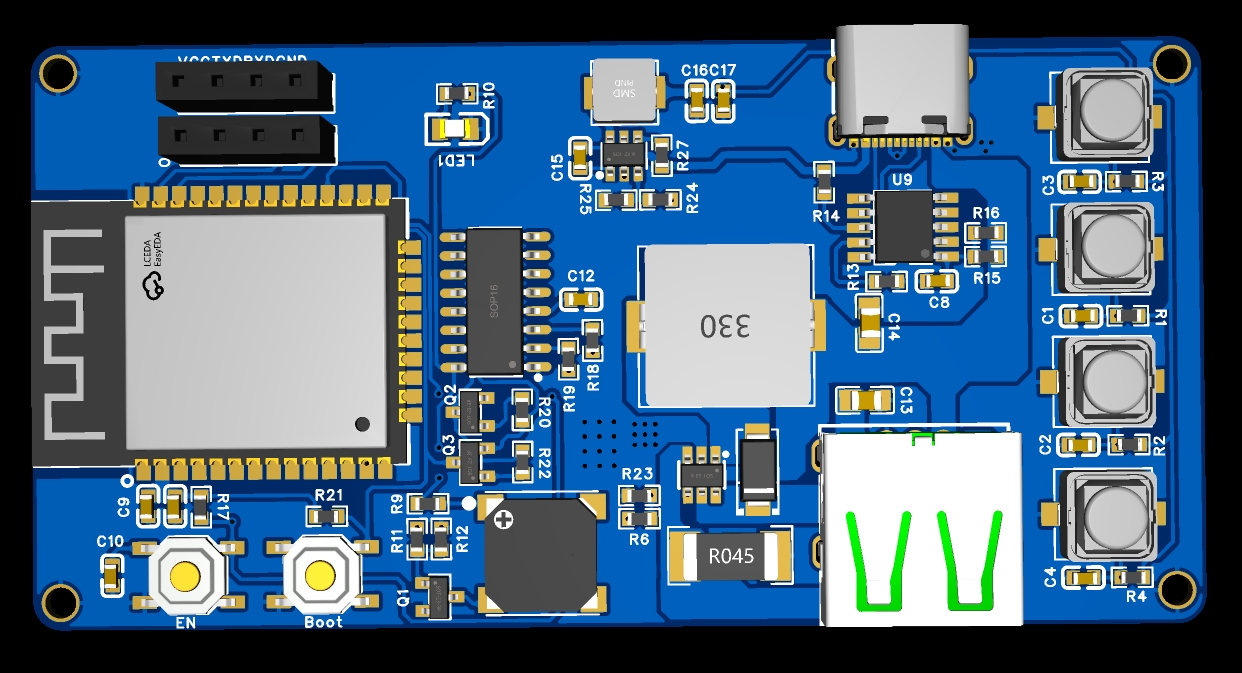
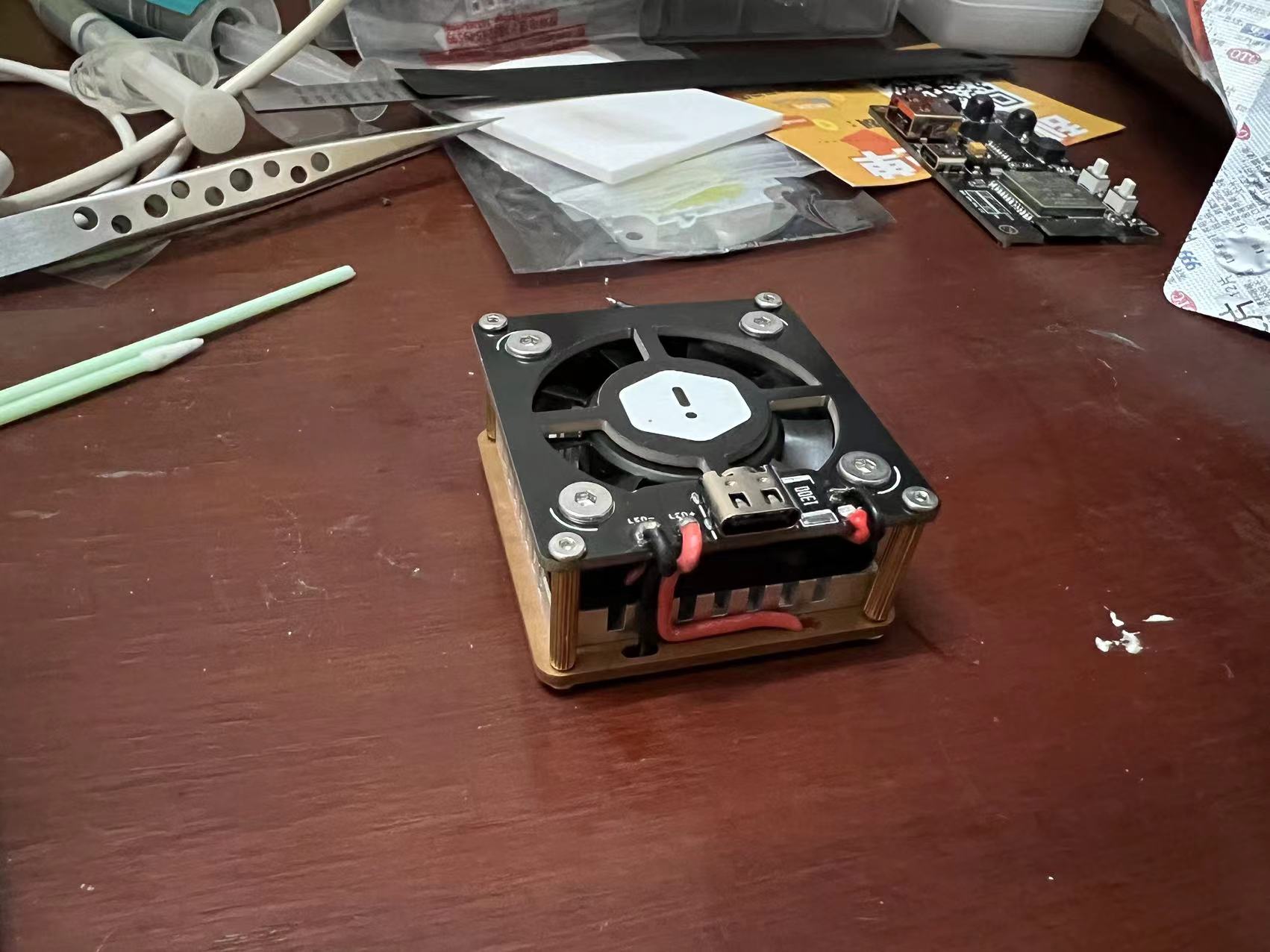
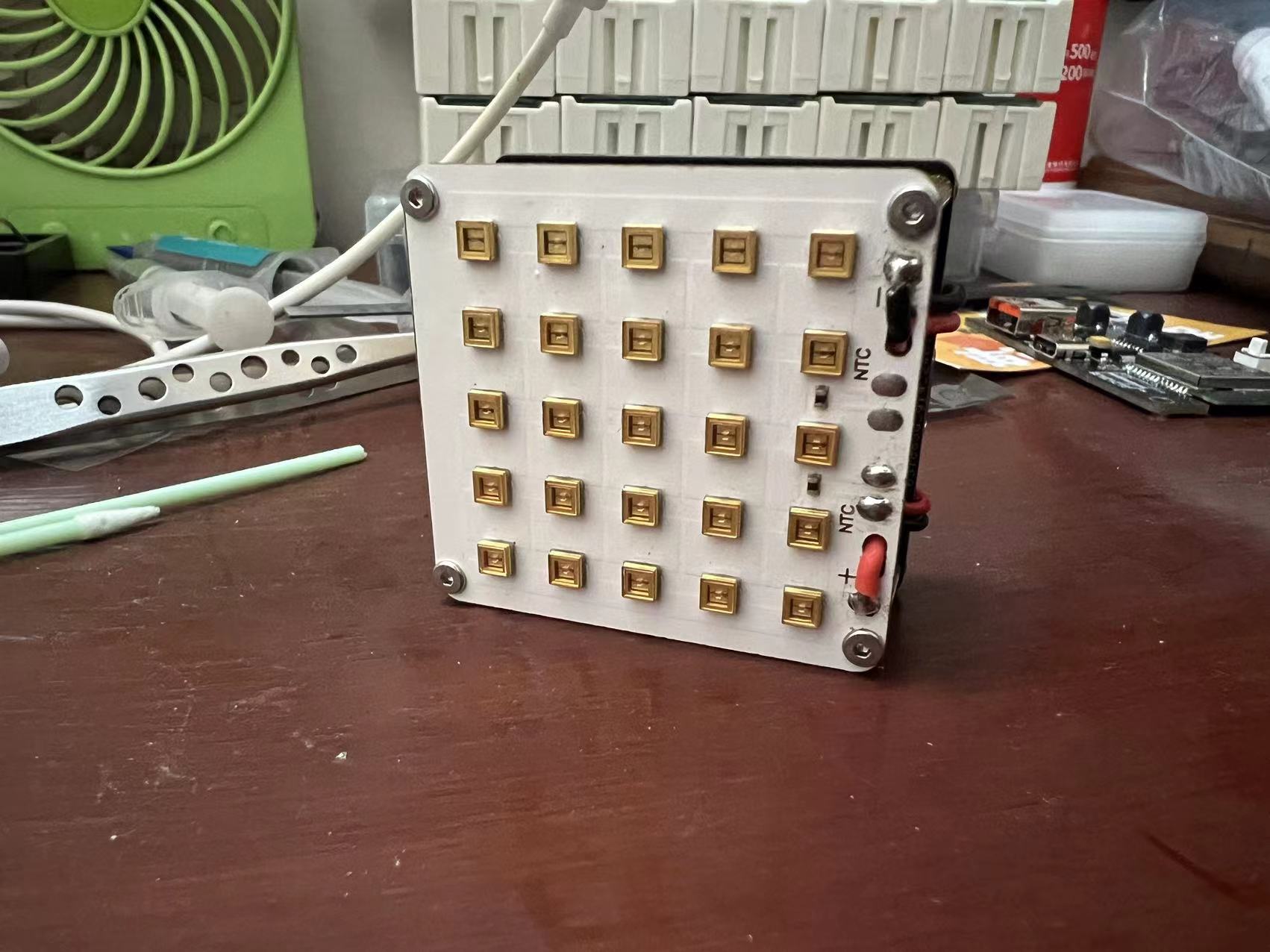 The code is written in MicroPython. ~~~~
All reference designs on this site are sourced from major semiconductor manufacturers or collected online for learning and research. The copyright belongs to the semiconductor manufacturer or the original author. If you believe that the reference design of this site infringes upon your relevant rights and interests, please send us a rights notice. As a neutral platform service provider, we will take measures to delete the relevant content in accordance with relevant laws after receiving the relevant notice from the rights holder. Please send relevant notifications to email: bbs_service@eeworld.com.cn.
It is your responsibility to test the circuit yourself and determine its suitability for you. EEWorld will not be liable for direct, indirect, special, incidental, consequential or punitive damages arising from any cause or anything connected to any reference design used.
Supported by EEWorld Datasheet
EEWorld
subscription
account

EEWorld
service
account

Automotive
development
community

Robot
development
community

About Us Customer Service Contact Information Datasheet Sitemap LatestNews



Room 1530, 15th Floor, Building B,
No.18 Zhongguancun Street,
Haidian District,
Beijing, Postal Code: 100190
China
Telephone: 008610 8235 0740
 京公网安备 11010802033920号


 1M1616-010-3811-010.0-33-CD-01-0



