OCSyhhLp6

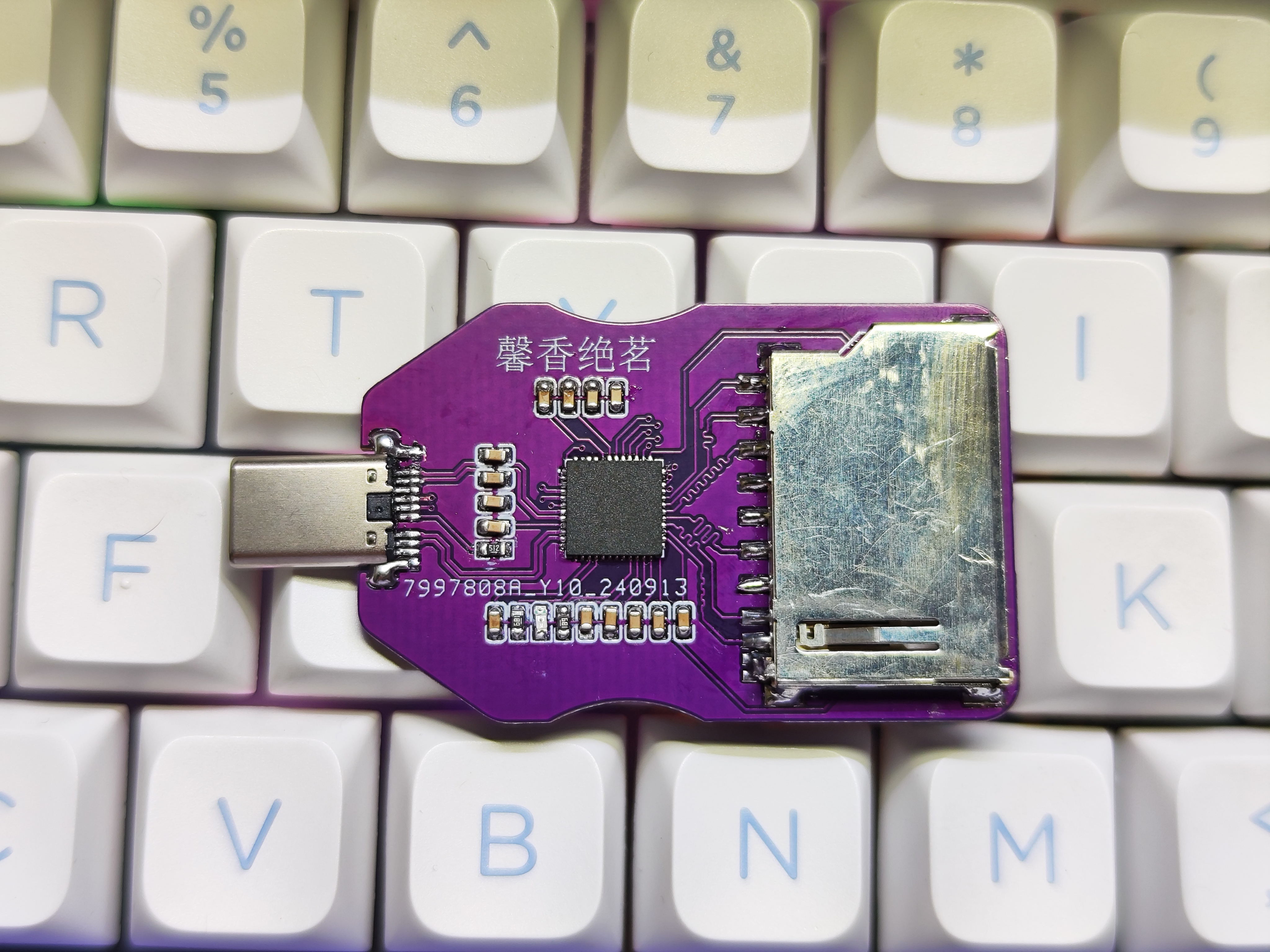
GL3224 Card Reader - Dual Card Dual Reading

 
Overview
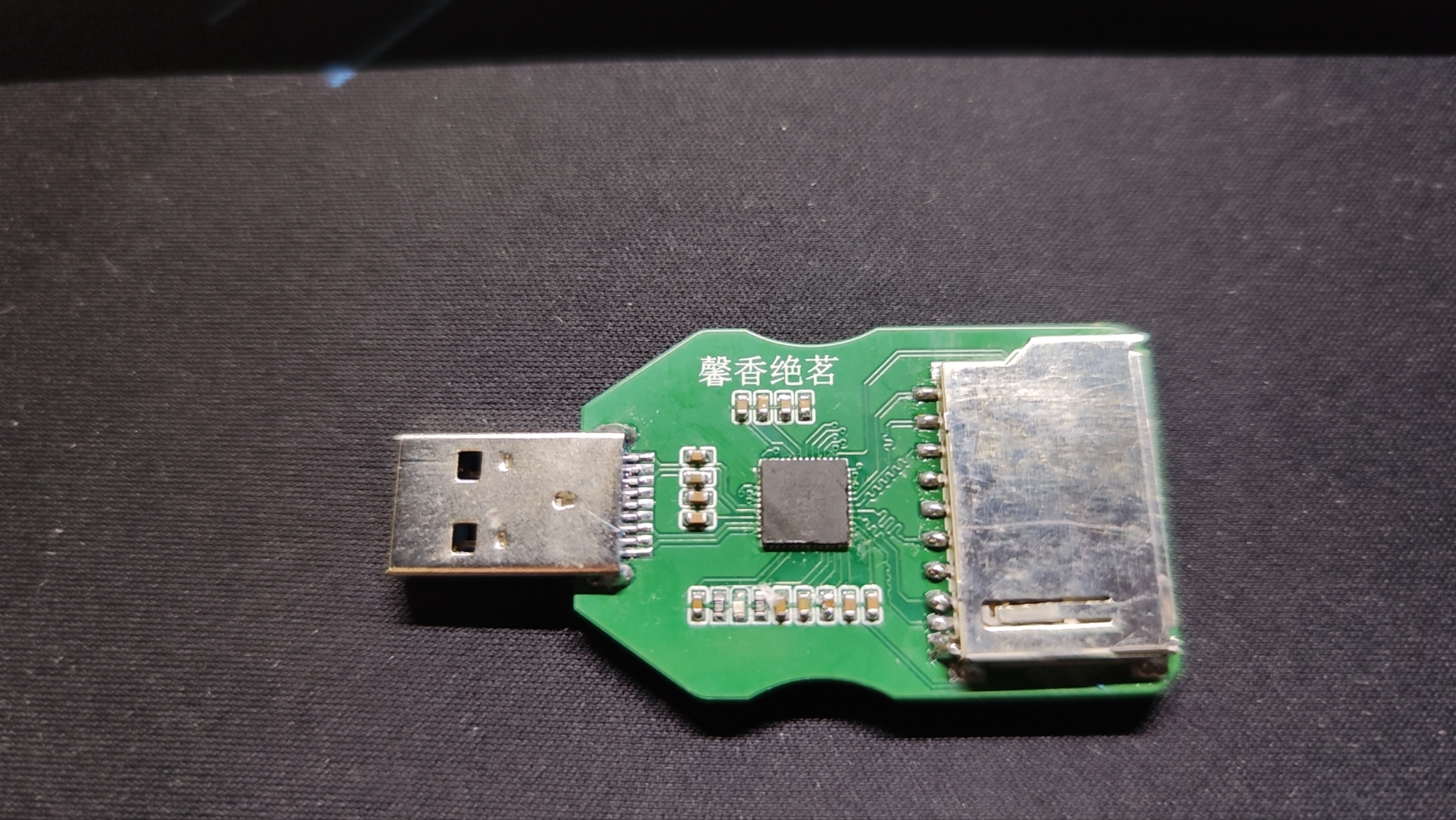
There are three versions: one with an A-port, one with an A-female connector, and the last one with a C-port male connector.
 
PCB design instructions:
Use the 3313 structure; the lamination order is in my files (I don't know why it's not showing up here at LCSC).
Impedance control is 20% (free; you can pay for 10%), otherwise you can't create a USB 3.0 speed board. PCB
thickness is 1.2mm.
 
Schematic diagram:
Appearance inspiration: USB 3.0 card reader, based on the GL3224 solution, with SD and TF card slots - LCSC open-source hardware platform (oshwhub.com).
Dual card insertion is as follows:
When ejecting, you can select only one card for speed
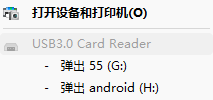
 
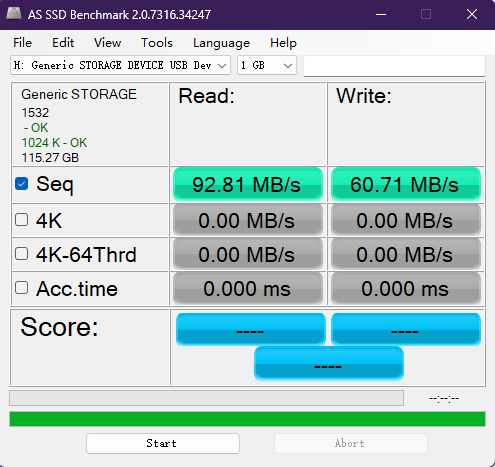
testing:
TF card, Kioxia G2 128G version
 
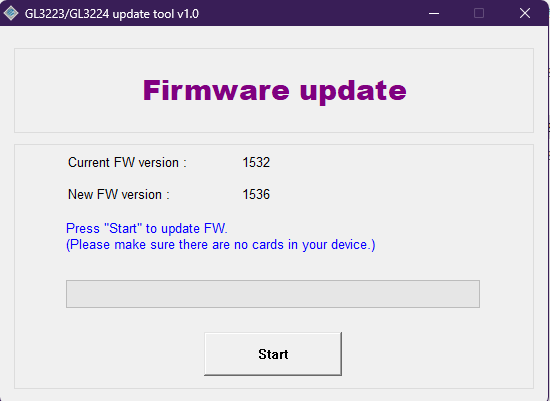
GL3224 chip, the official 1532 firmware supports USB 3.0, no firmware upgrade required!!! (Only specific versions of Windows 10 require an upgrade).
 
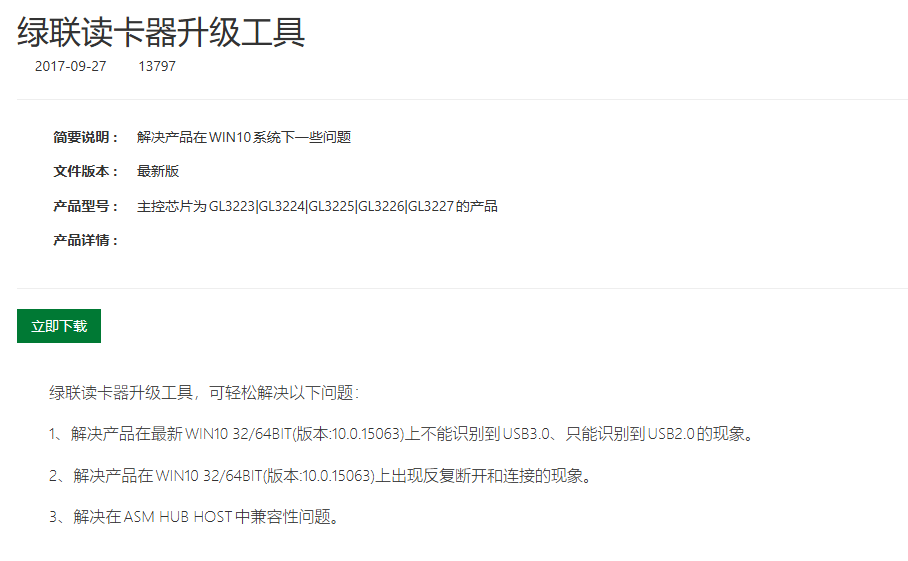
The reason an upgrade is needed to "support" USB 3.0 is mentioned in the official UGREEN announcement.
 
The chip was bought for 4 RMB from Baoxiang Electronics on Taobao, and everything works perfectly. Remember to buy two extra to avoid overheating and damaging them during soldering.
 
My soldering process: When
soldering chips with a hot air gun, first apply solder to the chip's pins using a bent-tip soldering iron. Do not apply
solder to the large grounding pad in the middle of the chip. Heat the chip to 350 degrees Celsius for ten seconds, then apply solder paste along the pad's lead using a syringe. Apply a little solder to the large grounding pad in the middle as well.
Place the chip on top and heat it again. After the solder paste melts, press the chip down with tweezers to prevent poor soldering of any pins.
Then remove the hot air gun and wait for the solder to cool and solidify. Then use the soldering iron to run it along all four edges of the chip (you can place it on the soldering machine first for easier touch-ups) to ensure there is no solder joint. Do
 
the same for other components: preheat the hot air gun, apply solder paste, then place the capacitors and resistors and heat them again (do not place LEDs at this time; place them last to avoid damaging them).
 
Usage:
It takes five or six seconds for the computer to recognize the chip. If you are using a camera memory card for long-term copying of materials, please purchase a heatsink on Taobao.
参考设计图片
×
 
 
Search Datasheet?

Supported by EEWorld Datasheet

Forum More
Update:2026-03-26 17:59:42
  • 【DIY mobile phone】An idea
  • Why does AD8475 generate a lot of heat when powered by 5V?
  • Design issues of dual-T network
  • Please advise on the issue of invalid binding message sending
  • I have a fast arm board and want to find an opportunity to exercise
  • Ask a question

EEWorld
subscription
account

EEWorld
service
account

Automotive
development
community

Robot
development
community

About Us Customer Service Contact Information Datasheet Sitemap LatestNews



Room 1530, 15th Floor, Building B, No.18 Zhongguancun Street, Haidian District, Beijing, Postal Code: 100190 China Telephone: 008610 8235 0740

Copyright © 2005-2024 EEWORLD.com.cn, Inc. All rights reserved 京ICP证060456号 京ICP备10001474号-1 电信业务审批[2006]字第258号函 京公网安备 11010802033920号