In previous experiments, we conducted detailed tests and evaluations of the NS4168 and ES8388 digital audio processing chips. Subsequently, we ported a sophisticated video player from the open-source examples of the Atomic ESP32, designed to handle simple AVI MJPEG video formats. This lightweight player impressed me and sparked my interest in further exploration (mainly because I've always wanted to make my own MP4 player).
Therefore, I decided to stop hesitating and immediately begin developing a simple yet fully functional video player as a pleasant attempt at personal technical practice.
For a simple test and evaluation of the NS4168 and ES8388 (circuit aspect), please refer to my open-source documentation: [Open Source Square] I2S Audio Evaluation Board NS4168 Chip Datasheet (This chip was chosen because it is inexpensive and very simple; it's so simple that you only need to transmit audio via the I2S bus). Let's get straight
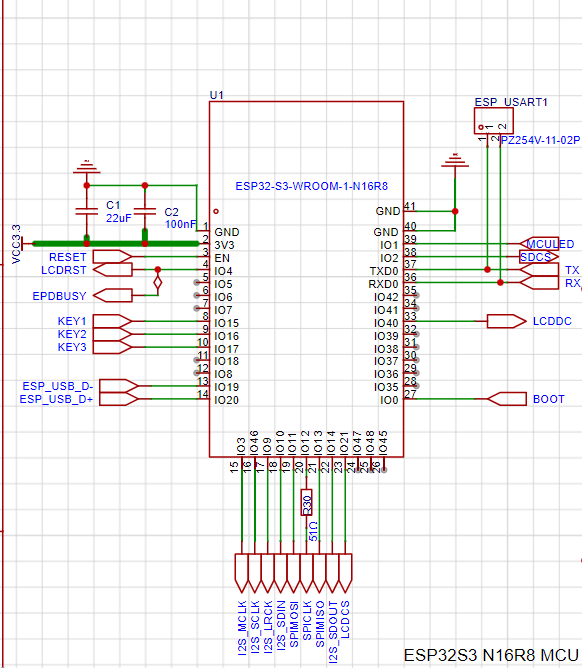
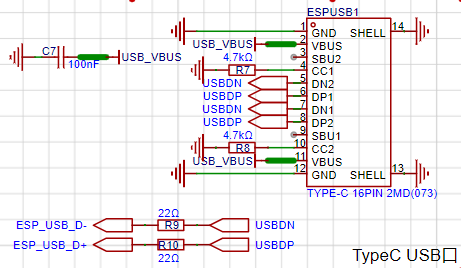
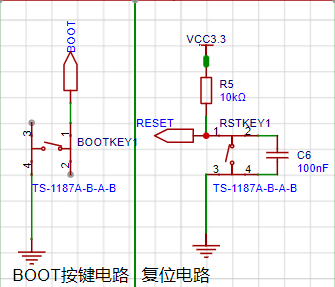
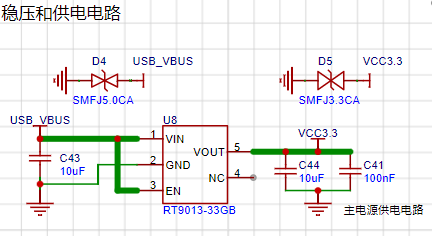
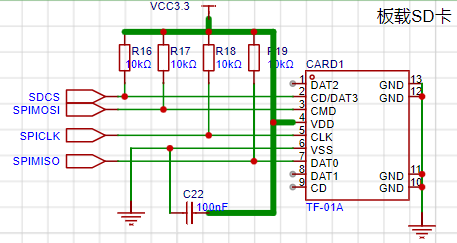
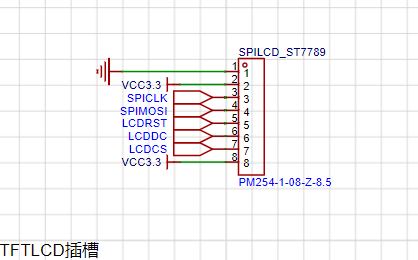
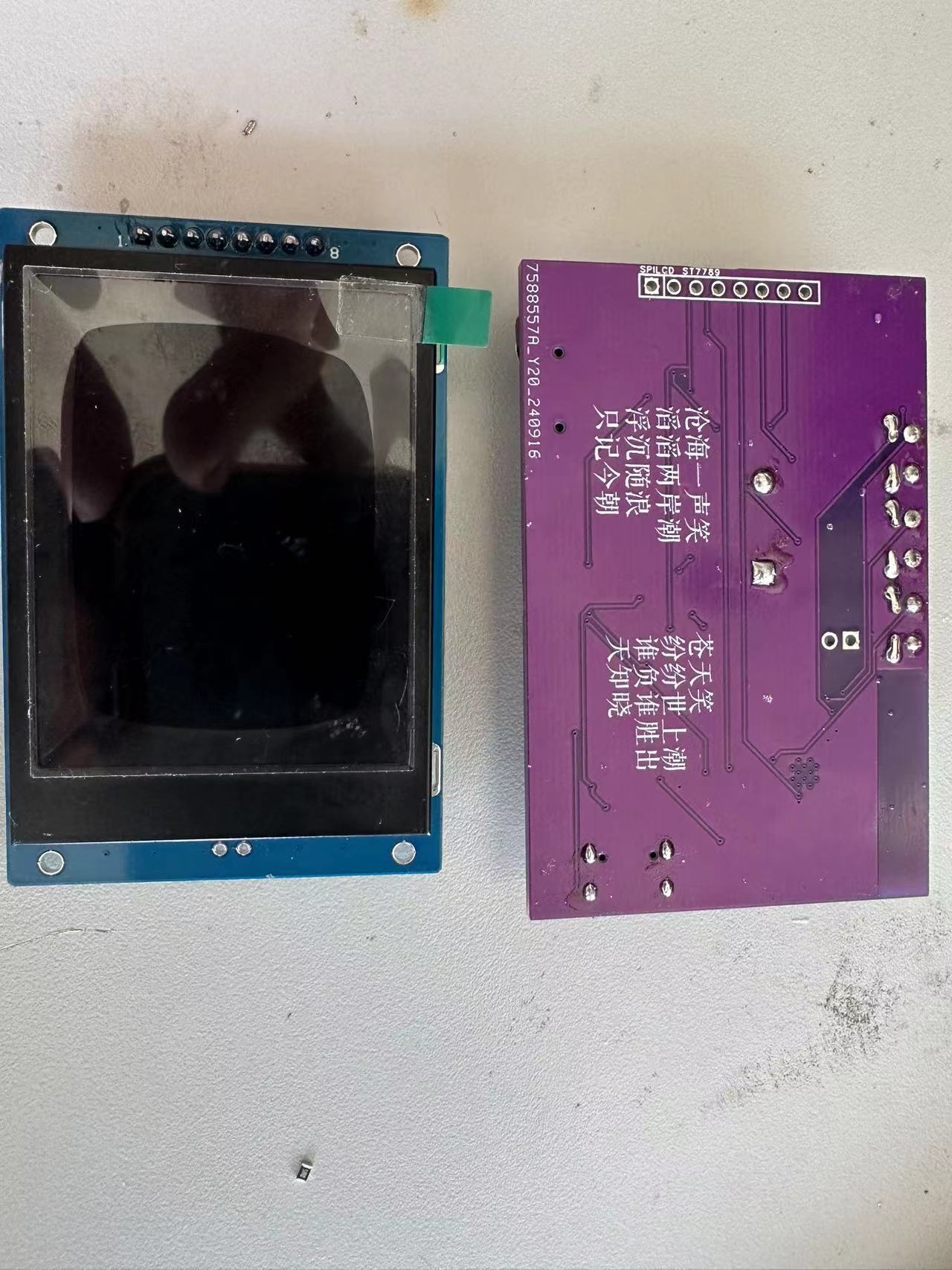
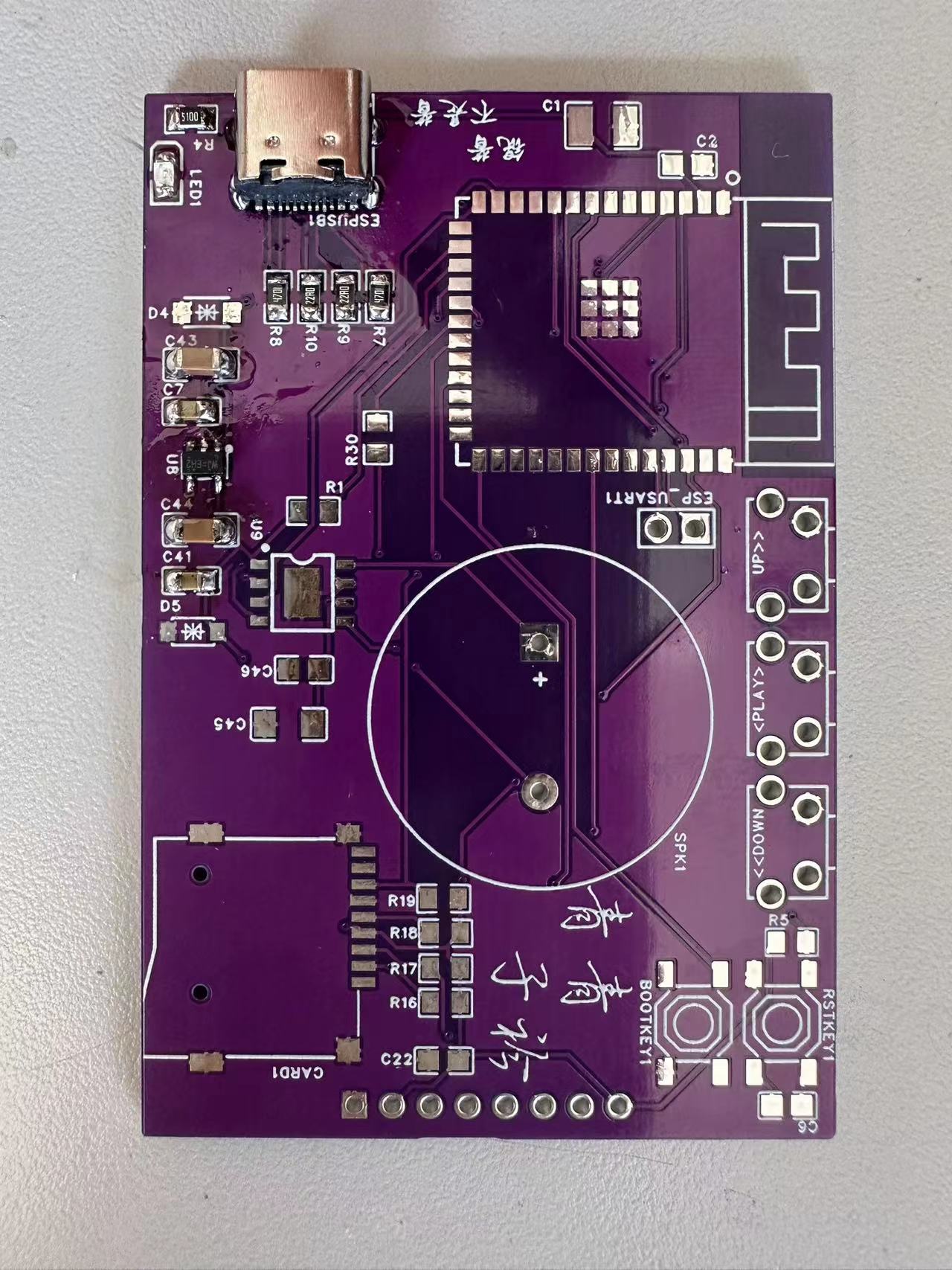
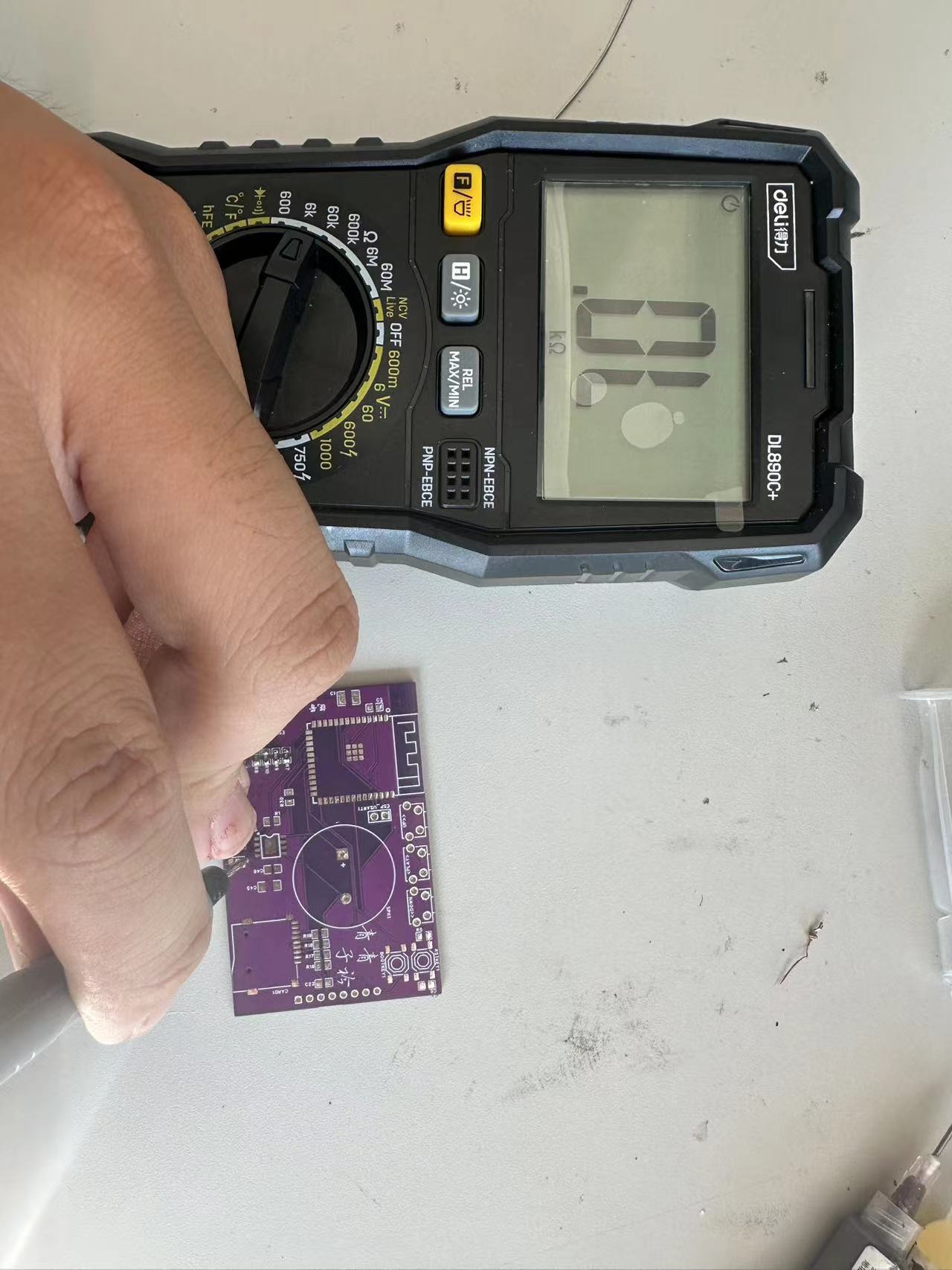
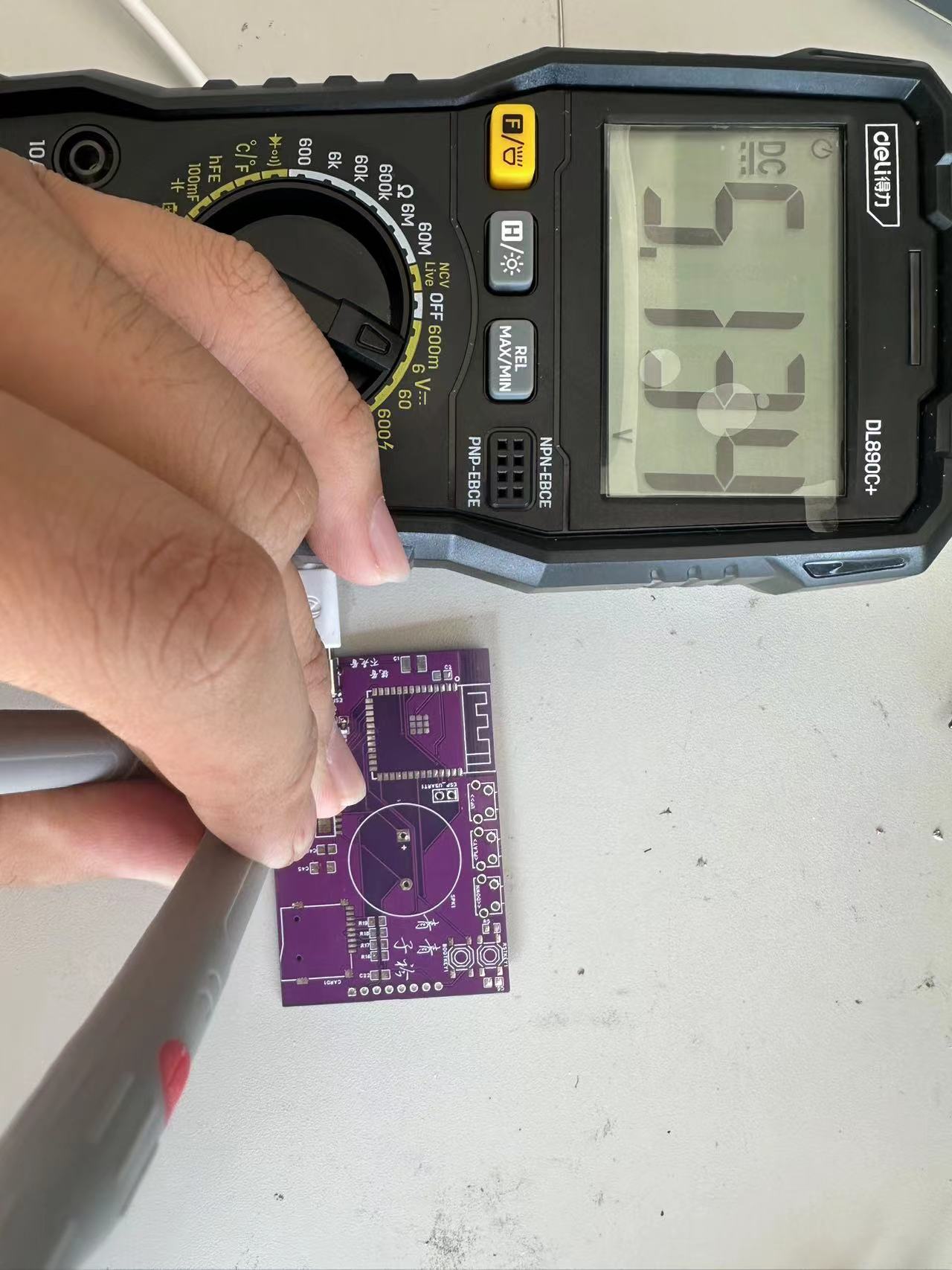
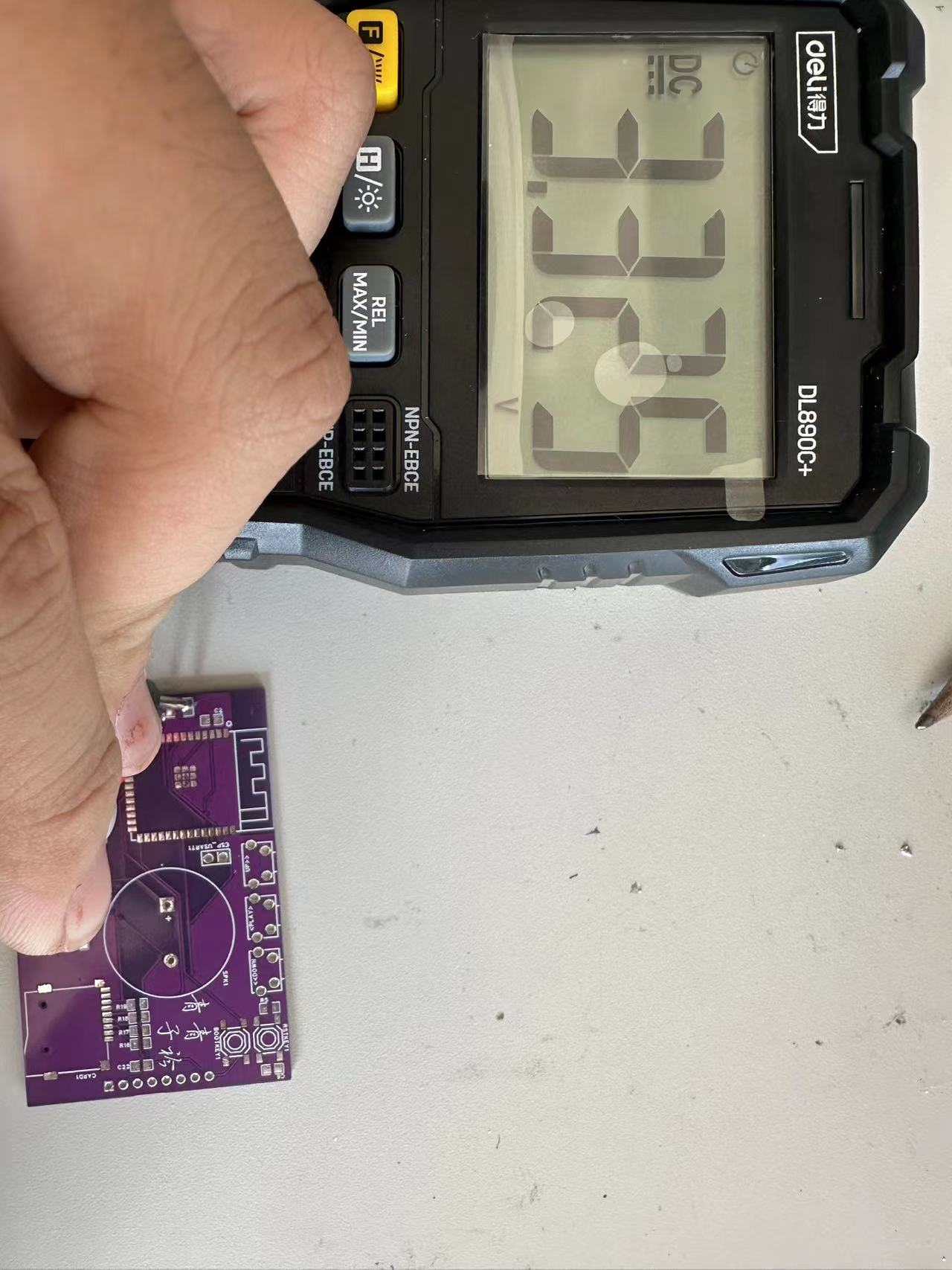
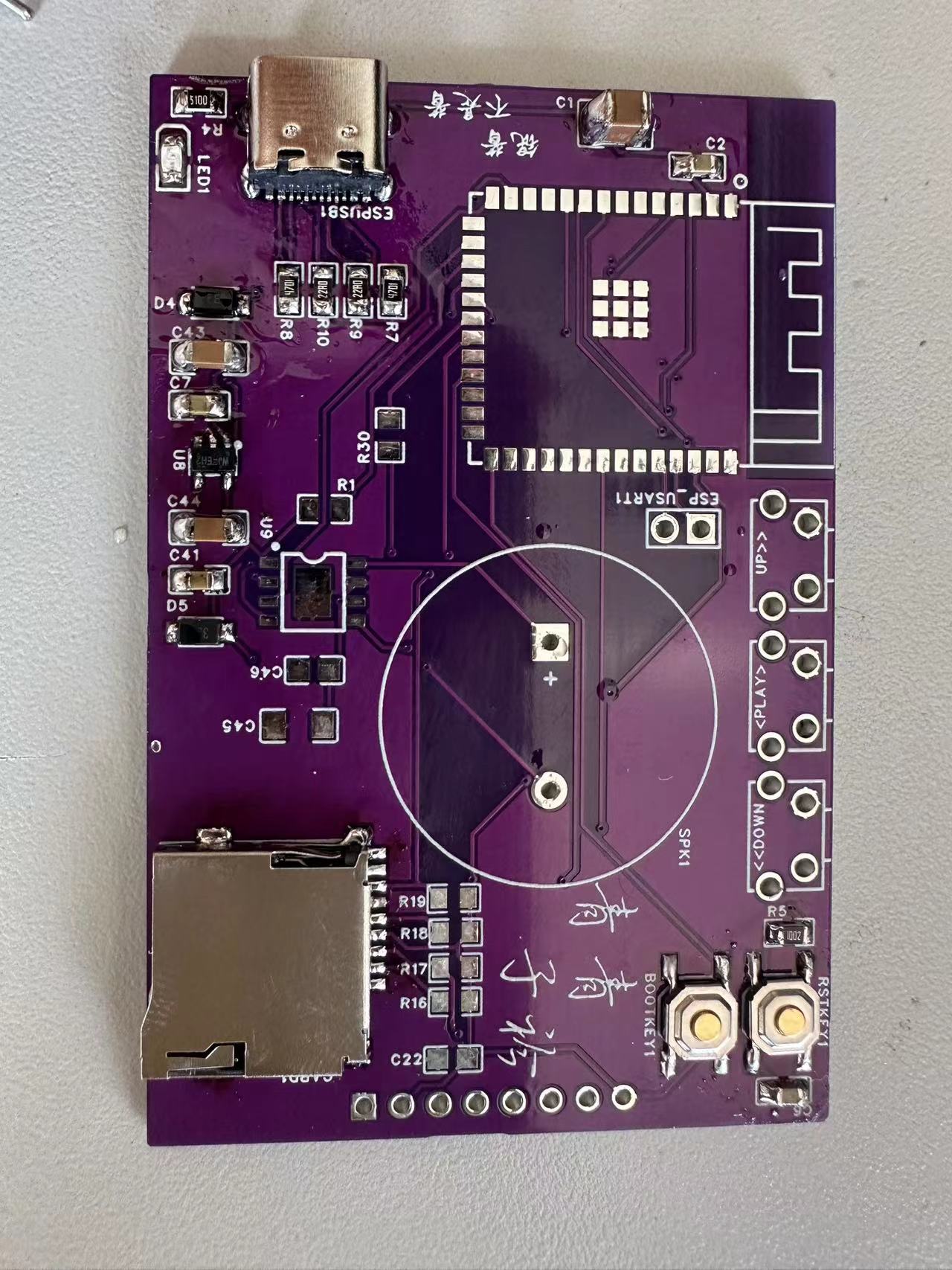
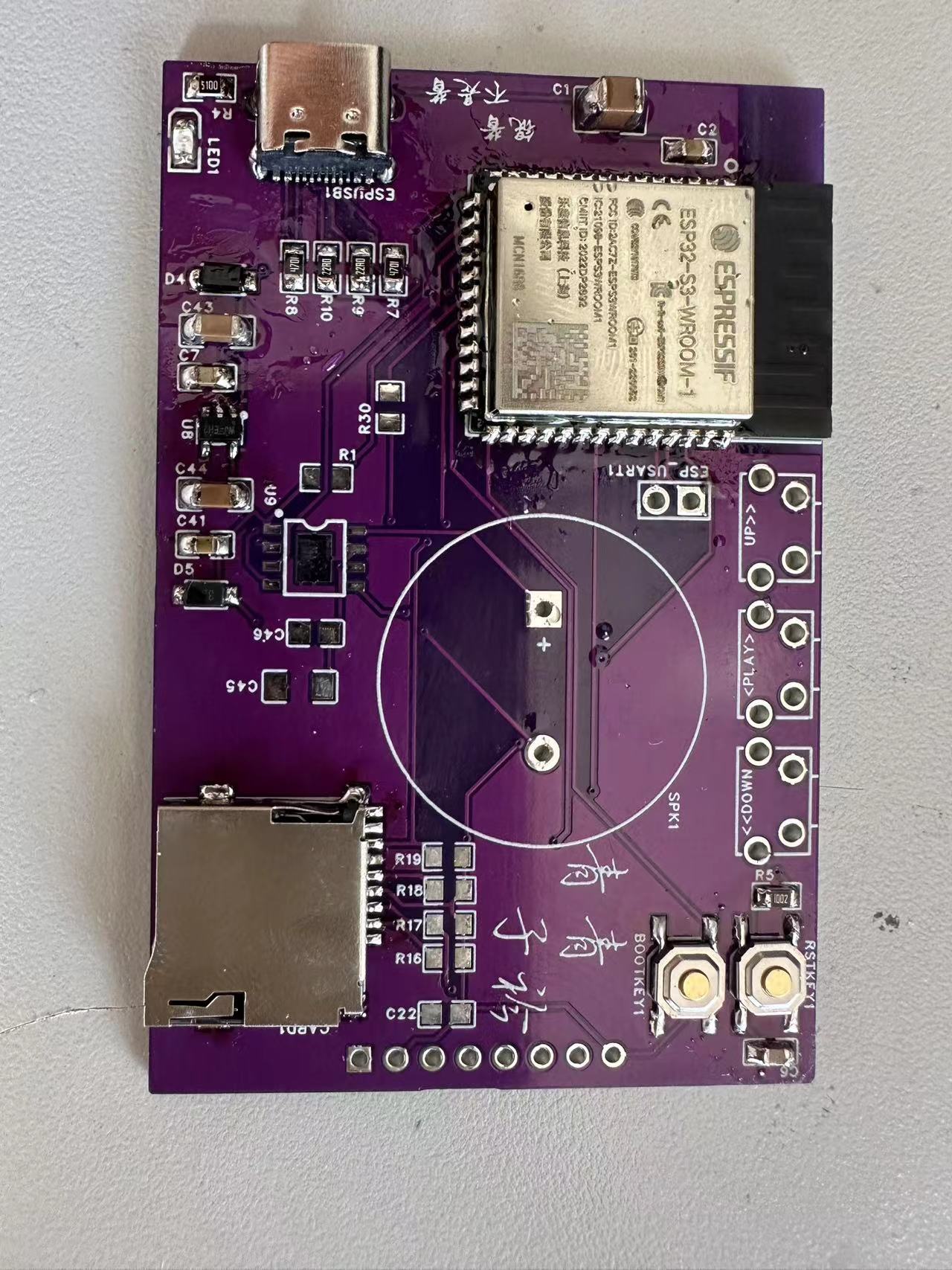
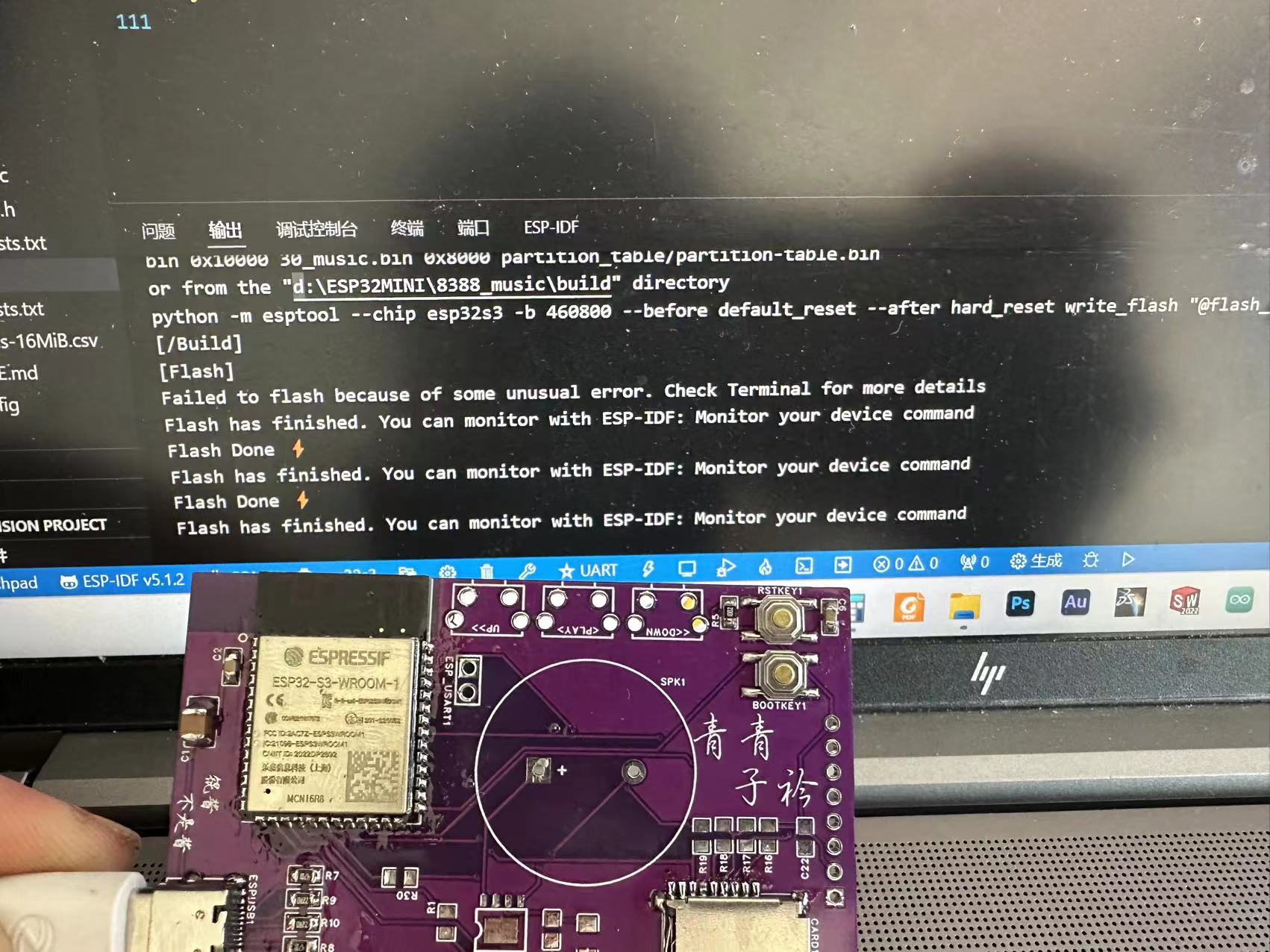
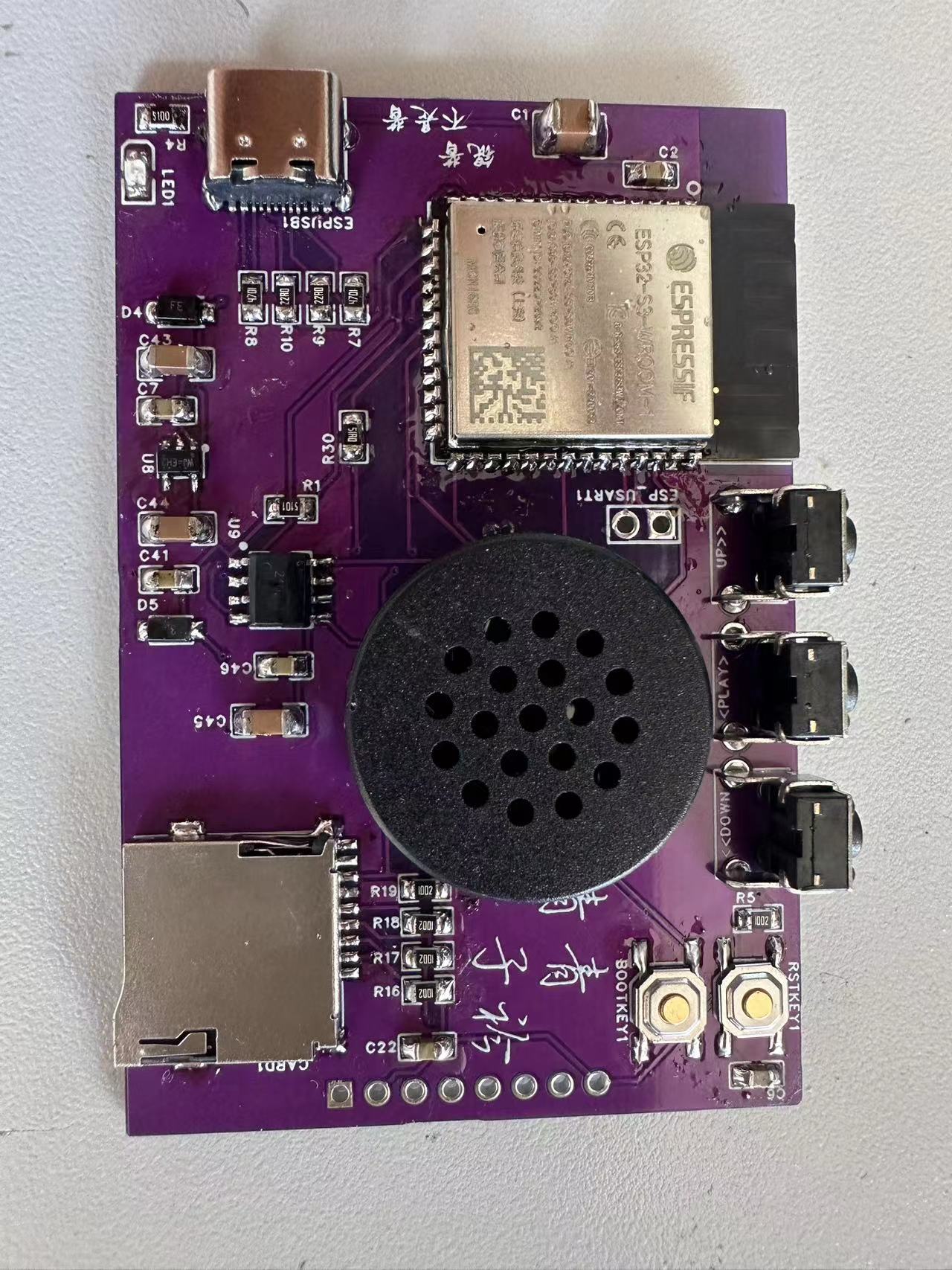
to the NS4168 datasheet . First, the circuit diagram— here, I've created a minimal ESP32 system, downloading via a USB virtual serial port . The chip used is the ESP32S3-WROOM-N16R8, with ample Flash and RAM for easy future development. :) Here's a word of caution—make sure the boot and reset circuits are working correctly, otherwise the chip won't enter download mode. The power supply uses an RT9013 chip. Next is the SD card and SPI. For the LCD screen, I'm using an ST7789 LCD module with a resolution of 320*240 (just using a module as a makeshift solution). (Here, I'm using a Jinyichen TFTLCD module with a metal frame). Finally, the NS4168... The I2S audio chip circuit is very simple, using only two filter capacitors and one pull-down resistor (controlling the left and right channel pins). OK, let's start soldering! 1. Power Supply Soldering : After soldering the power supply section, including the Type-C interface and the 3.3V voltage regulator circuit , use a multimeter to check for short circuits between the positive and negative terminals . Test! 5V, OK . 3.3V, OK . Perfect! 2. Installing the ESP32S3 Board: First, install the BOOT and RESET buttons and test them. Power on the board and test. Before powering on, be sure to measure the voltage between GND and the 3.3V terminal (otherwise the board may burn out). After powering on, there will be a beep when connecting to the computer. Open VSC, see the virtual serial port device, and successfully recognize the ESP32 board. Download and try it. Success! 3. Install the NS4168 and other components . 4. Solder the screen. Finally, test it. See the video for the final test. :) Note that the video player's source code comes from Atom; you can refer to relevant materials. I'm just doing a simple port here. :)








 京公网安备 11010802033920号


 V907ACO



