Similarities: 1. Both boards have all GPIO pins brought out except for P5.6 and P5.7. 2. The pinout order is the same (meaning if you design an extended version, the two versions are compatible). 3. Both boards bring out P3.1, P3.0 5V, and Gnd, allowing for quick programming via an XH2.56 to DuPont converter (although they are all on the board). 4. Both boards have reserved pads for AT24CXX (you can solder them on if you like). 5. Power LED indicator and GPIO-controlled LED. 6. Uses an LQFP-48 packaged 8051U. 7. Also includes a reverse breakdown diode for voltage regulation (probably overvoltage protection). 8. Also includes a 0805 self-resetting fuse. 9. Both MCUs operate at 3.3V. Differences: 1. You can clearly see that... One board uses the STC8H8K64U for downloading (yes, I cut a portion of the schematic for a two-in-one solution, and both serial ports are brought out, one just doesn't have an LED...). (Supports automatic power-off downloading!). The other uses USB-HID for downloading (I made it length-equalized). (This definitely doesn't support power-off downloading). This one uses fewer components than the previous schematic and board, but of course, it also has some inconveniences! 2. The board with the STC8H8K64U supports switching between 3.3V and 5V download levels!!!! Use a 0-ohm resistor, but you can only solder one at a time! One at a time! (You wouldn't want to burn out a new board because you soldered it wrong...) 3. Regarding the button differences, refer to the schematic (I don't want to type anymore QAQ). (Simply put, to allow the STC8H8K64U to update the USB to 2-TTL program, two buttons are used, so the one for the user is gone...) (You have three, right? One is for the RST...) 4. Boards with STC8H8K64U can only install one SD card and one AT24Cxx (you can't insert two even if you want...) 5. Boards with STC8H8K64U have two more Txd and Rxd communication indicator lights. Regarding the download method: omitted for those with TTL... Regarding USB download, based on the documentation, after all soldering is done, press and hold the Download button before plugging in.
(Image)
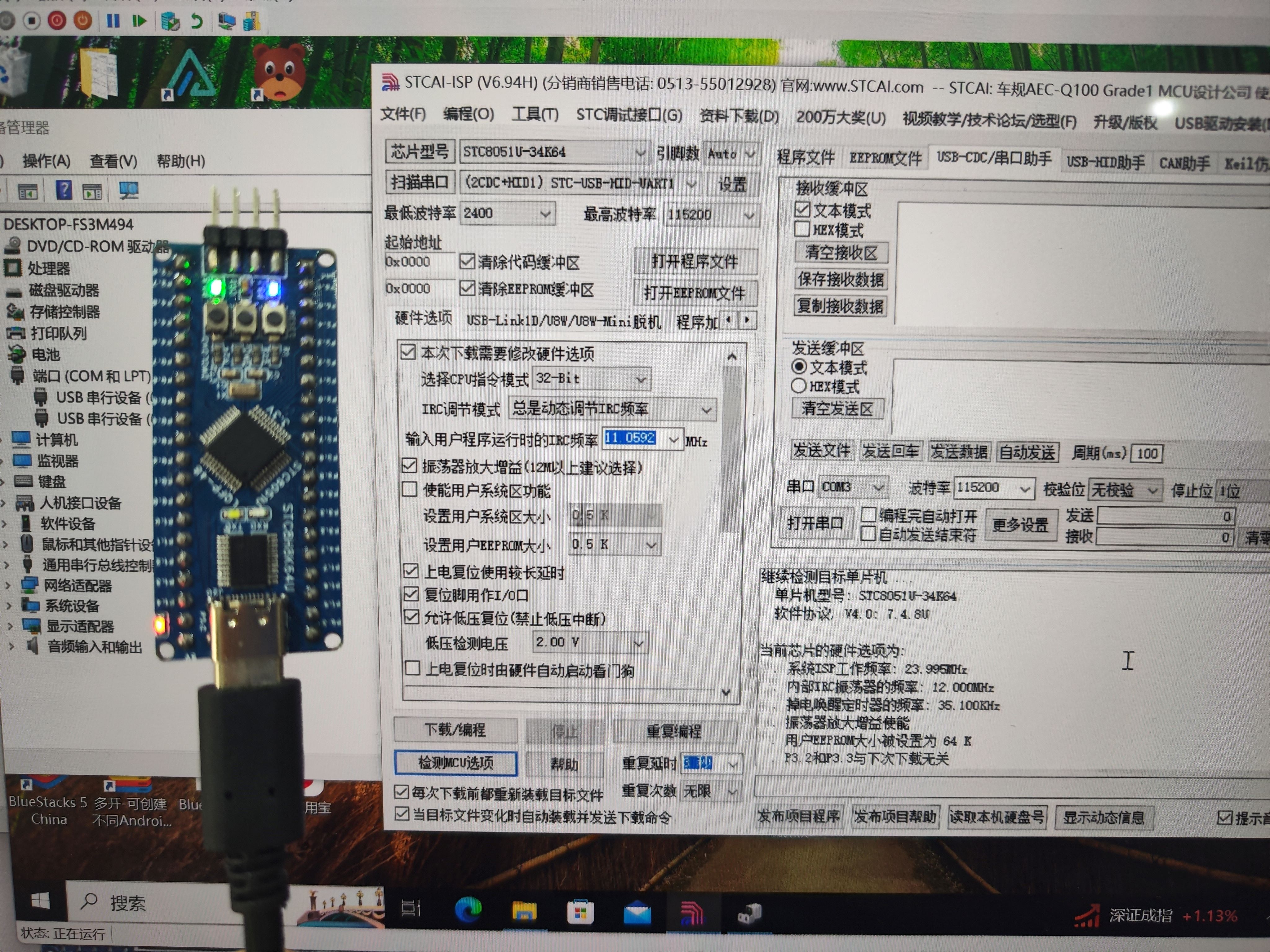
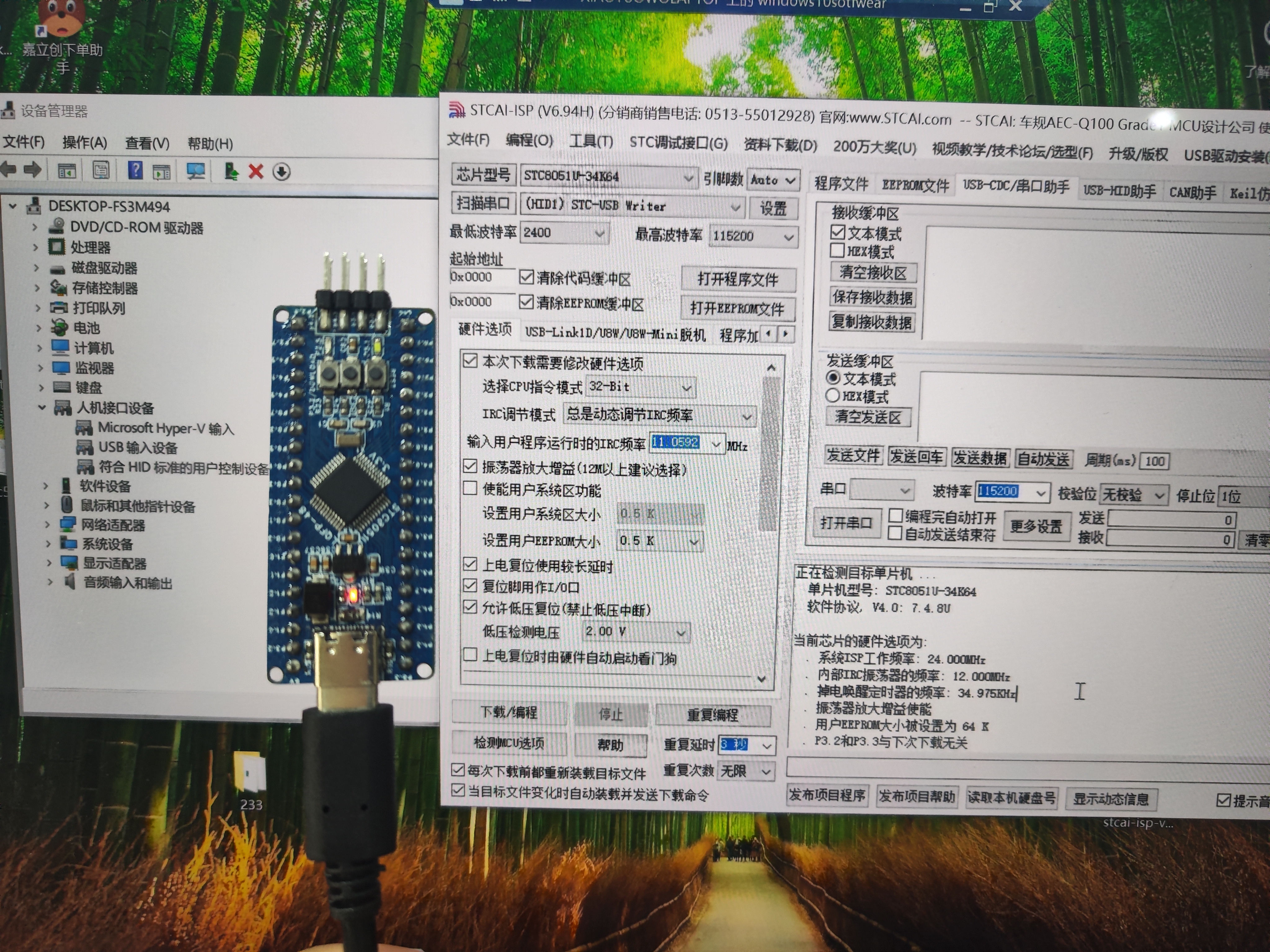
VID_20240726_131632.mp4
PDF_8051u Minimum System Board (Two Versions!).zip
Altium_8051u Minimal System Board (Two Versions!).zip
PADS_8051u Minimum System Board (Two Versions!).zip
BOM_8051u Minimum System Board (Two Versions!).xlsx
92269
[Replica] Renesas-based desktop digital clock
[Replica] Renesas Desktop Digital Clock
1. Project Function Introduction:
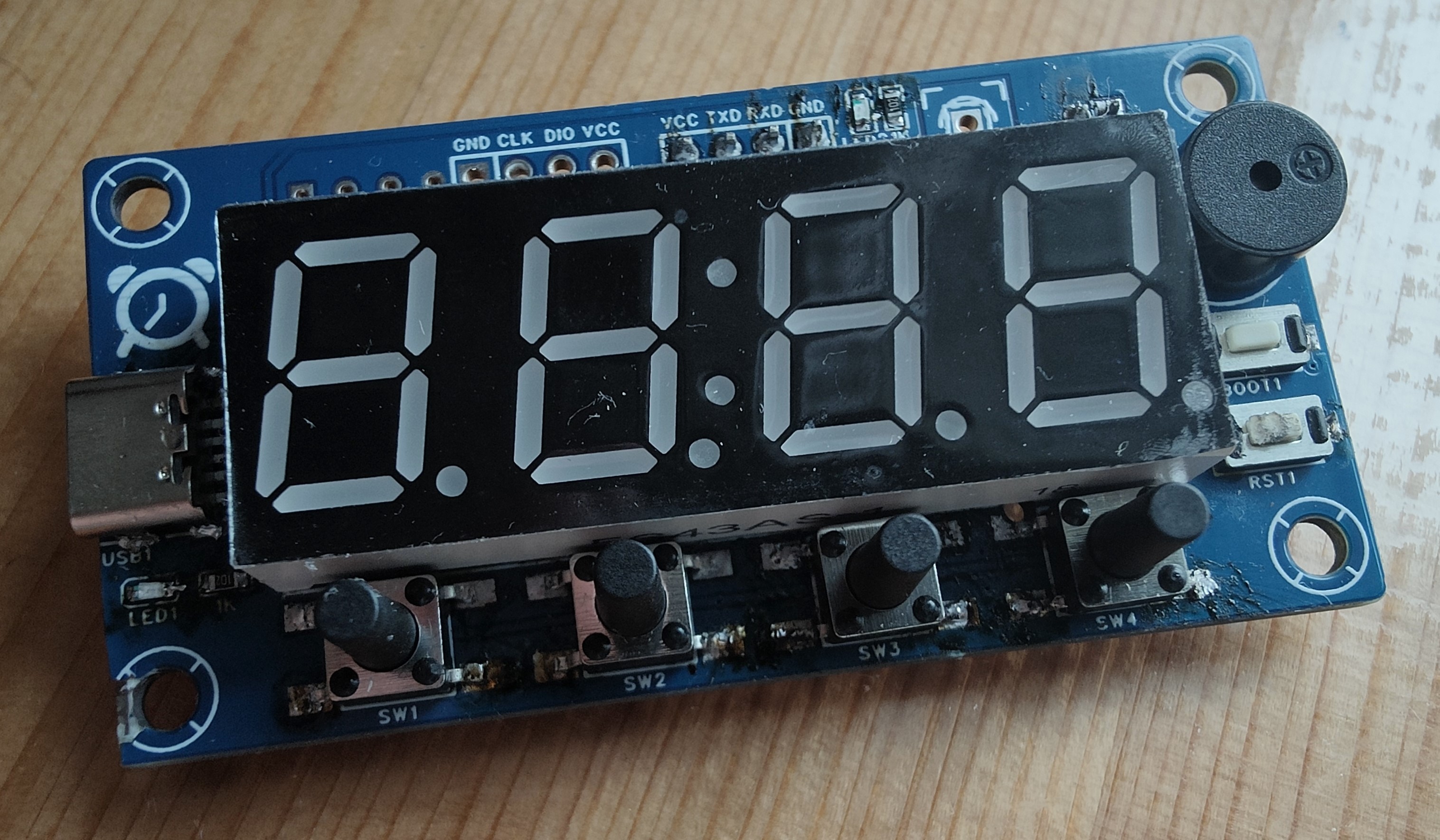
This project replicates
the functions of LCSC's Summer Training Camp, including:
clock display,
alarm clock
, temperature and humidity display,
and date display.
PDF_【Replica】Renesas-based Desktop Digital Clock.zip
Altium_【Replica】Renesas-based Desktop Digital Clock.zip
PADS_【Replica】Renesas-based Desktop Digital Clock.zip
92270
Hezhou CC watch backplate
Hezhou CC Table Simple Extension Base Plate
Hezhou CC Meter Simple Expansion Baseboard
Update:
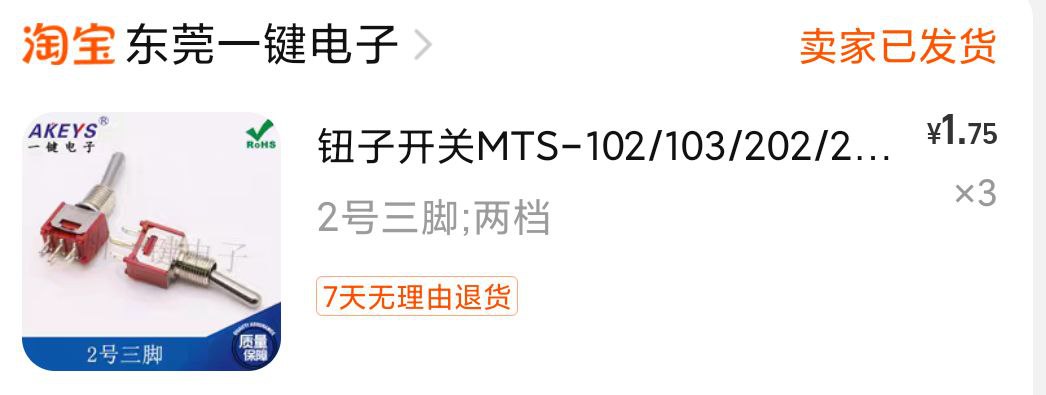
June 16, 2024: V3 Update. 1. Added CH22K PD decoy circuit; DIP switch configurable input voltage. 2. Replaced push-button switch with toggle switch; fixed poor switch contact; increased current carrying capacity (V2 casing compatible with V3).
December 12, 2023: V2 Update; added input reverse connection protection circuit.
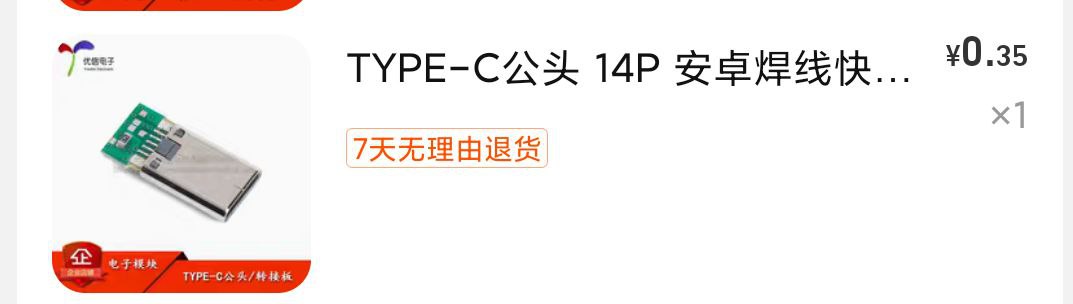
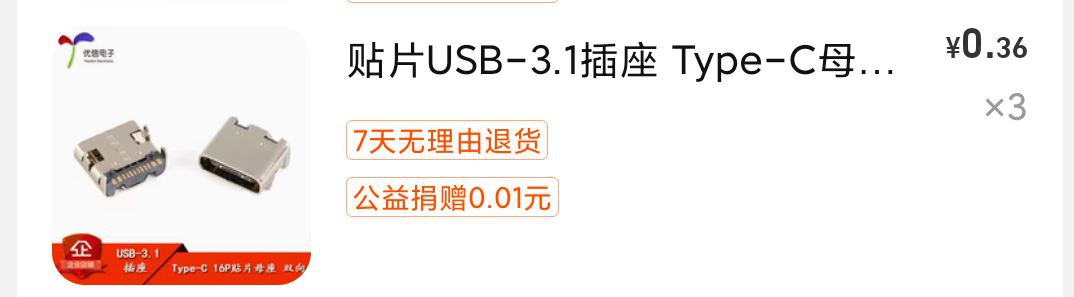
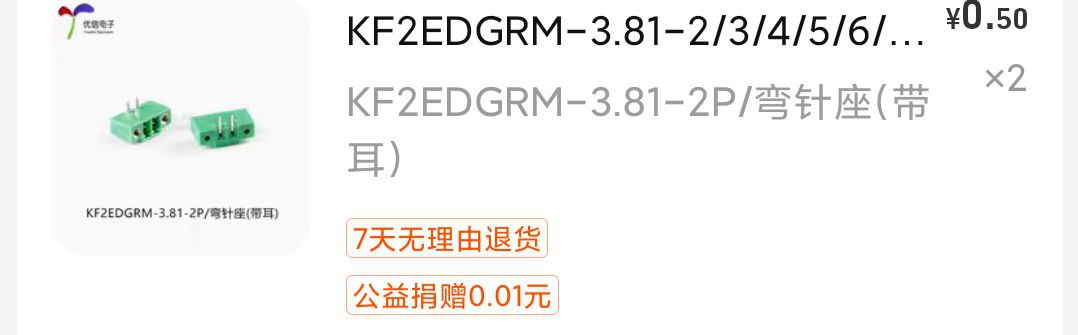
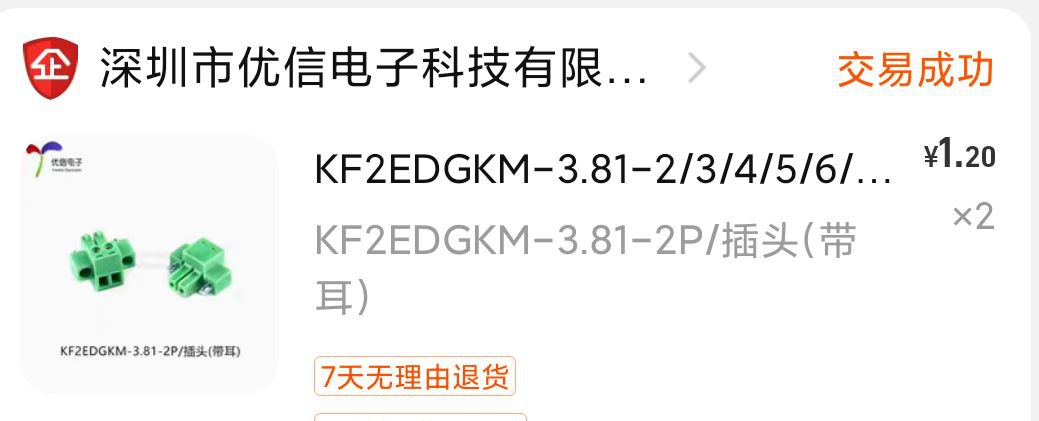
Self-use baseboard; simple function, used for device debugging and monitoring start-up current.
Design principle is simplicity and low cost, so not many functional circuits were added.
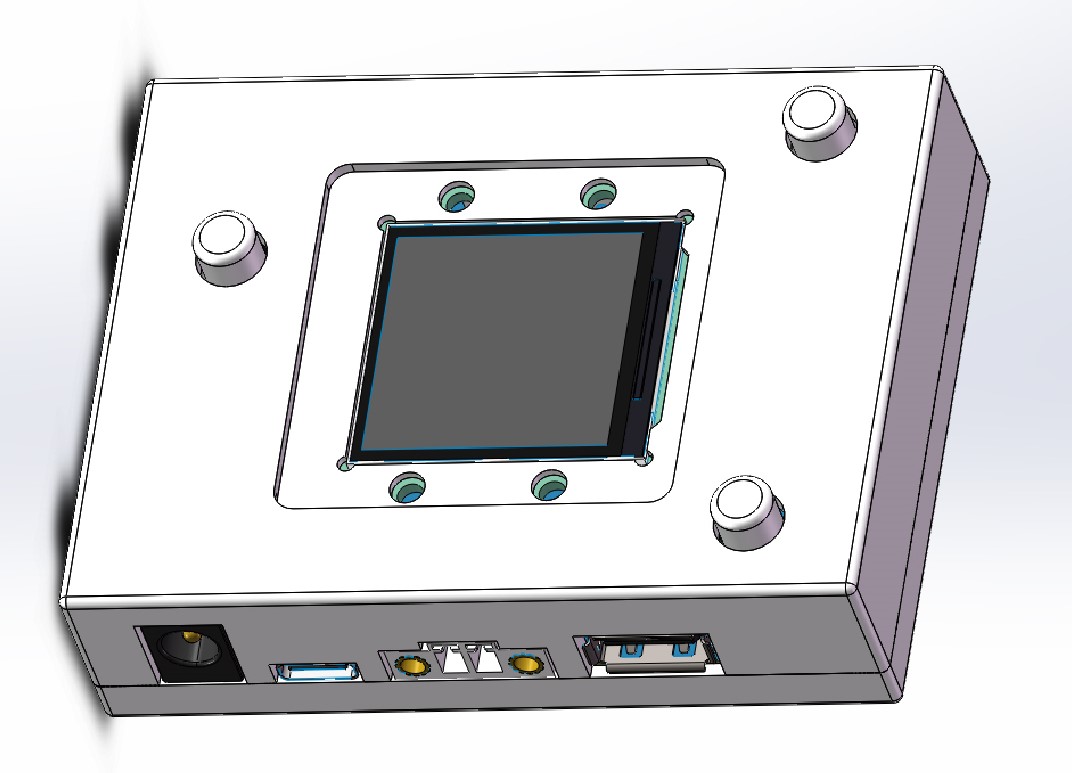
Three switches control input/output and the CC meter's power supply respectively.
The casing is magnetic, easy to disassemble and adjust functions by pressing buttons.
When the input is greater than 5V, the USB output is also greater than 5V. Pay attention to the input voltage when using USB
(casing file attached).
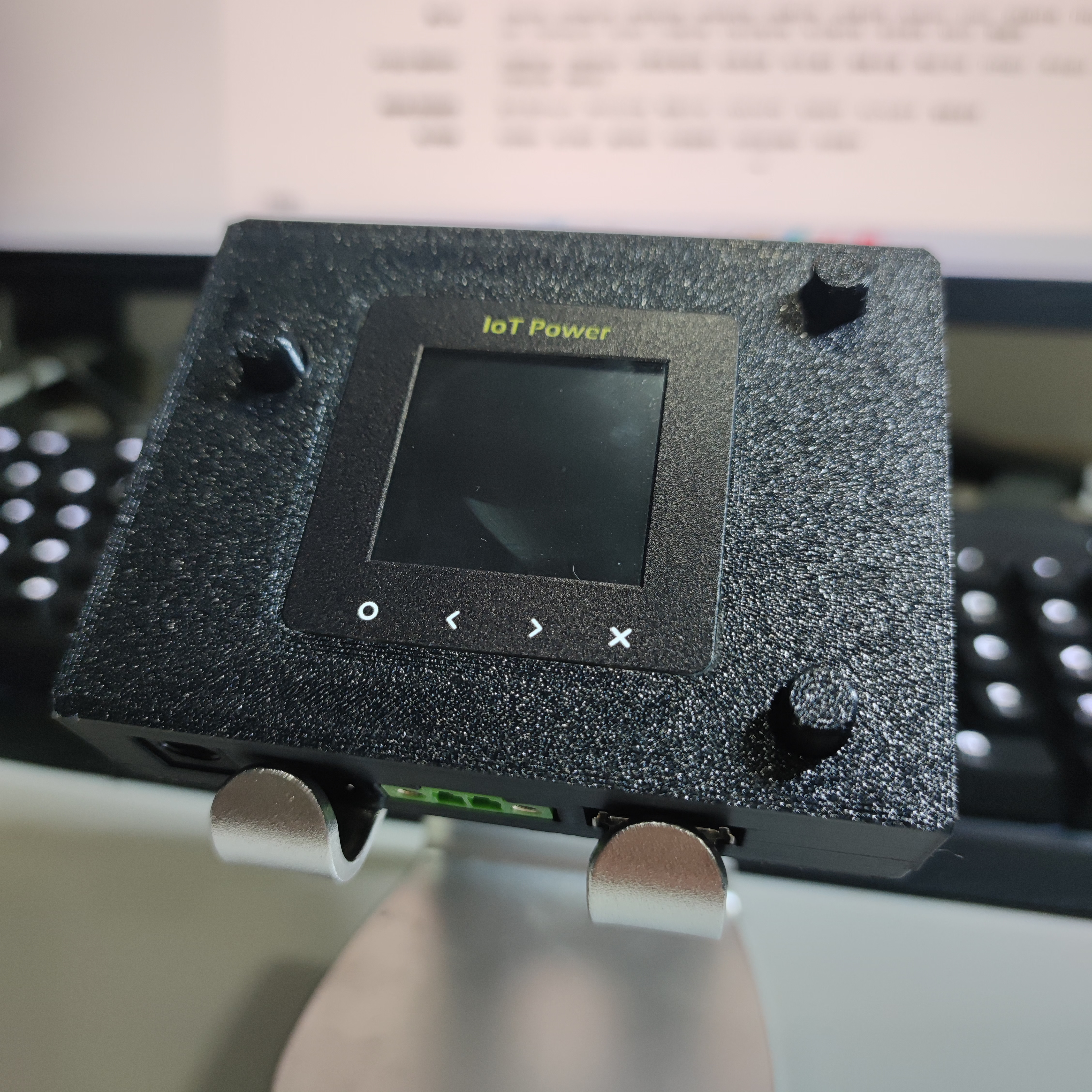
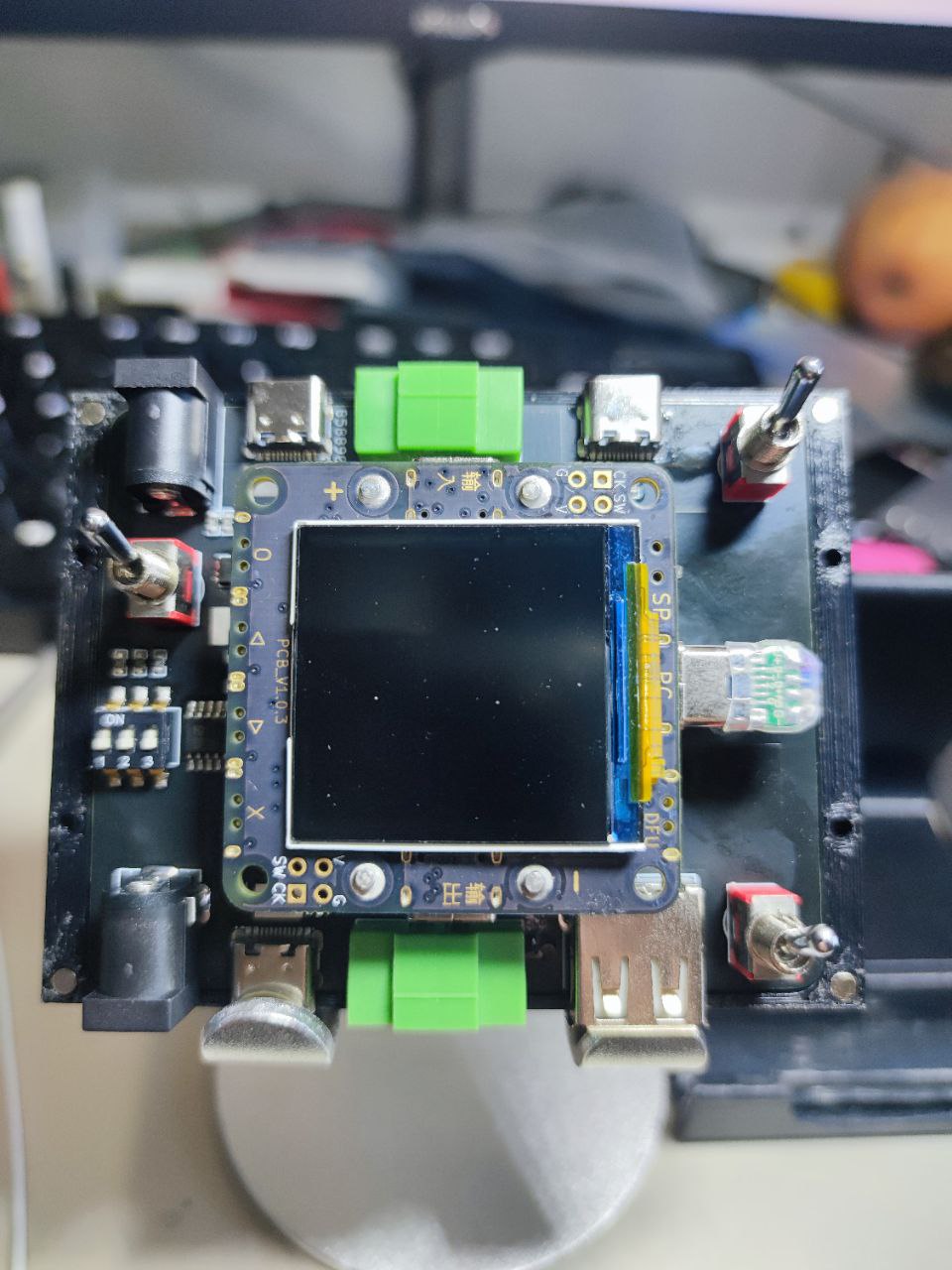
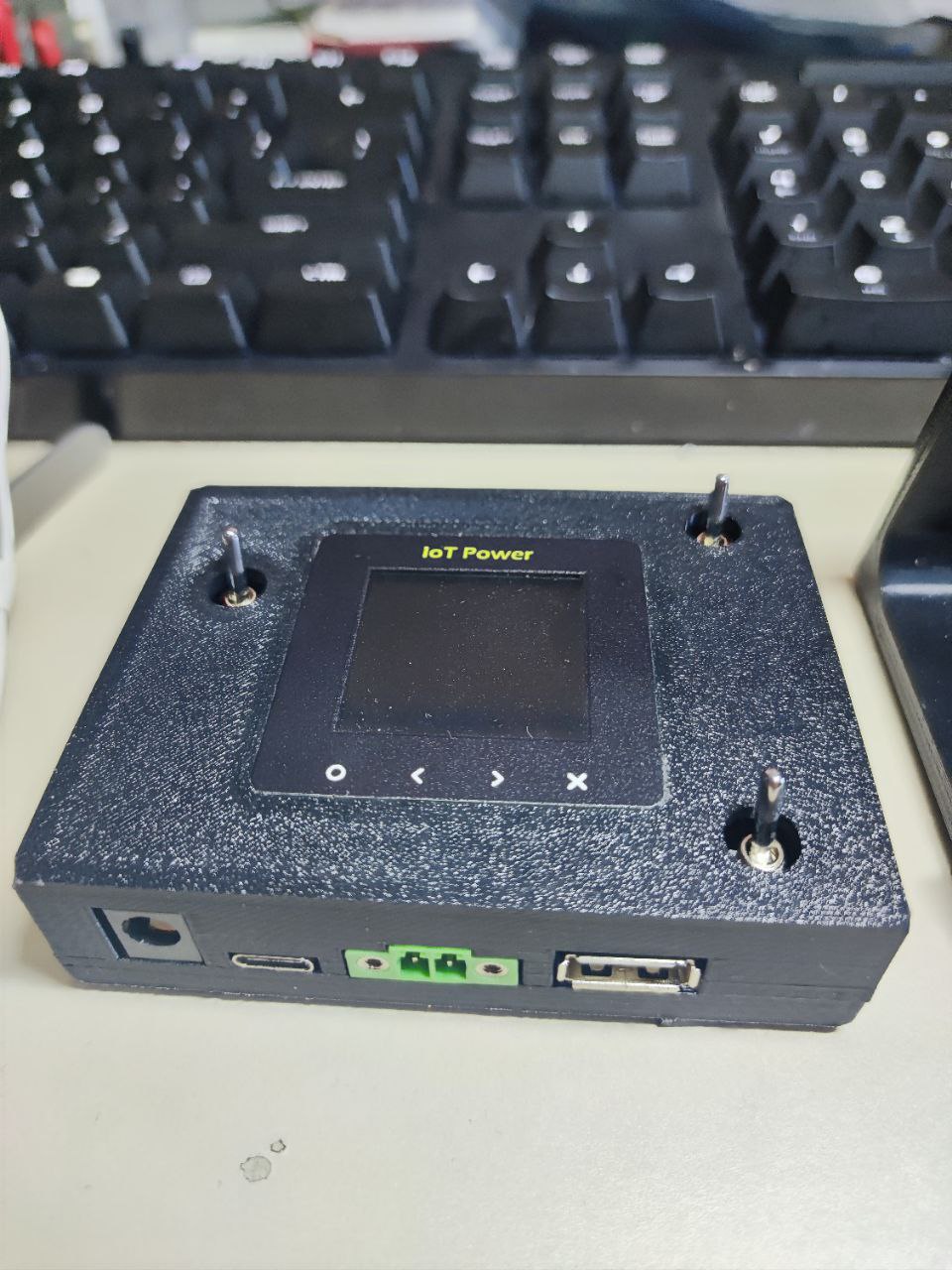
Top shell .AMF
Lower shell .AMF
Button 2.AMF
Upper shell 2. STEP
Lower shell 2. STEP
PDF_Hezhou CC Dashboard Backplate.zip
Altium_合宙CC watch backplate.zip
PADS_Hezhou CC watch backplate.zip
BOM_Hezhou CC Watch Baseplate.xlsx
92271
electronic








 京公网安备 11010802033920号


 2153112-3



