The introduction
is a standard brief, but there's not much to say. I used the Vial because it's easy to modify the tap dance and combo keys .
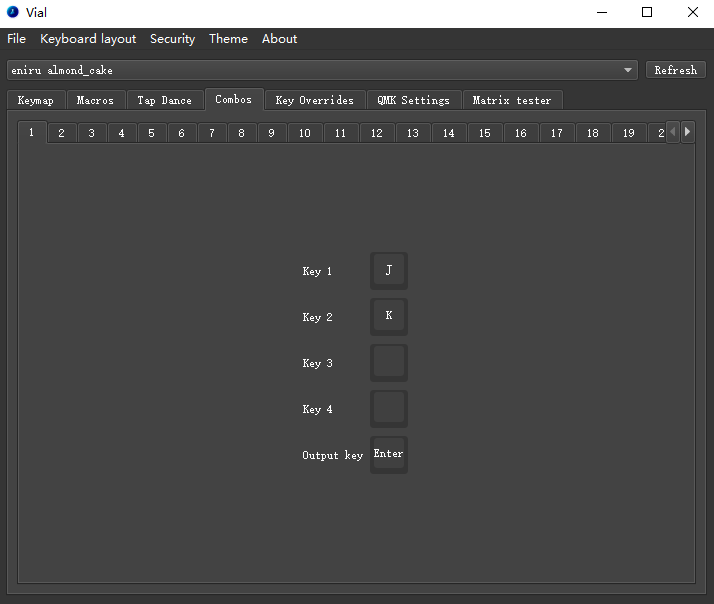
Regarding the layout,
most 30% layouts look similar, basically the QAZ layout. With the addition of tap dance and combo keys, it's perfectly adequate for typing, and the feel isn't too bad.
However, you should think carefully before using it for gaming. I can at least use it for a full-star Abyss run. To save money, I still used the Pico
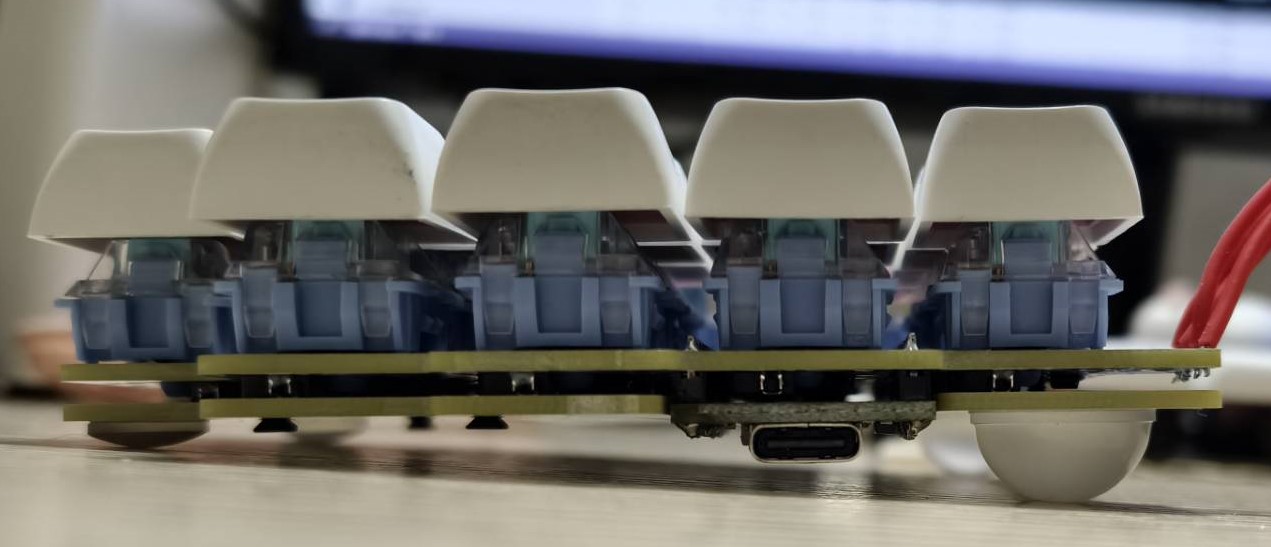
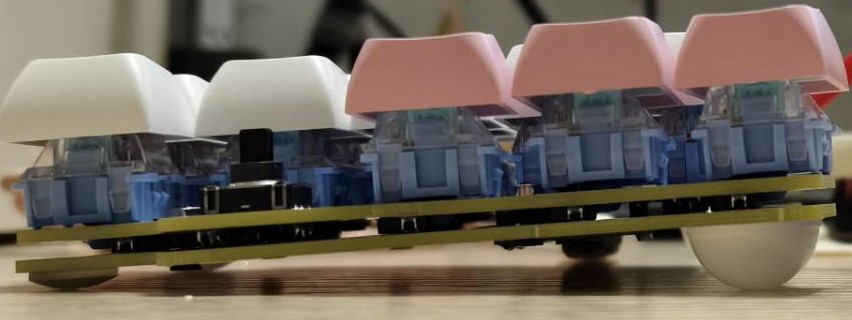
controller , but the Pico has effectively increased in price. Currently, I'm working on a version using the 52840 chip, a Bluetooth version , and a version with lighting later, but it's just an ambient light; I'm still evaluating whether to place it on the front or side . I didn't draw the outer shell, only the base plate; it's just screws and nuts tightened. Due to the development board... Place it on the back, and you need to tilt the keyboard. You need to put some height-increasing pads on it. I used the anti-collision pads that I posted before. I will put the link in the attachment. You can choose a cheaper one to buy depending on the situation. However, the minimum height is 8mm. Please note that I have prepared two positioning plates. Generally speaking, it is difficult to use the free coupon for the positioning plate. You can use either one depending on the situation. I used a smaller positioning plate for the homepage picture. Of course, DXF will also be provided in the attachment. Other parts (1) This time, you don't need to use color silk screen printing. You can't use color silk screen printing if you want to use the free coupon. (2) Each keyboard has a five-way switch, but I couldn't find a suitable switch cap for it. It's practically useless. So you don't have to solder it when you're using it yourself. I wanted to install the TrackPoint, but unfortunately, I can't use the TrackPoint when running QMK on my RP2040. It throws an error when I compile. (3) To fit the development board, all the switches are rotated 90° or 270°. This may cause some keycaps or switches to get stuck. If this happens, please replace it or just don't use this keyboard. (4) I didn't use low-profile switches this time. I plan to switch to the ZMK solution and then use low-profile switches. One reason is that low-profile switches are really expensive. (5) The keyboard firmware inexplicably misses burning a few keys. The specific reason is unknown. I will try to fix it. (6) As with previous projects, the headphone cable must be four-pole because full-duplex is used. (7) I didn't add RGB because the entire axis rotates 90°, which would make the position of the axis lights look strange and unsightly. Therefore, I didn't add axis light support. Instead, I added soldered axis holes, although it's only for MX axes.








 京公网安备 11010802033920号


 VF194H-1-50-1.50MHZ



